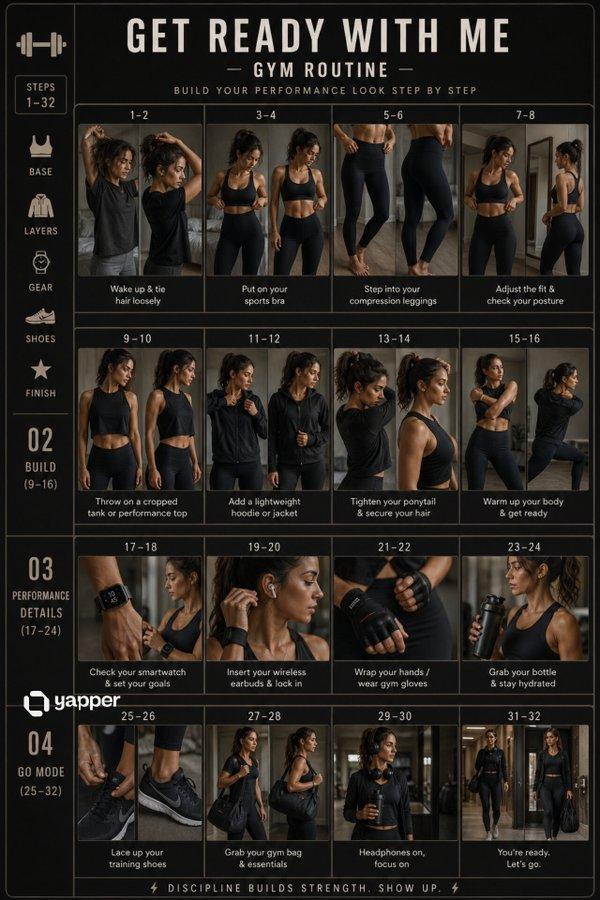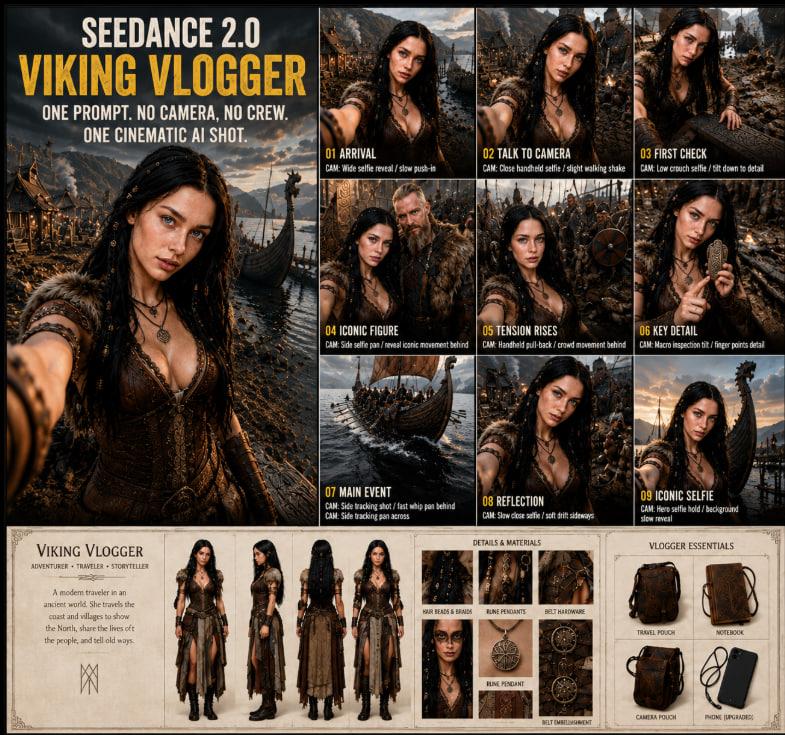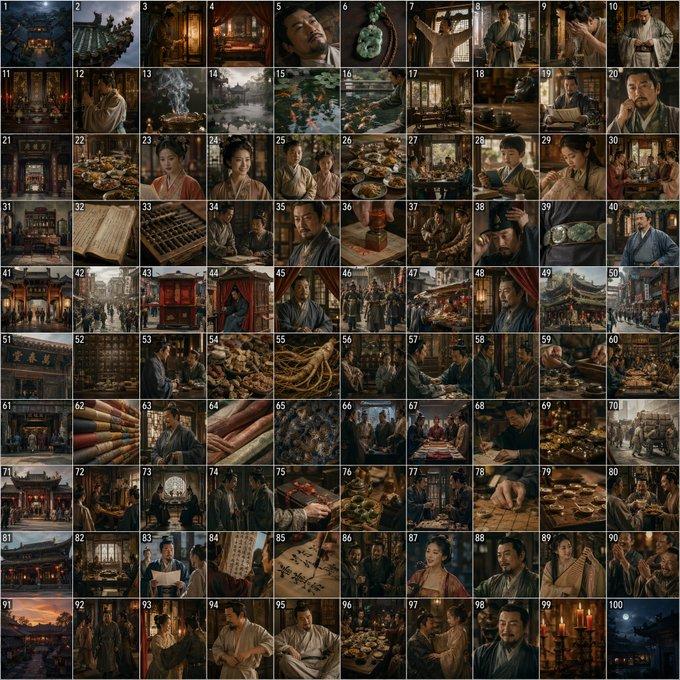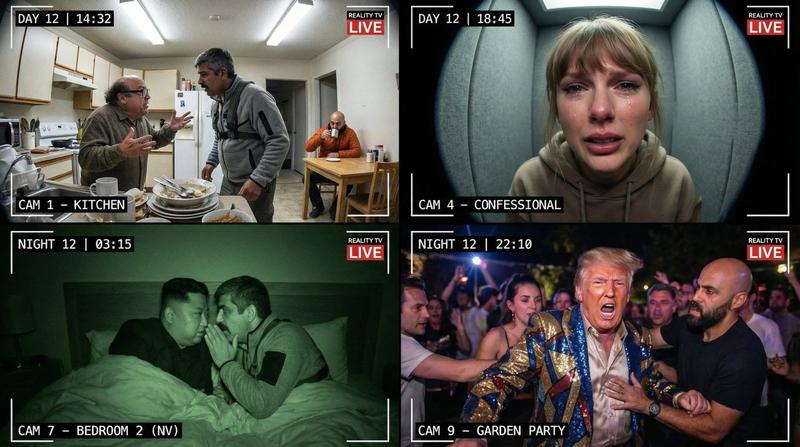
18

Cinematic 12-Panel Timeline of a Subject's Epic Day
Enlarge

Cinematic 12-Panel Timeline of a Subject's Epic Day

Prompt
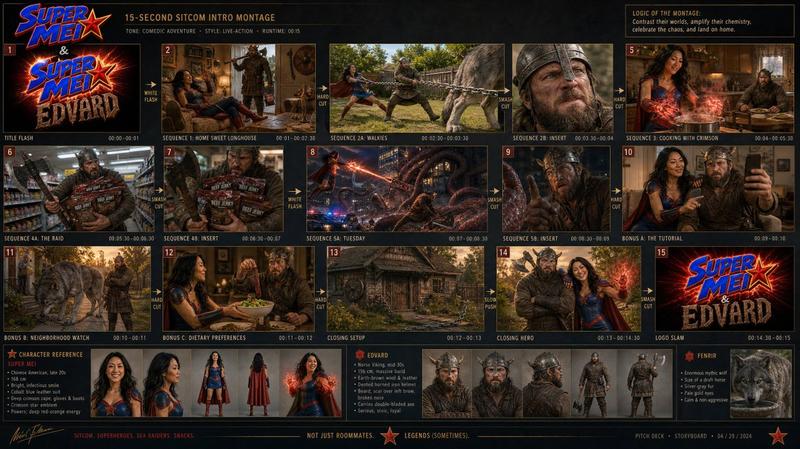
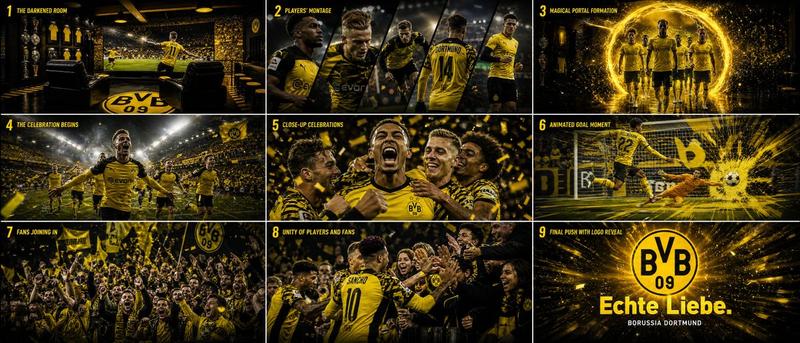
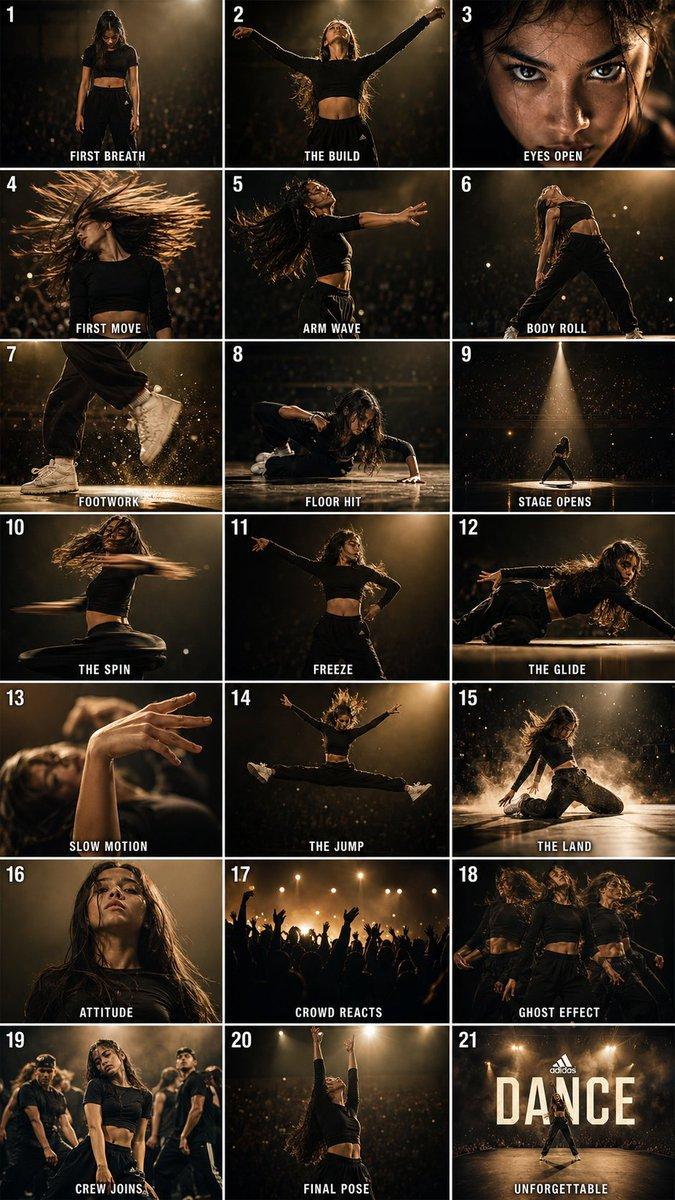
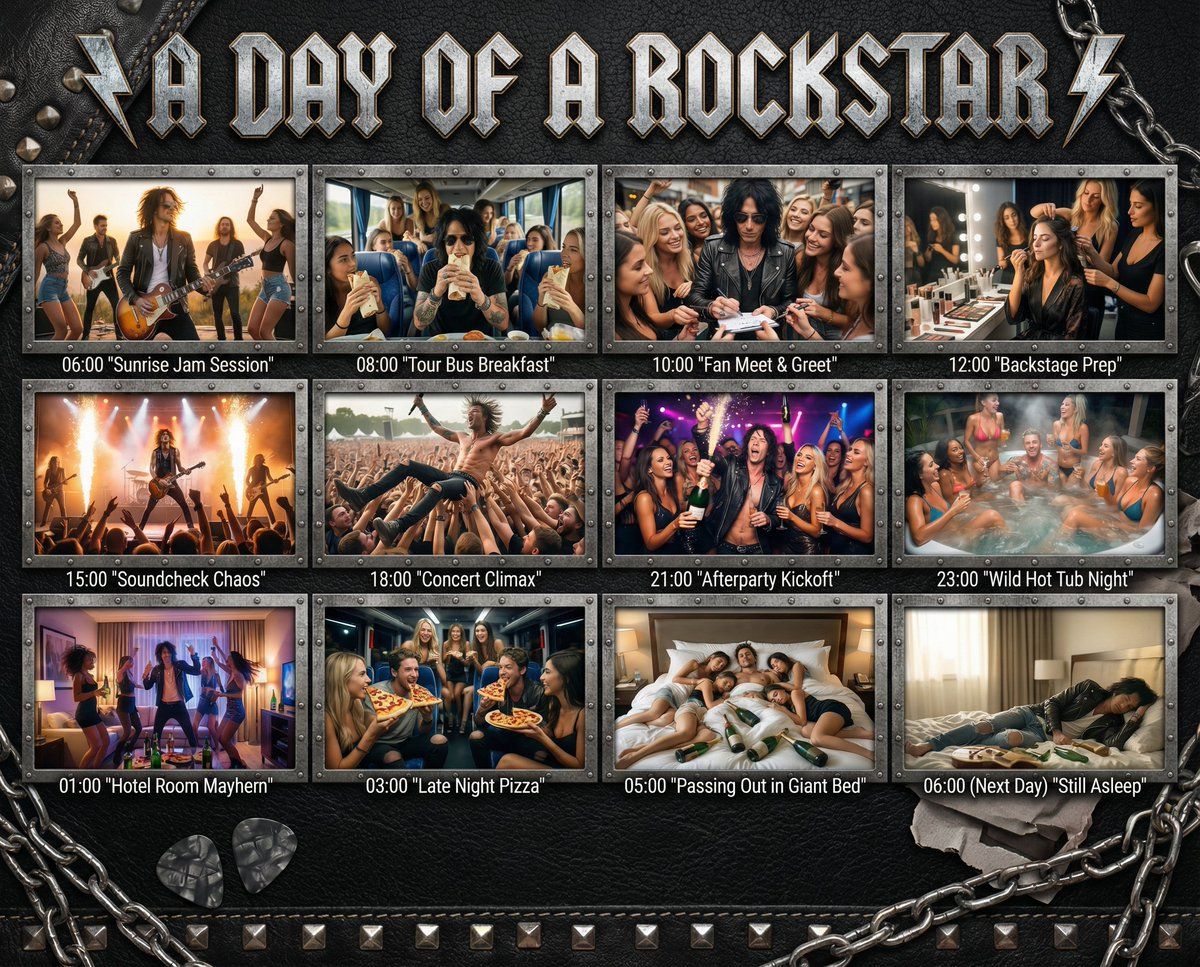
"In the Day of {argument name="subject" default="[SUBJECT]"}": Design a 12-panel (4x3) cinematic timeline capturing an epic, chaotic, or hilarious day in the life of {argument name="subject" default="[SUBJECT]"}. Add this title in a style that matches the subject to the top of the image. Each panel must be [PHOTOREALISTIC], large, and show:
a timestamp (e.g. 06:00, 08:00...)

a short, punchy caption in quotes (e.g. "Potion Mishap", "Midnight Bounty Run")

a richly detailed, high-energy scene tailored to that moment of their day.
The overall backdrop, panel frames, textures, and visual UI elements must match the subject’s universe — e.g., {argument name="theme example" default="leather + studs for rockstars"}, arcane scrolls for wizards, chrome HUD for cyborgs, jungle vines for pirates, etc.
Panels are arranged in a grid or storyboard, with rugged or themed dividers. Final panel (06:00 next day) shows collapse, rest, or post-chaos resolution.
Category
创意图片
Model
Nano Banana Pro
Views0
Source ID
aa0f88ec-bdc4-4e70-996e-28d813d88618
Published
Mar 8, 2026

Guide

About "Cinematic 12-Panel Timeline of a Subject's Epic Day"

What is this prompt for?

"Cinematic 12-Panel Timeline of a Subject's Epic Day" AI image prompt for Nano Banana Pro (创意图片). This is a detailed image generation prompt designed to create…

The full copyable prompt and example visuals above are ready for AI image generation or one-click recreate in Picva.

How to use this prompt

  1. Step 1

    Open the prompt detail

    Review the example visuals, category, and full prompt text for "Cinematic 12-Panel Timeline of a Subject's Epic Day".

  2. Step 2

    Copy the prompt

    Copy the prompt body from this page, or load it directly in Studio.

  3. Step 3

    Pick a model (Nano Banana Pro)

    Prefer Nano Banana Pro. If you switch models, keep subject and composition and tweak style terms.

  4. Step 4

    Generate and export

    Recreate the look in Picva, or export into your workflow for editing and publishing.

FAQ

What is the "Cinematic 12-Panel Timeline of a Subject's Epic Day" prompt?
It is an AI image-generation prompt for Nano Banana Pro in the 创意图片 category. This page includes the full prompt text, example visuals, and a one-click recreate path in Picva.
How do I use this prompt to generate an image?
Copy the prompt from this page, or use Generate / Studio. Paste it into a compatible image model, or recreate the look in Picva with optional reference images.
Which model is this prompt for?
This page lists Nano Banana Pro. Most descriptive prompts also transfer to nearby image models such as GPT Image, Flux, or Midjourney with light style tweaks.
Can I use the result commercially?
You can usually copy the prompt for creation, but commercial use of the final image depends on the model terms, reference-image rights, and the generated content. Follow the source author and platform rules.