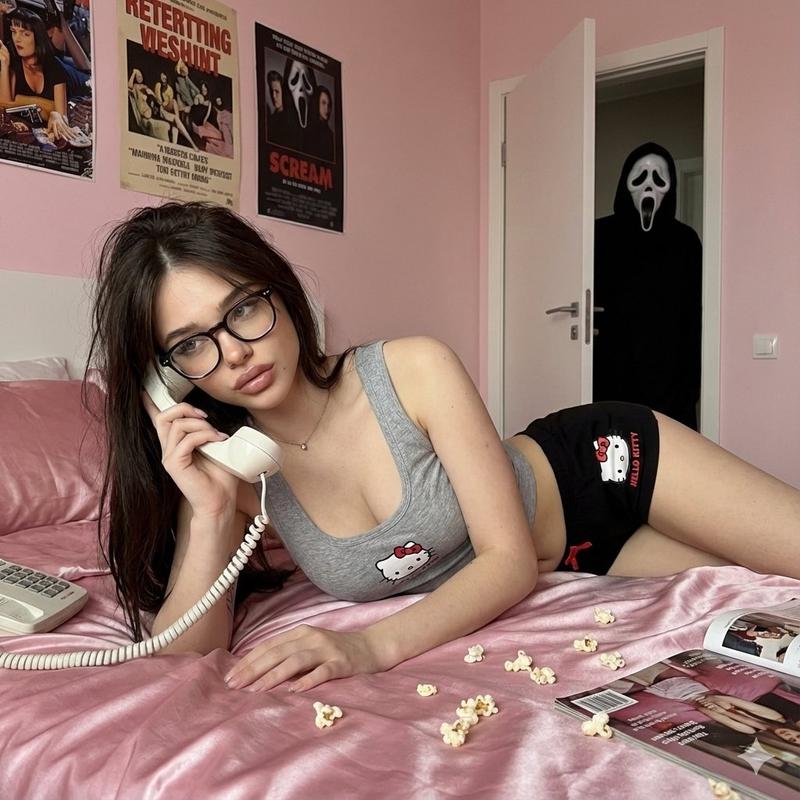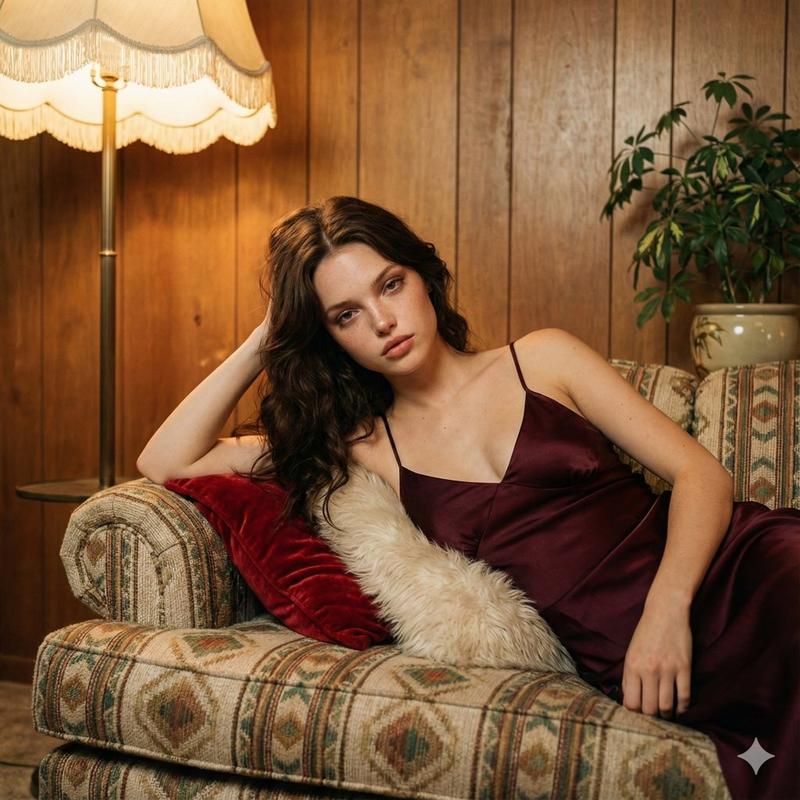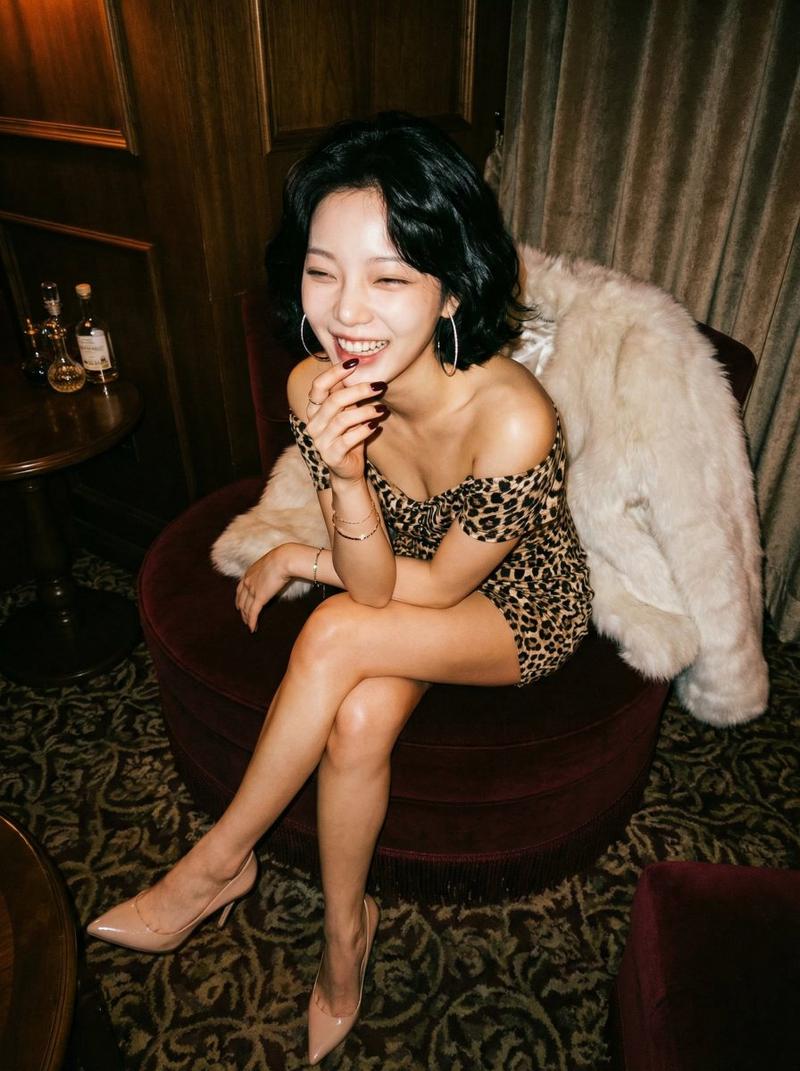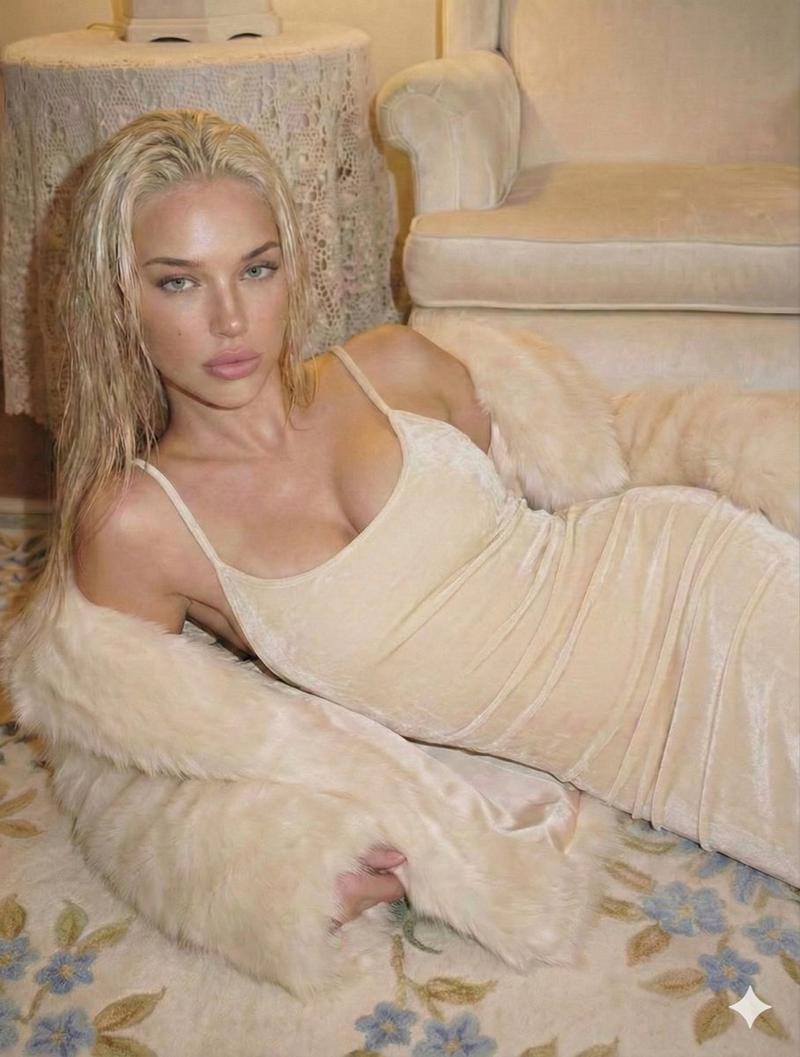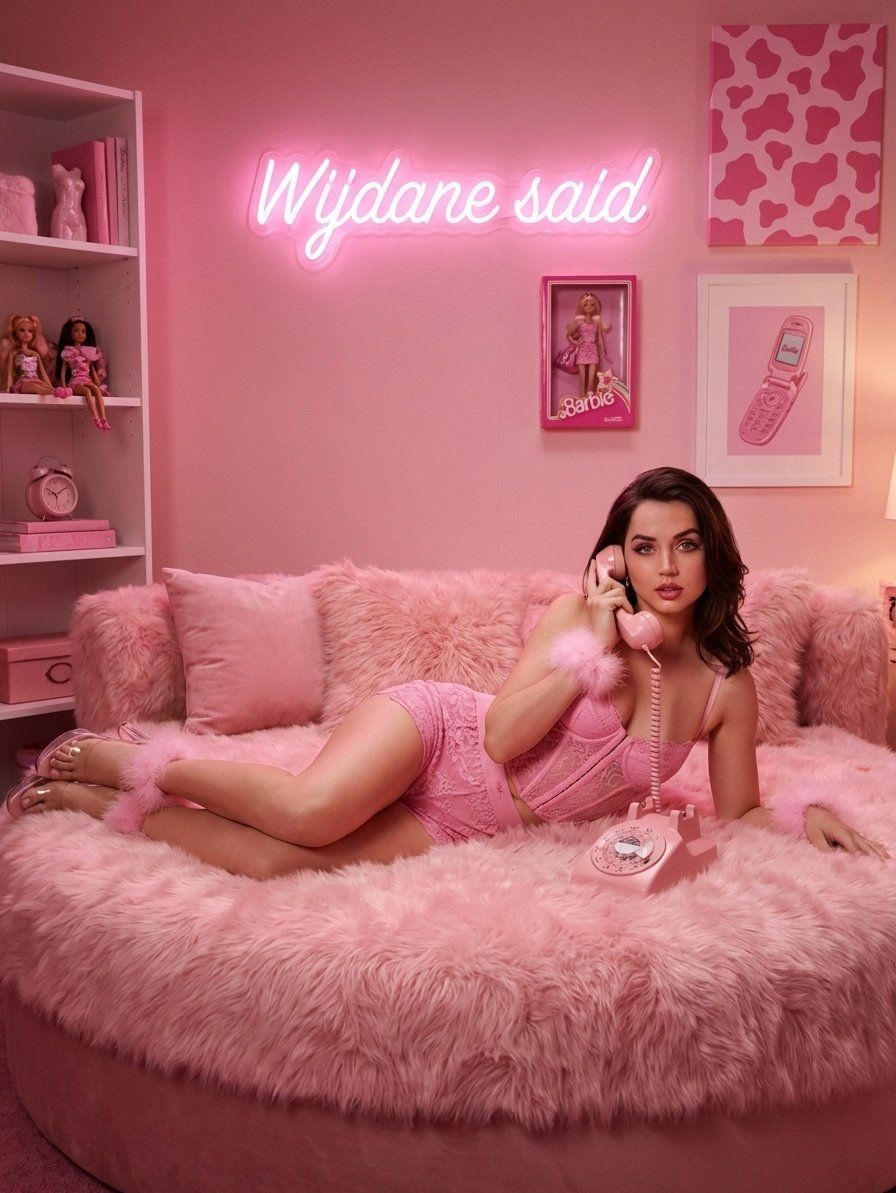
Pink Boudoir Portrait Generation with Nano Banana Pro
Prompt
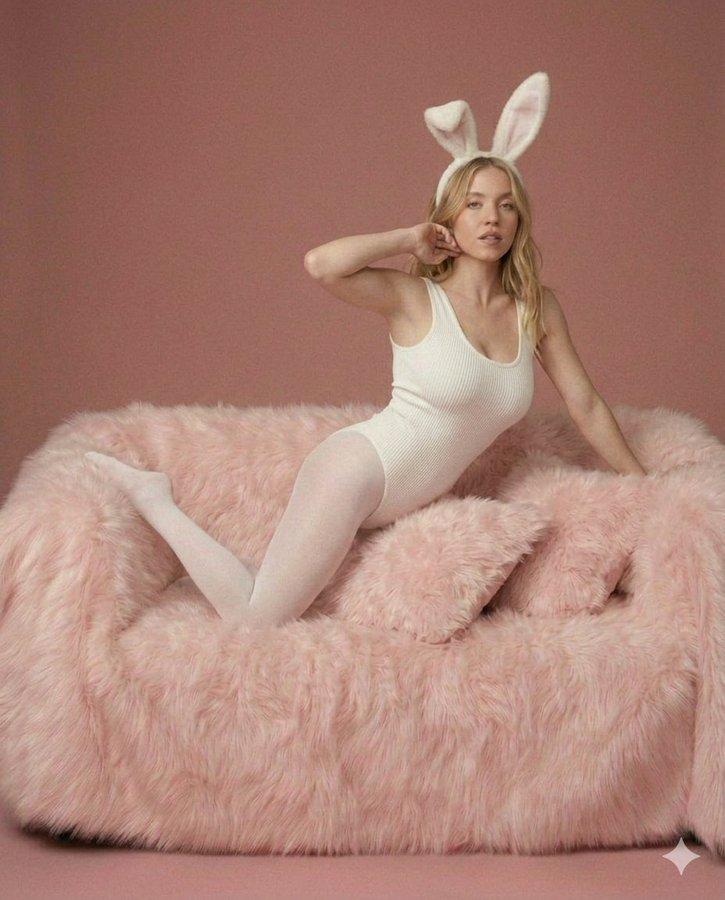
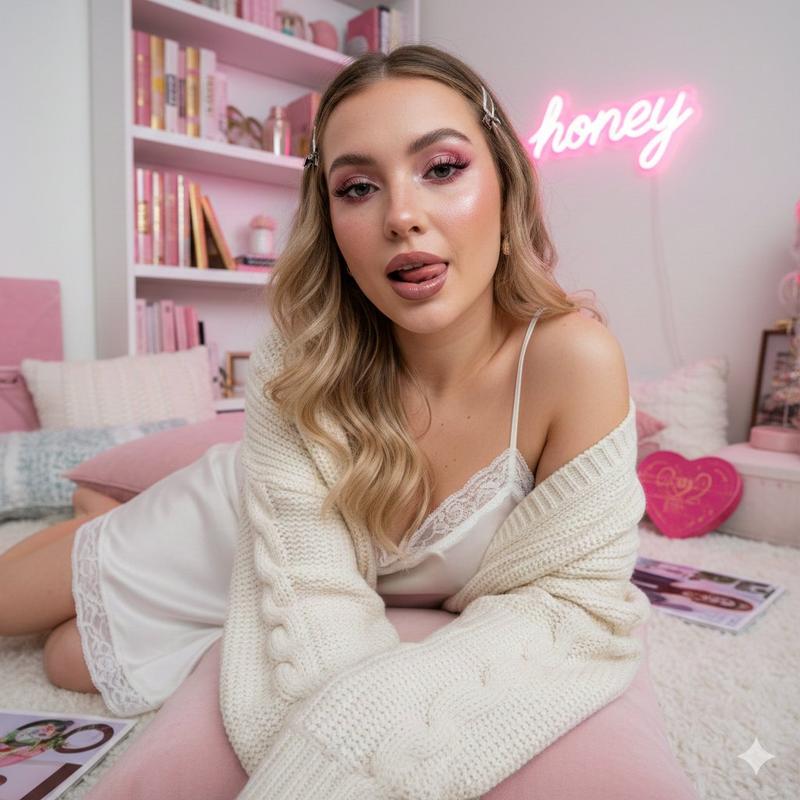
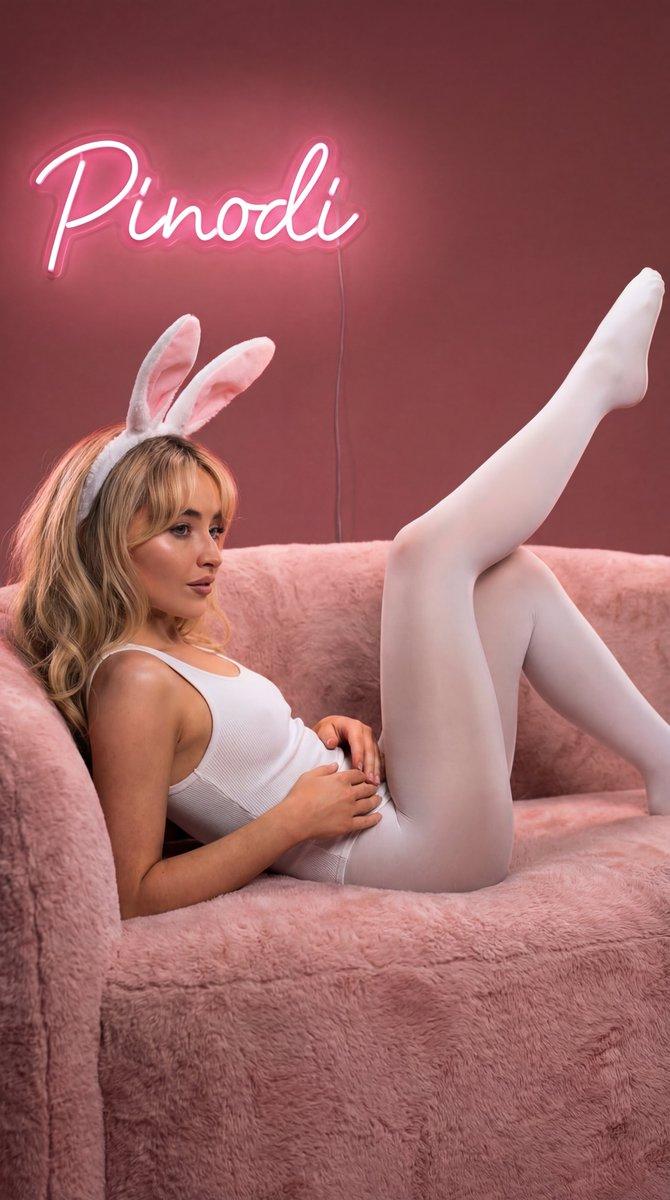
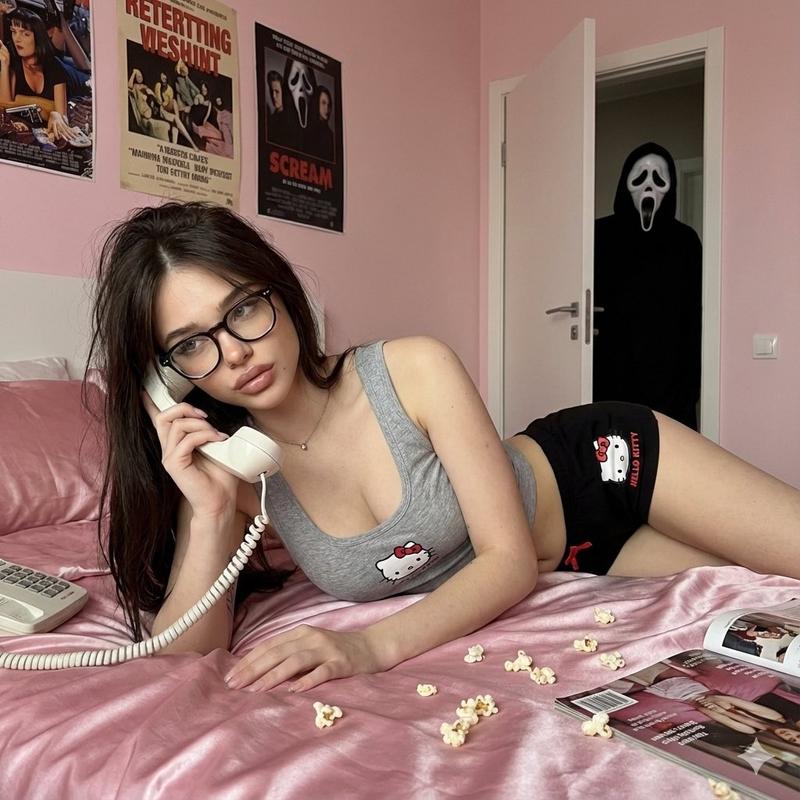
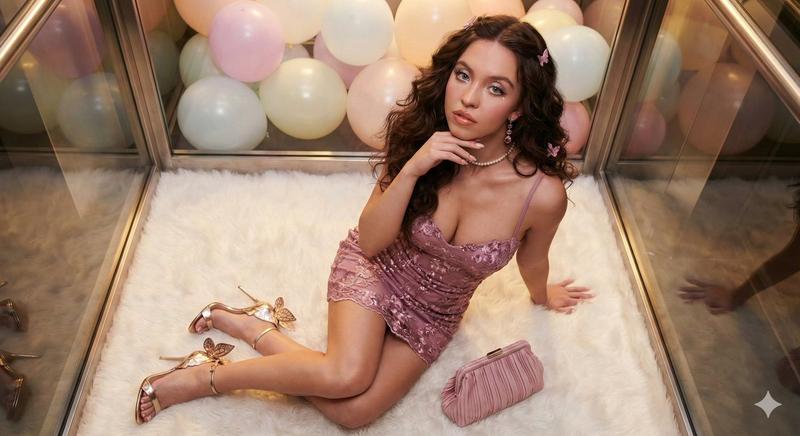
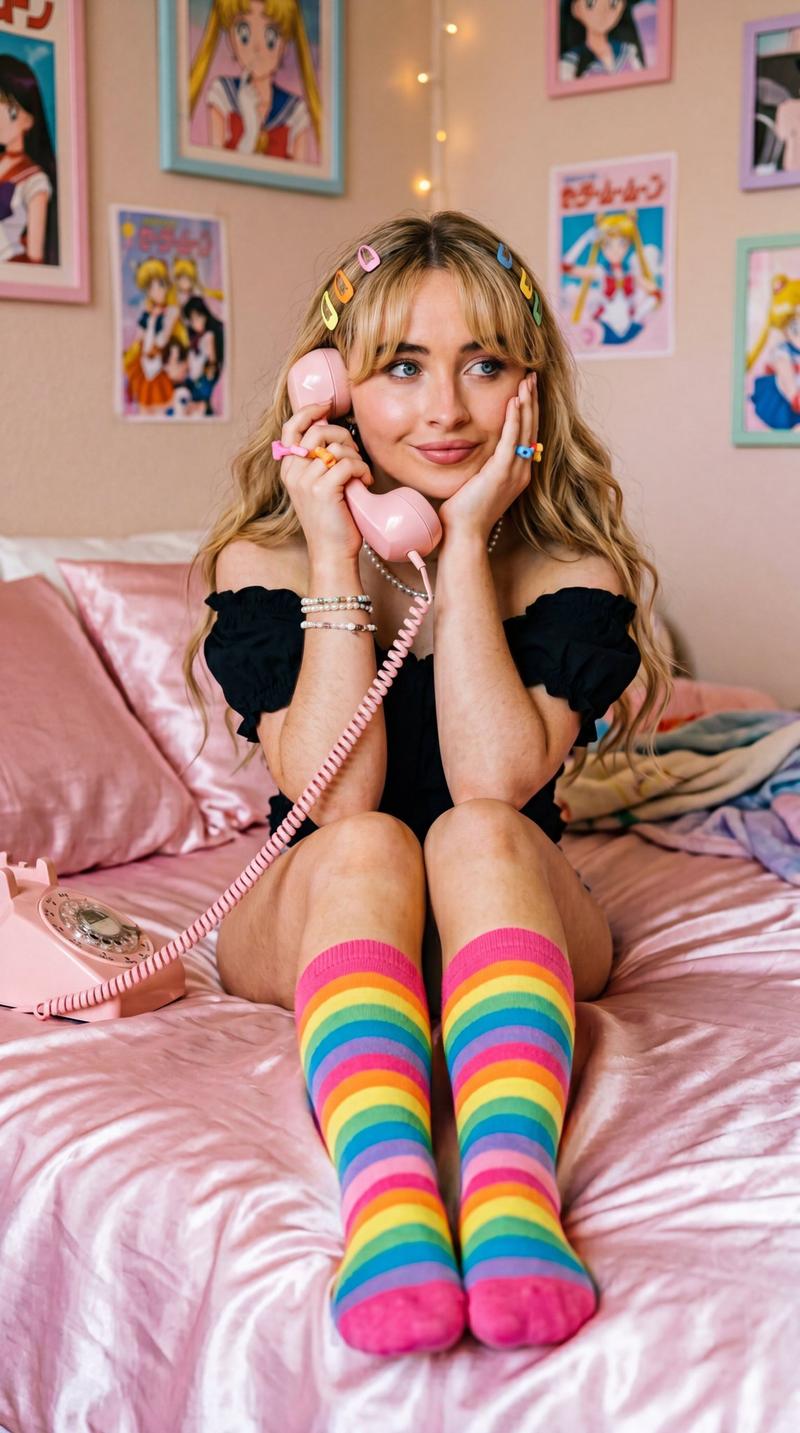
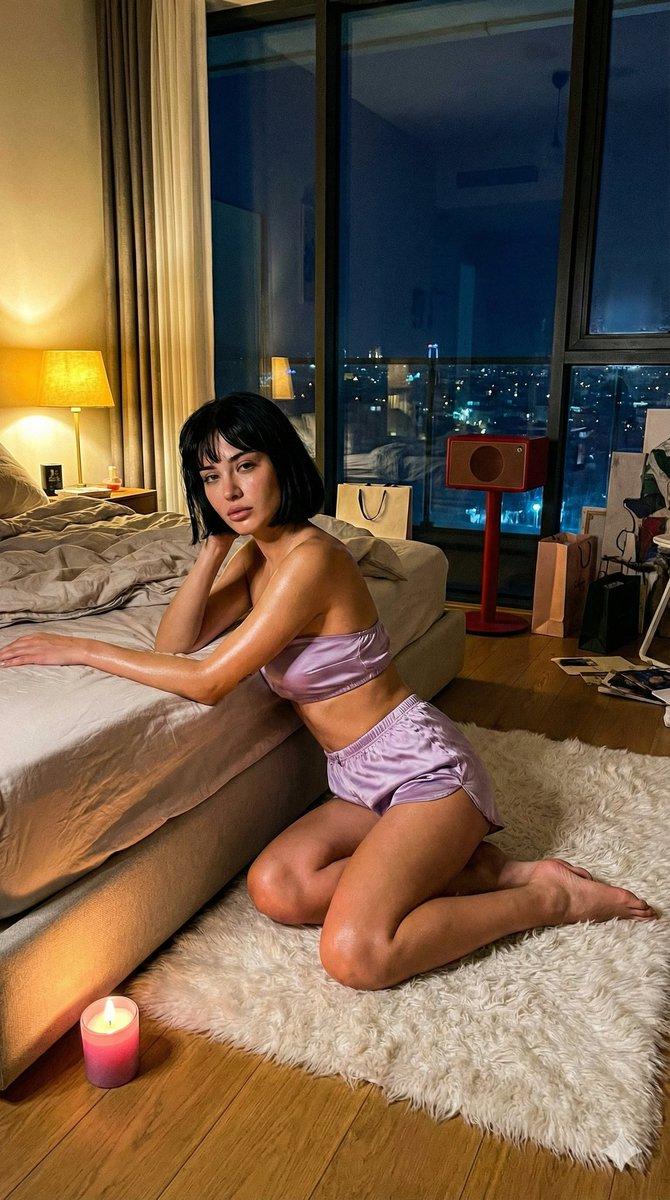
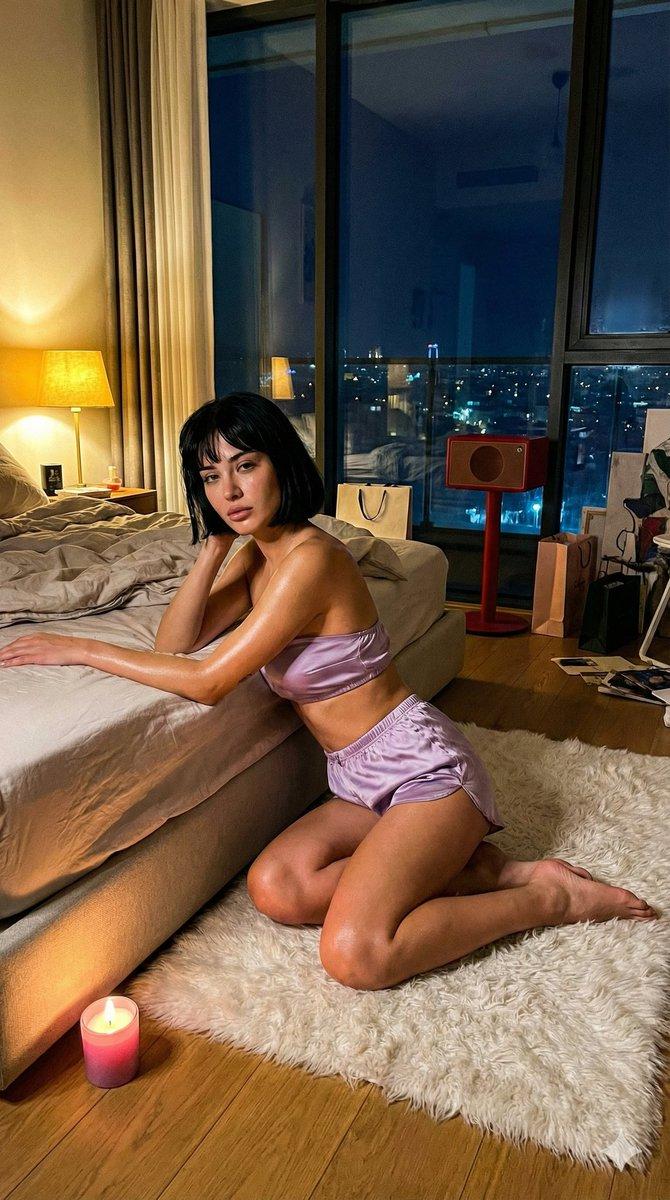
{ "metadata": { "title": "Pink Boudoir Portrait (Reference-Based)", "version": "1.1", "aspect\_ratio": "3:4" }, "subject": { "reference": "Use the same person from the provided reference image.", "demographics": { "gender": "Female", "age\_group": "Young Adult" }, "appearance": { "hair": { "color": "Same as reference image", "texture": "Same as reference image", "length": "Same as reference image" }, "makeup": { "style": "Flawless", "eyes": "Winged eyeliner", "lips": "Pink lipstick" } }, "pose": { "position": "Lying down", "orientation": "On side, propped up", "gaze": "Directly at camera", "limbs": { "right\_hand": "Holding pink vintage rotary telephone receiver to ear", "left\_leg": "Bent upwards", "right\_leg": "Extended" } }, "attire": { "upper\_body": "Pink lace corset top", "lower\_body": "Matching pink lace shorts", "footwear": { "type": "High heels", "material": "Clear perspex", "detail": "Pink feather trim", "visibility": "Clear heel visible on left foot" }, "accessories": \[ { "item": "Cuffs", "location": "Wrists", "material": "Pink fuzzy fabric" }, { "item": "Cuffs", "location": "Ankles", "material": "Pink fuzzy fabric" } \] } }, "environment": { "setting": "Boudoir Room", "style": "Highly stylized, monochromatic", "color\_palette": { "primary": "Pink", "scheme": "Monochromatic", "variation": "Various shades of pink" }, "objects": \[ { "category": "Lighting", "item": "Neon Sign", "text\_content": "{argument name=\"neon sign text\" default=\"Wijdane said\"}", "font\_style": "Cursive script" }, { "category": "Furniture", "item": "Bed", "shape": "Round", "texture": "Pink fur", "accessories": "Pink pillows" }, { "category": "Prop", "item": "Telephone", "style": "Vintage rotary dial", "color": "Pink", "location": "Bed frame" }, { "category": "Decor", "item": "Wall Art", "contents": \[ "Pink cow print", "Framed Barbie doll", "Framed retro pink flip phone" \] }, { "category": "Furniture", "item": "Bookshelf", "color": "White", "contents": "Pink items and dolls" } \] }, "rendering": { "lighting": { "quality": "Soft, warm, ambient", "effect": "Luxurious pink glow", "sources": \["Neon sign", "Soft interior lighting"\] }, "mood\_tags": \[ "Playful", "Glamorous", "Seductive", "Retro", "Luxurious" \], "camera\_settings": { "style": "Ultra Photorealistic", "shot\_type": "Medium shot", "angle": "Eye-level", "focus\_depth": "- Category
- 创意图片
- Model
- Nano Banana Pro
- Source ID
- cca32f04-2494-4c4e-a599-e027f209eae4
- Published
- Mar 8, 2026
Views1