19

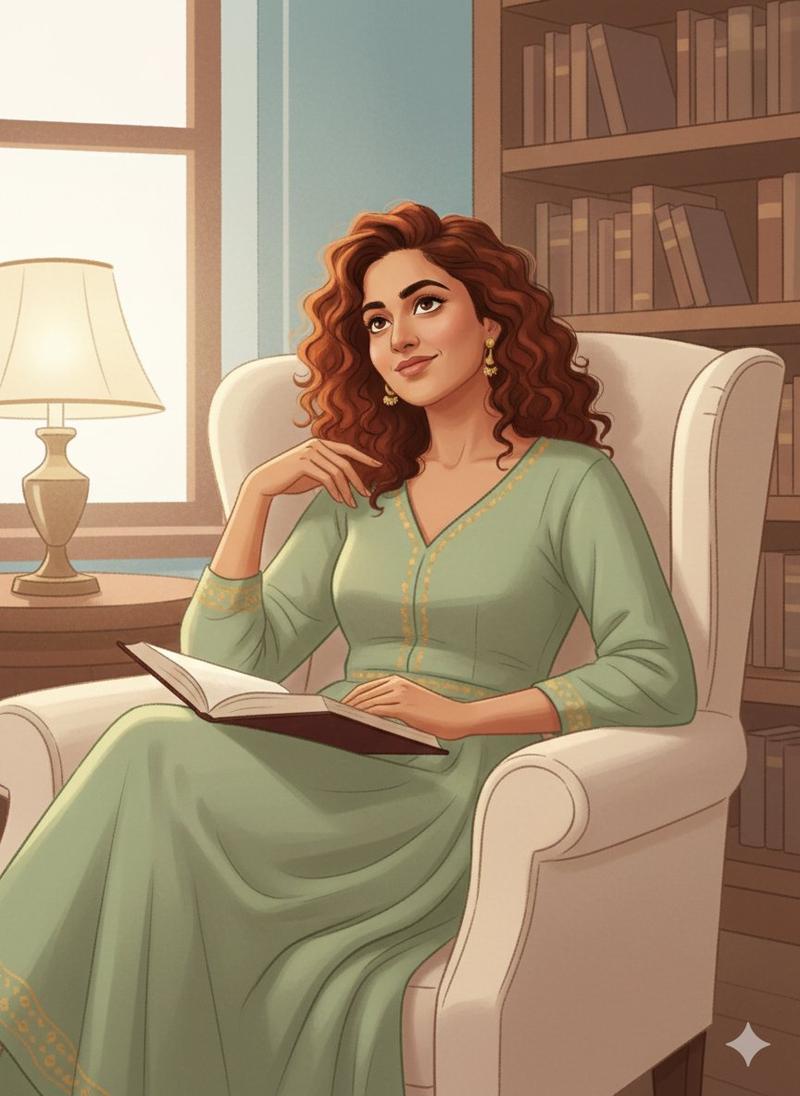
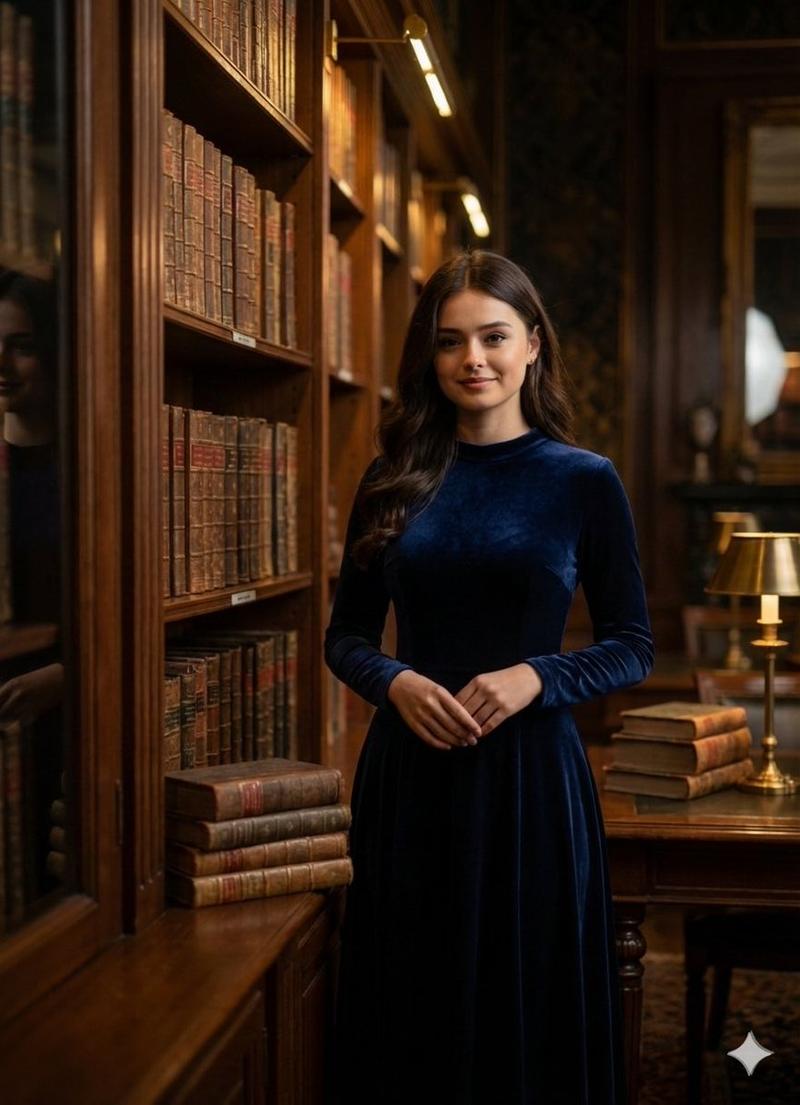
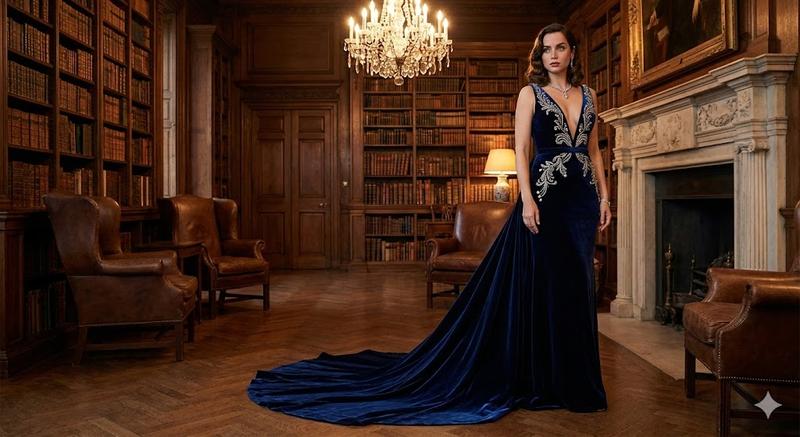
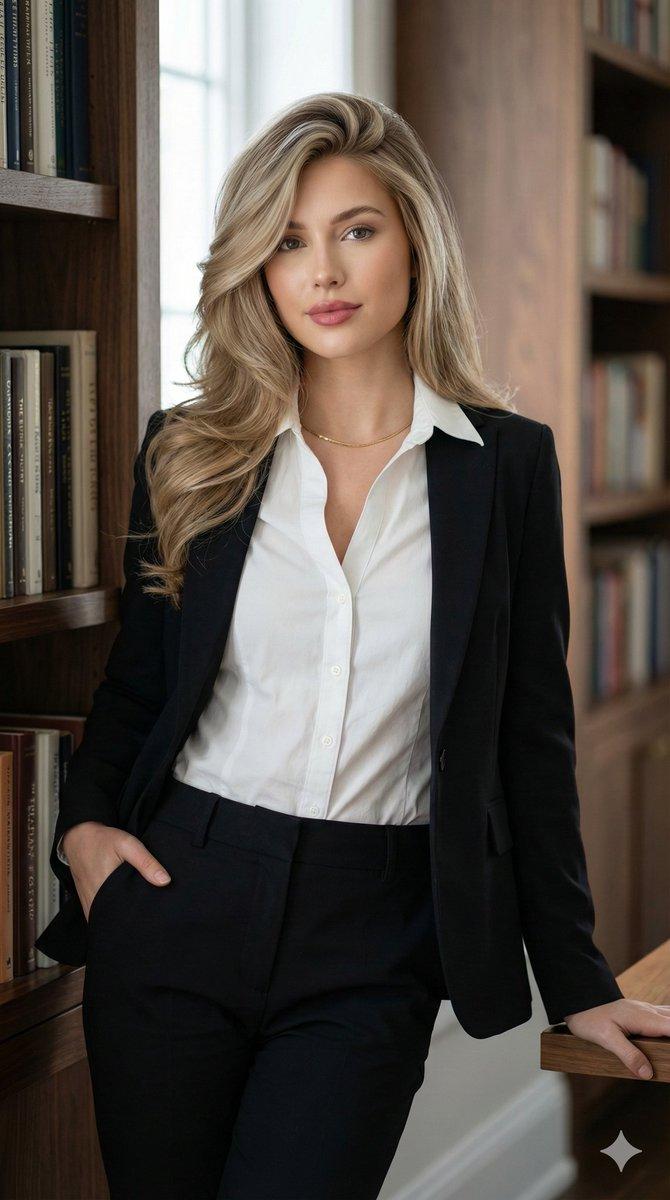
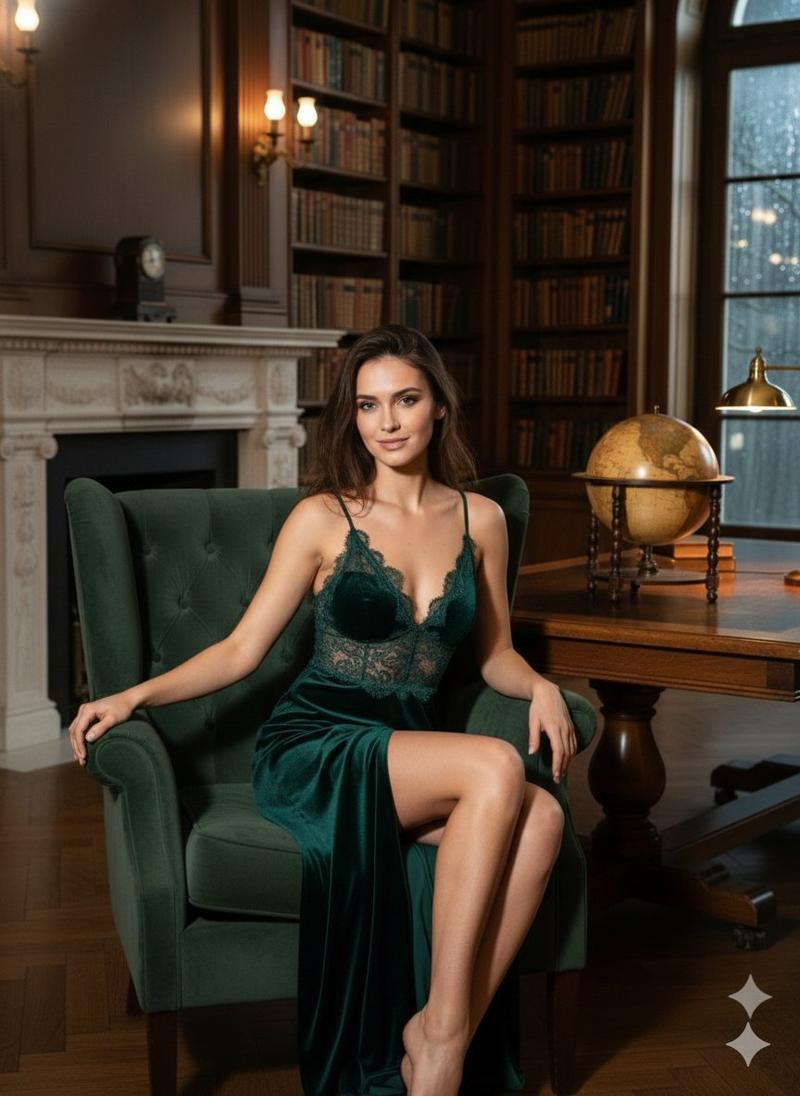
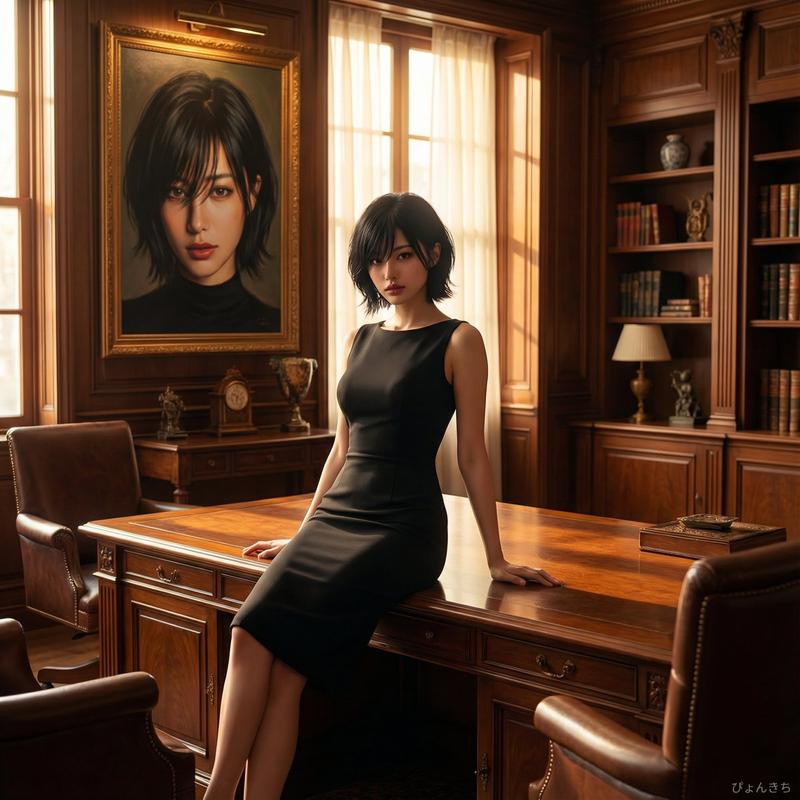
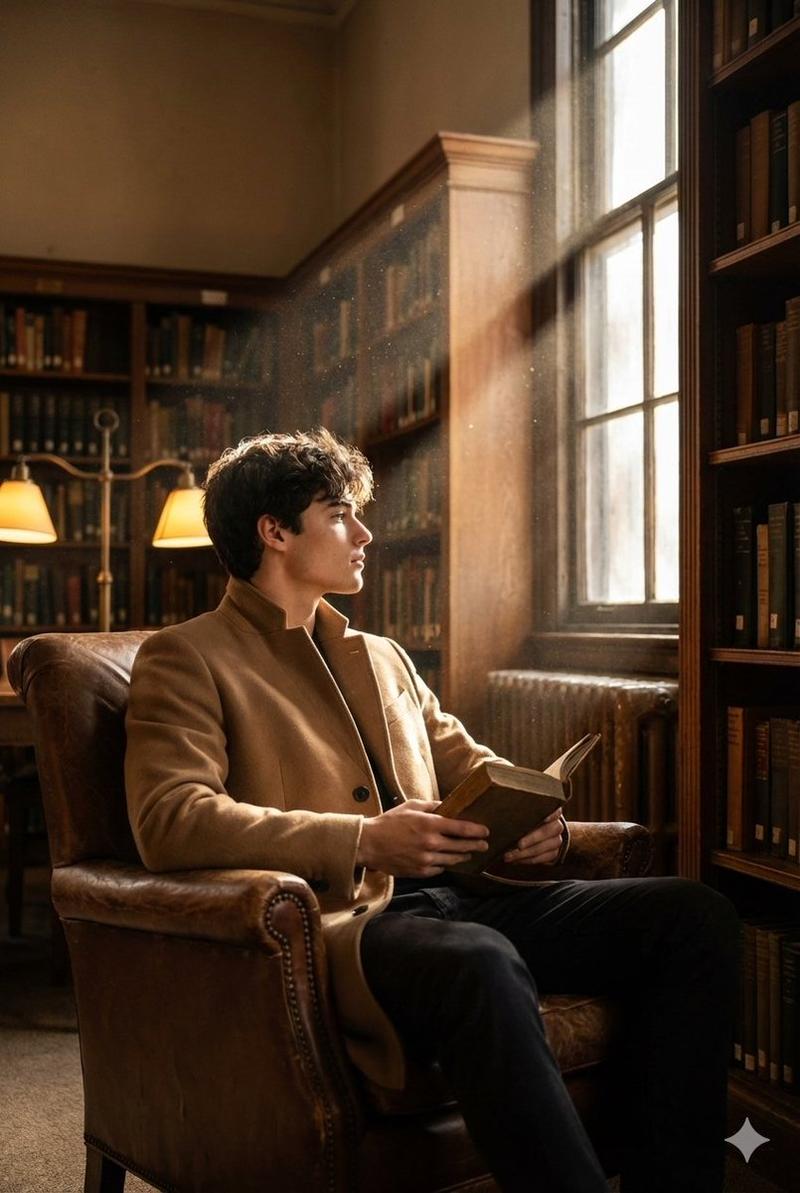
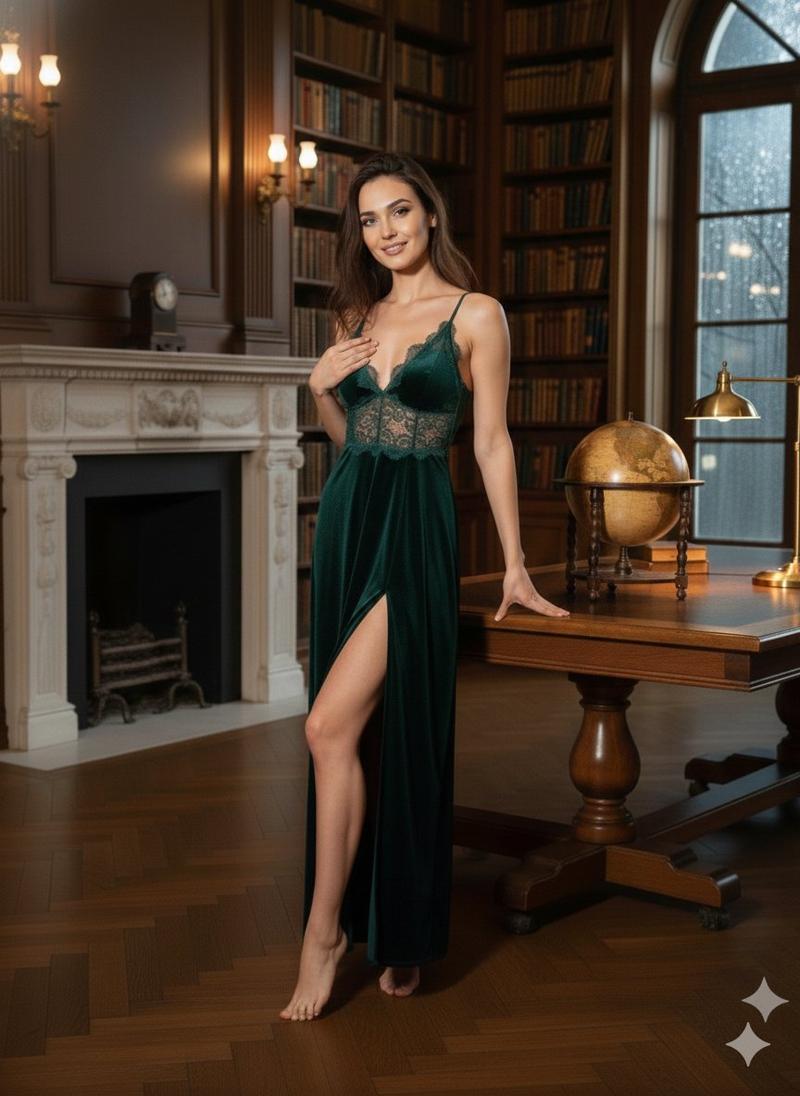
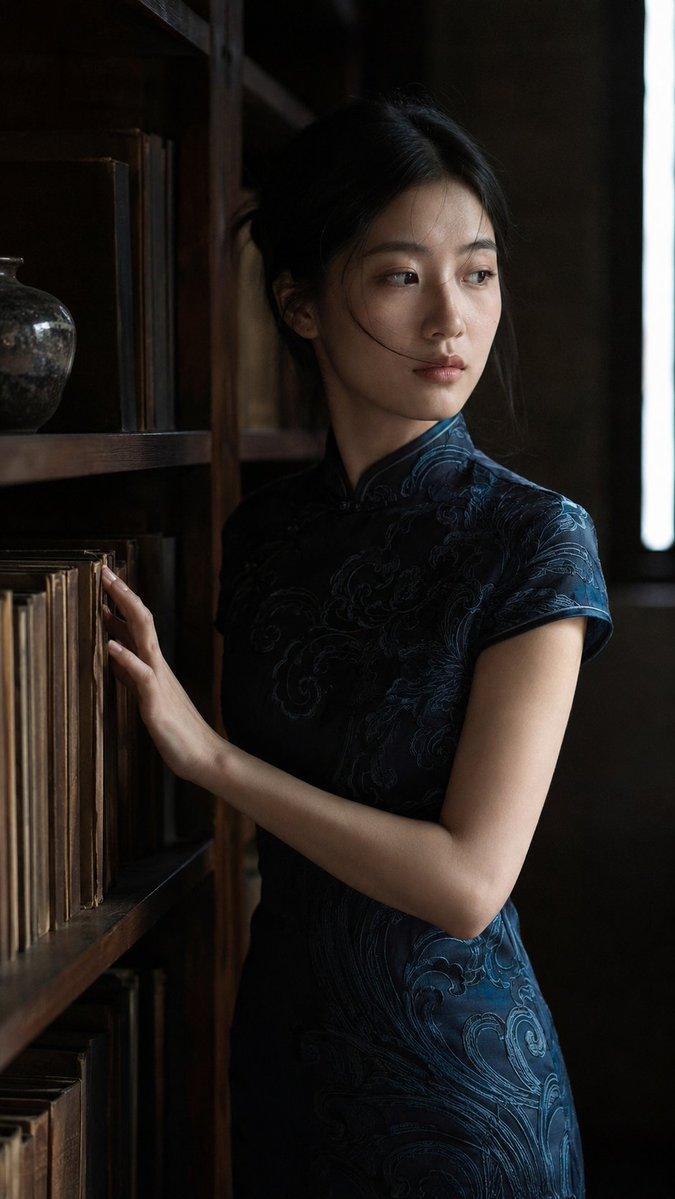
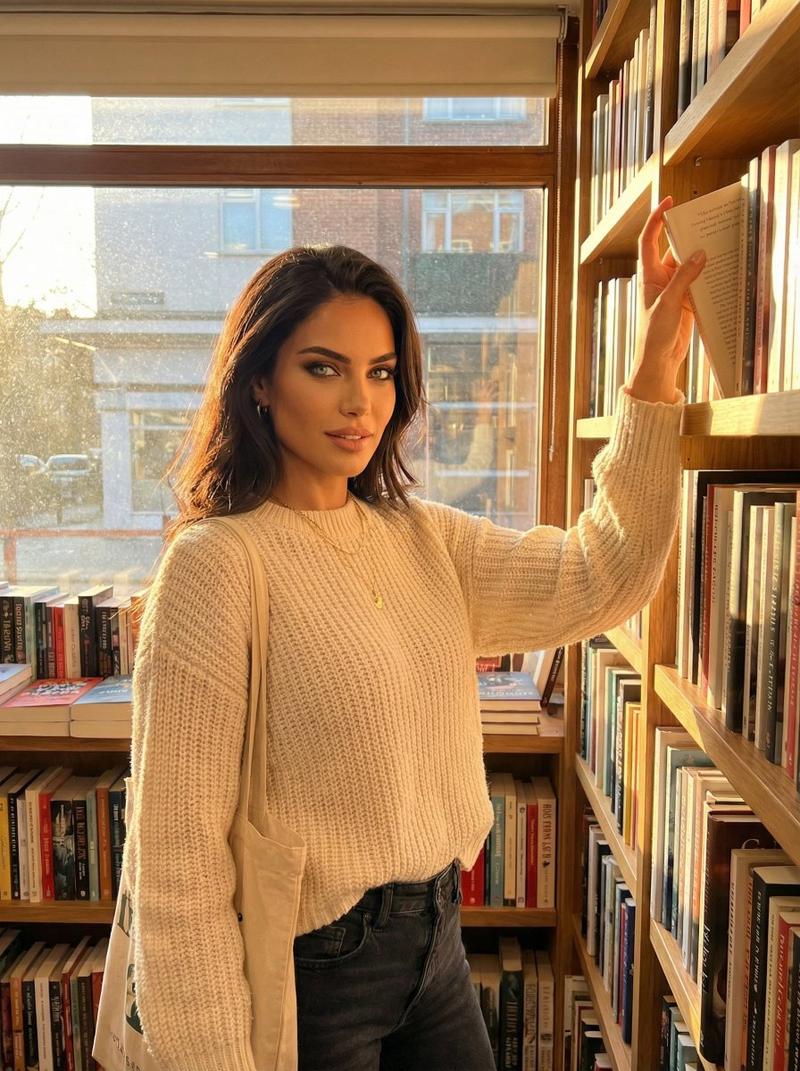
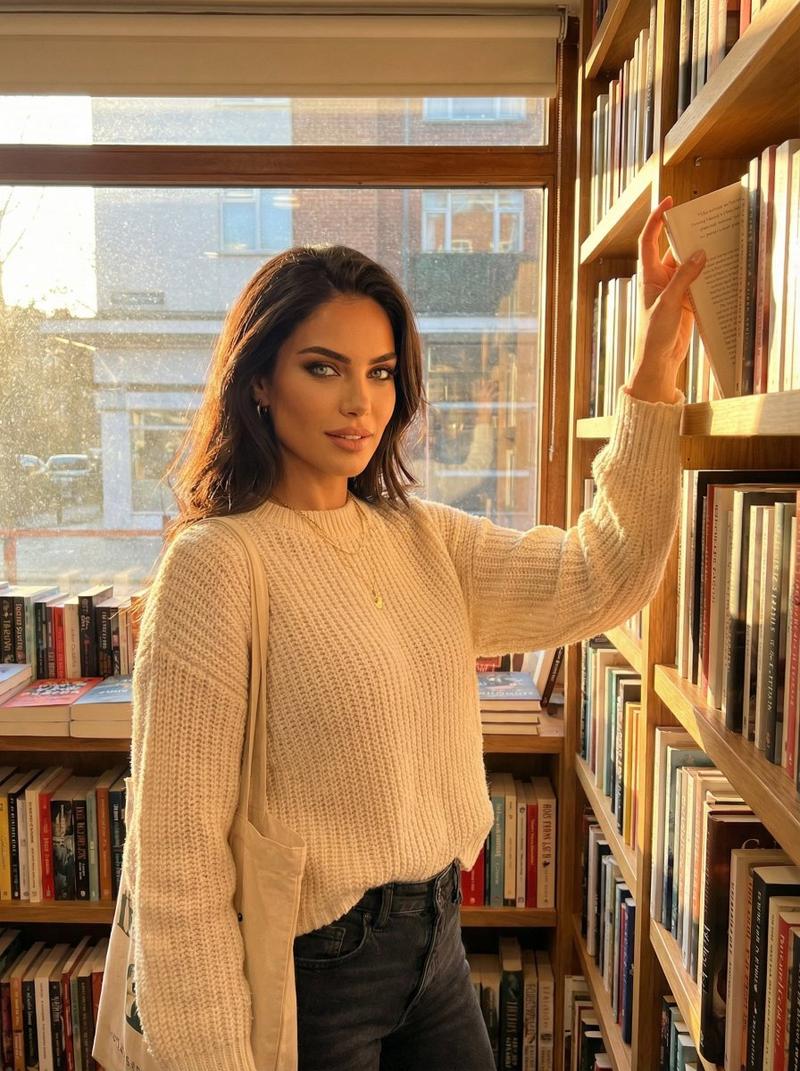
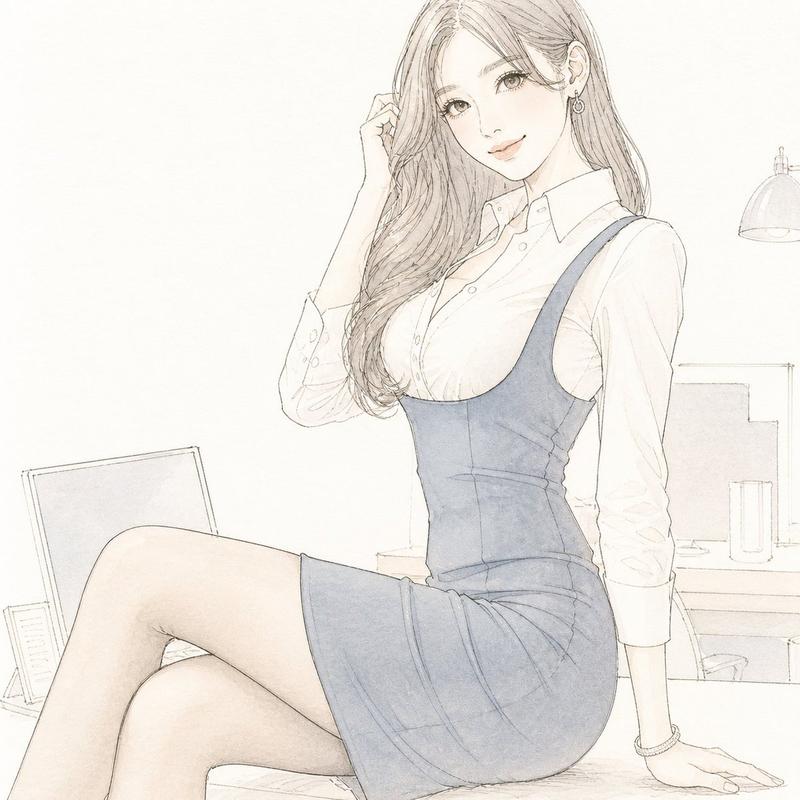
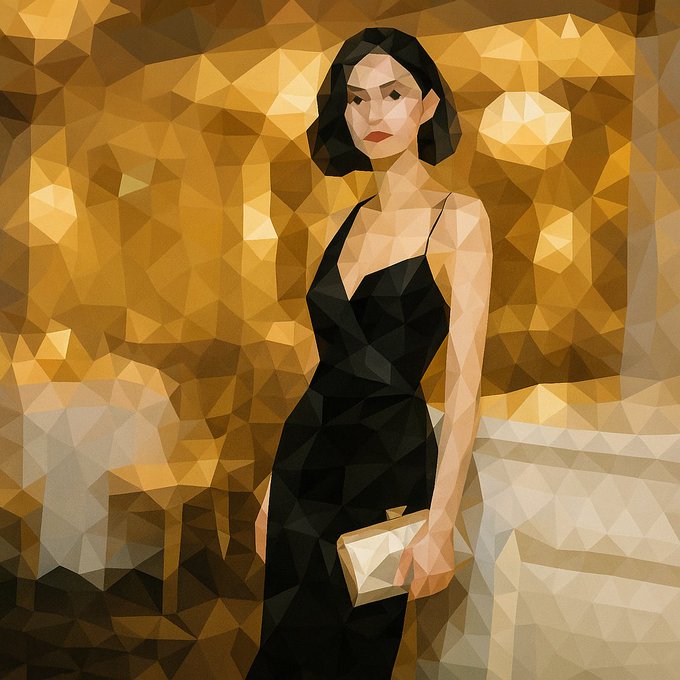
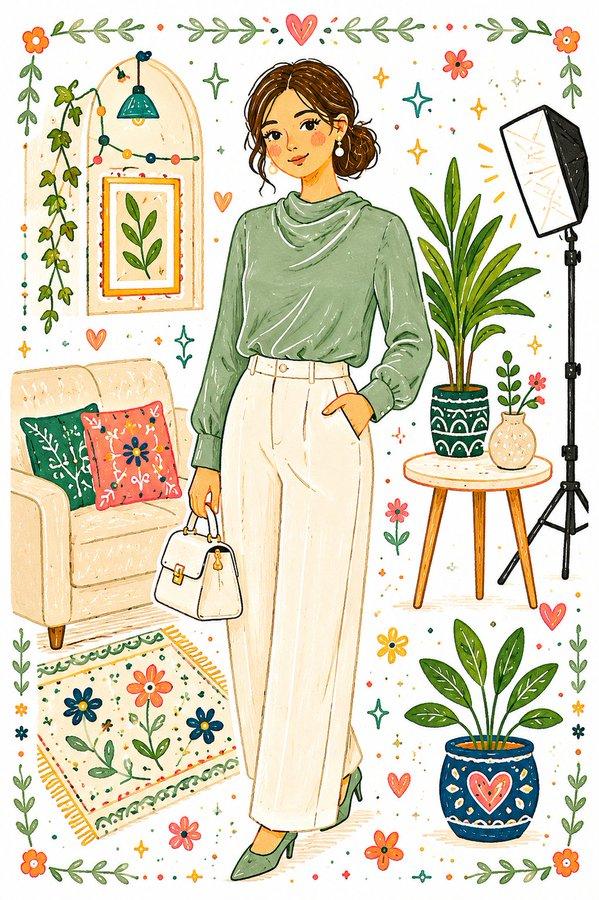
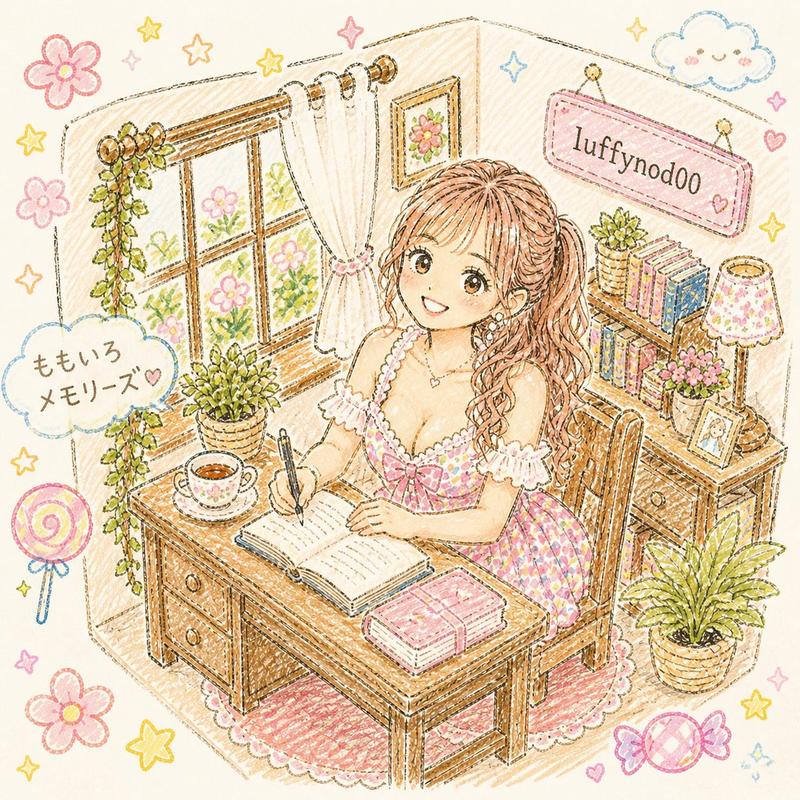
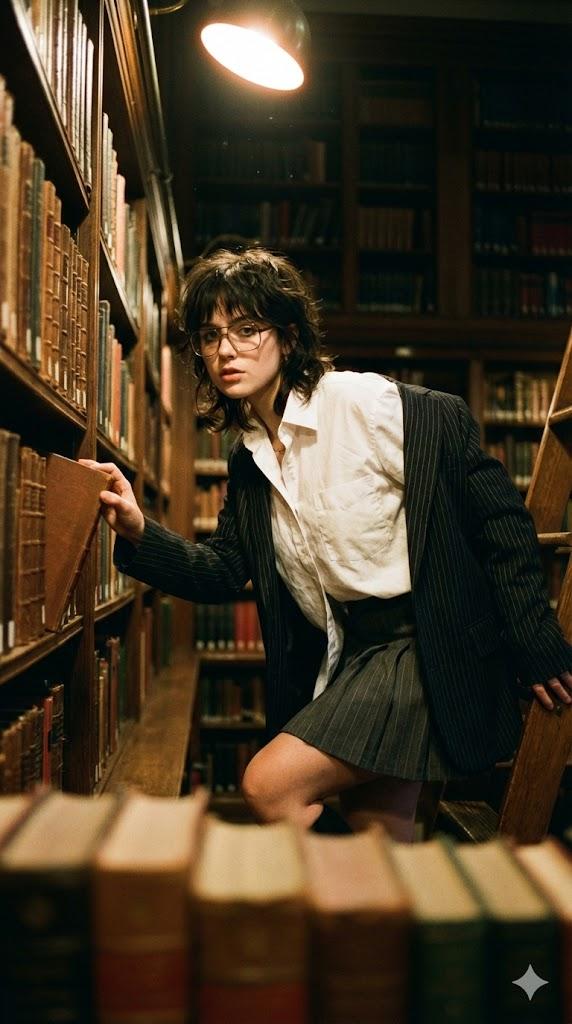
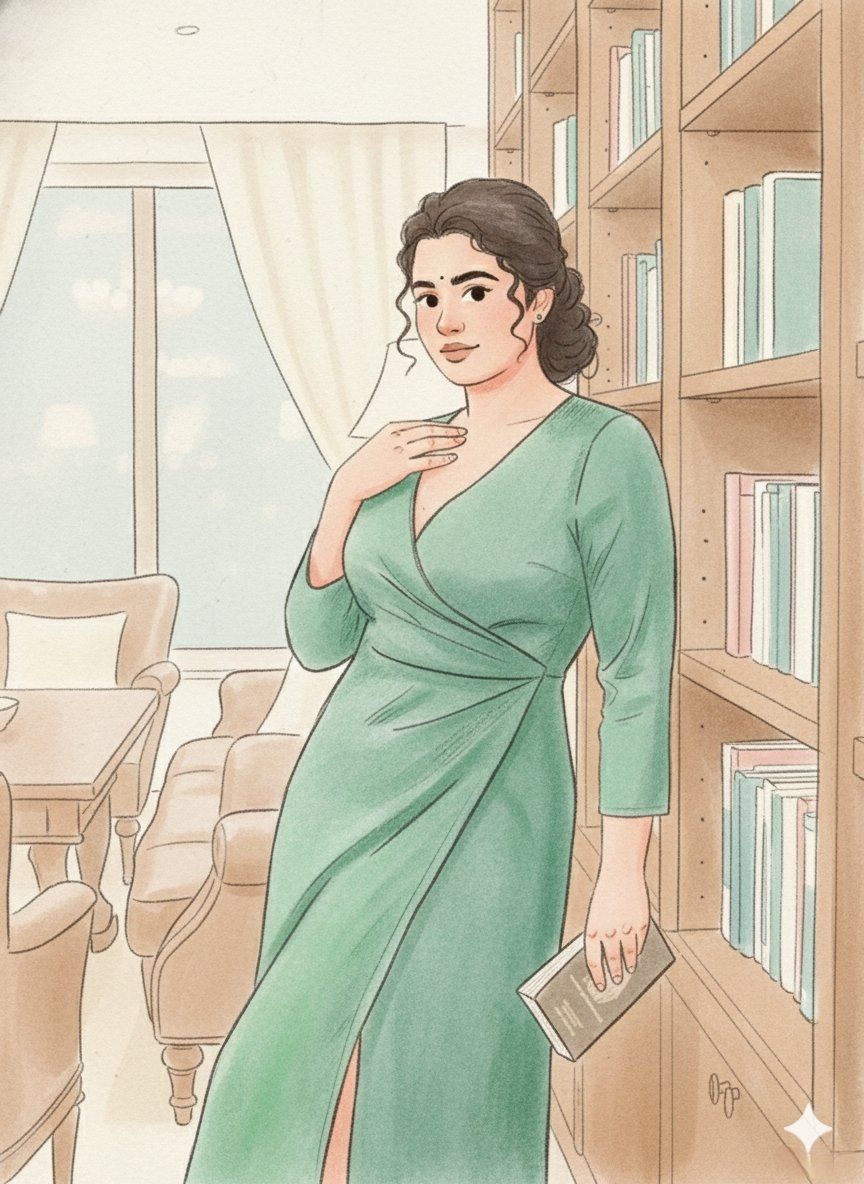
故事书插画提示,采用柔和水彩风格
Enlarge

故事书插画提示,采用柔和水彩风格

Prompt
{
  "prompt": "Use the uploaded image strictly as an identity reference. Transform it into a soft storybook-style illustration with smooth graphite-and-pencil linework, rounded shapes, and gentle hand-drawn imperfections. Apply airy pastel colors with a watercolor-pencil blend effect, subtle gradients, and light bloom highlights. Keep colors fresh and lively while remaining natural. Add delicate cross-hatching for shadows and a paper-grain texture. Facial features are simplified and cute: rounded faces, tiny dot eyes, short curved eyebrows, and a calm closed-mouth smile. Overall look should feel cozy, nostalgic, and whimsical, like a children’s picture book illustration.",
  "style": "storybook pencil + watercolor-pencil blend",
  "lighting": "diffused daylight glow",
  "color_palette": "soft pastels with fresh highlights",
  "texture": "paper grain, cross-hatching, watercolor-pencil wash",
  "face_style": "cute simplified features, dot eyes",
  "proportions": "chibi-leaning semi-realistic",
  "mood": "whimsical, cozy, nostalgic",
  "background": "light, airy, minimal shapes with soft pencil fills"
}
Category
创意图片
Model
Nano Banana Pro
Views0
Source ID
548f0767-4afb-482b-b44a-2329c06d77ca
Published
Mar 8, 2026

Guide

About "故事书插画提示,采用柔和水彩风格"

What is this prompt for?

"故事书插画提示,采用柔和水彩风格" AI image prompt for Nano Banana Pro (创意图片). 一个详细的图像生成提示,旨在将上传的图像转换为柔和、异想天开的童话书插画。它指定了一种风格,使用流畅的石墨和铅笔线条,轻盈的蜡笔色彩与水彩铅笔混合效果,以及可爱的、简化的面部特征,如点状眼睛,…

The full copyable prompt and example visuals above are ready for AI image generation or one-click recreate in Picva.

How to use this prompt

  1. Step 1

    Open the prompt detail

    Review the example visuals, category, and full prompt text for "故事书插画提示,采用柔和水彩风格".

  2. Step 2

    Copy the prompt

    Copy the prompt body from this page, or load it directly in Studio.

  3. Step 3

    Pick a model (Nano Banana Pro)

    Prefer Nano Banana Pro. If you switch models, keep subject and composition and tweak style terms.

  4. Step 4

    Generate and export

    Recreate the look in Picva, or export into your workflow for editing and publishing.

FAQ

What is the "故事书插画提示,采用柔和水彩风格" prompt?
It is an AI image-generation prompt for Nano Banana Pro in the 创意图片 category. This page includes the full prompt text, example visuals, and a one-click recreate path in Picva.
How do I use this prompt to generate an image?
Copy the prompt from this page, or use Generate / Studio. Paste it into a compatible image model, or recreate the look in Picva with optional reference images.
Which model is this prompt for?
This page lists Nano Banana Pro. Most descriptive prompts also transfer to nearby image models such as GPT Image, Flux, or Midjourney with light style tweaks.
Can I use the result commercially?
You can usually copy the prompt for creation, but commercial use of the final image depends on the model terms, reference-image rights, and the generated content. Follow the source author and platform rules.