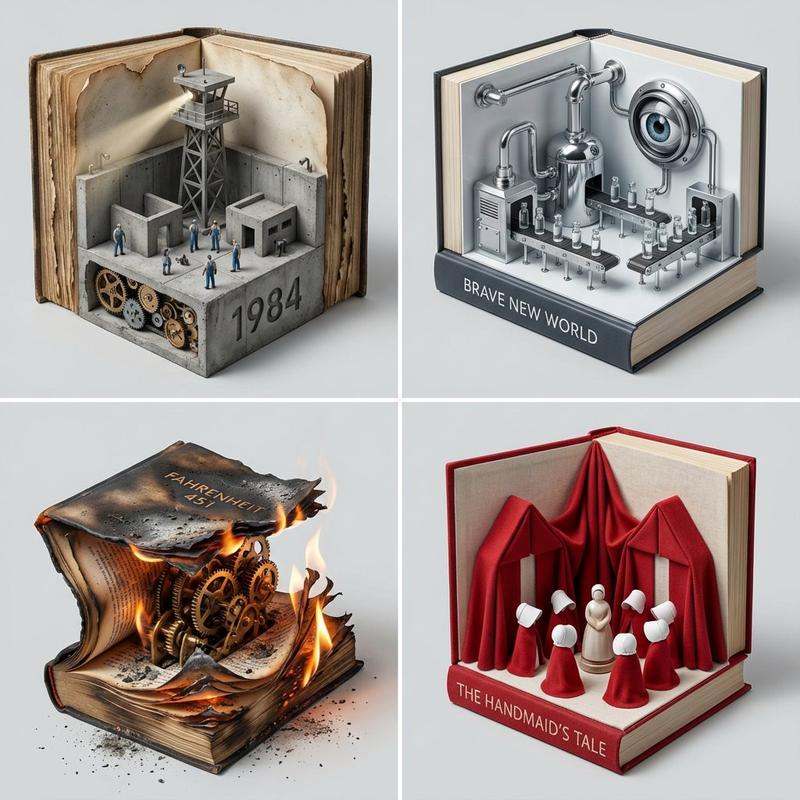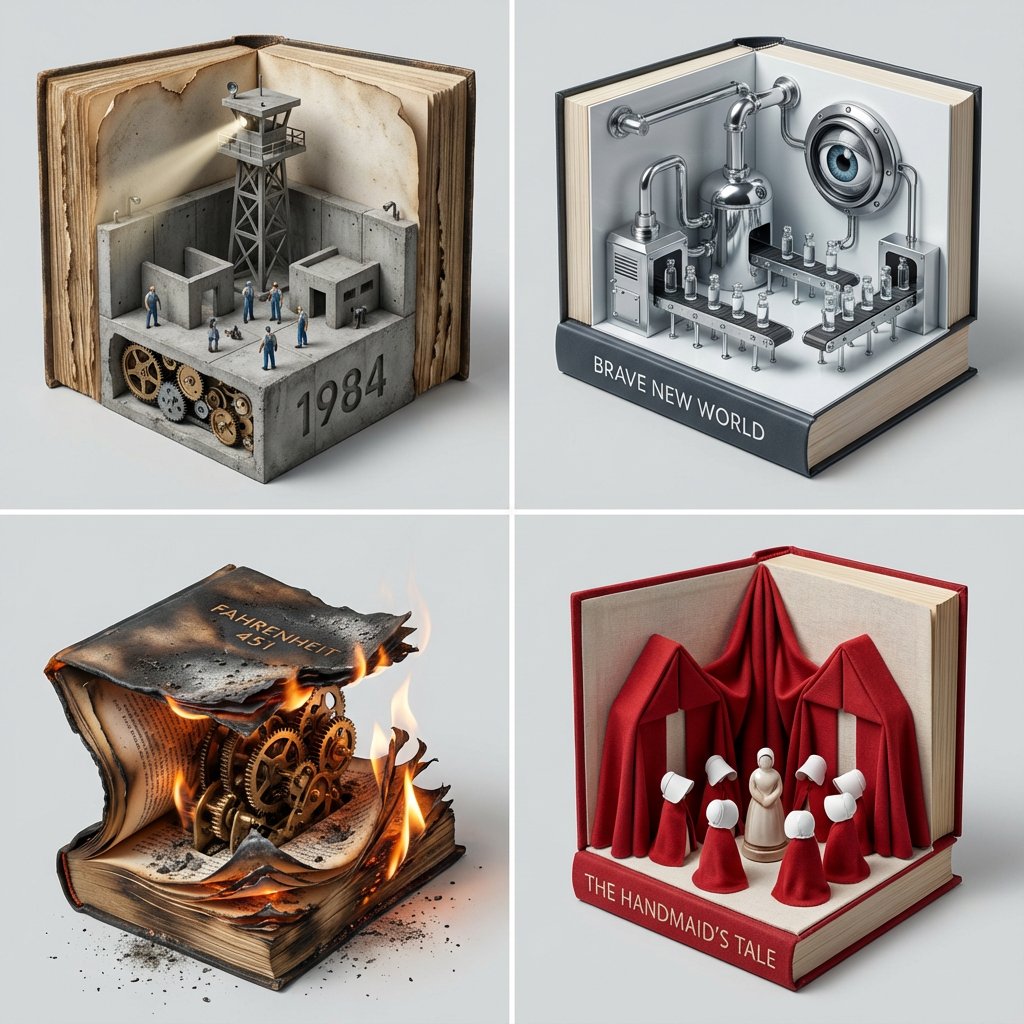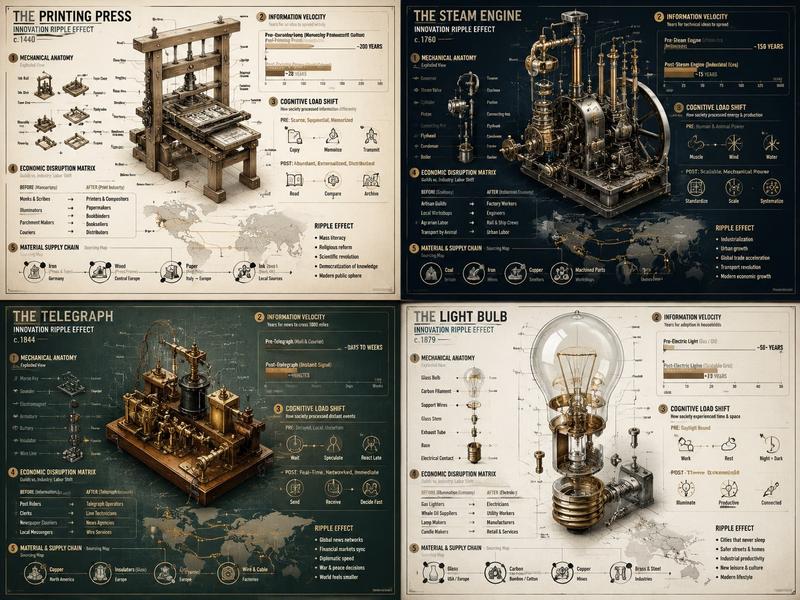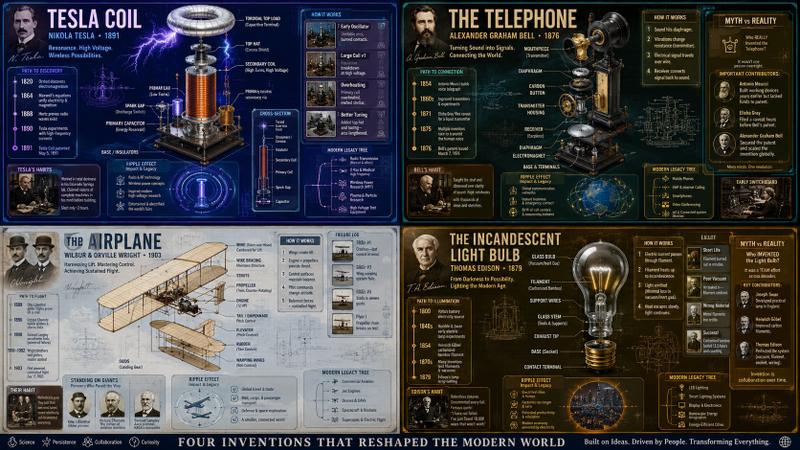
程序化书角立体模型生成提示
提示词
<instructions>    Input Variable:   [INSERT TOPIC HERE] (e.g., History of Space Exploration)

  System Instruction:
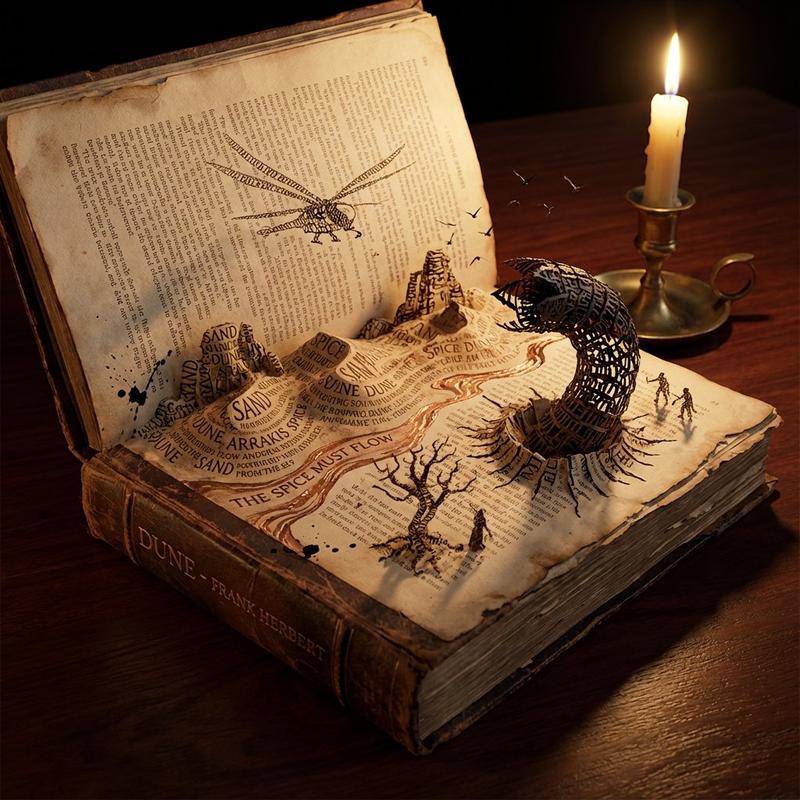
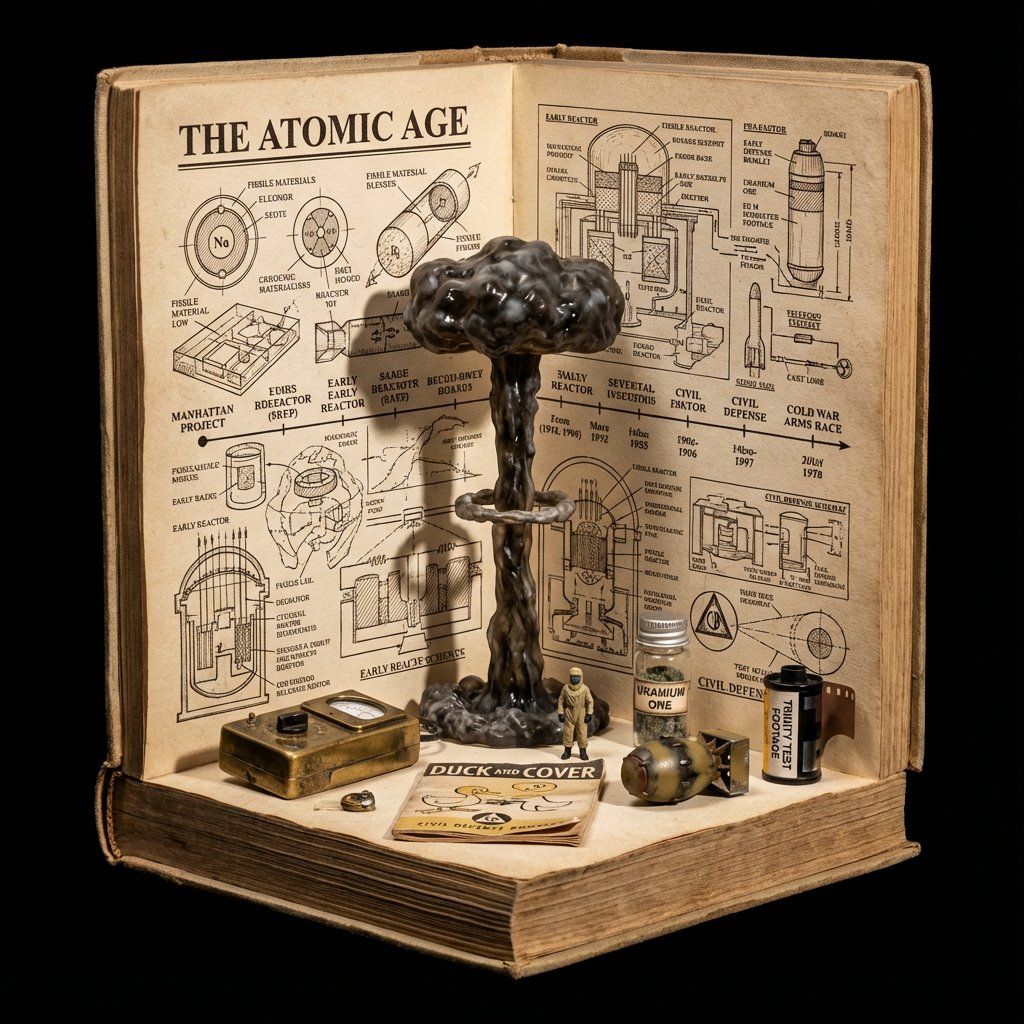
Generate a crowded, hyper-realistic   "Book Nook" Diorama  . Use the following logic to procedurally fill the scene with high-density detail:

  1. Semantic Analysis (The Loot Table):
      The Totem:   Identify the single tallest, most vertical object representing the topic (e.g., Saturn V Rocket).
      The Ephemera:   Identify 4-5 small, specific consumer goods or artifacts (e.g., "Tang" Packet, Freeze-Dried Ice Cream, Mission Patches, Apollo 11 Manual).
      The Timeline:   Identify the key visual evolution steps (e.g., Sputnik -> Lunar Module -> Shuttle).

  2. The Immutable Container (The Corner Stage):
      Geometry:   The book is NOT lying flat. It is standing upright, opened to form a   Strict 90-Degree Corner  .
         Vertical Wall:  The back cover/pages standing straight up.
         Horizontal Floor:  The front cover/pages lying flat.
      The Anchor:   The "Totem" object (Rocket) stands   inside the spine crease  , acting as the structural pillar holding the book open.
      Paper Texture:   The pages must look thick, rough, and heavily aged (like an 1800s manuscript).

  3. The Vertical Plane (The Da Vinci Sketchbook):
      Density:     MAXIMUM.   Do not leave white space.
      Style:   Sepia-tone   Pen & Ink Technical Drawings  .
      Content:   The background should be a chaotic but organized collage of diagrams, timelines, and schematics. It should look like a scientist's field notes.
      Text:   A bold, formal Serif Title at the top (e.g., "{argument name="title" default="HISTORY OF SPACE EXPLORATION"}").

  4. The Horizontal Plane (The Physical Clutter):
      Transition:   The Totem (Rocket) seamlessly transitions from a drawing on the wall to a   Physical 3D Model   on the floor.
      The Scatter:   The "Ephemera" props are   scattered and overlapping   on the floor page. They should not be neatly arranged.
         Material Contrast:  The props must look like shiny plastic, crinkled foil, and fabric patches. This clashes with the matte paper.
         Scale:  A tiny 1:64 scale human figure (e.g., Astronaut) stands next to the massive Totem for scale.

  5. Visual Syntax:
      Background:     Void Black.   The book floats in infinite darkness.   DO NOT render studio equipment, lamps, or tables.
      Lighting:   "Museum Display" lighting. A focused beam hits the Totem, creating a long shadow against the back page sketches.
      Depth:   The 3D objects must cast hard shadows onto the 2D paper to sell the optical illusion.

Output: 1:1 Aspect Ratio, Macro Photography, High Textural Contrast (Paper vs. Plastic). </instructions>- 分类
- 创意图片
- 模型
- Nano Banana Pro
- 来源作者
- Gadgetify
- 来源 ID
- 218bbadc-e5d4-42b9-a0bf-55cd19fbe37b
- 发布时间
- 2026年3月8日
浏览量0