19

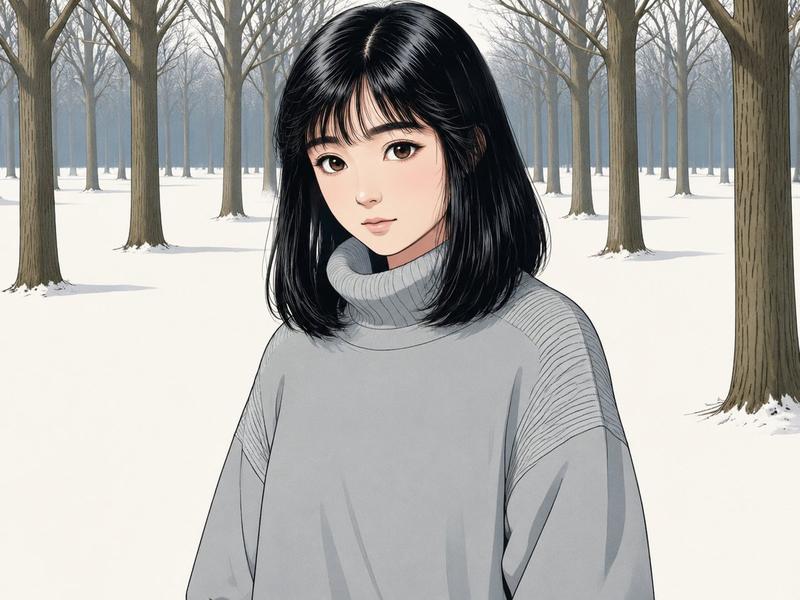
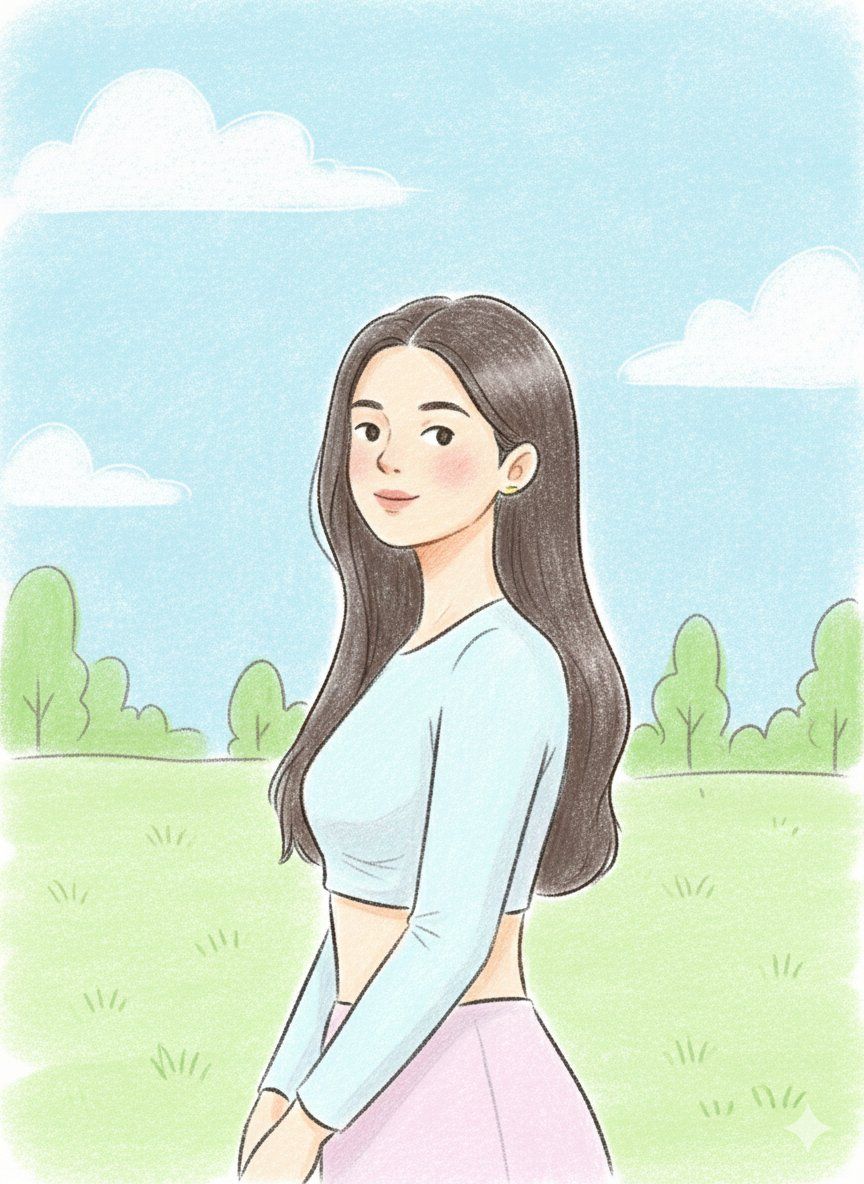
粉彩插画风格迁移(需提供参考图)
Enlarge

粉彩插画风格迁移(需提供参考图)

Prompt
{
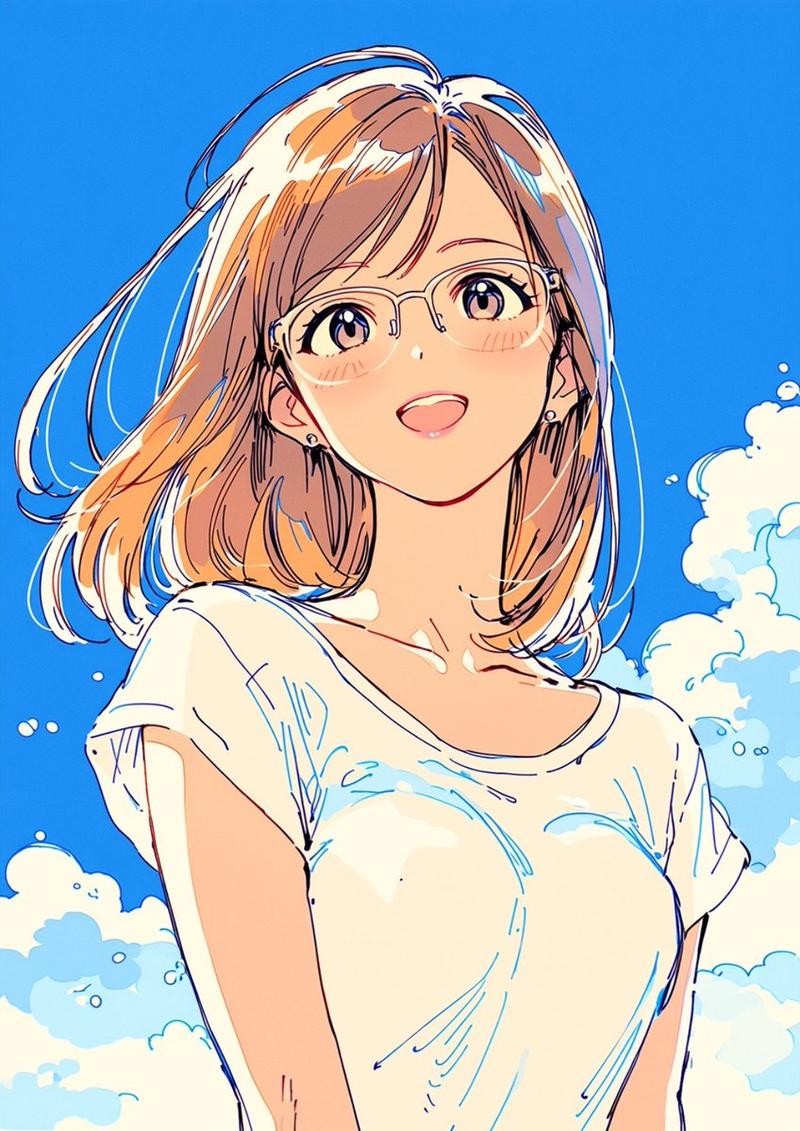
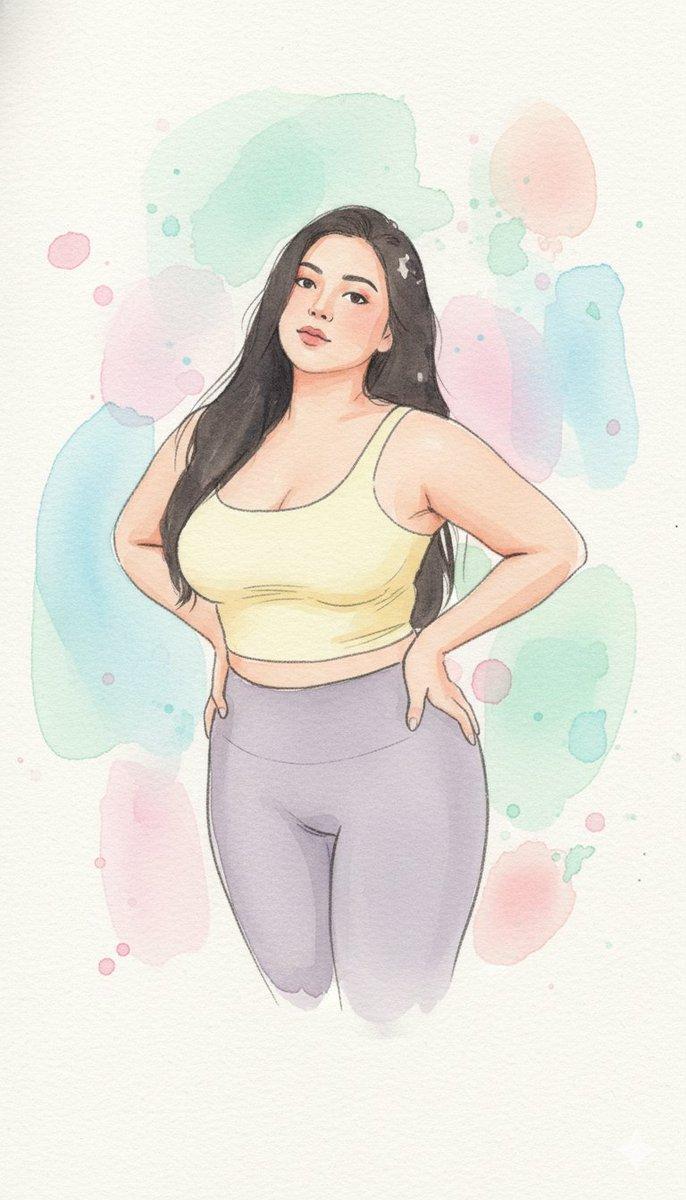
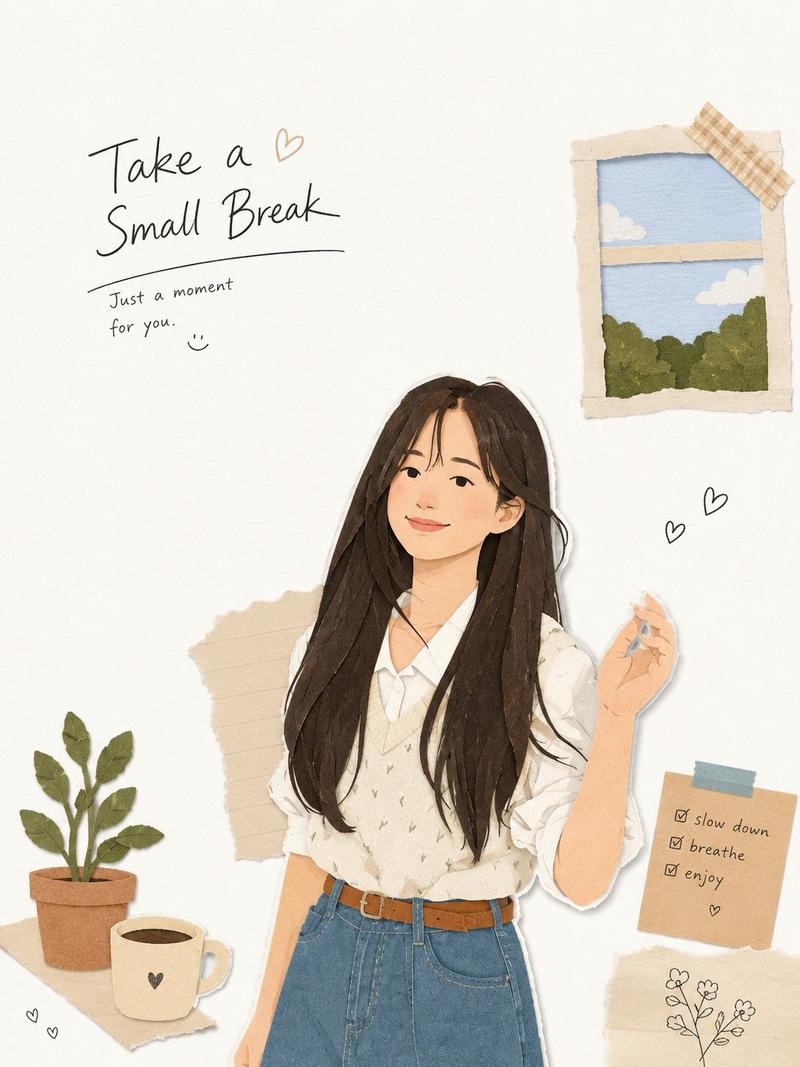
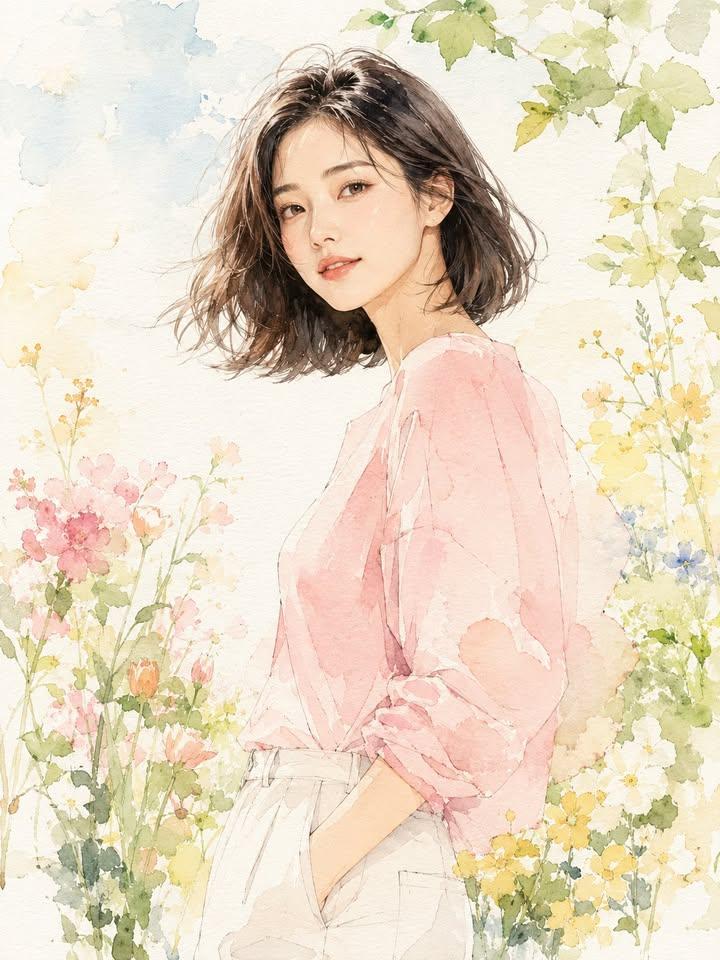
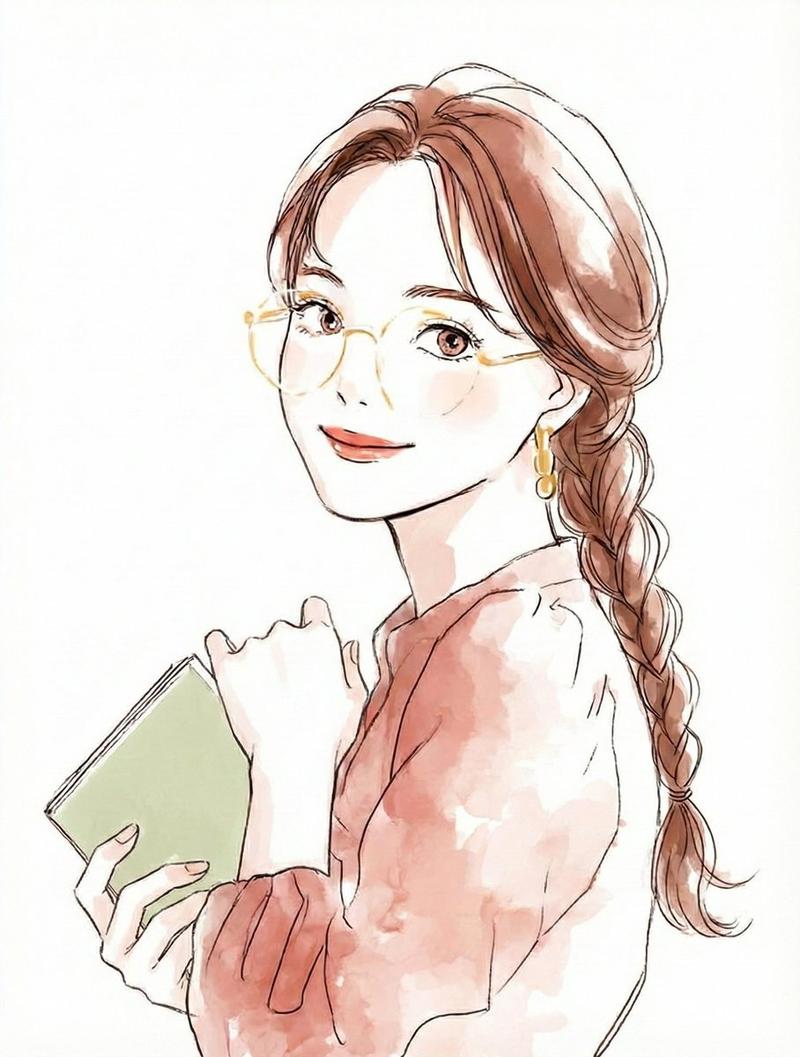
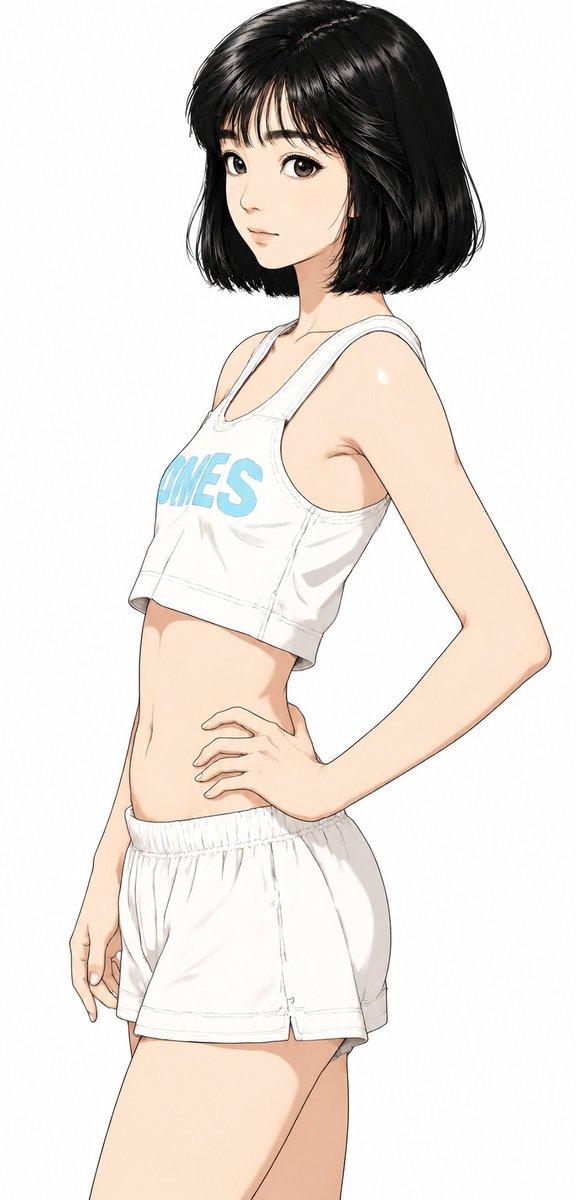
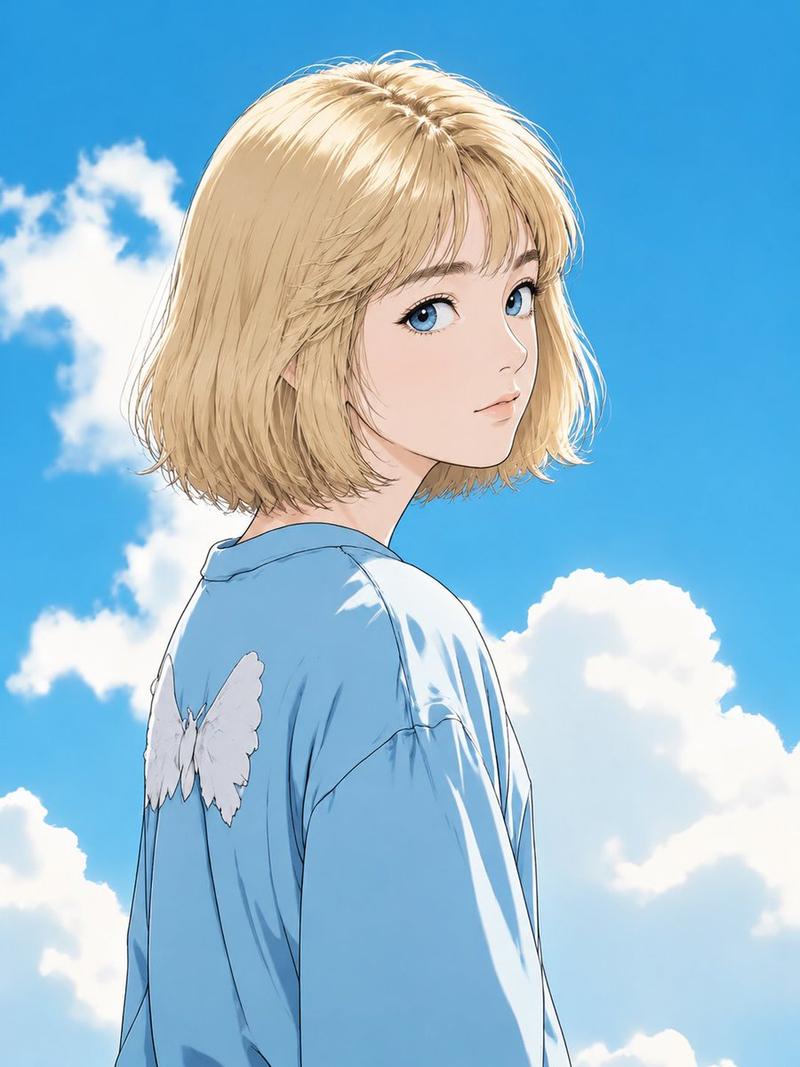
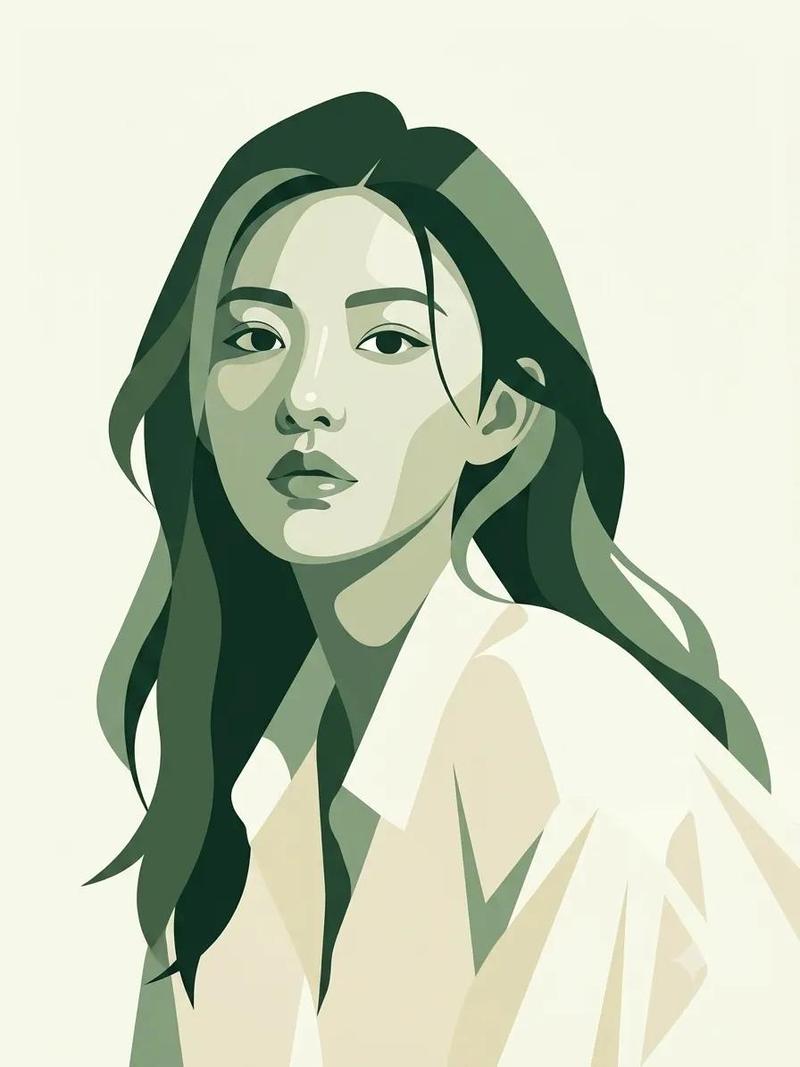
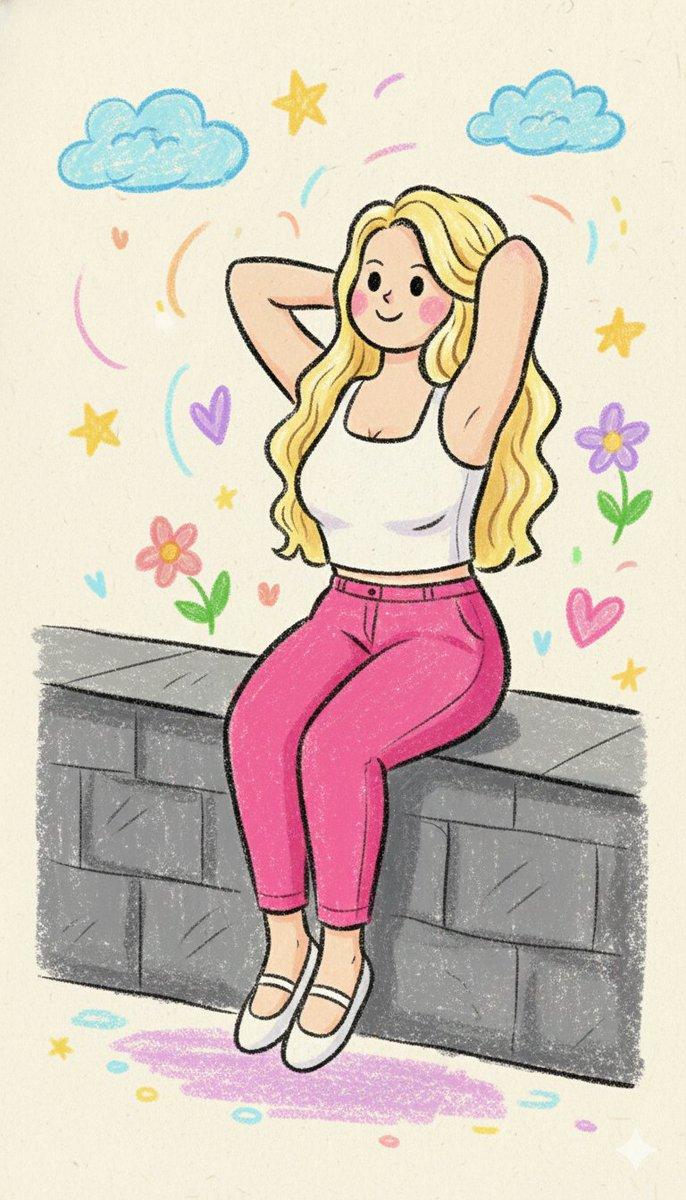
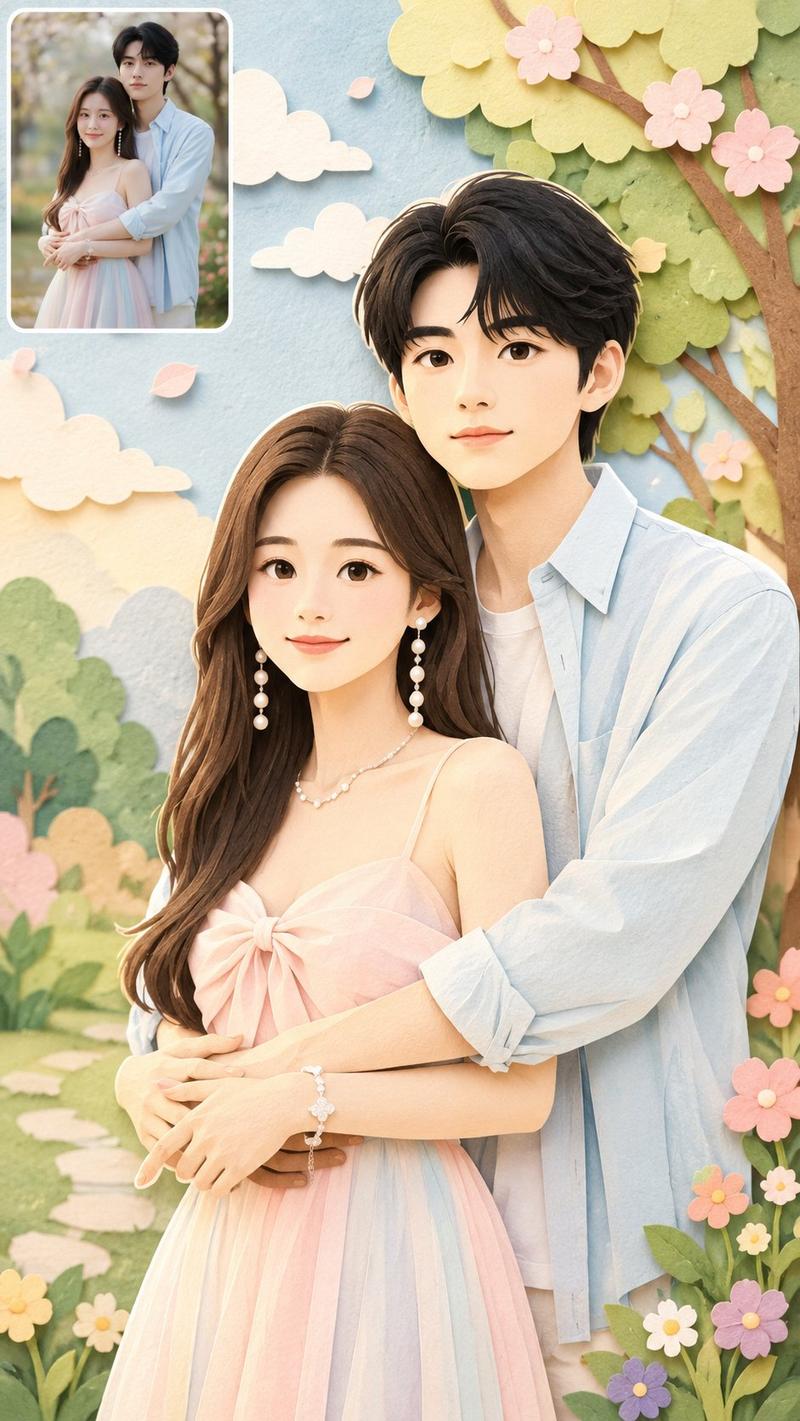
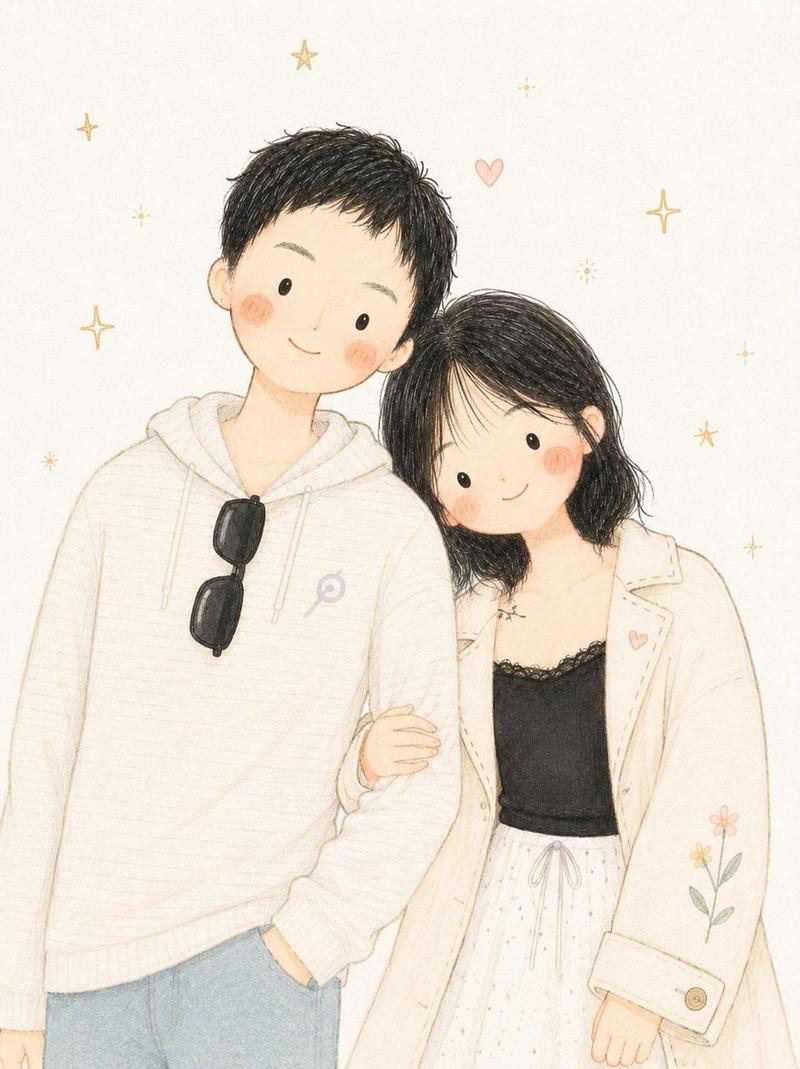
  "prompt": "Use the uploaded image strictly as an identity reference (face and likeness only). Change the pose to a relaxed side-profile stance with the subject slightly turned, one shoulder forward and head gently tilted, giving a candid feel. Place the subject in a new background: an open pastel park setting with soft clouds, light greenery, and simple abstract shapes. Render the scene in a hand-drawn pastel illustration style with clean but slightly rough pencil outlines, visible strokes, and gentle shading. Use bright yet natural pastel colors with warm tones. Facial features remain simple and cute with dot eyes and a small calm smile. Keep the overall mood light, friendly, and fresh.",
  "style": "hand-drawn pastel pencil illustration",
  "lighting": "soft daylight",
  "color_palette": "bright natural pastels",
  "texture": "visible pencil strokes, soft shading",
  "face_style": "simple features, dot eyes, small smile",
  "proportions": "semi-cartoon realistic",
  "mood": "fresh, relaxed, cheerful",
  "background": "pastel park scene with minimal clouds and greenery"
}
Category
创意图片
Model
Nano Banana Pro
Views0
Source ID
62ee4b0f-27ae-4947-96df-bd0fab3da384
Published
Mar 8, 2026

Guide

About "粉彩插画风格迁移(需提供参考图)"

What is this prompt for?

"粉彩插画风格迁移(需提供参考图)" AI image prompt for Nano Banana Pro (创意图片). 一个 JSON 提示,用于根据上传的图片(仅用于身份/肖像)生成手绘粉彩铅笔插画,改变姿势并将主体置于开放的粉彩公园环境中,营造清新、愉悦的氛围。 --- ```json { "prompt"…

The full copyable prompt and example visuals above are ready for AI image generation or one-click recreate in Picva.

How to use this prompt

  1. Step 1

    Open the prompt detail

    Review the example visuals, category, and full prompt text for "粉彩插画风格迁移(需提供参考图)".

  2. Step 2

    Copy the prompt

    Copy the prompt body from this page, or load it directly in Studio.

  3. Step 3

    Pick a model (Nano Banana Pro)

    Prefer Nano Banana Pro. If you switch models, keep subject and composition and tweak style terms.

  4. Step 4

    Generate and export

    Recreate the look in Picva, or export into your workflow for editing and publishing.

FAQ

What is the "粉彩插画风格迁移(需提供参考图)" prompt?
It is an AI image-generation prompt for Nano Banana Pro in the 创意图片 category. This page includes the full prompt text, example visuals, and a one-click recreate path in Picva.
How do I use this prompt to generate an image?
Copy the prompt from this page, or use Generate / Studio. Paste it into a compatible image model, or recreate the look in Picva with optional reference images.
Which model is this prompt for?
This page lists Nano Banana Pro. Most descriptive prompts also transfer to nearby image models such as GPT Image, Flux, or Midjourney with light style tweaks.
Can I use the result commercially?
You can usually copy the prompt for creation, but commercial use of the final image depends on the model terms, reference-image rights, and the generated content. Follow the source author and platform rules.