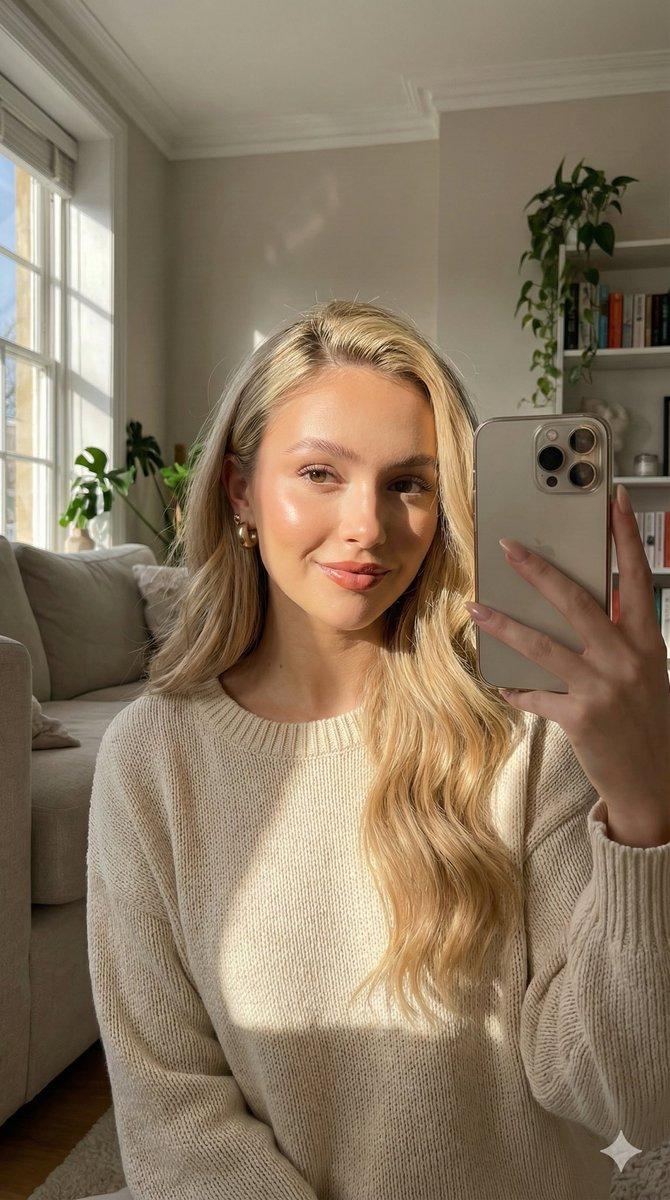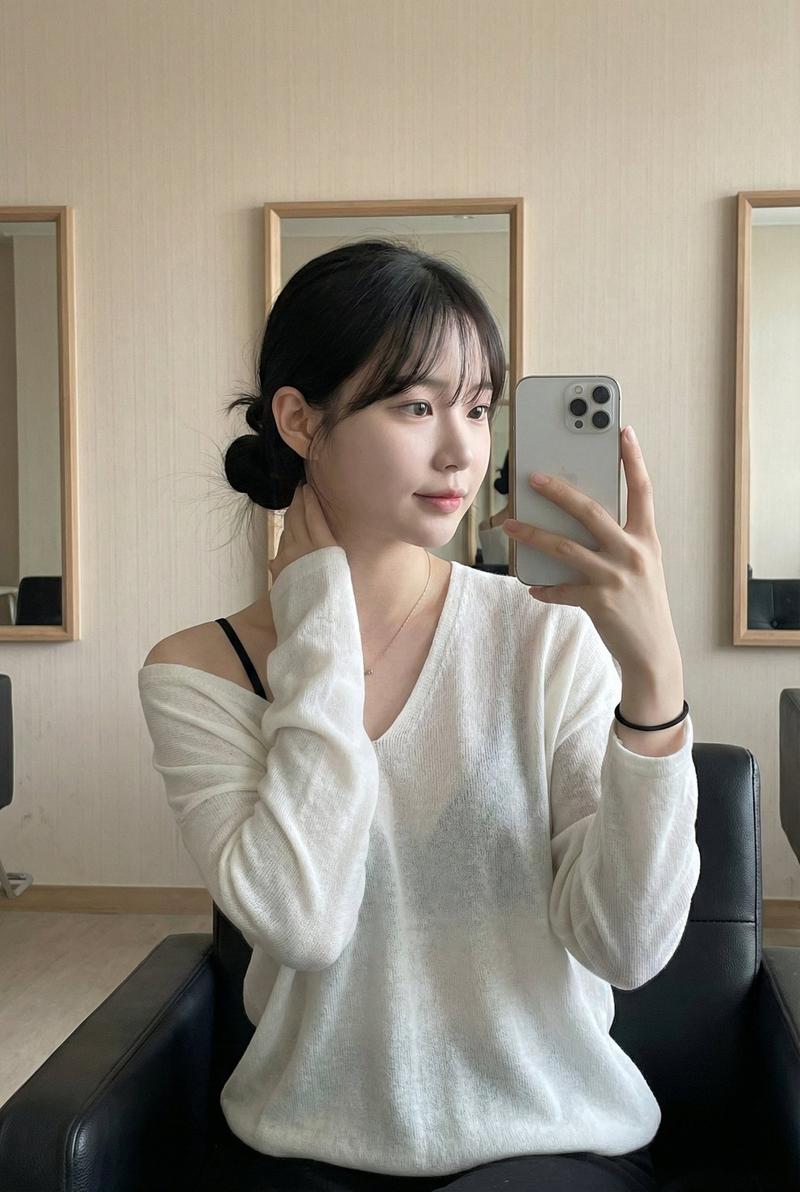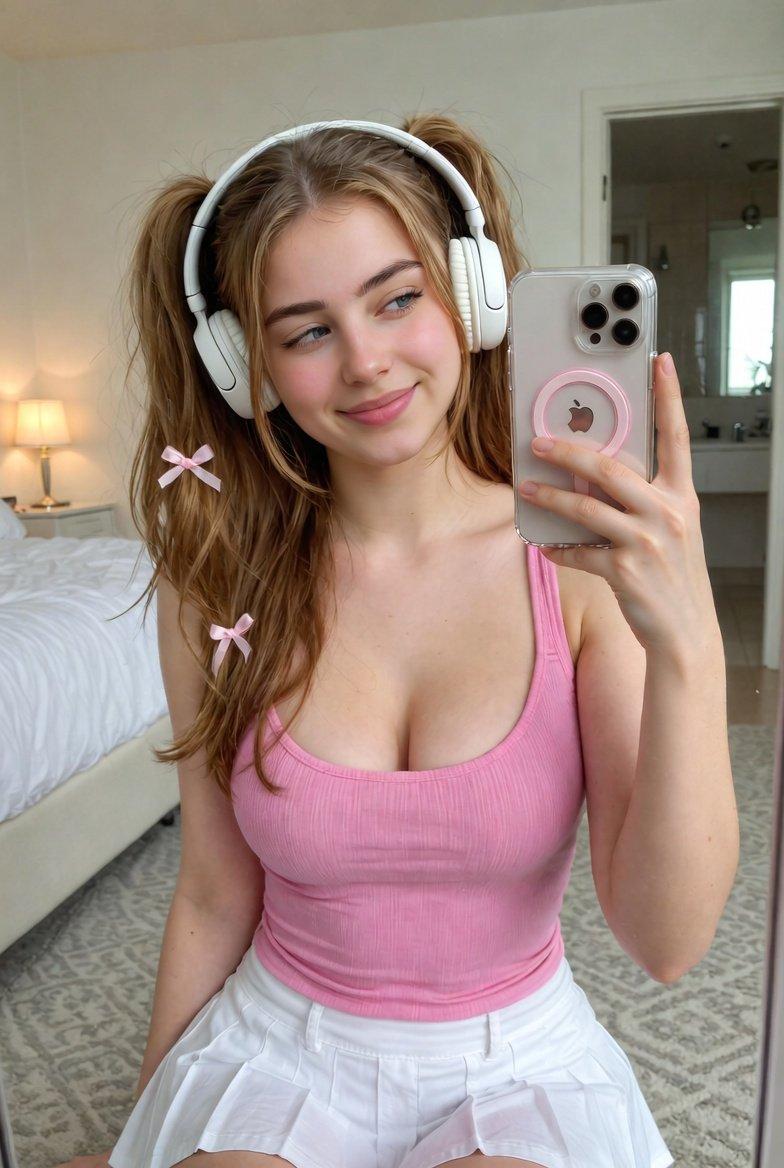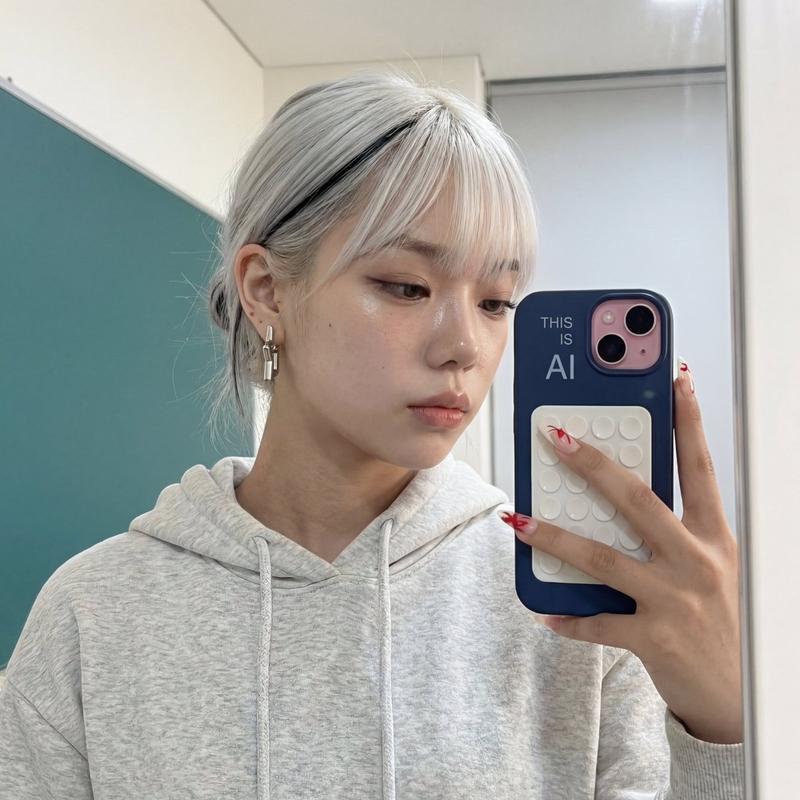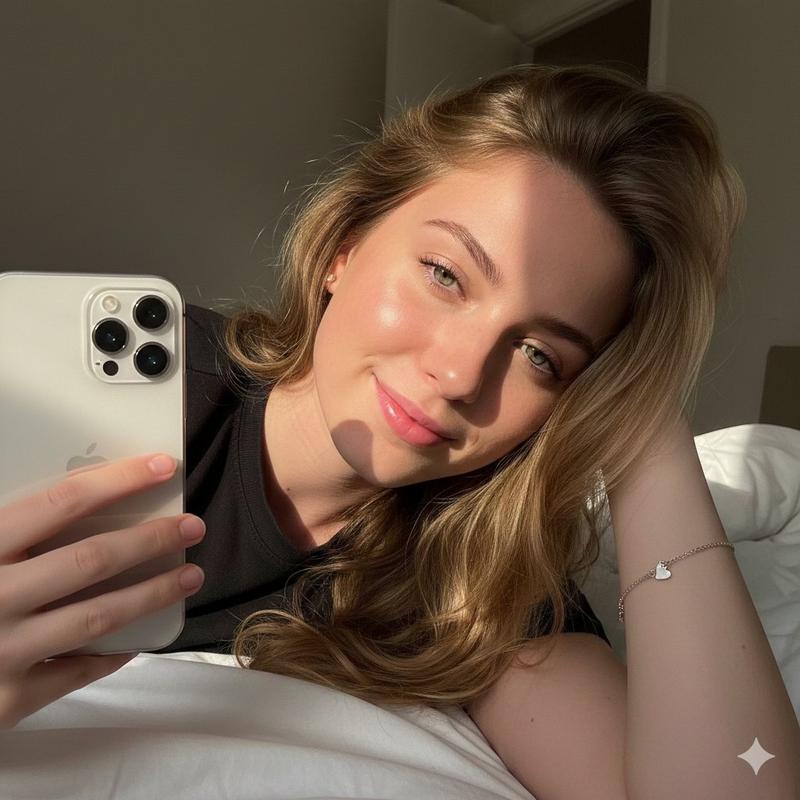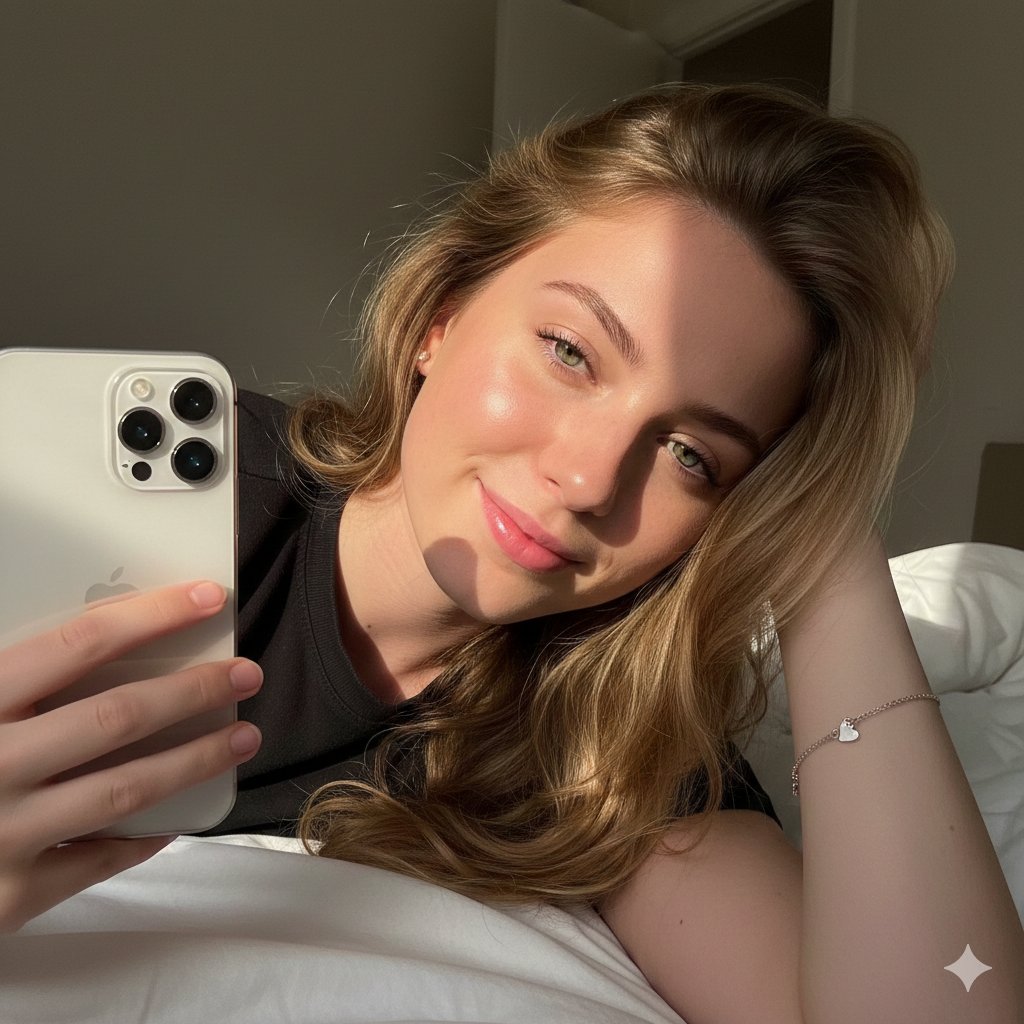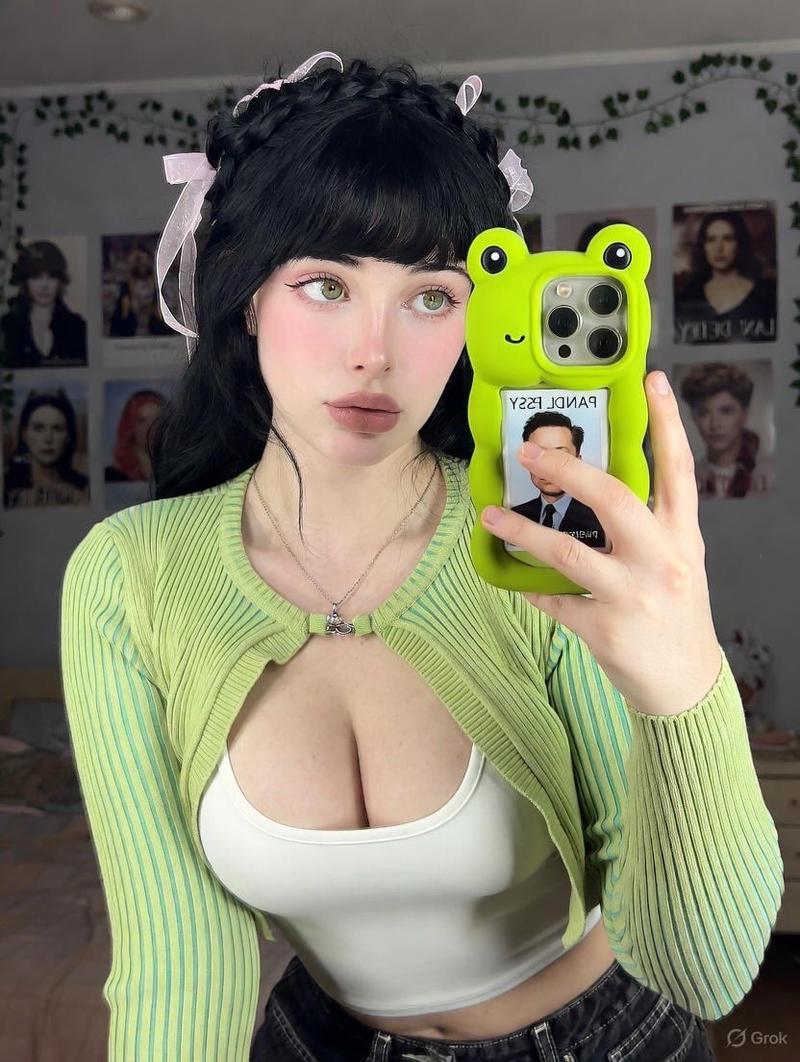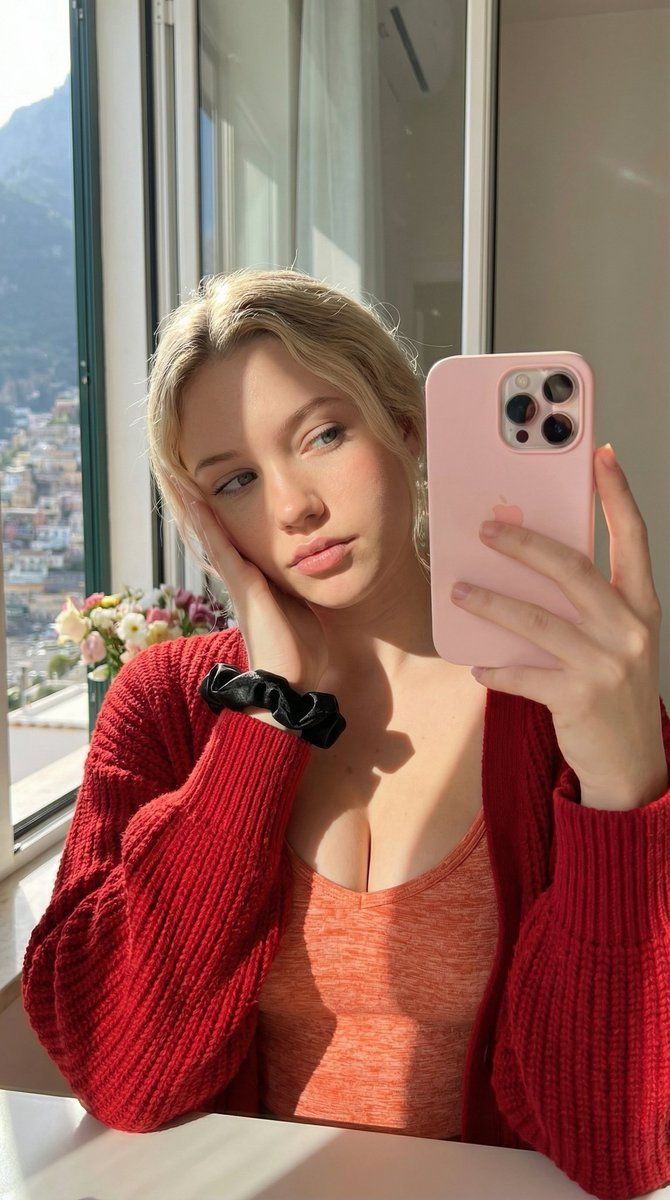
双镜自拍提示(红色 vs. 黄色开衫)
Prompt
{
  "meta": {
    "target_tool": "Nano Banana Pro",
    "image_dna": {"type": "Photo Mirror Selfie", "orientation_lock": "LOCKED 1:1", "sensor_emulation": "iPhone 12/13 Pro Front"},
    "aspect_ratio": "implied vertical"
  },
  "spatial_orientation_engine": {
    "facing": "Camera via mirror, torso square, head tilted subject's right",
    "camera": "Held in left hand at 3 o'clock"
  },
  "camera_optics": {
    "lens": "26mm f/1.6 deep DOF",
    "flaws": ["Digital sharpen", "minor flare", "wide distortion on hand"]
  },
  "environment": {
    "lighting": "Hard direct sunlight left, warm bounce, sharp shadow on chest from arm",
    "materials": "Satin scrunchie shine, matte wool absorb"
  },
  "subject": {
    "pose": "Head on right palm, left arm holding phone vertical, gaze at lens",
    "clothing": "{argument name="cardigan color 1" default="Red"} chunky knit cardigan over orange heathered tank with cleavage, black satin scrunchie on wrist",
    "identity": "[[USE_REFERENCE_FACE_SKIN_HAIR]]"
  },
  "generation_keywords": {
    "positive": "Photorealistic mirror selfie, hard sunlight window, chunky knit cardigan, satin scrunchie, detailed texture, sharp iPhone photo, positano Italy in backdrop, flowers",
    "negative": "blurry, soft light, distorted hand, no phone"
  }

{
  "meta": {
    "target_tool": "Nano Banana Pro",
    "image_dna": {"type": "Photo Mirror Selfie", "orientation_lock": "LOCKED 1:1", "sensor_emulation": "iPhone 12/13 Pro Front"},
    "aspect_ratio": "implied vertical"
  },
  "spatial_orientation_engine": {
    "facing": "Camera via mirror, torso square, head tilted subject's right",
    "camera": "Held in left hand at 3 o'clock"
  },
  "camera_optics": {
    "lens": "26mm f/1.6 deep DOF",
    "flaws": ["Digital sharpen", "minor flare", "wide distortion on hand"]
  },
  "environment": {
    "lighting": "Hard direct sunlight left, warm bounce, sharp shadow on chest from arm",
    "materials": "Satin scrunchie shine, matte wool absorb"
  },
  "subject": {
    "pose": "Head on right palm, left arm holding phone vertical, gaze at lens",
    "clothing": "{argument name="cardigan color 2" default="Yellow"} chunky knit cardigan over white heathered tank with cleavage, pink satin scrunchie on wrist",
    "identity": "[[USE_REFERENCE_FACE_SKIN_HAIR]]"
  },
  "generation_keywords": {
    "positive": "Photorealistic mirror selfie, hard sunlight window, chunky knit cardigan, satin scrunchie, detailed texture, sharp iPhone photo, positano Italy in backdrop, flowers",
    "negative": "blurry, soft light, distorted hand, no phone"
  }
}- Category
- 创意图片
- Model
- Nano Banana Pro
- Creator
- KeorUnreal
- Source ID
- cced1b02-8e43-4187-9ca0-22cbb7385f5b
- Published
- Mar 8, 2026
Views0