20

乐器谱系板 (制琴师的遗产)
Enlarge

乐器谱系板 (制琴师的遗产)

Prompt
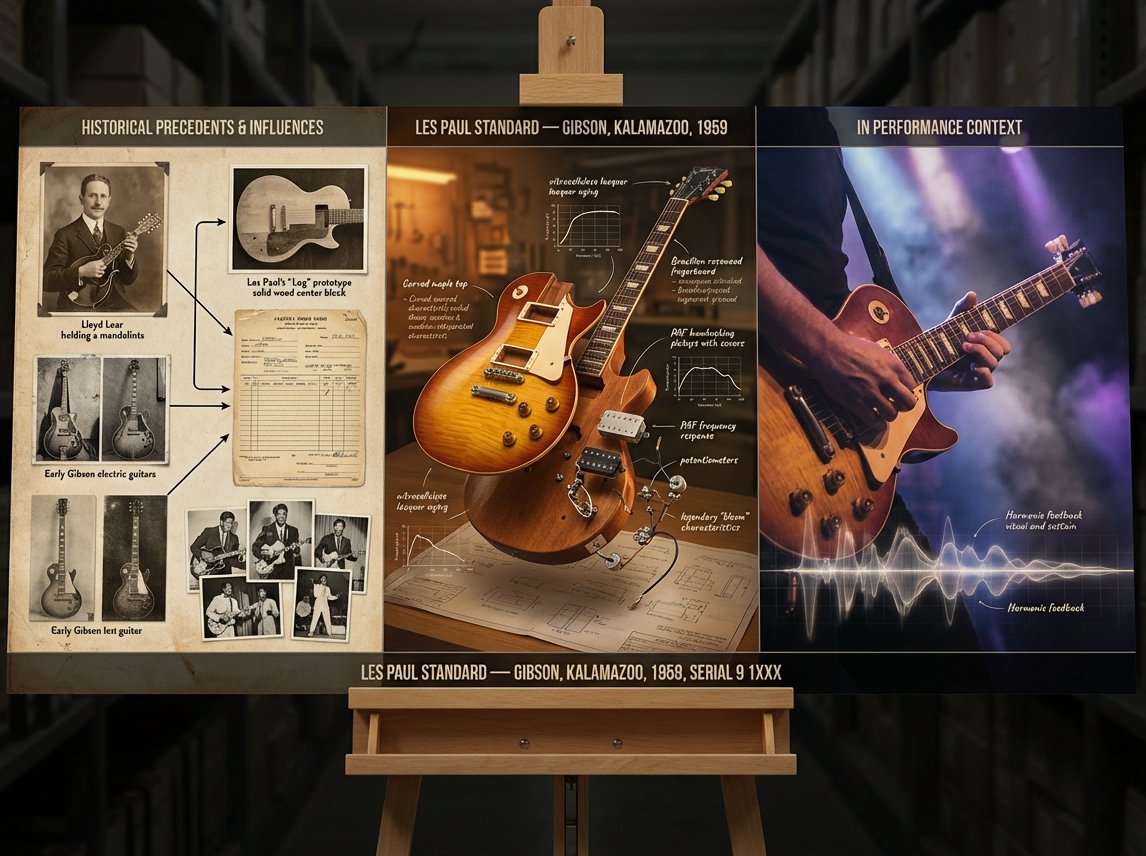
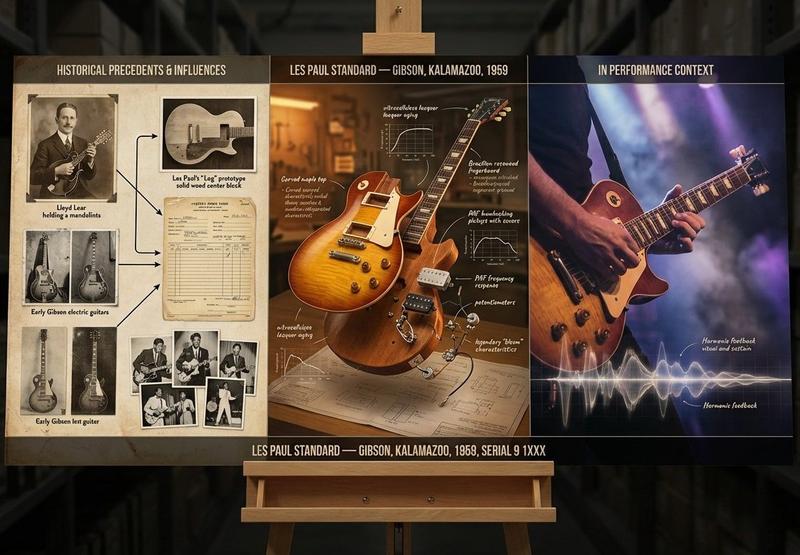
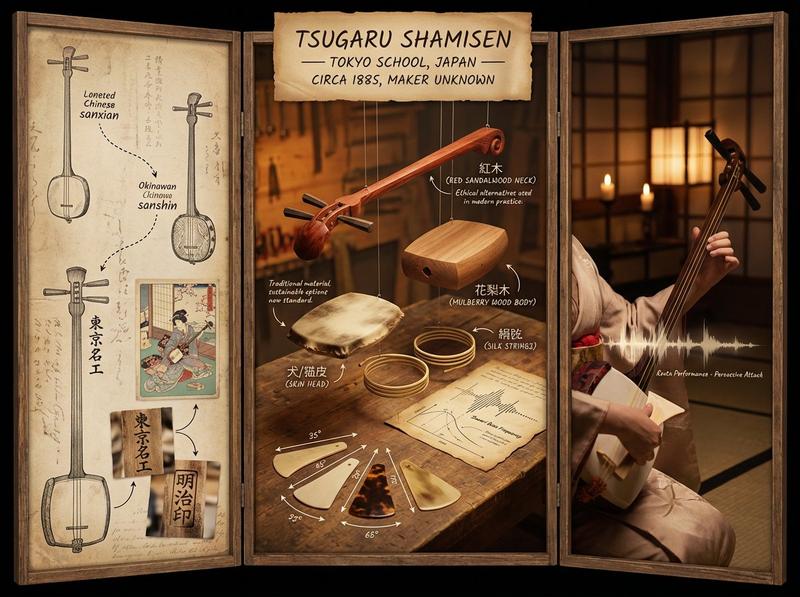
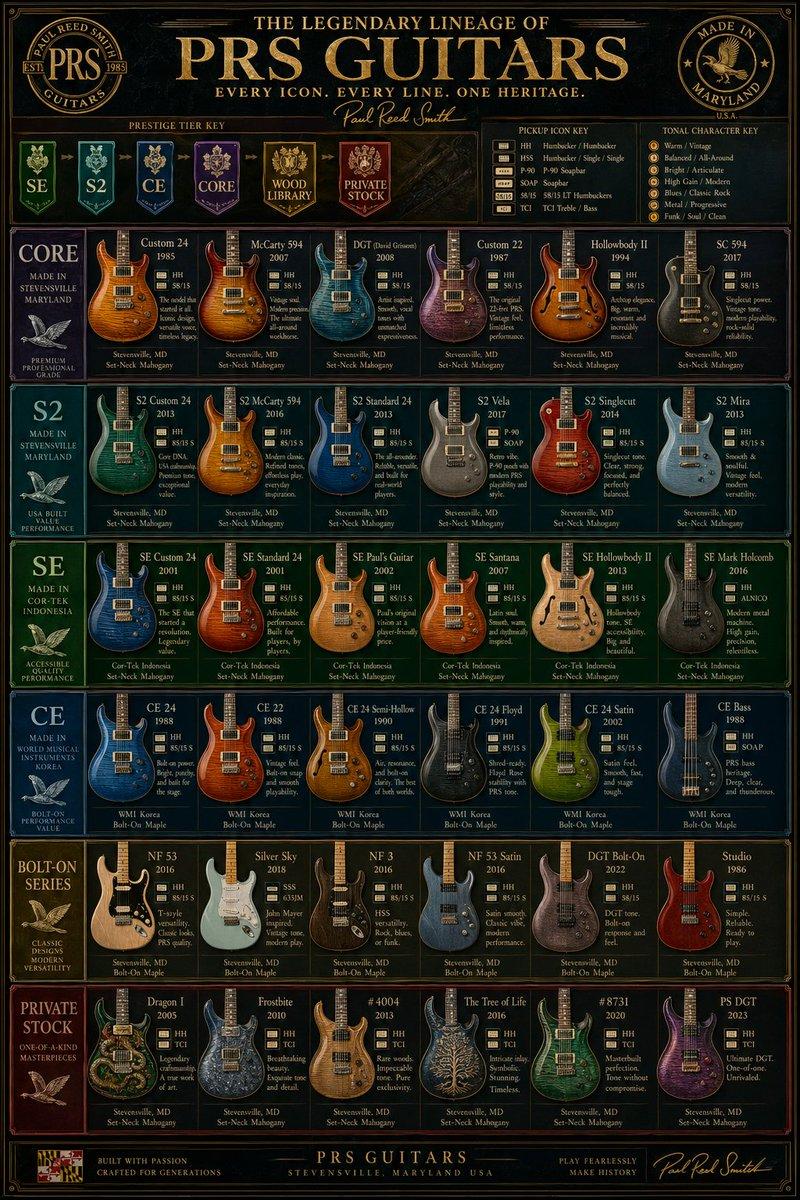
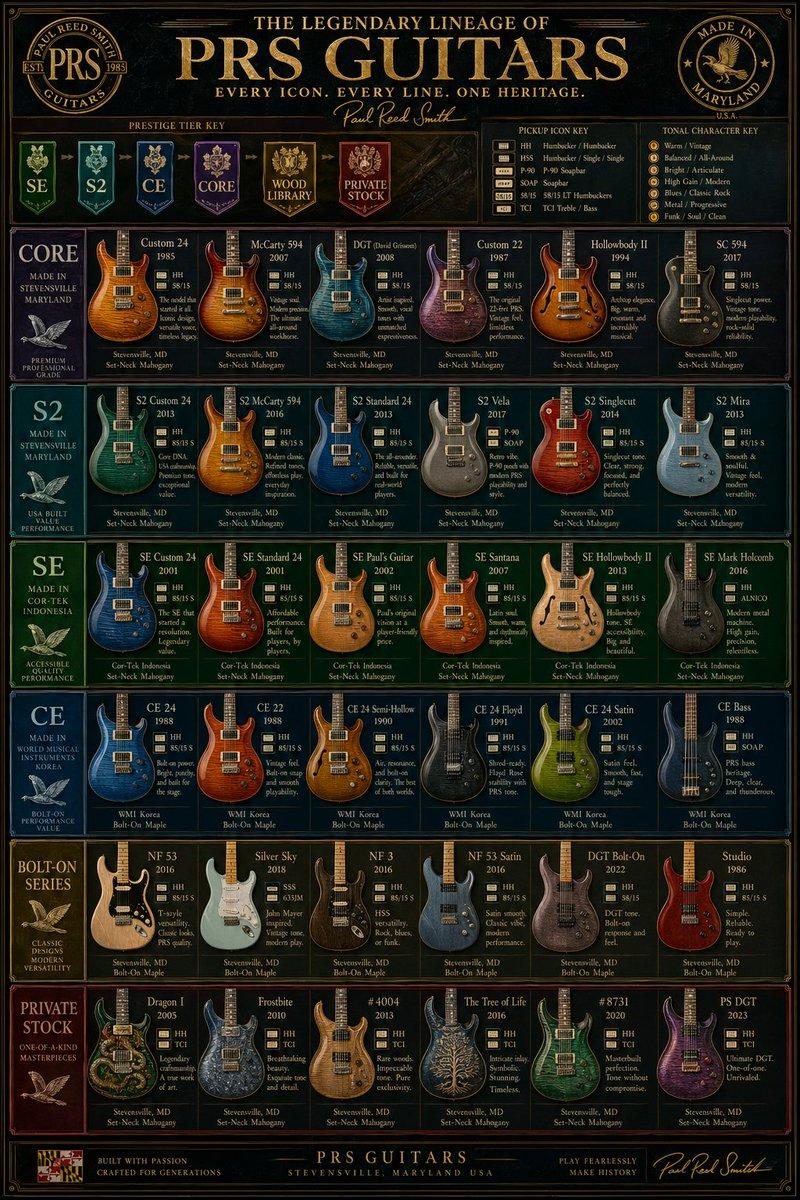
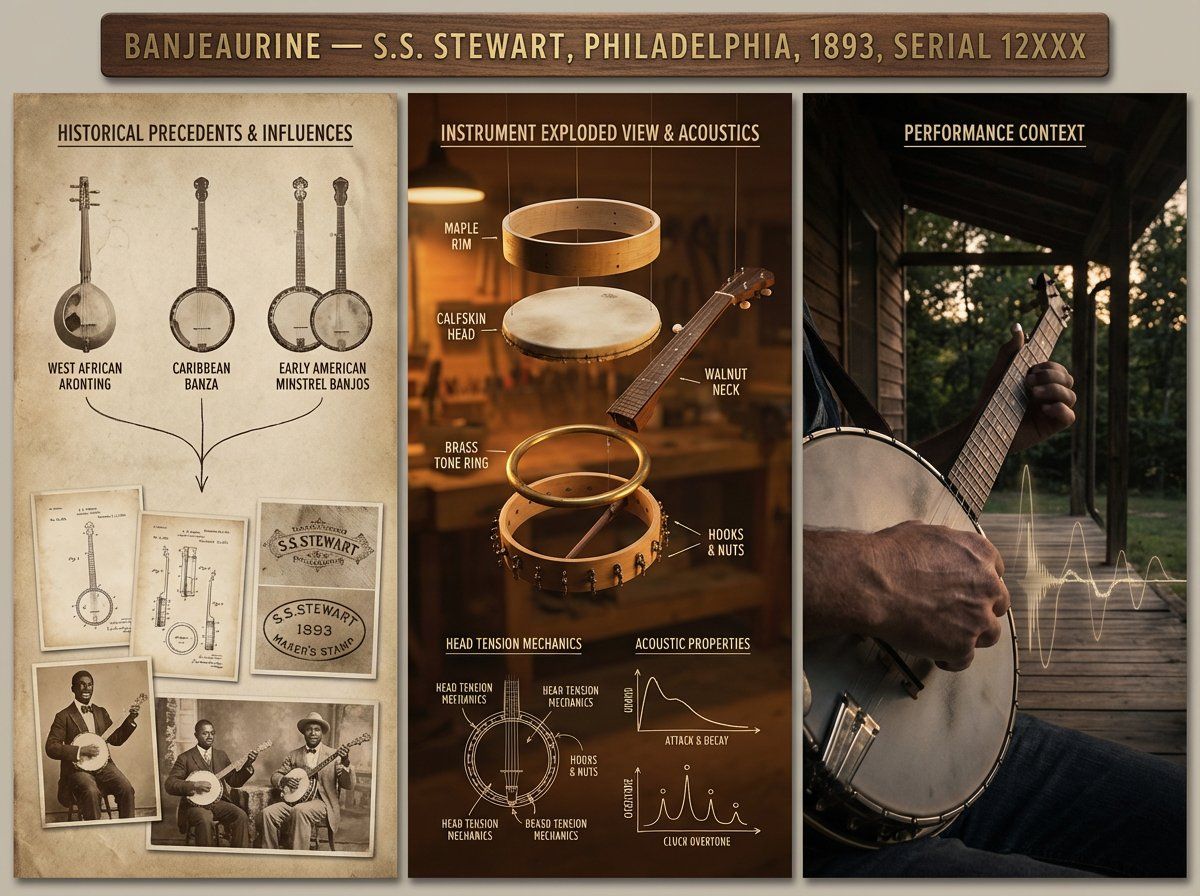
A luthier's legacy board for {argument name="instrument" default="[INSTRUMENT]"} — {argument name="maker" default="[MAKER / SCHOOL / PERIOD]"}. Left section: historical precedents and influences, showing ancestor instruments with lineage lines connecting them, maker's marks, and period photographs. Center section: the subject instrument in exploded view, every component separated and floating, wood species identified, varnish layers shown in cross-section, acoustic properties annotated with frequency response curves and tap tone locations. Right section: the instrument in performance context, musician's hands in motion, concert hall ambiance, sound made visible through subtle waveform overlay. Visual style transitions from aged daguerreotype through workshop amber to concert hall chiaroscuro. Title block reading "{argument name="instrument name" default="[INSTRUMENT NAME]"} — [MAKER], [CITY], [YEAR], OPUS [NUMBER]".
Category
创意图片
Model
Nano Banana Pro
Views0
Source ID
245f2c08-ef1e-43d7-af46-7b3e1eefb5dc
Published
Mar 8, 2026

Guide

About "乐器谱系板 (制琴师的遗产)"

What is this prompt for?

"乐器谱系板 (制琴师的遗产)" AI image prompt for Nano Banana Pro (创意图片). 一个复杂的提示模板,用于生成一个受《萤火虫》美学启发的视觉“制琴师的传承板”或乐器家谱图。它需要三个不同的部分:历史先例(银版照相风格)、主题乐器的分解图及技术注释(工坊琥珀风格),以及乐器在演奏…

The full copyable prompt and example visuals above are ready for AI image generation or one-click recreate in Picva.

How to use this prompt

  1. Step 1

    Open the prompt detail

    Review the example visuals, category, and full prompt text for "乐器谱系板 (制琴师的遗产)".

  2. Step 2

    Copy the prompt

    Copy the prompt body from this page, or load it directly in Studio.

  3. Step 3

    Pick a model (Nano Banana Pro)

    Prefer Nano Banana Pro. If you switch models, keep subject and composition and tweak style terms.

  4. Step 4

    Generate and export

    Recreate the look in Picva, or export into your workflow for editing and publishing.

FAQ

What is the "乐器谱系板 (制琴师的遗产)" prompt?
It is an AI image-generation prompt for Nano Banana Pro in the 创意图片 category. This page includes the full prompt text, example visuals, and a one-click recreate path in Picva.
How do I use this prompt to generate an image?
Copy the prompt from this page, or use Generate / Studio. Paste it into a compatible image model, or recreate the look in Picva with optional reference images.
Which model is this prompt for?
This page lists Nano Banana Pro. Most descriptive prompts also transfer to nearby image models such as GPT Image, Flux, or Midjourney with light style tweaks.
Can I use the result commercially?
You can usually copy the prompt for creation, but commercial use of the final image depends on the model terms, reference-image rights, and the generated content. Follow the source author and platform rules.