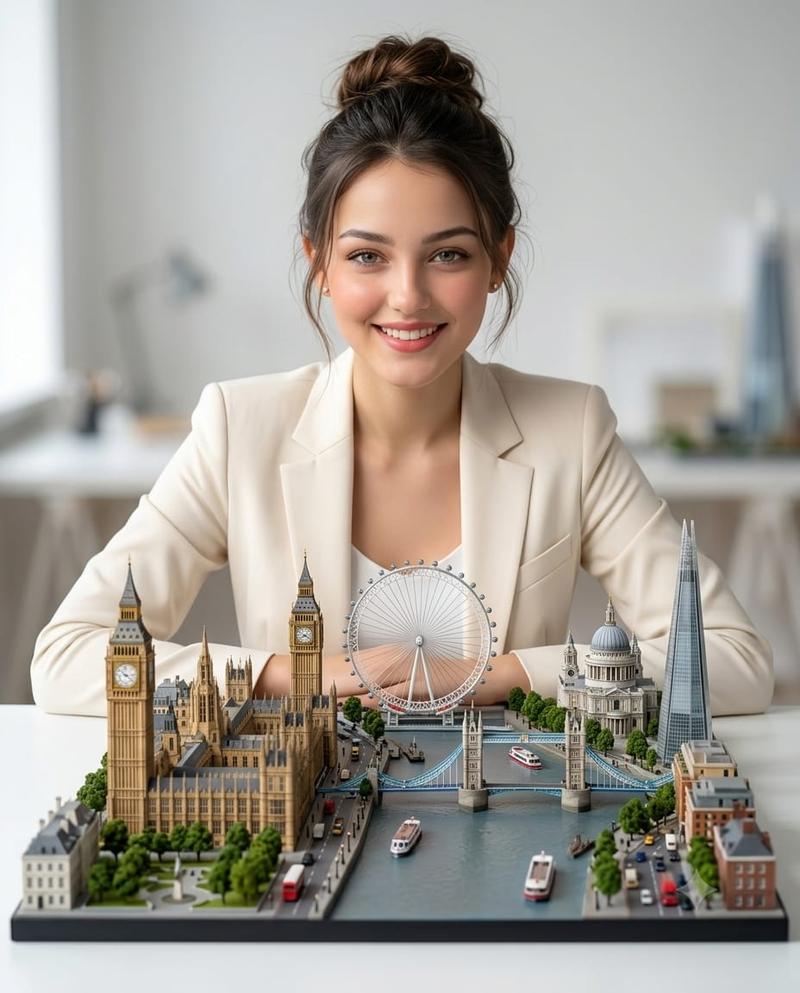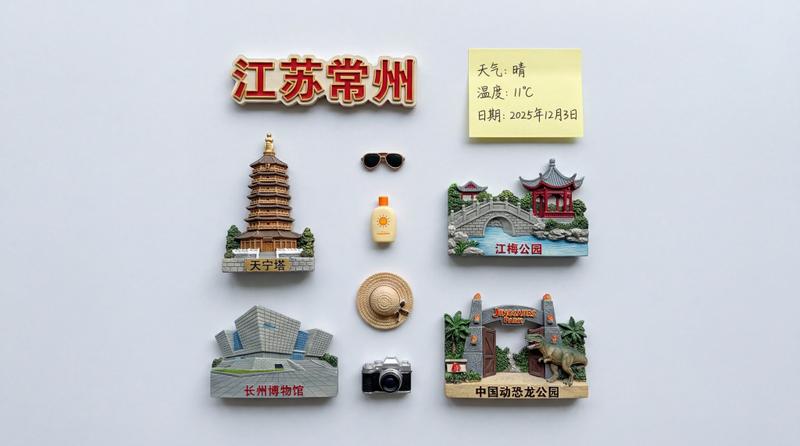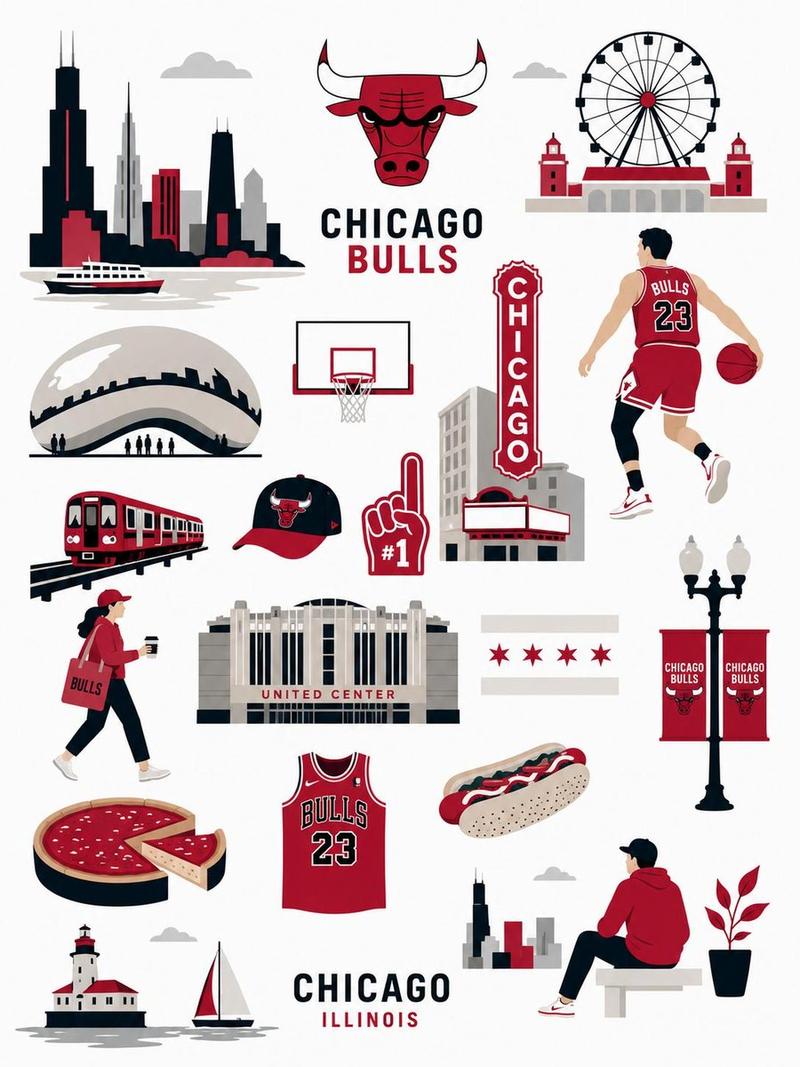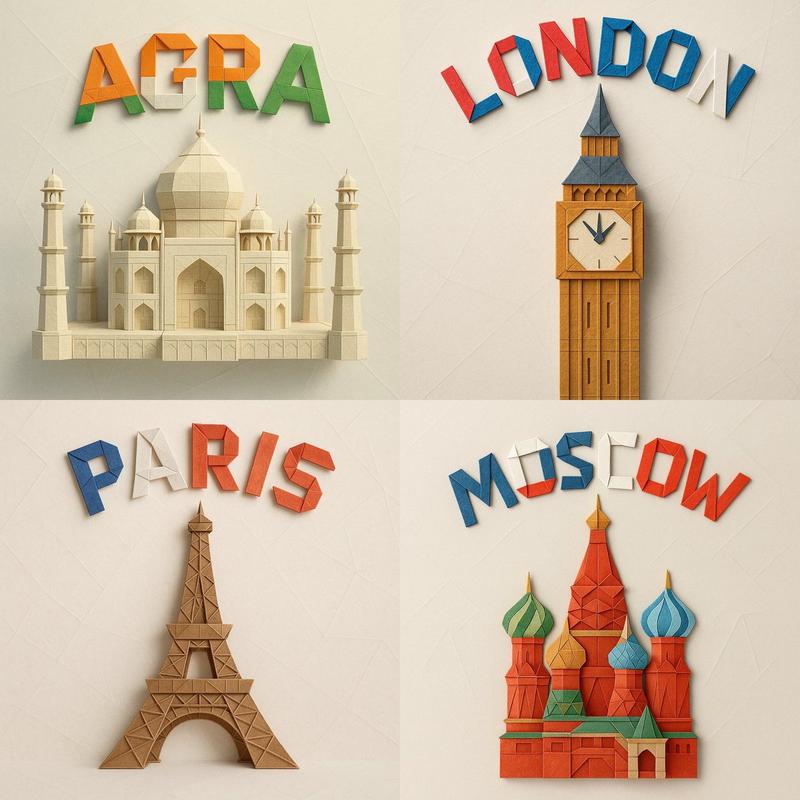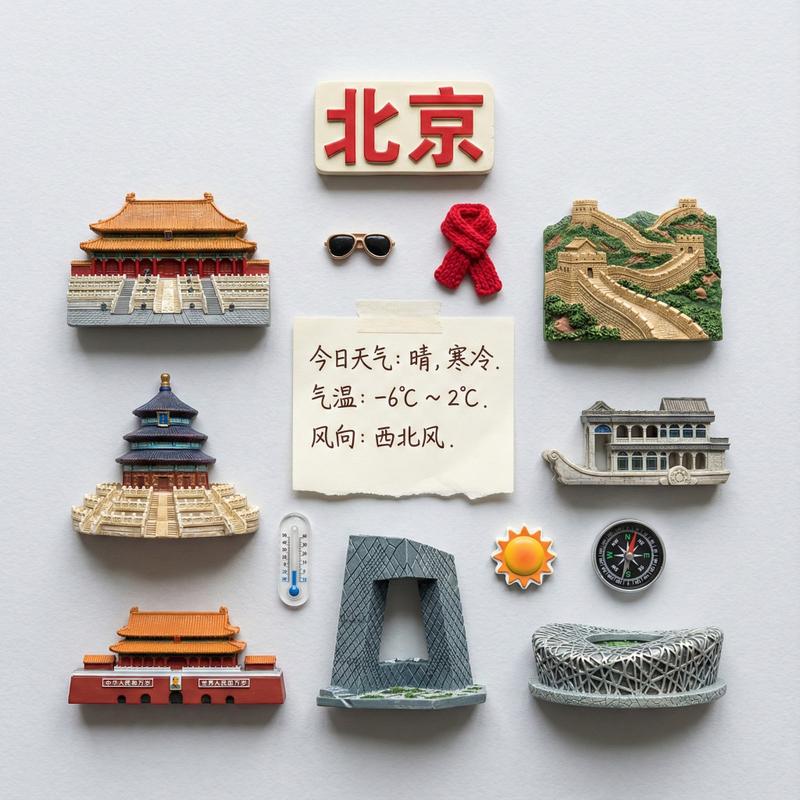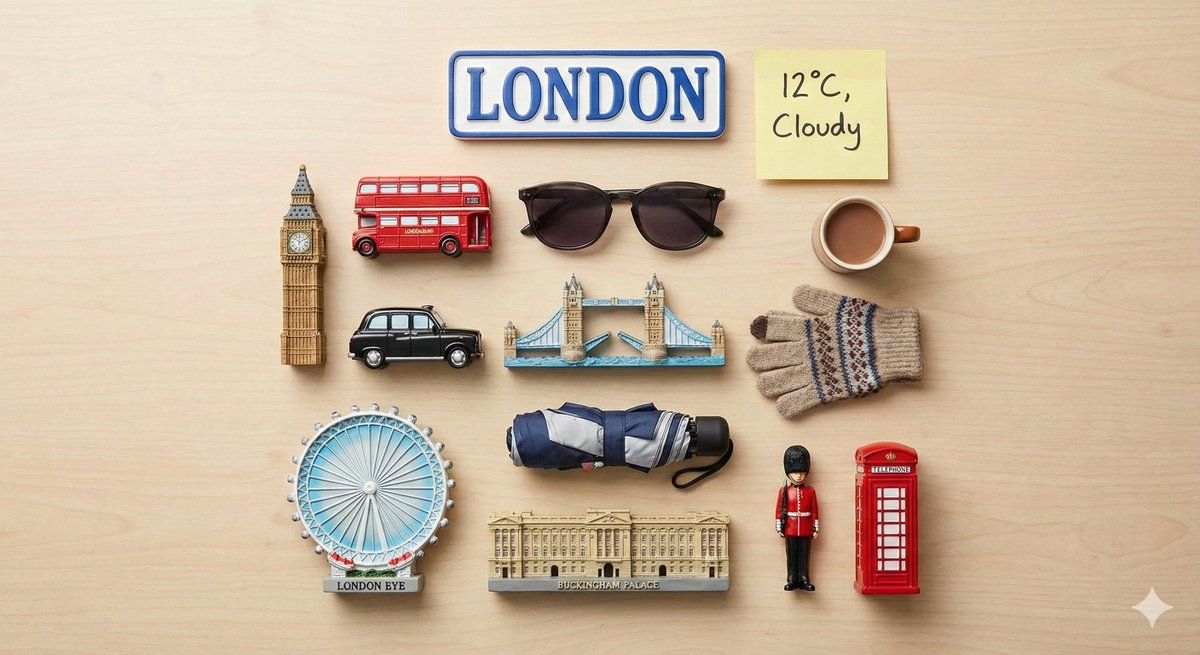
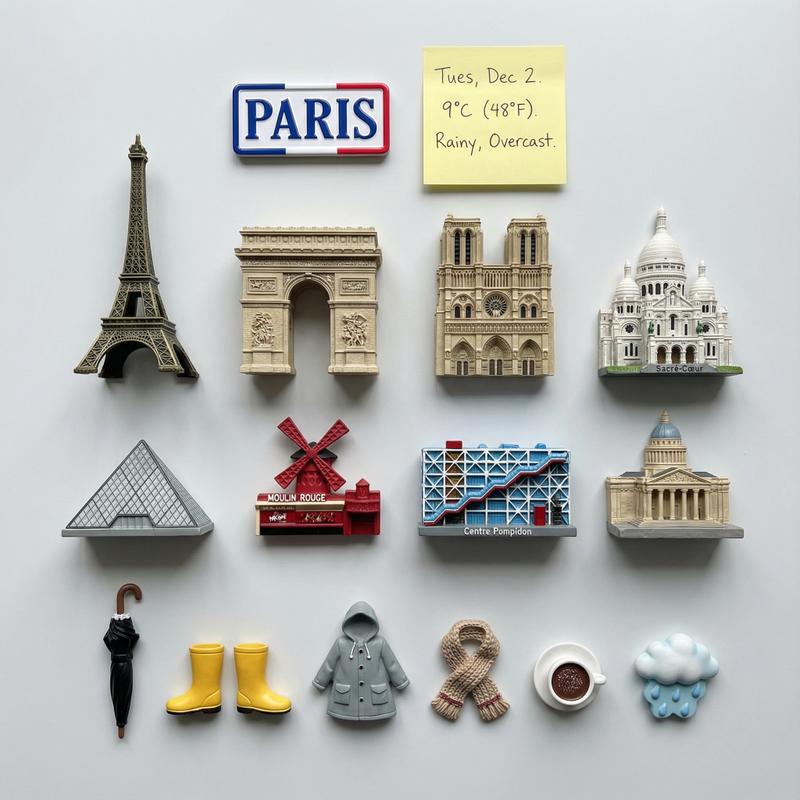
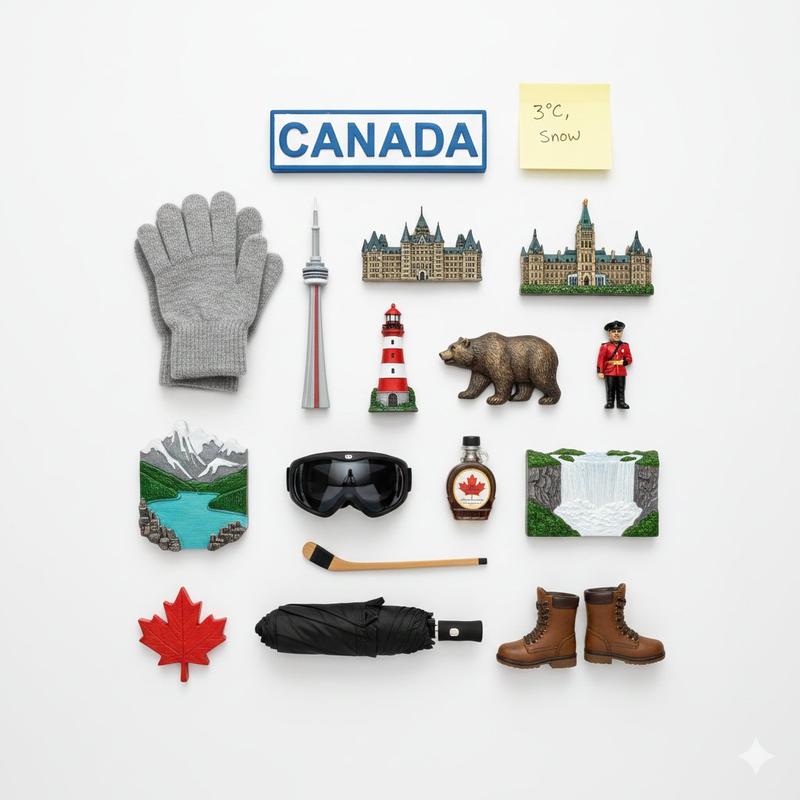
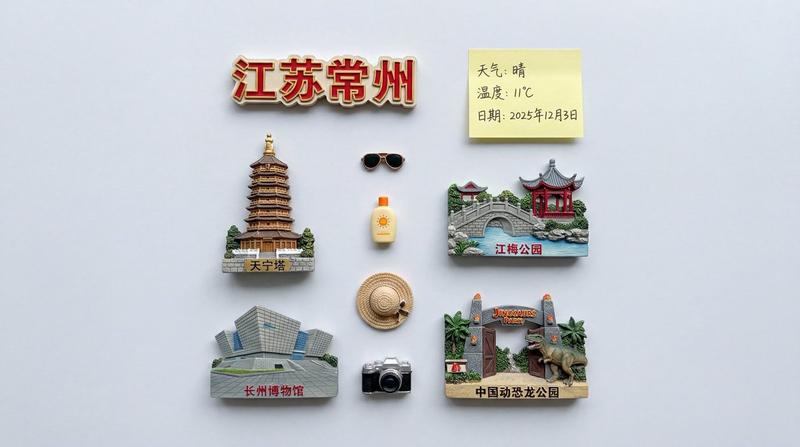
城市地标磁铁的平铺摆拍
Prompt
{
"prompt": "Present a clear, directly top-down photograph of {argument name="city name" default="[CITY]"} landmarks represented as detailed 3D fridge magnets, neatly arranged in a grid-like knolling layout. The layout must be clean and organized, with objects aligned in straight lines and right angles. At the top-center, place a city name magnet as the title. Beside it, include a yellow handwritten sticky note displaying {argument name="weather conditions" default="[TODAY'S TEMPERATURE + WEATHER CONDITIONS]"} (for example: \"23°C, Light Rain\"). Scatter realistic, weather-appropriate accessories throughout the scene (such as sunglasses, gloves, an umbrella, or an iced drink) to reflect the local climate. Ensure every object is unique with no duplicates. The scene should be brightly lit, evenly exposed, high-resolution, photorealistic, and styled as a clean flatlay suitable for social media or magazine print.",
"style": "photorealistic flatlay",
"camera": {
"angle": "top-down",
"composition": "grid-based knolling layout"
},
"lighting": {
"type": "bright and even",
"exposure": "well-balanced"
},
"elements": {
"main_objects": "3D fridge magnets of [CITY] landmarks",
"title": "city name magnet at top-center",
"weather_note": "yellow handwritten sticky note with temperature and weather",
"accessories": "weather-appropriate props matching climate"
},
"constraints": {
"no_duplicates": true,
"alignment": "straight lines and right angles",
"resolution": "high"
},
"intended_use": "social media and magazine print"
}- Category
- 创意图片
- Model
- Nano Banana Pro
- Creator
- The Daily Ai
- Source ID
- 2eaae811-9063-4e7c-86eb-9b7284e3e11b
- Published
- Mar 8, 2026
Views0


![创建一个迷人的迷你 3D 纸艺旅行插图,描绘 [DESTINATION],设计成一张精致的 handmade 旅行明信片。突出可辨识的当地地标和...](https://whqgdndlpxjbwosvipip.supabase.co/storage/v1/render/image/public/prompt-source-media/x-captures/2085947435445354577/snapshot-1-e43c93730c4f9f49.jpg?width=800&quality=75&resize=contain)