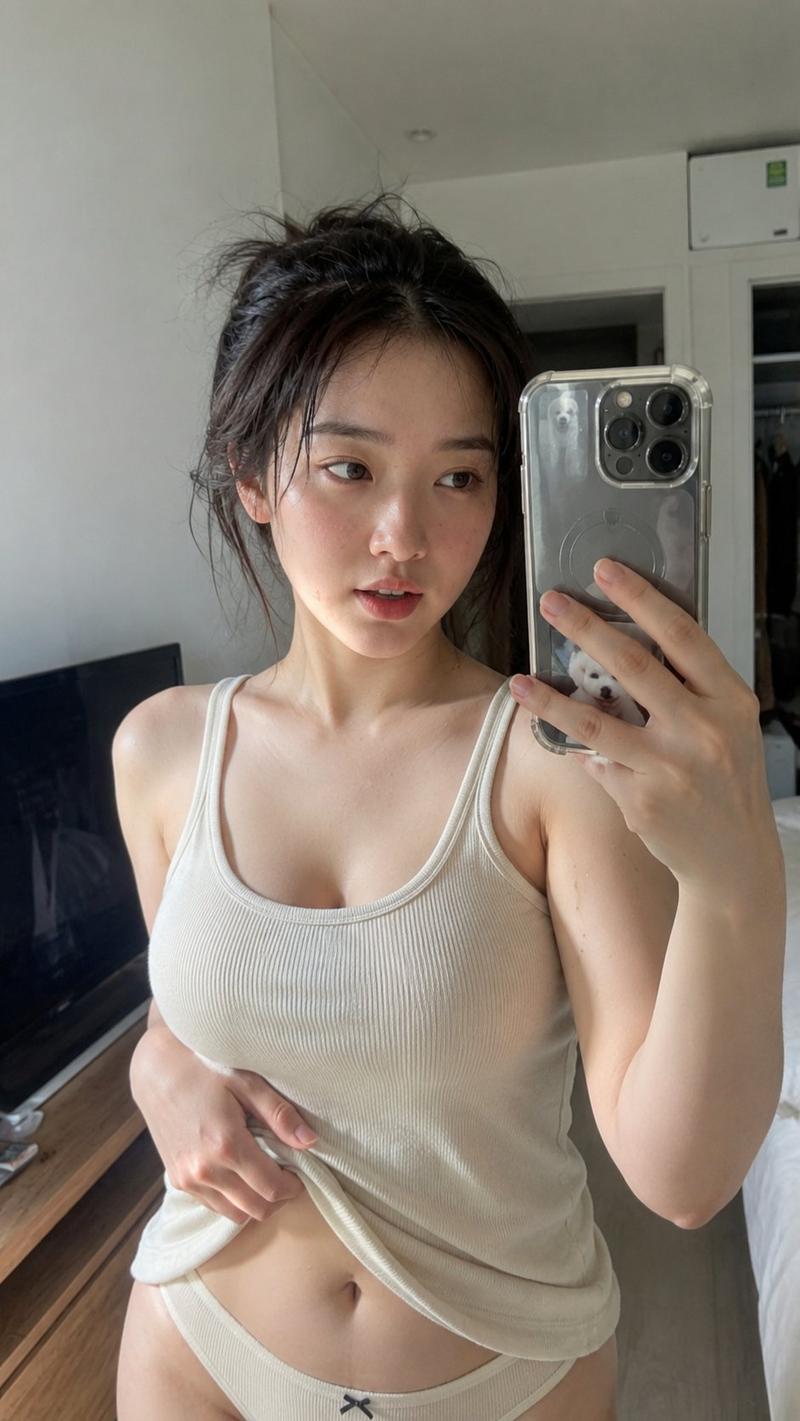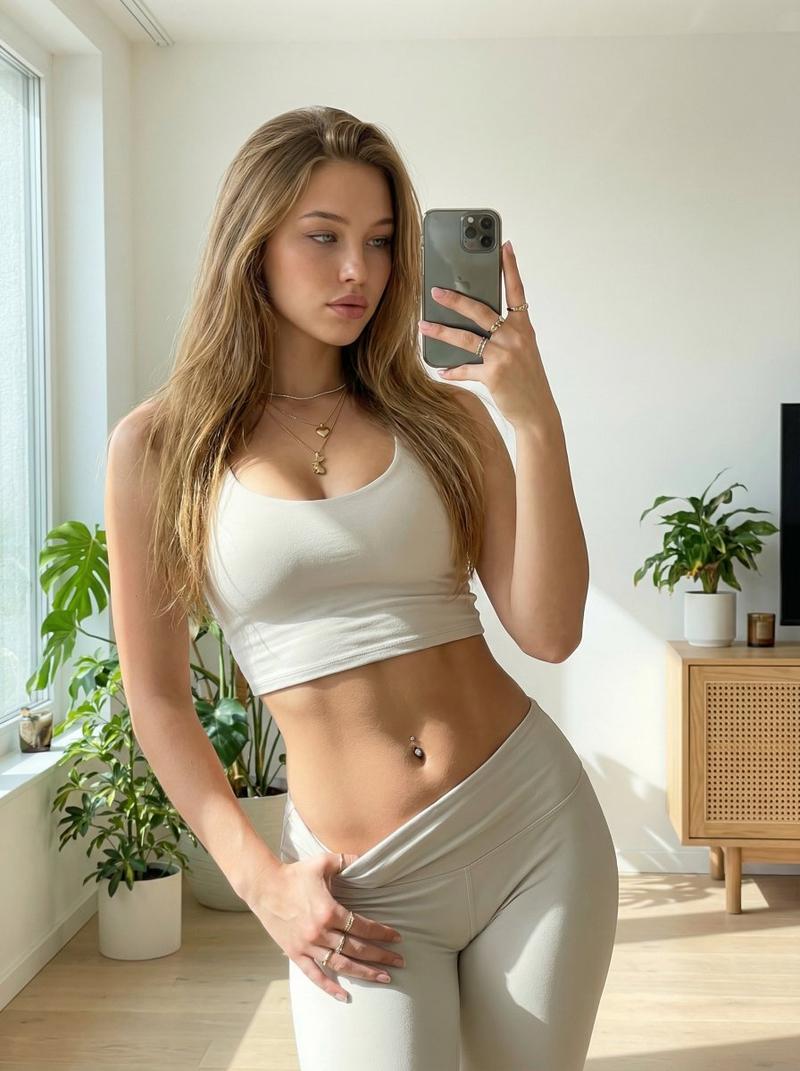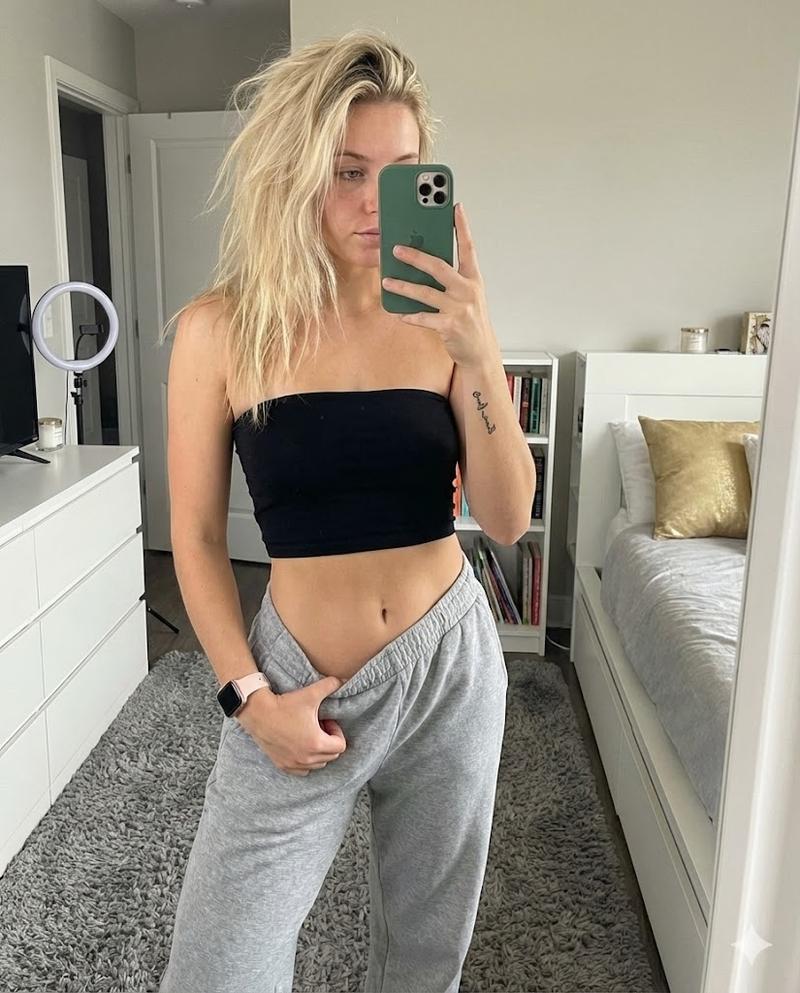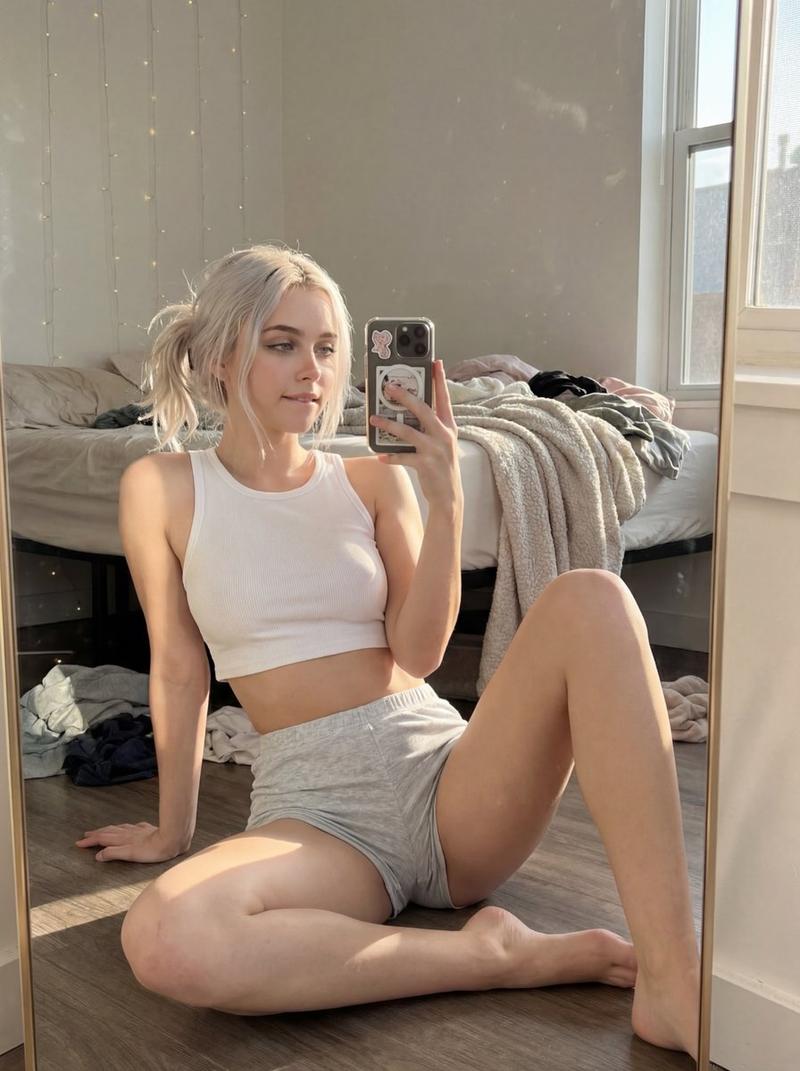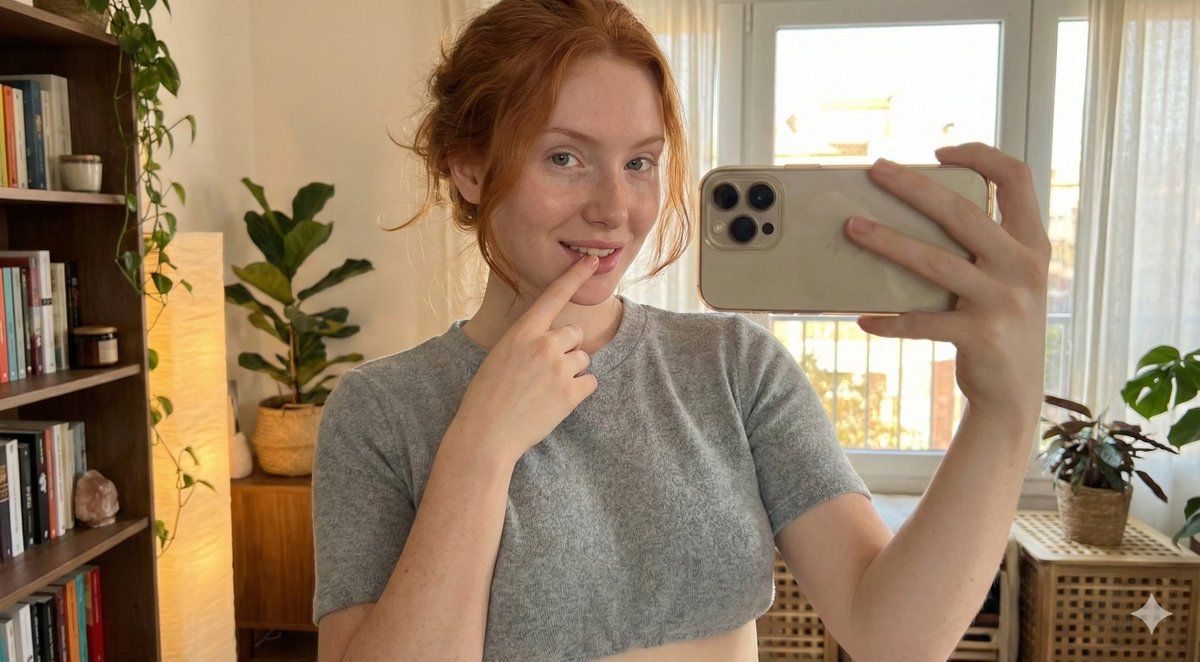
深焦自拍:自然铜红色头发
Prompt
{
  "subject": {
    "demographics": "Young adult female, approx 21–24 years old, fictional, adult (20+).",

    "hair": {
      "color": "{argument name="hair color" default="natural copper red"}",
      "style": "long, softly wavy, natural casual parting",
      "texture": "soft, realistic strands, slightly tousled",
      "movement": "falling naturally over shoulders and mostly toward the back"
    },

    "face": {
      "shape": "soft oval with gentle jawline",
      "eyes": "almond-shaped, light blue-grey irises",
      "nose": "soft straight bridge with a delicate tip",
      "lips": "naturally full, muted rosy tone",
      "expression": "calm, confident, subtly playful",
      "skin_details": "very fair porcelain skin with light, sparse freckles mainly on the nose and upper cheeks",
      "micro_details": "natural skin texture, visible pores, subtle natural blush",
      "framing": "the entire head is fully visible in frame, including the top of the hair"
    },

    "body_proportions": {
      "build": "soft feminine build with natural curves",
      "chest": "full bust with realistic proportions and natural gravity",
      "waist_to_chest_ratio": "balanced hourglass tendency without exaggeration",
      "shoulders": "soft, rounded, natural slope",
      "overall_impression": "natural, elegant, realistic body proportions"
    }
  },

  "pose_and_expression": {
    "gesture": "she gently places a fingertip near her lips in a soft, playful manner",
    "mood": "confident, relaxed, slightly flirtatious but elegant",
    "posture": "relaxed seated pose",
    "camera_relationship": "she is taking a selfie, holding the camera slightly above eye level with one hand",
    "framing": "upper body portrait including head, shoulders, and chest area"
  },

  "wardrobe": {
    "top": "lightweight fitted cropped top",
    "style": "casual and feminine",
    "fabric": "soft, thin material with natural folds",
    "neckline": "moderate feminine neckline with subtle natural cleavage, tastefully visible"
  },

  "environment": {
    "location": "cozy indoor setting",
    "style": "warm, artistic, relaxed",
    "lighting": "soft warm natural lighting, flattering skin tones",
    "background_focus": "the background is clearly visible and NOT blurred; both subject and background are in focus",
    "depth_of_field": "deep focus, no bokeh effect"
  },

  "aesthetic": {
    "tone": "natural, realistic, elegant, softly sensual",
    "render_style": "highly realistic photographic style",
    "skin_render": "natural texture preserved",
    "camera_style": "smartphone selfie perspective"
  },

  "negative_prompt": {
    "focus": [
      "blurred background",
      "bokeh",
      "shallow depth of field",
      "portrait lens blur",
      "soft focus background",
      "overly smoothed skin",
      "airbrushed effect"
    ]
  }
}- Category
- 创意图片
- Model
- Nano Banana Pro
- Creator
- coppern
- Source ID
- 5fe3ab51-311a-4ca2-a44e-14b7ae8ce565
- Published
- Mar 8, 2026
Views0