16

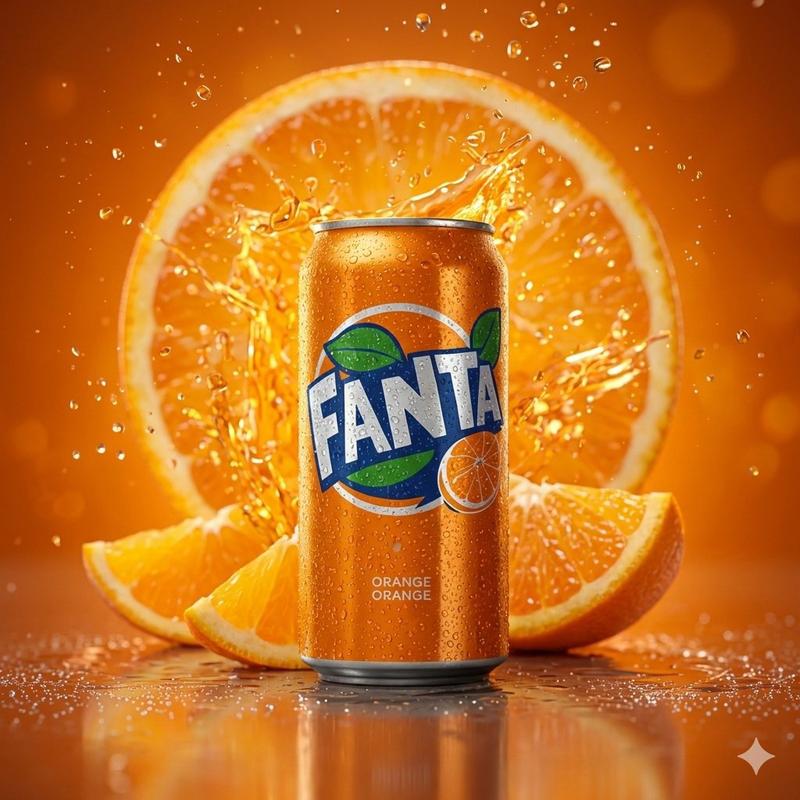
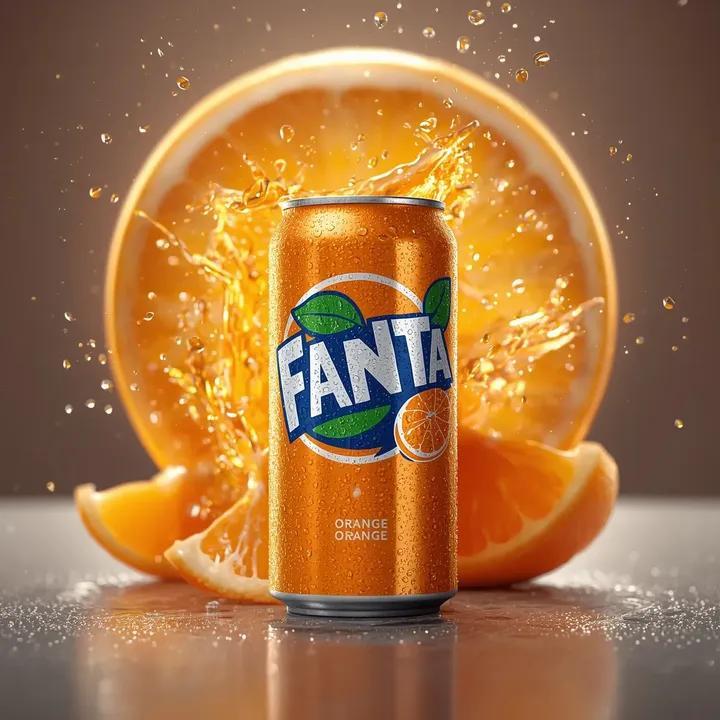
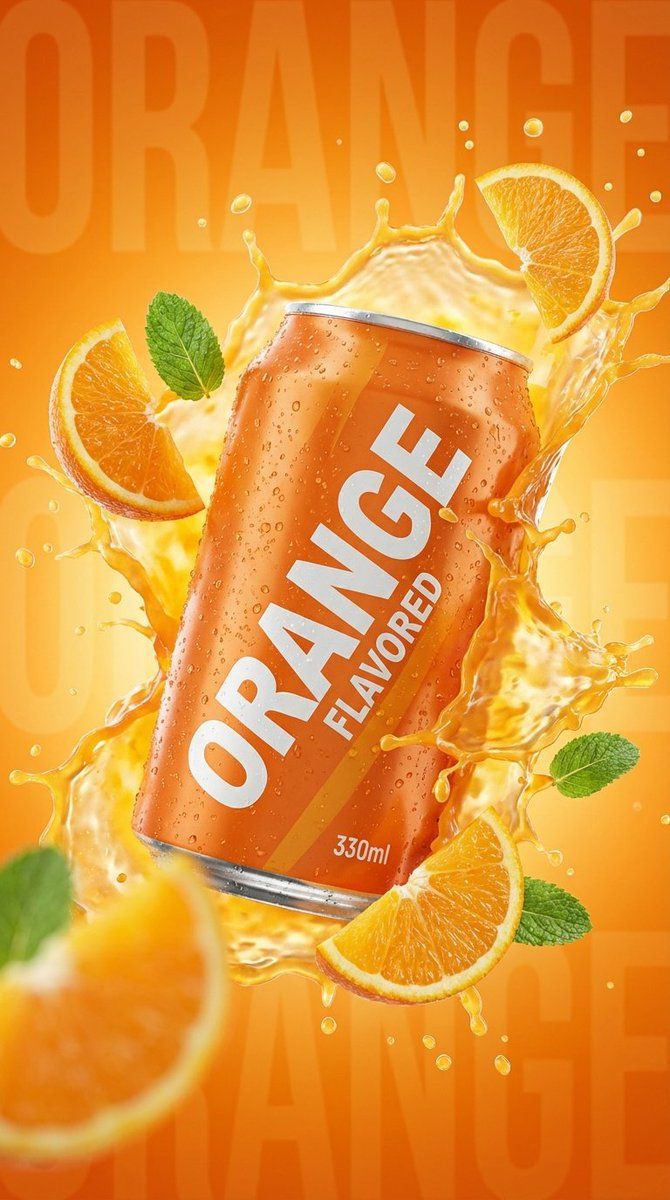
商业产品摄影:橙味汽水罐飞溅
Enlarge

商业产品摄影:橙味汽水罐飞溅

Prompt
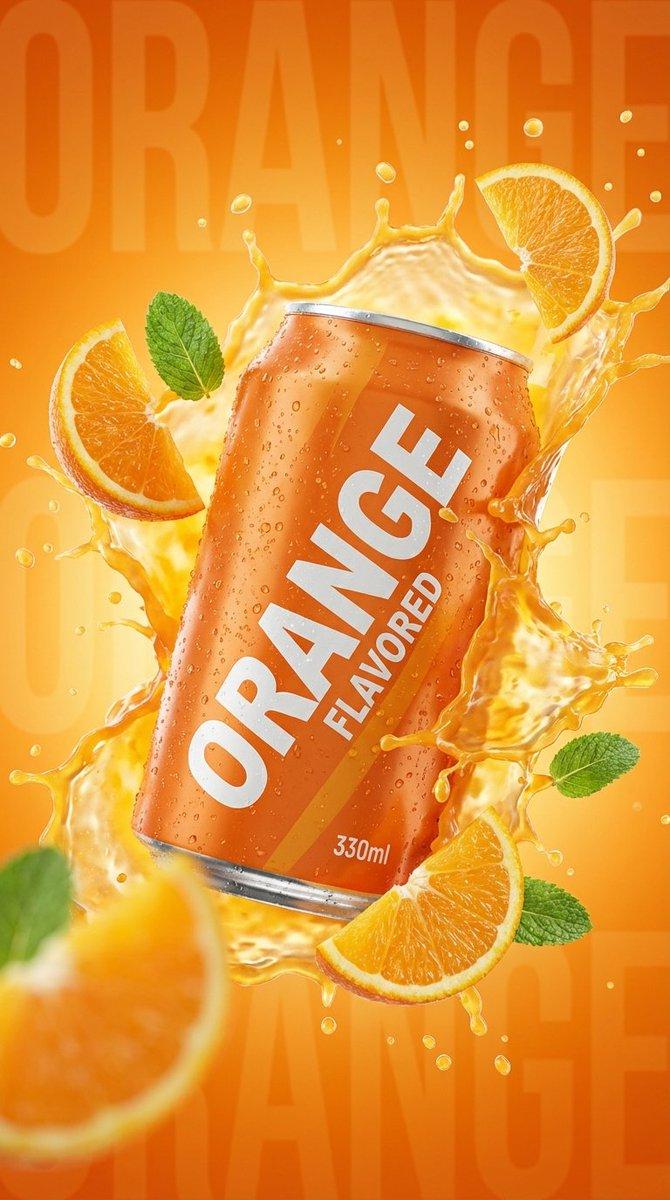
commercial product photography of a wet 330ml orange aluminum soda can covered in fresh cold condensation droplets, large bold white diagonal text "{argument name="main text" default="ORANGE"}" and smaller text "{argument name="flavor text" default="FLAVORED"}" on the can body, small text "{argument name="volume" default="330ml"}" near bottom, dynamic liquid explosion of orange juice splashing around the can with subsurface scattering, floating fresh orange slices with detailed pulp texture and green mint leaves suspended in air, faint large text "ORANGE" in the orange gradient background, studio lighting, backlighting, high speed photography, freeze motion, sharp focus on can, blurry foreground elements, hyper-realistic, 8k resolution, octane render style --ar 2:3 --stylize 250
Category
创意图片
Model
Nano Banana Pro
Views0
Source ID
23a87ada-d17c-44d4-a34a-959293648234
Published
Mar 8, 2026

Guide

About "商业产品摄影:橙味汽水罐飞溅"

What is this prompt for?

"商业产品摄影:橙味汽水罐飞溅" AI image prompt for Nano Banana Pro (创意图片). 以下是为 Nano Banana Pro 设计的详细商业产品摄影提示,旨在生成一张超逼真的湿润 330 毫升橙色铝制汽水罐图像,罐身布满冷凝水。它指定了文本位置、动态的橙汁液体爆炸效果、漂浮的橙片…

The full copyable prompt and example visuals above are ready for AI image generation or one-click recreate in Picva.

How to use this prompt

  1. Step 1

    Open the prompt detail

    Review the example visuals, category, and full prompt text for "商业产品摄影:橙味汽水罐飞溅".

  2. Step 2

    Copy the prompt

    Copy the prompt body from this page, or load it directly in Studio.

  3. Step 3

    Pick a model (Nano Banana Pro)

    Prefer Nano Banana Pro. If you switch models, keep subject and composition and tweak style terms.

  4. Step 4

    Generate and export

    Recreate the look in Picva, or export into your workflow for editing and publishing.

FAQ

What is the "商业产品摄影:橙味汽水罐飞溅" prompt?
It is an AI image-generation prompt for Nano Banana Pro in the 创意图片 category. This page includes the full prompt text, example visuals, and a one-click recreate path in Picva.
How do I use this prompt to generate an image?
Copy the prompt from this page, or use Generate / Studio. Paste it into a compatible image model, or recreate the look in Picva with optional reference images.
Which model is this prompt for?
This page lists Nano Banana Pro. Most descriptive prompts also transfer to nearby image models such as GPT Image, Flux, or Midjourney with light style tweaks.
Can I use the result commercially?
You can usually copy the prompt for creation, but commercial use of the final image depends on the model terms, reference-image rights, and the generated content. Follow the source author and platform rules.