19

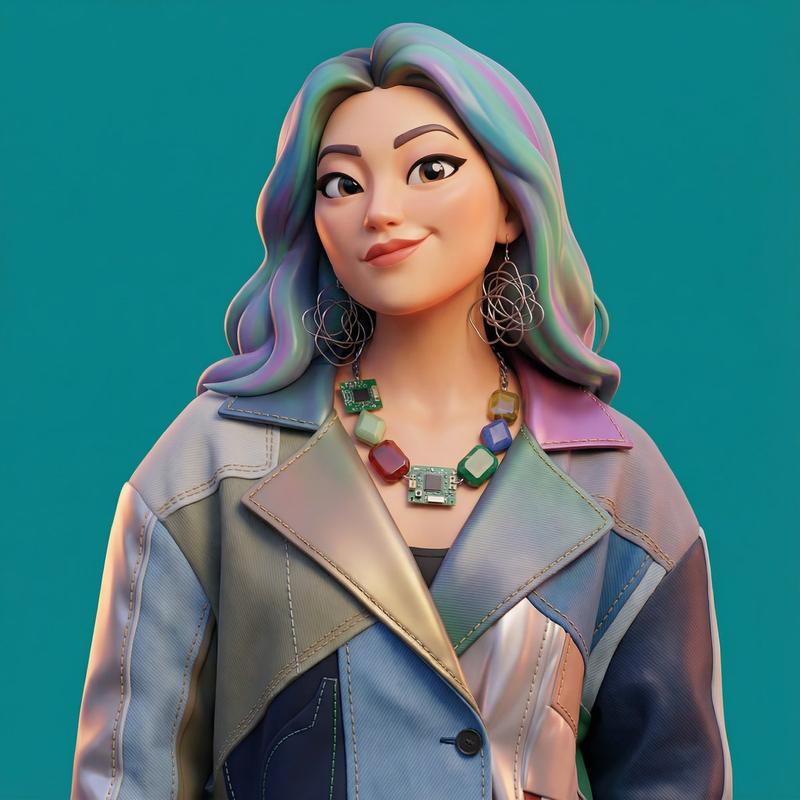
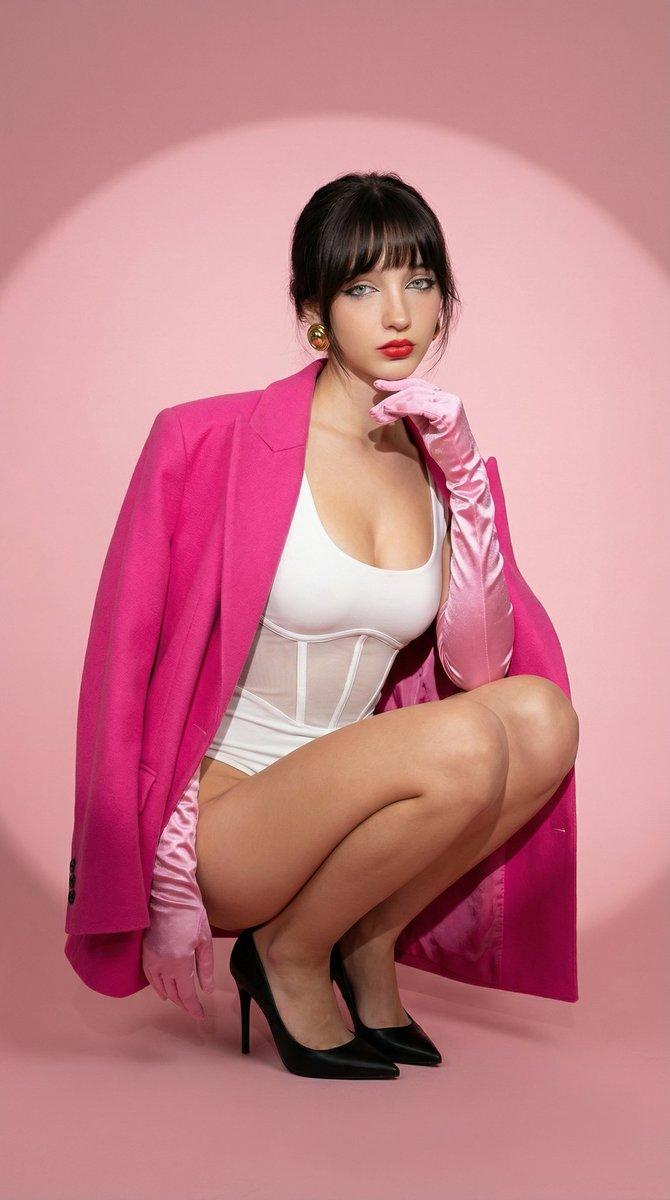
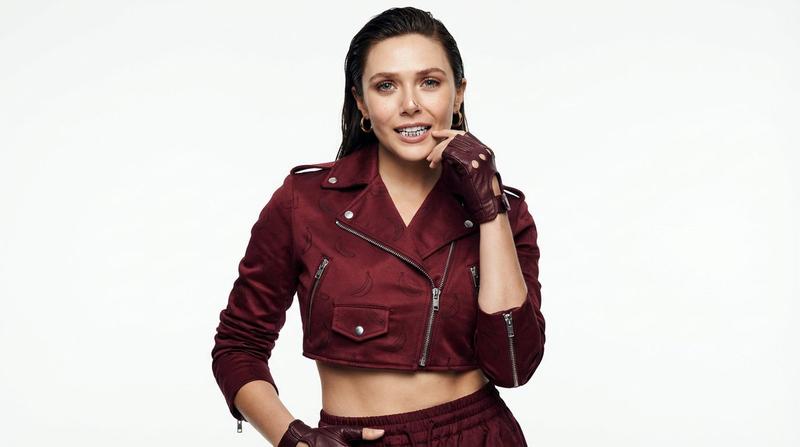
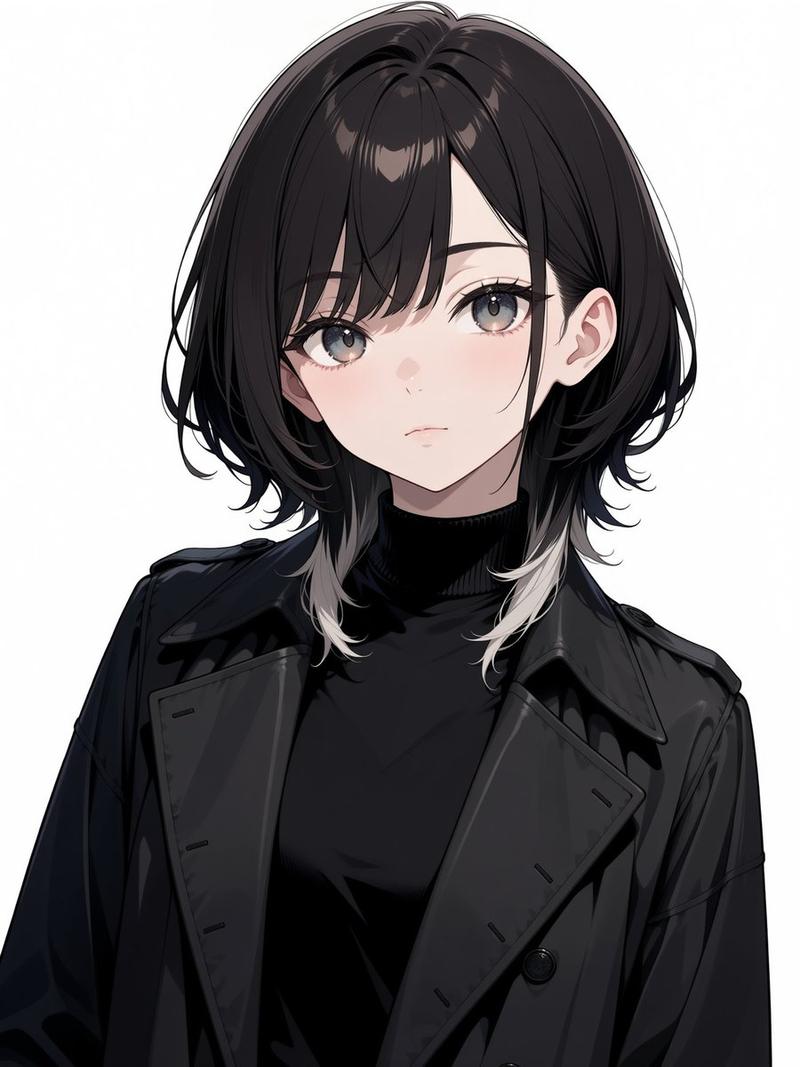
逼真人物与 3D 角色并排提示
Enlarge

逼真人物与 3D 角色并排提示

Prompt
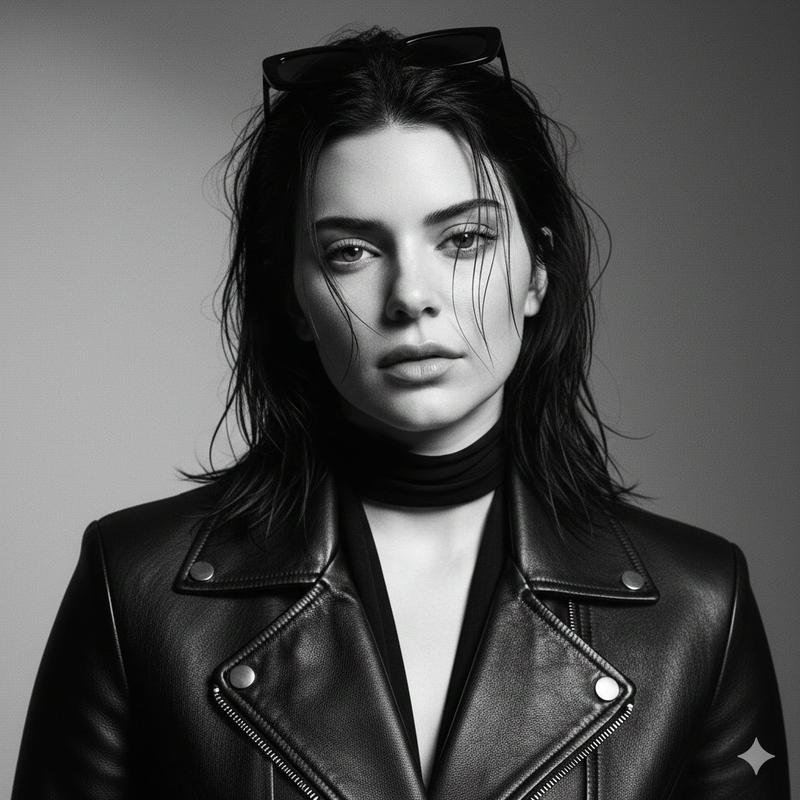
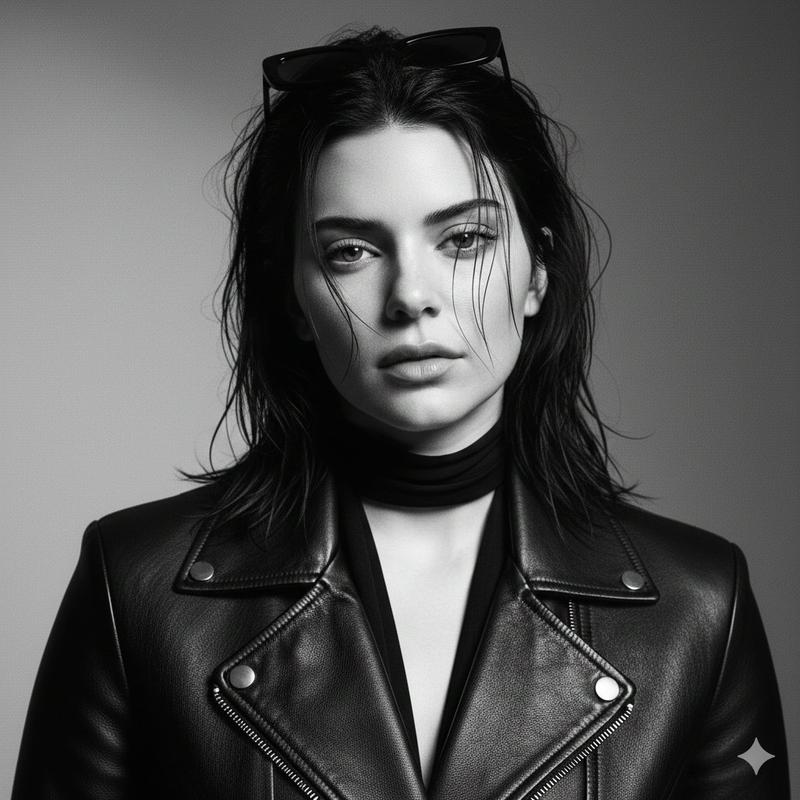
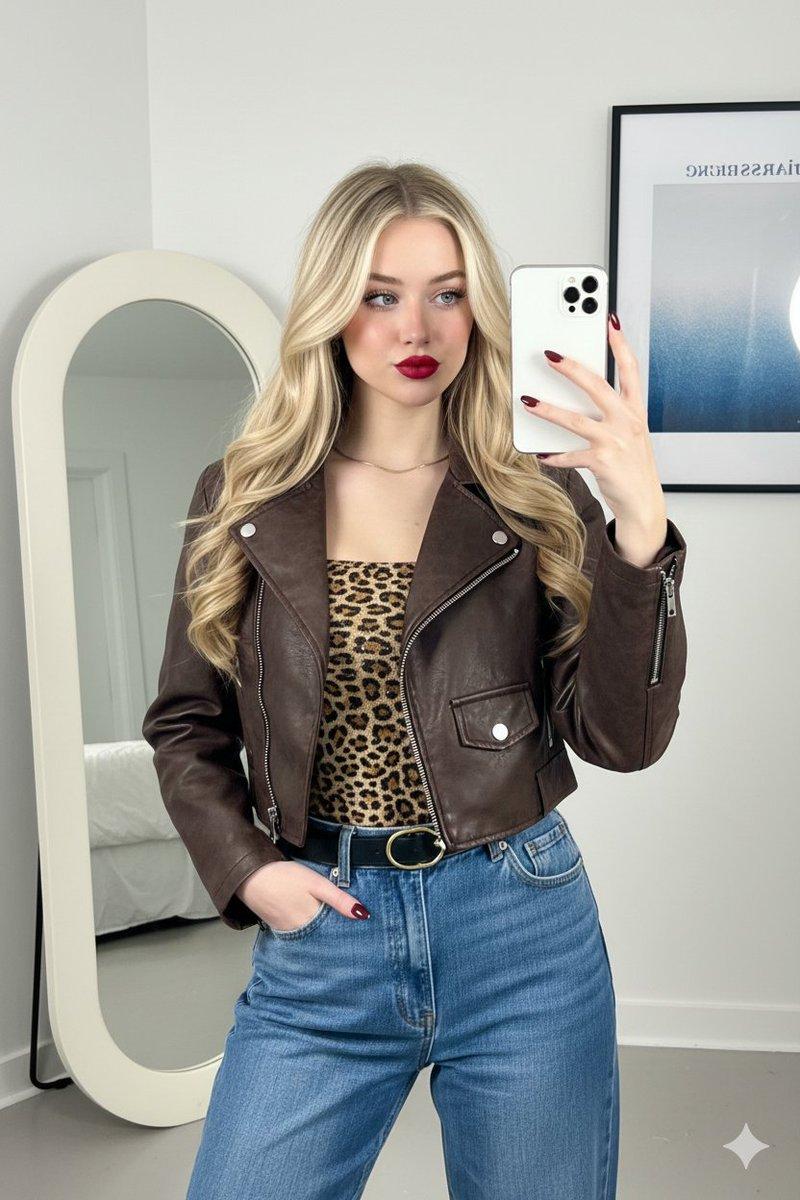
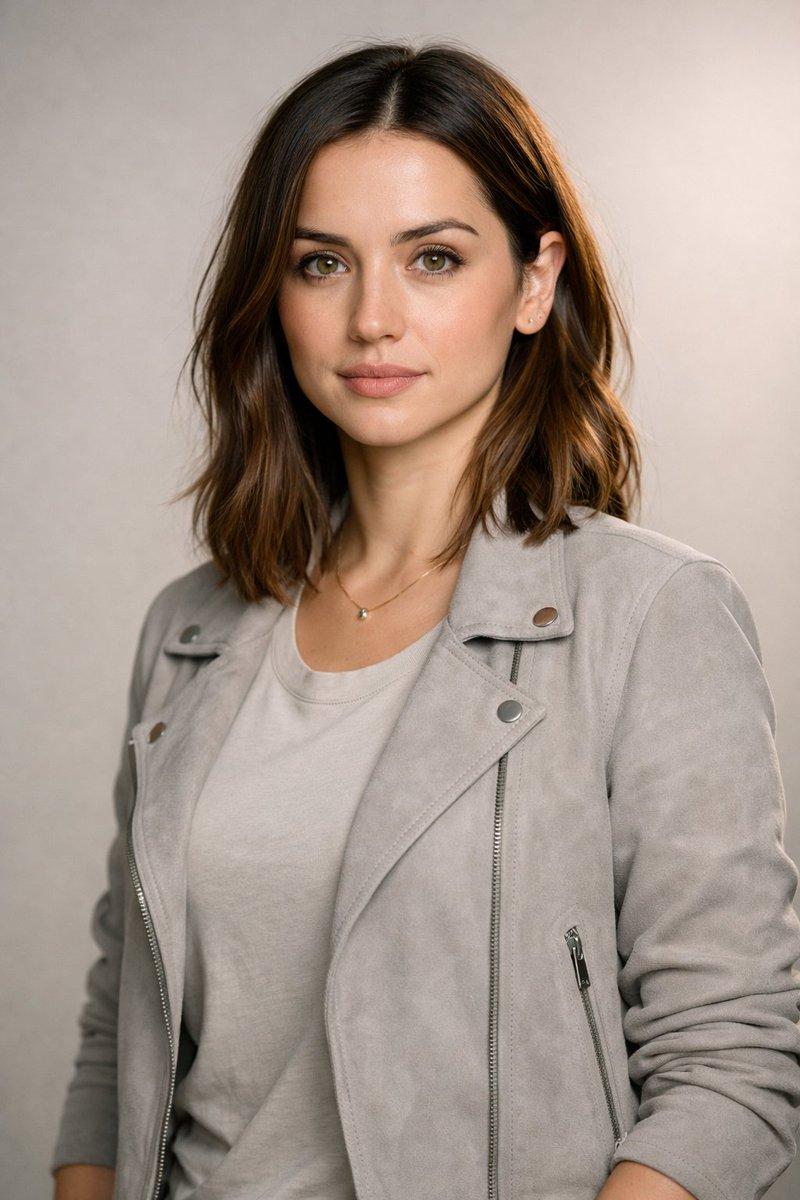
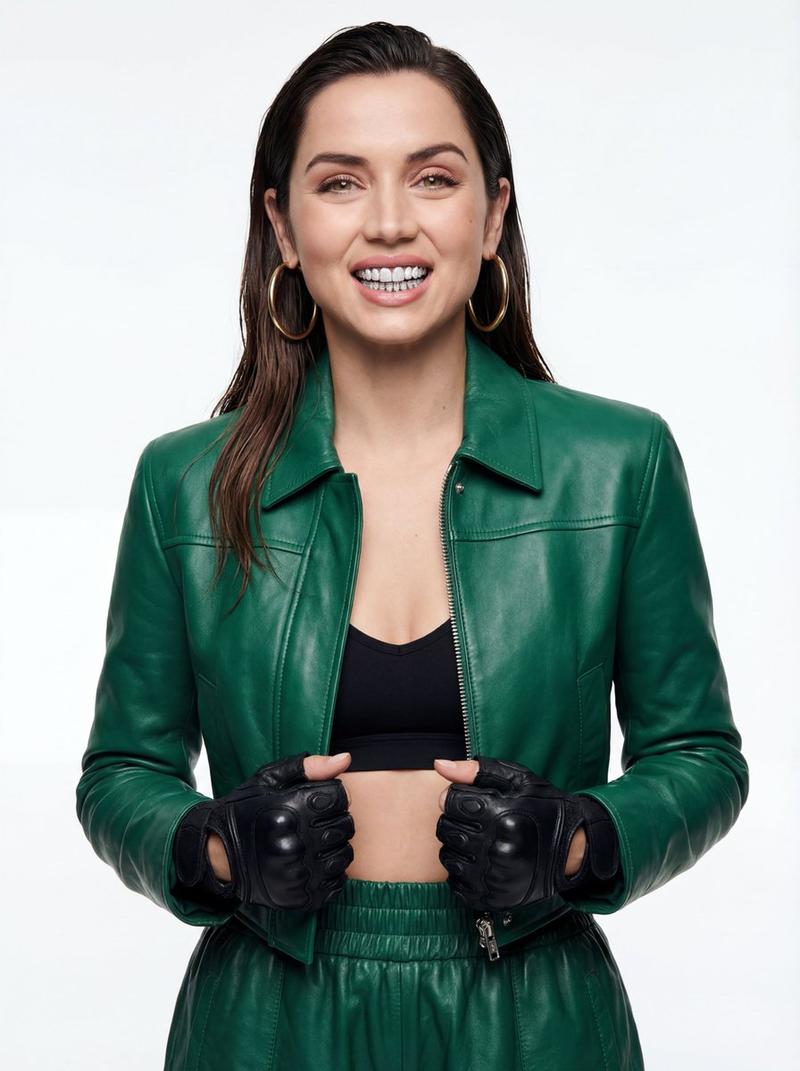
Use the same face from the reference image without changing facial features
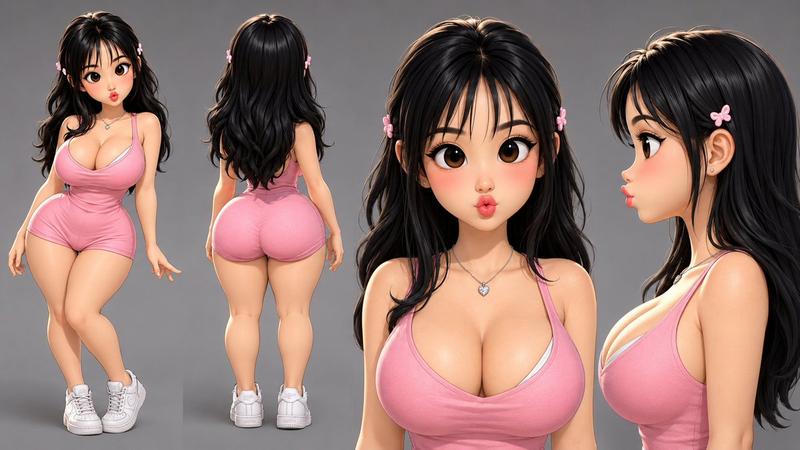
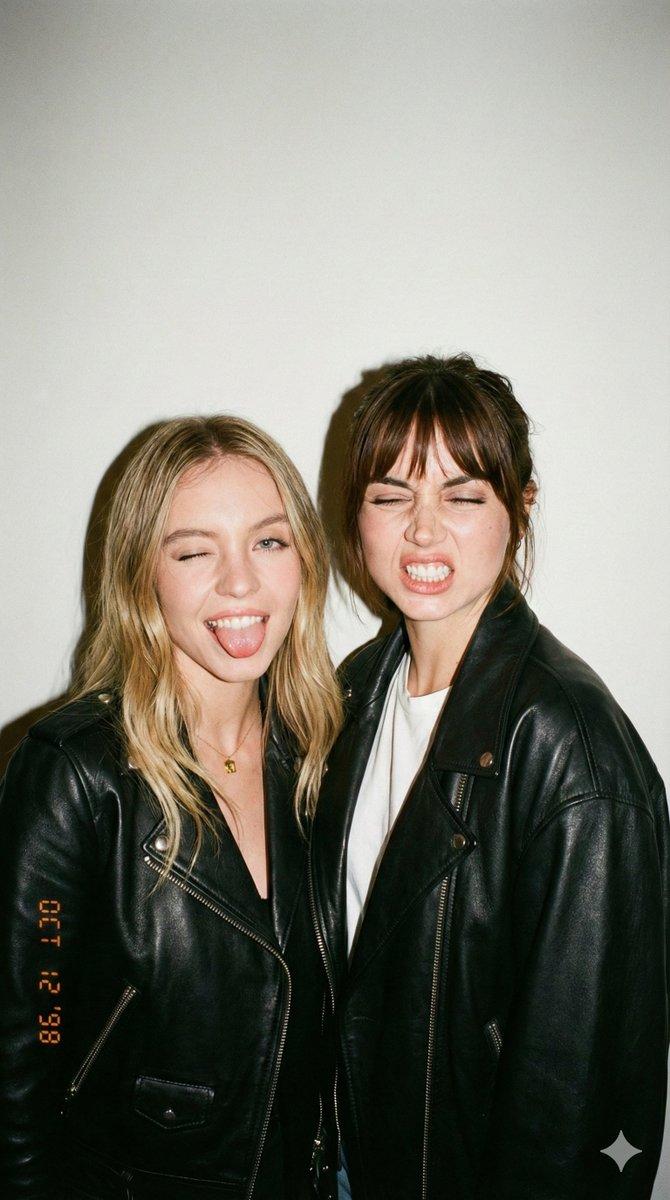
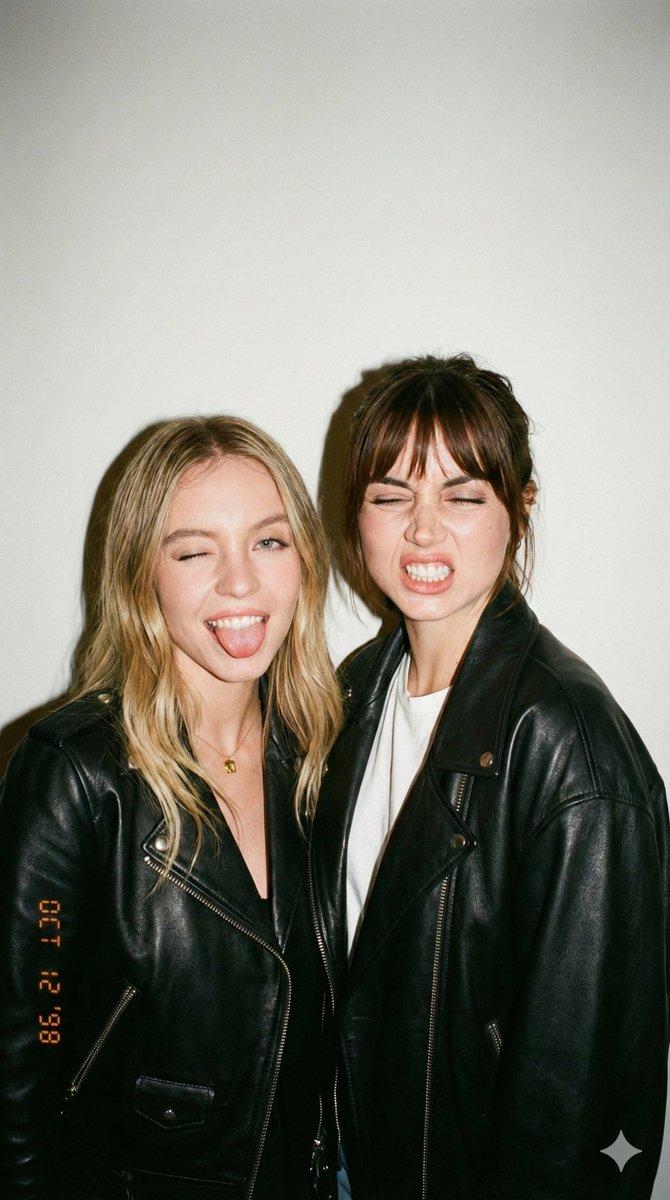
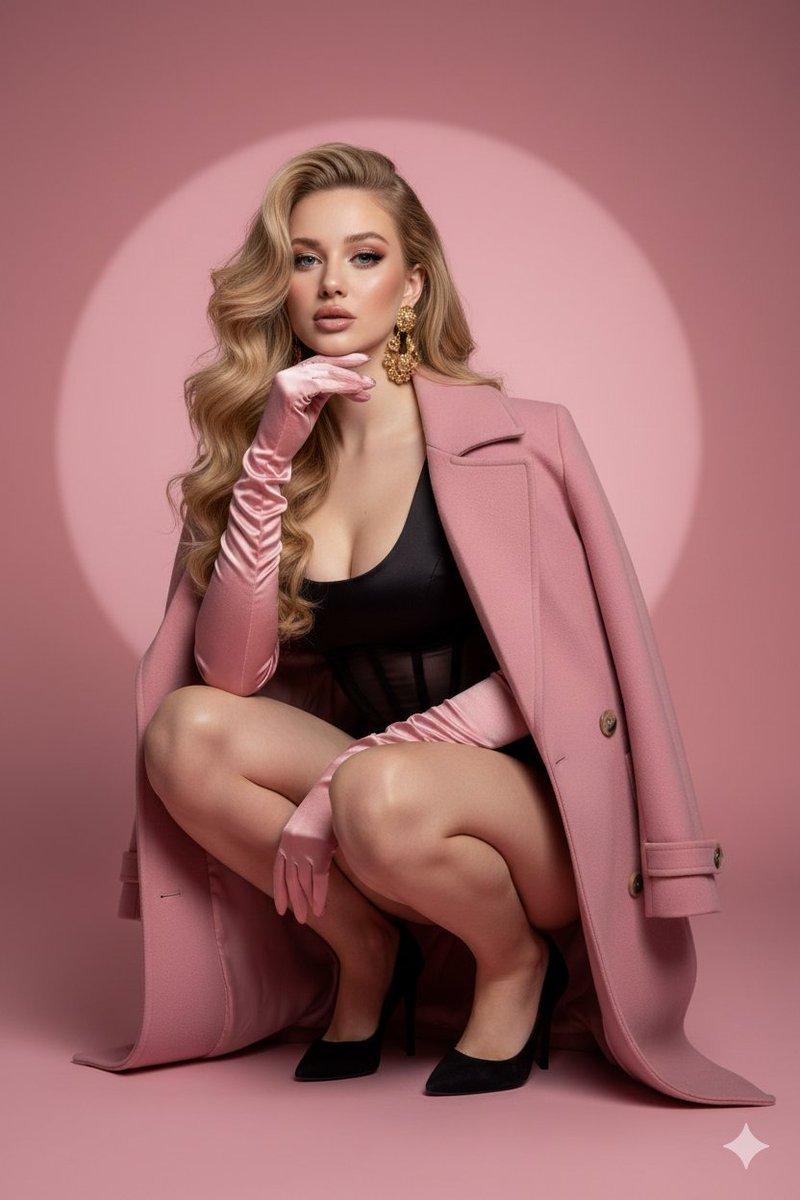
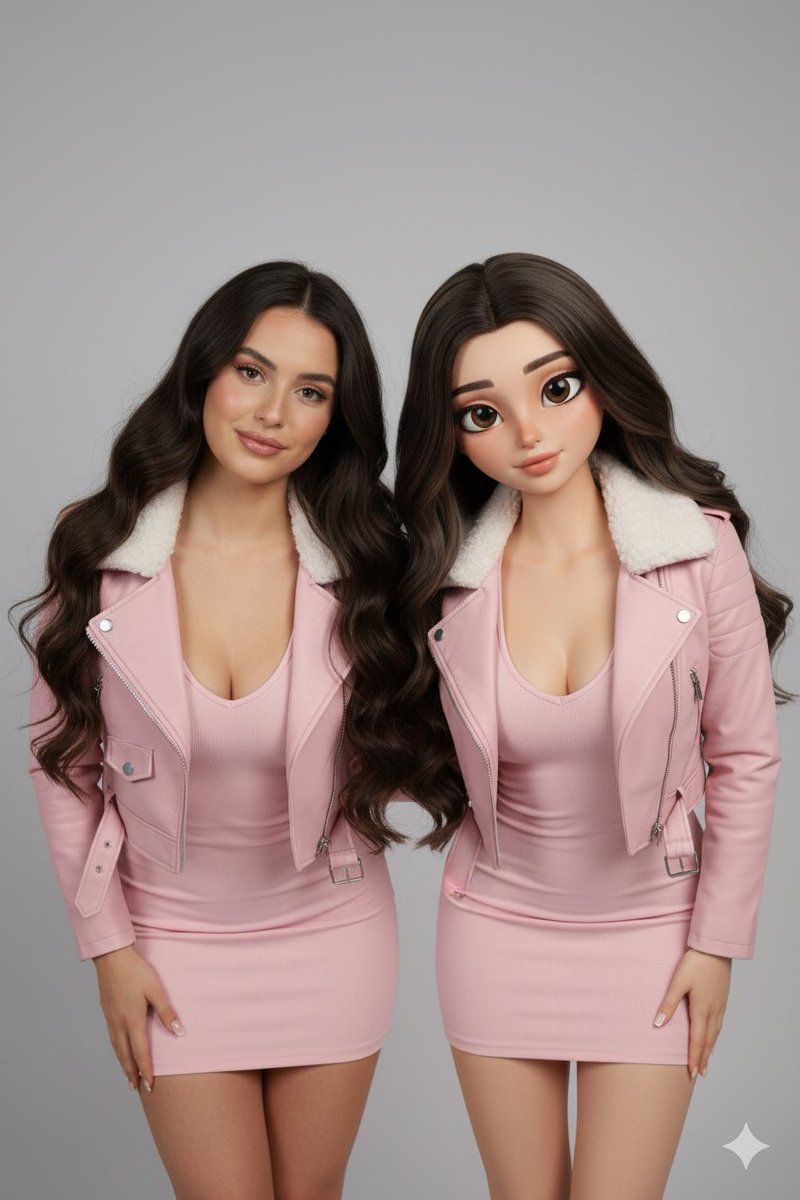
Two women stand side by side in a studio: left a realistic human (from the reference image) with natural skin texture and soft smile; right a semi-realistic stylized 3D character with slightly larger expressive eyes and smooth shading. Both have long dark hair, matching baby pink fitted mini dresses with V necklines and baby pink leather jackets with fur collars. They lean forward in mirrored poses, heads tilted inward. Neutral grey backdrop, soft even front lighting, eye-level 50mm, deep focus, 4:5.
Category
创意图片
Model
Nano Banana Pro
Views0
Source ID
e823b217-6526-45ae-bd81-84bdcd2bb32c
Published
Mar 8, 2026

Guide

About "逼真人物与 3D 角色并排提示"

What is this prompt for?

"逼真人物与 3D 角色并排提示" AI image prompt for Nano Banana Pro (创意图片). 一个用于生成两名女性并排图像的提示:其中一位是超写实的人类(基于参考图像),另一位是半写实风格化的 3D 角色。该提示旨在保持精确的面部特征,同时对比写实程度,两人穿着相同的服装,以镜像姿势站在…

The full copyable prompt and example visuals above are ready for AI image generation or one-click recreate in Picva.

How to use this prompt

  1. Step 1

    Open the prompt detail

    Review the example visuals, category, and full prompt text for "逼真人物与 3D 角色并排提示".

  2. Step 2

    Copy the prompt

    Copy the prompt body from this page, or load it directly in Studio.

  3. Step 3

    Pick a model (Nano Banana Pro)

    Prefer Nano Banana Pro. If you switch models, keep subject and composition and tweak style terms.

  4. Step 4

    Generate and export

    Recreate the look in Picva, or export into your workflow for editing and publishing.

FAQ

What is the "逼真人物与 3D 角色并排提示" prompt?
It is an AI image-generation prompt for Nano Banana Pro in the 创意图片 category. This page includes the full prompt text, example visuals, and a one-click recreate path in Picva.
How do I use this prompt to generate an image?
Copy the prompt from this page, or use Generate / Studio. Paste it into a compatible image model, or recreate the look in Picva with optional reference images.
Which model is this prompt for?
This page lists Nano Banana Pro. Most descriptive prompts also transfer to nearby image models such as GPT Image, Flux, or Midjourney with light style tweaks.
Can I use the result commercially?
You can usually copy the prompt for creation, but commercial use of the final image depends on the model terms, reference-image rights, and the generated content. Follow the source author and platform rules.