17

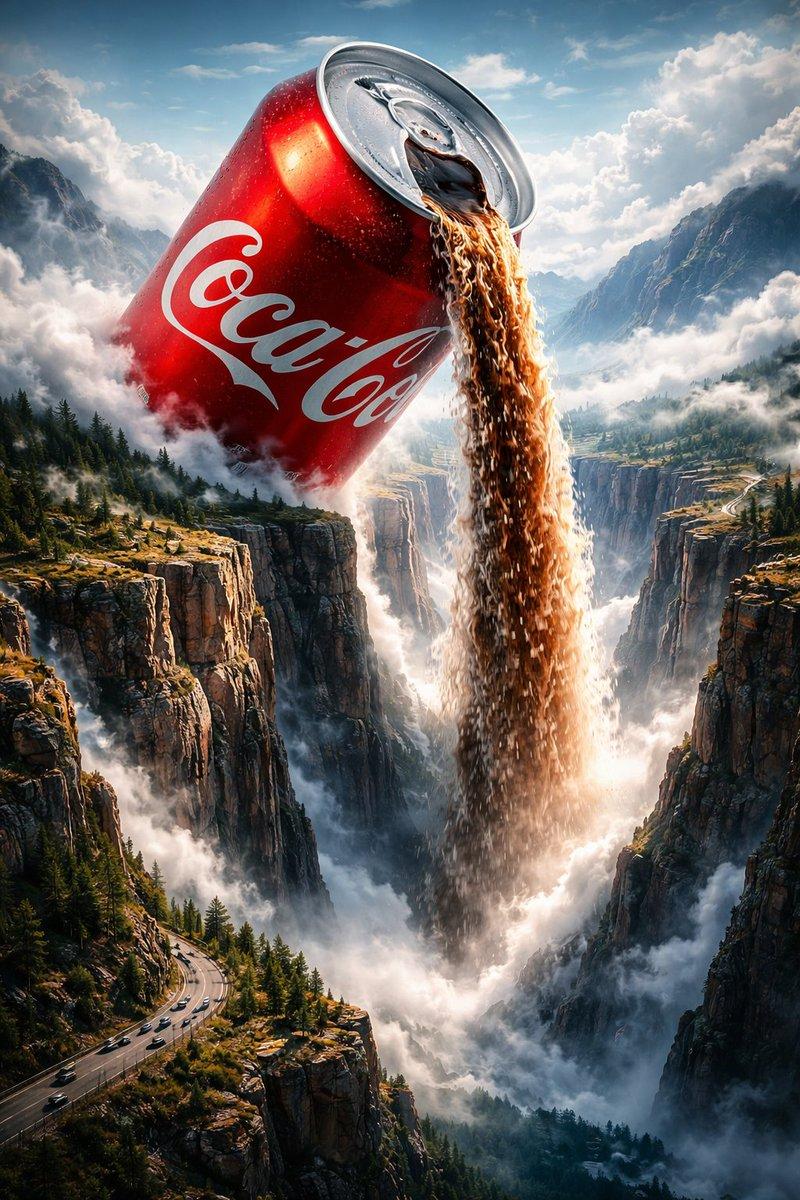
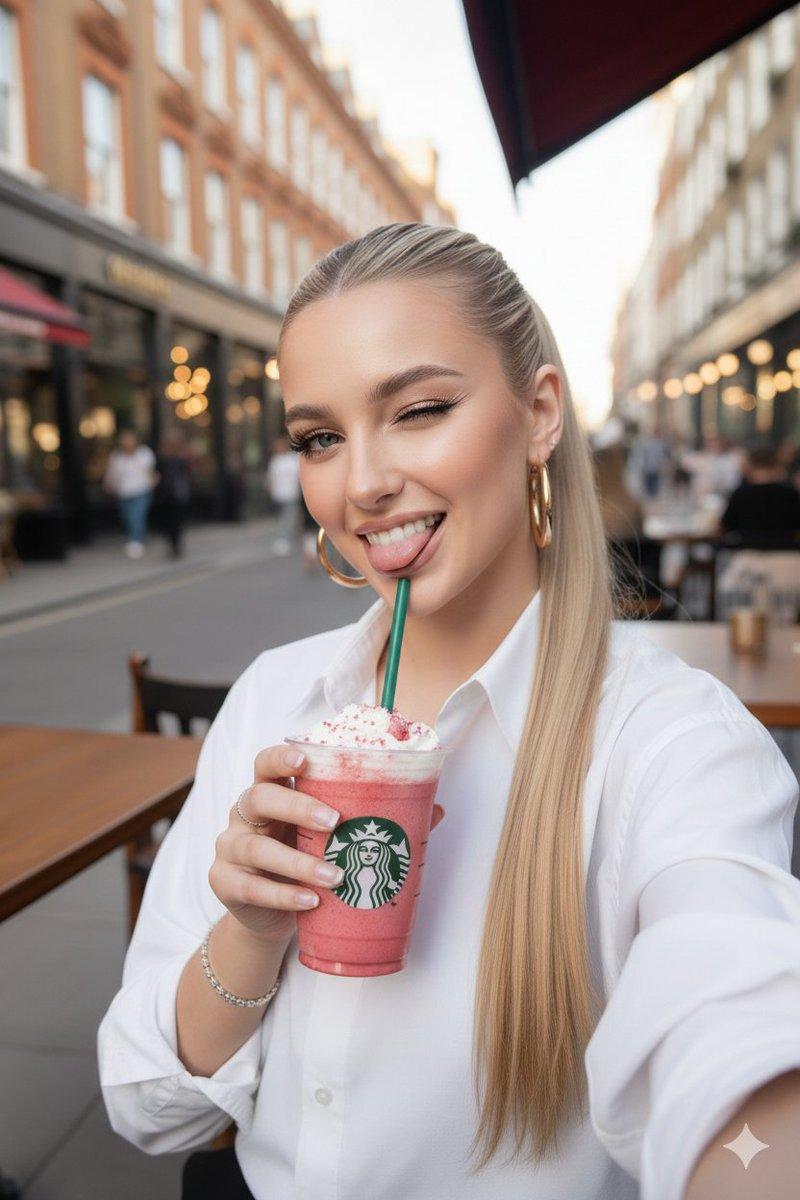
电影级 UGC 广告生成,专为饮品行业打造
Enlarge

电影级 UGC 广告生成,专为饮品行业打造

Prompt
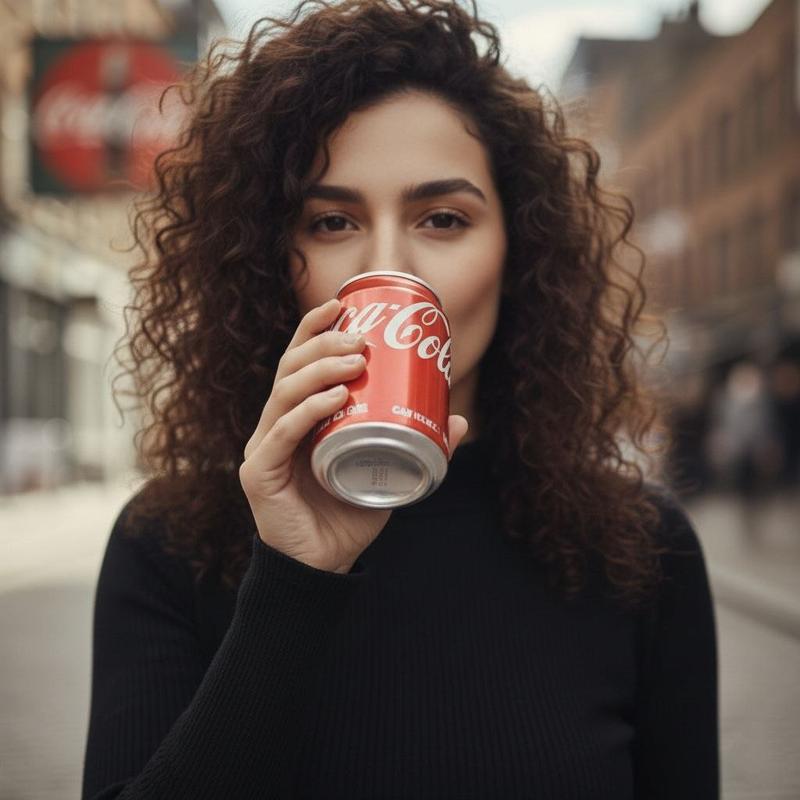
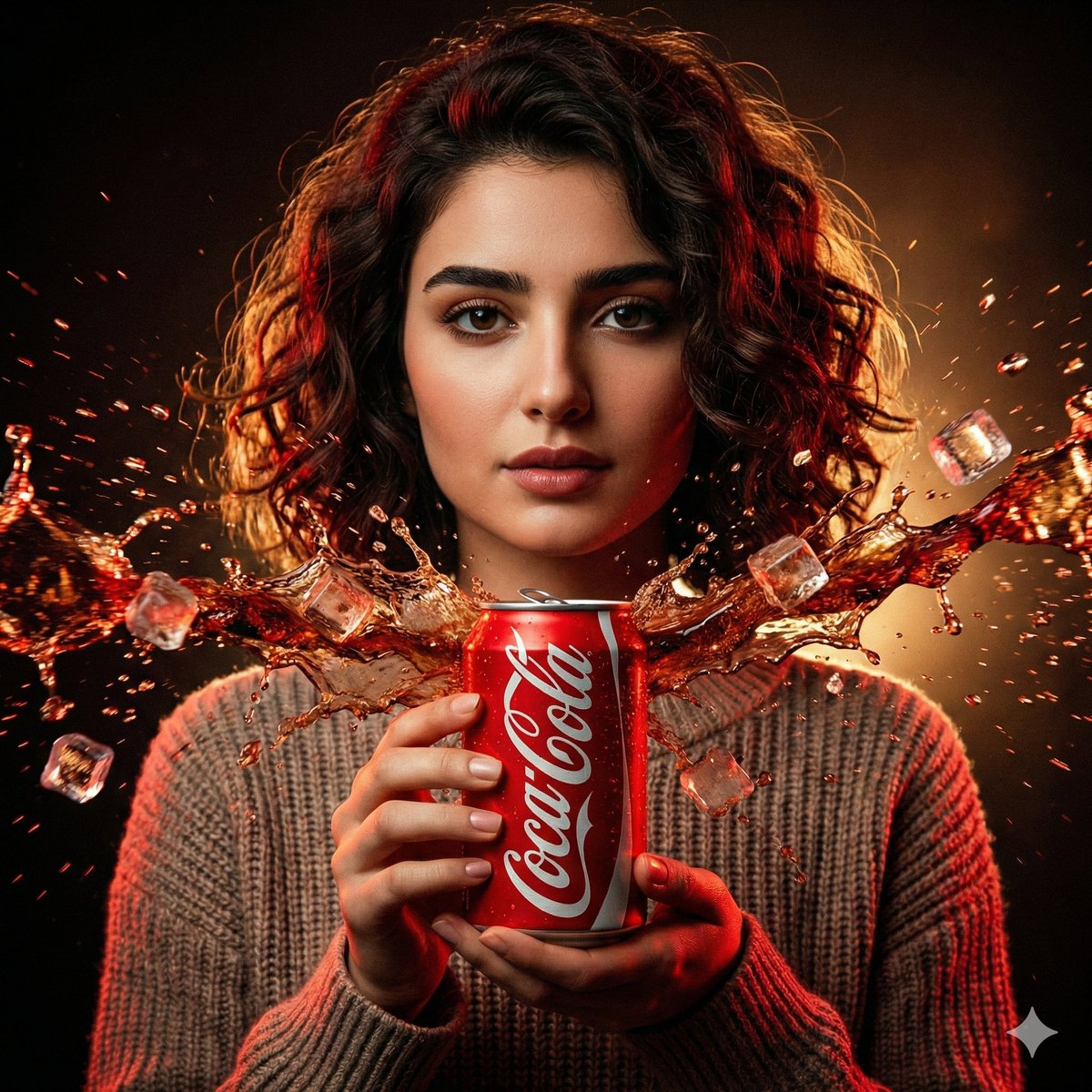
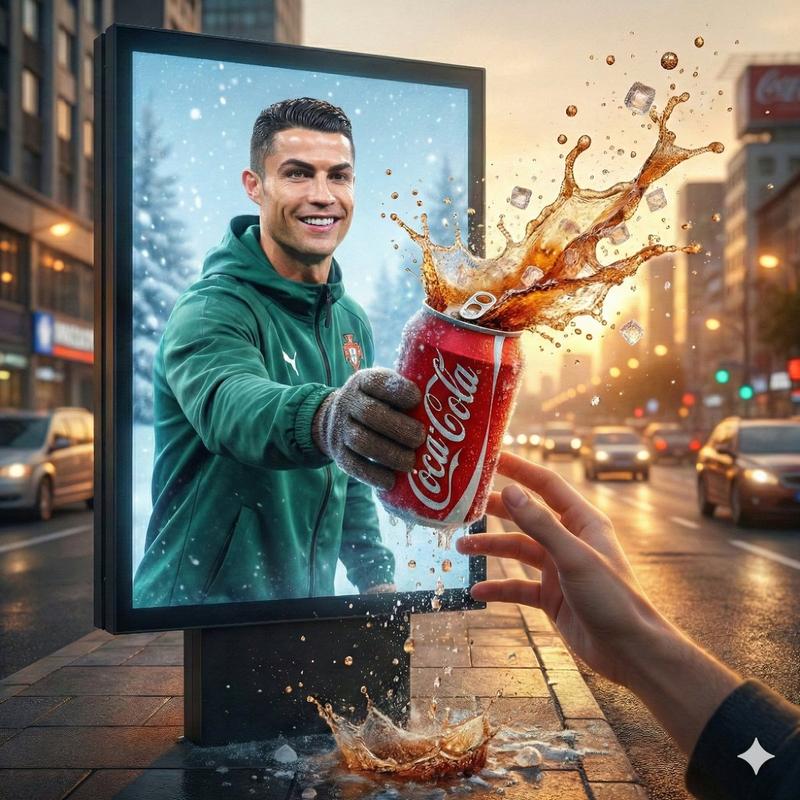
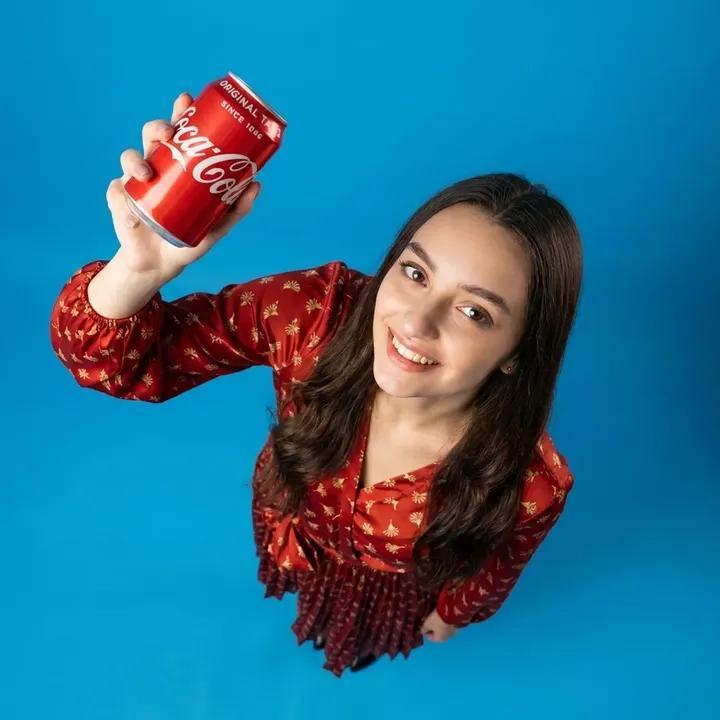
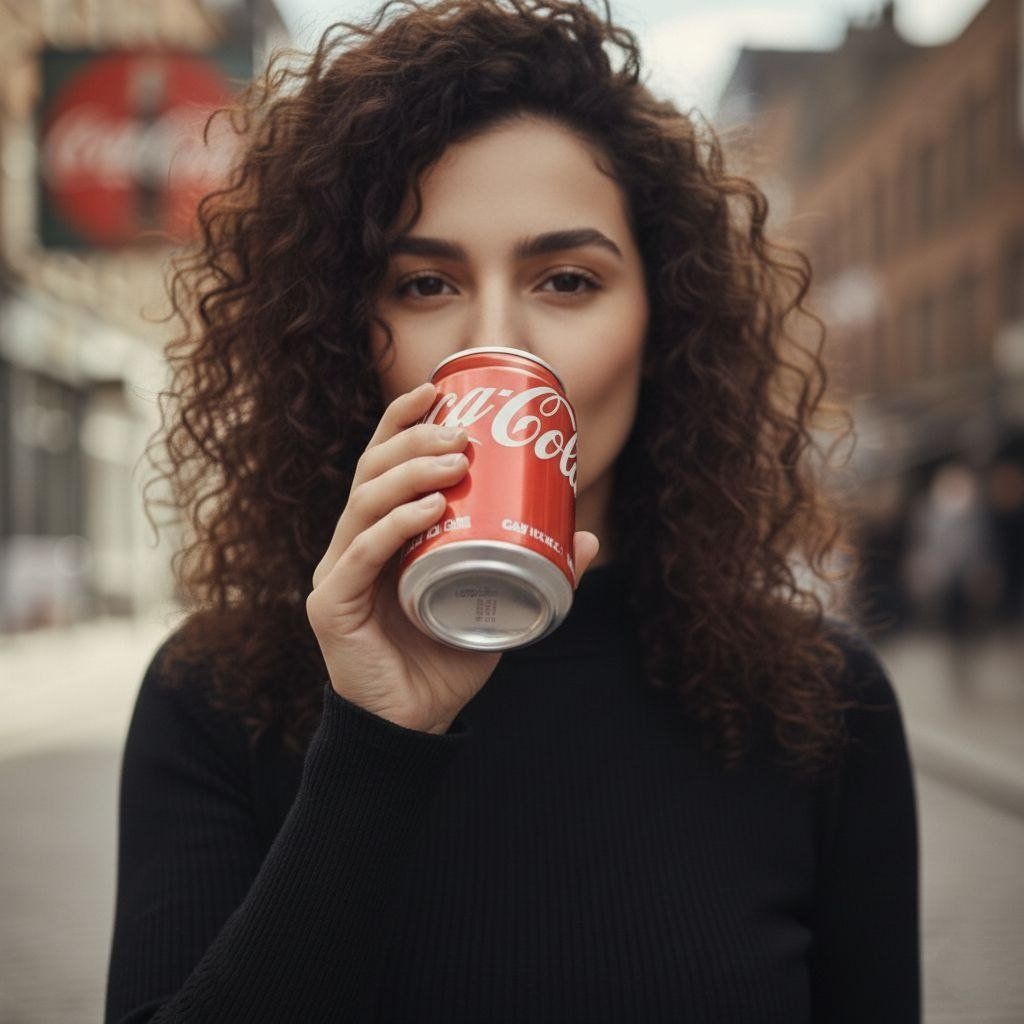
Cinematic lifestyle video shot on a city street with soft background blur. A stylish woman with natural curly hair, wearing a black turtleneck, holds a {argument name="beverage container" default="red soda can"} near her lips. She takes a confident sip, lowers the can slightly, smiles subtly, and looks directly into the camera. With a calm, stylish tone, she says: “{argument name="dialogue" default="Thunder in a drink — cheers."}”
Natural daylight, shallow depth of field, smooth handheld camera movement, realistic facial expressions, soft cinematic lighting, premium beverage commercial aesthetic. Clean audio, natural lip sync, subtle wind movement in hair, realistic hand motion. Shot in ultra-realistic quality, 4K, 24fps, cinematic color grading, modern urban vibe, 1:1 aspect ratio.
Category
创意图片
Model
Nano Banana Pro
Creator
K
Views0
Source ID
580bf05b-57f4-4e0e-8650-d508b02204c2
Published
Mar 8, 2026

Guide

About "电影级 UGC 广告生成,专为饮品行业打造"

What is this prompt for?

"电影级 UGC 广告生成,专为饮品行业打造" AI image prompt for Nano Banana Pro (创意图片). 一个详细的提示,旨在为一款饮料生成一个电影级、超现实的 UGC(用户生成内容)风格视频广告。它详细说明了场景、人物动作、对话、镜头运用、灯光和技术规格,以实现高端商业美学。 ---…

The full copyable prompt and example visuals above are ready for AI image generation or one-click recreate in Picva.

How to use this prompt

  1. Step 1

    Open the prompt detail

    Review the example visuals, category, and full prompt text for "电影级 UGC 广告生成,专为饮品行业打造".

  2. Step 2

    Copy the prompt

    Copy the prompt body from this page, or load it directly in Studio.

  3. Step 3

    Pick a model (Nano Banana Pro)

    Prefer Nano Banana Pro. If you switch models, keep subject and composition and tweak style terms.

  4. Step 4

    Generate and export

    Recreate the look in Picva, or export into your workflow for editing and publishing.

FAQ

What is the "电影级 UGC 广告生成,专为饮品行业打造" prompt?
It is an AI image-generation prompt for Nano Banana Pro in the 创意图片 category. This page includes the full prompt text, example visuals, and a one-click recreate path in Picva.
How do I use this prompt to generate an image?
Copy the prompt from this page, or use Generate / Studio. Paste it into a compatible image model, or recreate the look in Picva with optional reference images.
Which model is this prompt for?
This page lists Nano Banana Pro. Most descriptive prompts also transfer to nearby image models such as GPT Image, Flux, or Midjourney with light style tweaks.
Can I use the result commercially?
You can usually copy the prompt for creation, but commercial use of the final image depends on the model terms, reference-image rights, and the generated content. Follow the source author and platform rules.