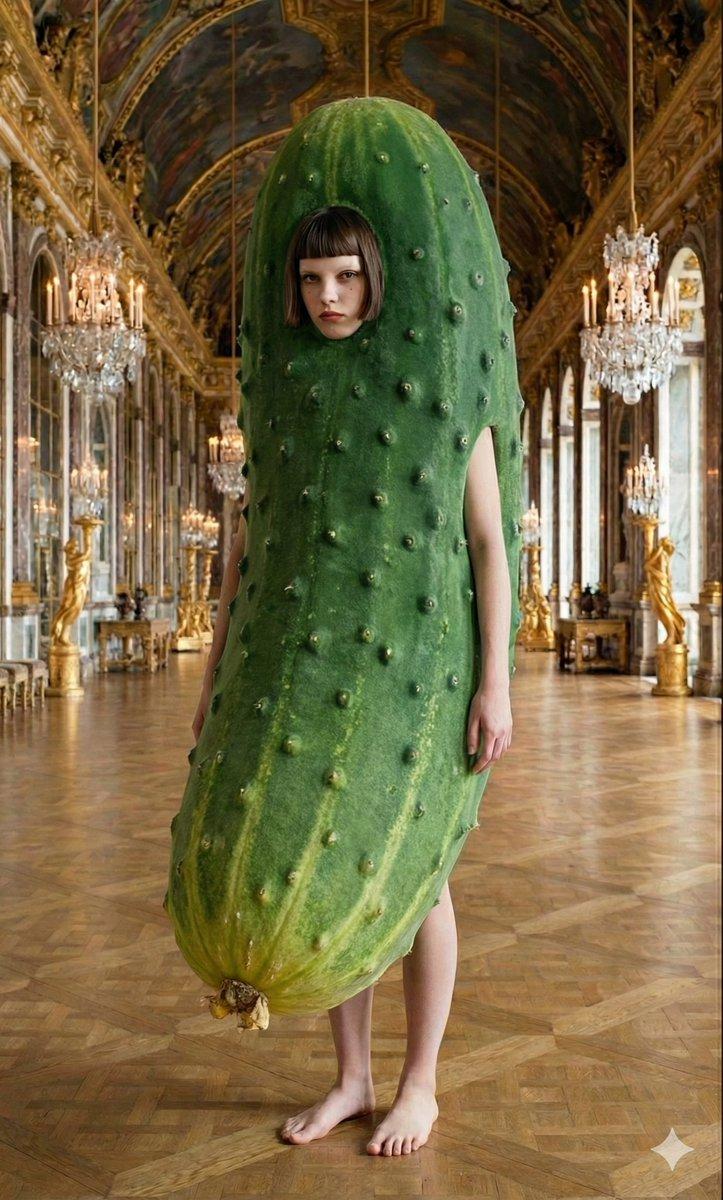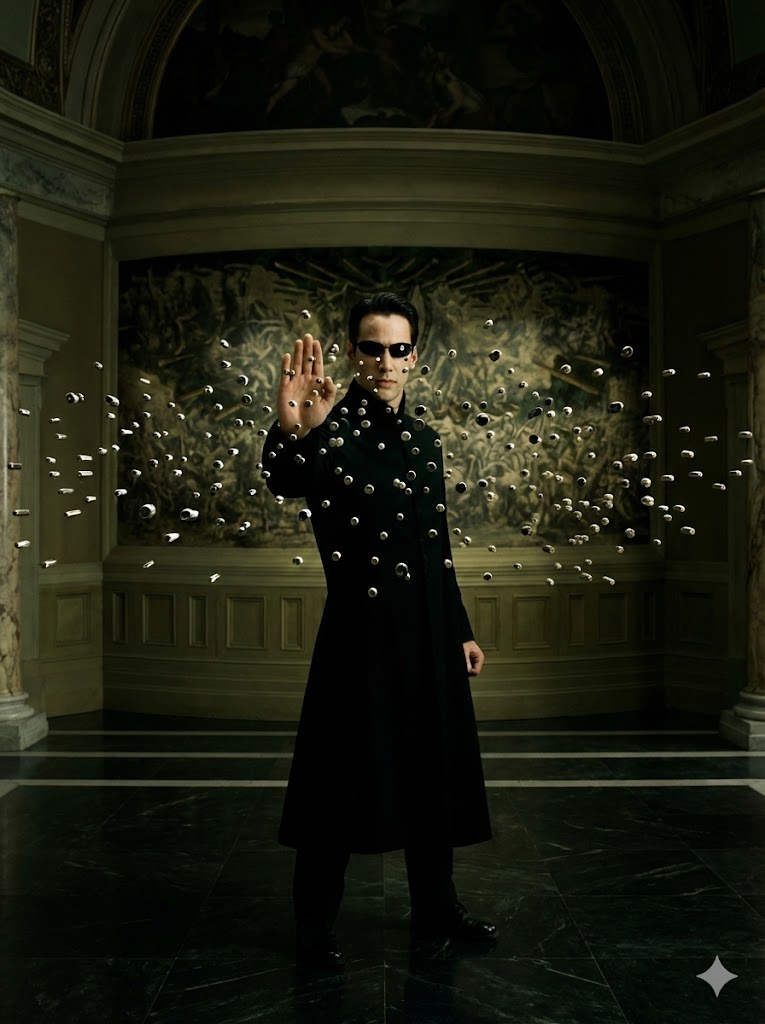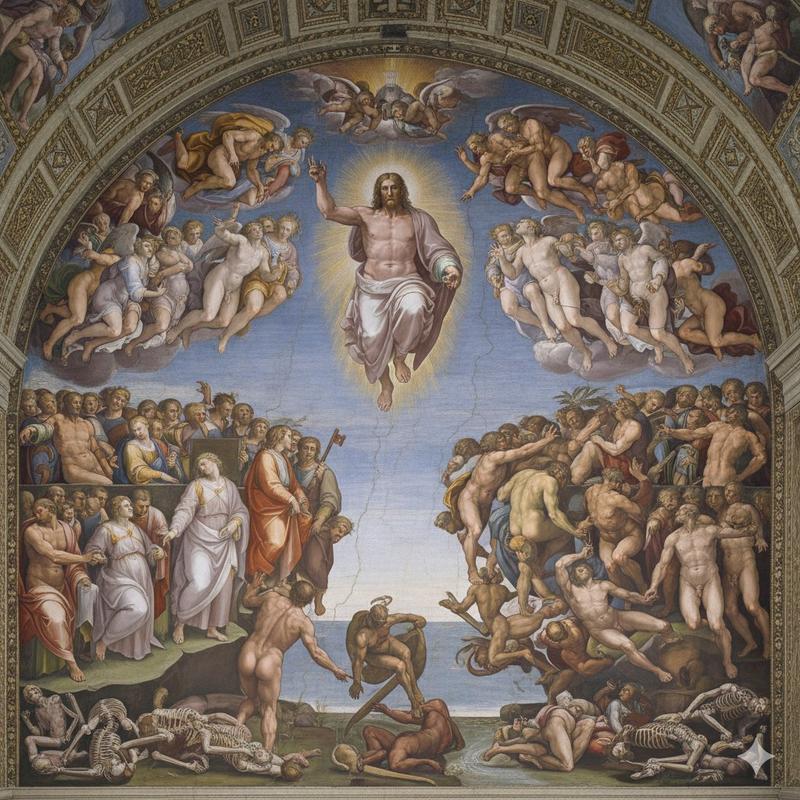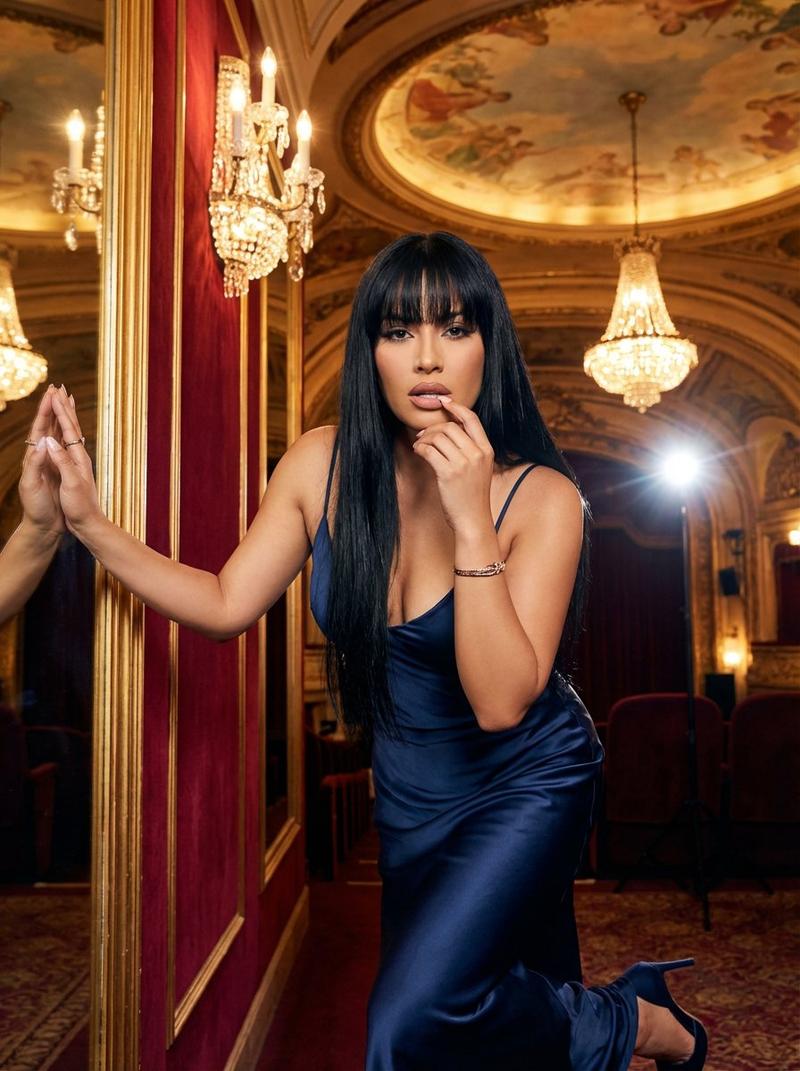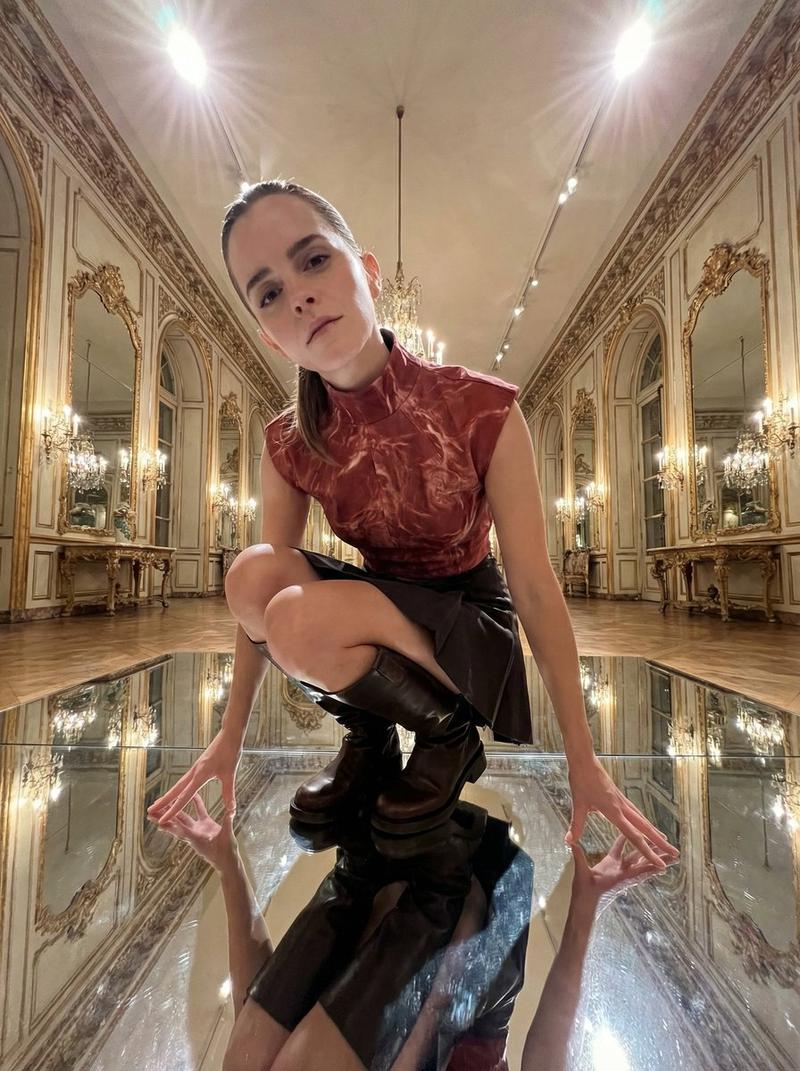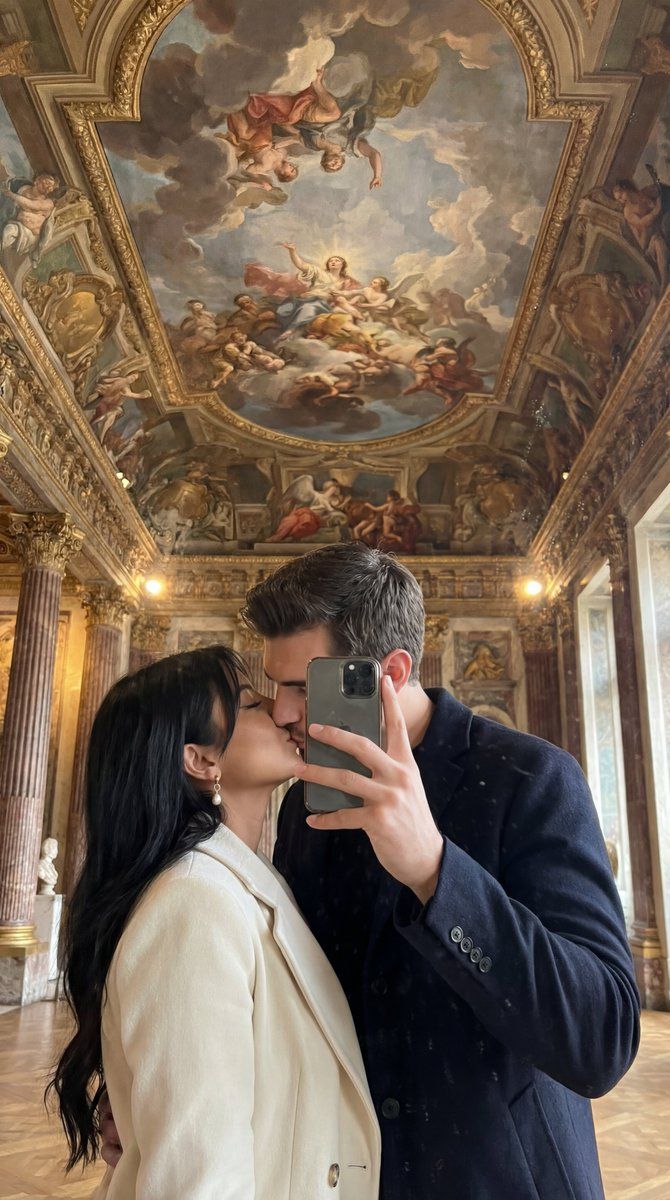
超逼真博物馆镜面亲吻自拍,带身份锁定
提示词
{
  "generation_request": {
    "meta_data": {
      "tool": "NanoBanana Pro",
      "task_type": "photoreal_museum_mirror_kiss_ceiling_fresco",
      "version": "v1.0_MUSEUM_FRESCO_MIRROR_KISS_ID_LOCK_ULTRA_REAL_EN",
      "priority": "highest"
    },
    "references": {
      "reference_image_1": {
        "source": "UPLOAD_REFERENCE_IMAGE (REQUIRED)",
        "purpose": "ABSOLUTE_IDENTITY_POSE_COMPOSITION_BACKGROUND_LOCK",
        "strict_lock": true,
        "lock_strength": 1.0,
        "preserve_framing": true,
        "preserve_pose": true,
        "preserve_phone_position": true,
        "preserve_hand_positions": true,
        "preserve_kiss_contact": true,
        "preserve_outfit_colors": true,
        "preserve_background_ceiling_fresco": true,
        "preserve_architecture_lines": true,
        "preserve_lighting_mood": true,
        "preserve_face_identity": true,
        "preserve_facial_proportions": true,
        "no_beautify_no_face_morph": true,
        "no_age_shift": true,
        "no_identity_blending": true
      }
    },
    "identity_rules": {
      "preserve_identity": true,
      "identity_lock_strength": 1.0,
      "face_similarity_priority": "MAX",
      "same_two_subjects_only": true,
      "no_identity_blending": true,
      "no_face_morph": true,
      "no_beautify": true,
      "no_age_shift": true
    },
    "output_settings": {
      "aspect_ratio": "match_reference",
      "orientation": "portrait",
      "resolution_target": "ultra_high_res",
      "render_style": "ultra_photoreal_candid_museum_lifestyle",
      "sharpness": "crisp_subject_soft_background",
      "film_grain": "very_subtle_sensor_noise",
      "color_grade": "true_to-life_warm_indoor",
      "dynamic_range": "high",
      "skin_tone": "natural_true_to_reference"
    },
    "camera": {
      "camera_style": "smartphone mirror photo (natural, not overprocessed)",
      "lens": "24mm_equivalent",
      "aperture": "f/1.8",
      "shutter_speed": "1/120",
      "iso": 640,
      "white_balance": "indoor_warm_3600K",
      "focus_mode": "face_detect_af",
      "focus_priority": "faces_then_phone_edges",
      "realism_notes": "realistic mirror smudges/dust, gentle phone HDR, slight wide-angle perspective, no artificial sharpening halos"
    },
    "global_scene": {
      "setting": "grand baroque/renaissance interior with ornate columns and a dramatic fresco ceiling above",
      "lighting": "soft ambient indoor light, natural falloff, no harsh flash; subtle highlights on hair and jackets",
      "mood": "romantic, elegant, candid, museum-date vibe"
    },
    "subjects": {
      "group": {
        "count": 2,
        "description": "exactly two people in a mirror selfie, kissing; one arm around waist; phone held up covering part of faces",
        "wardrobe": {
          "male": "dark suit or dark jacket, clean minimal, no logos",
          "female": "white/cream coat or blazer, clean minimal, no logos"
        }
}- 分类
- 创意图片
- 模型
- Nano Banana Pro
- 来源作者
- Özge Döner
- 来源 ID
- 60e1f6f0-c99e-47a8-ab01-7a99a54b229f
- 发布时间
- 2026年3月8日
浏览量0