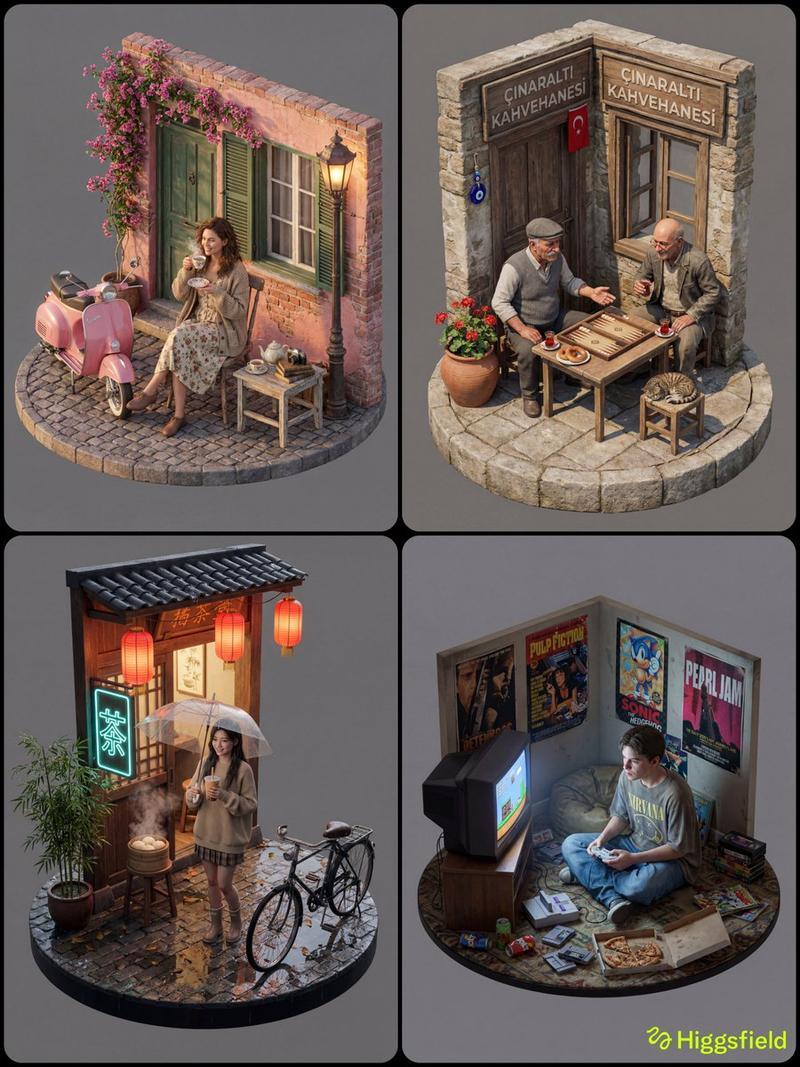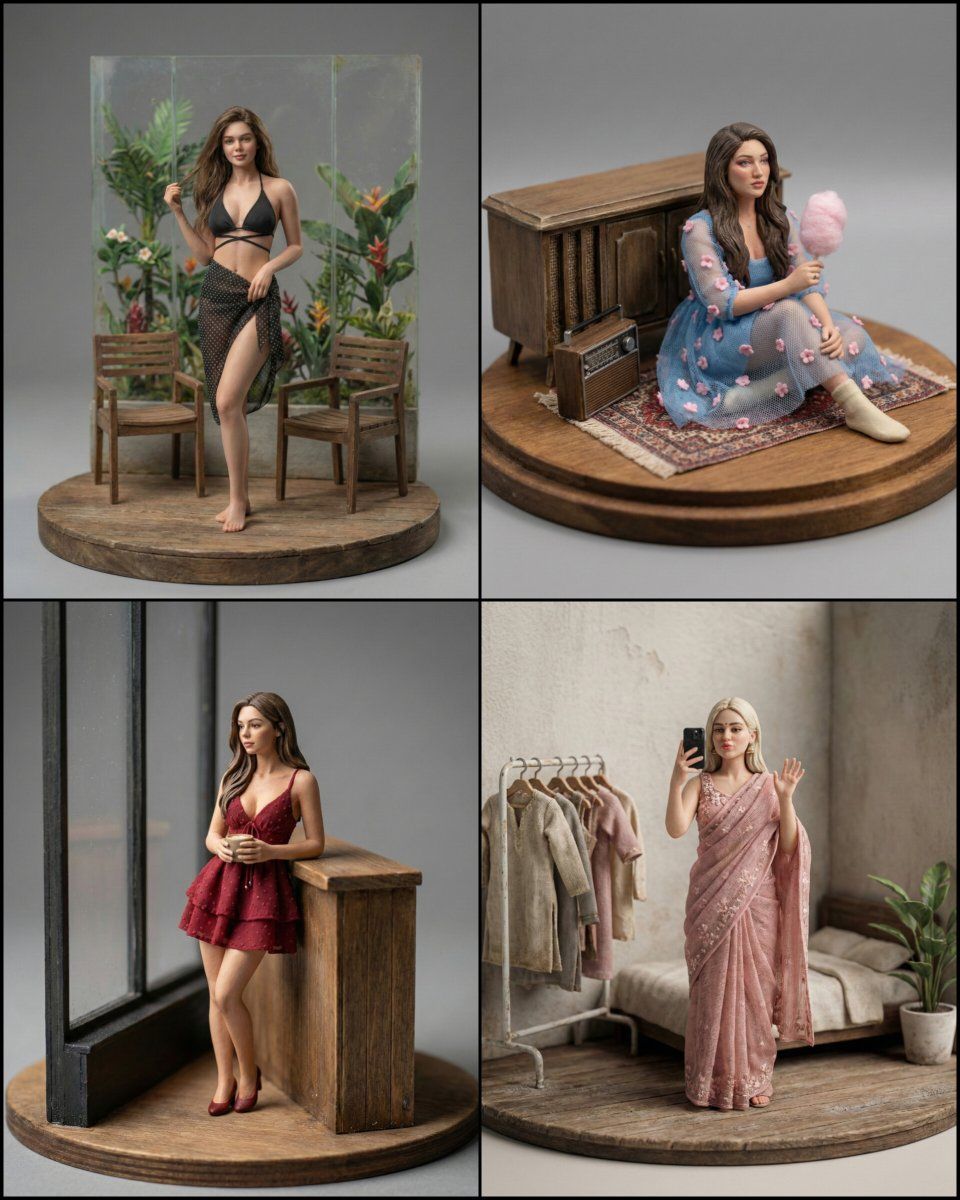
超逼真微距摄影微缩模型提示
Prompt
{
  "prompt_type": "ultra_realistic_macro_photography",
  "description": "Ultra-realistic macro photography of a handcrafted scene arranged cohesively on a circular base. The scene exhibits physically accurate textures, realistic material properties, and believable scale adaptation. Surfaces show aged, natural wear with subtle imperfections, tactile realism, and museum-quality craftsmanship. The image has documentary-level realism with no signs of CGI or artificial rendering.",
  "subject": {
    "scene_type": "handcrafted miniature environment",
    "arrangement": "all elements carefully composed on a circular base",
    "scale": "macro-scale with believable proportional relationships",
    "craftsmanship": "museum-quality, artisan-made, highly detailed",
    "surface_details": [
      "aged textures",
      "natural wear and patina",
      "micro scratches",
      "subtle dents",
      "organic imperfections"
    ]
  },
  "materials": {
    "texture_accuracy": "physically accurate",
    "material_behavior": "real-world light response",
    "surface_finish": "matte to semi-matte, natural",
    "tactile_quality": "highly realistic, touchable appearance",
    "imperfection_level": "subtle and believable"
  },
  "photography_style": {
    "genre": "studio product macro photography",
    "lighting": {
      "type": "soft diffused studio lighting",
      "shadow_behavior": "gentle shadow falloff",
      "highlights": "balanced, non-harsh",
      "contrast": "natural, realistic"
    },
    "camera": {
      "focus": "ultra sharp focus on primary elements",
      "depth_of_field": "shallow depth of field emphasizing scale perception",
      "look": "photorealistic RAW photo",
      "detail_level": "extreme micro-detail visibility"
    },
    "background": {
      "type": "neutral gray seamless backdrop",
      "cleanliness": "perfectly clean and distraction-free"
    }
  },
  "realism_constraints": {
    "render_style": "photographic only",
    "cgi": false,
    "3d_render": false,
    "illustration": false,
    "cartoon_style": false,
    "toy_like_plastic_shine": false,
    "exaggerated_reflections": false,
    "oversharpening": false,
    "distortion": false,
    "floating_objects": false,
    "messy_background": false,
    "watermark": false
  },
  "quality_tags": [
    "ultra realistic",
    "macro photography",
    "physically accurate",
    "documentary realism",
    "museum quality",
    "ultra detailed textures",
    "natural imperfections",
    "professional studio lighting",
    "photorealistic RAW"
  ],
  "aspect_ratio": "1:1",
  "generation_parameters": {
    "model_version": "v6",
    "style": "raw",
    "stylization": 100,
    "quality": 1,
    "seed_behavior": "randomized"
  },
  "negative_prompt": [
    "cgi",
    "3d render",
    "illustration",
    "cartoon",
    "plastic shine",
    "toy appearance",
    "overly glossy surfaces",
    "exaggerated"
  ]
}- Category
- 创意图片
- Model
- Nano Banana Pro
- Creator
- Shreya Yadav
- Source ID
- c944d57a-b6be-4f05-a6f3-0eb37945fe74
- Published
- Mar 8, 2026
Views0