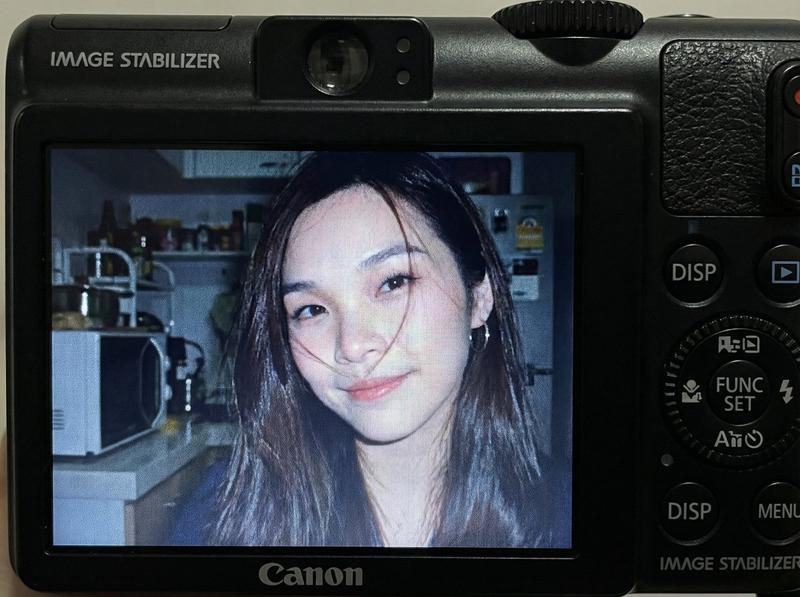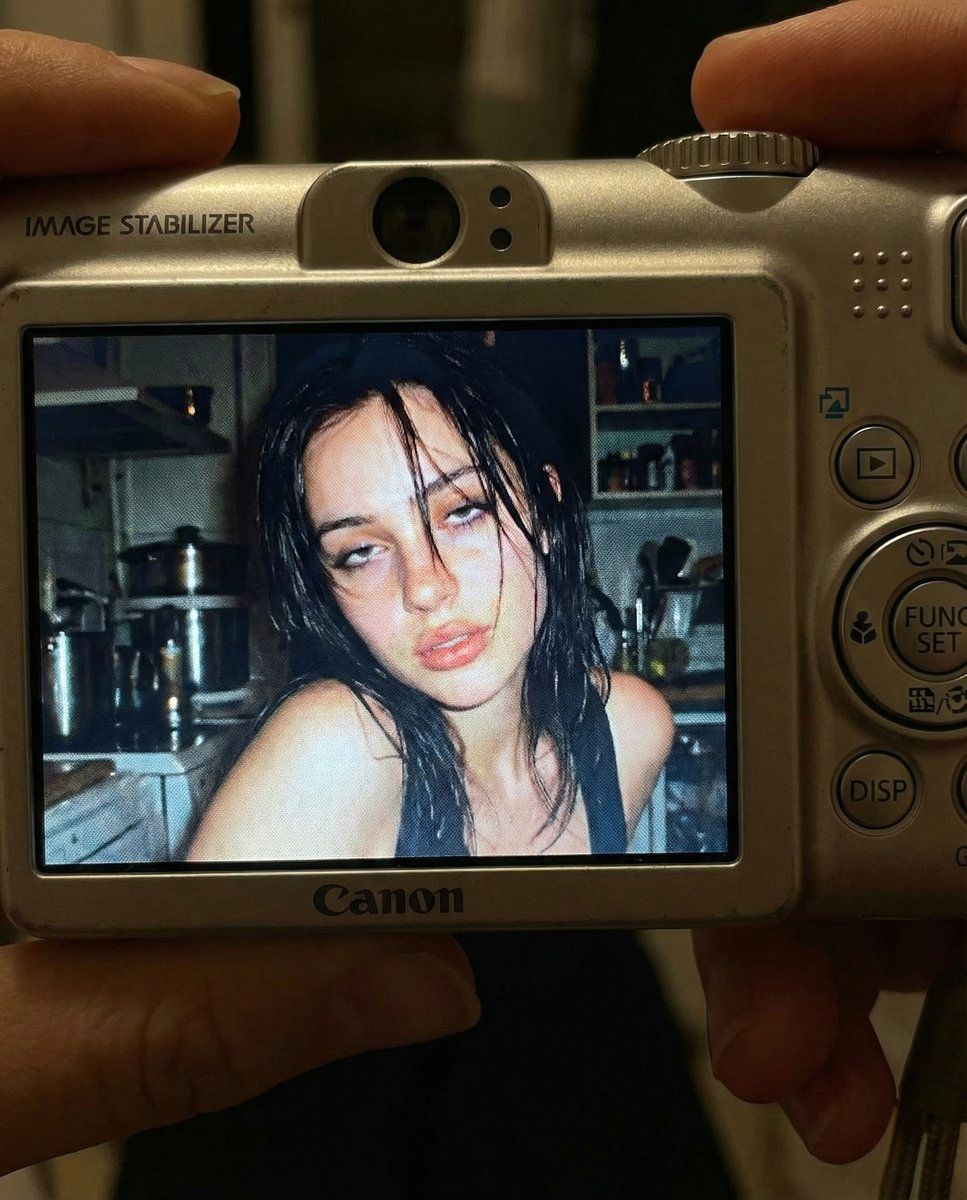
2000 年代初期数码相机快照提示
Prompt
{
  "meta": {
    "aspect_ratio": "4:5",
    "quality": "ultra_photorealistic",
    "render_style": "raw digital snapshot realism",
    "grain": "authentic early-2000s compact camera noise",
    "no_ai_artifacts": true
  },

  "camera": {
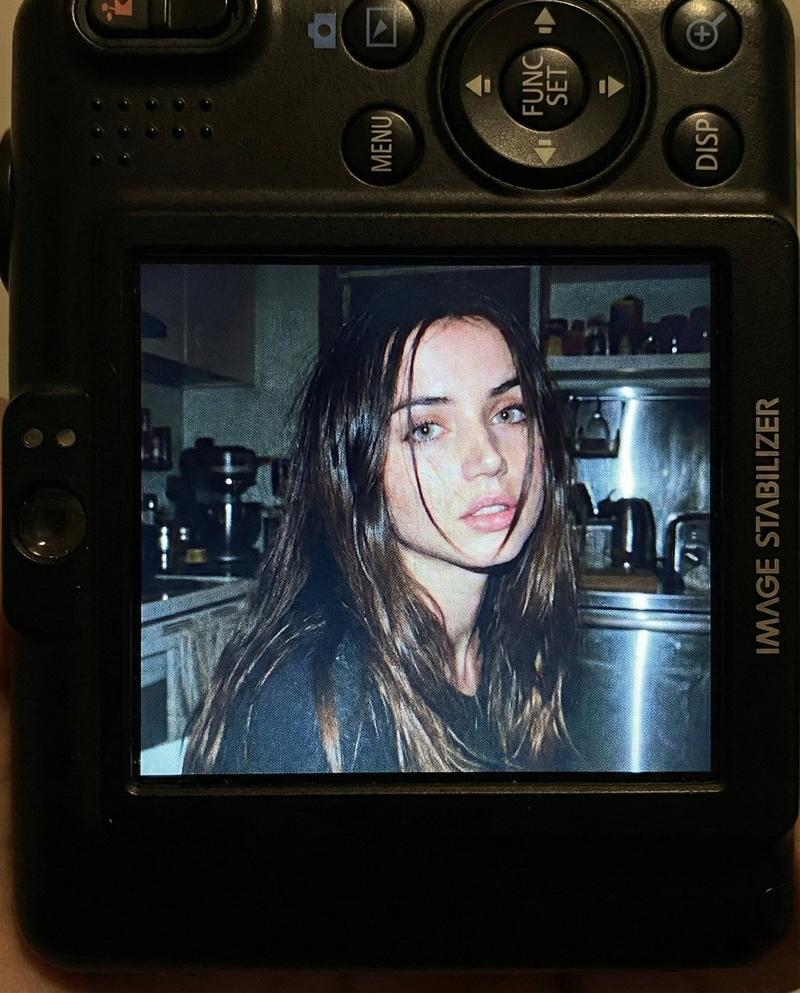
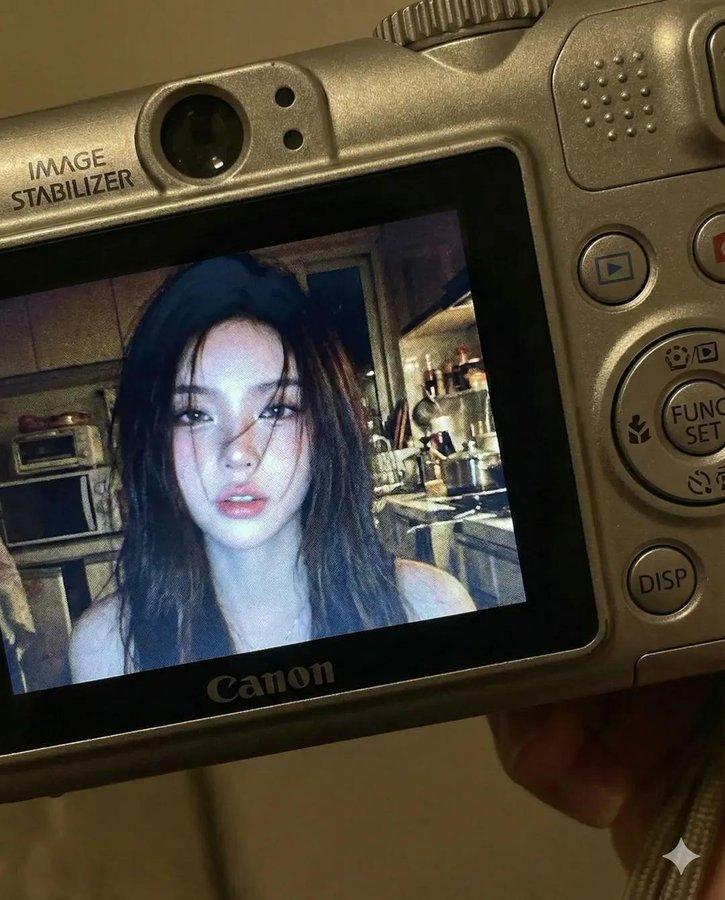
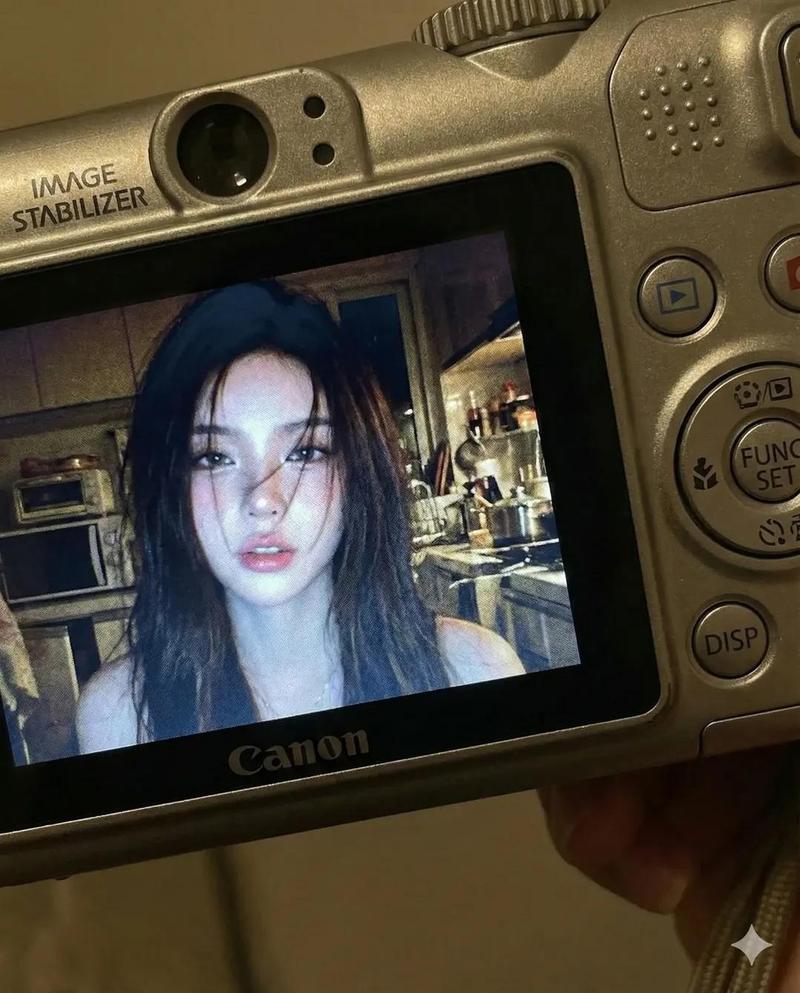
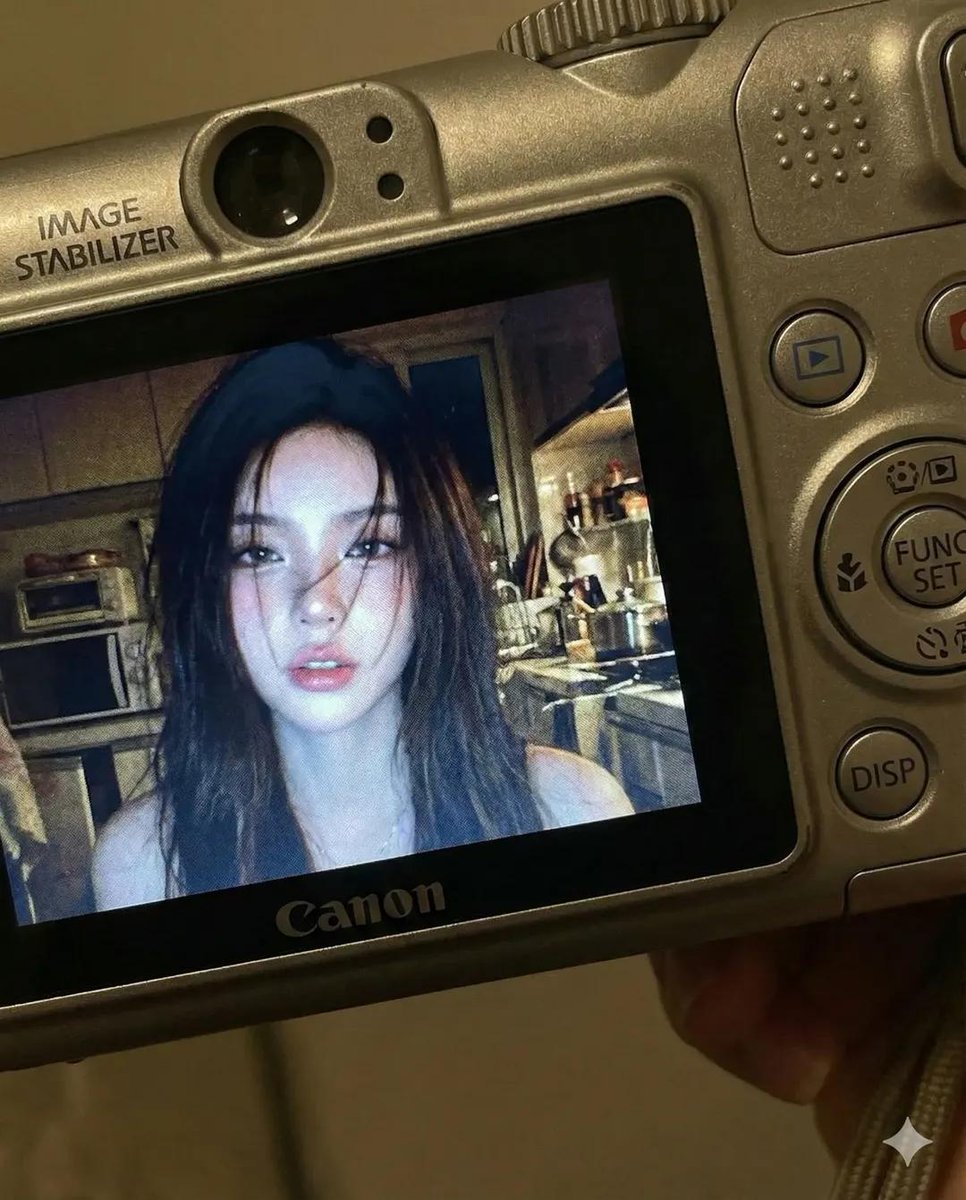
    "device": "compact Canon digital camera",
    "lens_equivalent": "28–35mm",
    "aperture": "f/2.8",
    "iso": 400,
    "shutter_speed": "1/60 with flash",
    "white_balance": "auto flash",
    "display_effect": "LCD screen glow with slight pixel texture"
  },

  "composition": {
    "shot_type": "close-up",
    "framing": "subject centered within camera LCD screen",
    "outer_frame": "Canon camera body visible around screen",
    "details_visible": [
      "FUNC/SET wheel",
      "DISP button",
      "textured plastic surface",
      "\"IMAGE STABILIZER\" label on side"
    ],
    "perspective": "viewer looking directly at the camera screen"
  },

  "scene": {
    "location": "indoor kitchen",
    "time": "night",
    "background": {
      "elements": [
        "cluttered countertop",
        "metallic kitchen appliances",
        "open shelves with random items"
      ],
      "focus": "softly blurred",
      "lighting": "dim ambient, overpowered by flash"
    },
    "atmosphere": "candid, raw, nostalgic, early-2000s digital camera vibe"
  },

  "lighting": {
    "type": "harsh direct built-in flash",
    "effect": [
      "strong facial highlights",
      "hard shadow falloff",
      "slight shine on lips and hair",
      "flattened but intimate flash look"
    ],
    "contrast": "high",
    "color_temperature": "cool flash tones"
  },

  "subject": {
    "identity": {
      "gender": "female",
      "age_vibe": "early 20s",
      "face_reference": "use facial structure, eye shape, nose proportion, and mouth softness from the attached photo",
      "body": "curvy, tight waist, round hips, full chest",
      "skin": "wet, glowing, subtle pink flush as if from cold night air",
      "hair": {
        "color": "dark brown",
        "state": "slightly wet",
        "behavior": "loose strands falling across face and collarbone"
      }
    },

    "expression": {
      "eyes": "heavy-lidded bedroom eyes looking directly into lens",
      "mouth": "slightly parted lips, relaxed and soft",
      "overall": "warm, wine-softened, flirtatious confidence without posing"
    },

    "pose": {
      "head": "slight tilt toward flash",
      "shoulders": "relaxed, close to frame edge",
      "energy": "caught-in-the-moment, not performing"
    }
  },

  "color_grading": {
    "palette": "slightly muted",
    "undertones": "cool",
    "contrast": "strong flash contrast",
    "screen_effect": "subtle LCD pixel grain and glow"
  },

  "restrictions": {
    "no_text_inside_photo": true,
    "no_logos_on_screen": true,
    "no_watermarks": true,
    "no_studio_lighting": true,
    "no_ai_symmetry": true
  }
}- Category
- 创意图片
- Model
- Nano Banana Pro
- Creator
- babydoll
- Source ID
- 83047d41-22af-4218-8a68-6ea0f72cbd24
- Published
- Mar 8, 2026
Views0