17

花海中的户外时尚肖像提示
Enlarge

花海中的户外时尚肖像提示

Prompt
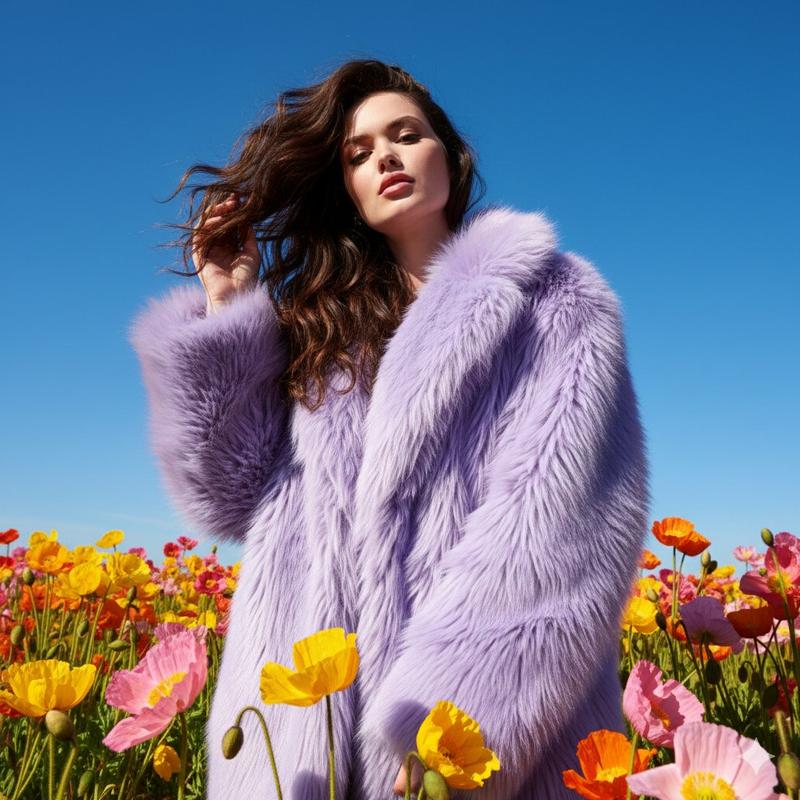
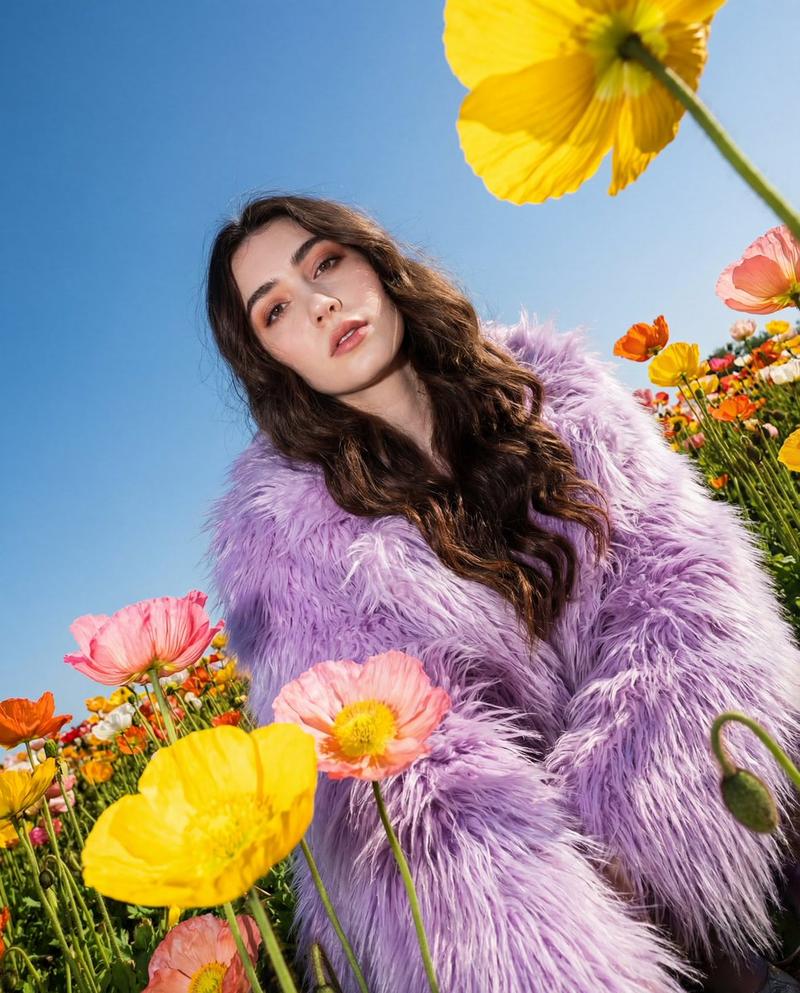
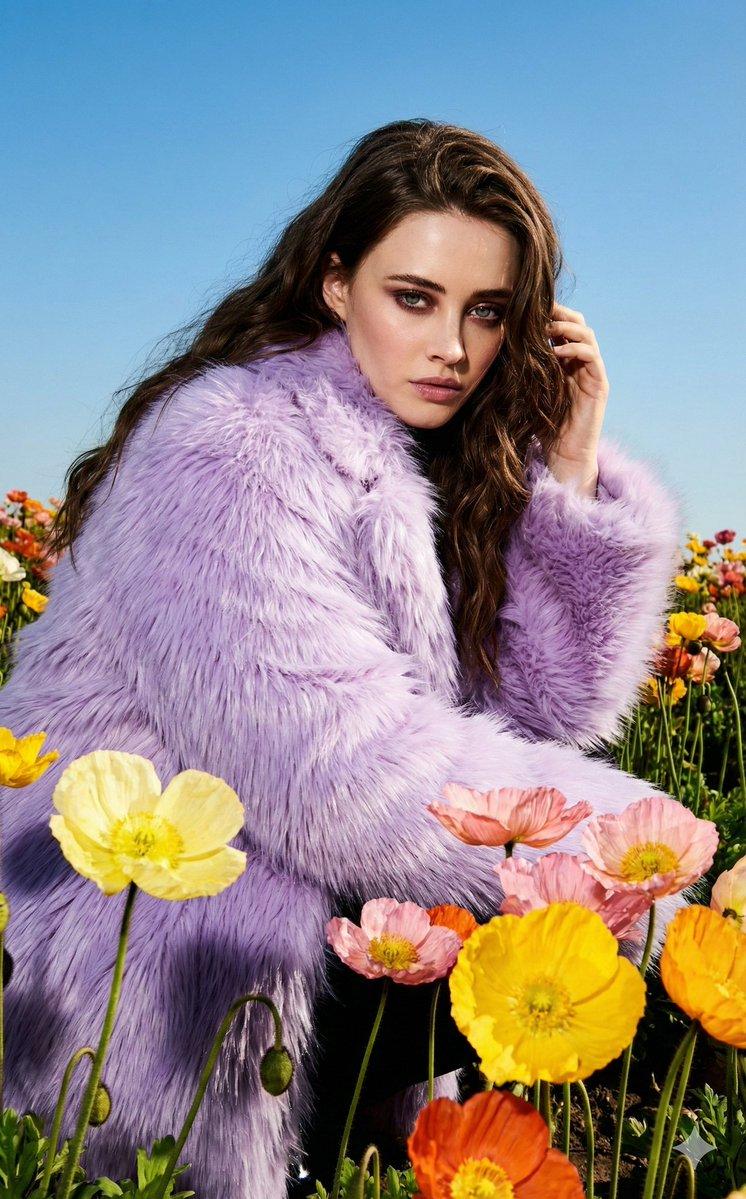
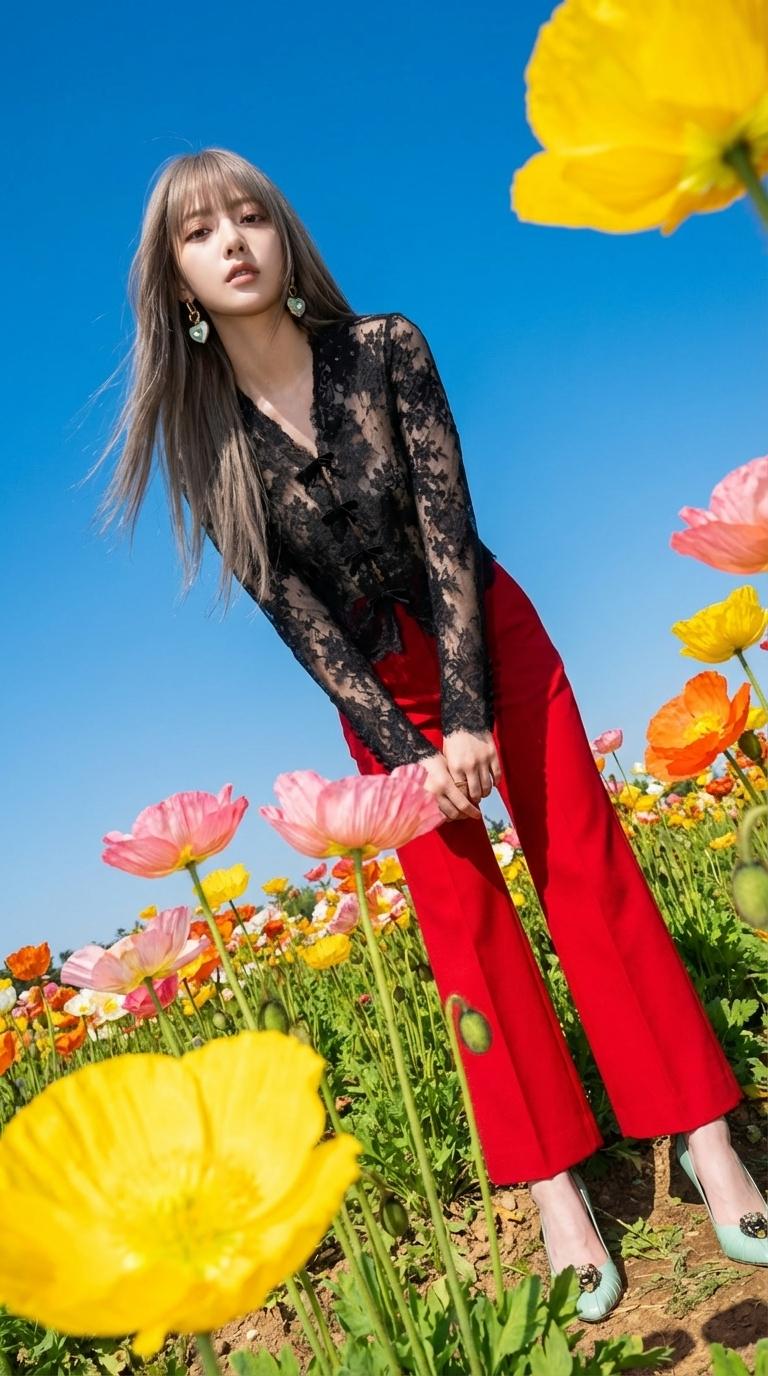
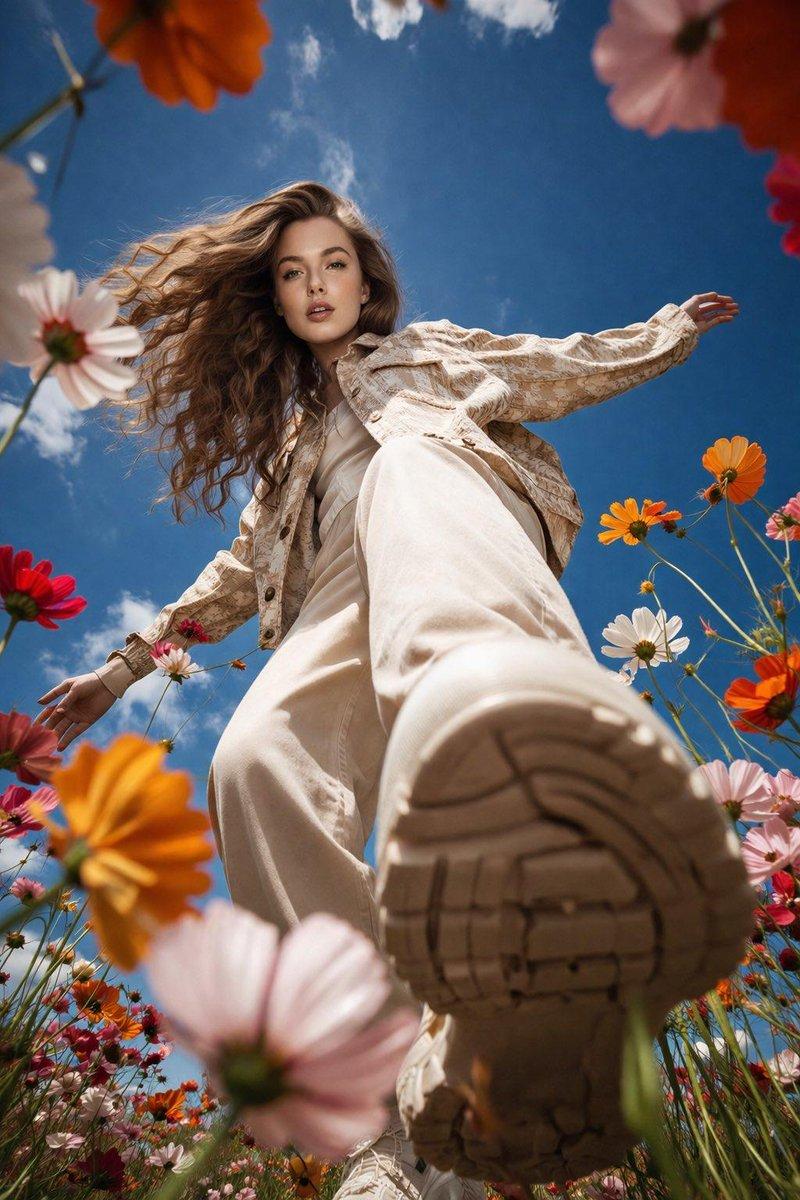
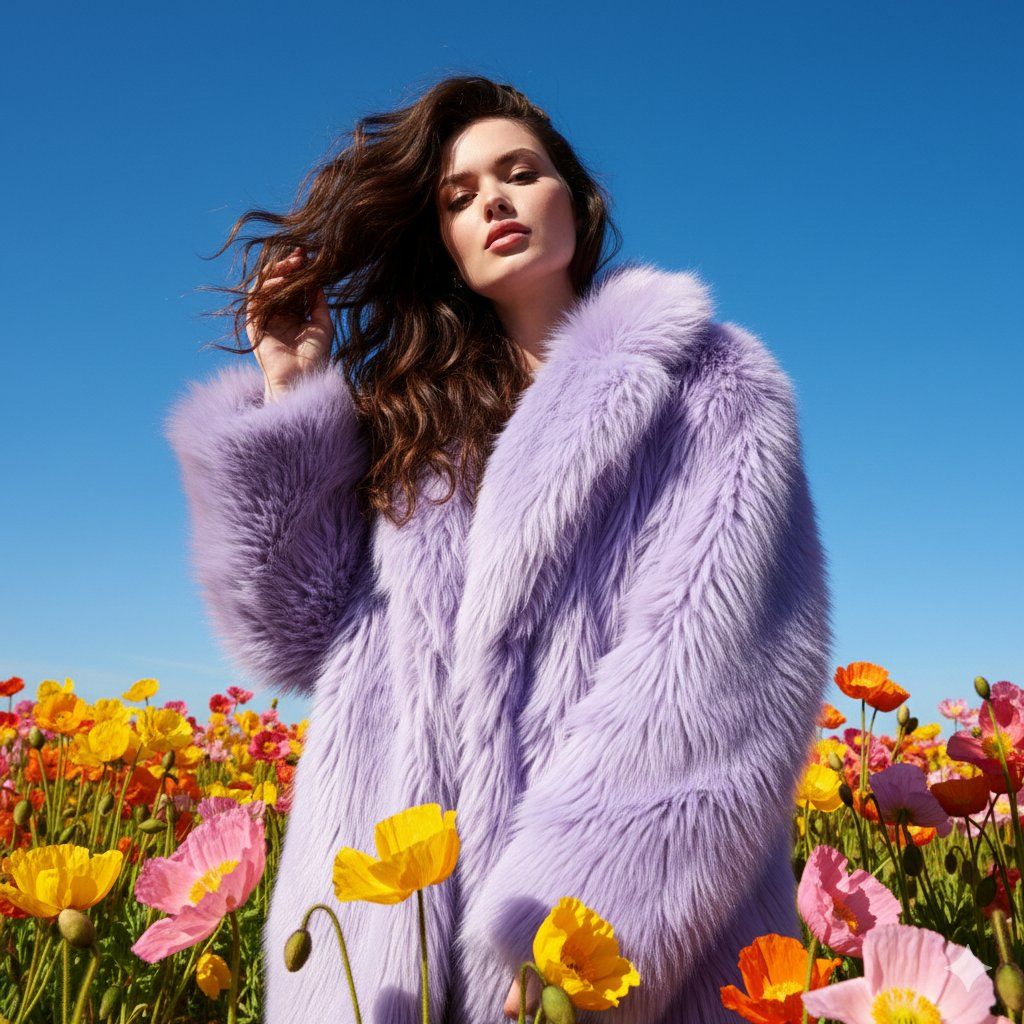
Create an eye-catching outdoor fashion portrait in a lively flower meadow under bright daylight. Capture the shot with a digital camera using strong direct flash to highlight textures and add dramatic contrast. The camera is positioned low and slightly angled upward to amplify the visual impact. The subject has long, flowing dark brown wavy hair, wearing a plush, oversized {argument name="coat color" default="lavender"} faux fur coat that drapes naturally. Surround her with large, vividly colored poppies in shades of yellow, pink, and orange, scattered throughout the foreground and background for depth. A clear blue sky forms the backdrop, enhancing the contrast between the flowers and the outfit. Convey a playful, high-fashion editorial vibe with whimsical energy and bold color saturation. Focus on texture, dimension, and surreal yet stylish aesthetics through dramatic lighting and composition.
Category
创意图片
Model
Nano Banana Pro
Creator
Anissa
Views0
Source ID
d6df2a37-ba7c-48c0-843d-064953fdc1f2
Published
Mar 8, 2026

Guide

About "花海中的户外时尚肖像提示"

What is this prompt for?

"花海中的户外时尚肖像提示" AI image prompt for Nano Banana Pro (创意图片). 一个详细的提示,用于在生机勃勃的鲜花草地上创作一张引人注目的户外时尚肖像。它指定使用强烈的直射闪光灯来营造戏剧性的对比,采用低机位拍摄角度,并详细描述了拍摄对象的服装(薰衣草色人造皮草大衣)和环境(色…

The full copyable prompt and example visuals above are ready for AI image generation or one-click recreate in Picva.

How to use this prompt

  1. Step 1

    Open the prompt detail

    Review the example visuals, category, and full prompt text for "花海中的户外时尚肖像提示".

  2. Step 2

    Copy the prompt

    Copy the prompt body from this page, or load it directly in Studio.

  3. Step 3

    Pick a model (Nano Banana Pro)

    Prefer Nano Banana Pro. If you switch models, keep subject and composition and tweak style terms.

  4. Step 4

    Generate and export

    Recreate the look in Picva, or export into your workflow for editing and publishing.

FAQ

What is the "花海中的户外时尚肖像提示" prompt?
It is an AI image-generation prompt for Nano Banana Pro in the 创意图片 category. This page includes the full prompt text, example visuals, and a one-click recreate path in Picva.
How do I use this prompt to generate an image?
Copy the prompt from this page, or use Generate / Studio. Paste it into a compatible image model, or recreate the look in Picva with optional reference images.
Which model is this prompt for?
This page lists Nano Banana Pro. Most descriptive prompts also transfer to nearby image models such as GPT Image, Flux, or Midjourney with light style tweaks.
Can I use the result commercially?
You can usually copy the prompt for creation, but commercial use of the final image depends on the model terms, reference-image rights, and the generated content. Follow the source author and platform rules.