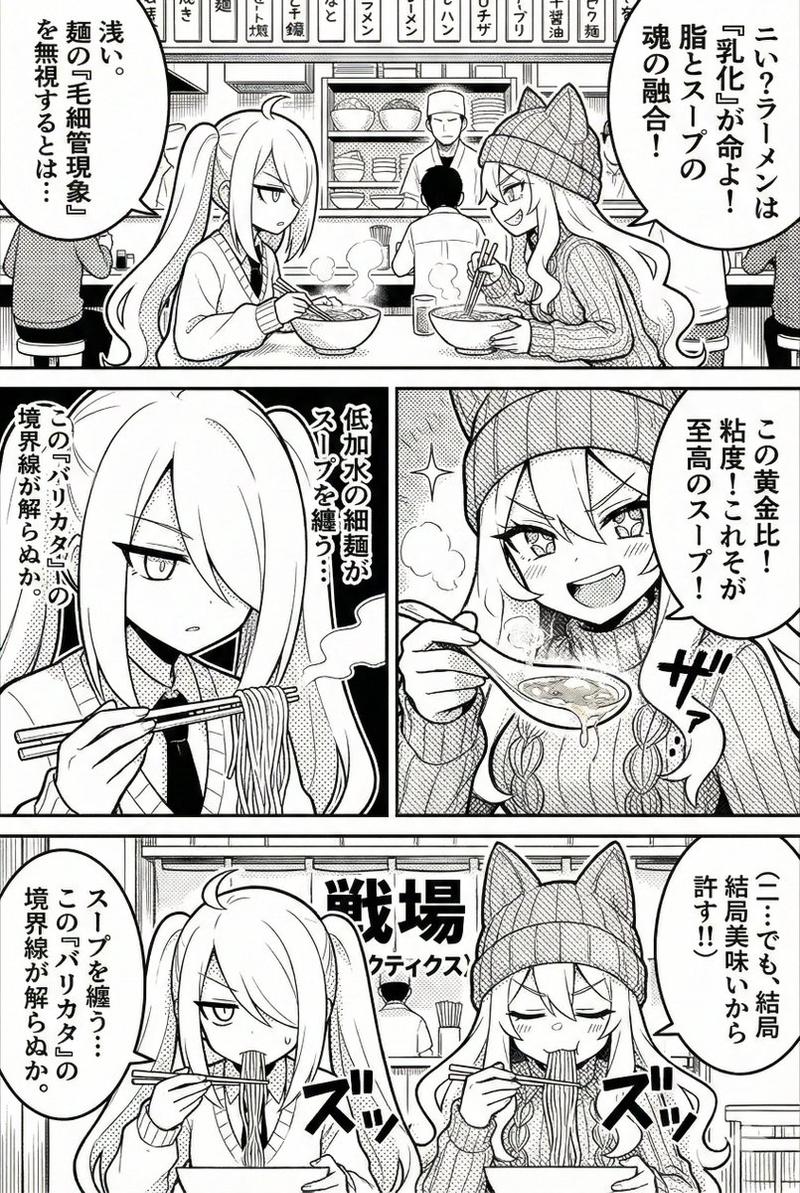
16

两格漫画修订提示
Enlarge

两格漫画修订提示

Prompt
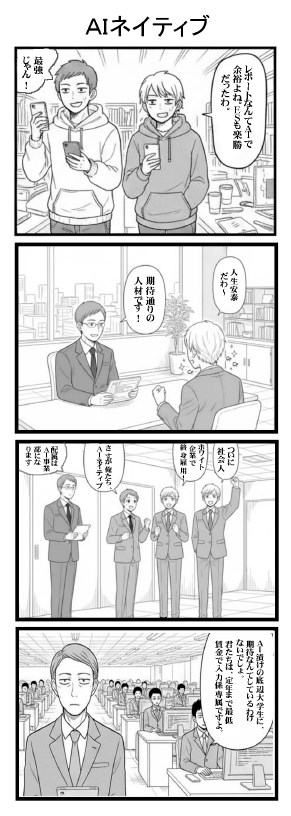
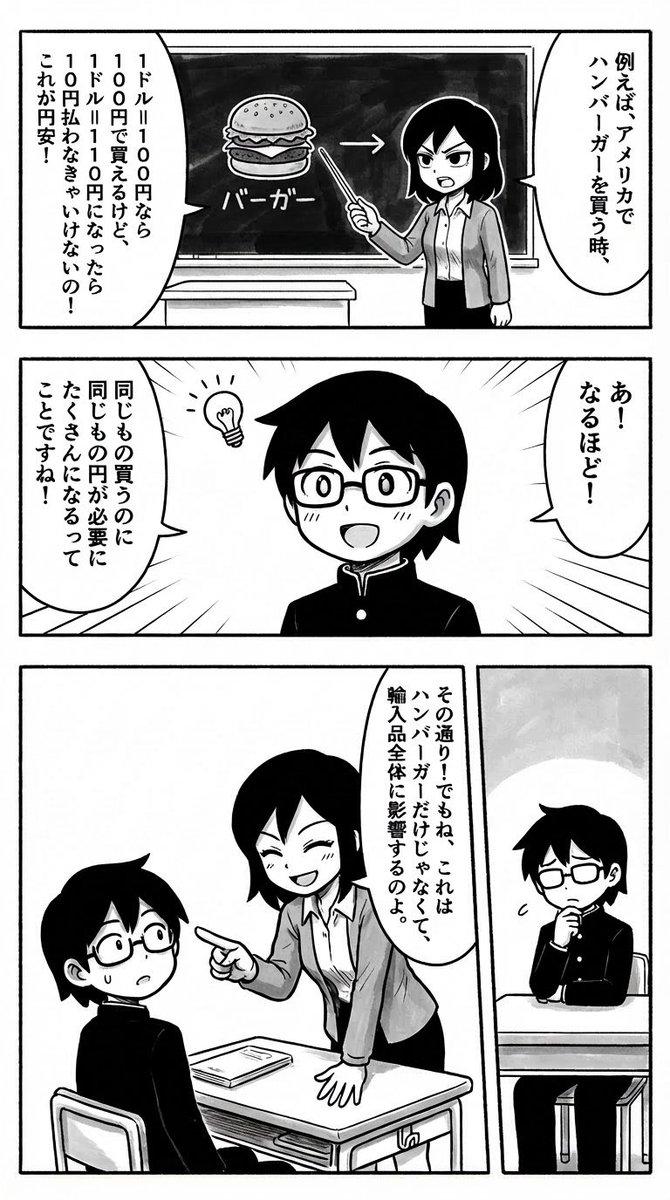
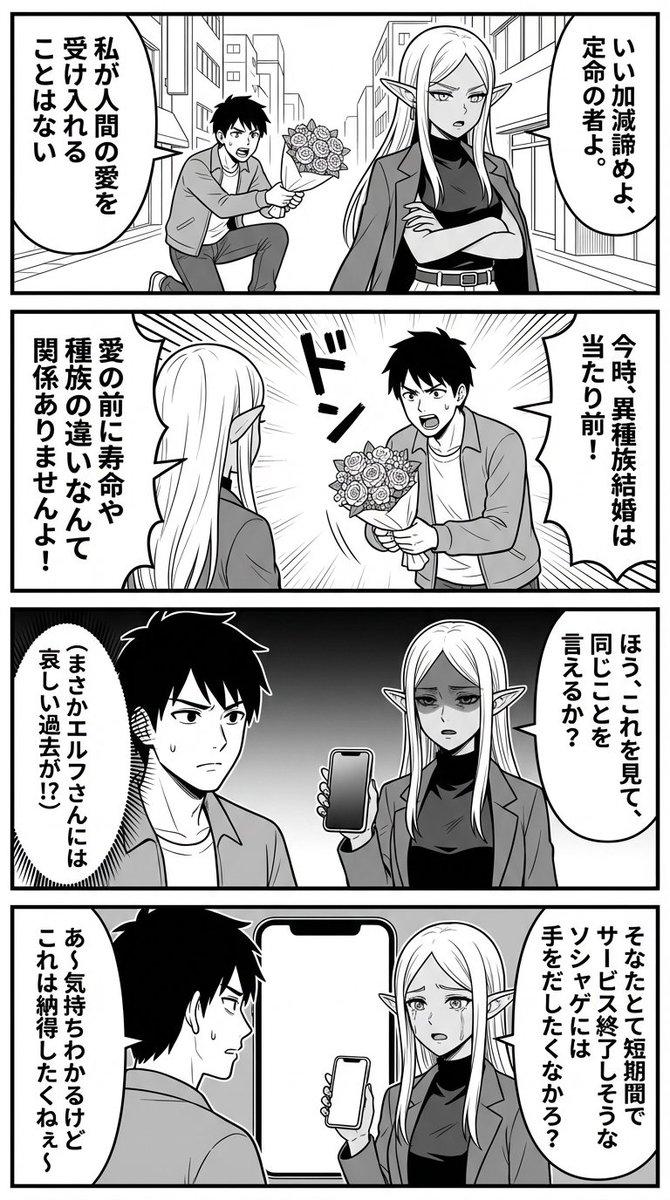
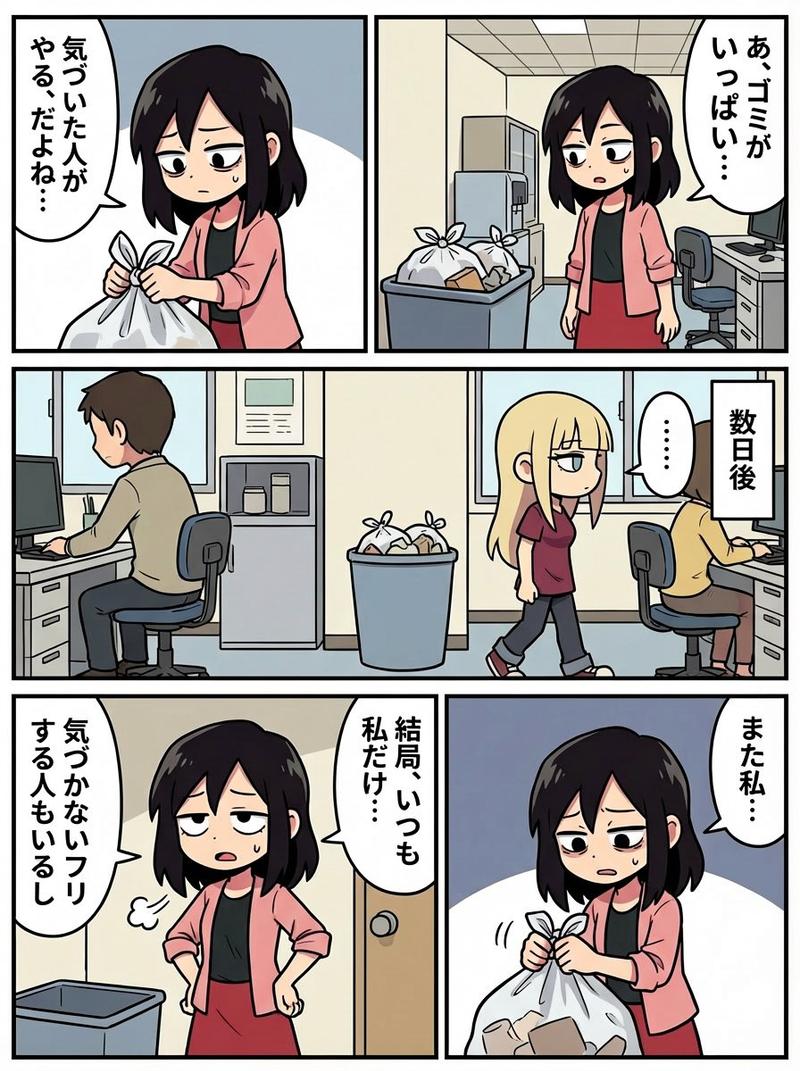
2コマめを左右反転した形で、全体を清書して頂くことはできますか?その際、面接官のセリフを、「{argument name="面接官セリフ" default="我が社が求めていた人材です!"}」に修正して下さい。
Category
创意图片
Model
Nano Banana Pro
Views0
Source ID
eabf56a8-732e-40d0-a201-3248bd057e63
Published
Mar 8, 2026

Guide

About "两格漫画修订提示"

What is this prompt for?

"两格漫画修订提示" AI image prompt for Nano Banana Pro (创意图片). 请将漫画的第二格镜像翻转,并修改采访对话。 --- 您能把整幅画清理一下,把第二格水平翻转吗?届时,请把面试官的台词改成:“您正是我们公司一直在寻找的人才!” Copy it on Picva and rec…

The full copyable prompt and example visuals above are ready for AI image generation or one-click recreate in Picva.

How to use this prompt

  1. Step 1

    Open the prompt detail

    Review the example visuals, category, and full prompt text for "两格漫画修订提示".

  2. Step 2

    Copy the prompt

    Copy the prompt body from this page, or load it directly in Studio.

  3. Step 3

    Pick a model (Nano Banana Pro)

    Prefer Nano Banana Pro. If you switch models, keep subject and composition and tweak style terms.

  4. Step 4

    Generate and export

    Recreate the look in Picva, or export into your workflow for editing and publishing.

FAQ

What is the "两格漫画修订提示" prompt?
It is an AI image-generation prompt for Nano Banana Pro in the 创意图片 category. This page includes the full prompt text, example visuals, and a one-click recreate path in Picva.
How do I use this prompt to generate an image?
Copy the prompt from this page, or use Generate / Studio. Paste it into a compatible image model, or recreate the look in Picva with optional reference images.
Which model is this prompt for?
This page lists Nano Banana Pro. Most descriptive prompts also transfer to nearby image models such as GPT Image, Flux, or Midjourney with light style tweaks.
Can I use the result commercially?
You can usually copy the prompt for creation, but commercial use of the final image depends on the model terms, reference-image rights, and the generated content. Follow the source author and platform rules.