14

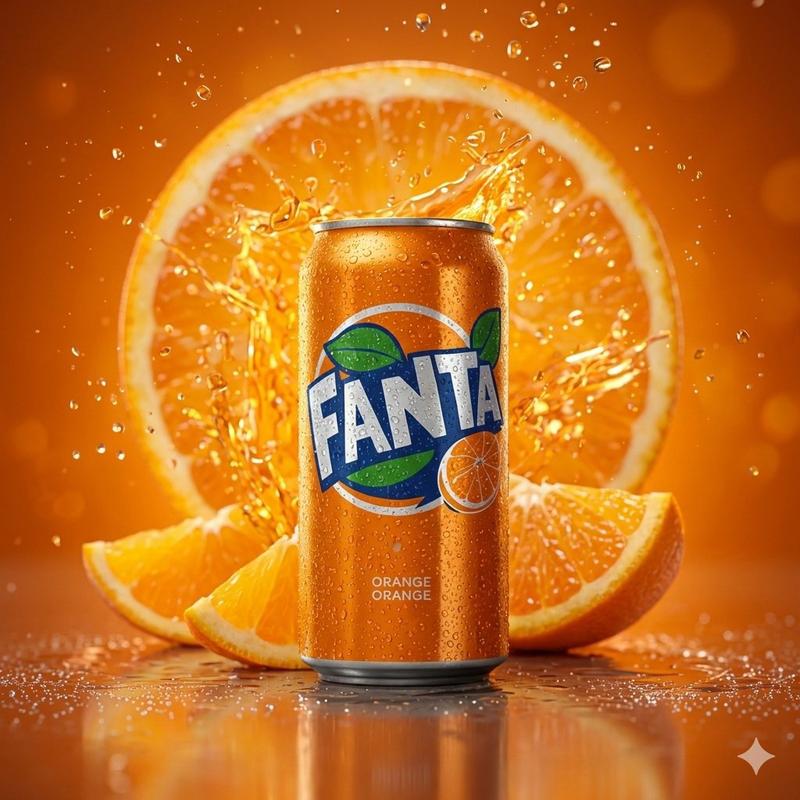
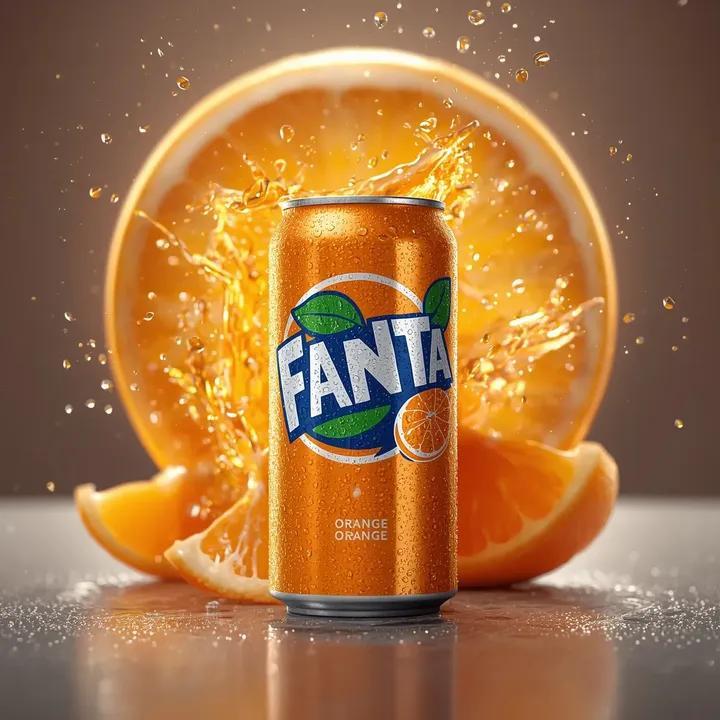
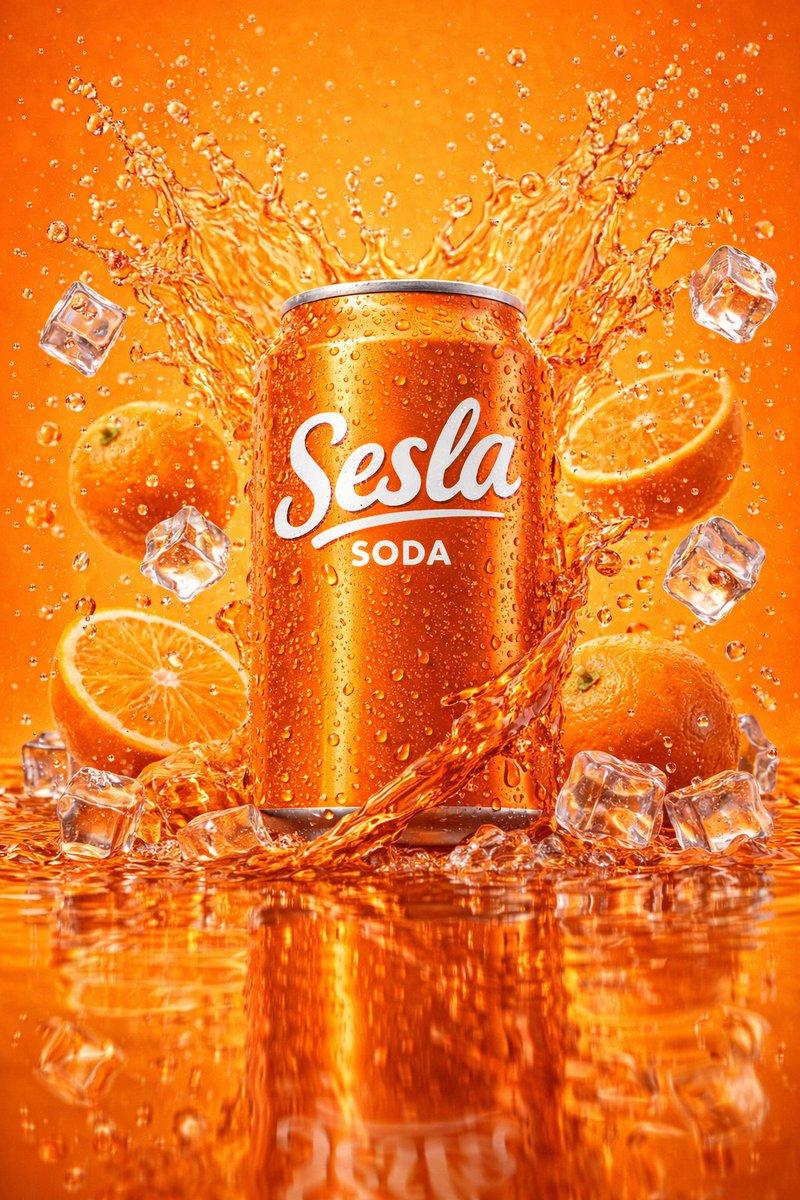
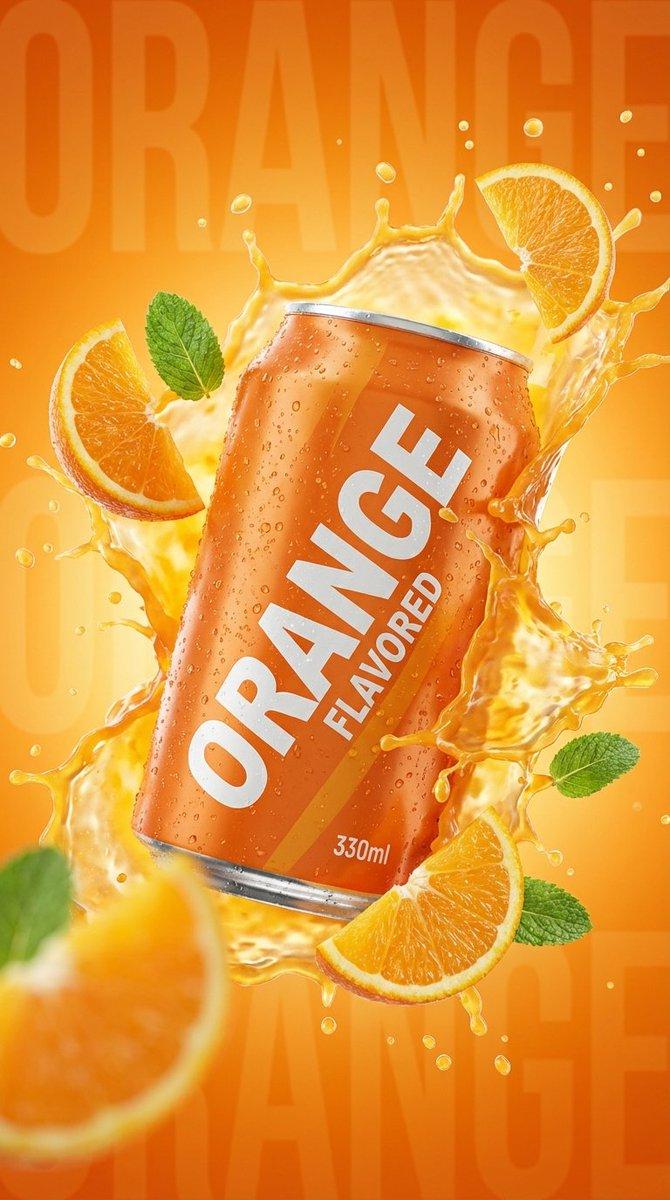
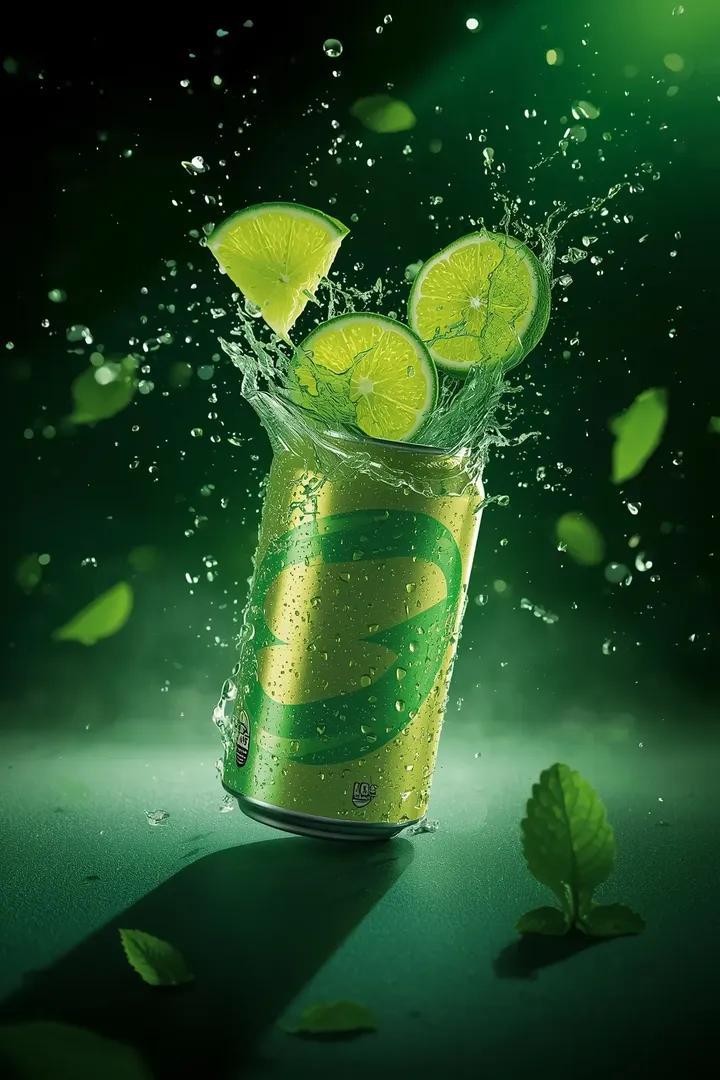
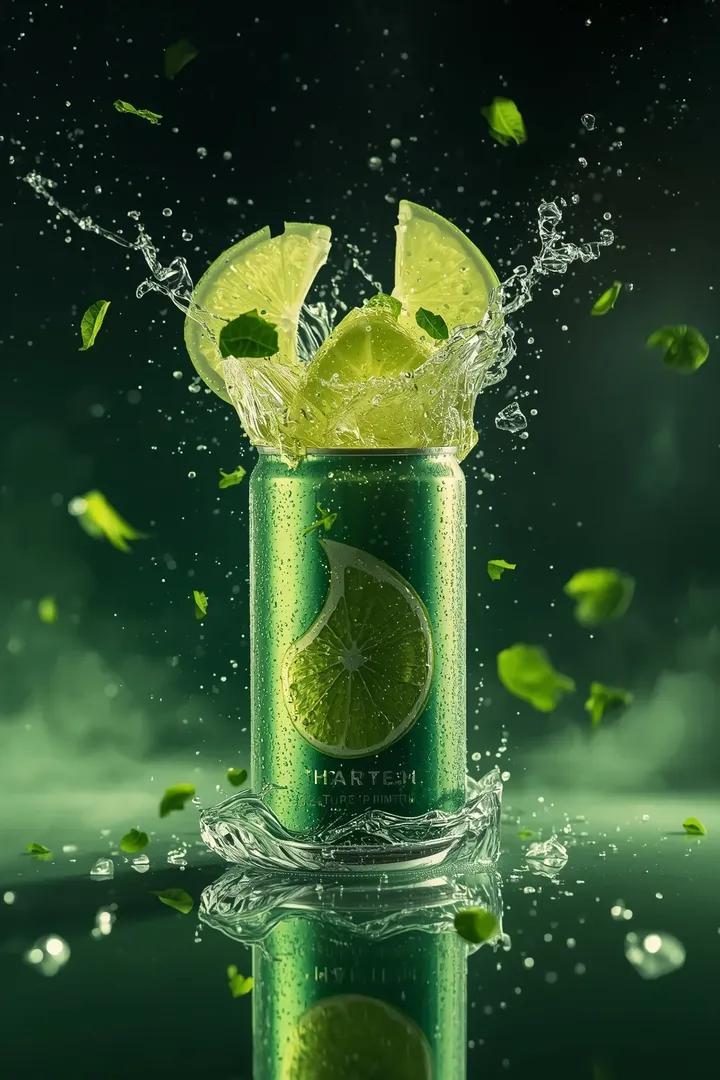
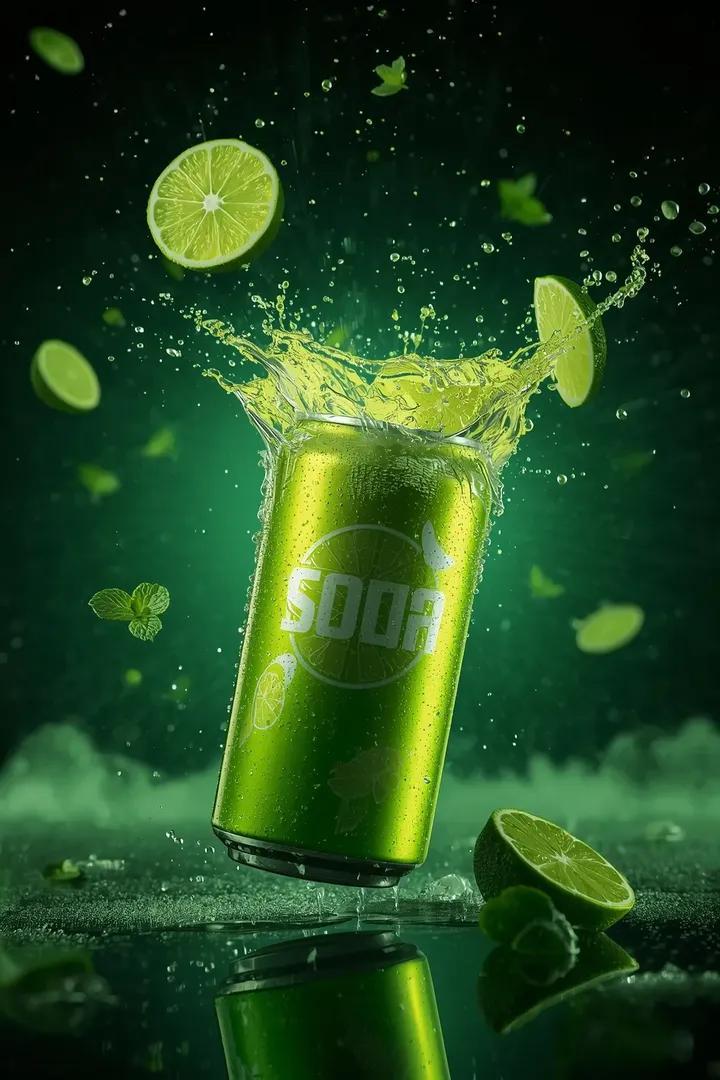
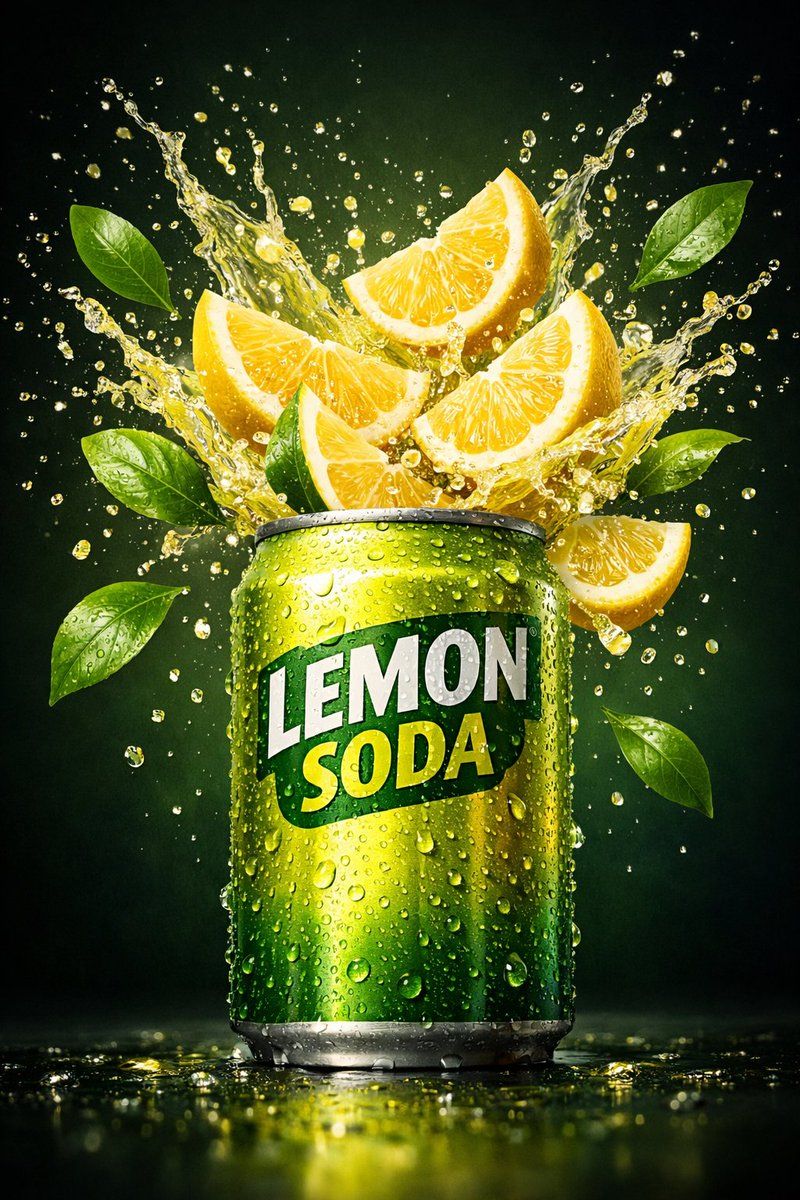
柠檬汽水罐的超逼真商业产品照片
Enlarge

柠檬汽水罐的超逼真商业产品照片

Prompt
A hyper-realistic commercial product shot of a
{argument name="product" default="lemon soda can"}, with fresh {argument name="fruit slices" default="lemon slices"} bursting
out of the can in a dynamic splash. The can is
covered in cold condensation droplets, glossy
metallic texture, vibrant {argument name="color palette" default="yellow-green color palette"}.
Lemon wedges and citrus juice splashes frozen
mid-air, ultra-detailed lemon pulp visible. Fresh
green leaves floating around, dark green gradient
background, soft studio lighting, dramatic high-
lights, shallow depth of field, cinematic advertising
style, ultra-sharp focus, 8K resolution, photorealis-
tic, premium beverage ad. img
Category
创意图片
Model
Nano Banana Pro
Creator
K
Views0
Source ID
da2bb84f-eb37-4ff1-ae7e-35ec478c0a4f
Published
Mar 8, 2026

Guide

About "柠檬汽水罐的超逼真商业产品照片"

What is this prompt for?

"柠檬汽水罐的超逼真商业产品照片" AI image prompt for Nano Banana Pro (创意图片). 一个详细的图像生成提示,旨在创建一张超逼真的柠檬汽水罐商业产品照片。它强调动态动作,如爆裂的柠檬片、冰冷的凝结水、光泽的金属质感和充满活力的黄绿色调,目标是实现电影广告风格,具有超清晰的焦点和…

The full copyable prompt and example visuals above are ready for AI image generation or one-click recreate in Picva.

How to use this prompt

  1. Step 1

    Open the prompt detail

    Review the example visuals, category, and full prompt text for "柠檬汽水罐的超逼真商业产品照片".

  2. Step 2

    Copy the prompt

    Copy the prompt body from this page, or load it directly in Studio.

  3. Step 3

    Pick a model (Nano Banana Pro)

    Prefer Nano Banana Pro. If you switch models, keep subject and composition and tweak style terms.

  4. Step 4

    Generate and export

    Recreate the look in Picva, or export into your workflow for editing and publishing.

FAQ

What is the "柠檬汽水罐的超逼真商业产品照片" prompt?
It is an AI image-generation prompt for Nano Banana Pro in the 创意图片 category. This page includes the full prompt text, example visuals, and a one-click recreate path in Picva.
How do I use this prompt to generate an image?
Copy the prompt from this page, or use Generate / Studio. Paste it into a compatible image model, or recreate the look in Picva with optional reference images.
Which model is this prompt for?
This page lists Nano Banana Pro. Most descriptive prompts also transfer to nearby image models such as GPT Image, Flux, or Midjourney with light style tweaks.
Can I use the result commercially?
You can usually copy the prompt for creation, but commercial use of the final image depends on the model terms, reference-image rights, and the generated content. Follow the source author and platform rules.