15

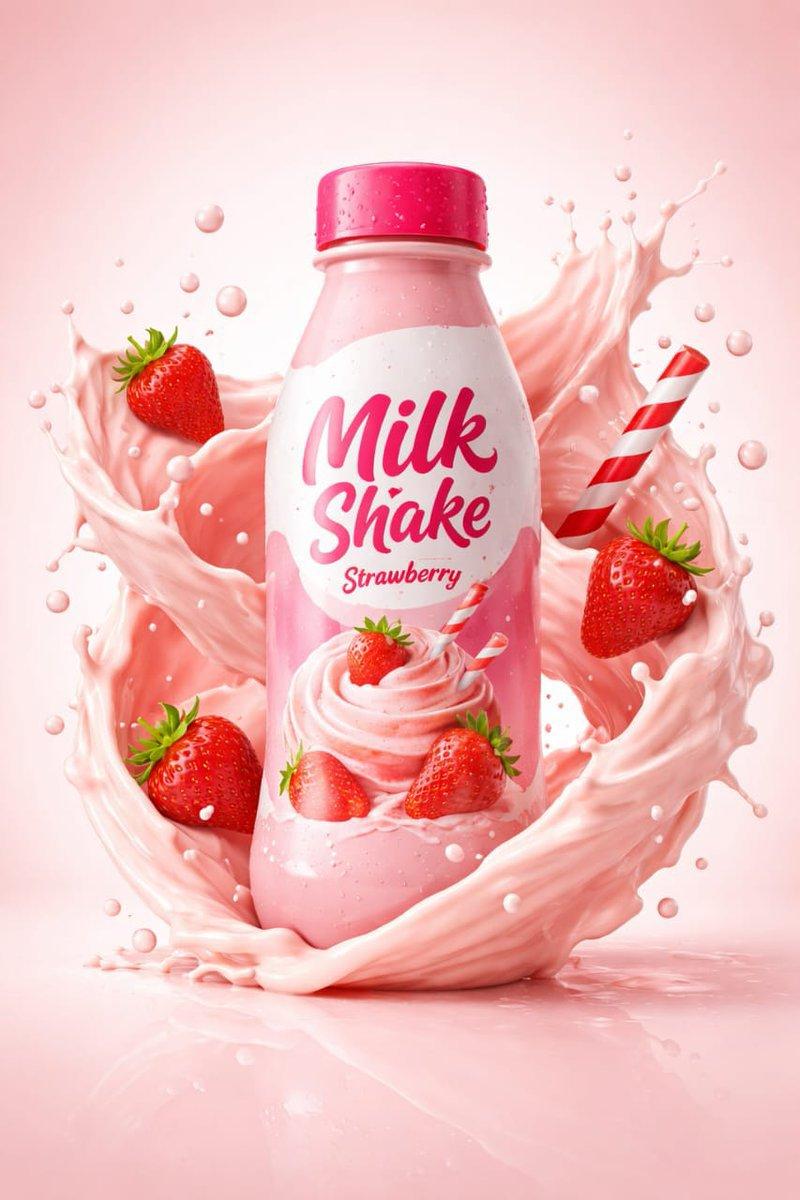
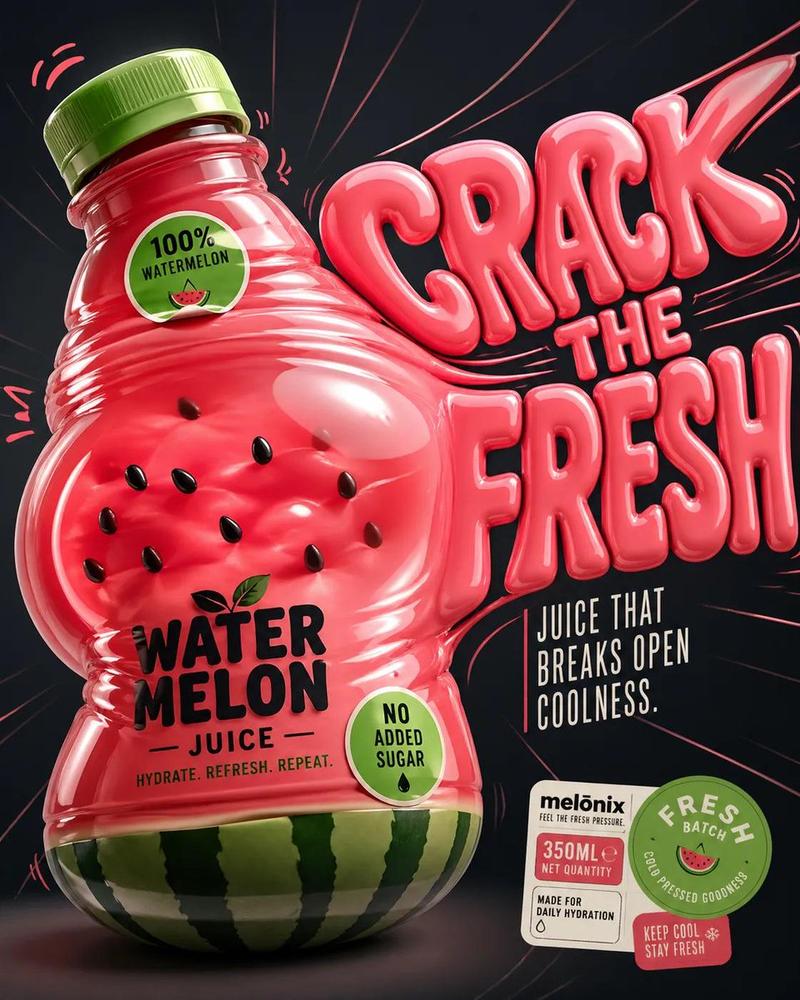
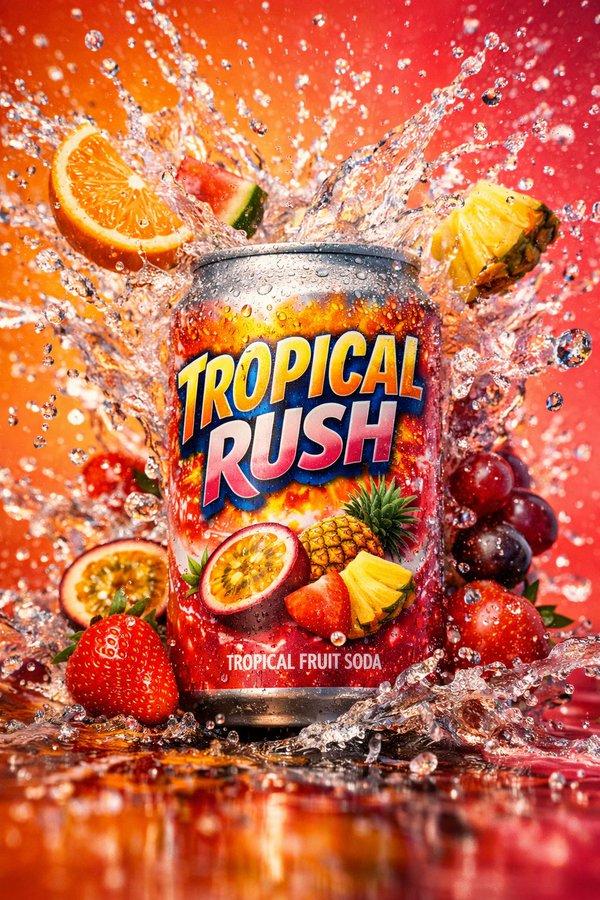
产品摄影海报:液态飞溅与文字叠加
Enlarge

产品摄影海报:液态飞溅与文字叠加

Prompt
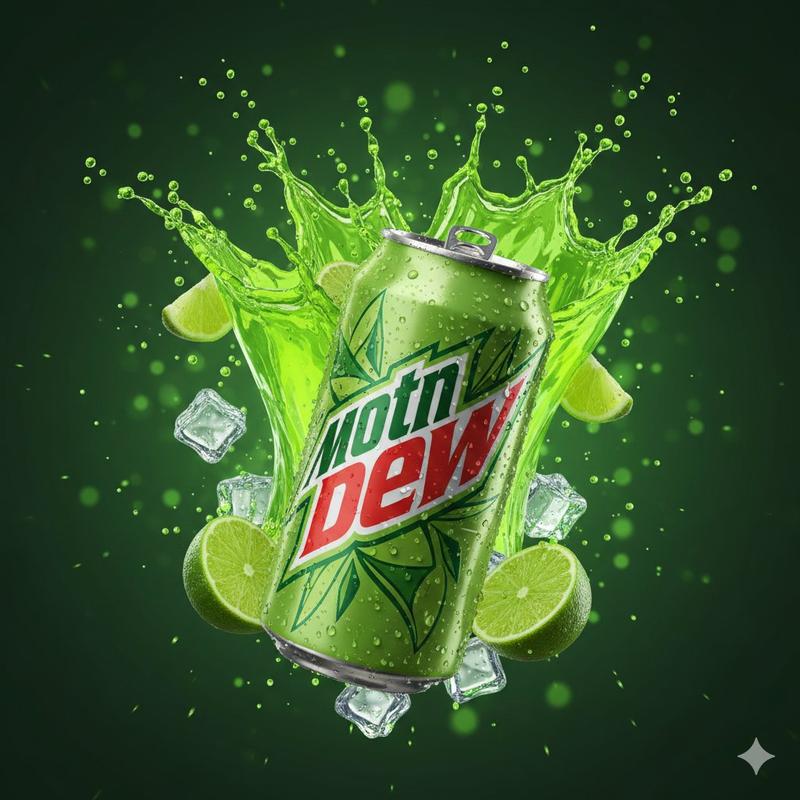
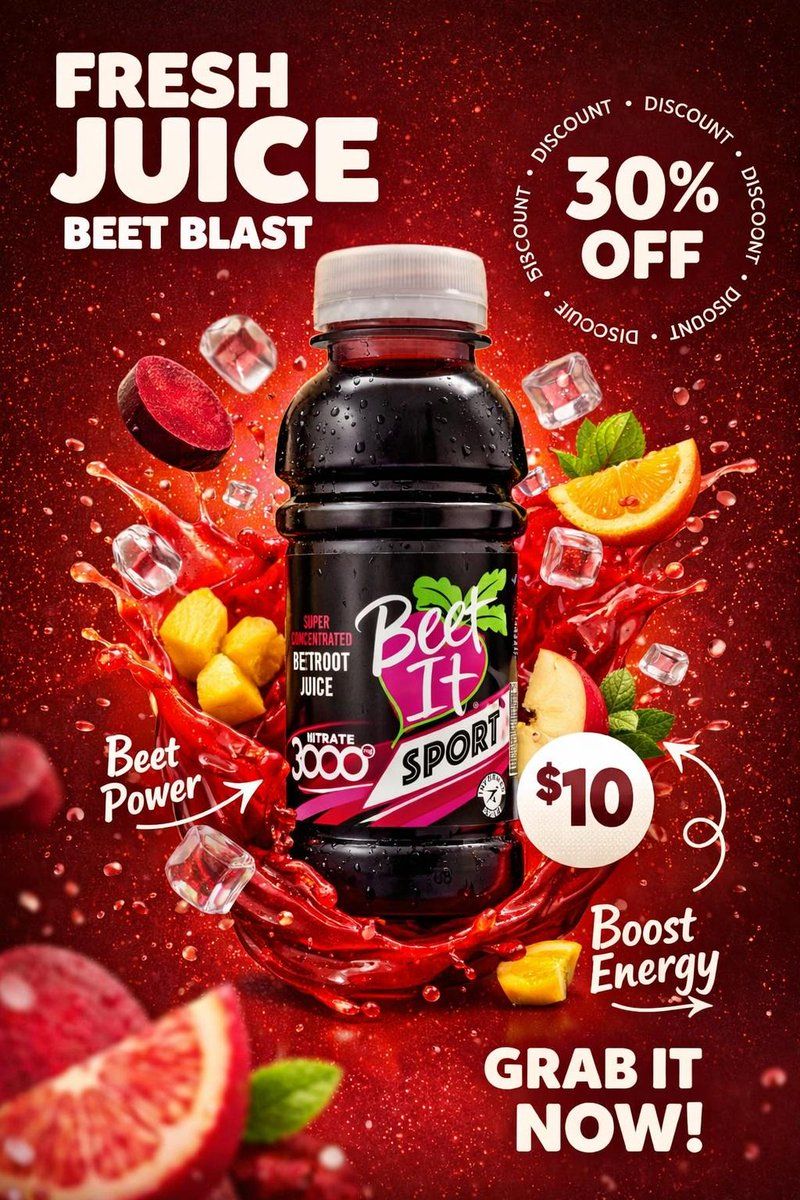
Exact uploaded [BOTTLE_NAME] bottle (label unchanged). Vertical poster. Center bottle w/ condensation. Add {argument name="juice color" default="JUICE_COLOR"} liquid splash wrap + ice cubes + {argument name="ingredients" default="INGREDIENTS"} floating (controlled). Background: {argument name="background color" default="BG_COLOR"} gradient + vignette + grain.
Top-left: “FRESH JUICE” + “[FLAVOR_TAGLINE]”. Right: circular “30% OFF” ring. Lower-right: price circle “[PRICE]”. Bottom-right CTA “[CTA]”. White doodle arrows. Studio key+rim, 85mm, sharp text, no watermark.
Category
创意图片
Model
Nano Banana Pro
Creator
Oogie
Views0
Source ID
3bf9b0cb-e89f-4aff-b90f-043bc4b5854f
Published
Mar 8, 2026

Guide

About "产品摄影海报:液态飞溅与文字叠加"

What is this prompt for?

"产品摄影海报:液态飞溅与文字叠加" AI image prompt for Nano Banana Pro (创意图片). 一个用于生成果汁瓶垂直海报图像的提示,重点是高细节的产品摄影。它要求使用精确上传的瓶子图像,添加动态元素,如液体飞溅环绕、冰块和漂浮的配料,并指定商业文本叠加(口味标语、折扣、CTA),要求文…

The full copyable prompt and example visuals above are ready for AI image generation or one-click recreate in Picva.

How to use this prompt

  1. Step 1

    Open the prompt detail

    Review the example visuals, category, and full prompt text for "产品摄影海报:液态飞溅与文字叠加".

  2. Step 2

    Copy the prompt

    Copy the prompt body from this page, or load it directly in Studio.

  3. Step 3

    Pick a model (Nano Banana Pro)

    Prefer Nano Banana Pro. If you switch models, keep subject and composition and tweak style terms.

  4. Step 4

    Generate and export

    Recreate the look in Picva, or export into your workflow for editing and publishing.

FAQ

What is the "产品摄影海报:液态飞溅与文字叠加" prompt?
It is an AI image-generation prompt for Nano Banana Pro in the 创意图片 category. This page includes the full prompt text, example visuals, and a one-click recreate path in Picva.
How do I use this prompt to generate an image?
Copy the prompt from this page, or use Generate / Studio. Paste it into a compatible image model, or recreate the look in Picva with optional reference images.
Which model is this prompt for?
This page lists Nano Banana Pro. Most descriptive prompts also transfer to nearby image models such as GPT Image, Flux, or Midjourney with light style tweaks.
Can I use the result commercially?
You can usually copy the prompt for creation, but commercial use of the final image depends on the model terms, reference-image rights, and the generated content. Follow the source author and platform rules.