15

拟人化零食广告视觉提示
Enlarge

拟人化零食广告视觉提示

Prompt
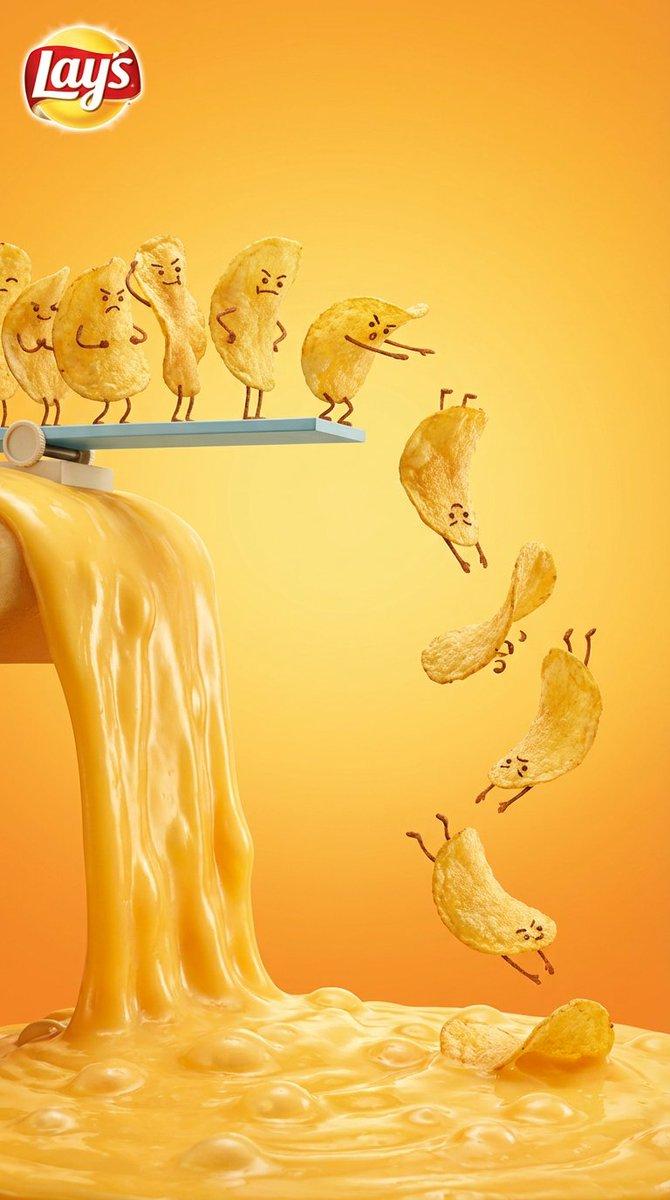
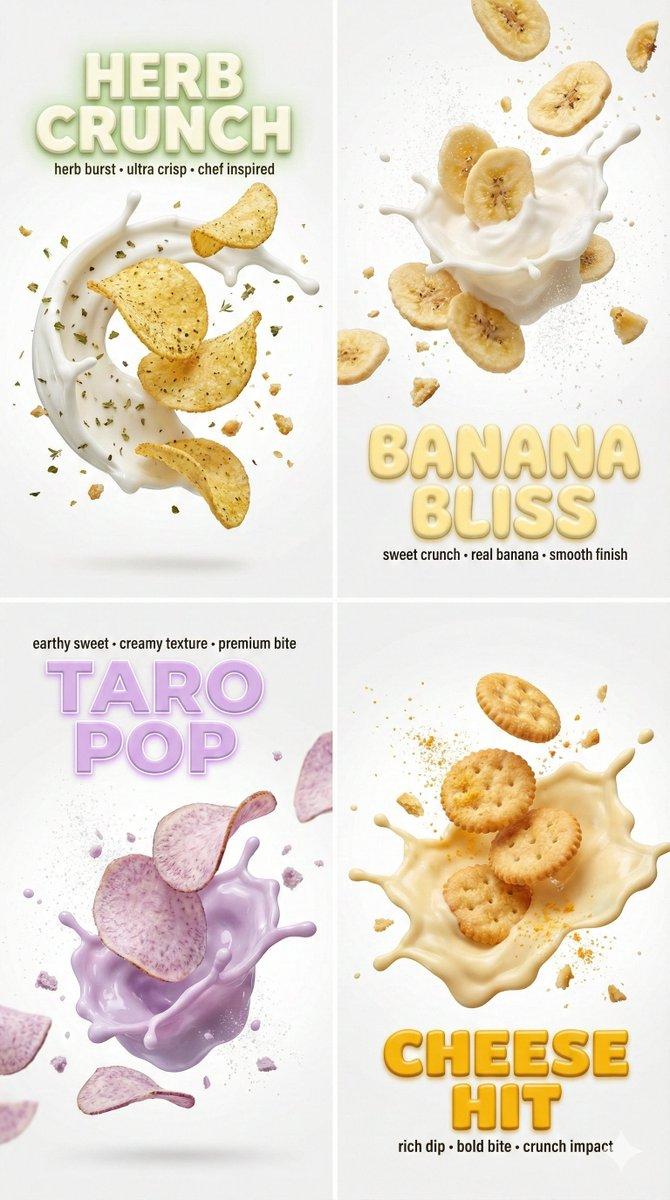
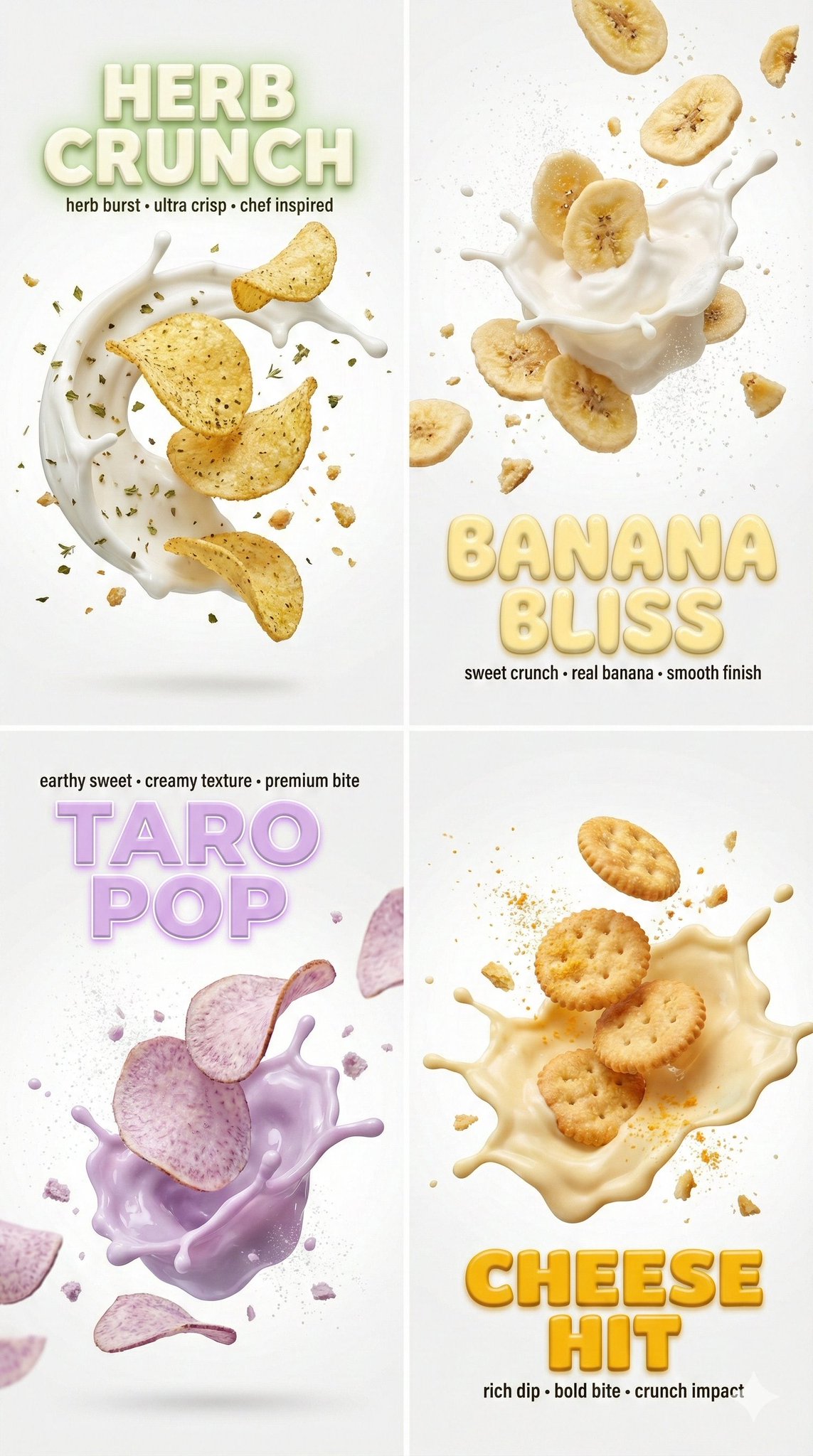
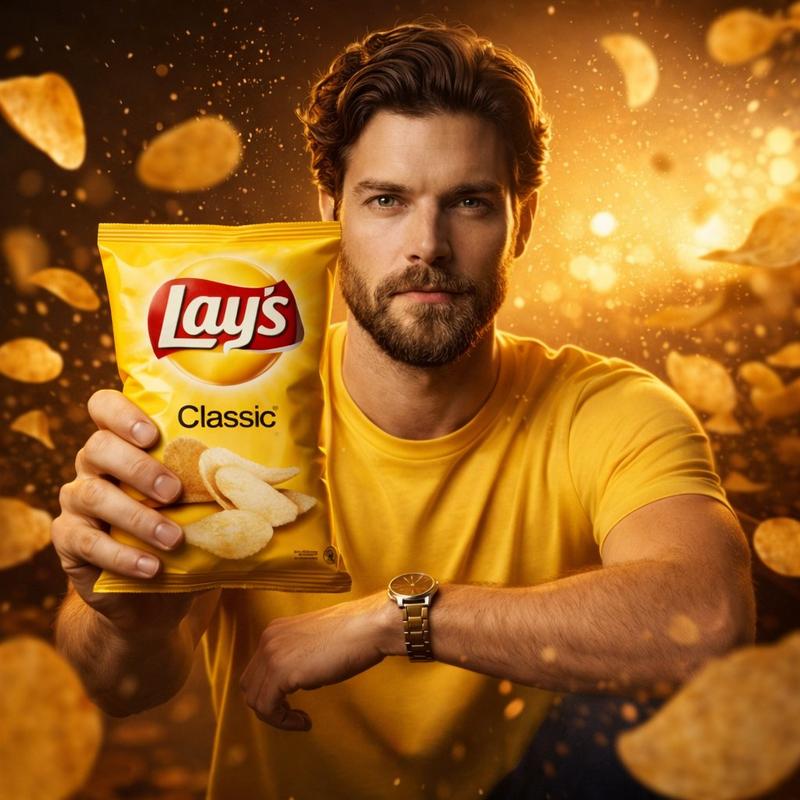
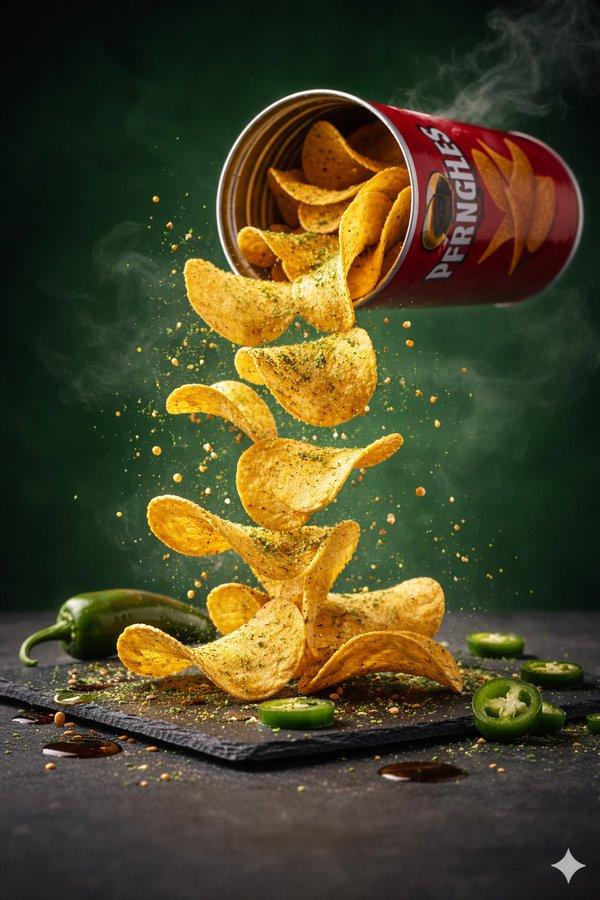
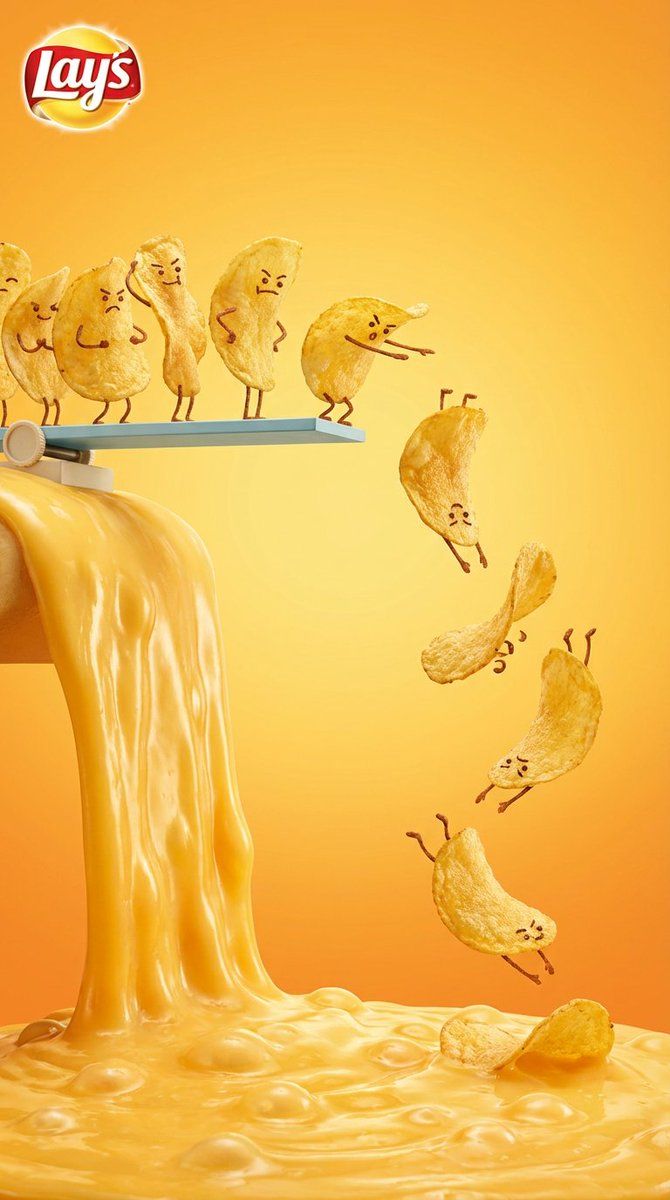
Vertical snack advertising visual with playful anthropomorphic tone. At the top, golden Lay’s potato chips arranged in a neat vertical queue, each chip posed like a diver on a diving platform, some slightly bent forward, some mid-tilt, suggesting preparation and focus before jumping. Below them, thick molten cheese flowing downward, glossy and stretchy, forming a rich cheese lava pool at the bottom. Several chips are frozen mid-air in clean diving poses, angled downward like synchronized divers, capturing a precise pre-splash moment. Warm yellow and cheese-orange gradient background, studio advertising lighting, soft highlights, refined shadows. Strong central axis composition, clear visual hierarchy. Minimalist graphic layout, fun yet premium commercial food photography aesthetic, ultra-detailed textures, hyper-realistic, 8K resolution.
Category
创意图片
Model
Nano Banana Pro
Creator
Latte
Views0
Source ID
9410a957-1733-4733-bd21-b0f6996ed78a
Published
Mar 8, 2026

Guide

About "拟人化零食广告视觉提示"

What is this prompt for?

"拟人化零食广告视觉提示" AI image prompt for Nano Banana Pro (创意图片). 一个用于生成垂直广告视觉的提示,带有俏皮、拟人化的风格。它描绘了薯片像跳水运动员一样排成一列,准备跳入一池光泽的融化奶酪酱中,重点突出超精细的纹理和高端商业美感。 --- 垂直零食广告视觉,带有俏皮的拟…

The full copyable prompt and example visuals above are ready for AI image generation or one-click recreate in Picva.

How to use this prompt

  1. Step 1

    Open the prompt detail

    Review the example visuals, category, and full prompt text for "拟人化零食广告视觉提示".

  2. Step 2

    Copy the prompt

    Copy the prompt body from this page, or load it directly in Studio.

  3. Step 3

    Pick a model (Nano Banana Pro)

    Prefer Nano Banana Pro. If you switch models, keep subject and composition and tweak style terms.

  4. Step 4

    Generate and export

    Recreate the look in Picva, or export into your workflow for editing and publishing.

FAQ

What is the "拟人化零食广告视觉提示" prompt?
It is an AI image-generation prompt for Nano Banana Pro in the 创意图片 category. This page includes the full prompt text, example visuals, and a one-click recreate path in Picva.
How do I use this prompt to generate an image?
Copy the prompt from this page, or use Generate / Studio. Paste it into a compatible image model, or recreate the look in Picva with optional reference images.
Which model is this prompt for?
This page lists Nano Banana Pro. Most descriptive prompts also transfer to nearby image models such as GPT Image, Flux, or Midjourney with light style tweaks.
Can I use the result commercially?
You can usually copy the prompt for creation, but commercial use of the final image depends on the model terms, reference-image rights, and the generated content. Follow the source author and platform rules.