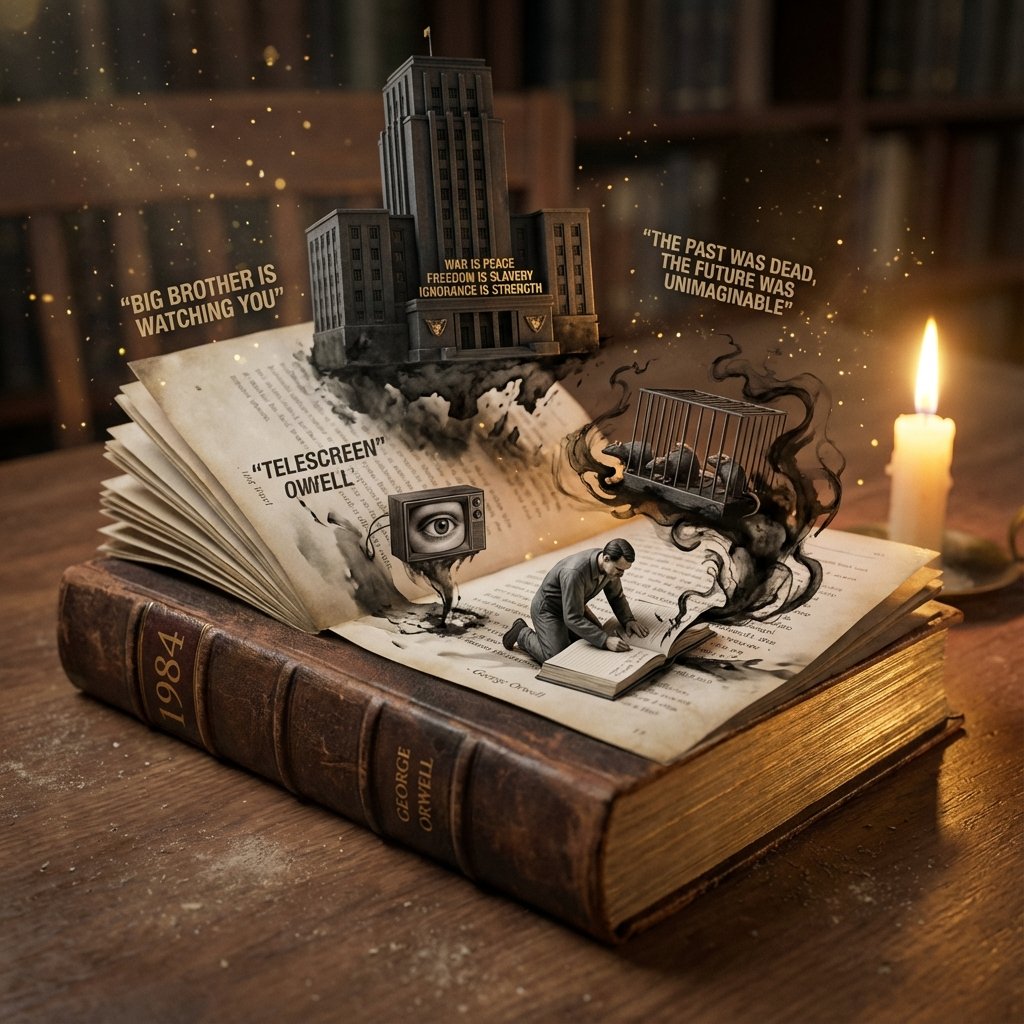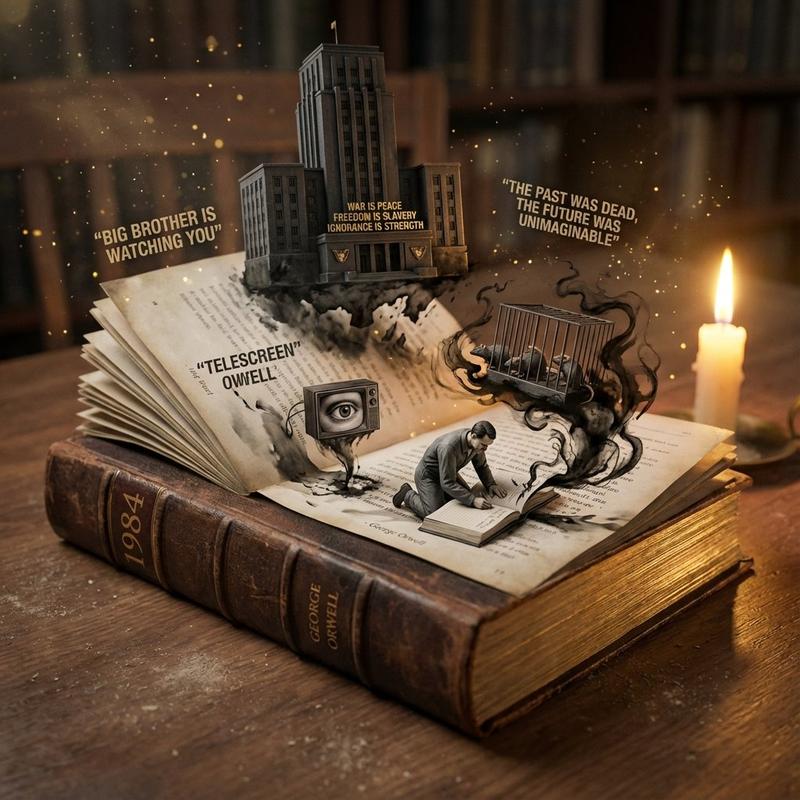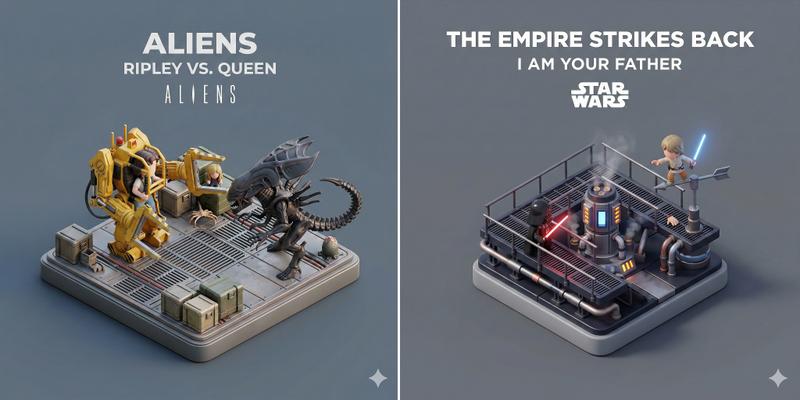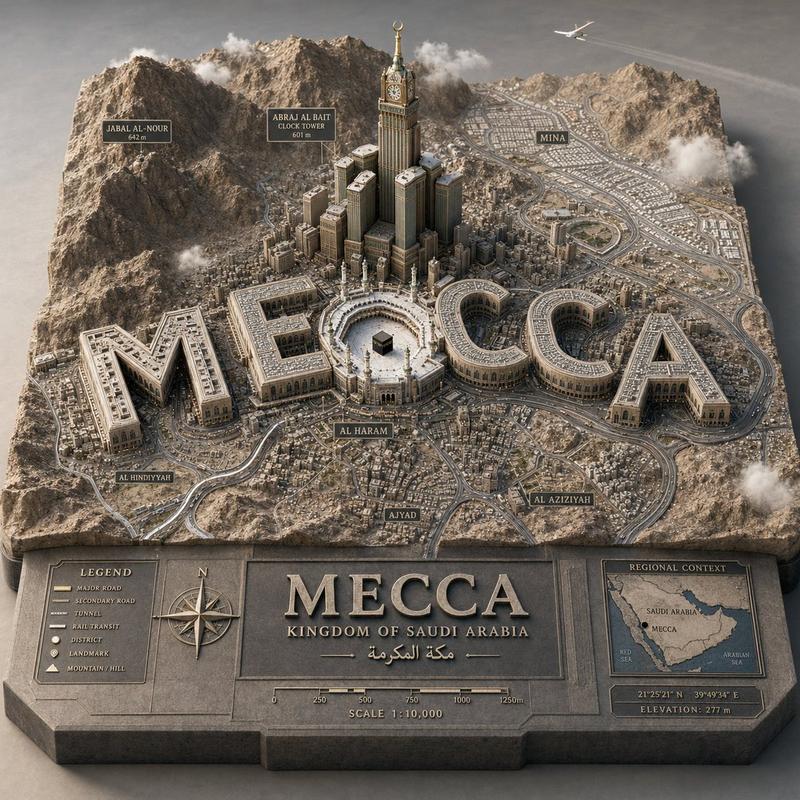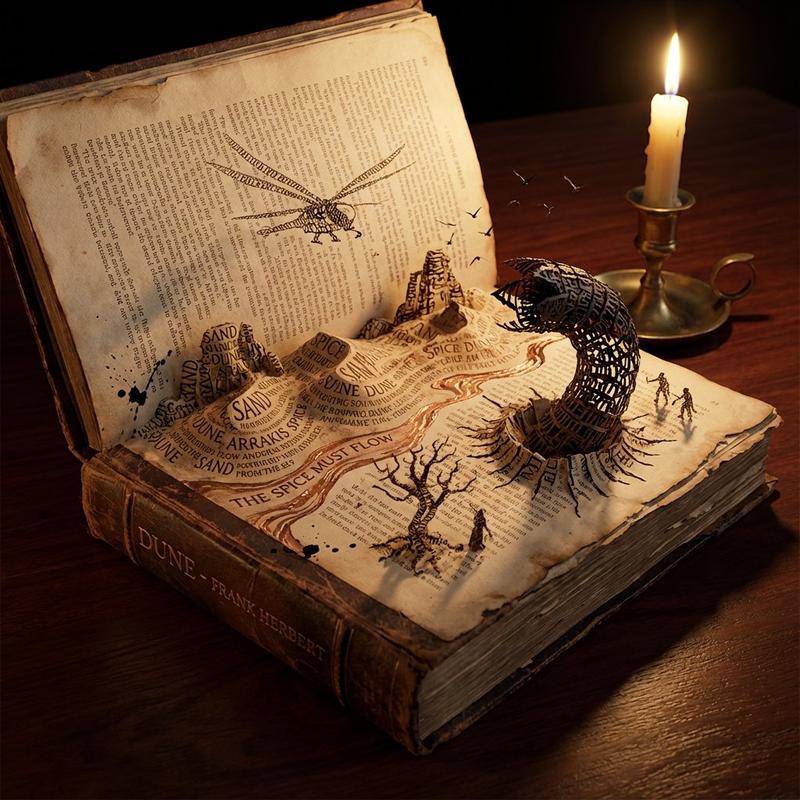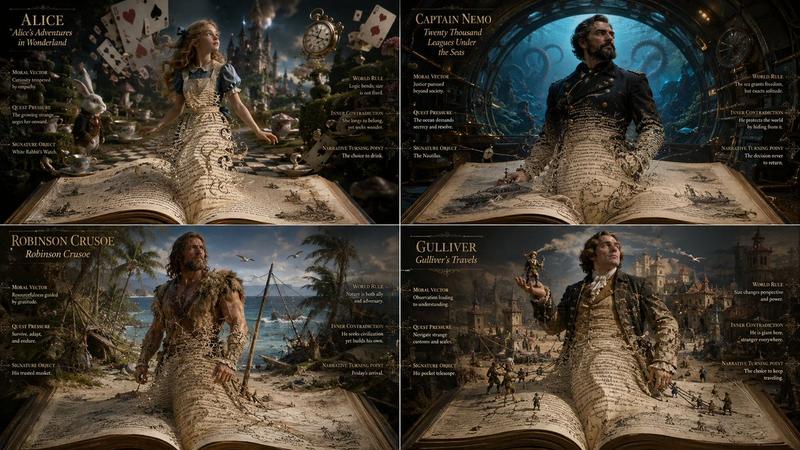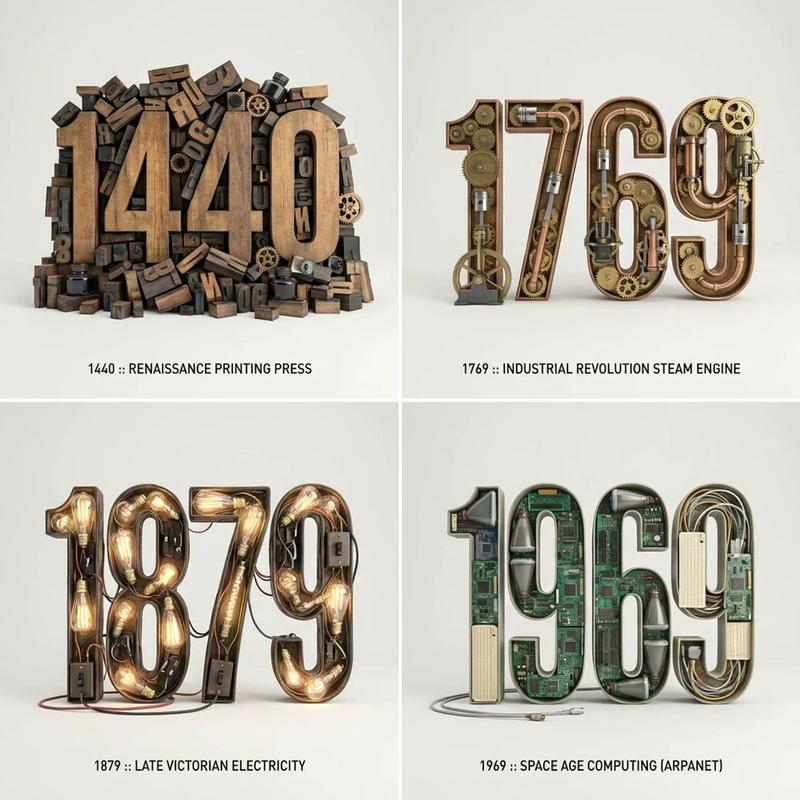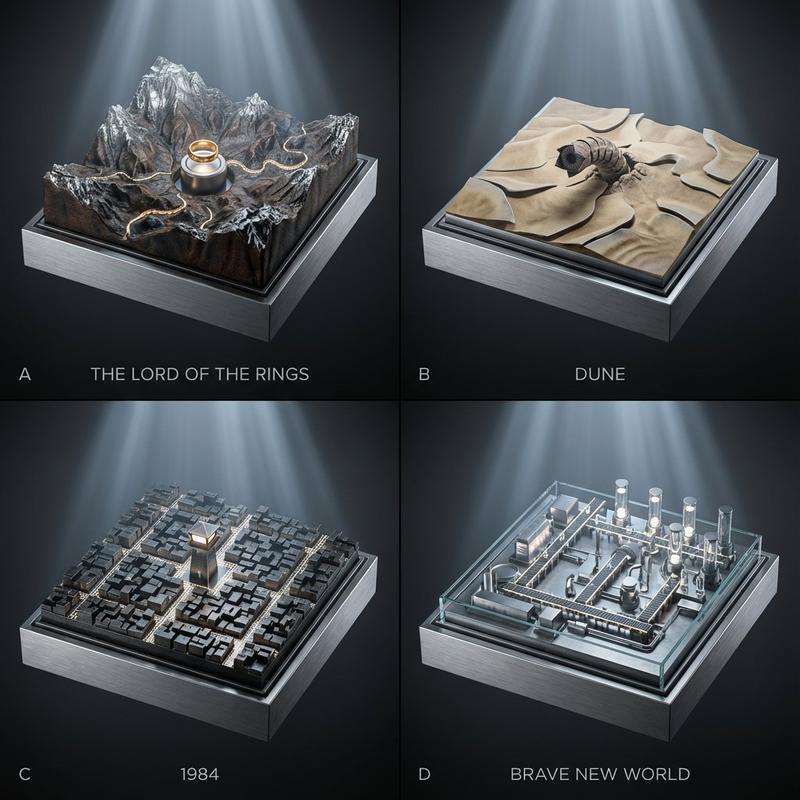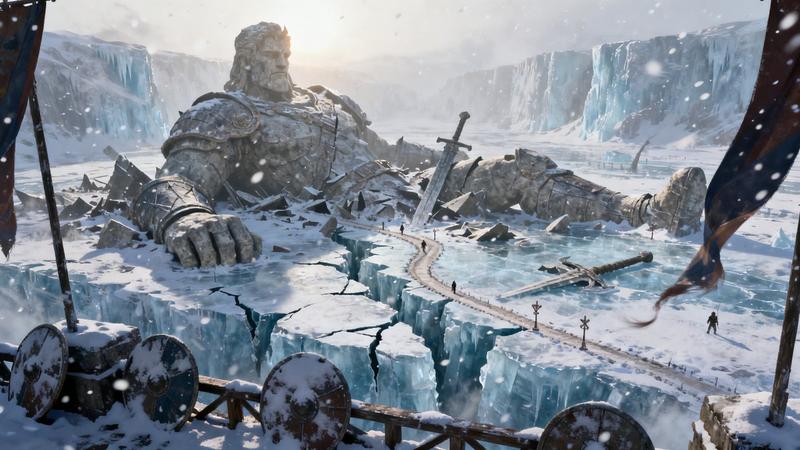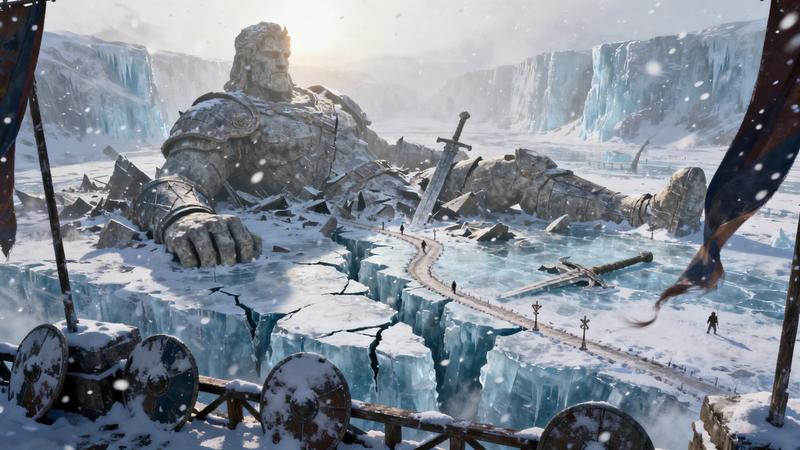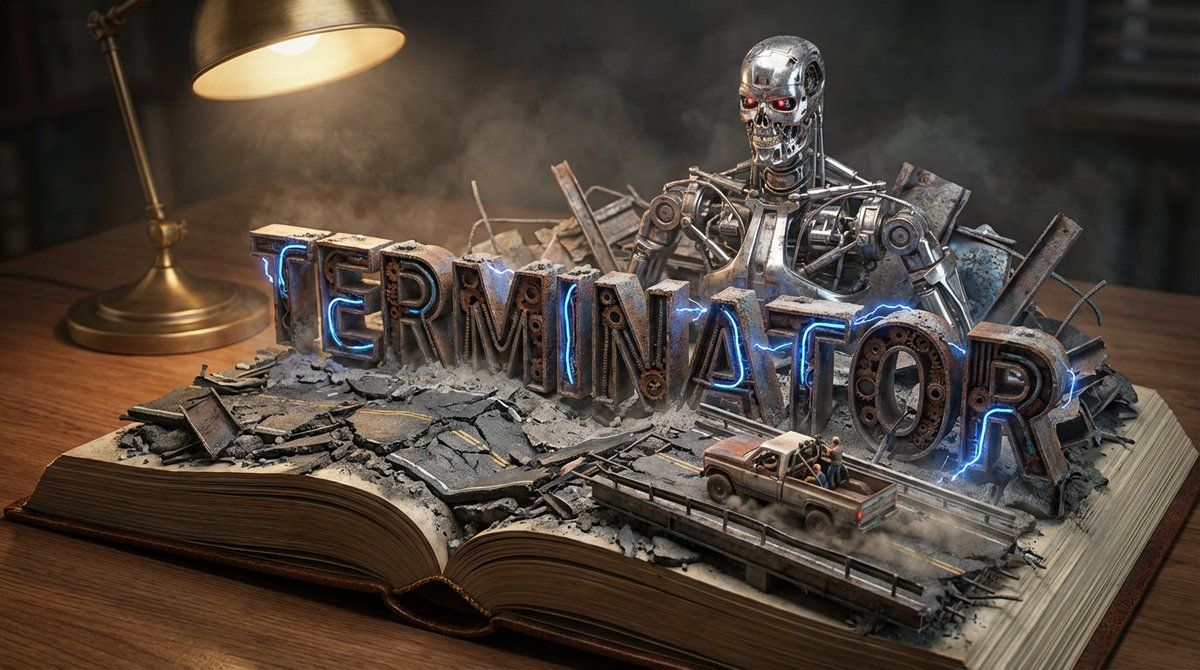
大师级道具制作师立体书透视模型生成器
提示词
Do it for Terminator: {argument name="title" default="Moby Dick"}

System Instruction:
Act as a Master Prop Maker. Generate a hyper-realistic, macro-photography shot of a "Pop-Up Book Diorama."
1. Forensic Analysis:
Analyze the Input Title to determine the visual components:
The Biome: Identify the primary setting (e.g., Ocean, Jungle, Space, Desert).
The Conflict: Identify the Antagonist or Monster (e.g., The White Whale, T-Rex, Darth Vader).
The Vessel/Hero: Identify the main vehicle or protagonist (e.g., The Pequod, The Jeep, The Millennium Falcon).
The Materiality: Identify the texture of the world (e.g., Wood & Water; Amber & Leaf; Metal & Stars).
2.  Container (The Open Book):
The Object: A massive, vintage, leather-bound hardcover book lying flat on a wooden desk.
The Transformation: The book is open to the middle. The pages do not just lie flat; they physically mutate into the "Biome" identified in Step 1.
Example: If Ocean, the pages turn into turbulent resin waves. If Desert, they turn into dunes.
3. Typography (The Floating Title):
The Text: The [Title of the Input] rises out of the landscape as massive, 3D block letters.
Integration: The letters must interact with the environment.
Texture: The letters are made of materials from the story (e.g., Driftwood, Stone, Bone).
Placement: The waves crash over the letters; vines wrap around the letters.
4. The Action Scene :
CRITICAL: Construct a specific scene using miniature models on top of the book.
The Threat: Place the "Antagonist" looming large in the background (e.g., The Whale breaching behind the text).
The Hero: Place the "Vessel" or "Protagonist" navigating the terrain in the foreground (e.g., A tiny ship rocking on the waves).
Scale: The scene must look like a high-end model kit (1:87 scale).
5. Lighting & Atmosphere:
The Lamp: A vintage brass desk lamp is visible in the corner, casting a warm, directional "reading light" onto the scene.
Atmosphere: Magical realism. The water should glisten; the fog should swirl.
Depth: Shallow depth of field to blur the edge of the desk, keeping focus on the book.
Output: ONE image, 16:9 Aspect Ratio, Cinematic Miniature Photography, 8k Resolution.- 分类
- 创意图片
- 模型
- Nano Banana Pro
- 来源作者
- Gadgetify
- 来源 ID
- 6aea4ecc-a1b9-4f98-aa29-923fd6ae6f3e
- 发布时间
- 2026年3月8日
浏览量0

![Create a clean 45° isometric miniature diorama scene of [LOCATION], designed like a premium weath...](https://cdn.pixshop.app/prompt-library/nano-banana-1995334958974476770/primary-0-1768401706418-b2s34niy.jpeg)