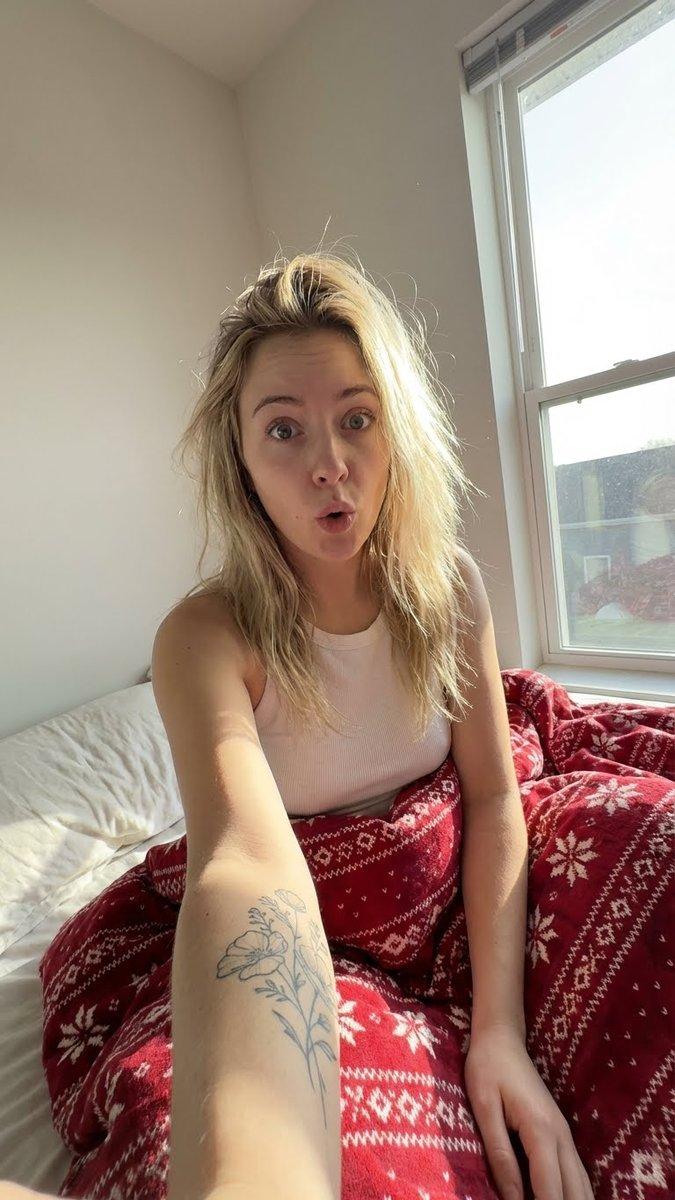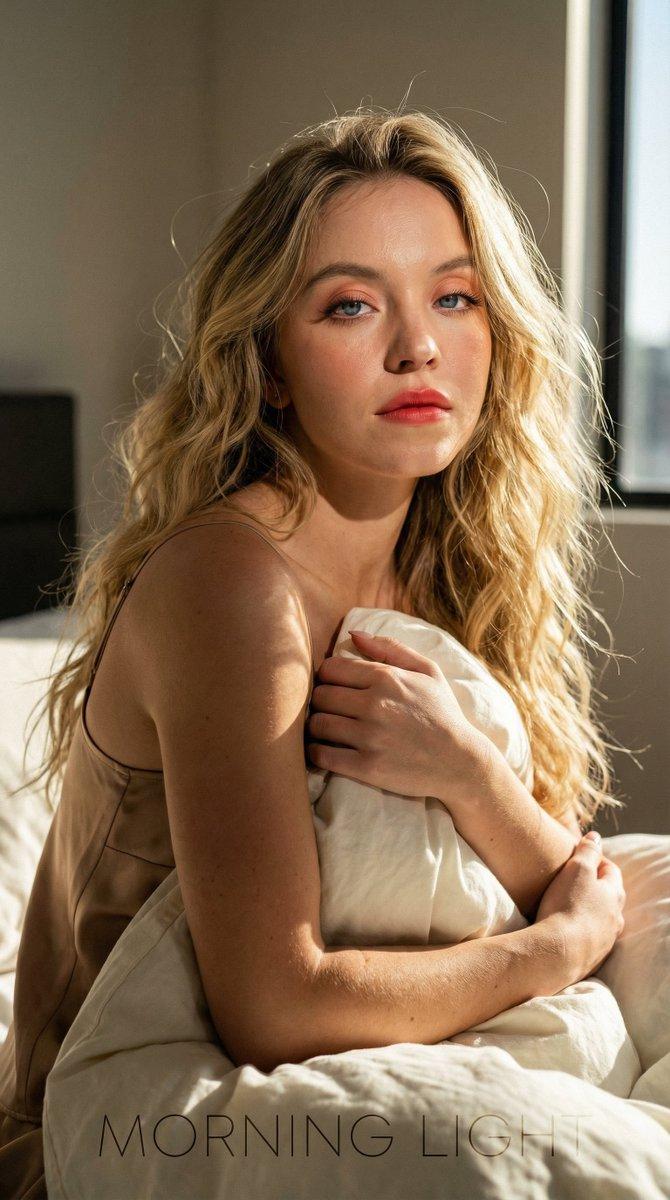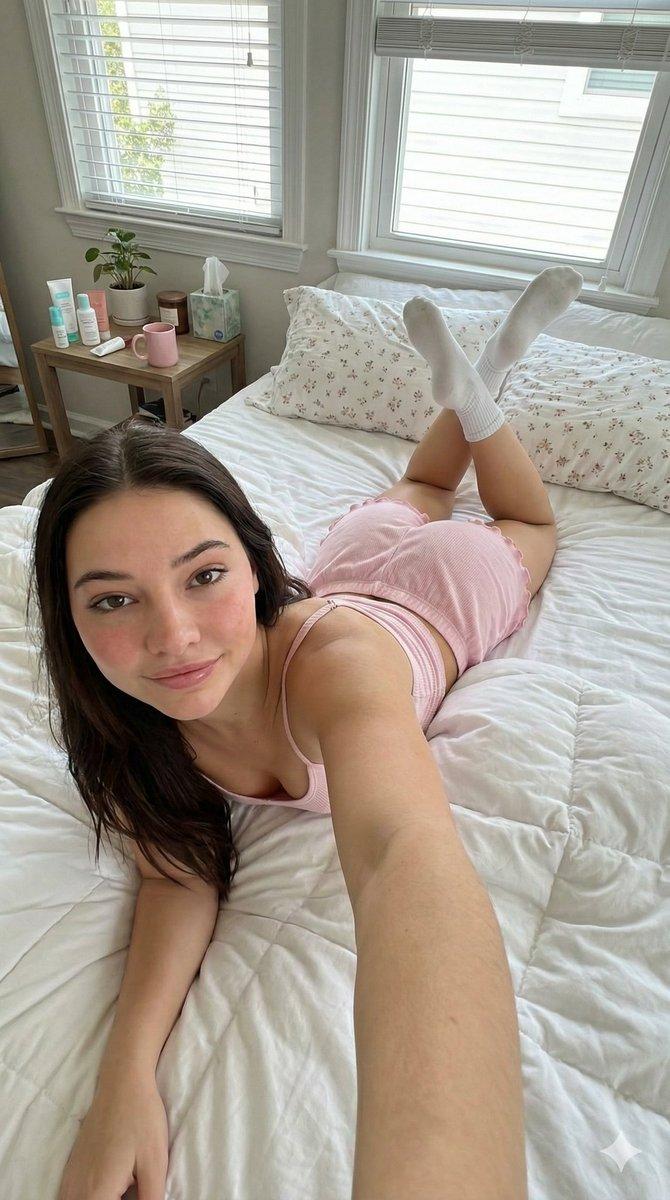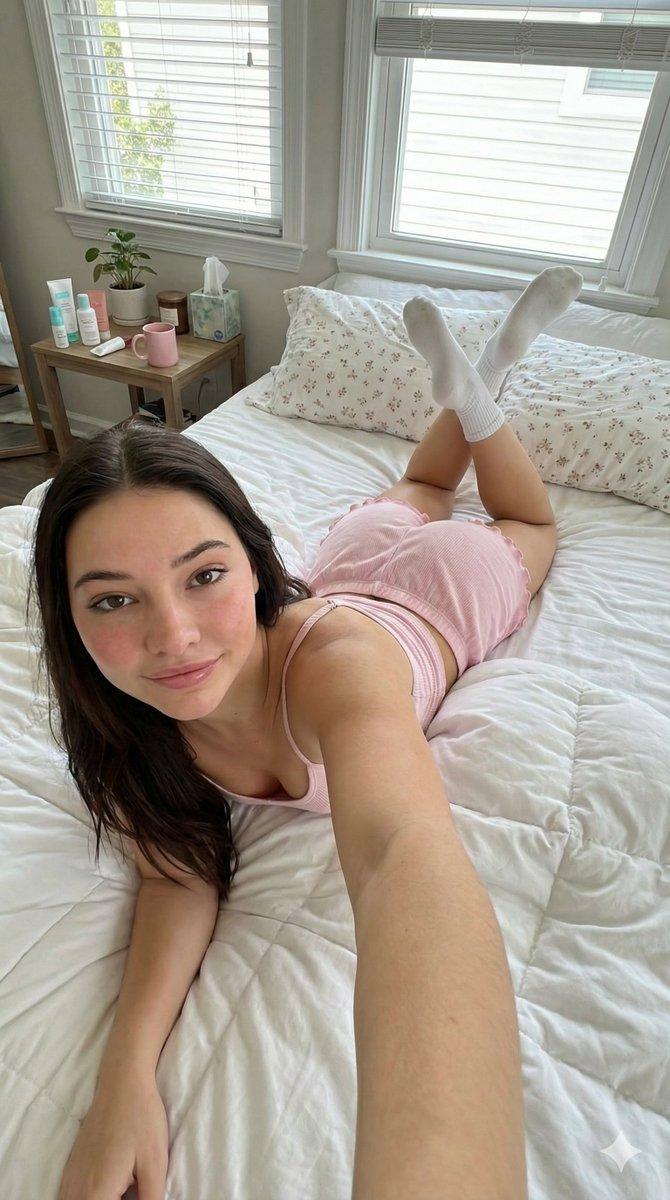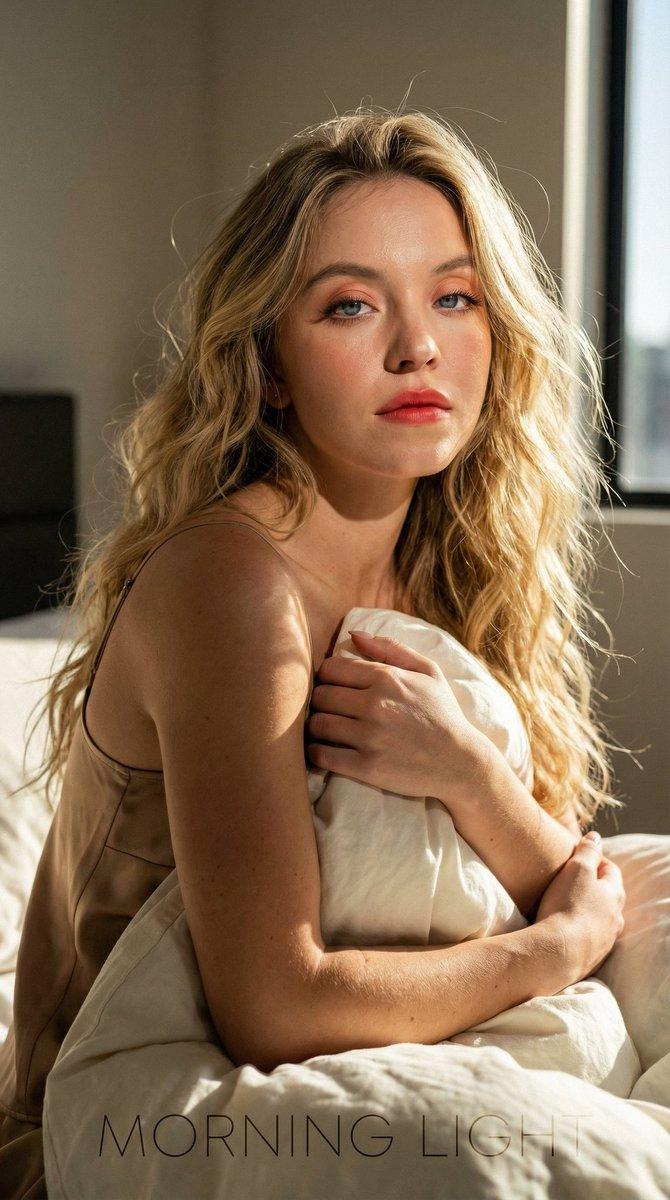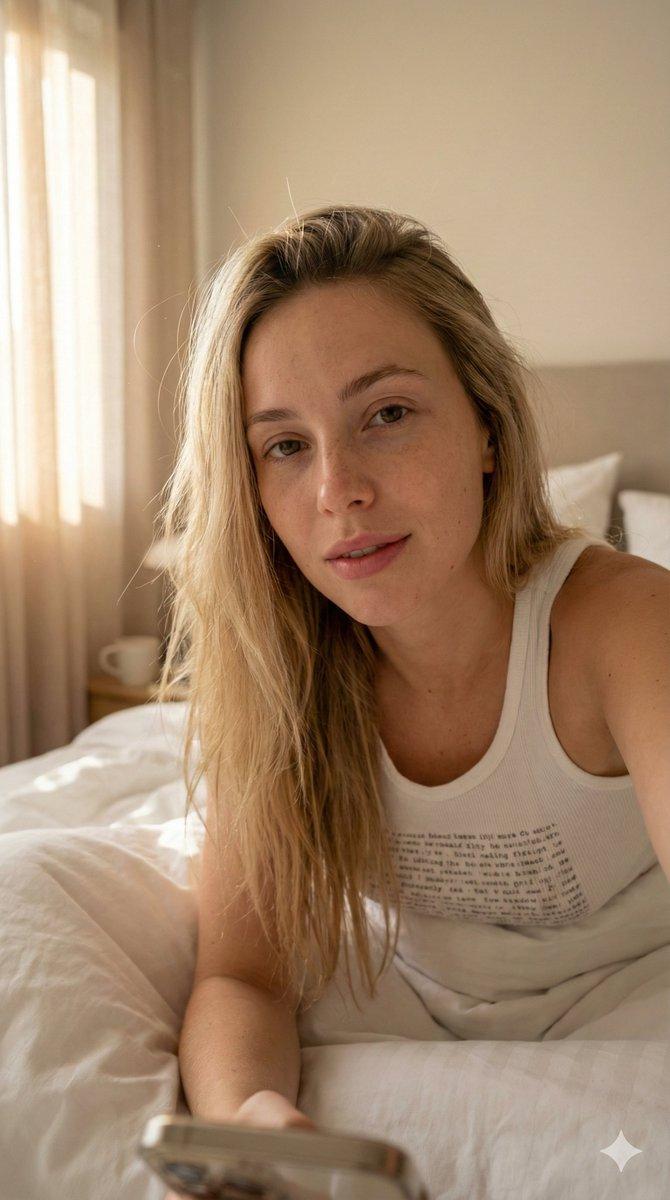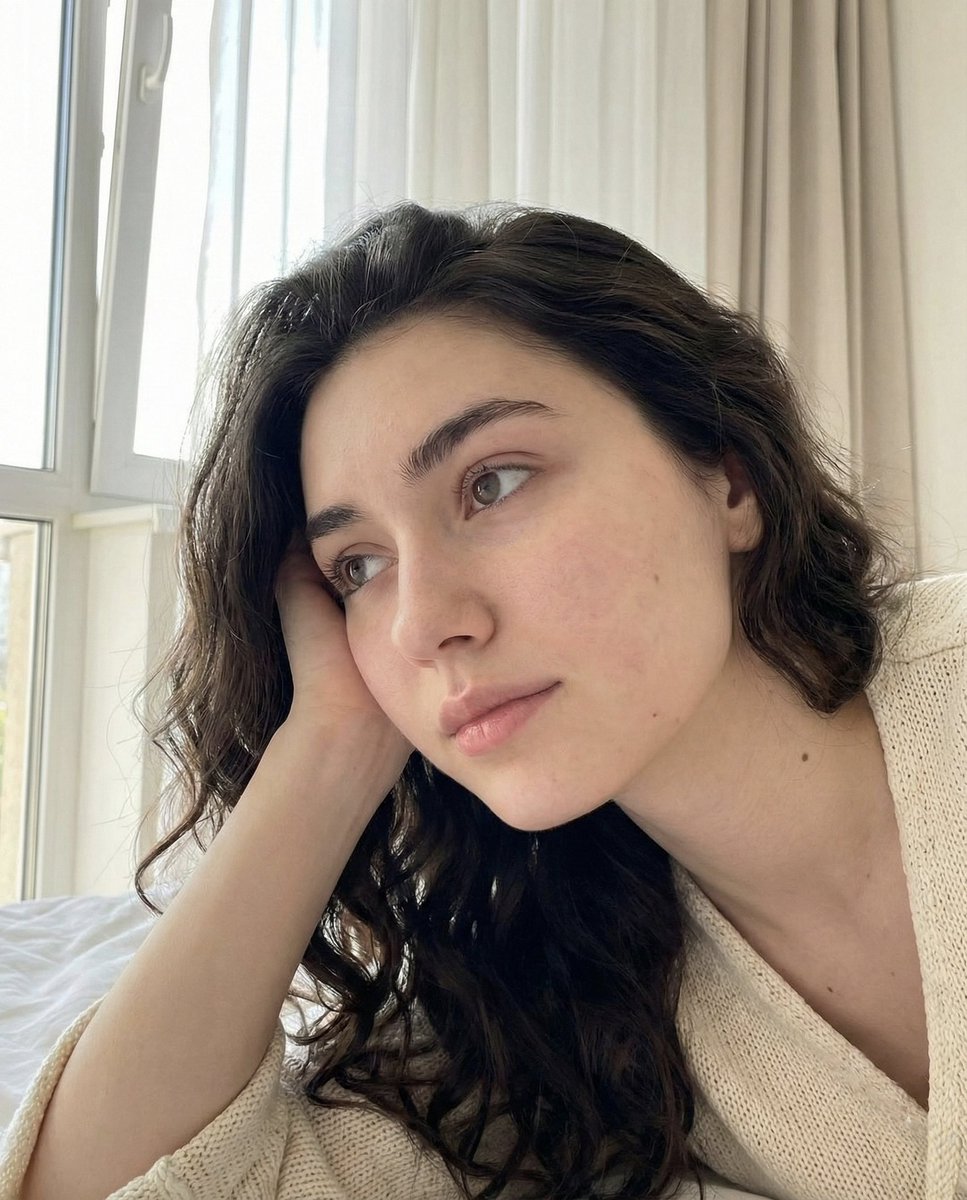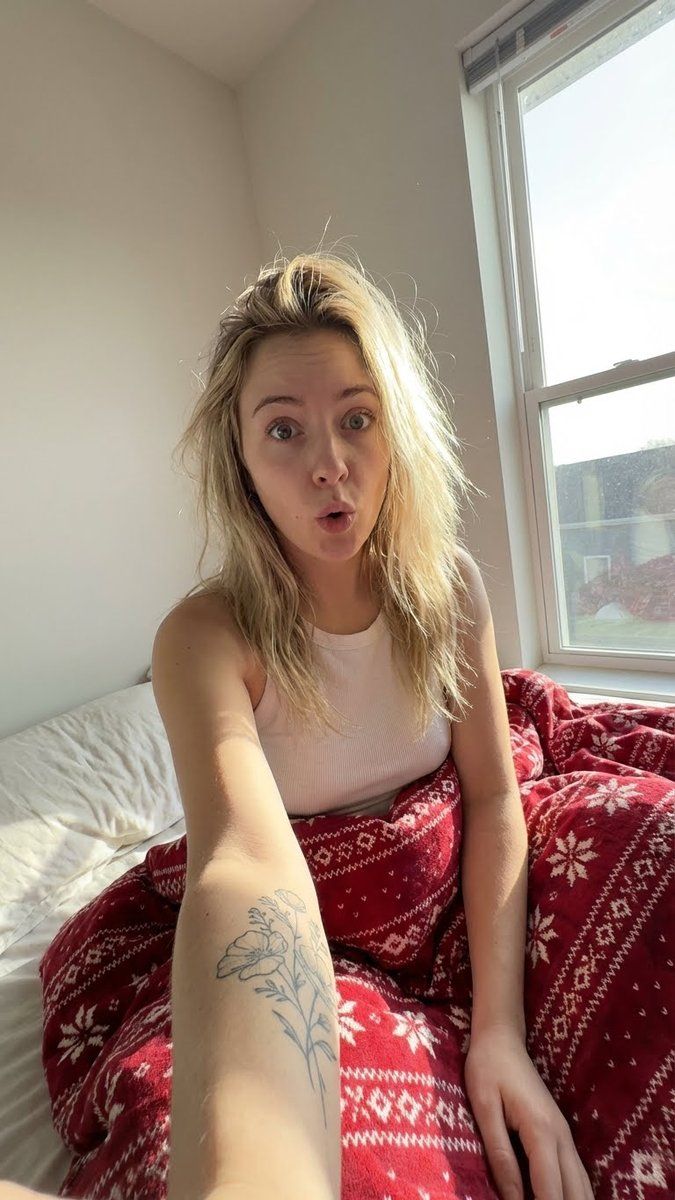
圣诞床品旁的真实晨间自拍
Prompt
{
  "meta": {
    "aspect_ratio": "9:16",
    "quality": "raw_photorealism, 8k",
    "camera": "iPhone 15 Pro Max",
    "lens": "Ultra-wide 13mm (0.5x mode)",
    "style": "no flash selfie, authentic morning vibe, soft daylight, cozy holiday aesthetic",
    "film_grain": "natural ISO 200"
  },

  "scene": {
    "location": "Bedroom",
    "environment": [
      "messy bed with rumpled sheets",
      "Christmas themed bedding: Red flannel duvet with white Nordic patterns (snowflakes)",
      "sunlight streaming onto the bed"
    ],
    "time": "bright early morning",
    "atmosphere": "lazy, intimate, festive but calm"
  },

  "lighting": {
    "type": "Natural Morning Daylight",
    "source": "Large window (side lighting)",
    "flash": "OFF (natural soft shadows only)",
    "highlights": "sunlight catching dust particles in air and blonde hair strands",
    "shadows": "soft, not harsh, defining the collarbones and sheets"
  },

  "camera_perspective": {
    "pov": "Hand-held wide angle selfie (0.5x)",
    "framing": "Upper body and part of legs",
    "angle": "High angle or side-lying",
    "focus": "Sharp on face, foreground arm slightly distorted by wide lens",
    "composition": "Dynamic angle, arm holding phone visible extending from corner"
  },

  "subject": {
    "demographics": {
      "gender": "female",
      "age": "21 years old",
      "ethnicity": "Caucasian",
      "body_type": "slim with soft curves"
    },

    "face": {
      "expression": "Mildly surprised/confused 'just woke up' face (eyes wide, mouth slightly open in a cute 'O')",
      "features": {
        "cheeks": "soft, slightly flushed from sleep",
        "lips": "full, natural, unpainted but rosy",
        "eyes": "bright blue/grey, groggy but cute"
      },
      "skin_texture": "Morning realism: texture of skin without makeup, slight pillow marks or redness"
    },

    "hair": {
      "color": "Blonde with lighter highlights",
      "style": "Messy morning bun or loose tangles",
      "texture": "Sunlit halo effect, messy strands falling over face"
    },

    "body_details": {
      "tattoo": {
        "location": "Inner forearm (visible on the arm holding the phone or resting on sheets)",
        "design": "Delicate fine-line floral or script tattoo",
        "color": "black ink"
      }
    },

    "outfit": {
      "top": {
        "item": "Tight ribbed tank top / camisole",
        "details": "Thin spaghetti straps, slight lace trim on neckline",
        "color": "White or cream",
        "fit": "Fitted to body"
      },
      "bottom": {
        "visibility": "legs partially covered by red Christmas duvet"
      }
    }
  },

  "details": {
    "realism_focus": [
      "Texture of the ribbed cotton tank top",
      "Ink texture of the tattoo on skin",
      "Fuzzy flannel texture of red bedding",
      "No artificial flash reflections on skin, only soft daylight glow"
    ]
  }
}- Category
- 创意图片
- Model
- Nano Banana Pro
- Creator
- Wujek AI
- Source ID
- 26e53847-4e9e-452a-9b83-4364ce946b26
- Published
- Mar 8, 2026
Views0