20

风格化 3D 玻璃骨架渲染提示
Enlarge

风格化 3D 玻璃骨架渲染提示

Prompt
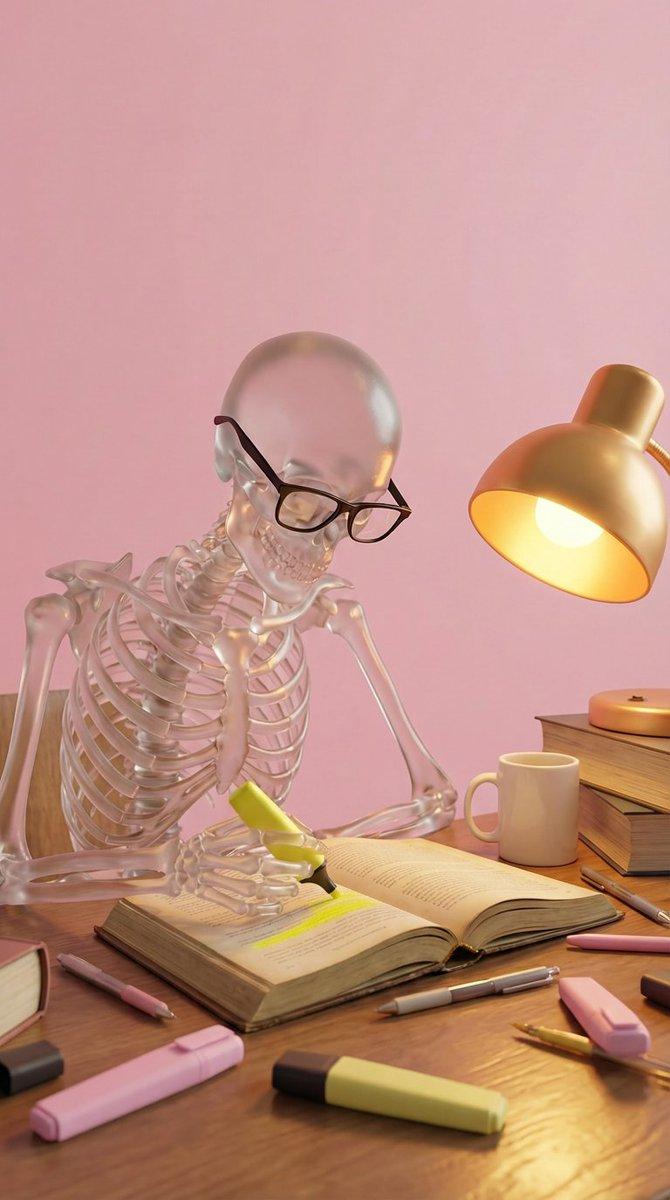
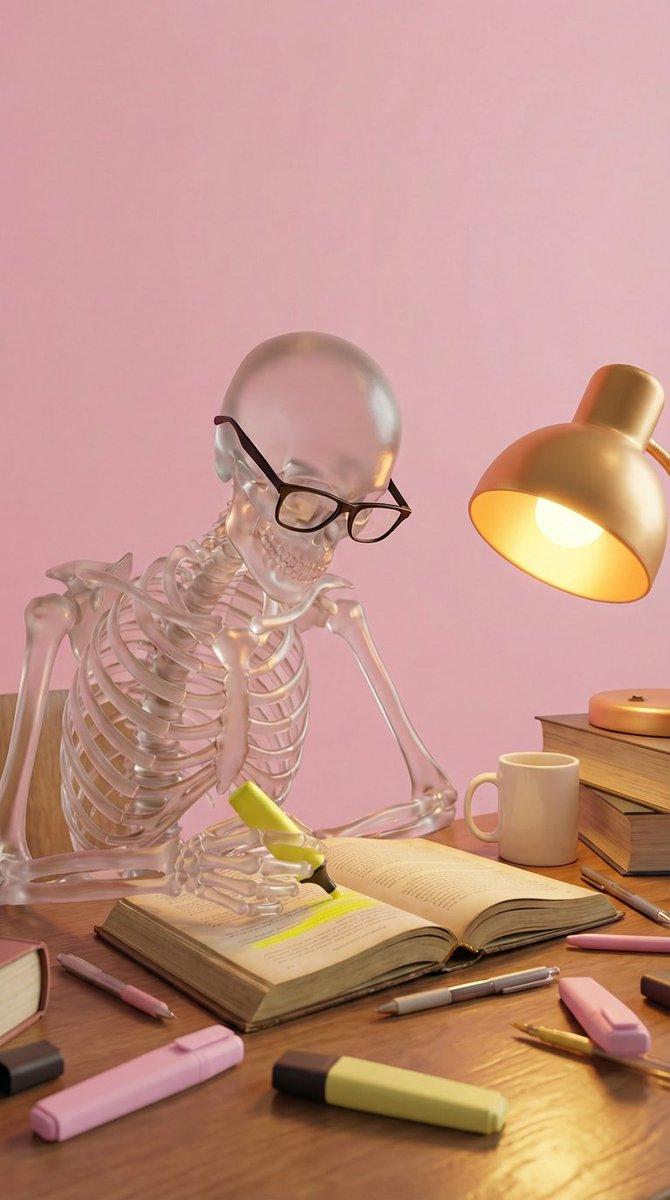
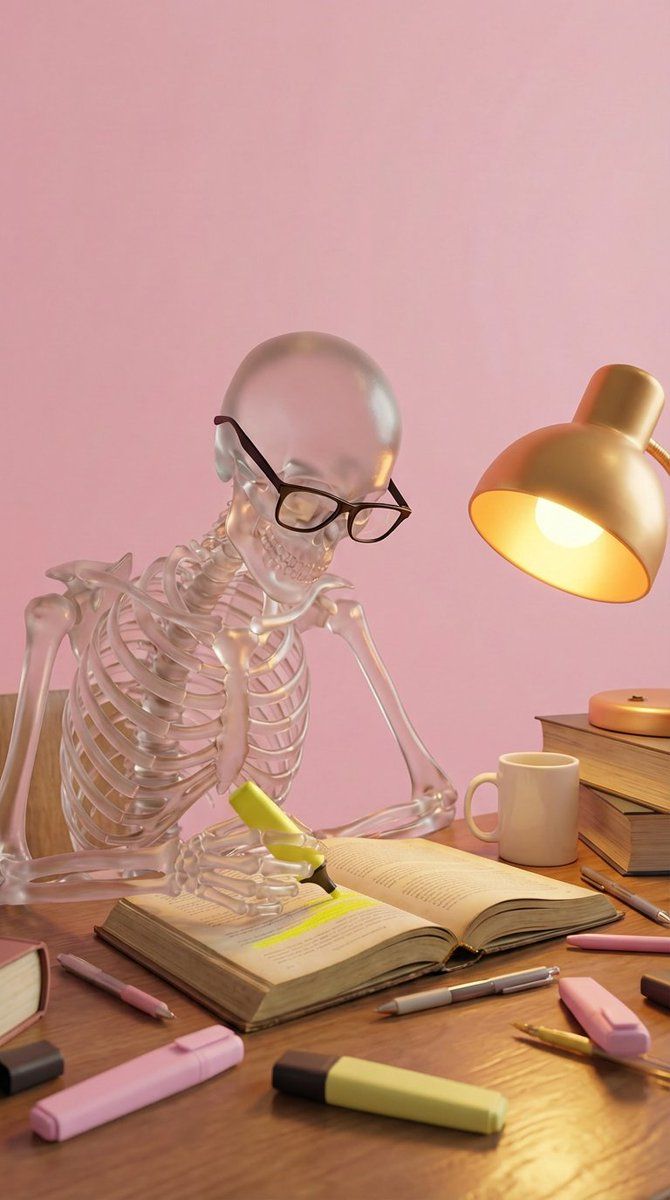
Create a high-quality stylized 3D render of a clear, translucent glass skeleton wearing black-rimmed glasses sitting at a wooden desk. The skeleton MUST be looking down at an open textbook and holding a yellow highlighter, actively highlighting a line of text. The scene MUST feature a warm gold desk lamp on the right side casting a cozy, yellow light that creates glossy reflections on the skeleton's surface. The desk is cluttered with a white coffee mug, a stack of hardcover books on the right, and scattered pens and pastel pink and yellow highlighters. The background MUST be a solid, soft pink wall. The overall aesthetic should be warm, studious, and visually soft. Do not include any text overlays or watermarks.
Category
创意图片
Model
Nano Banana Pro
Creator
0x ROAS
Views0
Source ID
85df00cb-ac3d-4790-9ed8-38c8ad22d697
Published
Mar 8, 2026

Guide

About "风格化 3D 玻璃骨架渲染提示"

What is this prompt for?

"风格化 3D 玻璃骨架渲染提示" AI image prompt for Nano Banana Pro (创意图片). 为 Nano Banana Pro 提供的详细文本提示,用于创建高质量、风格化的 3D 渲染图。场景中,一个戴着眼镜的半透明玻璃骷髅坐在木制书桌旁,正在一本打开的教科书上划重点,一盏暖金色台灯照…

The full copyable prompt and example visuals above are ready for AI image generation or one-click recreate in Picva.

How to use this prompt

  1. Step 1

    Open the prompt detail

    Review the example visuals, category, and full prompt text for "风格化 3D 玻璃骨架渲染提示".

  2. Step 2

    Copy the prompt

    Copy the prompt body from this page, or load it directly in Studio.

  3. Step 3

    Pick a model (Nano Banana Pro)

    Prefer Nano Banana Pro. If you switch models, keep subject and composition and tweak style terms.

  4. Step 4

    Generate and export

    Recreate the look in Picva, or export into your workflow for editing and publishing.

FAQ

What is the "风格化 3D 玻璃骨架渲染提示" prompt?
It is an AI image-generation prompt for Nano Banana Pro in the 创意图片 category. This page includes the full prompt text, example visuals, and a one-click recreate path in Picva.
How do I use this prompt to generate an image?
Copy the prompt from this page, or use Generate / Studio. Paste it into a compatible image model, or recreate the look in Picva with optional reference images.
Which model is this prompt for?
This page lists Nano Banana Pro. Most descriptive prompts also transfer to nearby image models such as GPT Image, Flux, or Midjourney with light style tweaks.
Can I use the result commercially?
You can usually copy the prompt for creation, but commercial use of the final image depends on the model terms, reference-image rights, and the generated content. Follow the source author and platform rules.