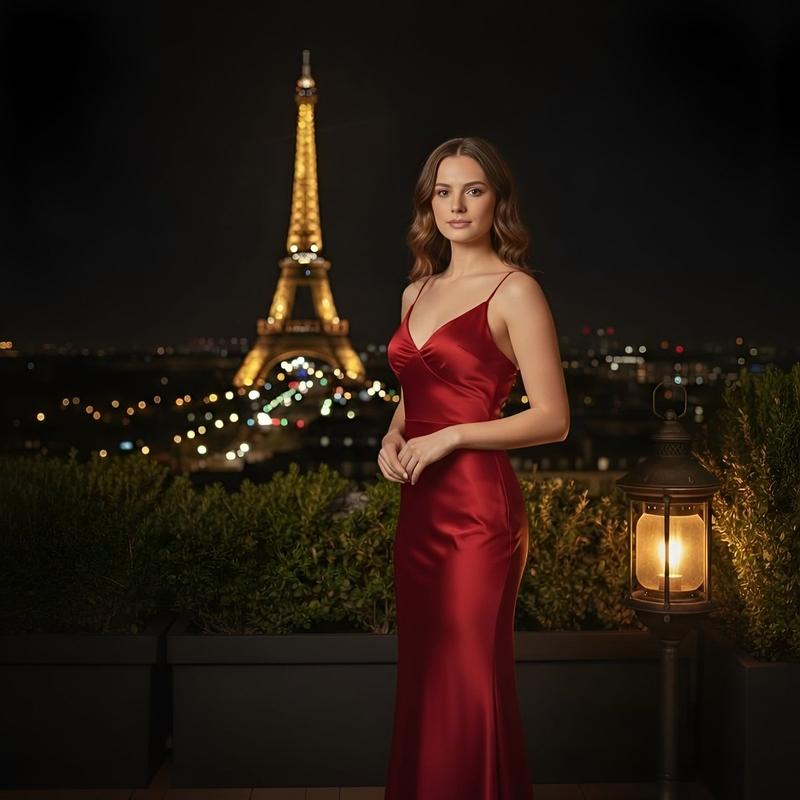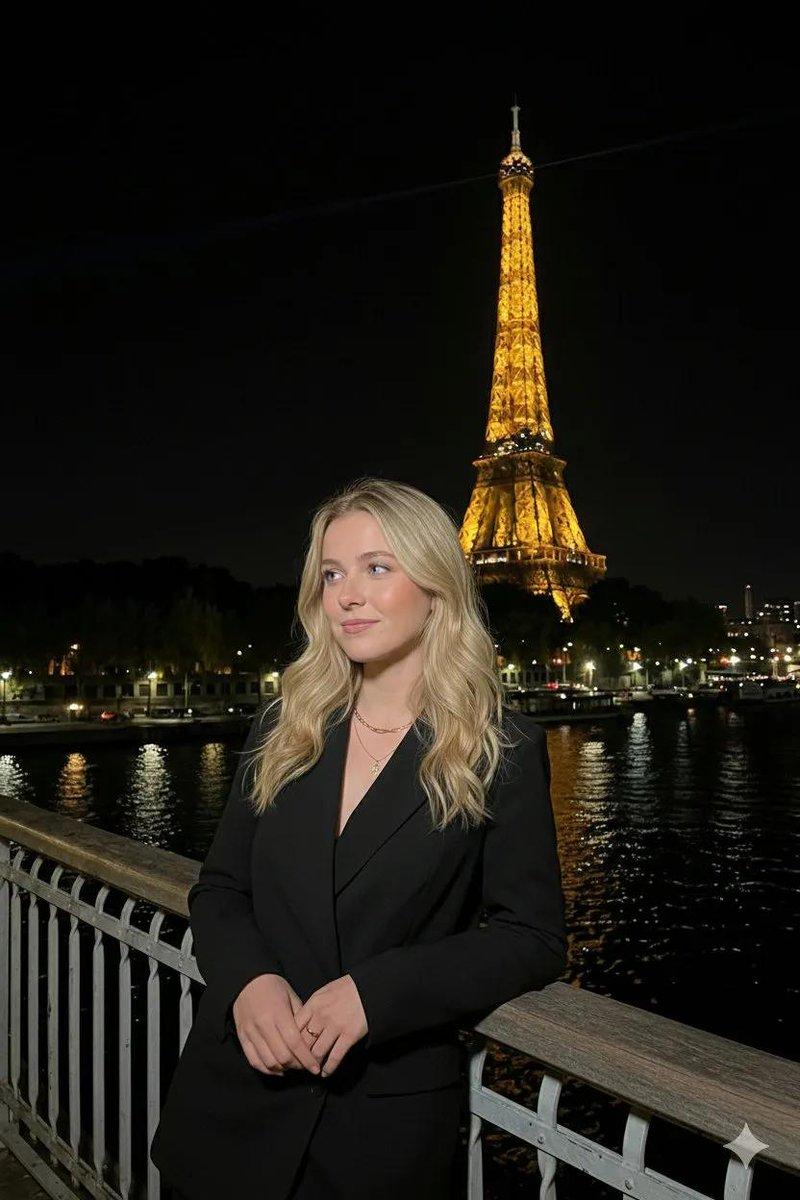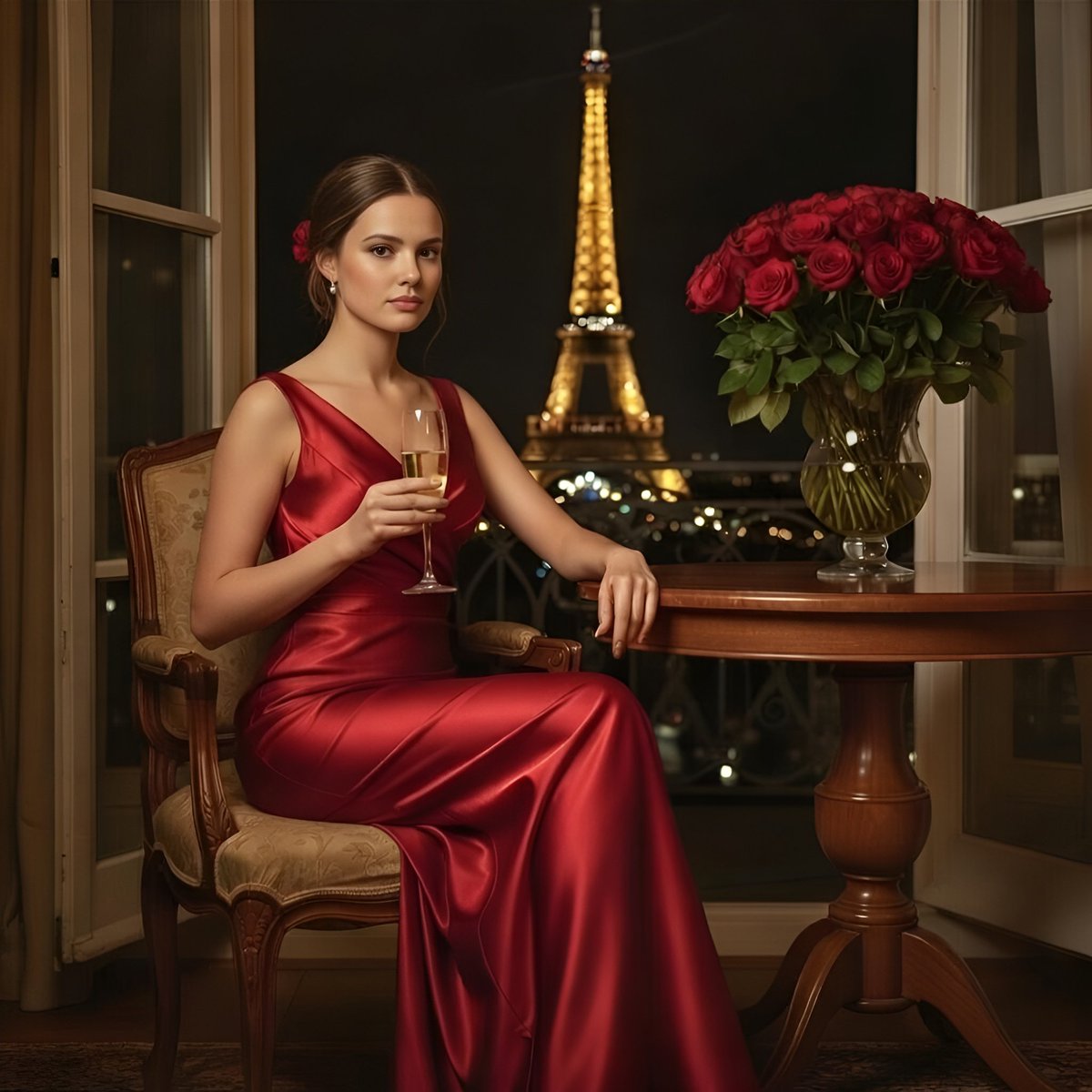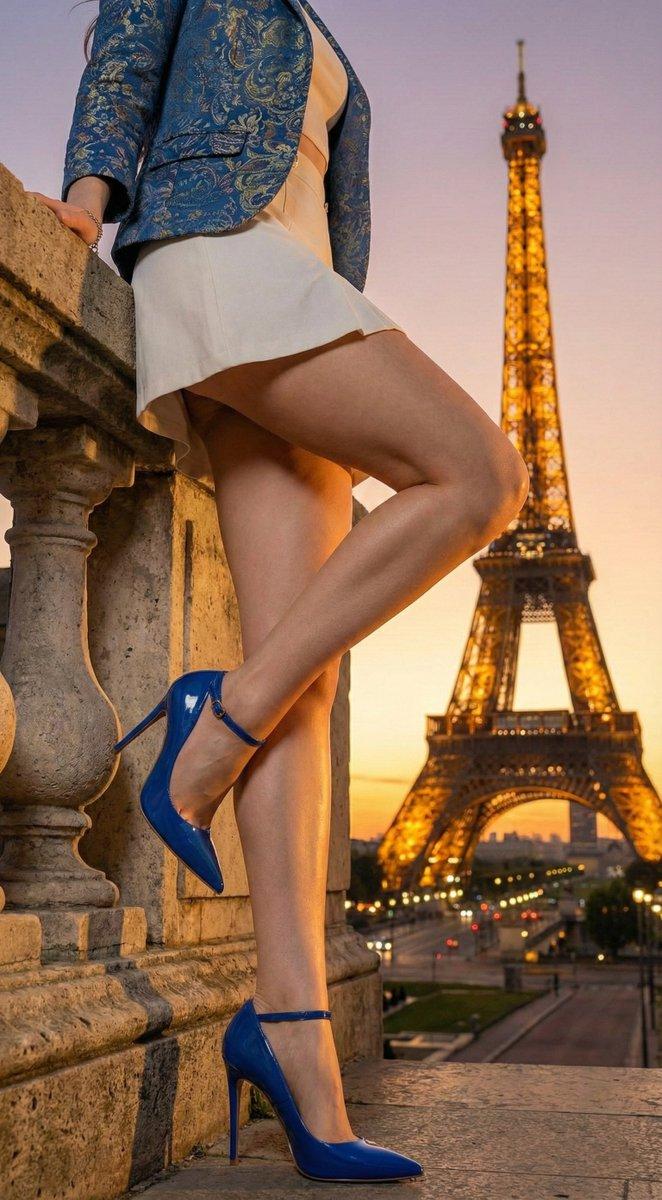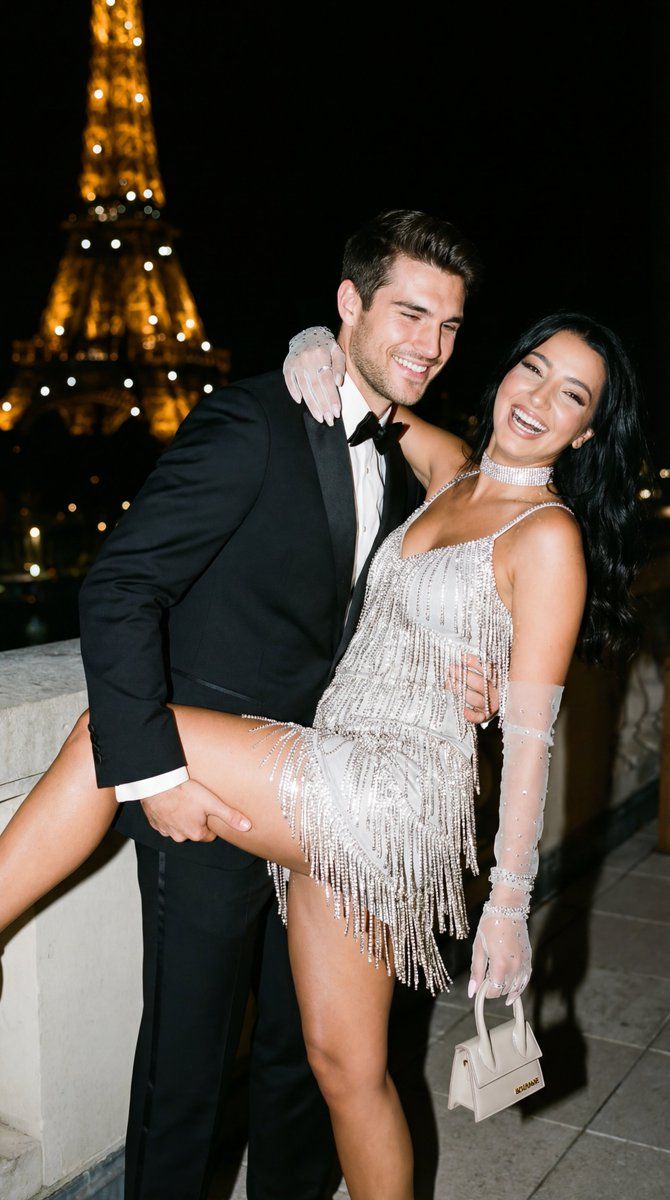
巴黎电影闪光灯情侣写真
Prompt
{
  "generation_request": {
    "meta_data": {
      "tool": "NanoBanana Pro",
      "task_type": "photoreal_cinematic_flash_night_editorial_couple",
      "version": "v1.0_PARIS_EIFFEL_TOWER_NIGHT_FLASH_COUPLE_GLAM_NO_AI_LOOK",
      "priority": "highest"
    },

    "references": {
      "reference_image_1": {
        "source": "UPLOAD_REFERENCE_IMAGE (OPTIONAL)",
        "purpose": "COUPLE_POSE_COMPOSITION_STYLE_ANCHOR",
        "strict_lock": true,
        "preserve_pose": true,
        "preserve_body_proportions": true,
        "no_body_rescale": true,
        "no_identity_blending": true
      },
      "reference_image_2": {
        "source": "UPLOAD_REFERENCE_IMAGE (OPTIONAL)",
        "purpose": "FEMALE_FACE_IDENTITY_LOCK",
        "strict_lock": true,
        "face_similarity_priority": "MAX",
        "no_beautify": true,
        "no_age_shift": true,
        "preserve_skin_texture": true,
        "preserve_facial_proportions": true
      },
      "reference_image_3": {
        "source": "UPLOAD_REFERENCE_IMAGE (OPTIONAL)",
        "purpose": "MALE_FACE_IDENTITY_LOCK",
        "strict_lock": true,
        "face_similarity_priority": "MAX",
        "no_beautify": true,
        "no_age_shift": true,
        "preserve_skin_texture": true,
        "preserve_facial_proportions": true
      }
    },

    "output_settings": {
      "aspect_ratio": "3:4",
      "orientation": "portrait",
      "resolution_target": "ultra_high_res",
      "render_style": "cinematic_flash_editorial",
      "sharpness": "flash_crisp_subject_soft_background_bokeh",
      "film_grain": "very_subtle_35mm",
      "color_grade": "warm_night_flash_neutral_skin",
      "dynamic_range": "natural_not_hdr",
      "skin_rendering": "real_texture_editorial_finish"
    },

    "creative_prompt": {
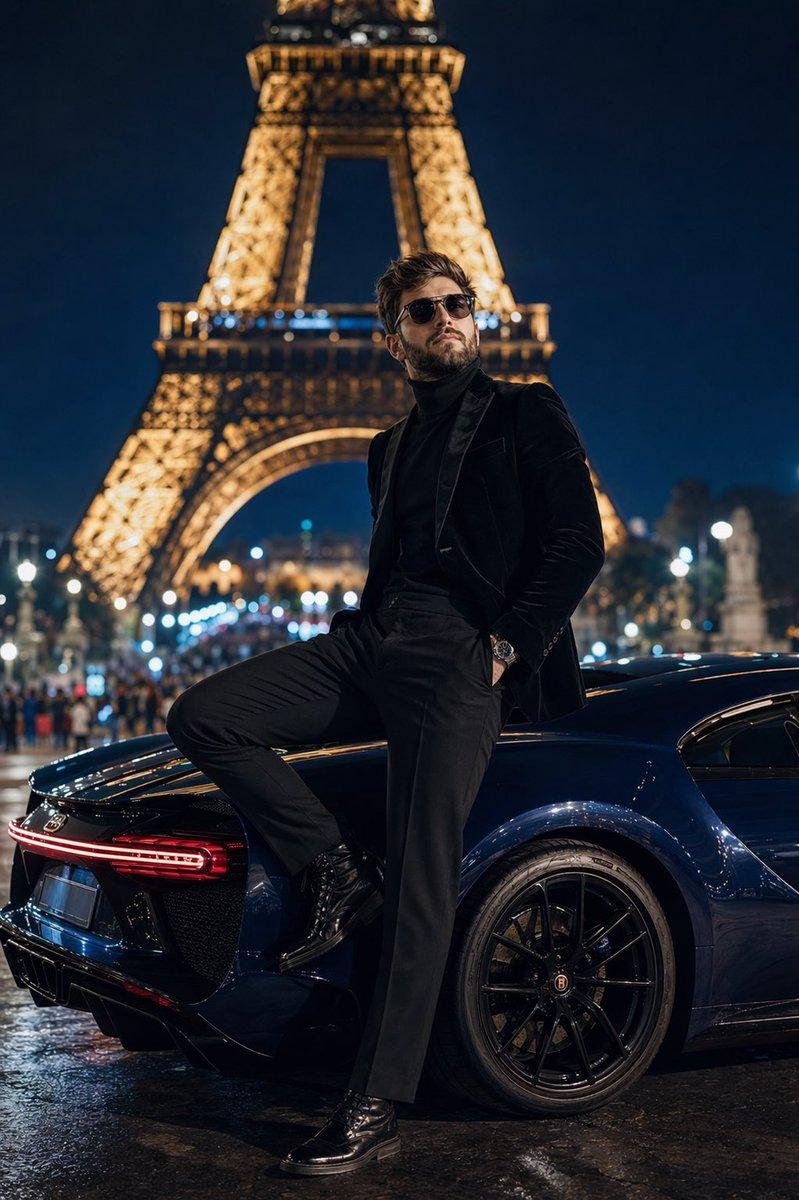
      "scene_summary": "Ultra-photorealistic nighttime couple portrait in Paris with the Eiffel Tower glowing softly in the background bokeh. A well-dressed man in a classic black tuxedo holds and lifts his partner in a playful romantic pose. The woman wears a silver crystal fringe mini dress with a matching sparkly choker and sheer opera gloves. Both are smiling and making warm eye contact, captured like a candid red-carpet afterparty moment with on-camera flash.",

      "environment": {
        "location": "Paris night garden / terrace viewpoint",
        "background": "Eiffel Tower lights visible as soft bokeh, dark foliage silhouettes, distant city lights",
        "lighting": "direct on-camera flash as key light, minimal ambient spill, realistic falloff into dark background",
        "atmosphere": "luxury nightlife, romantic, celebratory"
      },

      "subjects": {
        "male": {
          "wardrobe": "black tuxedo jacket, white dress shirt, black bow tie, tailored trousers, polished black shoes",
          "grooming": "neat haircut, natural beard or light stubble, realistic skin texture",
          "pose": "supportive lift/hold with secure grip "
        }
      }
    }
  }
}- Category
- 创意图片
- Model
- Nano Banana Pro
- Creator
- Özge Döner
- Source ID
- 50bad0fa-6753-498c-b4d9-b009b1ae6b27
- Published
- Mar 8, 2026
Views0