JSON 格式的四个巨型 Cookie 场景
Prompt
[
  {
    "image_id": 1,
    "object": "giant cookie shaped like a teddy bear",
    "surface": "placed on brown parchment paper",
    "cookie_details": {
      "shape": "full body teddy bear",
      "color": "light golden brown"
    },
    "frosting": {
      "coverage": "full surface",
      "color": "white vanilla frosting",
      "piping_details": "outlined ears, belly, arms, legs and facial features"
    },
    "decoration": {
      "face": {
        "eyes": "round chocolate candies",
        "nose": "small chocolate candy",
        "mouth": "thin curved chocolate line"
      },
      "belly": "small multi-colored star sprinkles"
    },
    "environment": {
      "background": "light wooden table surface",
      "props": [
        "rolling pin with flour traces",
        "ceramic cup with illustrated cat face",
        "star sprinkles scattered"
      ]
    },
    "lighting": "soft natural overhead light",
    "mood": "cute, playful, warm kitchen vibe"
  },
  {
    "image_id": 2,
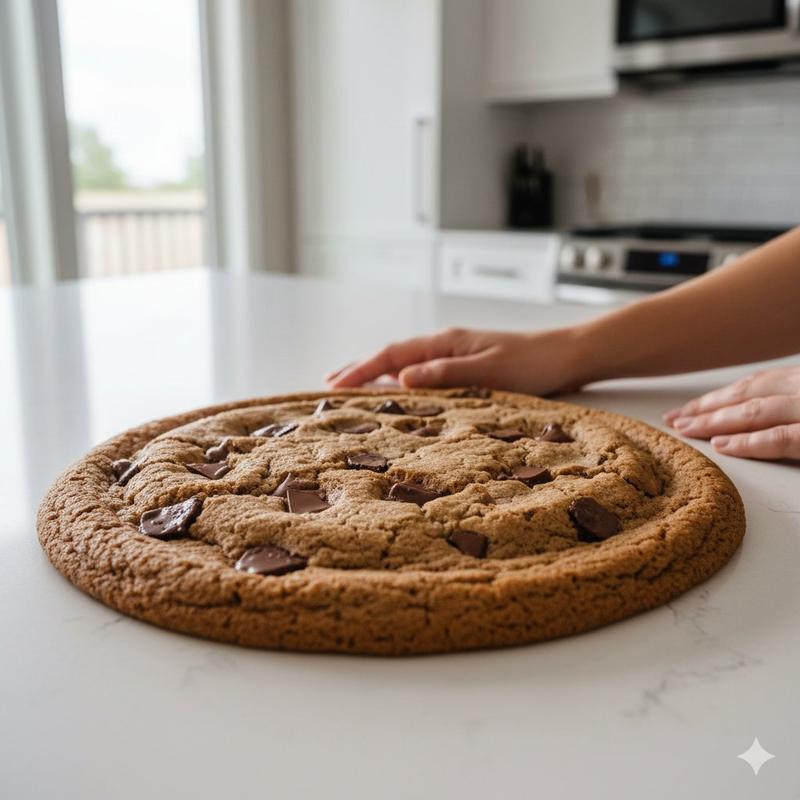
    "object": "giant chocolate chip cookie",
    "surface": "white countertop",
    "cookie_details": {
      "shape": "large round cookie",
      "color": "golden brown",
      "texture": "slightly cracked top",
      "toppings": "large melted chocolate chunks"
    },
    "environment": {
      "location": "modern kitchen",
      "background_elements": [
        "window with daylight coming through",
        "stove",
        "white cabinets",
        "tile backsplash"
      ],
      "human_presence": {
        "visible": true,
        "description": "hands placed near the cookie"
      }
    },
    "lighting": "natural daylight",
    "mood": "freshly baked, homely, inviting"
  },
  {
    "image_id": 3,
    "object": "giant cookie shaped like a star",
    "surface": "wooden picnic table outdoors",
    "cookie_details": {
      "shape": "six-point star",
      "color": "golden with darker edges",
      "texture": "crumbly surface with visible sugar"
    },
    "environment": {
      "location": "park",
      "background_elements": [
        "trees with spring foliage",
        "blue sky",
        "picnic bench with four people sitting and talking"
      ],
      "depth_of_field": "foreground cookie in sharp focus, background blurred"
    },
    "lighting": "bright natural sunlight",
    "mood": "casual, outdoor picnic, relaxed atmosphere"
  },
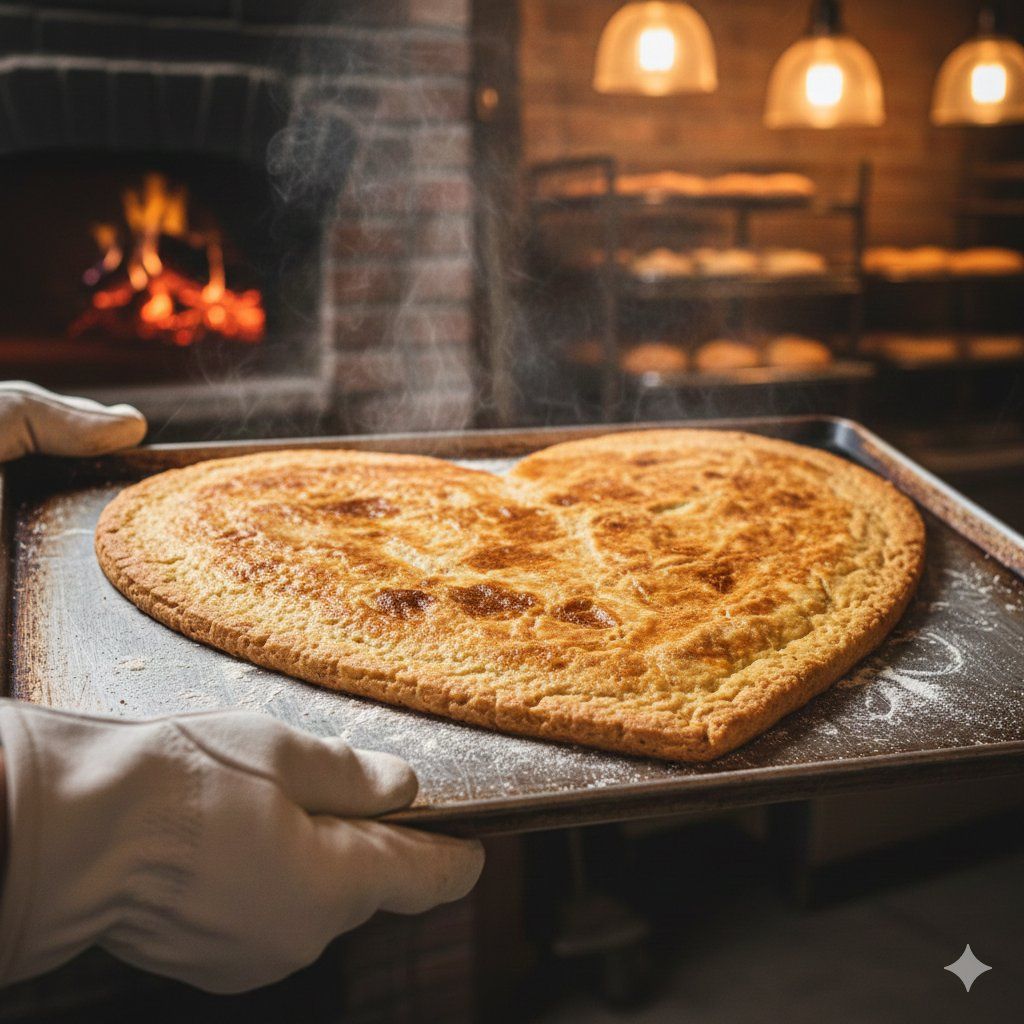
  {
    "image_id": 4,
    "object": "giant heart-shaped cookie",
    "surface": "metal baking sheet",
    "cookie_details": {
      "shape": "heart",
      "color": "golden baked with browned top"
    },
    "environment": {
      "location": "bakery with wood-fired oven",
      "background_elements": [
        "burning wood fire",
        "warm hanging lights",
        "racks with more baked goods"
      ],
      "human_presence": {
        "visible": true,
        "description": "gloved hands holding the bak"
      }
    }
  }
]- Category
- 创意图片
- Model
- Nano Banana Pro
- Creator
- 𝘬𝘦𝘭𝘭𝘺
- Source ID
- dd8c2a70-f332-4402-a9c9-267eb5a980b4
- Published
- Mar 8, 2026
Views0