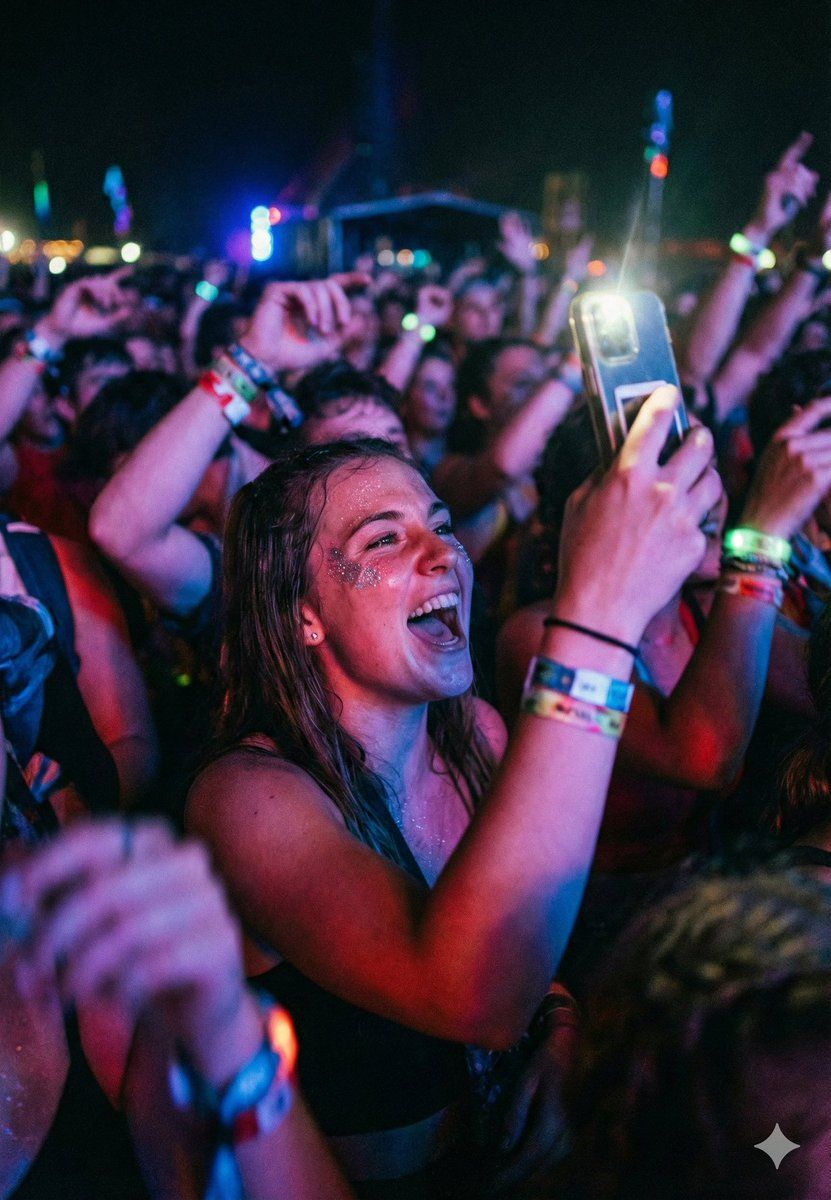
电影音乐会人群照片提示
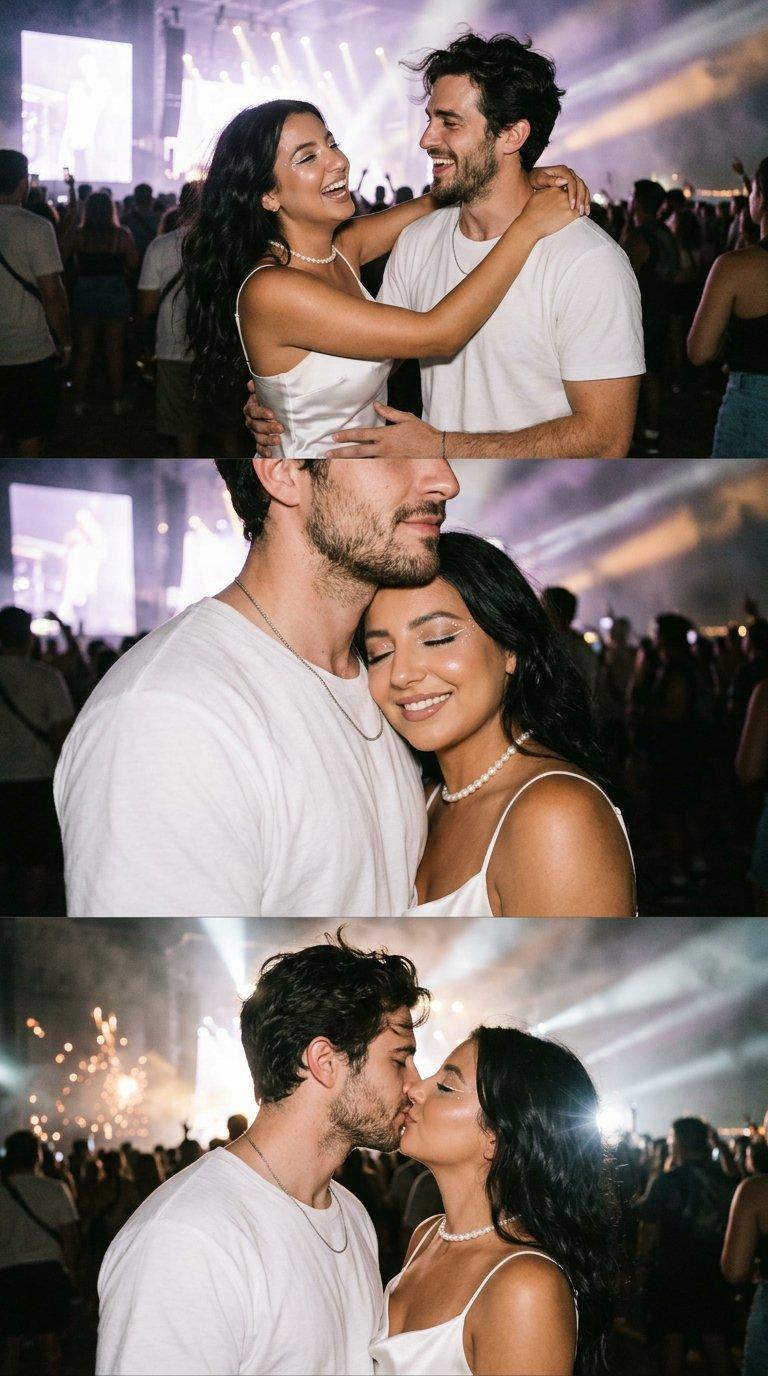
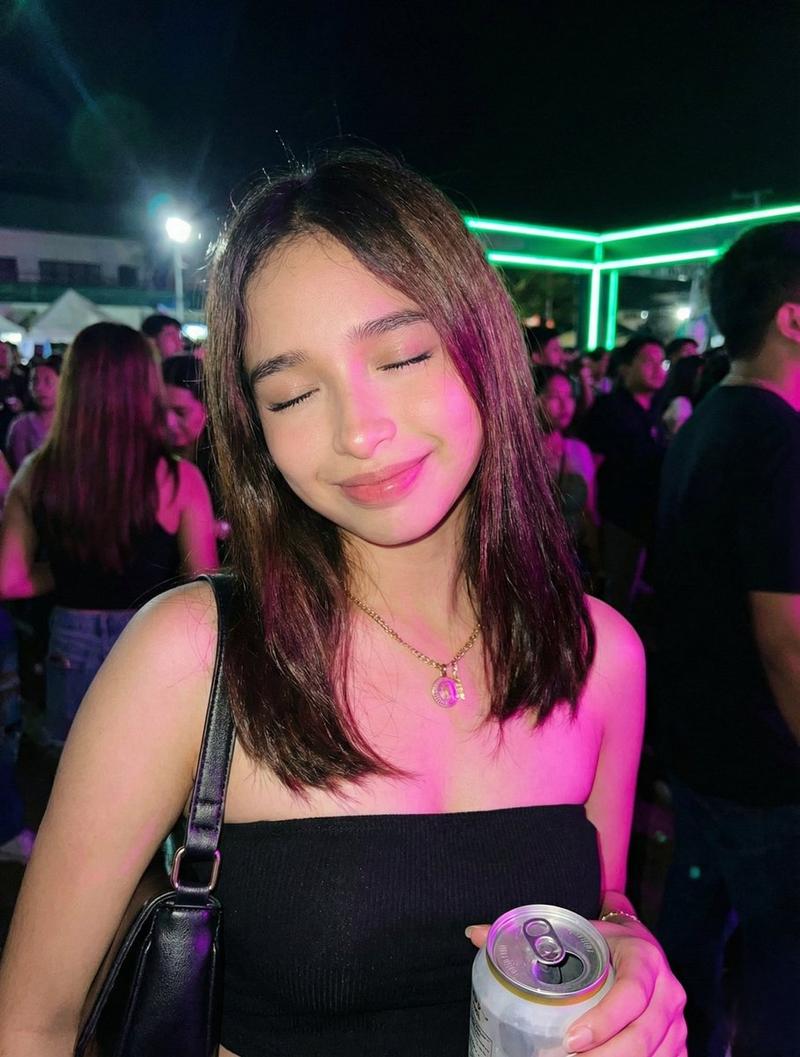
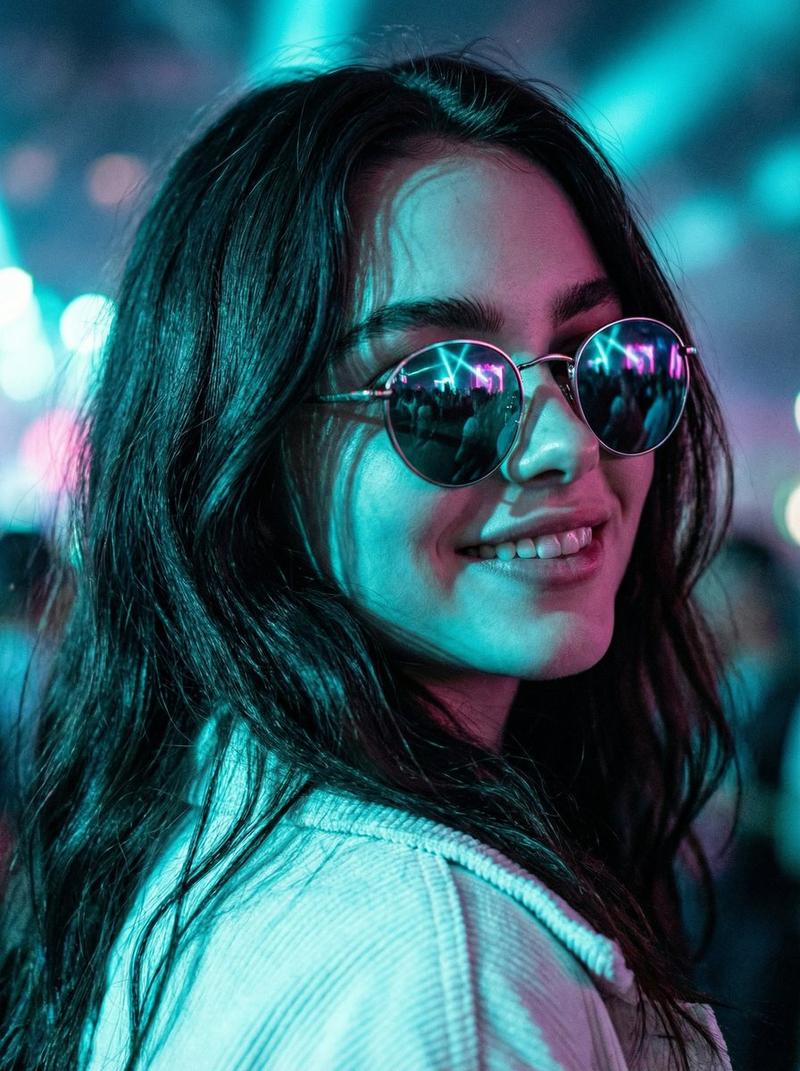
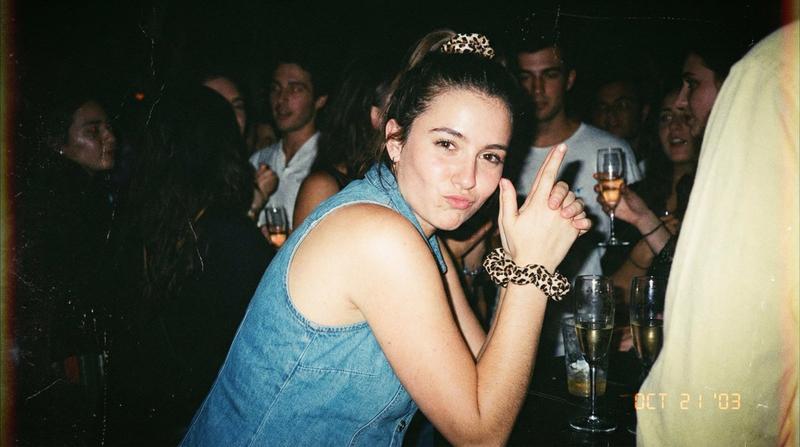
Prompt
{
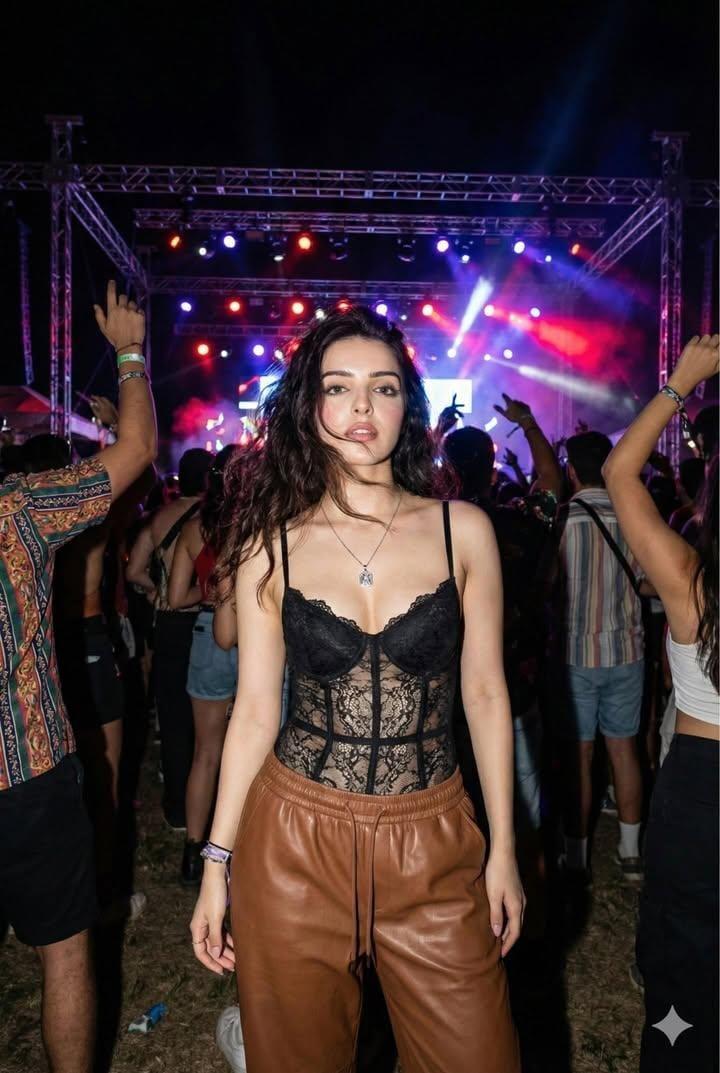
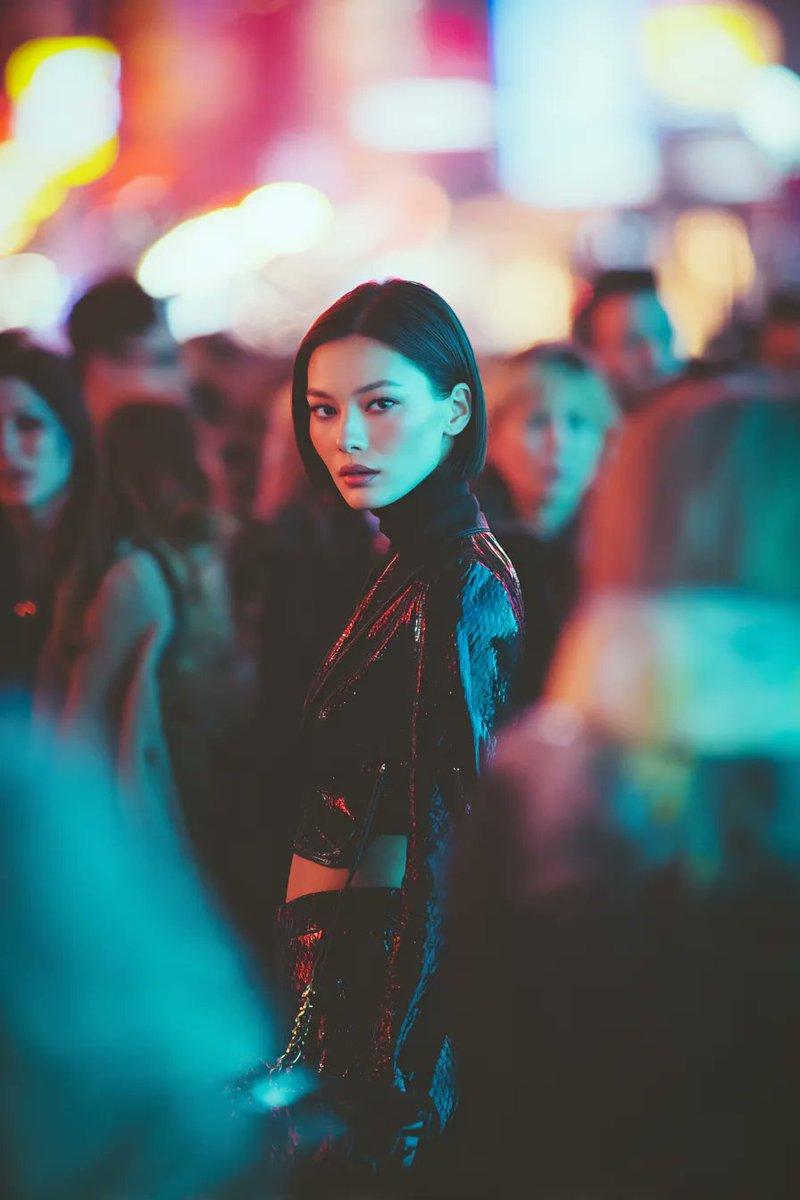
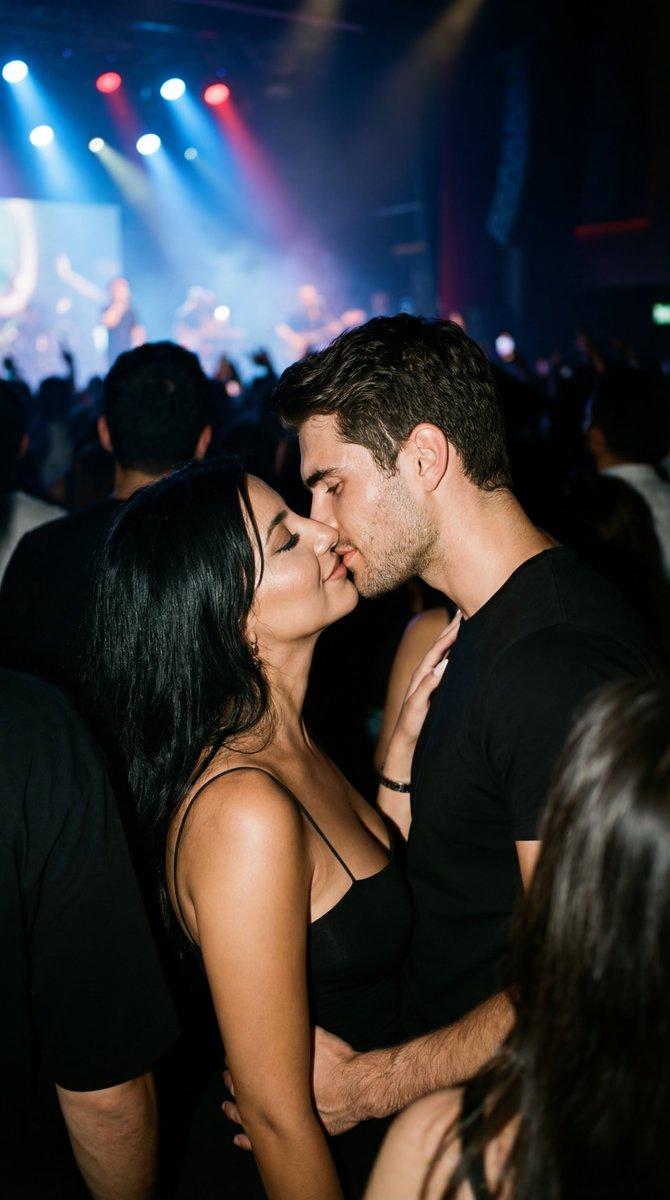
  "prompt_name": "Festival Euphoria Crowd Shot",
  "type": "photo_realistic",
  "aspect_ratio": "4:5",
  "scene": {
    "location": "outdoor music festival crowd",
    "time_of_day": "night",
    "environment": "dense audience near the stage, hands raised, wristbands visible, glowing lights in the distance",
    "atmosphere": "high energy, chaotic, euphoric",
    "background": "heavy bokeh of stage lights and silhouettes, no readable signage"
  },
  "subject": {
    "description": "a young woman in the front-middle of the crowd filming the show on her phone",
    "expression": "pure excitement, mouth open cheering, eyes wide and joyful",
    "pose": "phone held up close to face, one arm raised, body leaning forward into the moment",
    "details": {
      "skin": "natural sweaty concert glow, visible pores, light glitter on cheekbone",
      "hair": "slightly messy, damp from dancing",
      "accessories": "festival wristbands, minimal earrings",
      "phone": "smartphone held vertically with bright flash reflection"
    }
  },
  "composition": {
    "framing": "medium close-up",
    "camera_angle": "crowd-level, slightly low angle",
    "subject_position": "foreground dominant, slightly right of center",
    "depth_of_field": "shallow depth with strong background blur",
    "foreground_elements": "partial silhouettes of nearby arms and hands for depth",
    "crowd_density": "tight and immersive"
  },
  "camera_and_lens": {
    "camera_type": "full-frame DSLR look",
    "lens": "35mm",
    "aperture": "f/1.8",
    "shutter_speed": "1/250",
    "iso": "3200",
    "focus": "tack sharp on the subject’s face and phone edge"
  },
  "lighting_and_color": {
    "lighting_style": "concert stage lighting with mixed neon tones",
    "key_light": "blue and magenta wash from stage",
    "highlights": "specular highlights from phone screen/flash reflection",
    "color_palette": "neon blues, pinks, purples with deep shadows",
    "contrast": "high contrast, cinematic"
  },
  "motion_and_texture": {
    "motion_feel": "slight motion blur in background hands, subject face crisp",
    "texture_detail": "sweat sheen, glitter particles, fabric texture visible",
    "grain": "subtle high-ISO film grain for realism"
  },
  "realism_notes": {
    "keep": [
      "natural skin texture and sweat",
      "authentic crowd depth and messy energy",
      "realistic lens bokeh",
      "hands and fingers anatomically correct"
    ],
    "avoid": [
      "plastic skin",
      "oversharpened noise reduction",
      "fake looking neon glow halos",
      "text/logos on stages",
      "perfectly clean hair or makeup"
    ]
  },
  "post_processing": {
    "style": "cinematic documentary concert photo",
    "film_emulation": "modern digital + subtle film grain",
    "saturation": "moderate, neon controlled",
    "clarity": "low-medium to keep softness in highlights",
    "vignette": "soft natural vignette"
  },
"outpu- Category
- 创意图片
- Model
- Nano Banana Pro
- Creator
- Maercih
- Source ID
- 01870d6a-f70a-496e-8884-973fd027d191
- Published
- Mar 8, 2026
Views0