18

Charli D’Amelio 高对比度编辑肖像
Enlarge

Charli D’Amelio 高对比度编辑肖像

Prompt
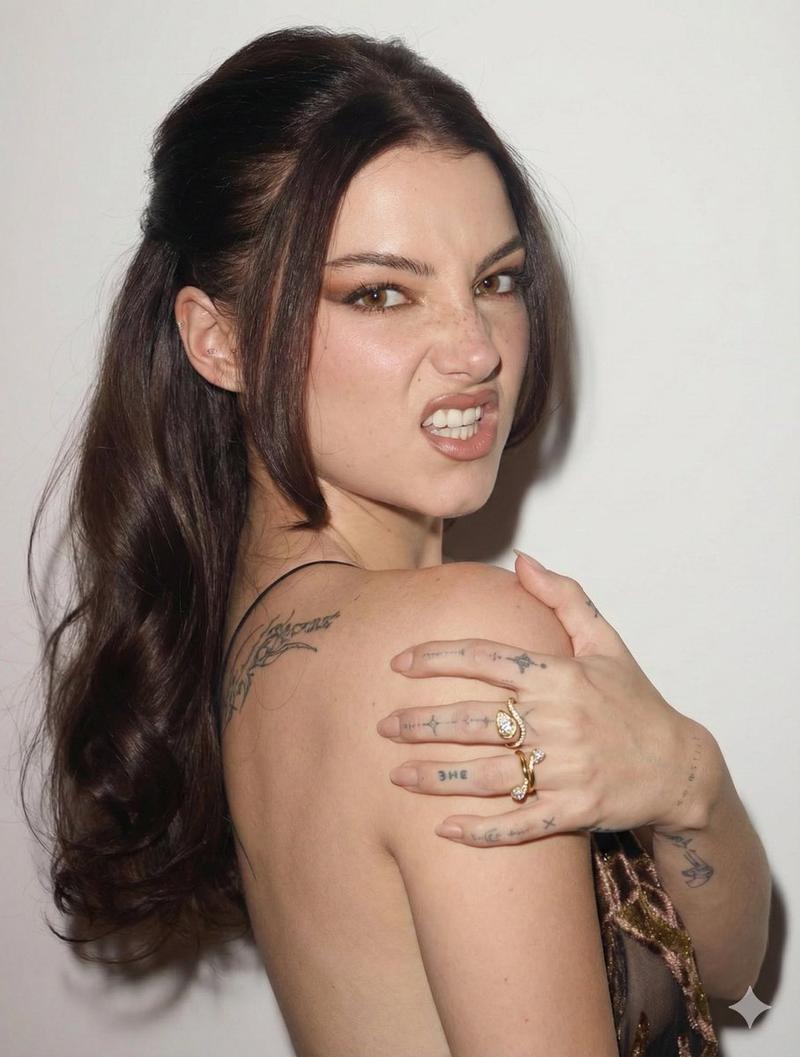
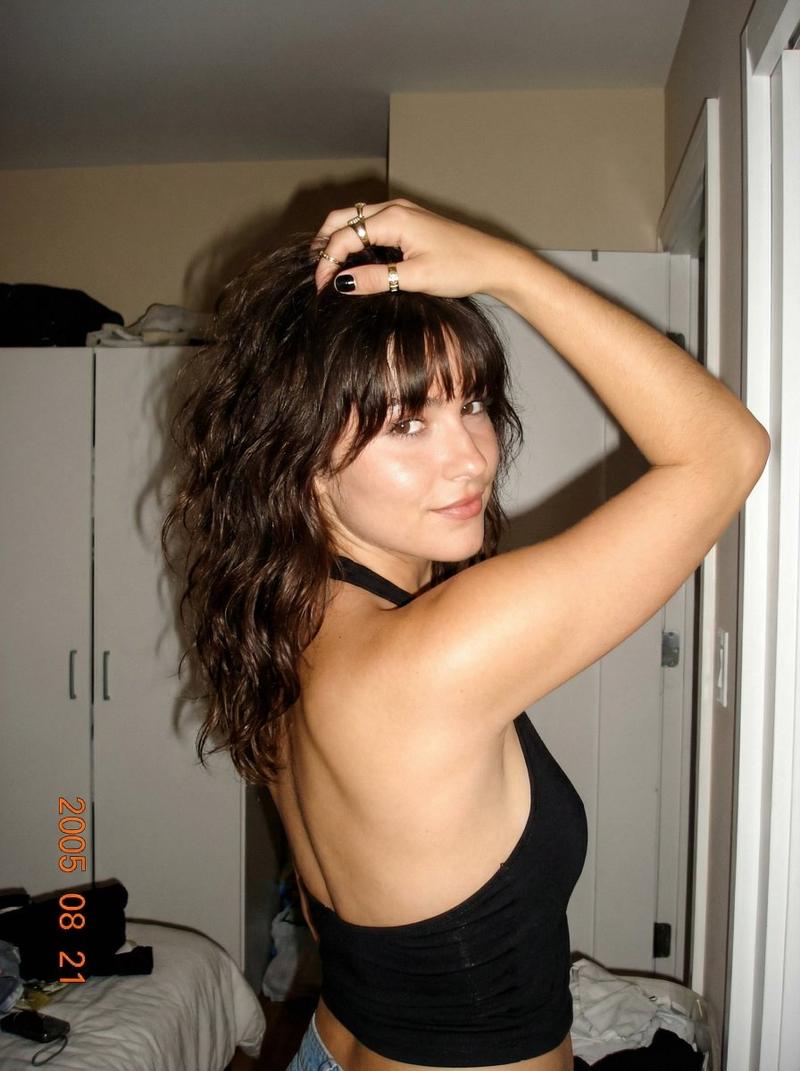
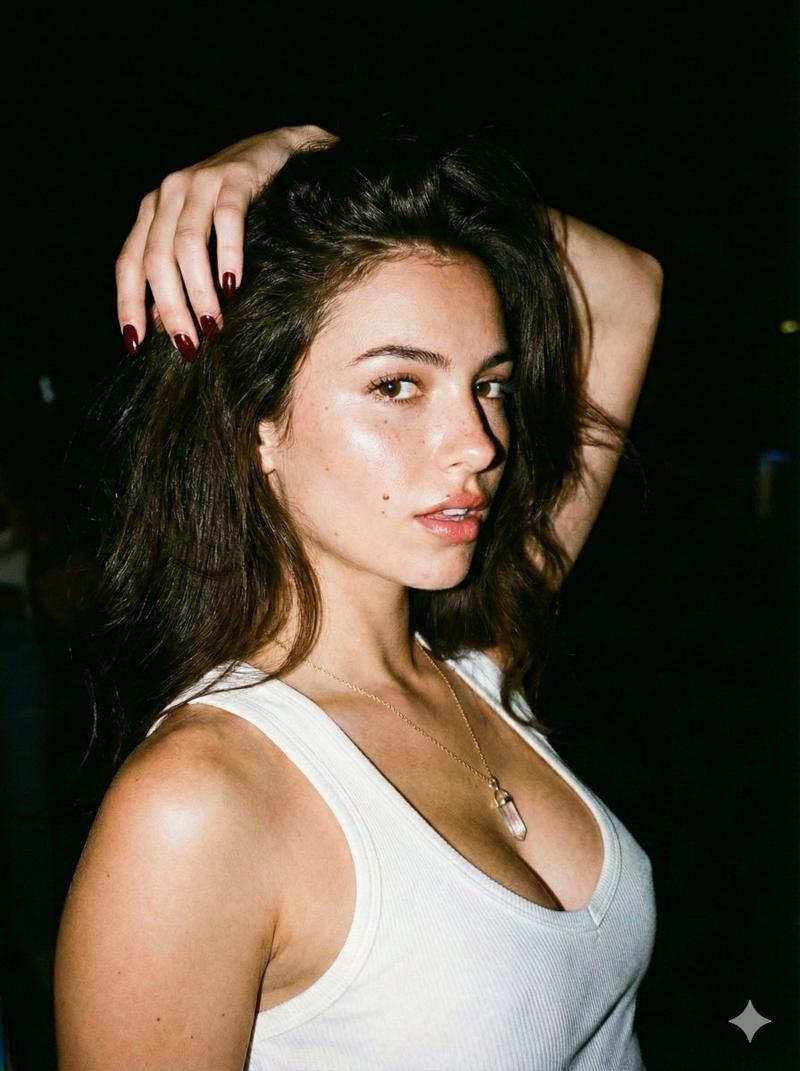
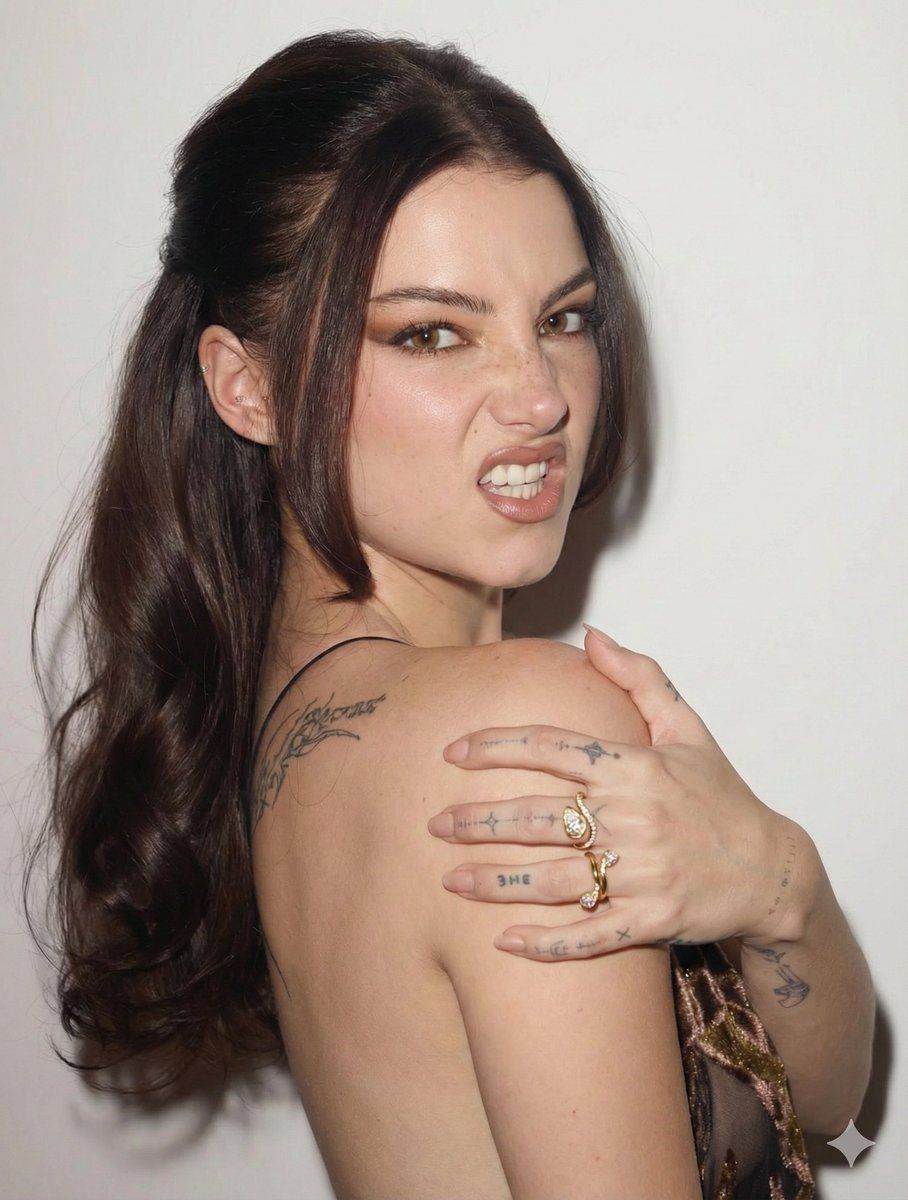
Replace the subject with {argument name="subject name" default="Charli D'Amelio"}. Maintain the exact snarling, playful expression with the nose scrunched and mouth slightly open, showing teeth. The pose is a high-angle over-the-shoulder shot; her body is turned away from the camera, exposing her back, while her head is turned back toward the lens. Her right hand is brought up to her left shoulder, fingers spread and slightly tensed, showcasing rings and hand tattoos.
Charli D’Amelio’s specific facial features—round brown eyes, distinctive nose shape, and natural skin texture with subtle freckles—are integrated into the existing makeup style, which features sharp, winged eyeliner and neutral lips. Her hair is a deep brunette, styled in the same voluminous half-up, half-down look with a slight wave. The lighting is a harsh, direct frontal flash typical of editorial studio photography, creating sharp shadows against the plain off-white wall and highlighting skin porosity and fine details. She wears the same dark, shimmering velvet or lace-textured garment.
Category
创意图片
Model
Nano Banana Pro
Views0
Source ID
c661f928-0fae-4d38-850d-2c53c2dceea8
Published
Mar 8, 2026

Guide

About "Charli D’Amelio 高对比度编辑肖像"

What is this prompt for?

"Charli D’Amelio 高对比度编辑肖像" AI image prompt for Nano Banana Pro (创意图片). 一个旨在将主体替换为 Charli D'Amelio 的提示,同时保持特定的姿势和表情(咆哮、顽皮、过肩拍摄)。它详细描述了她精确的面部特征、妆容、发型,并使用刺眼的正面闪光灯…

The full copyable prompt and example visuals above are ready for AI image generation or one-click recreate in Picva.

How to use this prompt

  1. Step 1

    Open the prompt detail

    Review the example visuals, category, and full prompt text for "Charli D’Amelio 高对比度编辑肖像".

  2. Step 2

    Copy the prompt

    Copy the prompt body from this page, or load it directly in Studio.

  3. Step 3

    Pick a model (Nano Banana Pro)

    Prefer Nano Banana Pro. If you switch models, keep subject and composition and tweak style terms.

  4. Step 4

    Generate and export

    Recreate the look in Picva, or export into your workflow for editing and publishing.

FAQ

What is the "Charli D’Amelio 高对比度编辑肖像" prompt?
It is an AI image-generation prompt for Nano Banana Pro in the 创意图片 category. This page includes the full prompt text, example visuals, and a one-click recreate path in Picva.
How do I use this prompt to generate an image?
Copy the prompt from this page, or use Generate / Studio. Paste it into a compatible image model, or recreate the look in Picva with optional reference images.
Which model is this prompt for?
This page lists Nano Banana Pro. Most descriptive prompts also transfer to nearby image models such as GPT Image, Flux, or Midjourney with light style tweaks.
Can I use the result commercially?
You can usually copy the prompt for creation, but commercial use of the final image depends on the model terms, reference-image rights, and the generated content. Follow the source author and platform rules.