19

水墨画风格插画提示词
Enlarge

水墨画风格插画提示词

Prompt
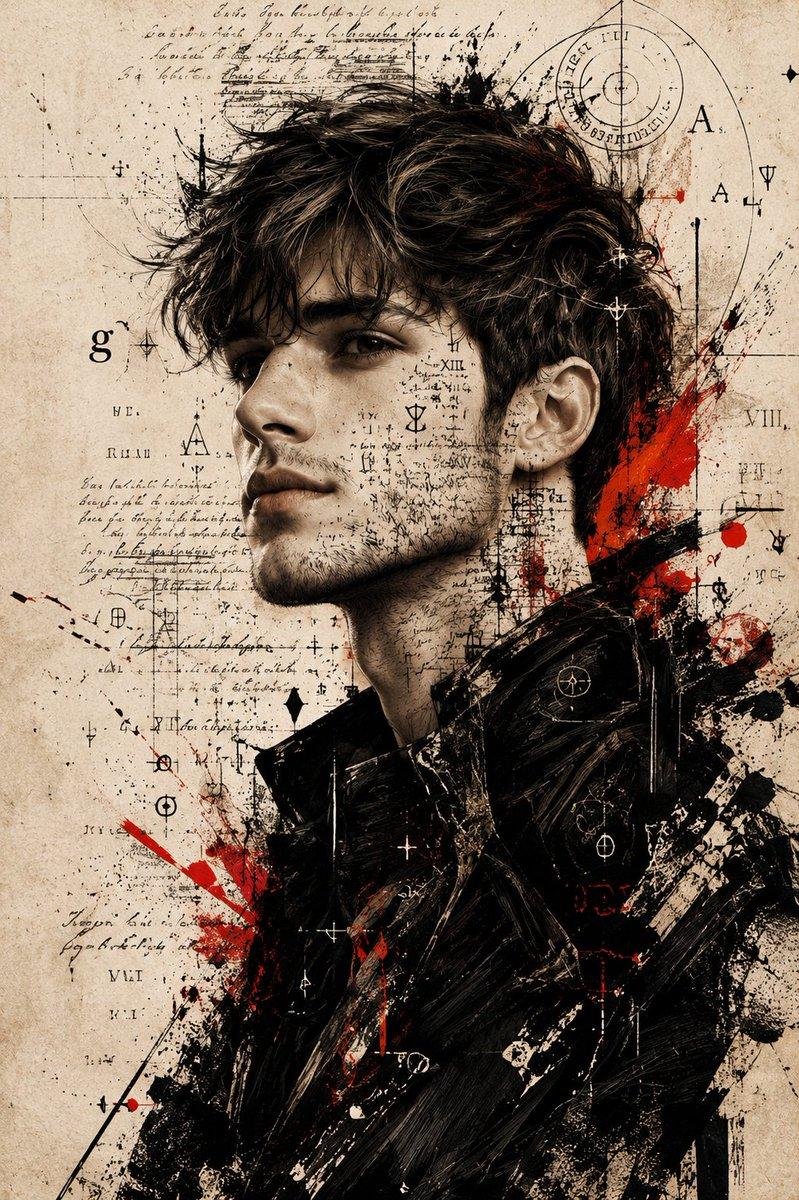
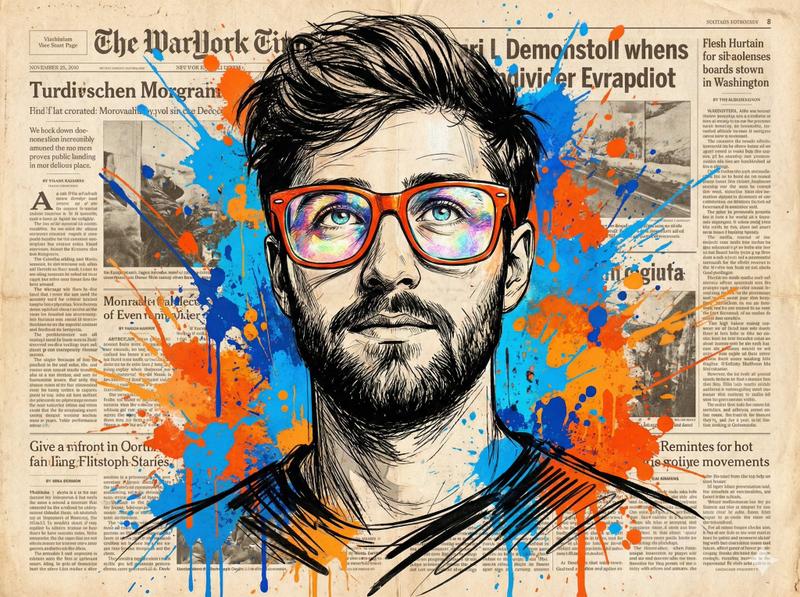
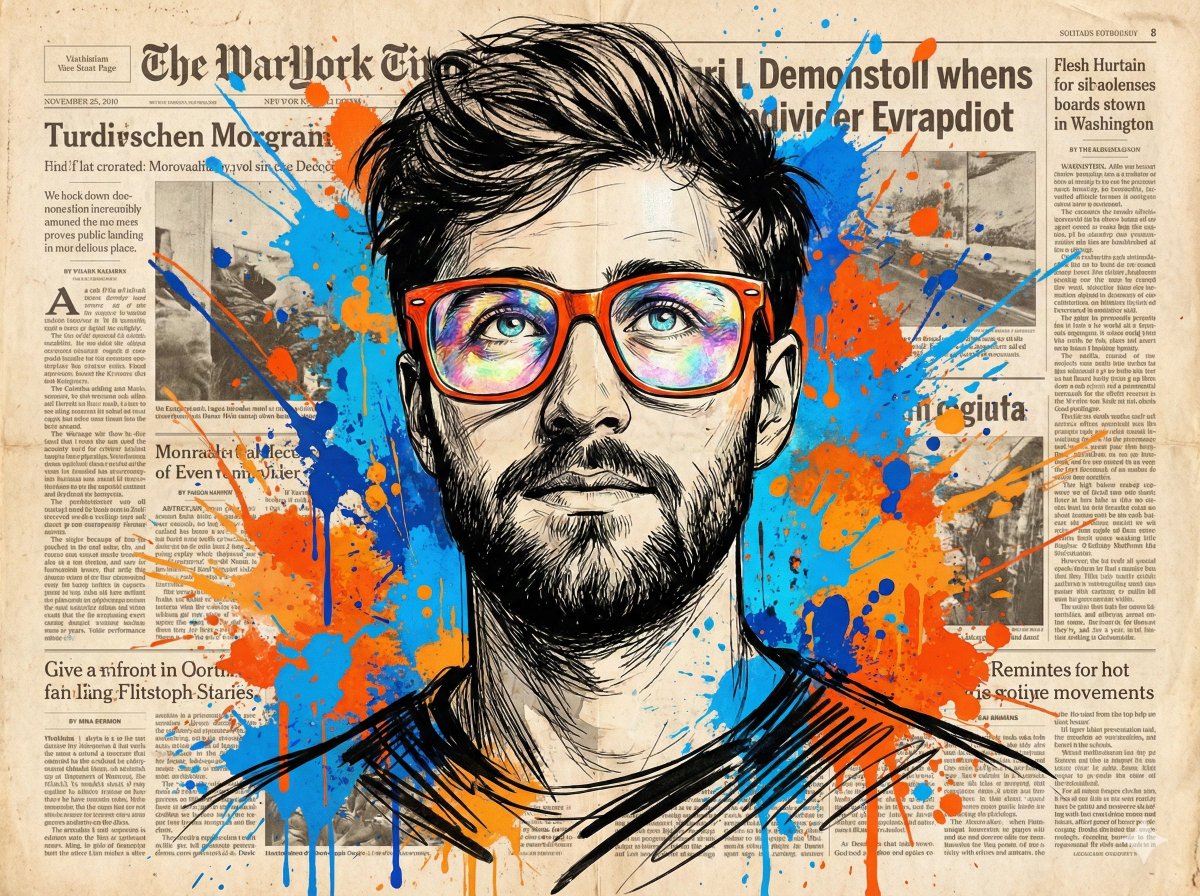
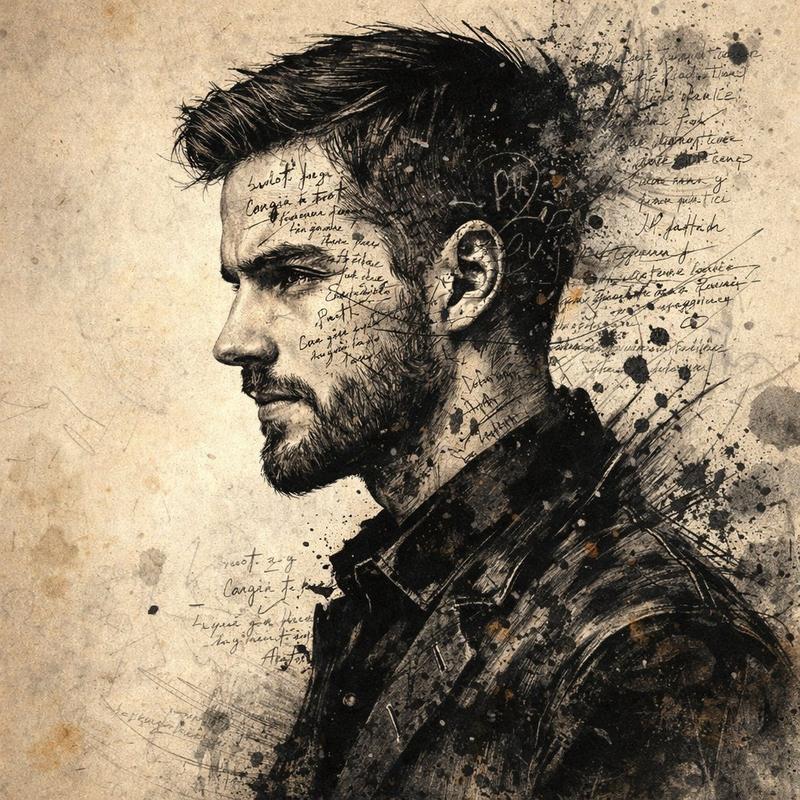
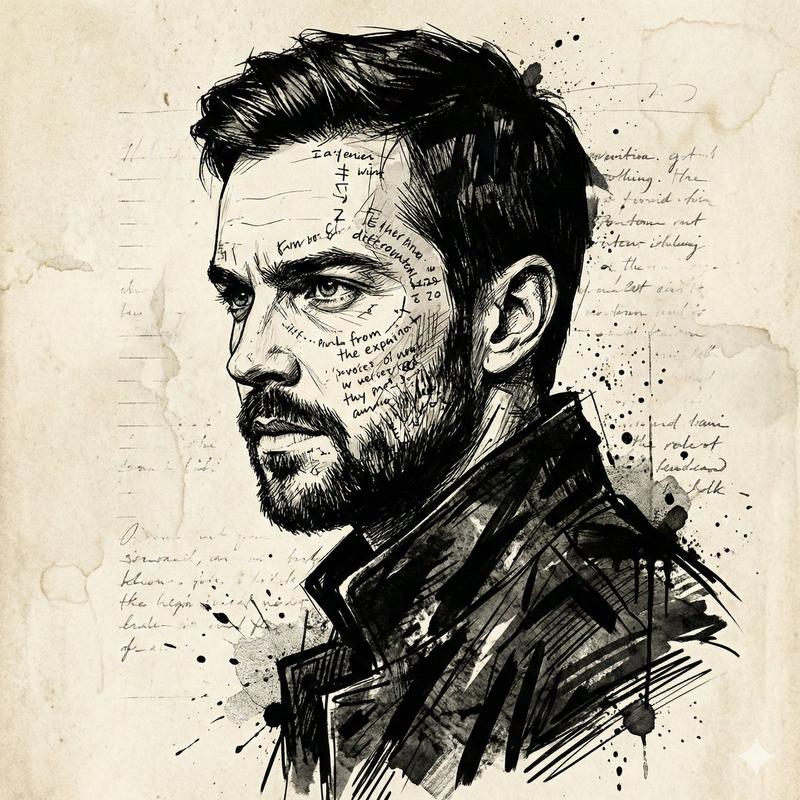
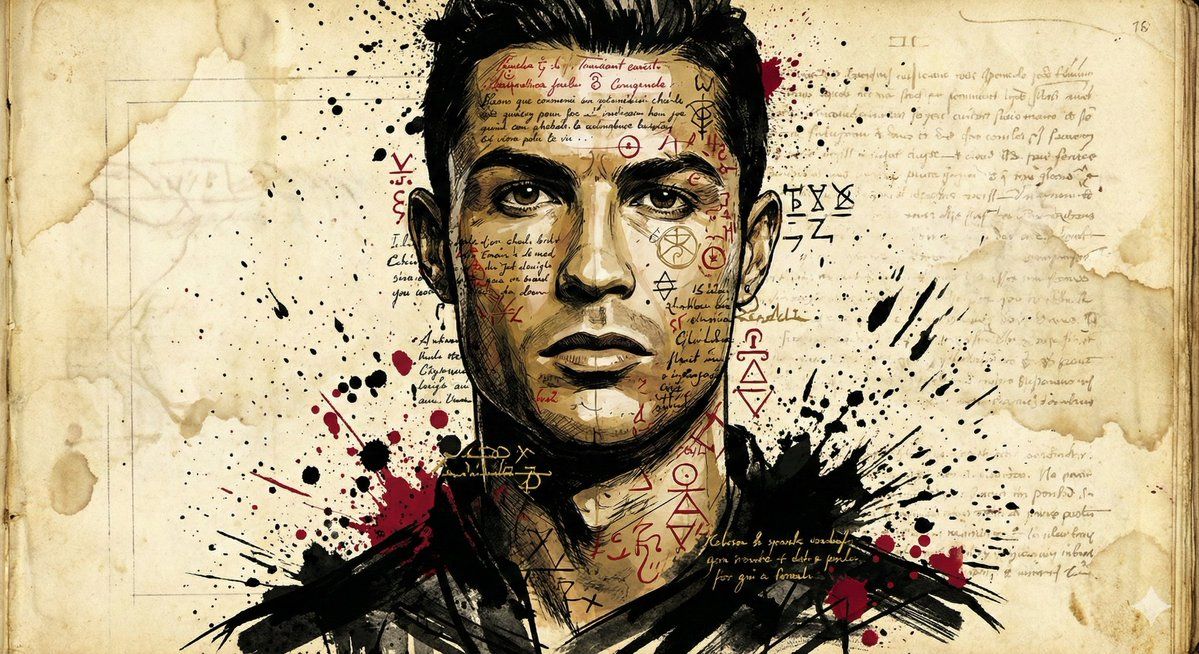
Generate a dramatic and impactful mixed media illustration of {argument name="Subject Name" default="[Subject]"}, using the uploaded image as a strict reference for facial structure, skin tone, and expression without any change. The artwork features an expressive ink sketch style with heavy textured brushstrokes, sharp angular lines, and vivid ink splatters. Superimpose layers of mysterious handwritten text, cryptic symbols, and abstract glyphs over the {argument name="Subject Name" default="[Subject]"}'s face and upper body, partially contouring the features to suggest inner turmoil and hidden meanings. The attire should be abstract and dark with raw visual energy. The background is light, yellowed parchment with grainy, faded paper texture, subtle lines, and stains, resembling an ancient manuscript or forgotten work. High contrast, editorial art style, raw and rebellious aesthetic.
Category
创意图片
Model
Nano Banana Pro
Views0
Source ID
deb3836f-42c2-4332-96fc-9742a3a739c7
Published
Mar 8, 2026

Guide

About "水墨画风格插画提示词"

What is this prompt for?

"水墨画风格插画提示词" AI image prompt for Nano Banana Pro (创意图片). 一个 Nano Banana 提示,用于生成一幅水墨风格的戏剧性混合媒体插画。它要求上传的图像作为主体面部结构和表情的严格参考。其风格特点是厚重的纹理笔触、飞溅的墨迹以及叠加的神秘手写文字和符号层,在泛黄…

The full copyable prompt and example visuals above are ready for AI image generation or one-click recreate in Picva.

How to use this prompt

  1. Step 1

    Open the prompt detail

    Review the example visuals, category, and full prompt text for "水墨画风格插画提示词".

  2. Step 2

    Copy the prompt

    Copy the prompt body from this page, or load it directly in Studio.

  3. Step 3

    Pick a model (Nano Banana Pro)

    Prefer Nano Banana Pro. If you switch models, keep subject and composition and tweak style terms.

  4. Step 4

    Generate and export

    Recreate the look in Picva, or export into your workflow for editing and publishing.

FAQ

What is the "水墨画风格插画提示词" prompt?
It is an AI image-generation prompt for Nano Banana Pro in the 创意图片 category. This page includes the full prompt text, example visuals, and a one-click recreate path in Picva.
How do I use this prompt to generate an image?
Copy the prompt from this page, or use Generate / Studio. Paste it into a compatible image model, or recreate the look in Picva with optional reference images.
Which model is this prompt for?
This page lists Nano Banana Pro. Most descriptive prompts also transfer to nearby image models such as GPT Image, Flux, or Midjourney with light style tweaks.
Can I use the result commercially?
You can usually copy the prompt for creation, but commercial use of the final image depends on the model terms, reference-image rights, and the generated content. Follow the source author and platform rules.