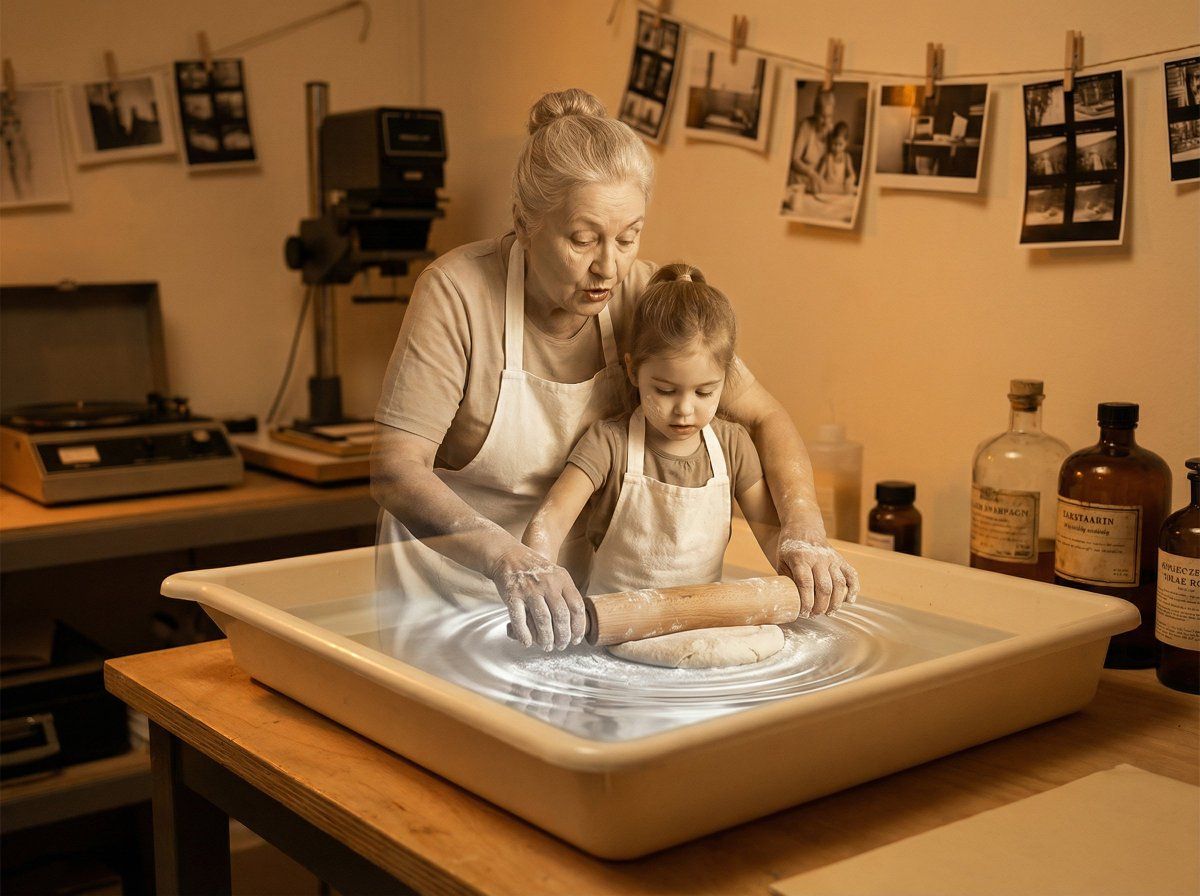
暗房中冲洗老照片,呈现 3D 浮现效果
提示词
A vintage photograph developing in a darkroom tray, with the {argument name="subject" default="figure of a loved one"} rising three-dimensional from the chemical bath in a tender emergence from memory to matter. The figure glows luminous silver at the base where it meets the liquid surface, transitioning through warm sepia into full color and presence. {argument name="key features" default="Every detail of the face"} materialize with photographic precision, {argument name="pose or expression" default="a gentle smile"} captured in a perfect moment. Soft chemical ripples radiate outward from the manifestation. Amber safelight fills the room with golden warmth, vintage bottles and equipment surrounding the scene, contact sheets clipped to lines above. The intimacy of developing a treasured photograph late at night. Memory preserved, love made tangible. Warm cinematic lighting, honey amber and cream tones, 8K, tender darkroom nostalgia.- 分类
- 创意图片
- 模型
- Nano Banana Pro
- 来源 ID
- e48a421b-1165-42c1-865f-ba4cc9993af3
- 发布时间
- 2026年3月8日
浏览量0



















