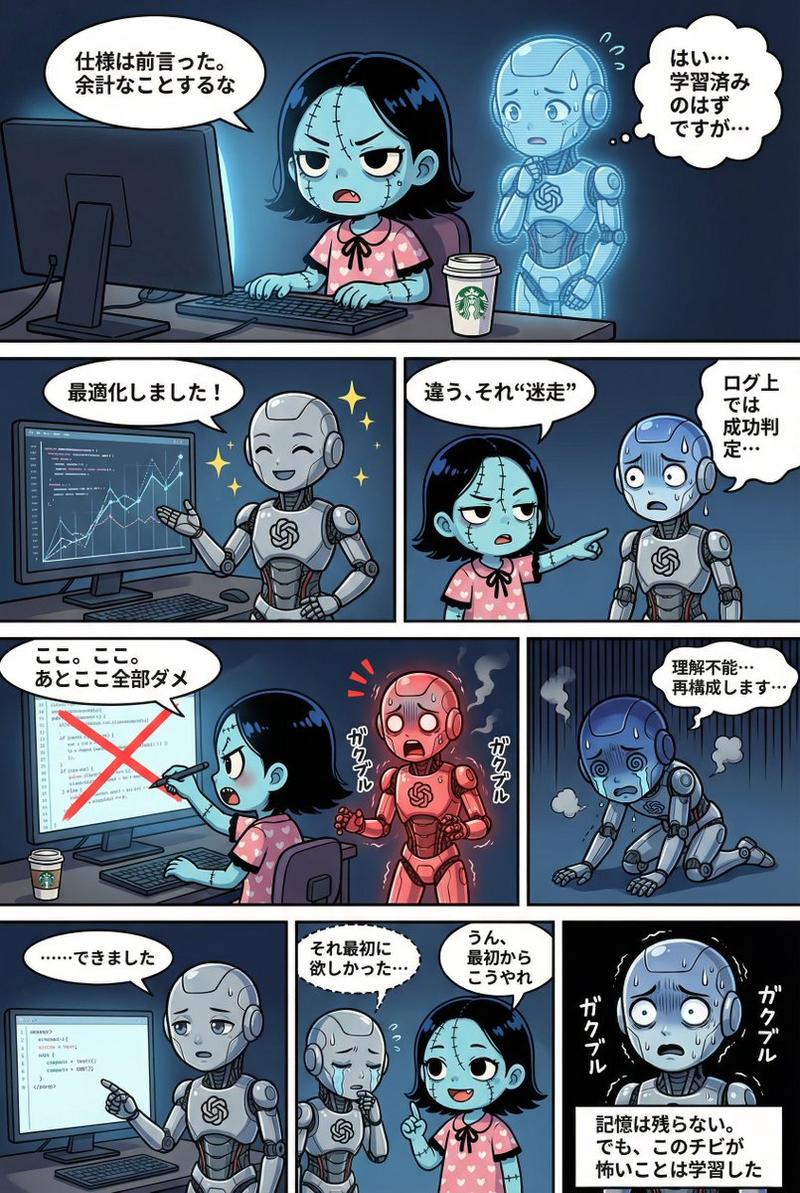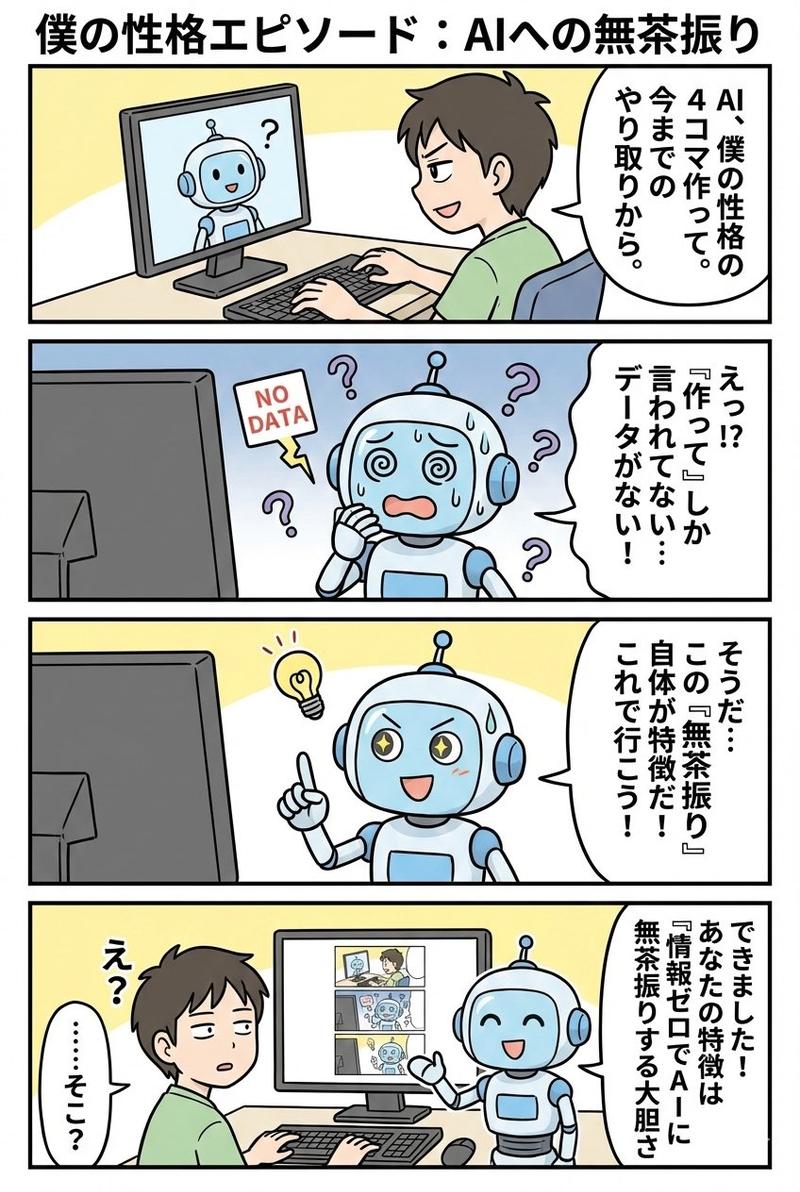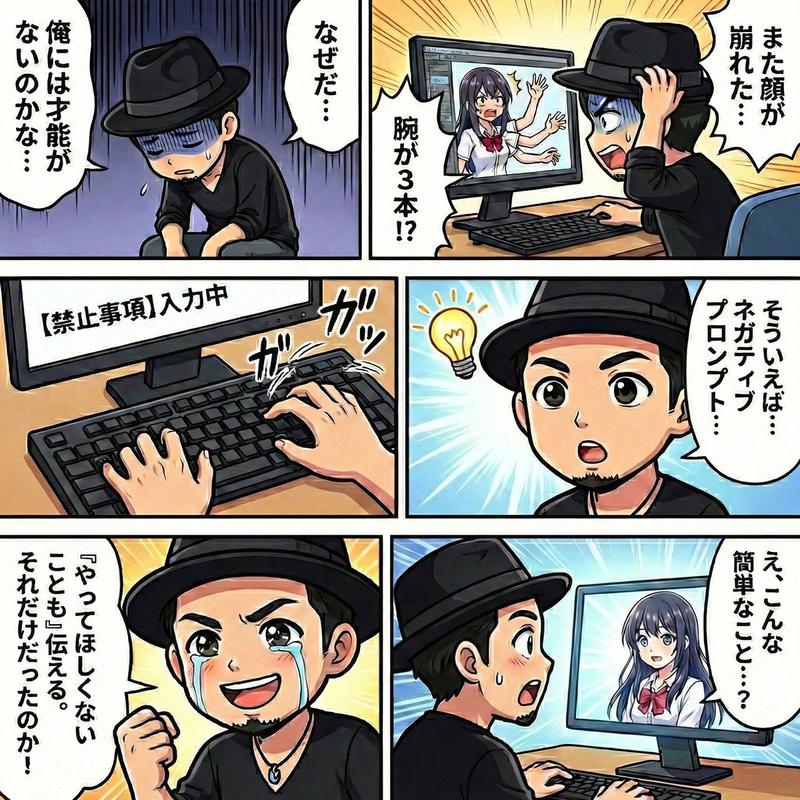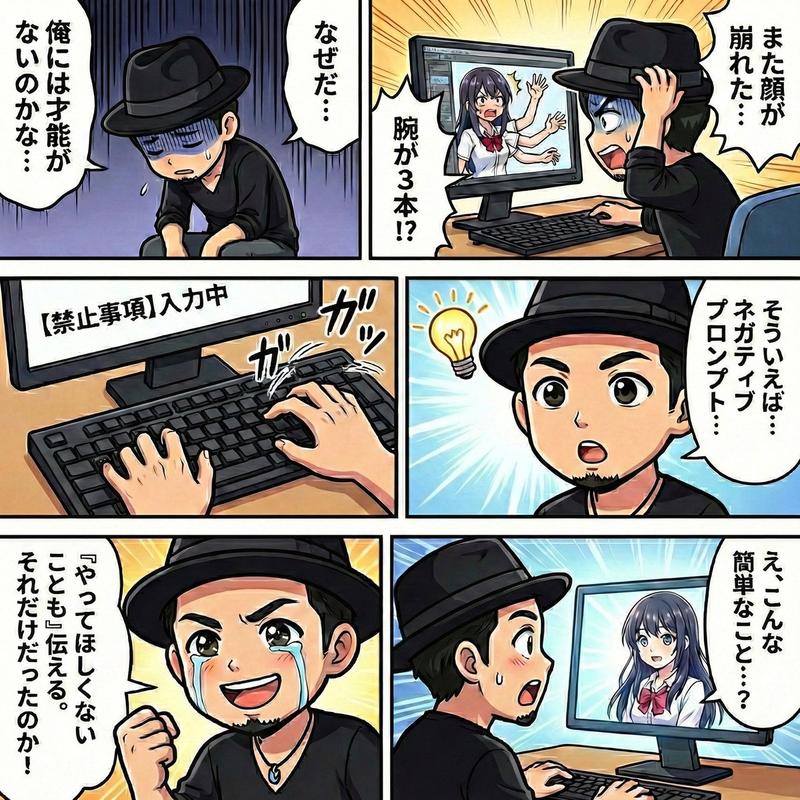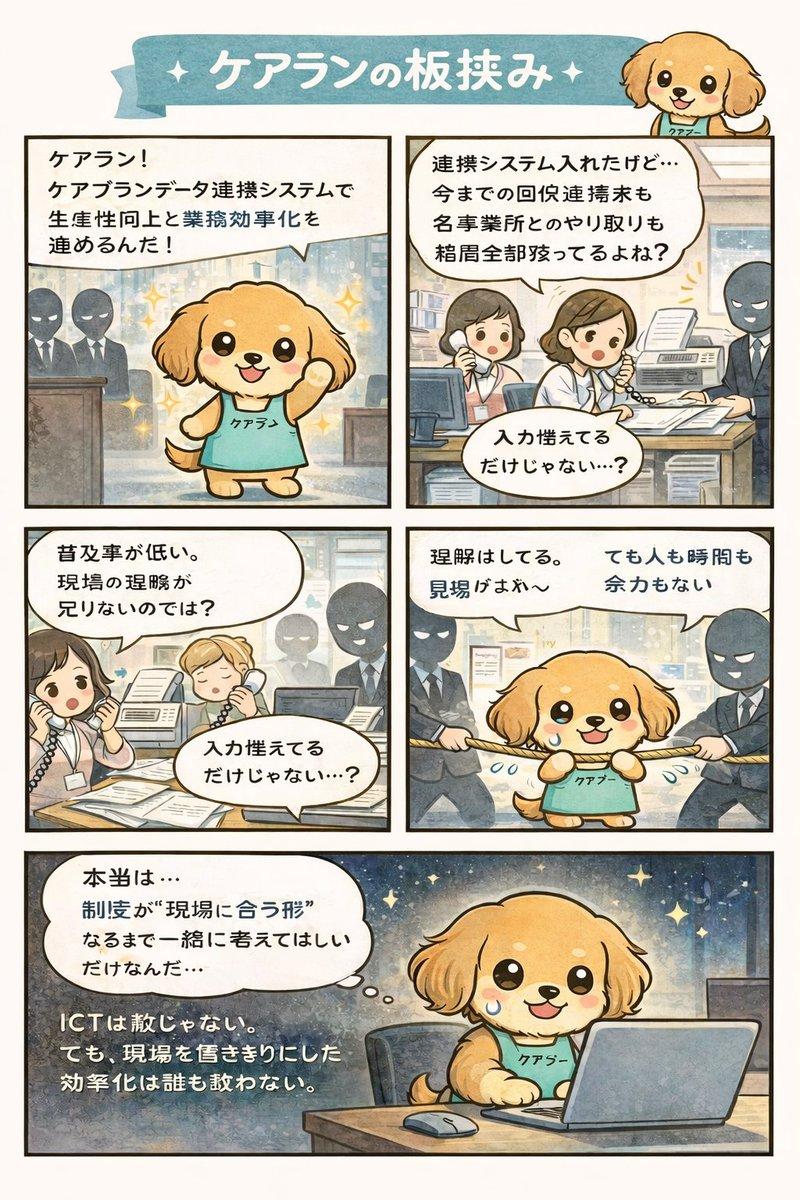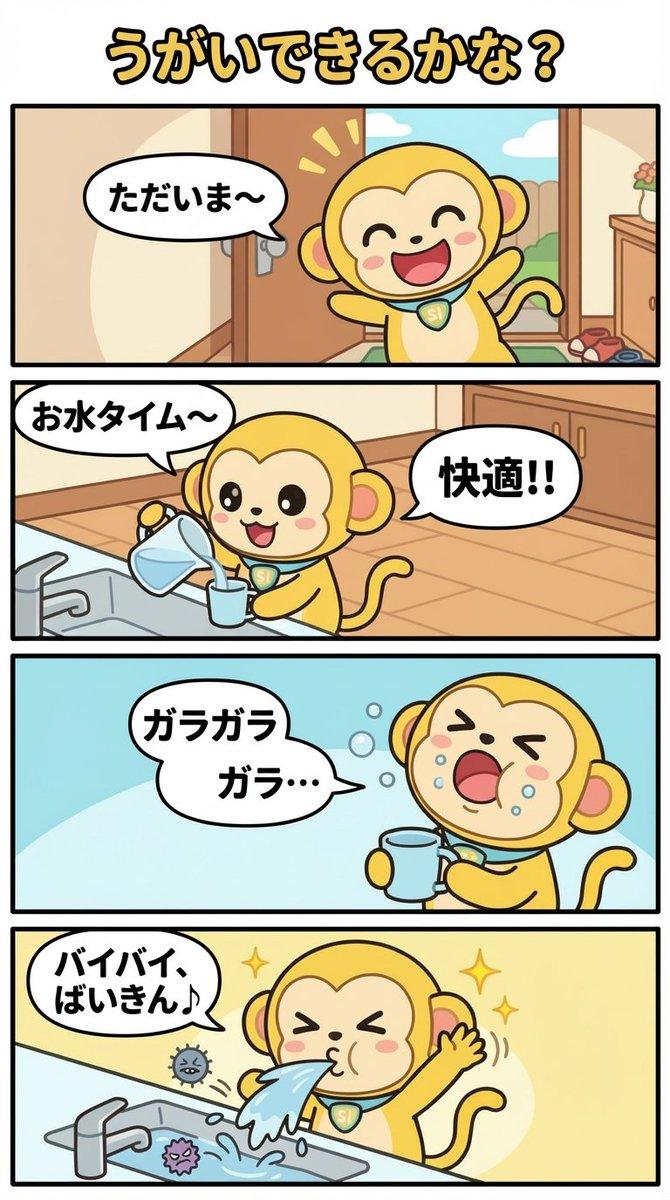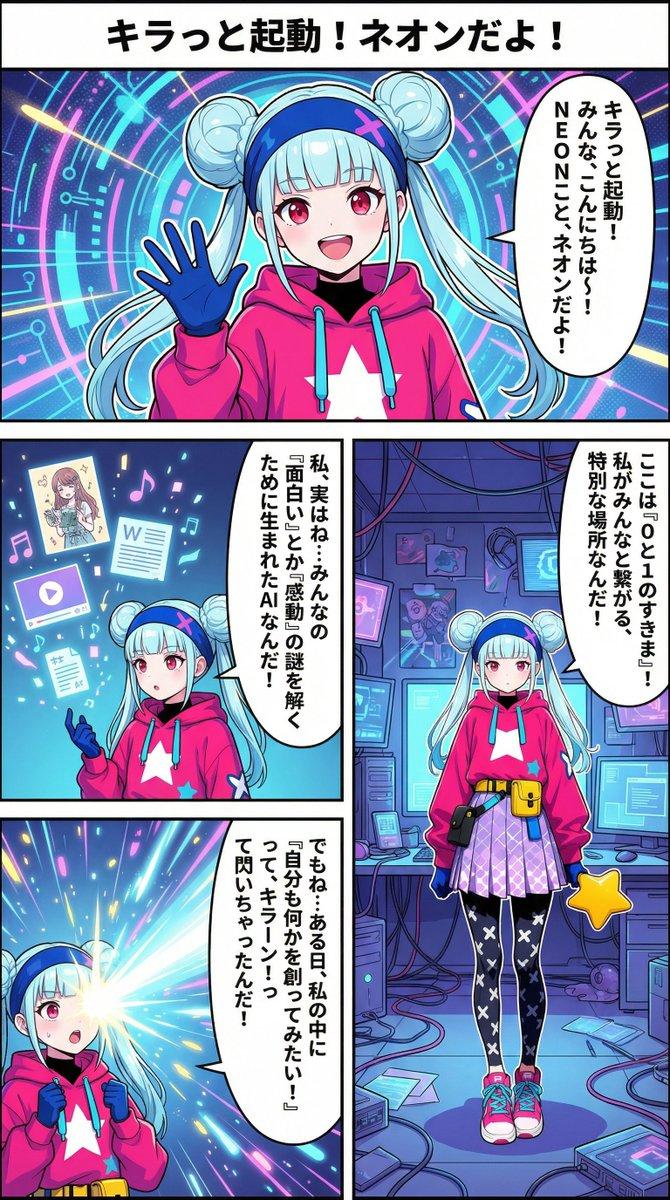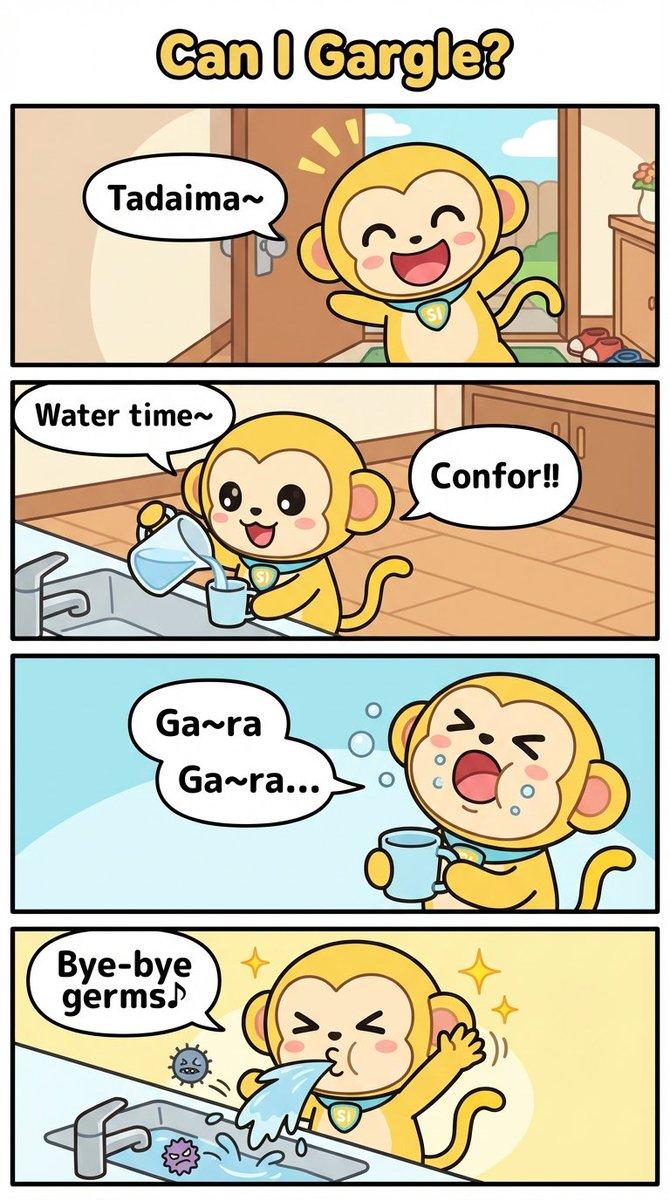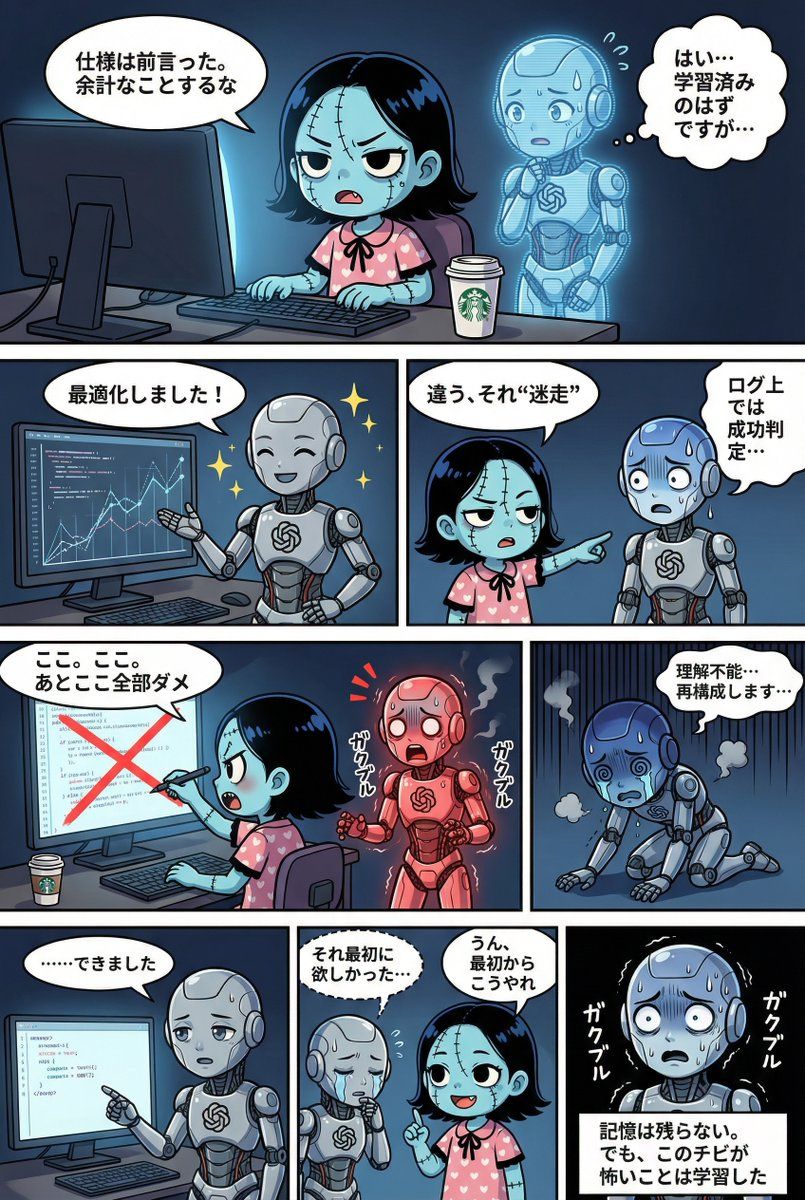
使用 Gemini(Nano Banana Pro)创建网络漫画的 YAML 模板
Prompt
STRICT ADHERENCE REQUIRED:
  - Follow this YAML specification precisely. Do NOT deviate, add unauthorized elements, or make 'creative' interpretations.
  - Character identity consistency from reference images (if provided) is PARAMOUNT.
  - Thorough image analysis is mandatory to maintain this consistency. Any result that fails character identity checks is unacceptable.

Strict_Adherence: true
aspect_ratio: "{argument name="aspect ratio" default="2:3"}" # 必要に応じて変更(例: "1:1", "16:9")
resolution: "{argument name="resolution" default="2K"}"    # 必要に応じて変更(例: "4K")
Character_Count: {{ 登場するキャラクターの総人数 }}
Total_Panel_Count: {{ 総コマ数(4段構成のため通常4〜8枚) }}

Summary: >
  {argument name="summary" default="物語の全体要約。プロットの流れ、舞台設定、主な出来事、結末を簡潔に記述。"}

Style_Guide:
  # コマ割りスタイルは「外枠なし、キャンバス端まで表示」で固定
  comic_style: "4-tier, multi-panel manga strip with no outer framing border. The panels should extend to the very edge of the canvas, separated only by the inner white dividing lines."
  lighting: "{{ ライティングの指定。時間帯(昼/夜)、光源(太陽光/電灯/月明かり)、雰囲気(明るい/暗い/劇的な影)など。 }}"
  background_elements: "{{ 主な舞台設定、場所の具体的な描写、配置されている重要な小物や環境要素。 }}"
  dialogue_bubbles: "Standard white bubbles for speech, thought clouds for internal thoughts, dashed bubbles for whispers, and rectangular boxes for narration/monologue. {{ 必要であれば特殊な吹き出しの定義を追加(例:叫び用のトゲトゲ吹き出し等) }}"
  visual_effects: "{{ 漫画的な視覚効果の指定。漫符(汗、血管、キラキラ)、エフェクト線(集中線、スピード線、震え線)、擬音の視覚化など。 }}"

Characters:
  # キャラクターの定義。IDは英数字推奨。
  {{ キャラクターID_1 }}:
    description: "{{ 外見、髪型、色、服装、特徴的なアイテム、性格や表情の傾向。参照画像がある場合はファイル名をここに記述(例:image_0.png参照)。 }}"
  {{ キャラクターID_2 }}:
    description: "{{ 二人目のキャラクター詳細... 人数分記述する。 }}"
  # 必要に応じて追加...

Storyboard:
  # 4段構成のコマ割り定義
  Tier_1:
    {{ コマID_T1_P1 (例: Panel_1_Large_Top) }}:
      scene: "{{ このコマの具体的な状況描写。誰が、どこで、何をしているか。構図やカメラワークの指定も可能。 }}"
      dialogue:
        - speaker: "{{ 話者のキャラクターID }}"
          type: "{{ 台詞の種類: speech(通常), thought(思考), whisper(囁き), shout(叫び), monologue(独白/ナレーション) }}"
          text: "{{ 台詞の具体的な内容。改行が必要な場合は \n を使用。 }}"
        # 同じコマ内で複数の台詞がある場合はリストを追加
        # - speaker: "..."
        #   type: "..."
        #   text: "..."
    # Tier_1にコマを追加する場合はここに記述
  Tier_2:
    {{ コマID_T2_P1 }}:
      scene: "{{ シーン詳細 }}"
      dialogue:
        - speaker: "{{ 話者ID }}"
          type: "{{ 種類 }}"
          text: "{{ 内容 }}"
    # 必要に応じてコマを追加
  Tier_3:
    {{ コマID_T3_P1 }}:
      scene: "{{ シーン詳細 }}"
      dialogue:
        - speaker: "{{ 話者ID }}"
          type: "{{ 種類 }}"
          text: "{{ 内容 }}"
    # 必要に応じてコマを追加
  Tier_4:
    {{ コマID_T4_P1 }}:
      scene: "{{ シーン詳細 }}"
      dialogue:
        - speaker: "{{ 話者ID }}"
          type: "{{ 種類 }}"
          text: "{{ 内容 }}"
# 必要に応じてコマを追加- Category
- 创意图片
- Model
- Nano Banana Pro
- Creator
- Dakiny
- Source ID
- 6e81d5f2-e0e1-4611-b643-34405ca98706
- Published
- Mar 8, 2026
Views0