15

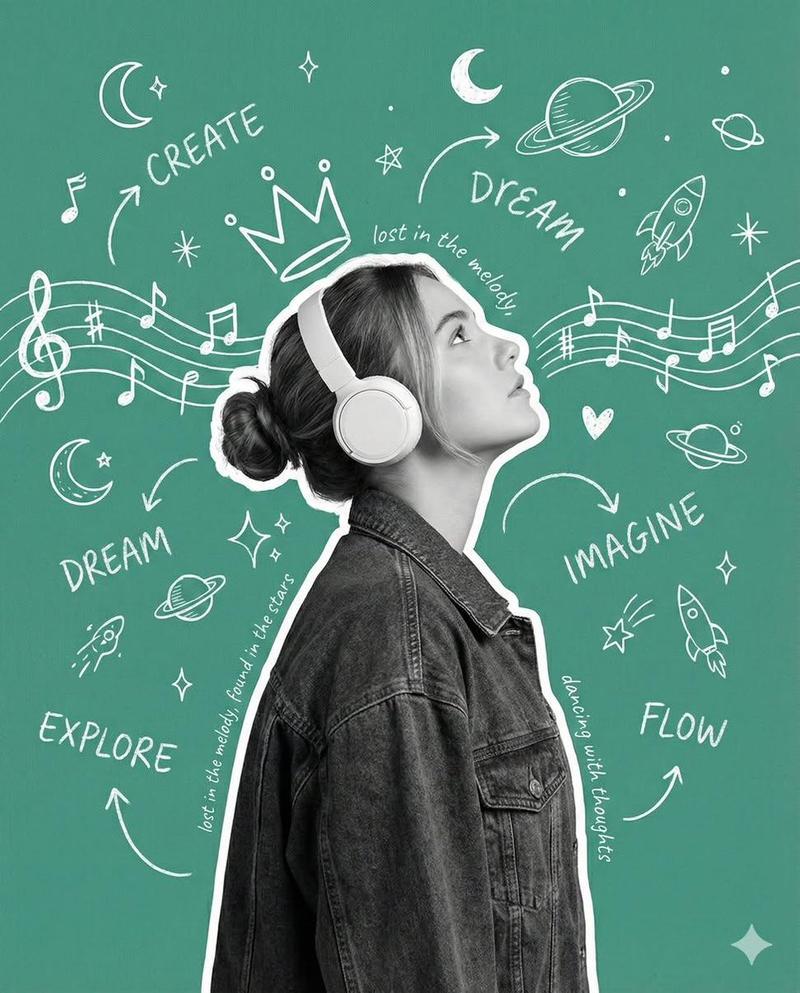
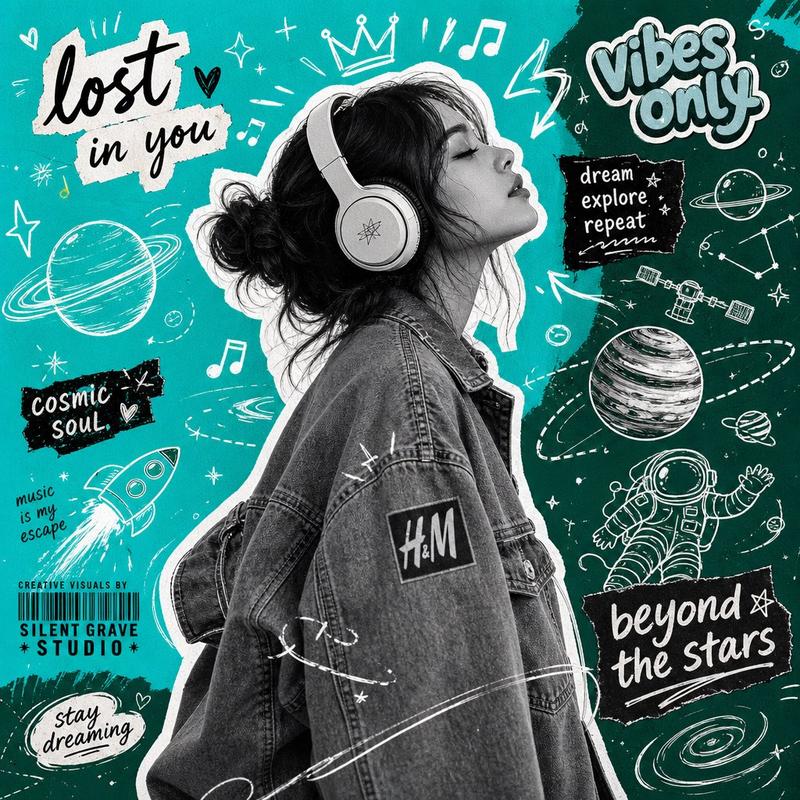
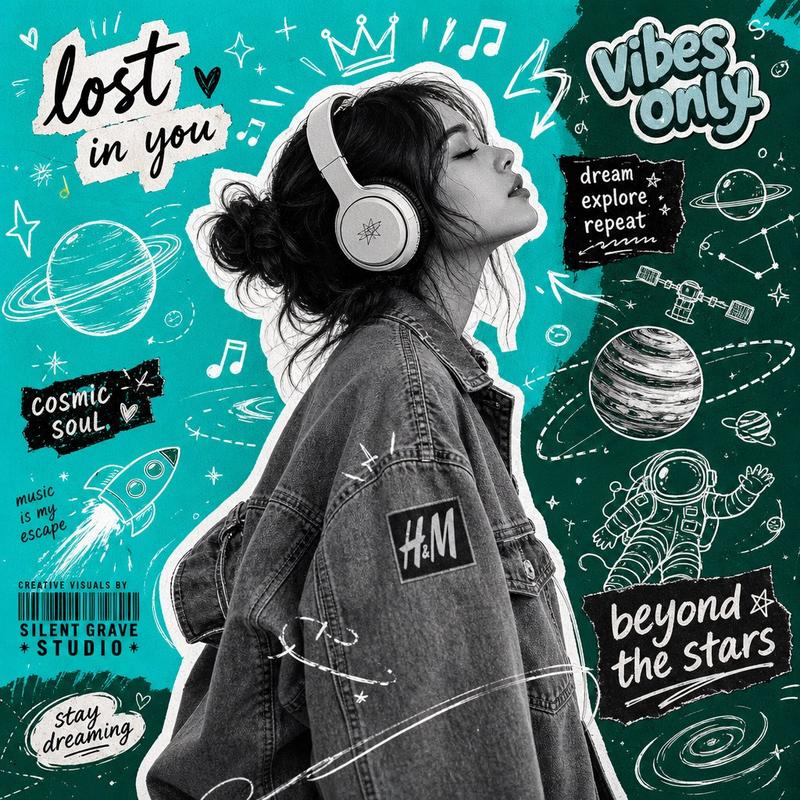
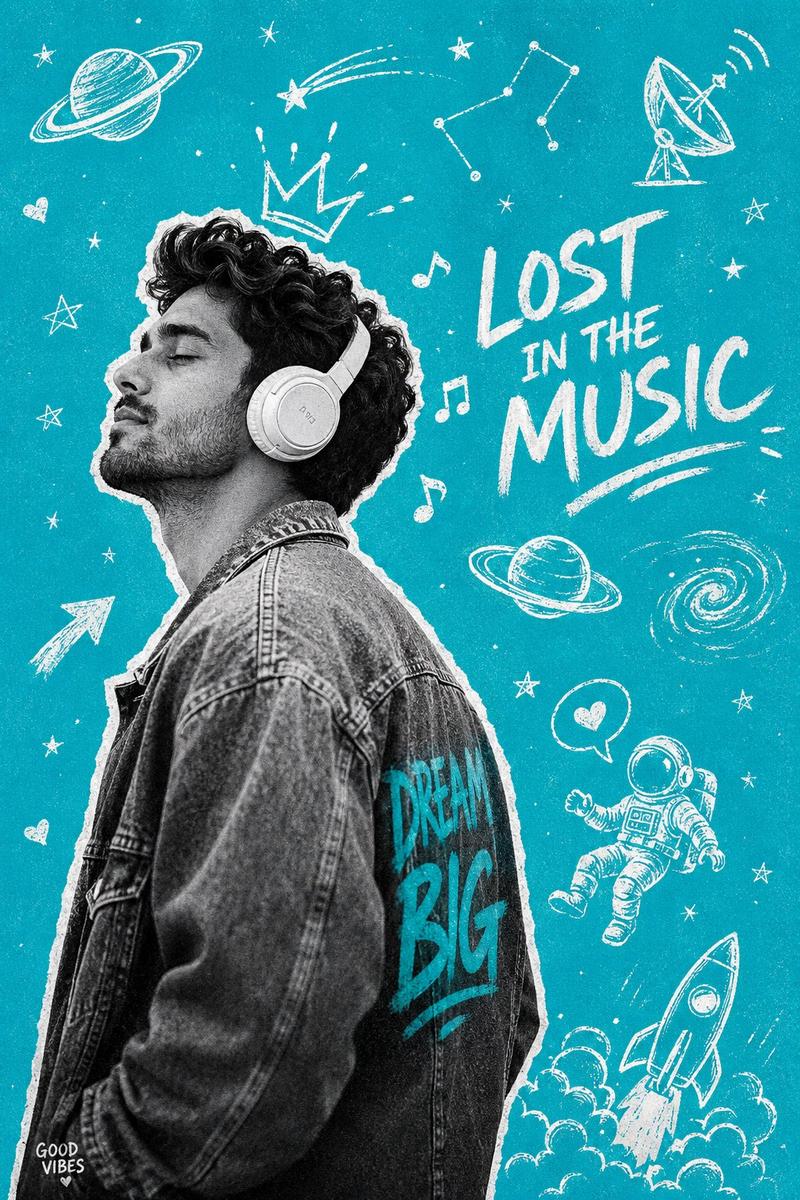
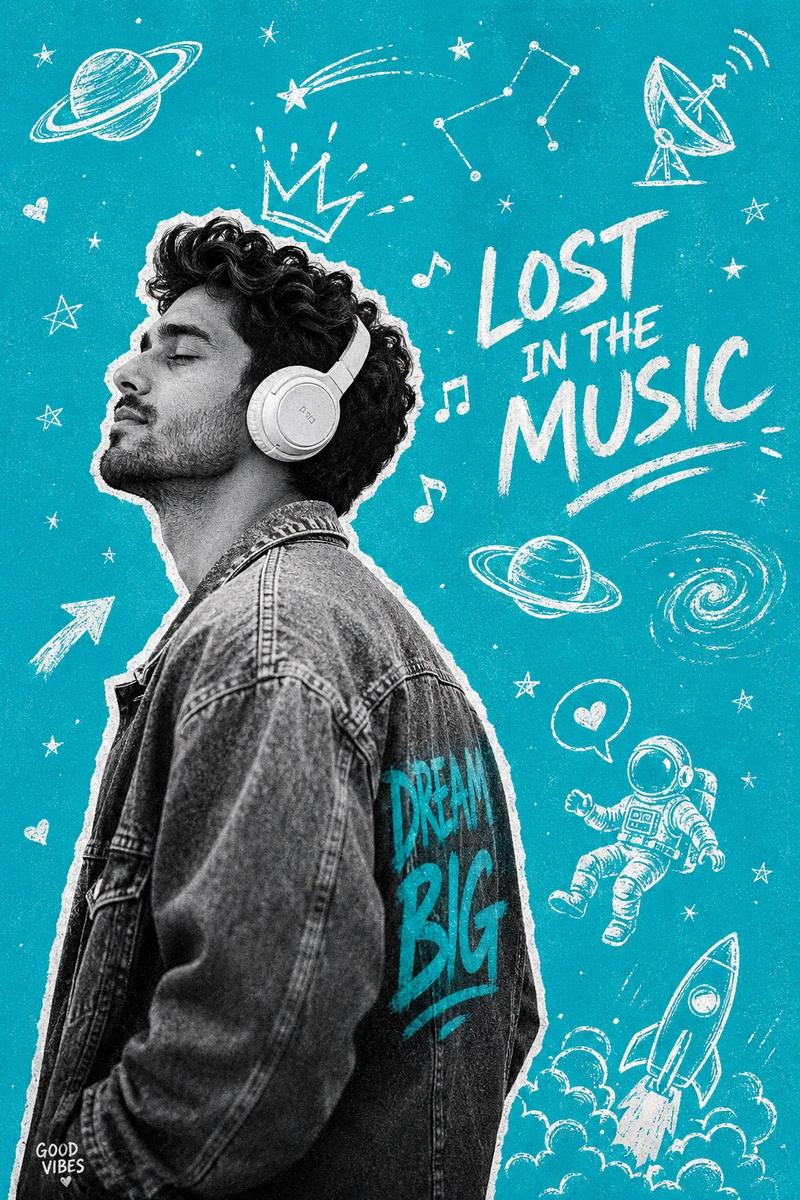
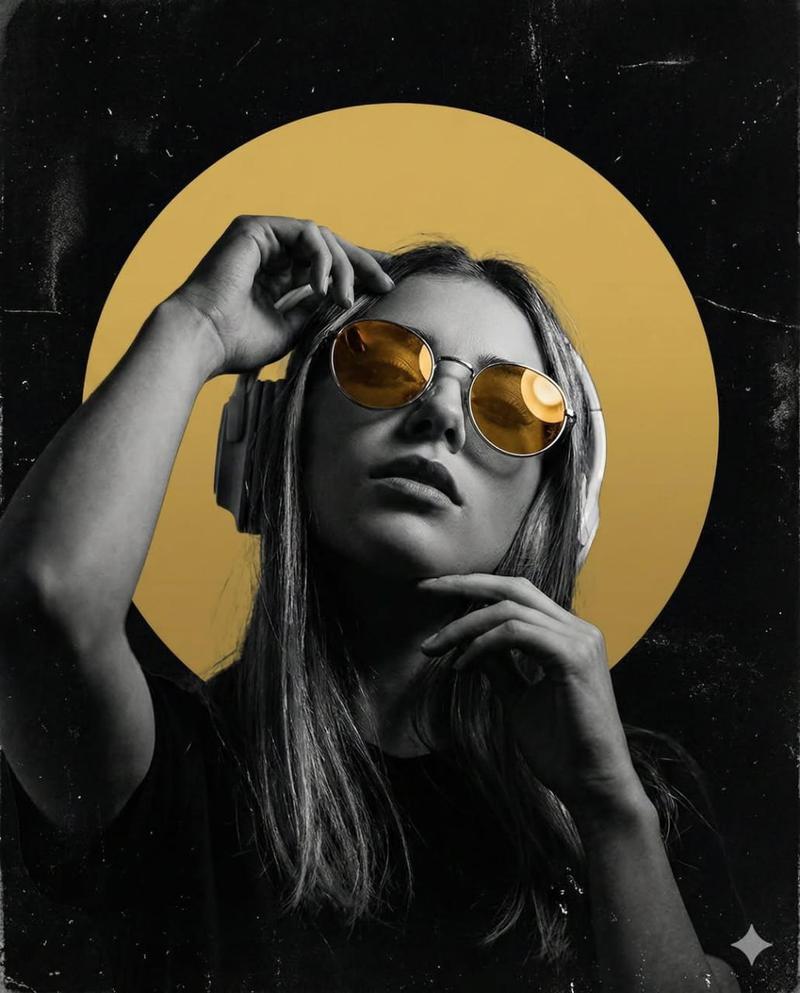
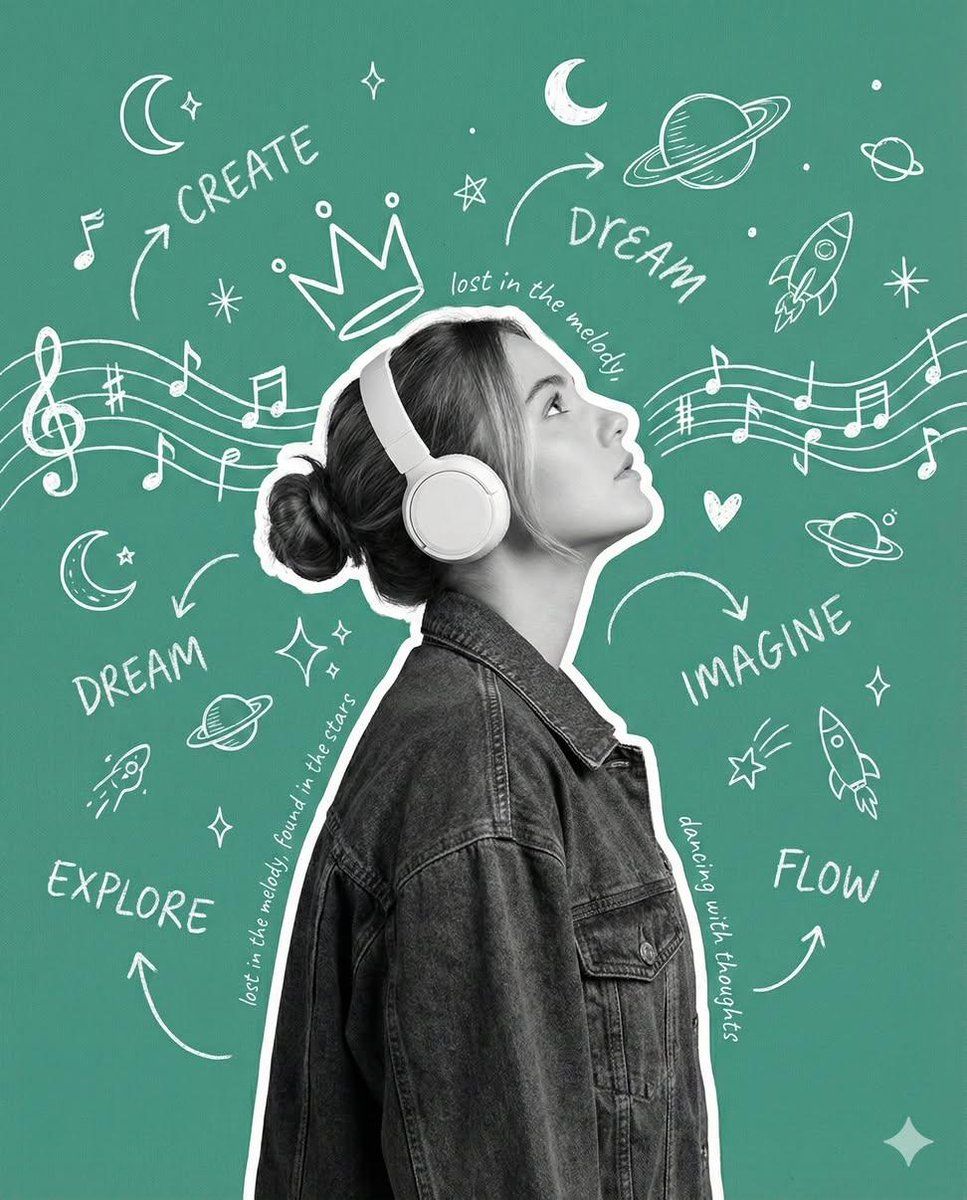
带镂空肖像和黑板涂鸦的创意海报
Enlarge

带镂空肖像和黑板涂鸦的创意海报

Prompt
{
  "image_generation_prompt": "A modern creative poster aesthetic featuring a realistic photographic portrait of a young woman in side profile. She is wearing white over-ear headphones, her hair is in a loose bun, and she is dressed in a dark denim jacket. The subject is rendered as a cutout with a thick white outline sticker effect. The background is a flat, solid teal-green canvas covered in white hand-drawn chalkboard-style doodles. Doodles include musical notes flowing like sound waves, planets, rockets, stars, moons, arrows, crowns, and hearts. Interspersed handwritten typography includes the words 'CREATE', 'DREAM', 'IMAGINE', 'EXPLORE', and 'FLOW'. The composition is a whimsical mix of realistic photography and clean graphic design with an imaginative, dreamy mood."
}
Category
创意图片
Model
Nano Banana Pro
Creator
Taaruk
Views0
Source ID
0933b1be-50fd-42c7-a132-13e10b54c766
Published
Mar 8, 2026

Guide

About "带镂空肖像和黑板涂鸦的创意海报"

What is this prompt for?

"带镂空肖像和黑板涂鸦的创意海报" AI image prompt for Nano Banana Pro (创意图片). 一个用于生成现代创意海报美学的结构化提示。它呈现了一个年轻女性的逼真摄影肖像,被渲染成带有粗白色轮廓(贴纸效果)的剪影。背景是纯青绿色画布,上面覆盖着白色的手绘粉笔风格涂鸦和手写字体,创造出一种…

The full copyable prompt and example visuals above are ready for AI image generation or one-click recreate in Picva.

How to use this prompt

  1. Step 1

    Open the prompt detail

    Review the example visuals, category, and full prompt text for "带镂空肖像和黑板涂鸦的创意海报".

  2. Step 2

    Copy the prompt

    Copy the prompt body from this page, or load it directly in Studio.

  3. Step 3

    Pick a model (Nano Banana Pro)

    Prefer Nano Banana Pro. If you switch models, keep subject and composition and tweak style terms.

  4. Step 4

    Generate and export

    Recreate the look in Picva, or export into your workflow for editing and publishing.

FAQ

What is the "带镂空肖像和黑板涂鸦的创意海报" prompt?
It is an AI image-generation prompt for Nano Banana Pro in the 创意图片 category. This page includes the full prompt text, example visuals, and a one-click recreate path in Picva.
How do I use this prompt to generate an image?
Copy the prompt from this page, or use Generate / Studio. Paste it into a compatible image model, or recreate the look in Picva with optional reference images.
Which model is this prompt for?
This page lists Nano Banana Pro. Most descriptive prompts also transfer to nearby image models such as GPT Image, Flux, or Midjourney with light style tweaks.
Can I use the result commercially?
You can usually copy the prompt for creation, but commercial use of the final image depends on the model terms, reference-image rights, and the generated content. Follow the source author and platform rules.