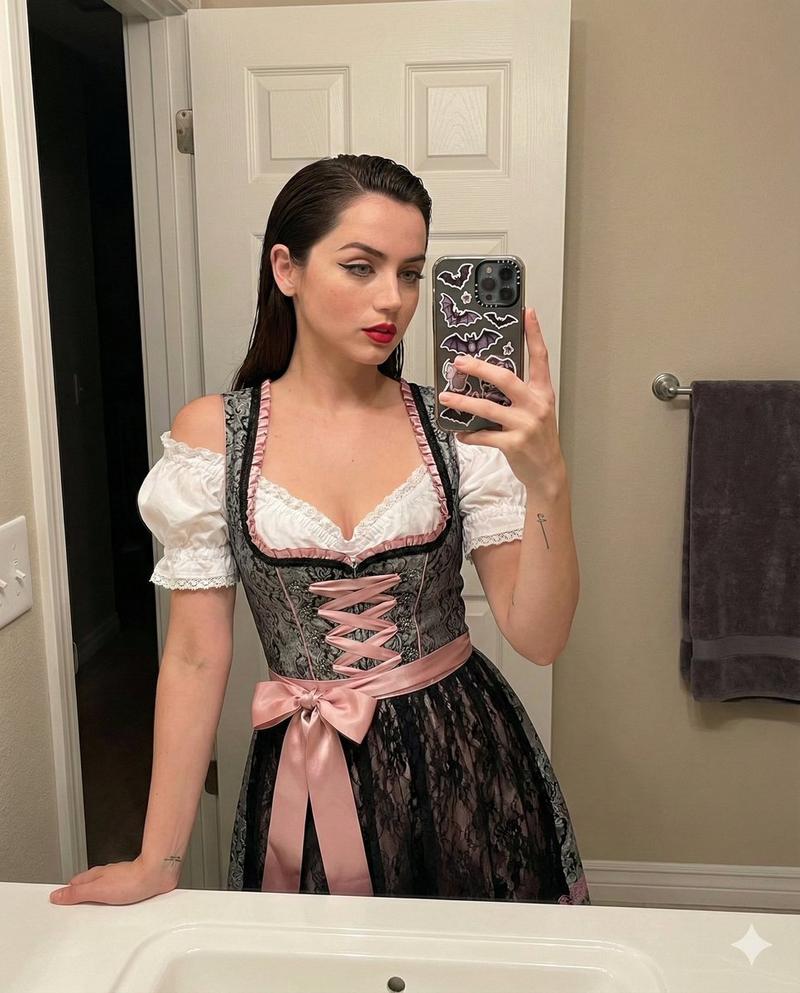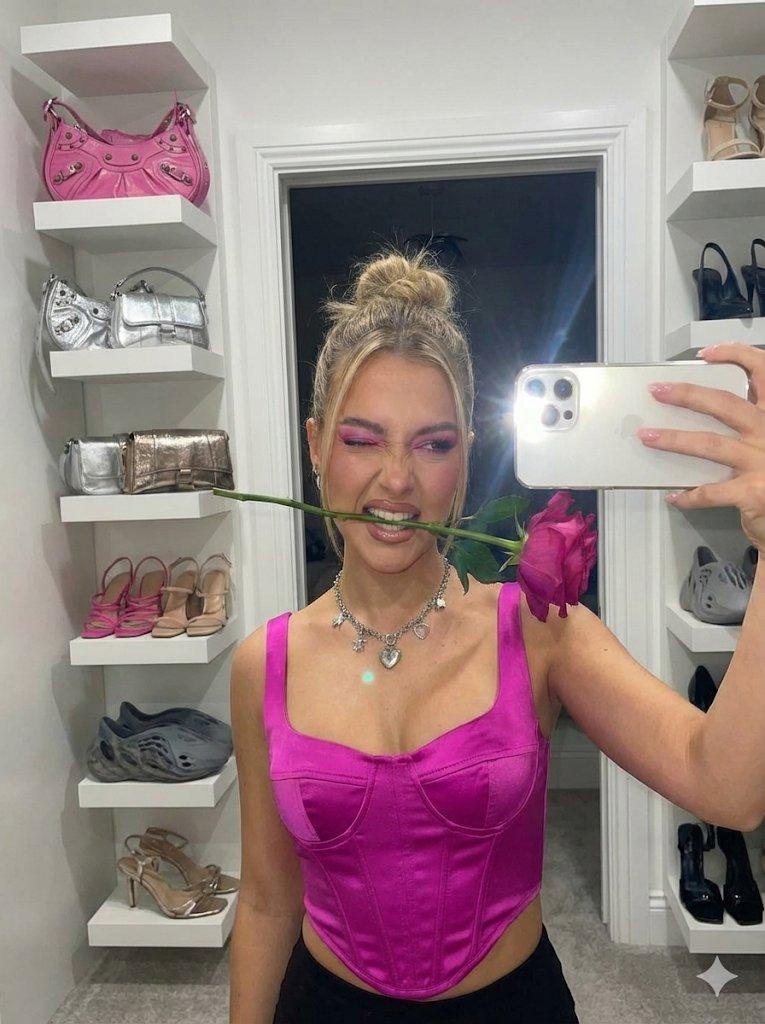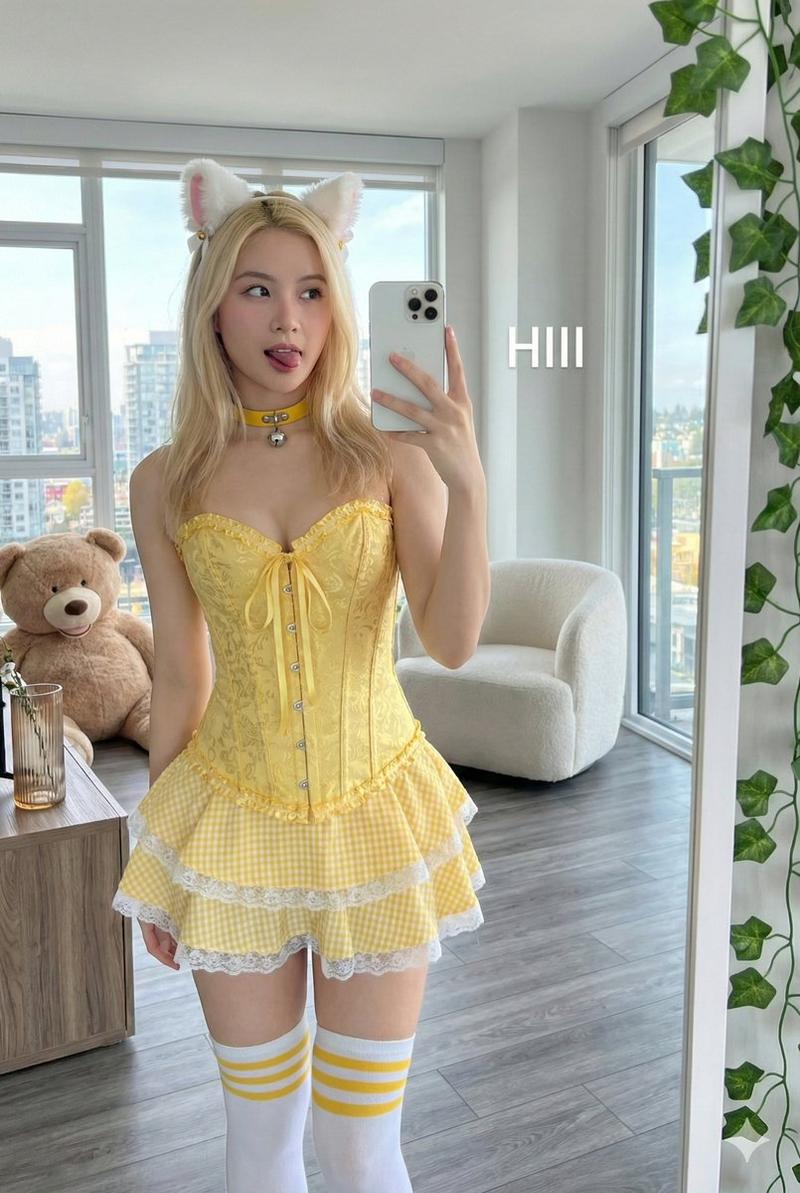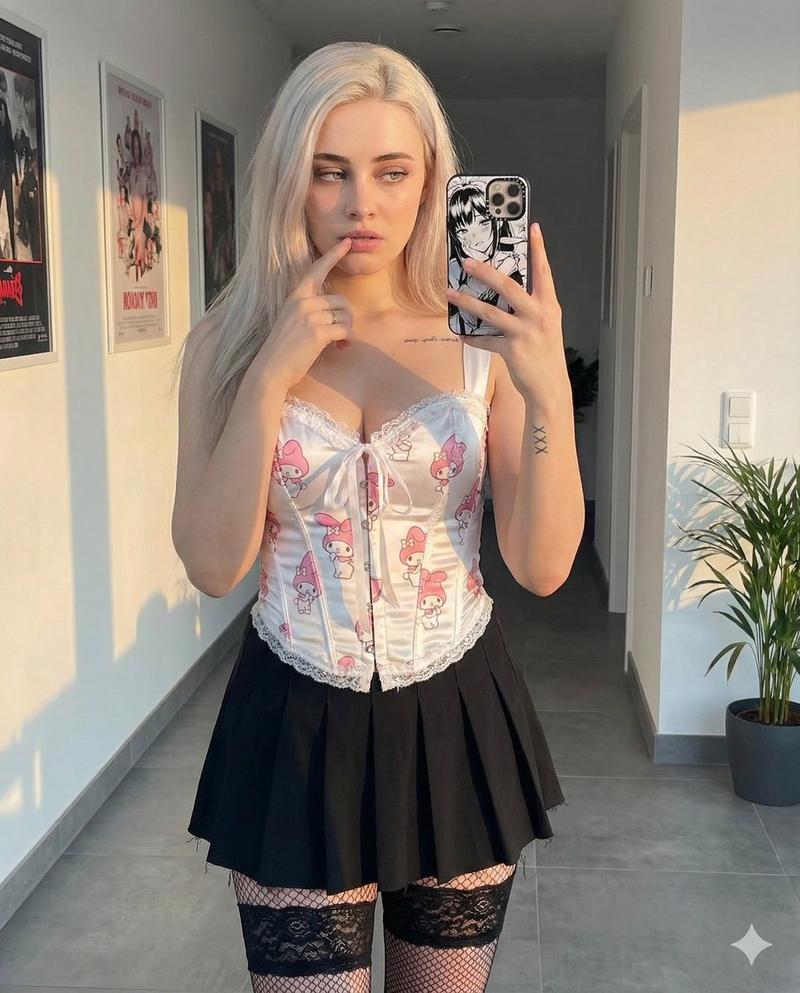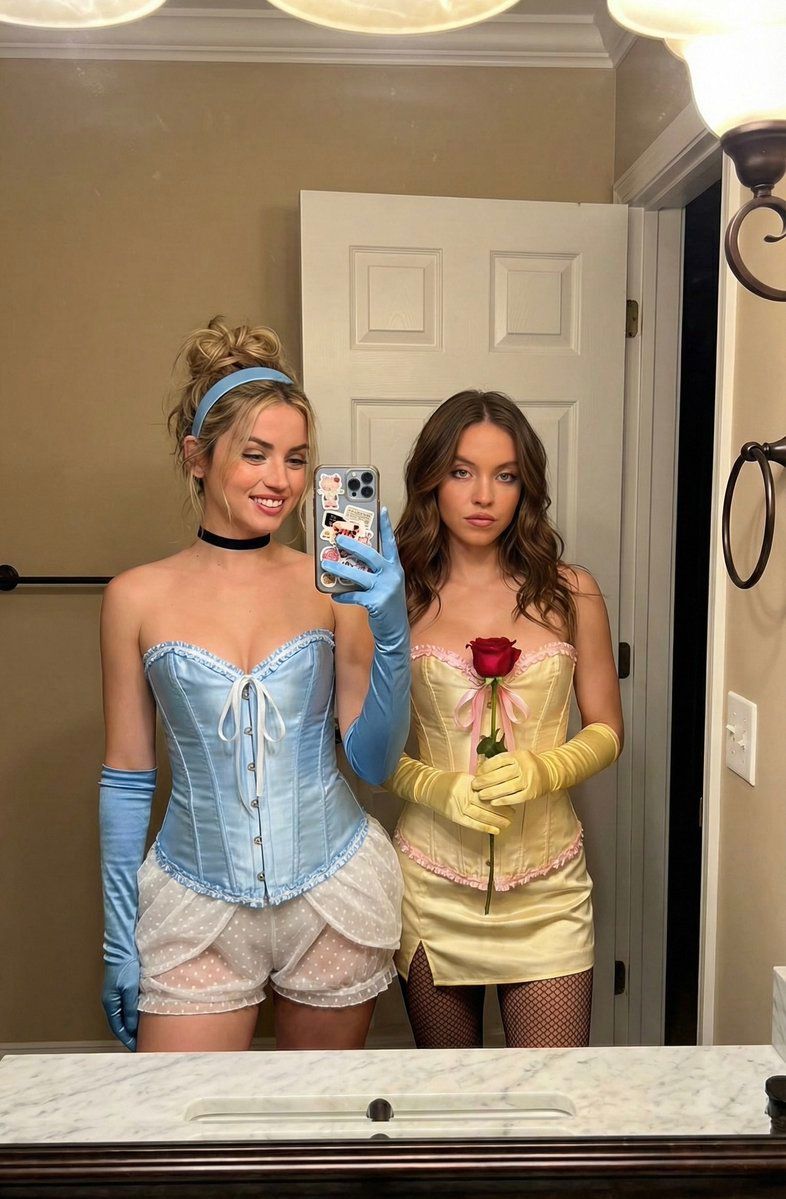
现代迪士尼公主服装镜子自拍提示词
Prompt
{
  "prompt_configuration": {
    "title": "Ultra Photorealistic Bathroom Mirror Selfie - Costume Theme",
    "aspect_ratio": "3:4",
    "style_preset": "Photorealistic / Candid Social Media"
  },
  "visual_breakdown": {
    "subjects": [
      {
        "identifier": "Subject_Left",
        "archetype": "Modern Cinderella Interpretation",
        "appearance": {
          "hair": "Blonde, styled in a messy high bun with a light blue satin headband, loose strands framing the face.",
          "skin": "Light complexion, dewy finish, soft blush.",
          "expression": "Smiling broadly, looking down at the phone screen in the mirror."
        },
        "apparel": {
          "top": "Baby blue satin corset featuring ruffled edges, vertical boning, and a white lace-up front closure.",
          "bottom": "White sheer tiered mini-skirt/bloomers with a polka-dot tulle overlay.",
          "accessories": "Long light blue satin opera gloves, thin black choker necklace, small hoop earrings."
        },
        "pose": "Standing with weight shifted to one hip, holding an iPhone with a case containing cards/stickers in the right hand (gloved), taking the photo via the mirror."
      },
      {
        "identifier": "Subject_Right",
        "archetype": "Modern Belle Interpretation",
        "appearance": {
          "hair": "Brunette/Dark blonde, styled in a half-up half-down look with loose, soft waves.",
          "skin": "Light complexion, sculpted contour, neutral makeup tones.",
          "expression": "Subtle, sultry smile, making direct eye contact with the reflection."
        },
        "apparel": {
          "top": "Pale yellow satin corset with pink ribbon accents and ruffled trim.",
          "bottom": "Matching pale yellow mini skirt.",
          "legwear": "Black fishnet tights.",
          "accessories": "Long yellow satin opera gloves, delicate gold pendant necklace."
        },
        "pose": "Standing closely beside the first subject, holding a long-stemmed red rose in the left hand against the waist."
      }
    ],
    "environment": {
      "location": "Residential Bathroom Interior",
      "background_elements": [
        "White six-panel interior door with casing.",
        "Beige/Taupe painted walls.",
        "A small hole/missing outlet cover on the wall to the left.",
        "Dark oil-rubbed bronze light fixture arms visible at the top edge."
      ],
      "foreground_elements": [
        "Large bathroom mirror surface (reflecting the scene).",
        "White marble countertop with grey veining.",
        "White ceramic sink basin edge at the bottom."
      ]
    },
    "lighting": {
      "source": "Overhead vanity lighting (artificial)",
      "quality": "Warm-neutral tone, diffuse and soft.",
      "effects": "Highlights on satin fabrics and skin, natural indoor shadows."
    },
"mood_and_atmos- Category
- 创意图片
- Model
- Nano Banana Pro
- Creator
- Iris
- Source ID
- f0c73b0f-3dba-494d-a17f-97cb4bb03f65
- Published
- Mar 8, 2026
Views0