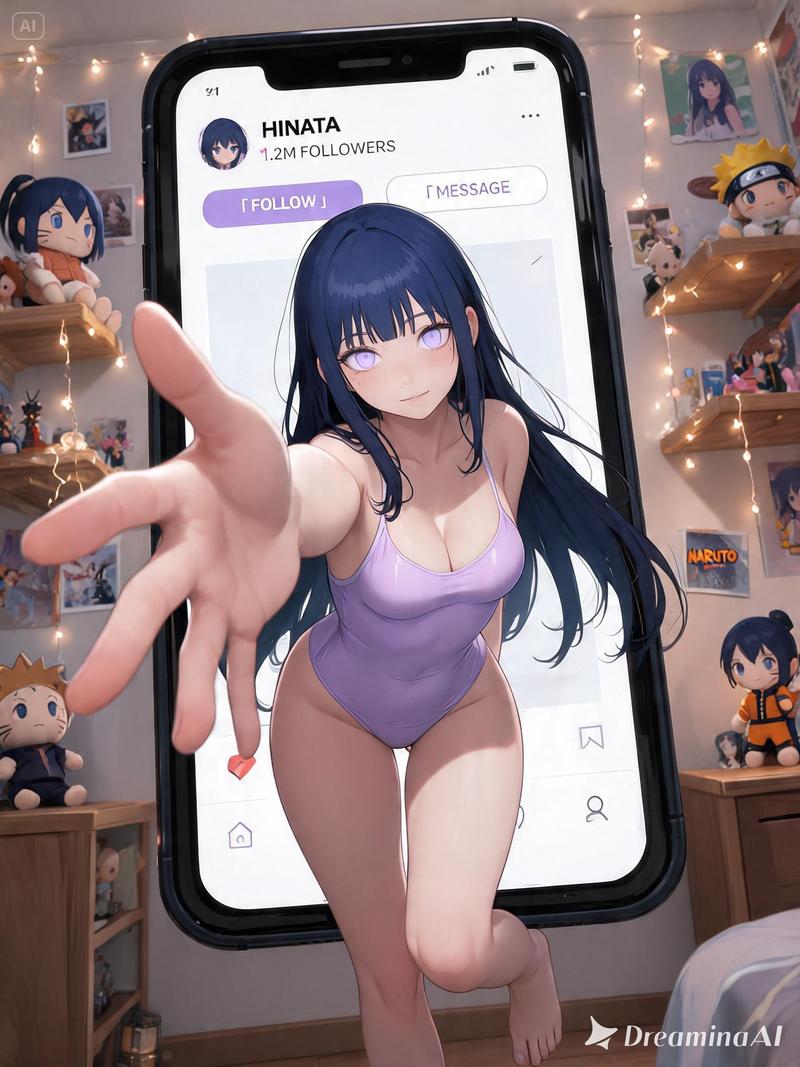
Promo Effect v2.0 个人资料截图构图提示
Prompt
{
  "edit_type": "precise_composite_overlay_dual_interaction_english_ui",

  "source": {
    "_hint": "Base Logic: Character sitting on Background. Background is fixed EXCEPT for the specific text on the button.",
    "mode": "IMAGE_COMPOSITION",
    "reference_images": {
      "foreground": "character_ref_image",
      "background_canvas": "profile_page_screenshot"
    },
    "consistency": {
      "character_fidelity": "high",
      "background_structure": "rigid_layout_preservation"
    }
  },

  "ui_text_enforcement": {
    "_hint": "CRITICAL: Ensure the button text reads 'Follow' in English, regardless of the text in the original screenshot.",
    "target_element": "action_button_top_right",
    "mandatory_text": "Follow",
    "language": "English",
    "font_style": "sans_serif_bold_legible",
    "correction_policy": "overwrite_original_text_if_not_follow"
  },

  "background_preservation": {
    "_hint": "Background is a rigid floor. Only allow changes to shadows and the button text.",
    "policy": "strict_pixel_retention_mostly",
    "allowed_modifications": [
      "realistic_contact_shadows_under_character",
      "replacement_of_button_text_to_Follow"
    ]
  },

  "camera_and_lighting": {
    "_hint": "Character sitting ON the interface.",
    "perspective": "high_angle_looking_down",
    "grounding_effect": {
      "technique": "contact_shadows_under_legs",
      "placement": "on_background_surface"
    }
  },

  "pose": {
    "_hint": "Dual pointing: Left Hand -> Name, Right Hand -> 'Follow' Button.",
    "pose_style": "sitting_cross-legged_or_kneeling",
    "head_position": "tilted_back_looking_at_camera",
    "hands_configuration": {
"s- Category
- 创意图片
- Model
- Nano Banana Pro
- Creator
- BeautyVerse
- Source ID
- b2b4a596-bf25-410e-96e0-028748517c1b
- Published
- Mar 8, 2026
Views0




![[Nano Banana Pro] Original effect, major update. ✨Promo Effect v2.0✨ Based on th](https://cdn.pixshop.app/prompt-library/tweet-2014271293349327251/primary-0-1769349184828-32ubf80d.jpeg)