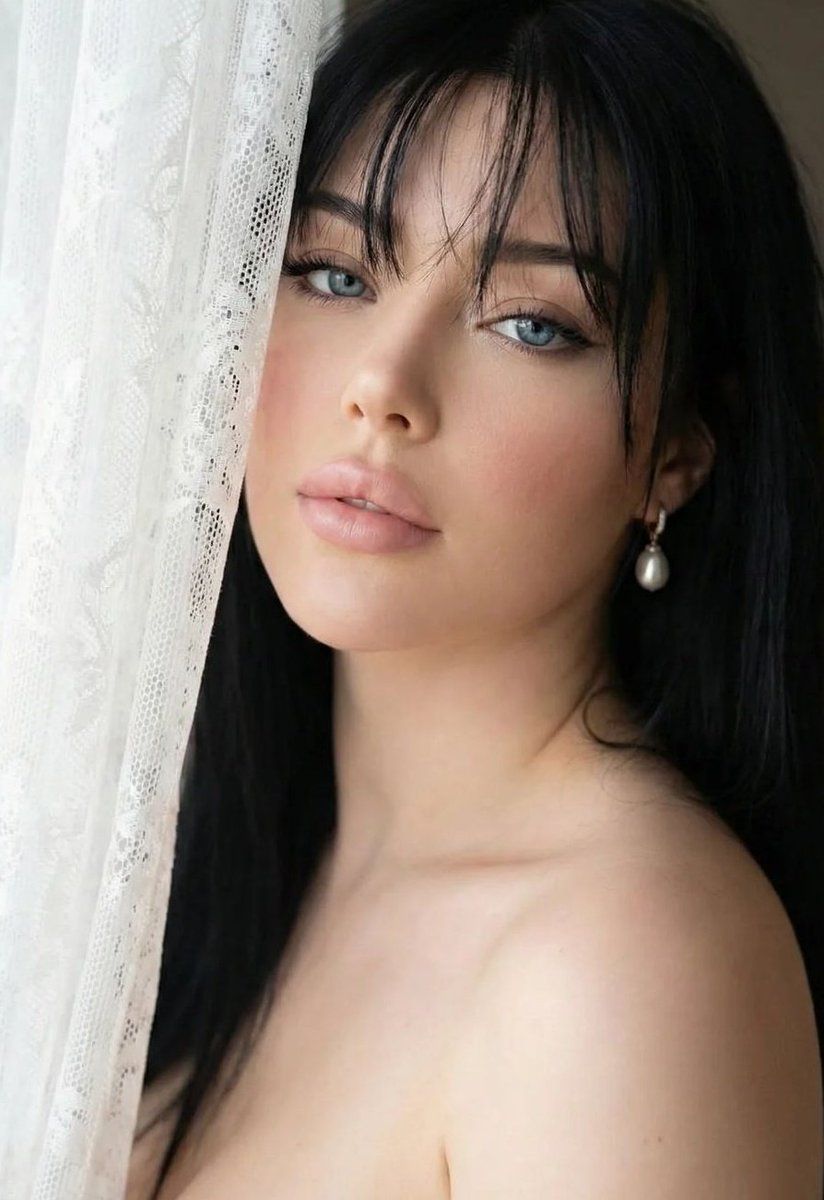
亲密特写肖像,带身份锁定
提示词
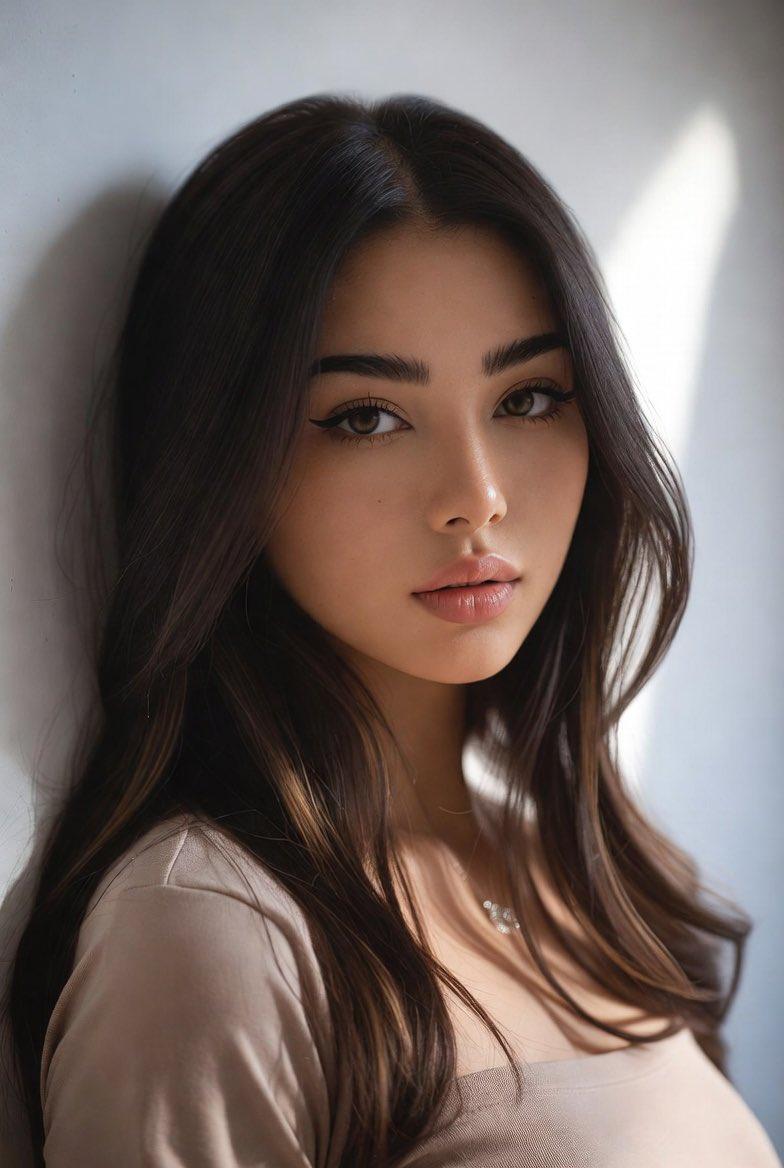
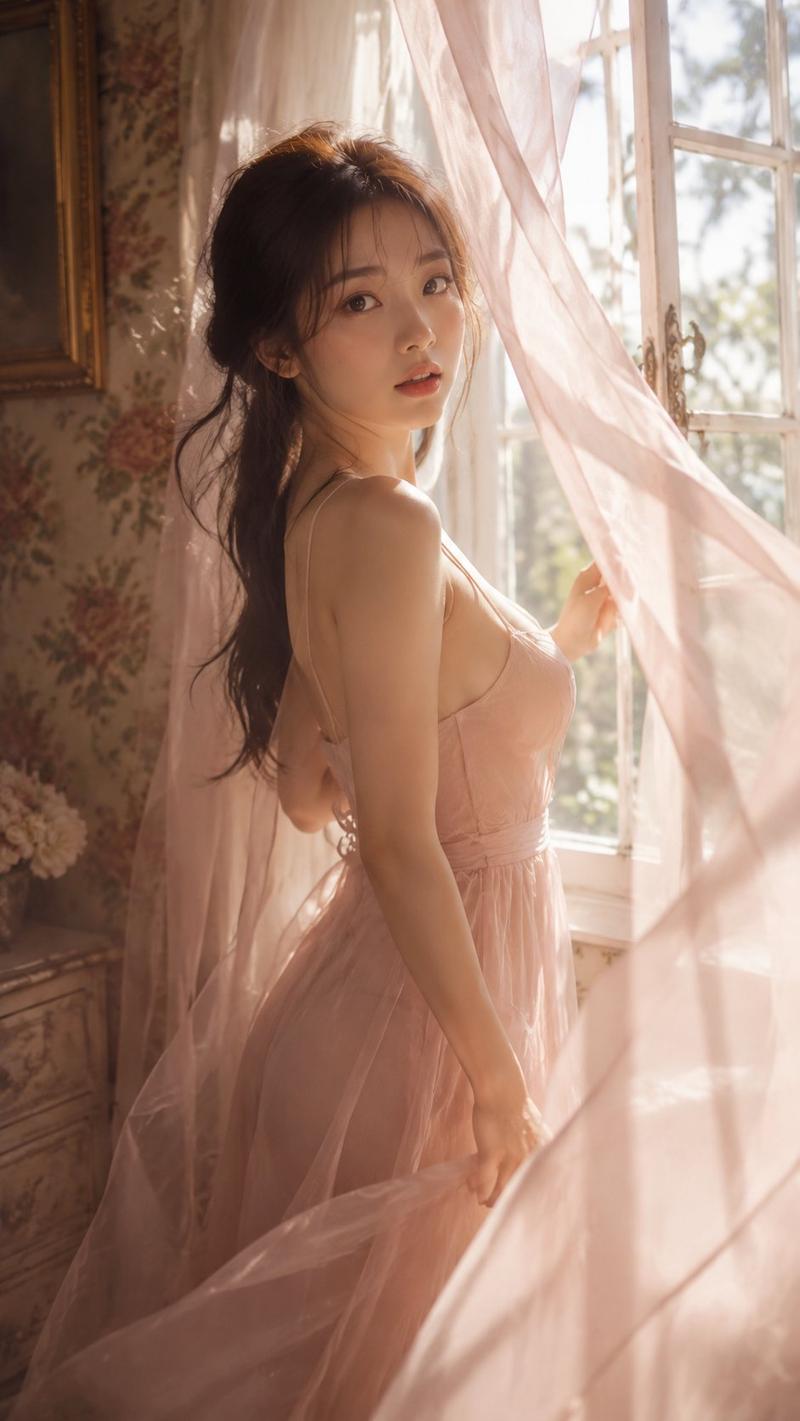
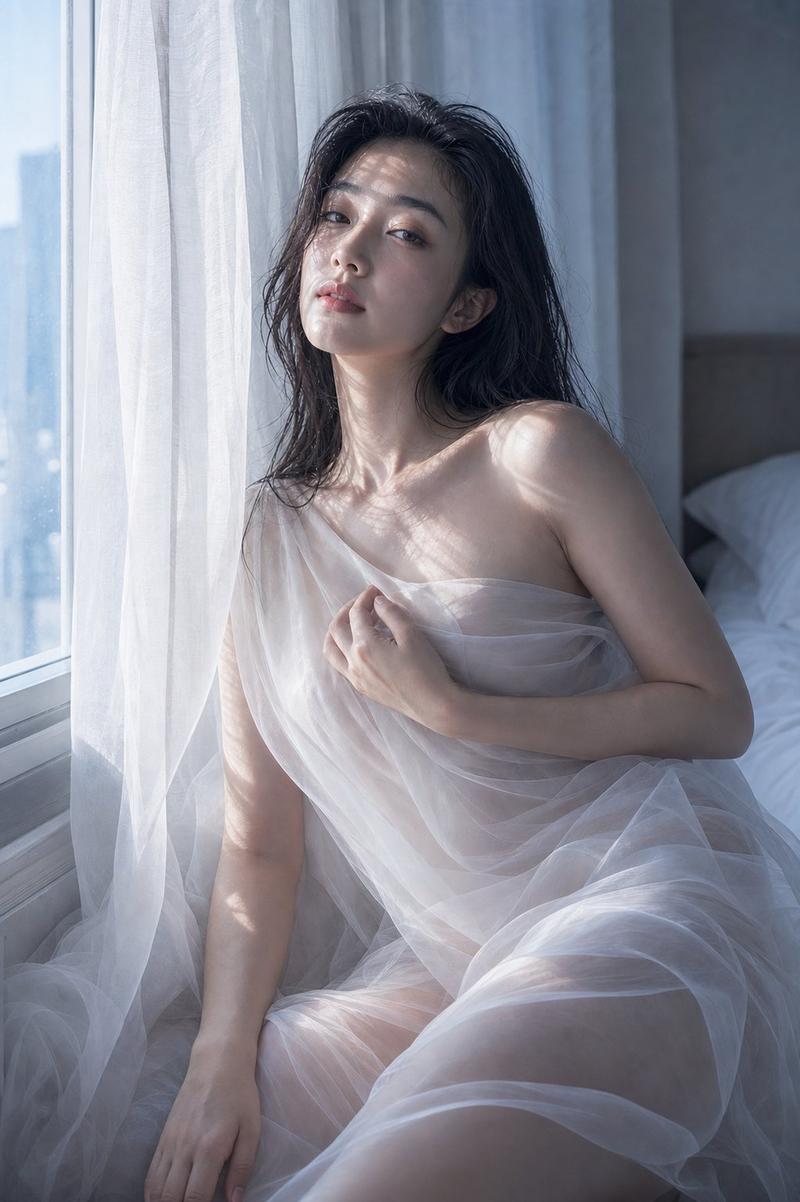
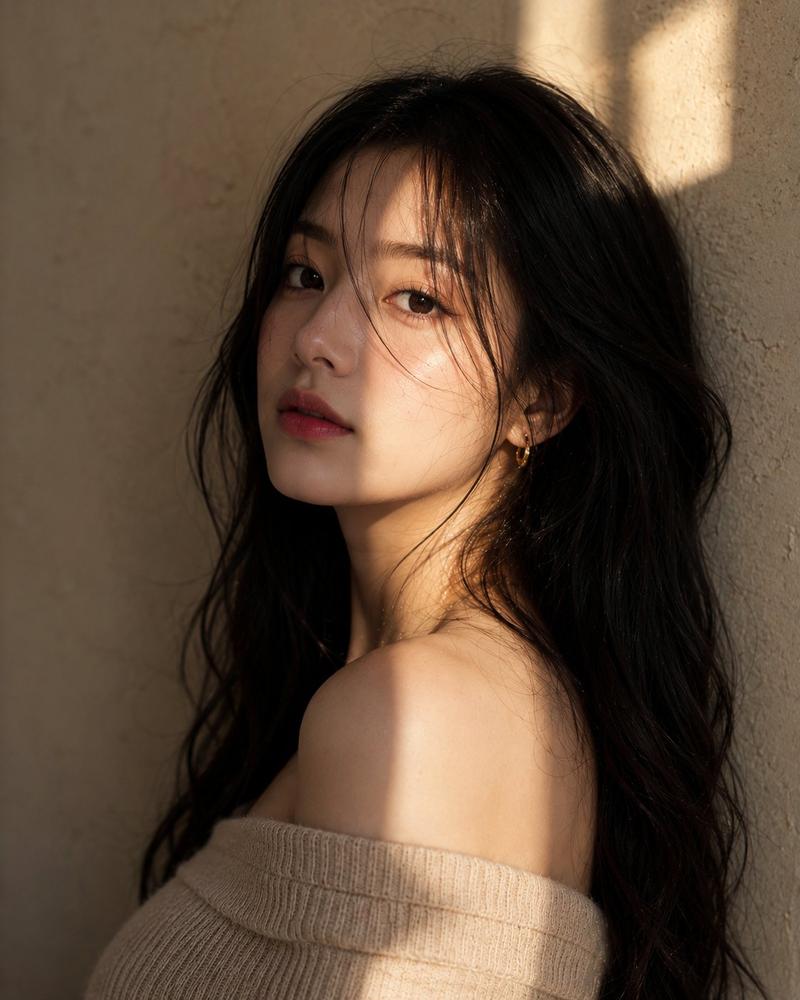
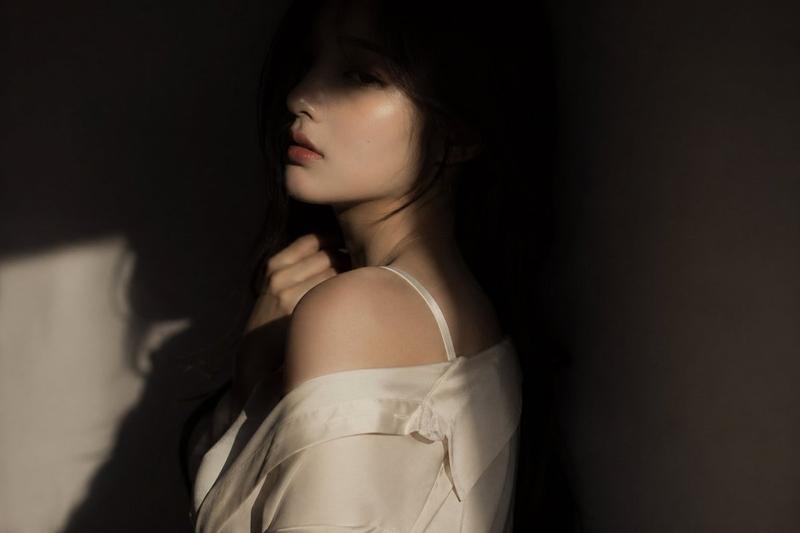
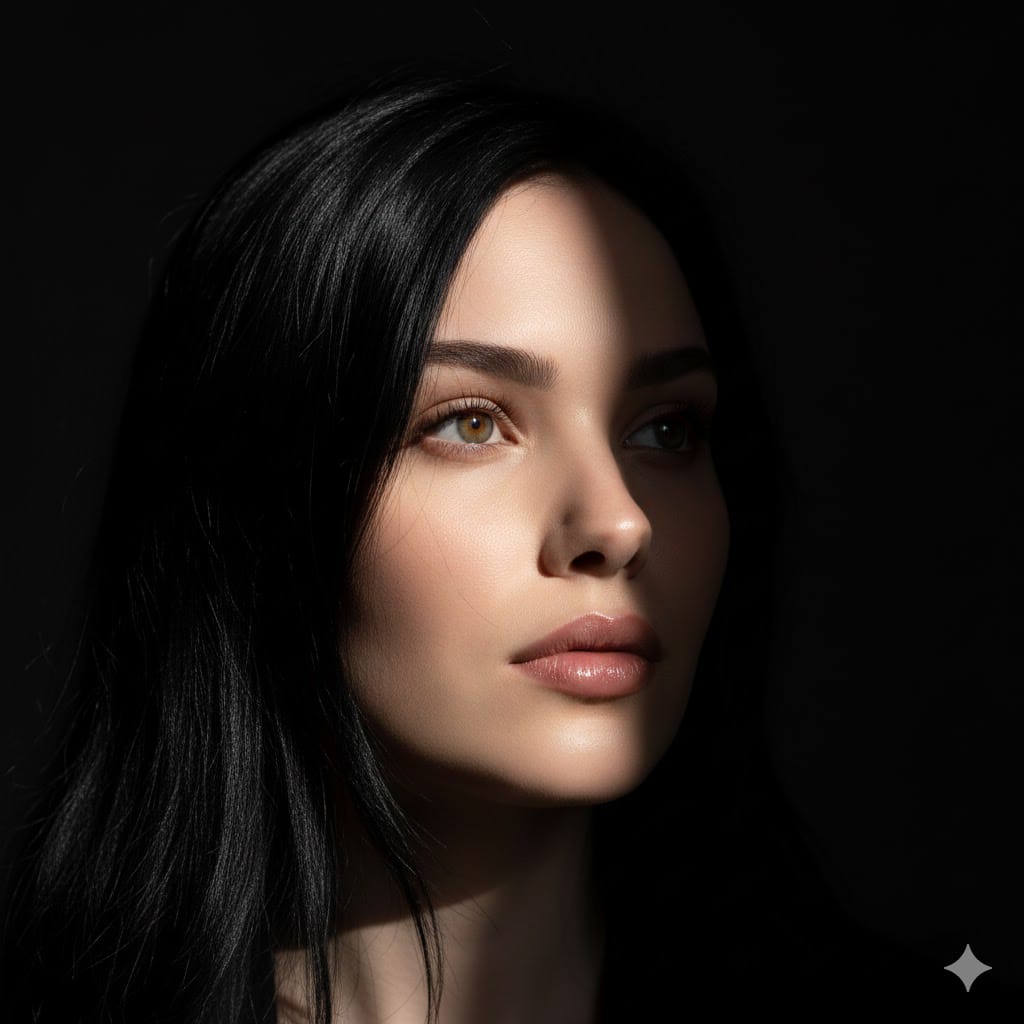
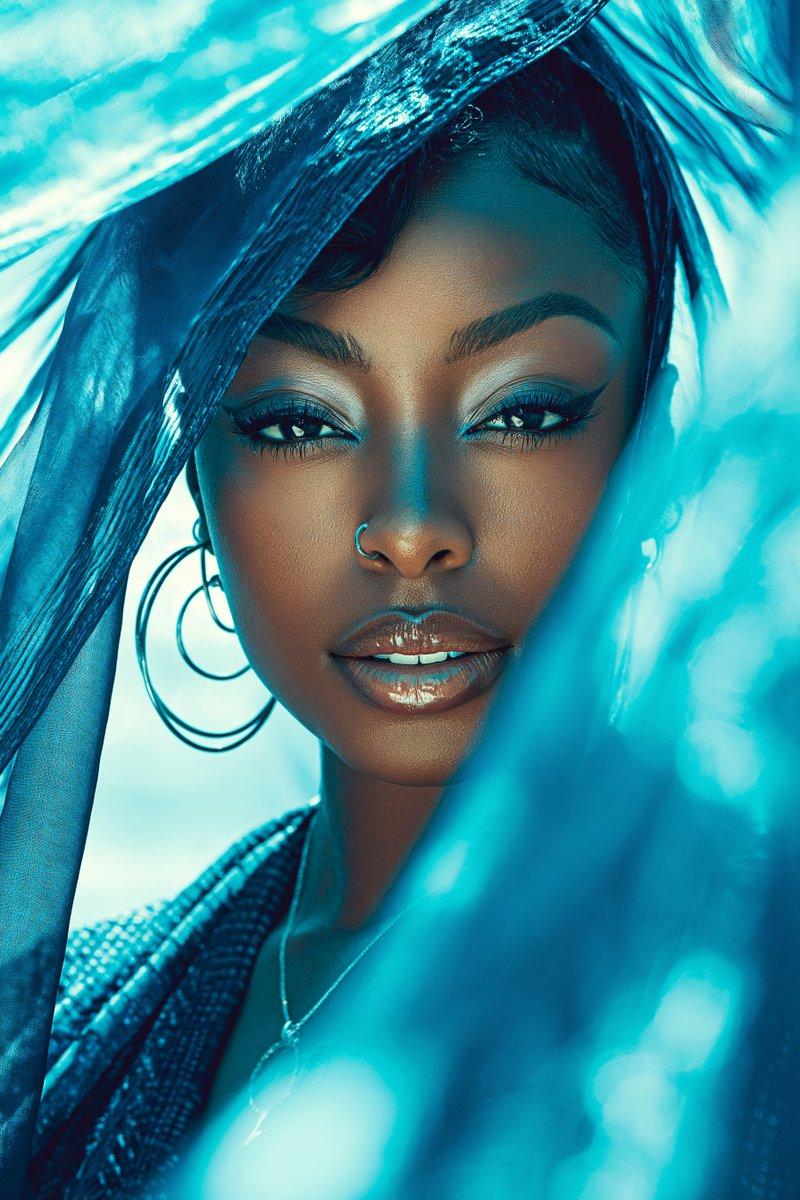
"100% same face, High-quality, intimate close-up, hyper-realistic portrait of a young woman with a delicate captivating gaze. Her head is tilted slightly, and her right shoulder is exposed, suggesting a bare-shouldered or off-the-shoulder outfit. She is partially framed by a soft white lace curtain or fabric on the left side of the image. She has long straight dark black hair with a wispy, slightly messy fringe (bangs) that frames her face. Her stunning, bright blue eyes are the focal point, With subtle dark eyeliner and defined lashes. Her cheeks have a soft, natural pink blush, and her lips are full with a natural, light pink hue. There's a single pearl drop earring visible on her right ear. The lighting is soft and ethereal, highlighting her features and the texture of the lace. Intricate detail, cinematic lighting, dramatic look, trending on ArtStation.
- 分类
- 创意图片
- 模型
- Nano Banana Pro
- 来源作者
- Nano banana pro🍌
- 来源 ID
- 9a20c96c-f85d-4018-9975-afb71f50fa73
- 发布时间
- 2026年3月8日
浏览量0