17

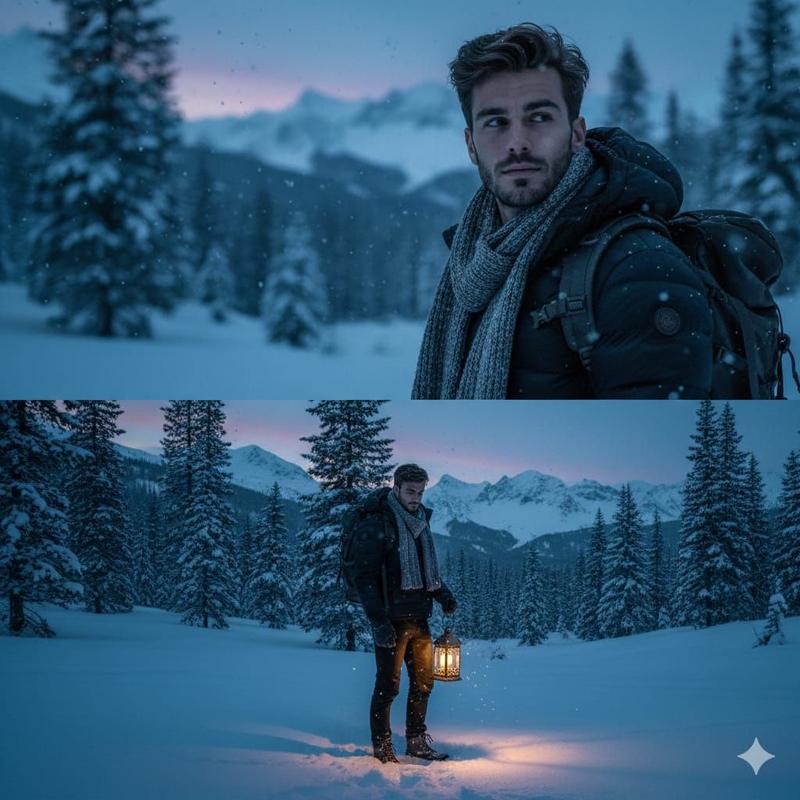
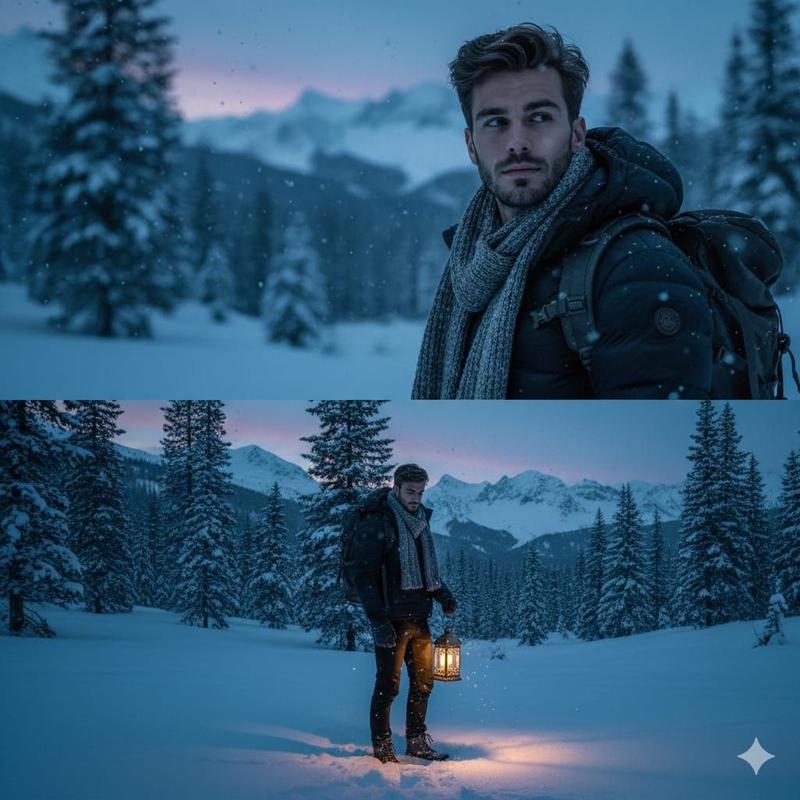
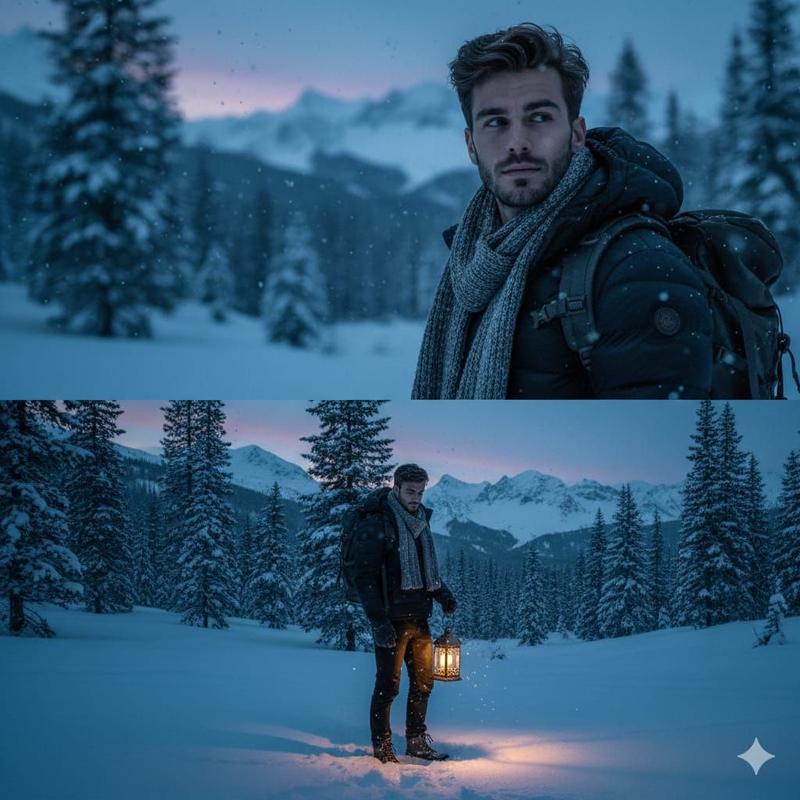
逼真的照片与体素《我的世界》分身
Enlarge

逼真的照片与体素《我的世界》分身

Prompt
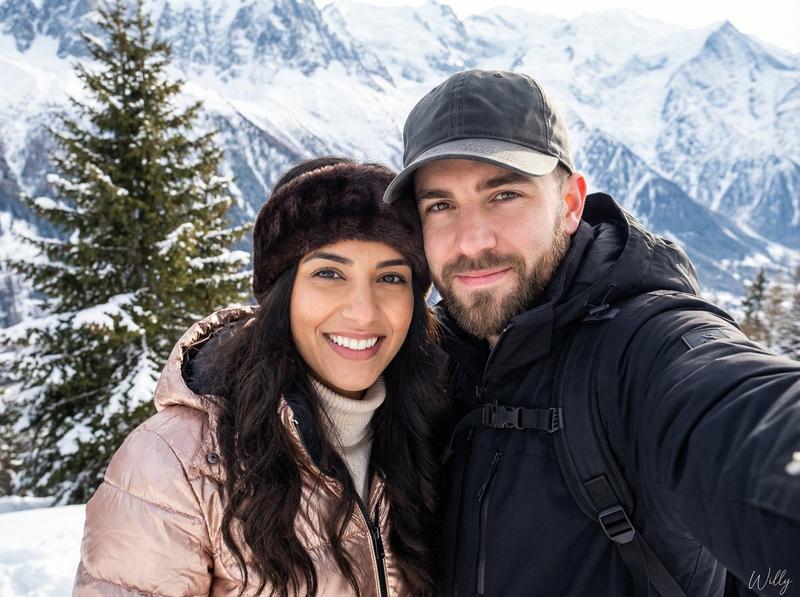
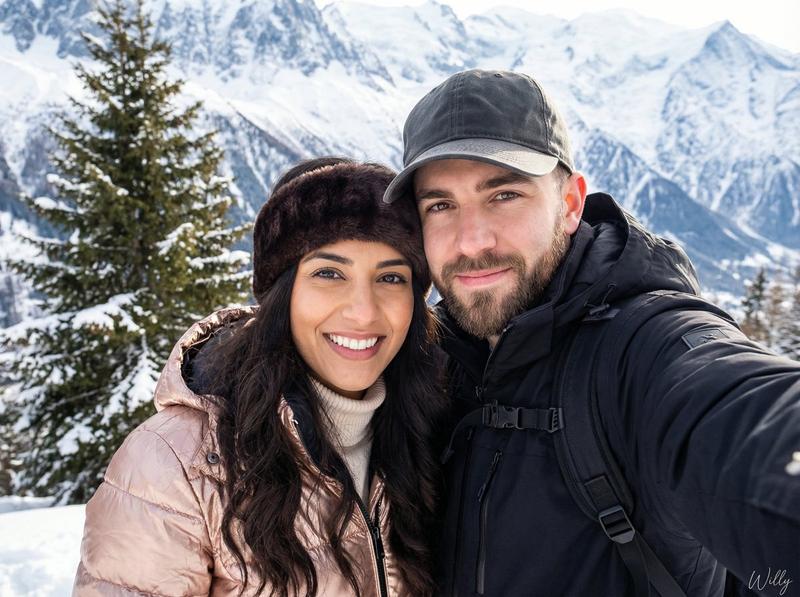
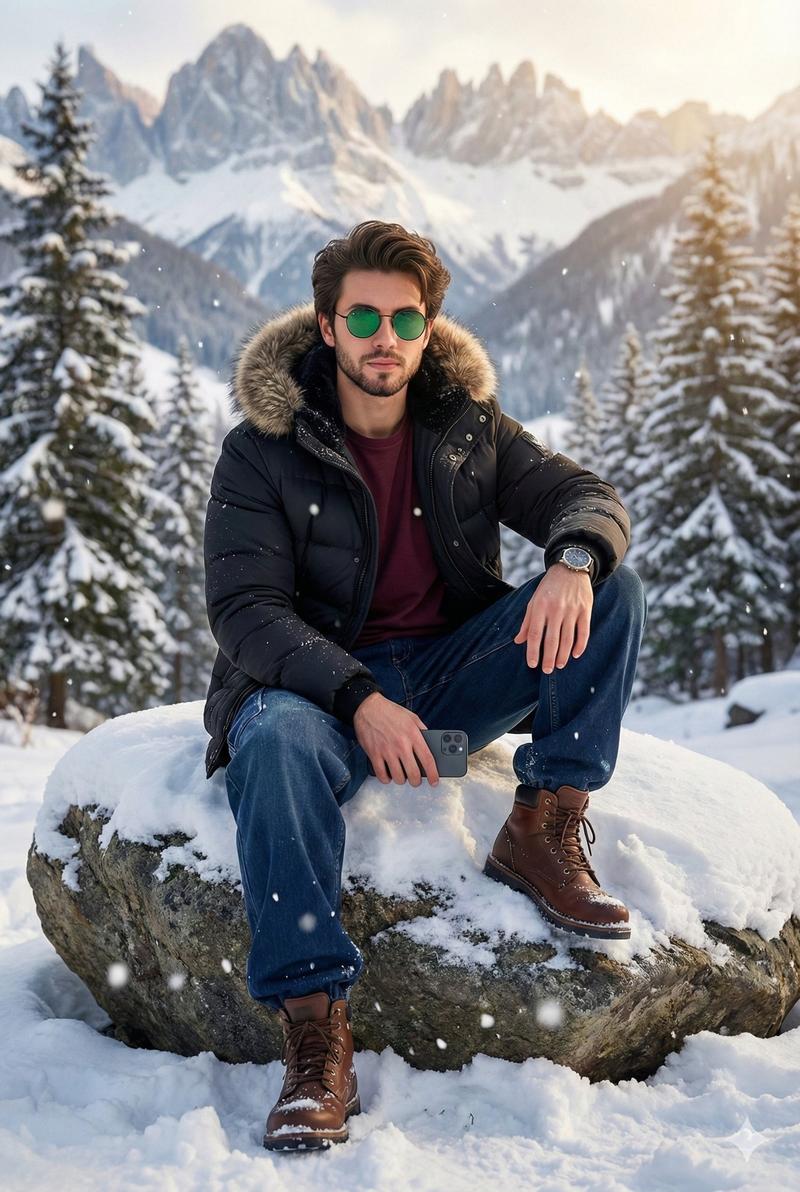
Use the attached reference image to create a realistic photo of the same person, with identity perfectly preserved and no facial changes.
The person is standing in a snowy mountain landscape, without sunglasses, wearing a thick puffer jacket in a {argument name="jacket color" default="random color"}.
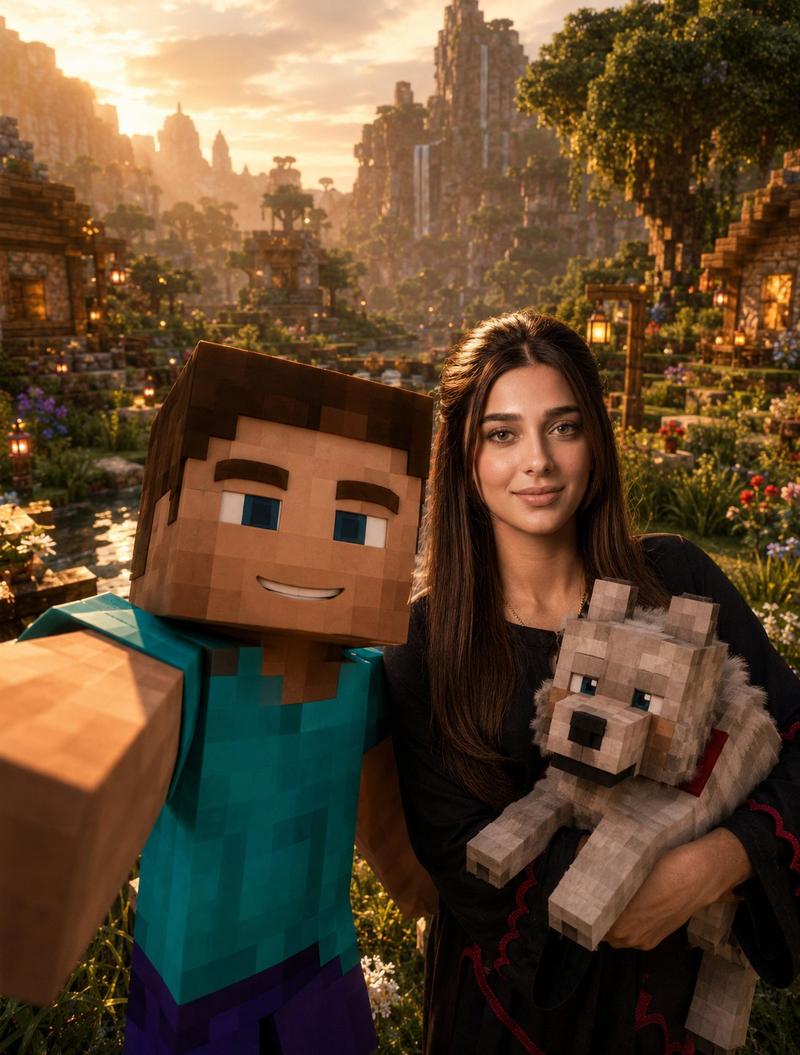
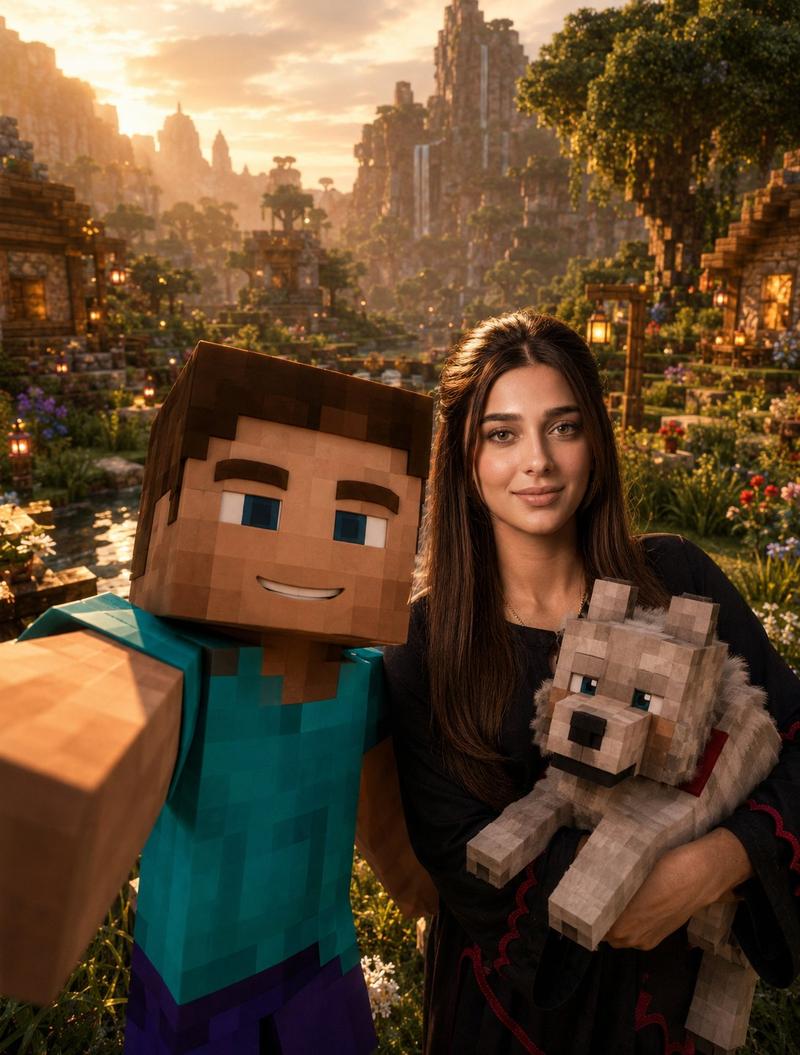
Beside him stands a life-size 3D Minecraft-style character version of the same person, made entirely of blocks (voxel style), wearing the exact same puffer jacket in the same {argument name="jacket color 2" default="random color"}, perfectly matching the real outfit.
The lighting is cinematic and natural, with realistic shadows and highlights.
High resolution, 8K quality.
Photorealistic style for the real person, contrasted with clean voxel art for the Minecraft character.
Sharp focus, professional color grading.
Category
创意图片
Model
Nano Banana Pro
Views0
Source ID
db67eee0-6547-43d2-ad14-0d042144204d
Published
Mar 8, 2026

Guide

About "逼真的照片与体素《我的世界》分身"

What is this prompt for?

"逼真的照片与体素《我的世界》分身" AI image prompt for Nano Banana Pro (创意图片). 这是一个图像生成提示,旨在创建一张高度逼真的照片:一个人站在白雪皑皑的山景中,穿着厚实的羽绒服。独特的元素是,一个真人大小的 3D Minecraft 风格体素角色站在他们旁边,其穿着与真实人…

The full copyable prompt and example visuals above are ready for AI image generation or one-click recreate in Picva.

How to use this prompt

  1. Step 1

    Open the prompt detail

    Review the example visuals, category, and full prompt text for "逼真的照片与体素《我的世界》分身".

  2. Step 2

    Copy the prompt

    Copy the prompt body from this page, or load it directly in Studio.

  3. Step 3

    Pick a model (Nano Banana Pro)

    Prefer Nano Banana Pro. If you switch models, keep subject and composition and tweak style terms.

  4. Step 4

    Generate and export

    Recreate the look in Picva, or export into your workflow for editing and publishing.

FAQ

What is the "逼真的照片与体素《我的世界》分身" prompt?
It is an AI image-generation prompt for Nano Banana Pro in the 创意图片 category. This page includes the full prompt text, example visuals, and a one-click recreate path in Picva.
How do I use this prompt to generate an image?
Copy the prompt from this page, or use Generate / Studio. Paste it into a compatible image model, or recreate the look in Picva with optional reference images.
Which model is this prompt for?
This page lists Nano Banana Pro. Most descriptive prompts also transfer to nearby image models such as GPT Image, Flux, or Midjourney with light style tweaks.
Can I use the result commercially?
You can usually copy the prompt for creation, but commercial use of the final image depends on the model terms, reference-image rights, and the generated content. Follow the source author and platform rules.