15

发型照片拼贴提示
Enlarge

发型照片拼贴提示

Prompt
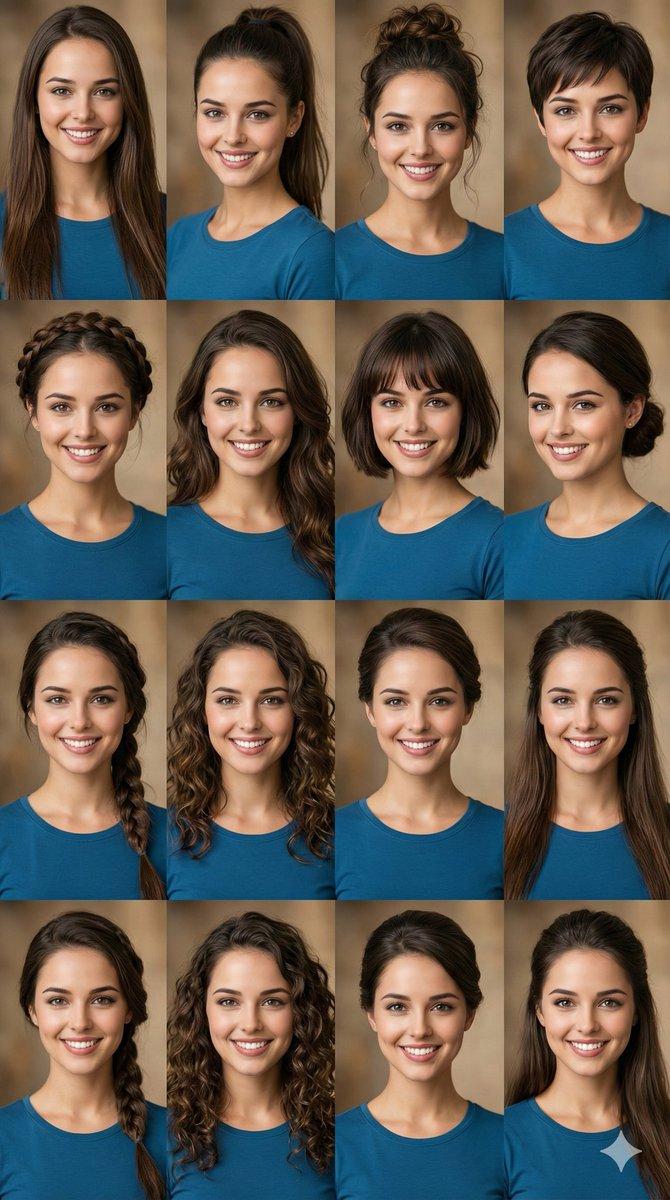
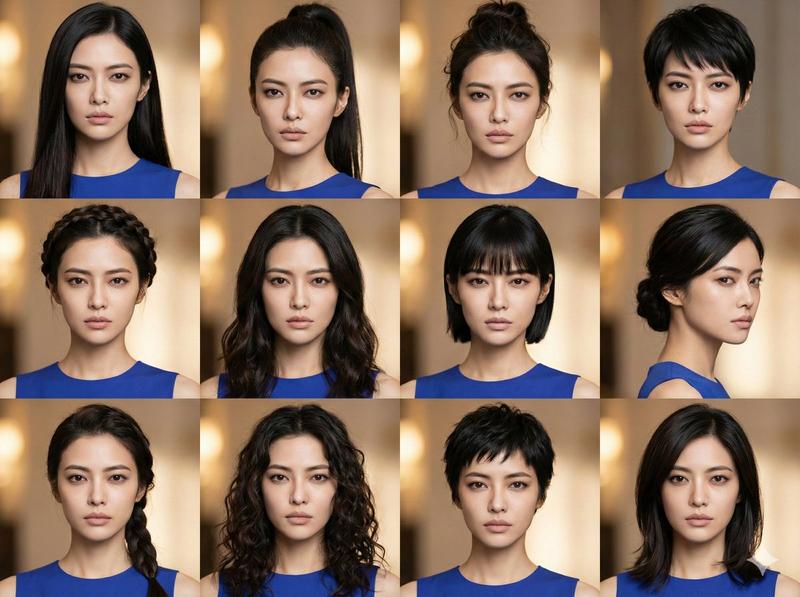
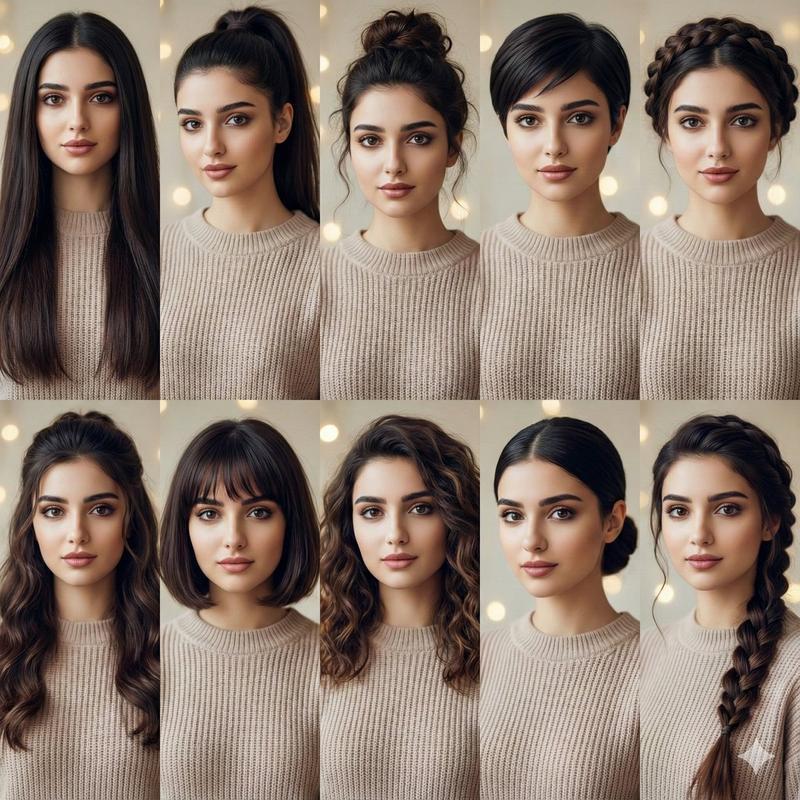
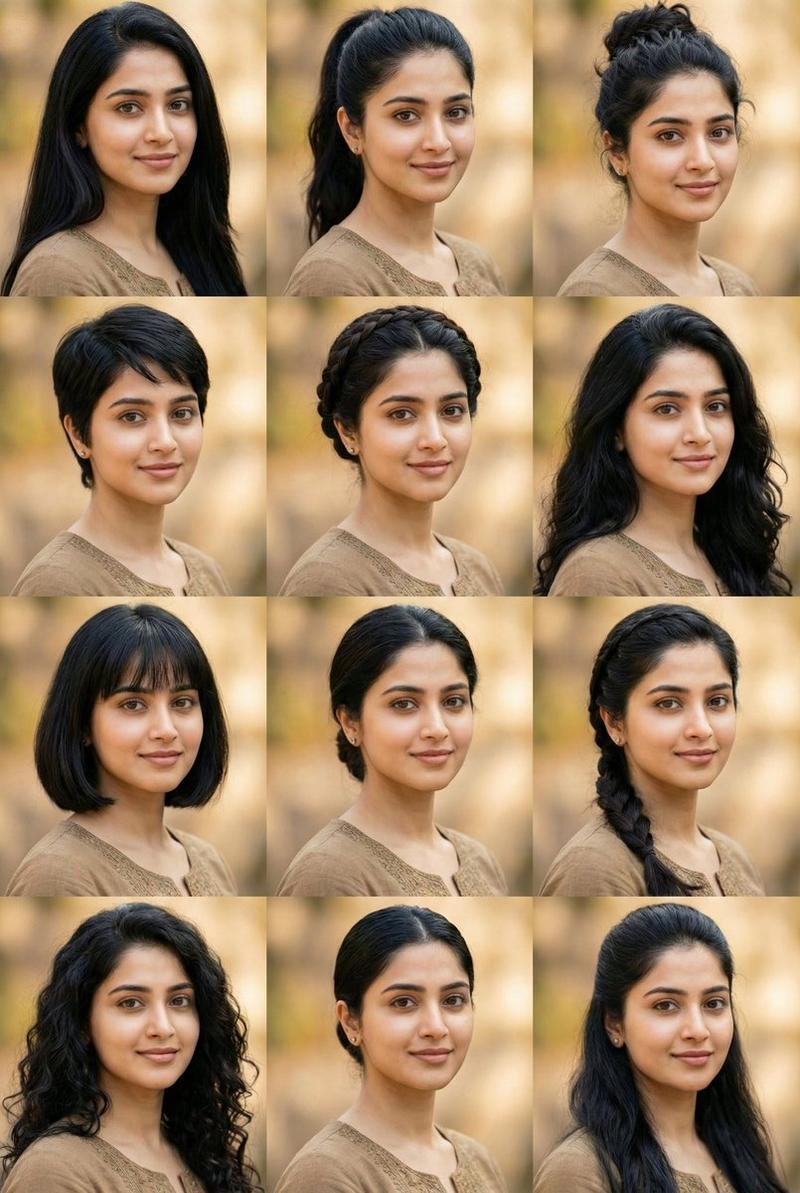
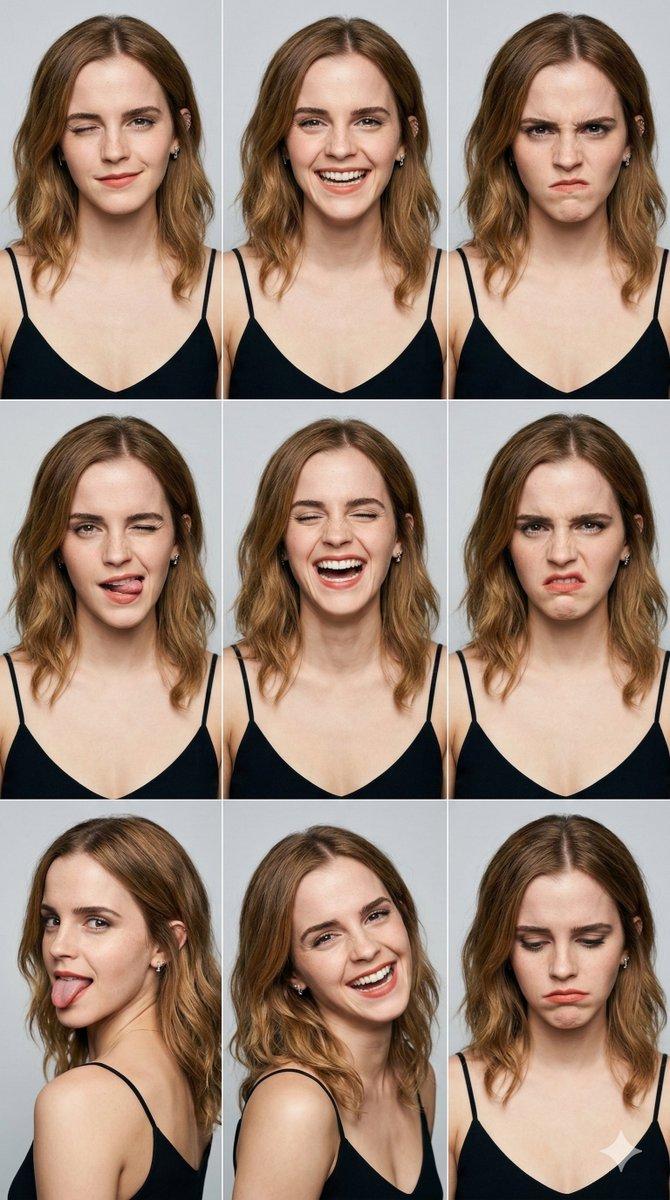
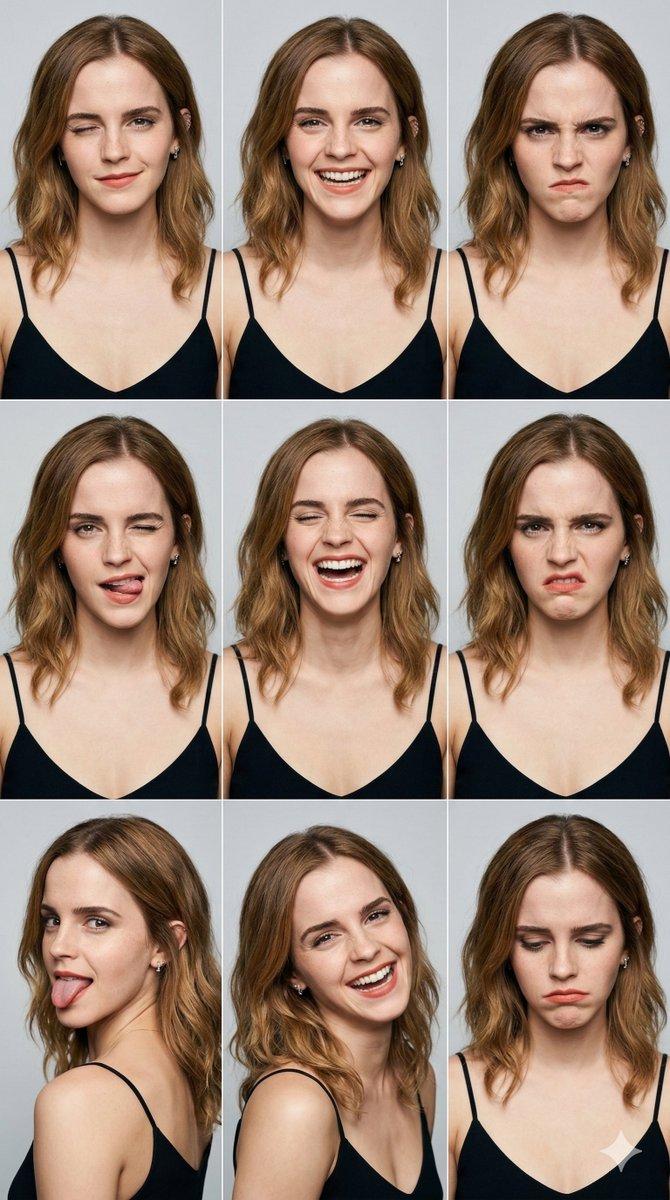
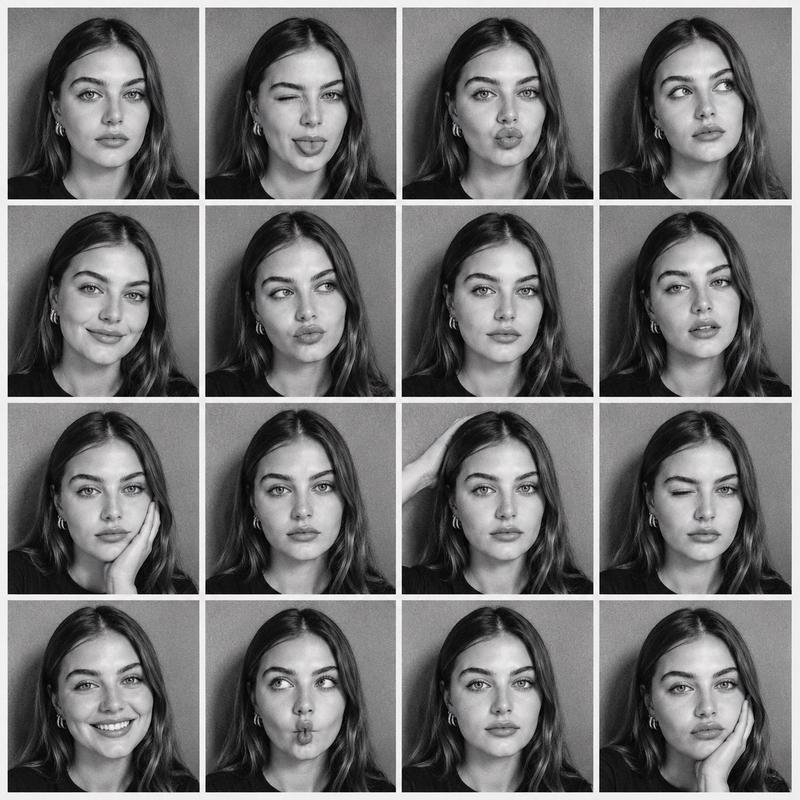
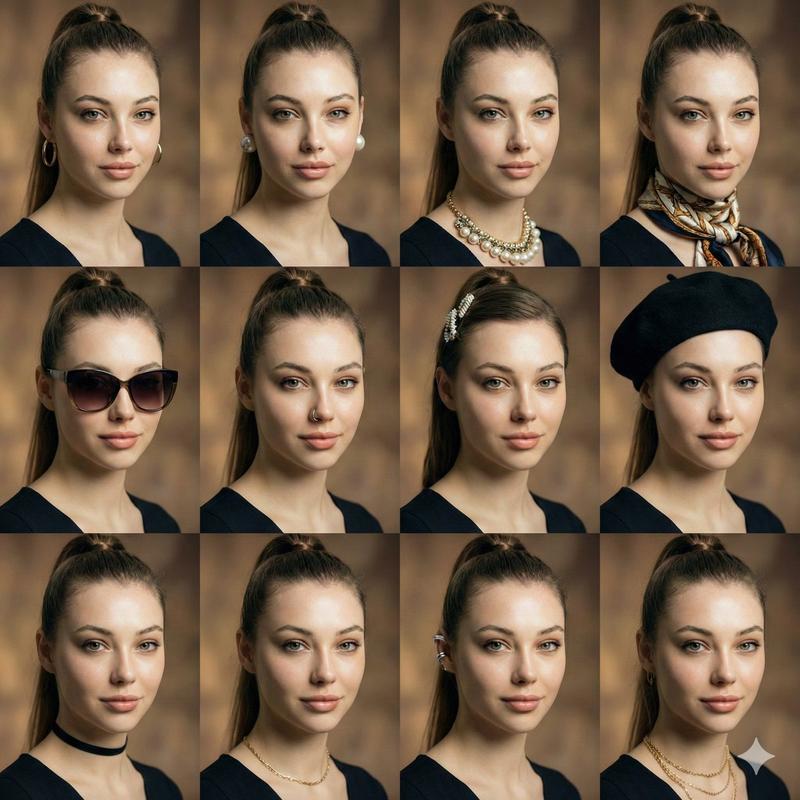
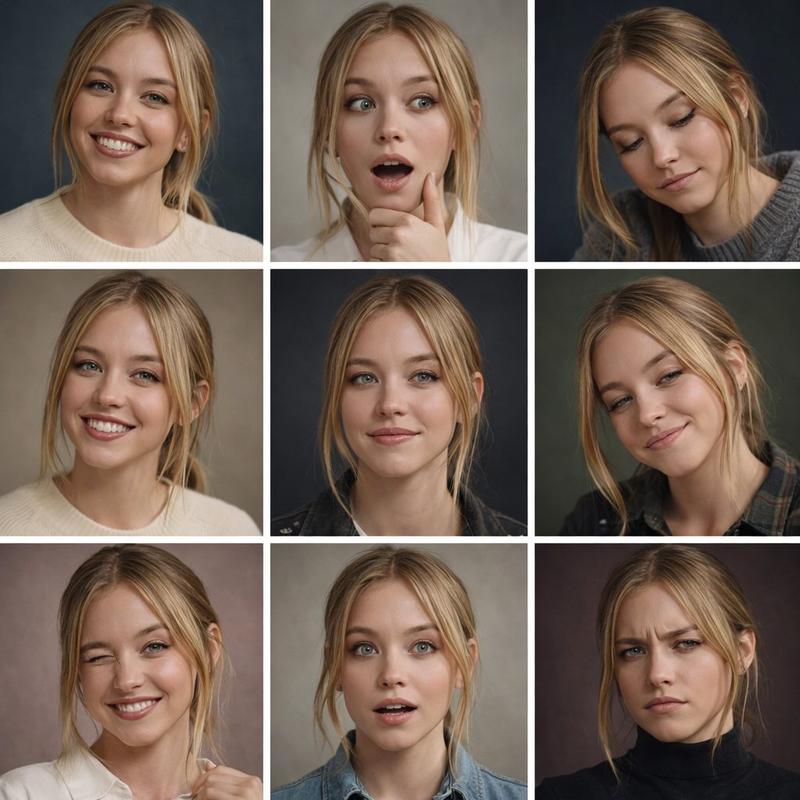
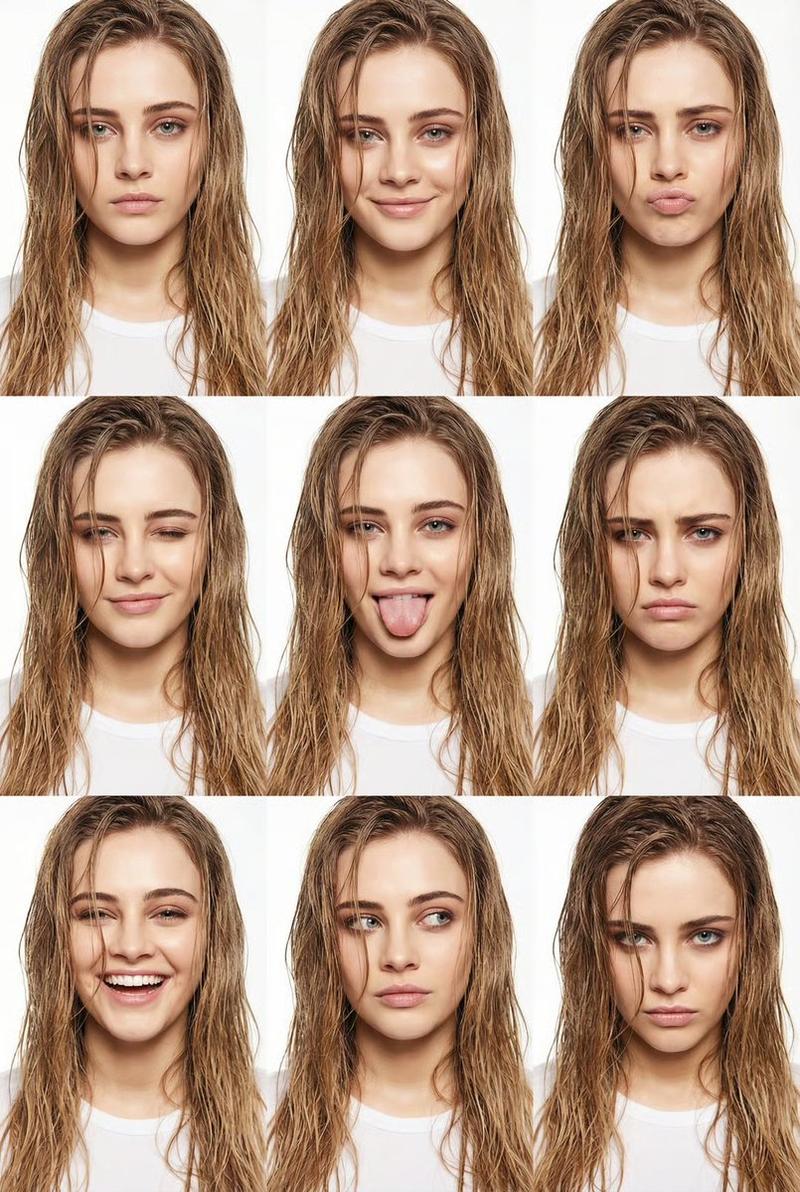
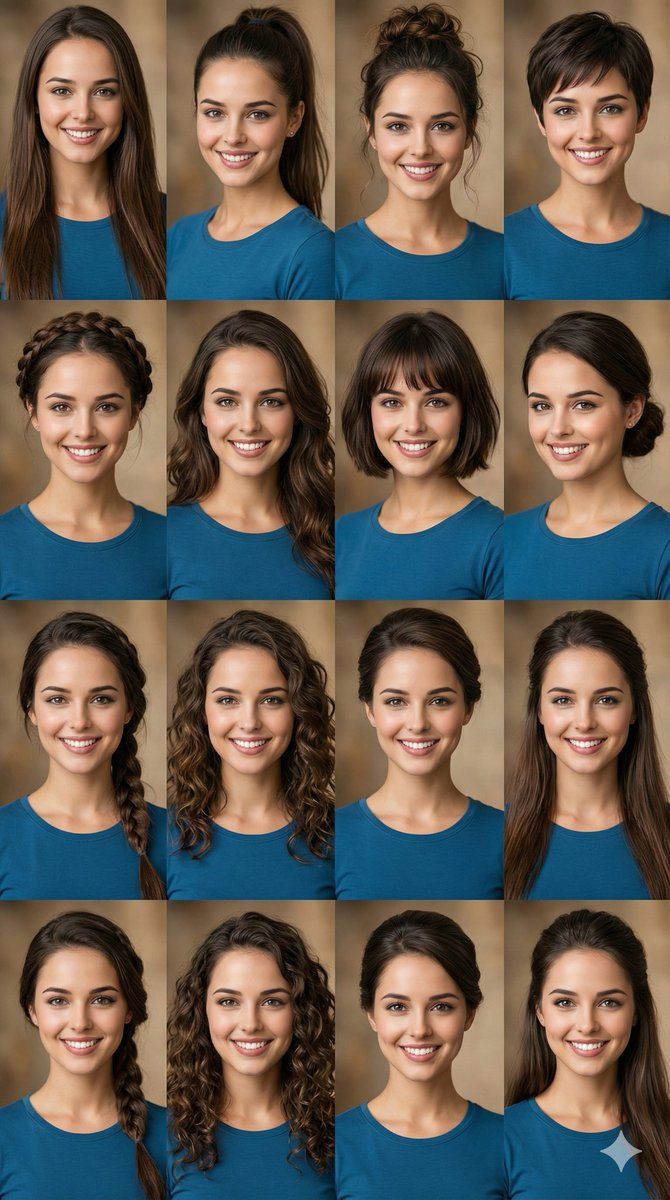
A high-quality photo collage featuring the same person with identical facial features and expression, shown in multiple frames with different hairstyles. Each panel displays a unique hairstyle such as {argument name="hairstyle 1" default="long straight hair"}, {argument name="hairstyle 2" default="high ponytail"}, {argument name="hairstyle 3" default="messy bun"}, pixie cut, braided crown, soft waves, short bob with bangs, low bun, side braid, and loose curls. Consistent neutral outfit and makeup across all images, soft studio lighting, warm blurred background, realistic skin texture, symmetrical face consistency, ultra-detailed, editorial beauty look, 4x3 grid layout, professional portrait photograph
Category
创意图片
Model
Nano Banana Pro
Views0
Source ID
bbe0368f-a69a-42b6-83e6-0bc6501570bb
Published
Mar 8, 2026

Guide

About "发型照片拼贴提示"

What is this prompt for?

"发型照片拼贴提示" AI image prompt for Nano Banana Pro (创意图片). 一个用于生成高质量照片拼贴的提示,拼贴中是同一个人,在多个相框中保持一致的面部特征和表情,每个相框展示不同的发型(例如,精灵短发、编发皇冠、凌乱发髻)。它指定了 4x3 的网格布局和编辑级美妆造型。 ---…

The full copyable prompt and example visuals above are ready for AI image generation or one-click recreate in Picva.

How to use this prompt

  1. Step 1

    Open the prompt detail

    Review the example visuals, category, and full prompt text for "发型照片拼贴提示".

  2. Step 2

    Copy the prompt

    Copy the prompt body from this page, or load it directly in Studio.

  3. Step 3

    Pick a model (Nano Banana Pro)

    Prefer Nano Banana Pro. If you switch models, keep subject and composition and tweak style terms.

  4. Step 4

    Generate and export

    Recreate the look in Picva, or export into your workflow for editing and publishing.

FAQ

What is the "发型照片拼贴提示" prompt?
It is an AI image-generation prompt for Nano Banana Pro in the 创意图片 category. This page includes the full prompt text, example visuals, and a one-click recreate path in Picva.
How do I use this prompt to generate an image?
Copy the prompt from this page, or use Generate / Studio. Paste it into a compatible image model, or recreate the look in Picva with optional reference images.
Which model is this prompt for?
This page lists Nano Banana Pro. Most descriptive prompts also transfer to nearby image models such as GPT Image, Flux, or Midjourney with light style tweaks.
Can I use the result commercially?
You can usually copy the prompt for creation, but commercial use of the final image depends on the model terms, reference-image rights, and the generated content. Follow the source author and platform rules.