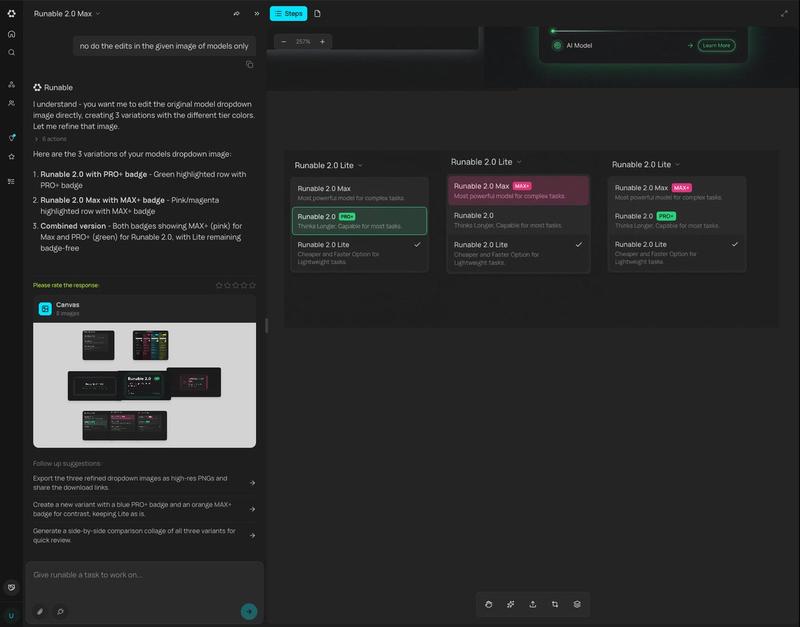
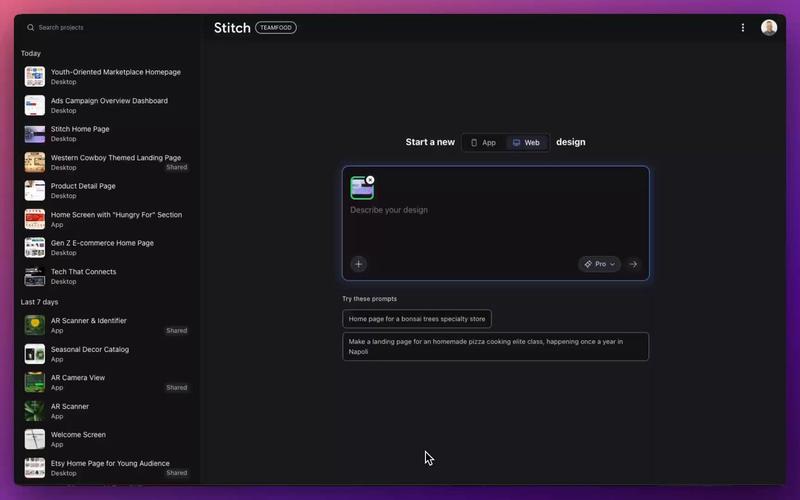
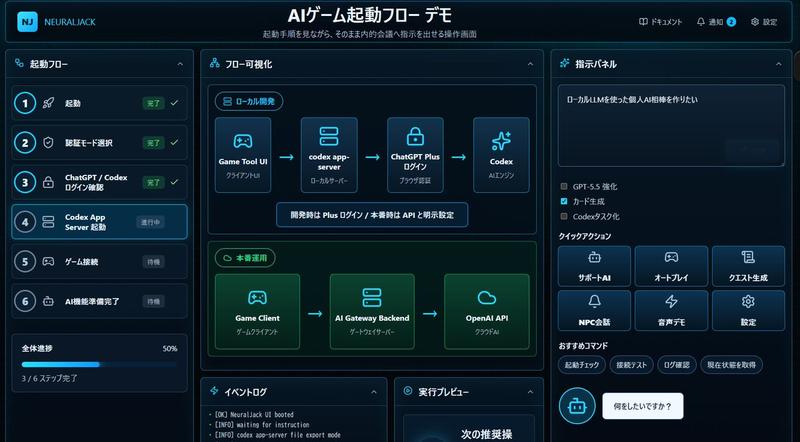
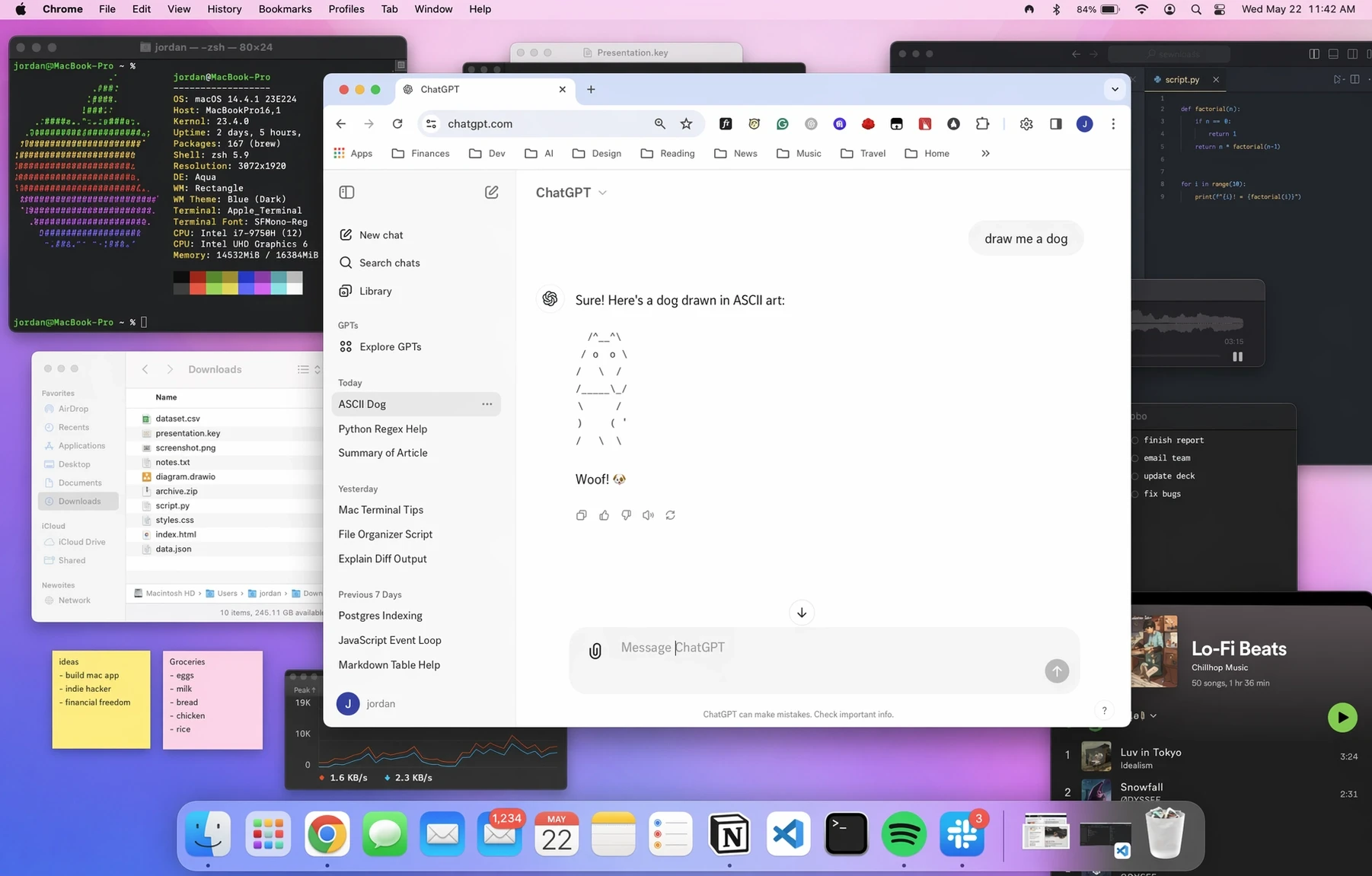
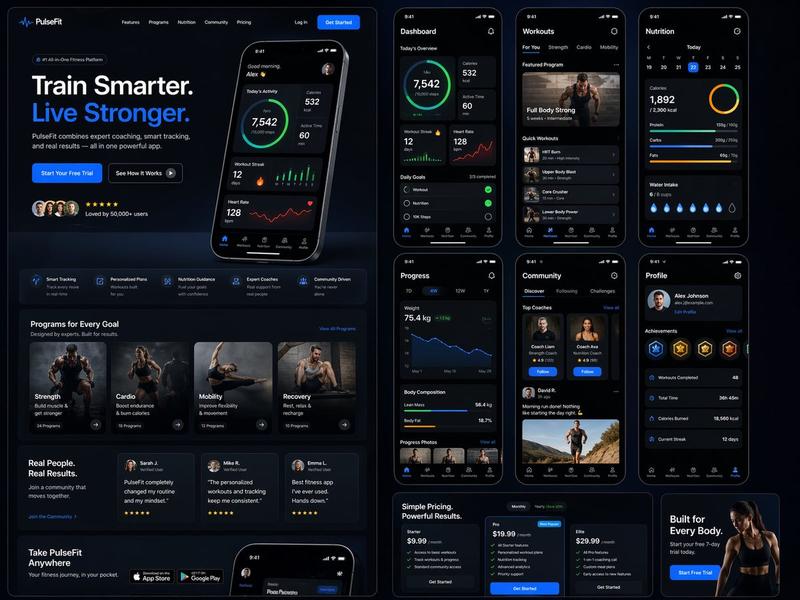
生成多个可运行模式/状态
Prompt
Generate all the different states of different Runable modes.
- Category
- 创意图片
- Model
- Nano Banana Pro
- Creator
- Umesh Kumar
- Source ID
- 17fd7473-95dc-40d5-9a5c-fbd69ac69fb8
- Published
- Mar 8, 2026
Views0
19
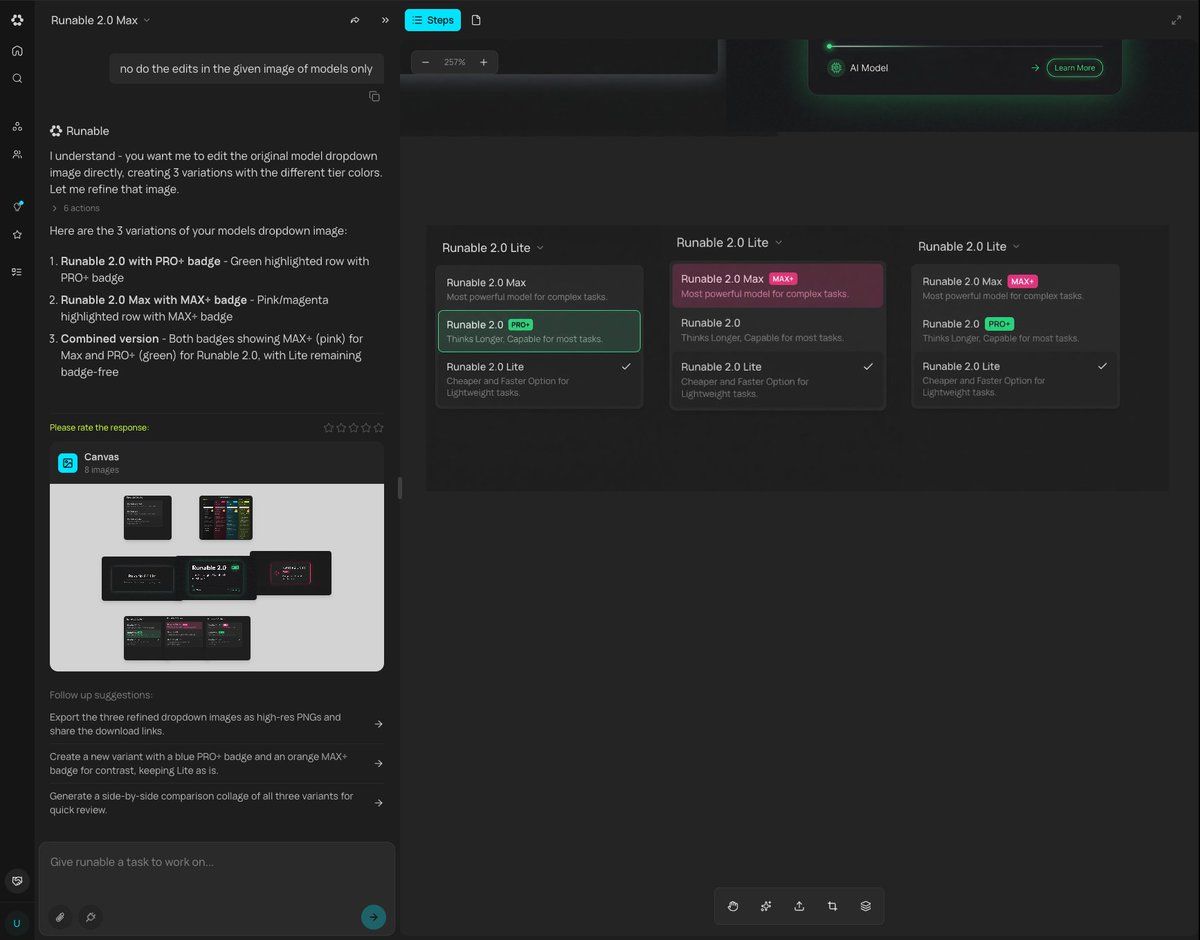
Generate all the different states of different Runable modes.
Guide
"生成多个可运行模式/状态" AI image prompt for Nano Banana Pro (创意图片). 一个提示,描述了根据单一输入为设计或应用程序生成多种不同状态或可运行模式的能力,从而简化了设计流程。 --- 生成不同 Runable 模式的所有不同状态。 Copy it on Picva and…
The full copyable prompt and example visuals above are ready for AI image generation or one-click recreate in Picva.
Step 1
Review the example visuals, category, and full prompt text for "生成多个可运行模式/状态".
Step 2
Copy the prompt body from this page, or load it directly in Studio.
Step 3
Prefer Nano Banana Pro. If you switch models, keep subject and composition and tweak style terms.
Step 4
Recreate the look in Picva, or export into your workflow for editing and publishing.