19

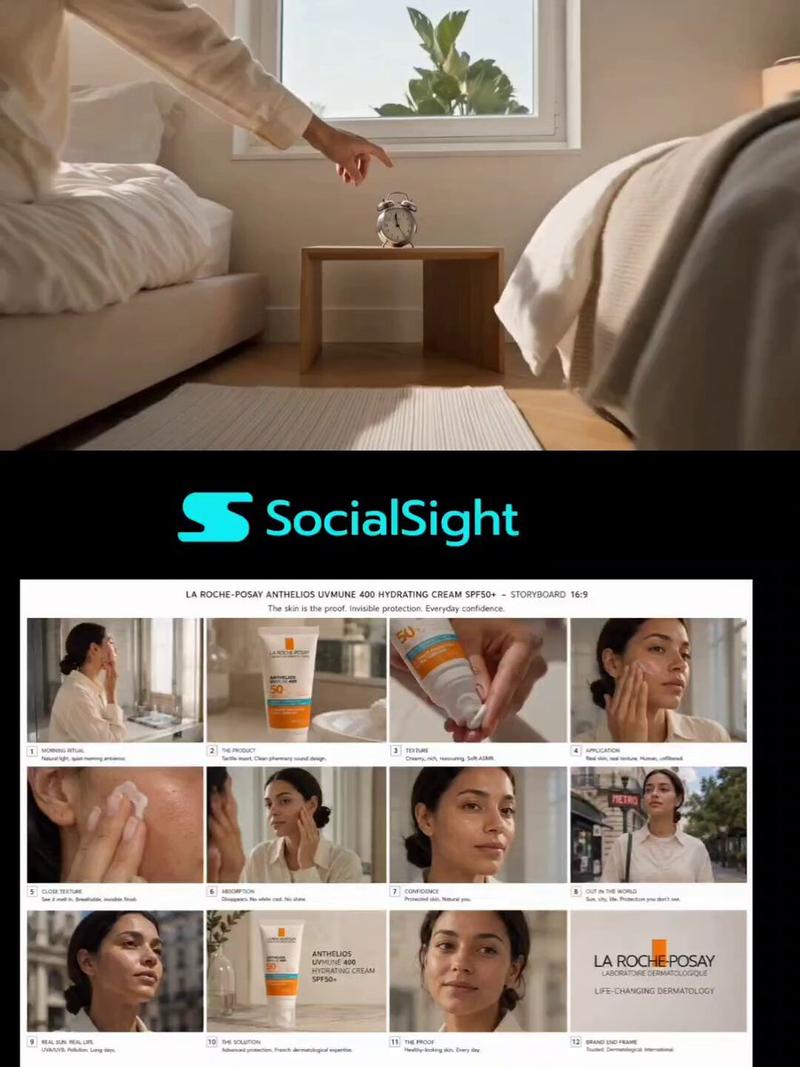
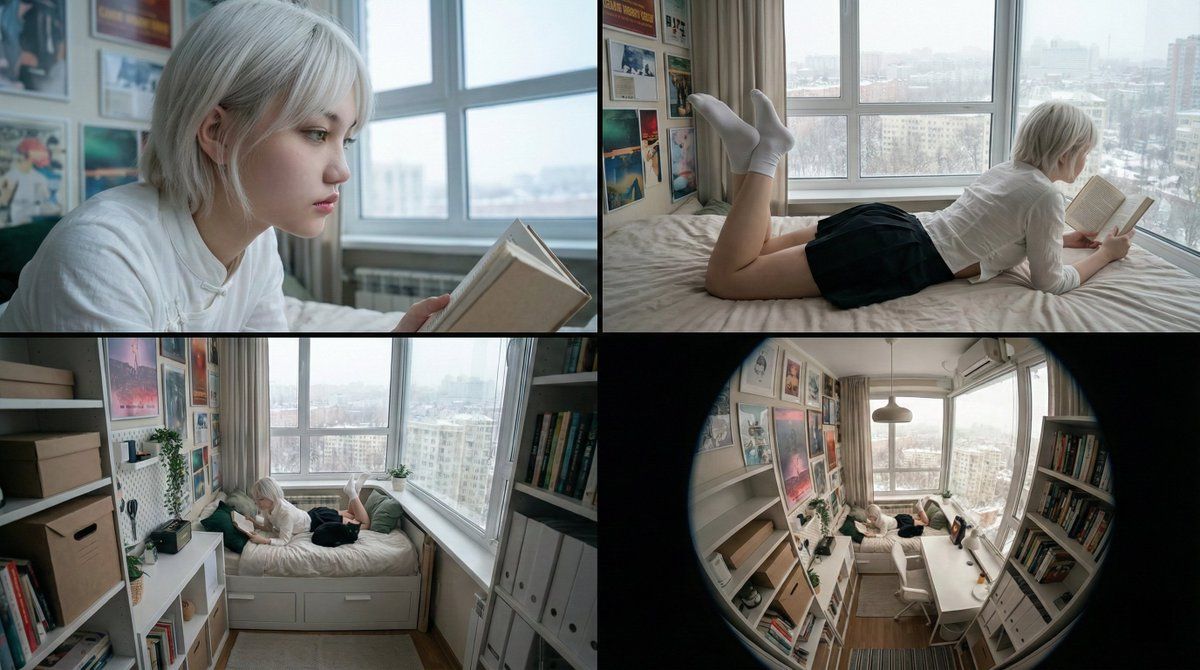
16:9 电影故事板(来自参考资料)
Enlarge

16:9 电影故事板(来自参考资料)

Prompt
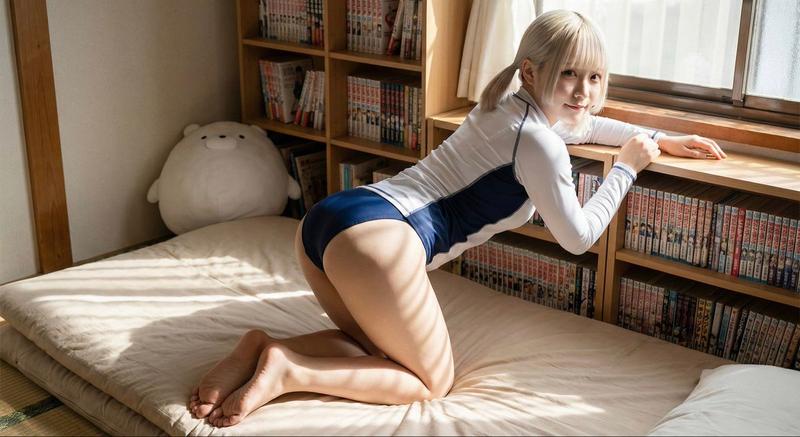
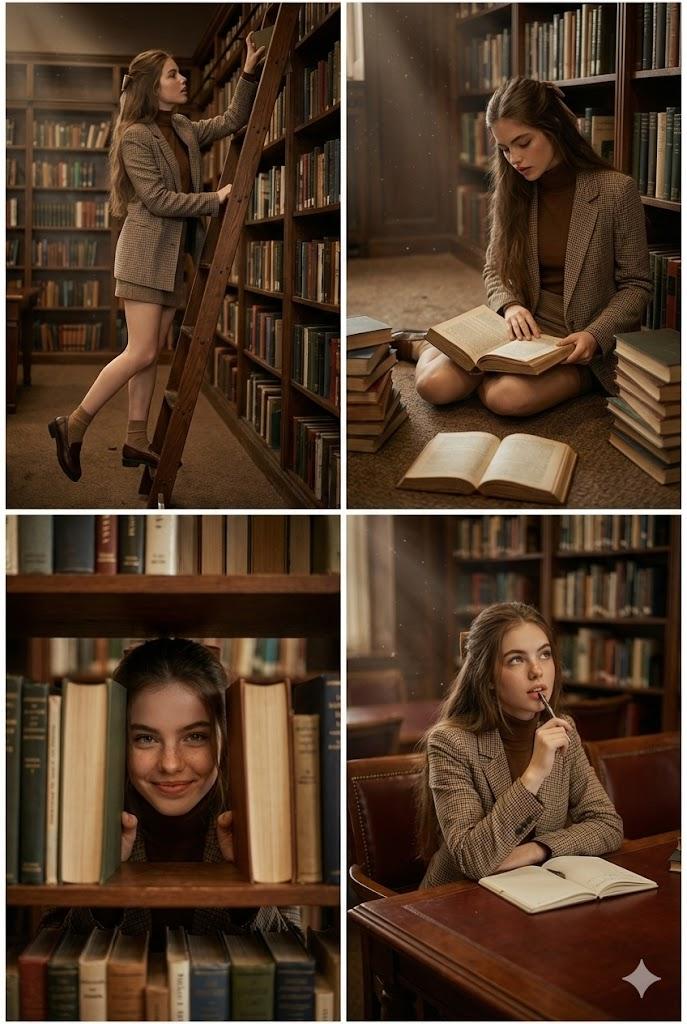
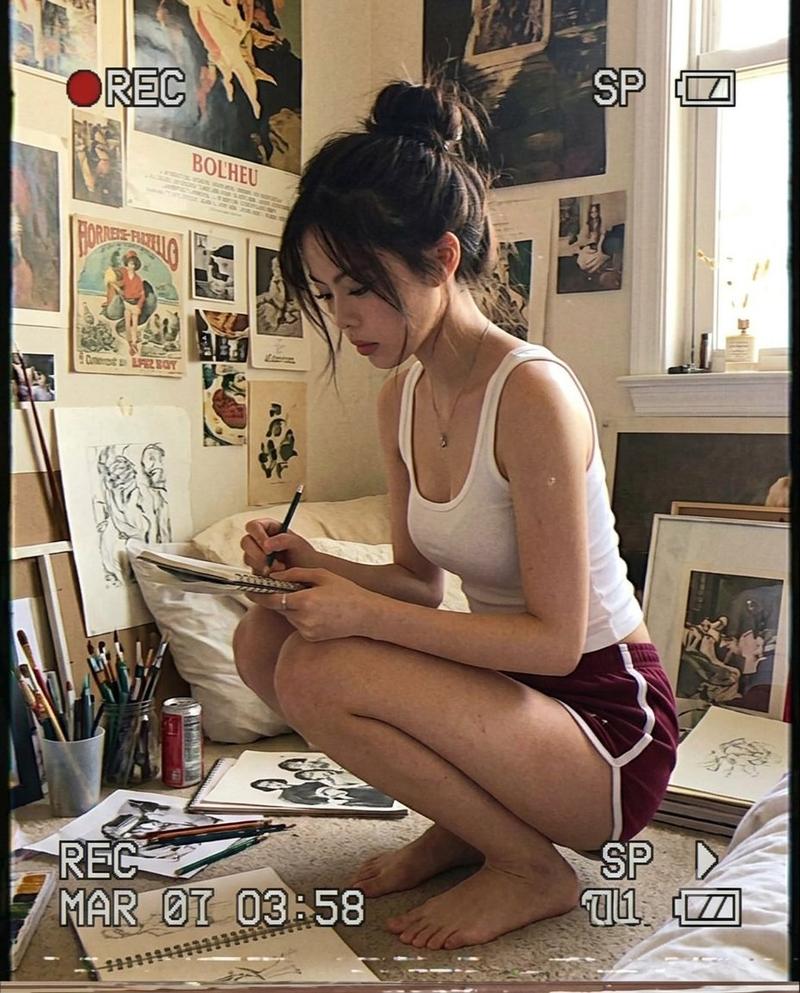
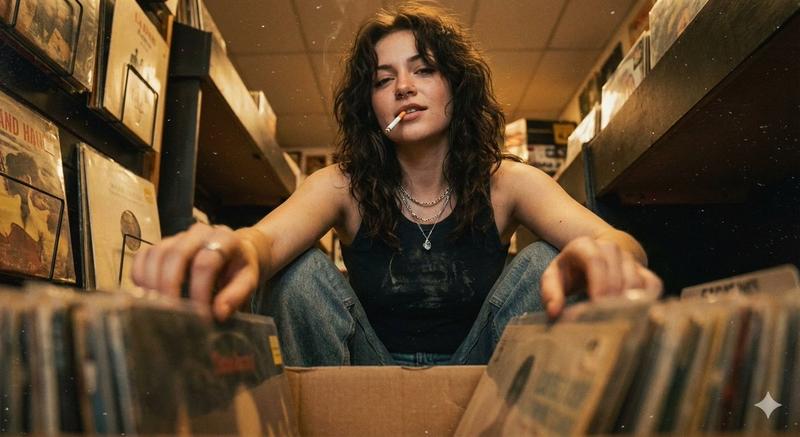
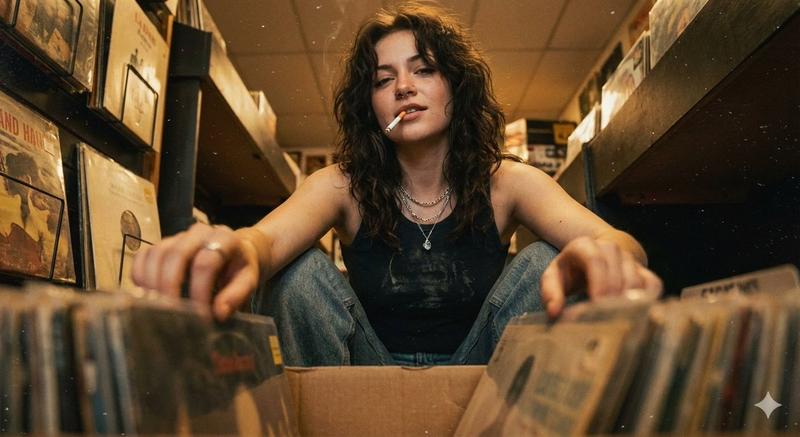
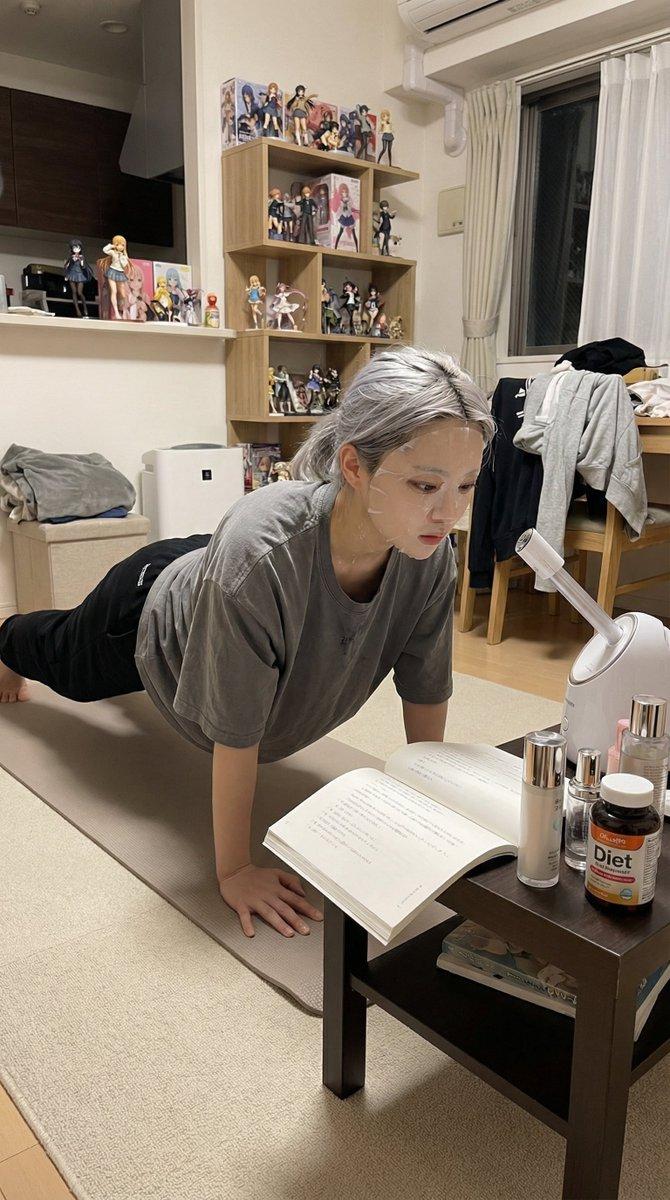
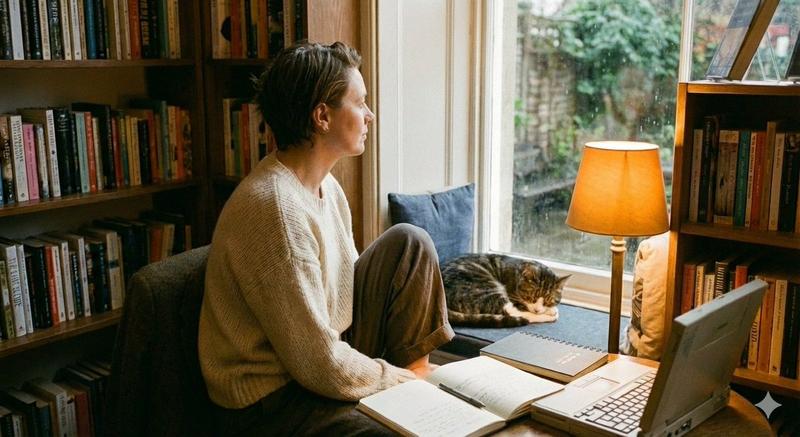
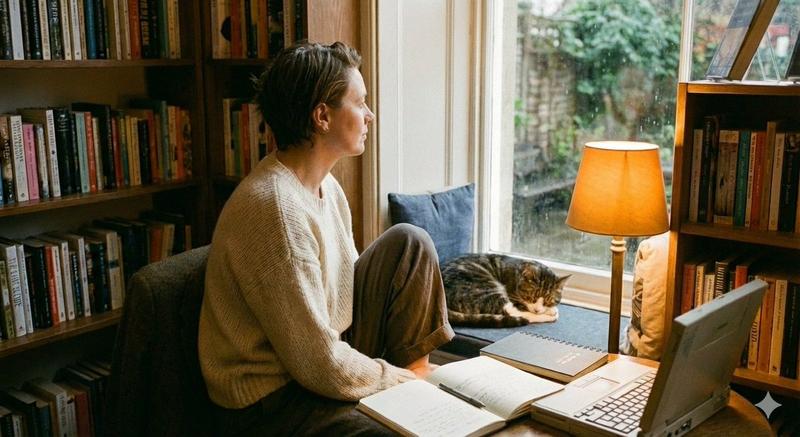
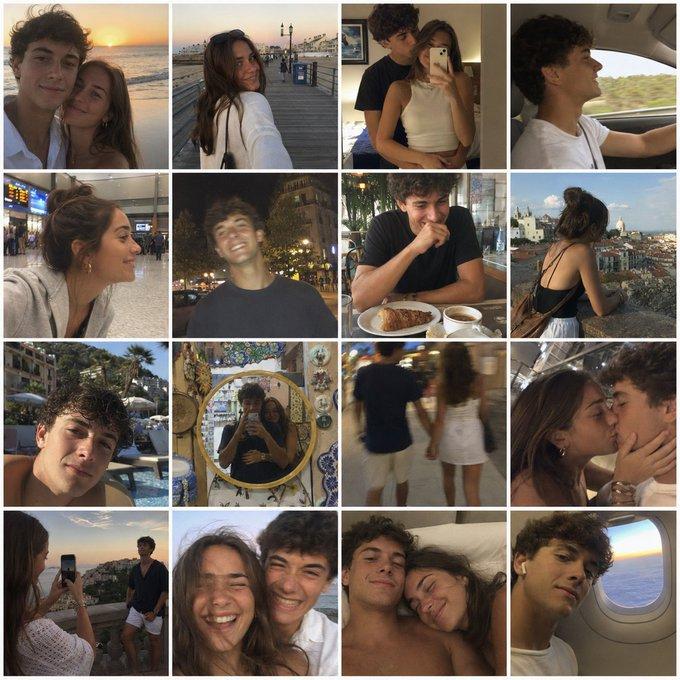
横版16比9电影连续分镜,写实纪录片风格,人物空镜关系位置风格参考图1,人物形象参考图2,这个提示词包含了四个具体的画面指令:

Panel 1 (侧脸特写): 聚焦图2人物的在床上看书参考图1面部特征({argument name="hair color" default="白金发"}、绿眼),背景虚化处理,保留图1的冷色调光感。

Panel 2 (背影看书): 还原图1中“趴在床上看书”的动作,但换成图2的人物着装,强调窗外的{argument name="weather" default="雪景"}。

Panel 3 (中景仰拍): 动作位置参考图1这是一个极具张力的视角,体现房间的狭窄感和人物的空间关系,突出书架和海报墙的细节。

Panel 4 (全景/鱼眼): 补充一个广角镜头(参考图1的透视),交代整体环境,确立“雪天宅家”的氛围。
Category
创意图片
Model
Nano Banana Pro
Creator
茶狮子
Views0
Source ID
f28307ee-58b0-45ea-b72d-e1ea67836969
Published
Mar 8, 2026

Guide

About "16:9 电影故事板(来自参考资料)"

What is this prompt for?

"16:9 电影故事板(来自参考资料)" AI image prompt for Nano Banana Pro (创意图片). 一个中文提示,用于生成一个 16:9 电影式故事板(四个连续分镜),风格为写实纪录片。它使用两张参考图片:一张用于构图、关系和风格,另一张用于角色外观,详细说明了每个分镜的具体摄像机角度和…

The full copyable prompt and example visuals above are ready for AI image generation or one-click recreate in Picva.

How to use this prompt

  1. Step 1

    Open the prompt detail

    Review the example visuals, category, and full prompt text for "16:9 电影故事板(来自参考资料)".

  2. Step 2

    Copy the prompt

    Copy the prompt body from this page, or load it directly in Studio.

  3. Step 3

    Pick a model (Nano Banana Pro)

    Prefer Nano Banana Pro. If you switch models, keep subject and composition and tweak style terms.

  4. Step 4

    Generate and export

    Recreate the look in Picva, or export into your workflow for editing and publishing.

FAQ

What is the "16:9 电影故事板(来自参考资料)" prompt?
It is an AI image-generation prompt for Nano Banana Pro in the 创意图片 category. This page includes the full prompt text, example visuals, and a one-click recreate path in Picva.
How do I use this prompt to generate an image?
Copy the prompt from this page, or use Generate / Studio. Paste it into a compatible image model, or recreate the look in Picva with optional reference images.
Which model is this prompt for?
This page lists Nano Banana Pro. Most descriptive prompts also transfer to nearby image models such as GPT Image, Flux, or Midjourney with light style tweaks.
Can I use the result commercially?
You can usually copy the prompt for creation, but commercial use of the final image depends on the model terms, reference-image rights, and the generated content. Follow the source author and platform rules.