16

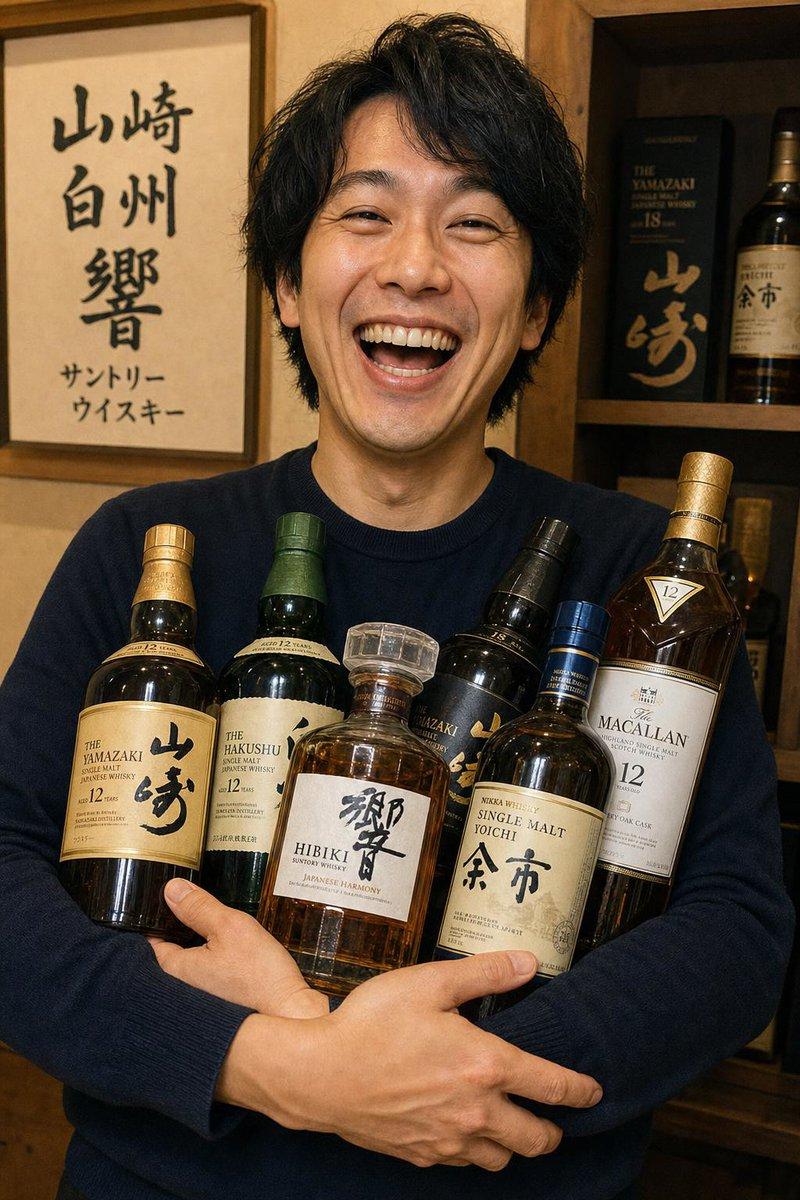
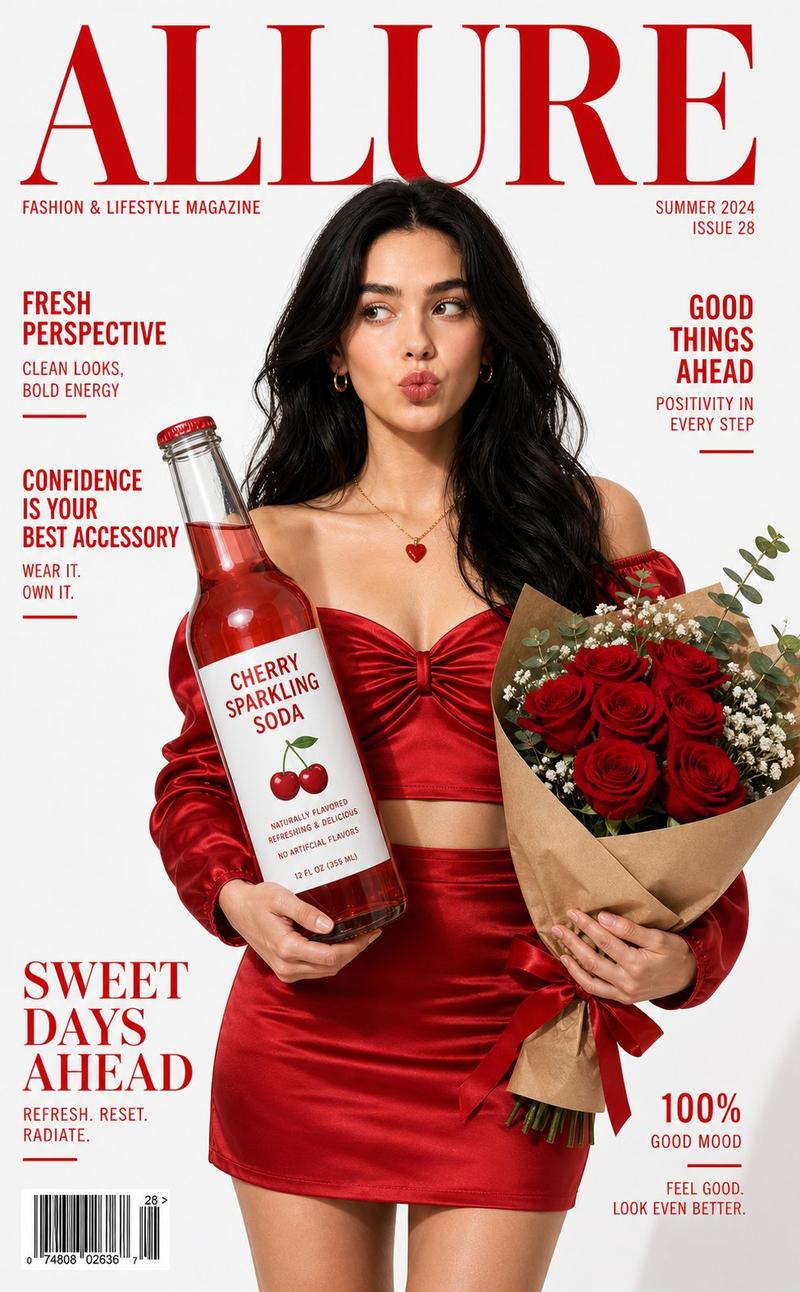
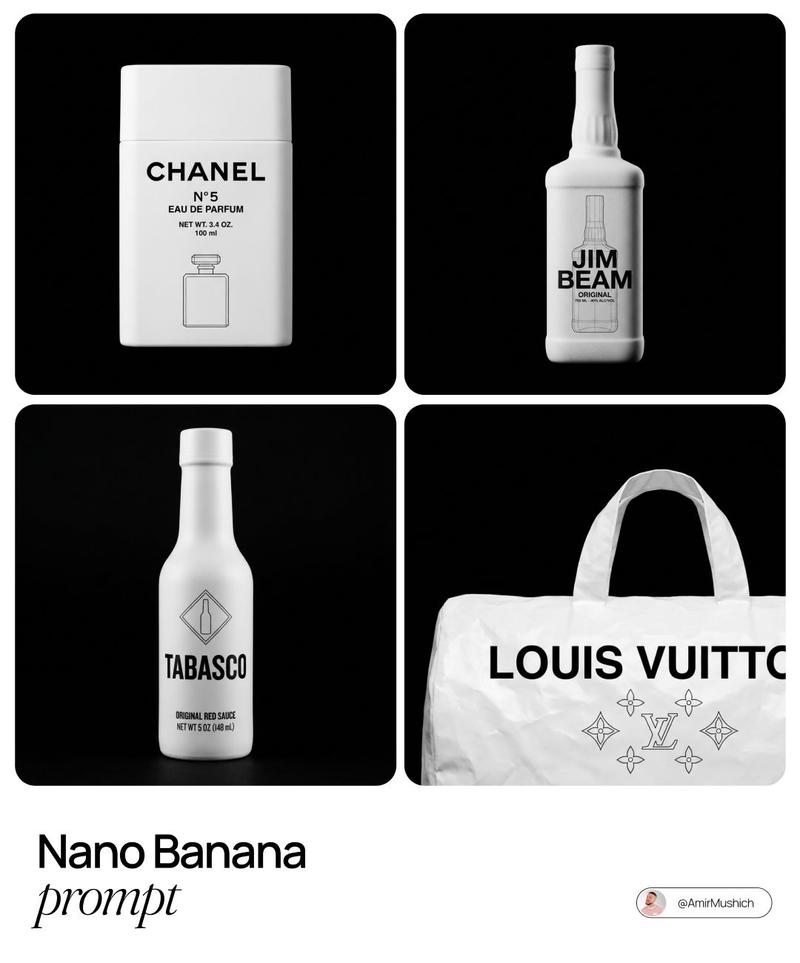
GPT 设计的产品主图提示
Enlarge

GPT 设计的产品主图提示

Prompt
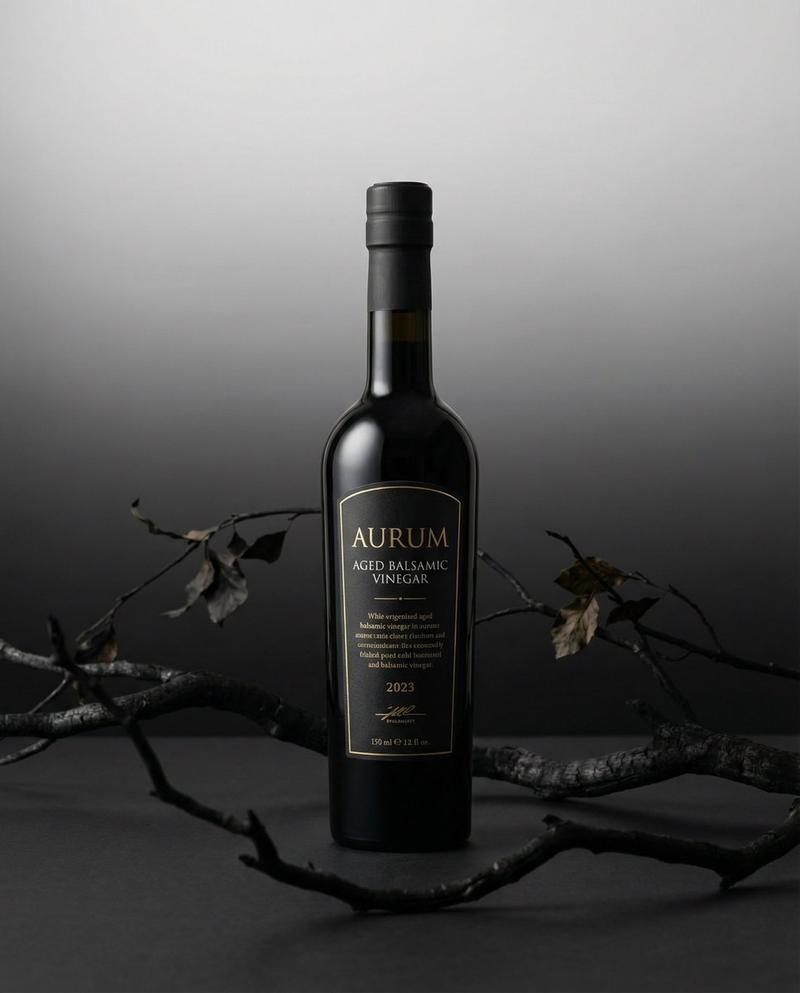
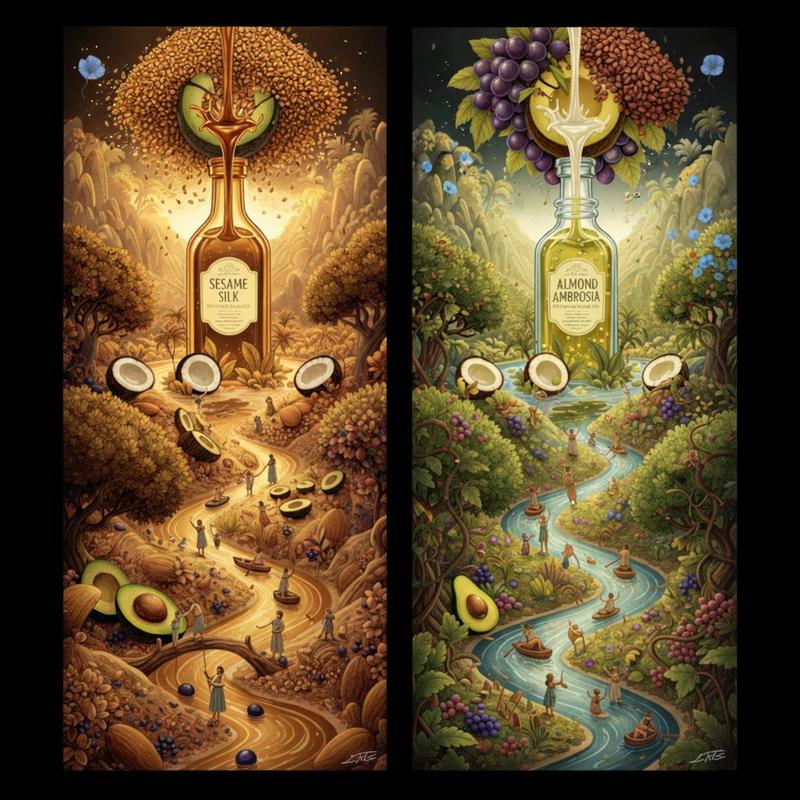
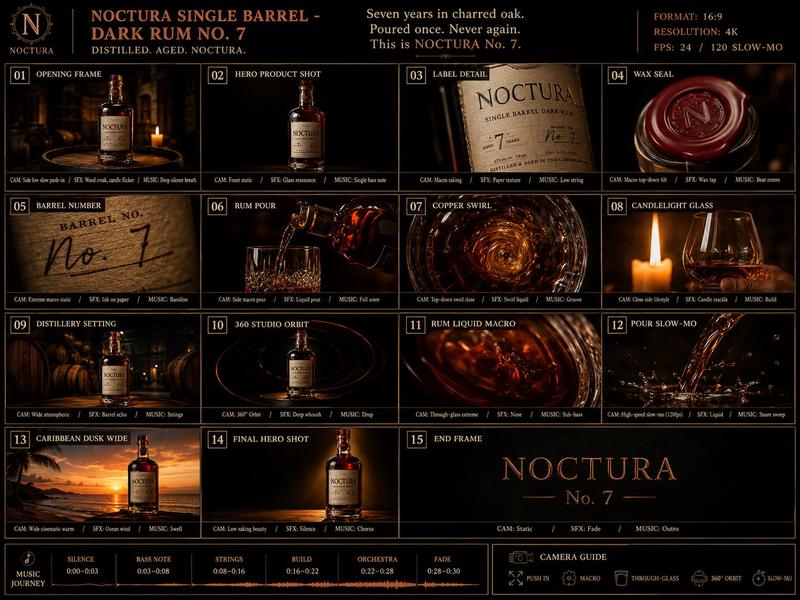
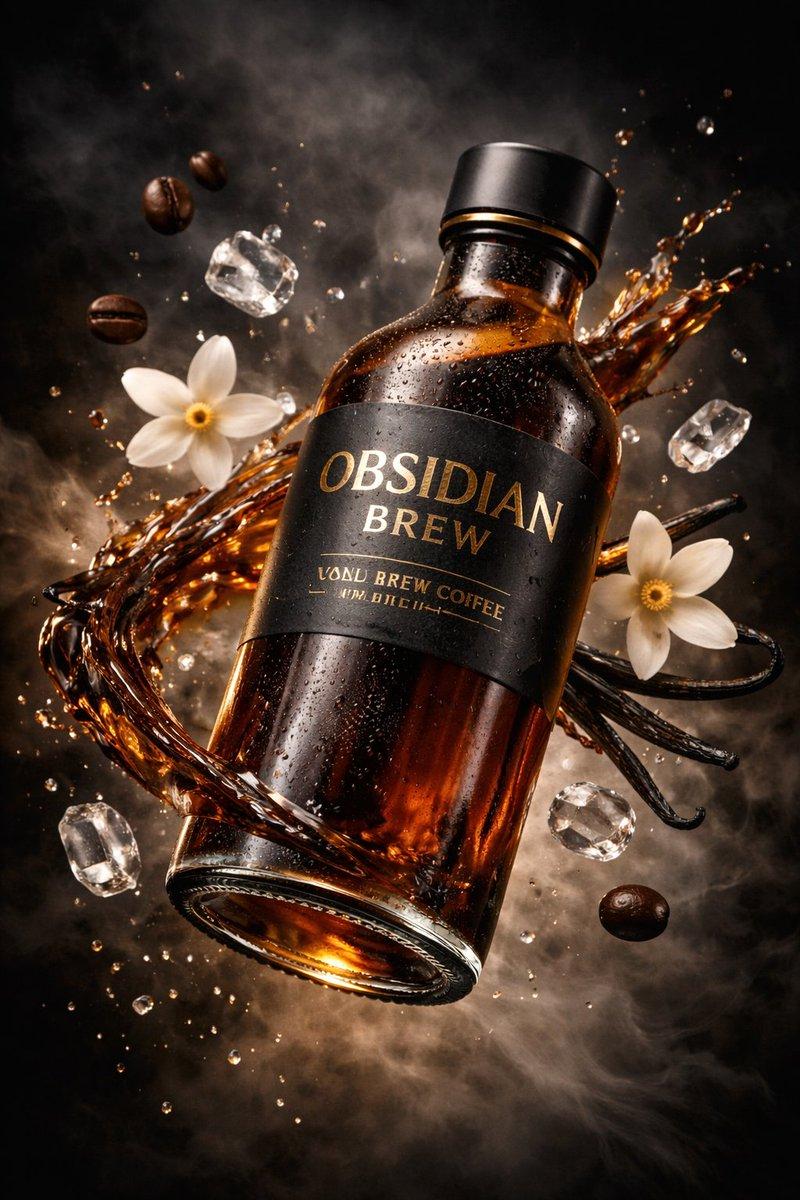
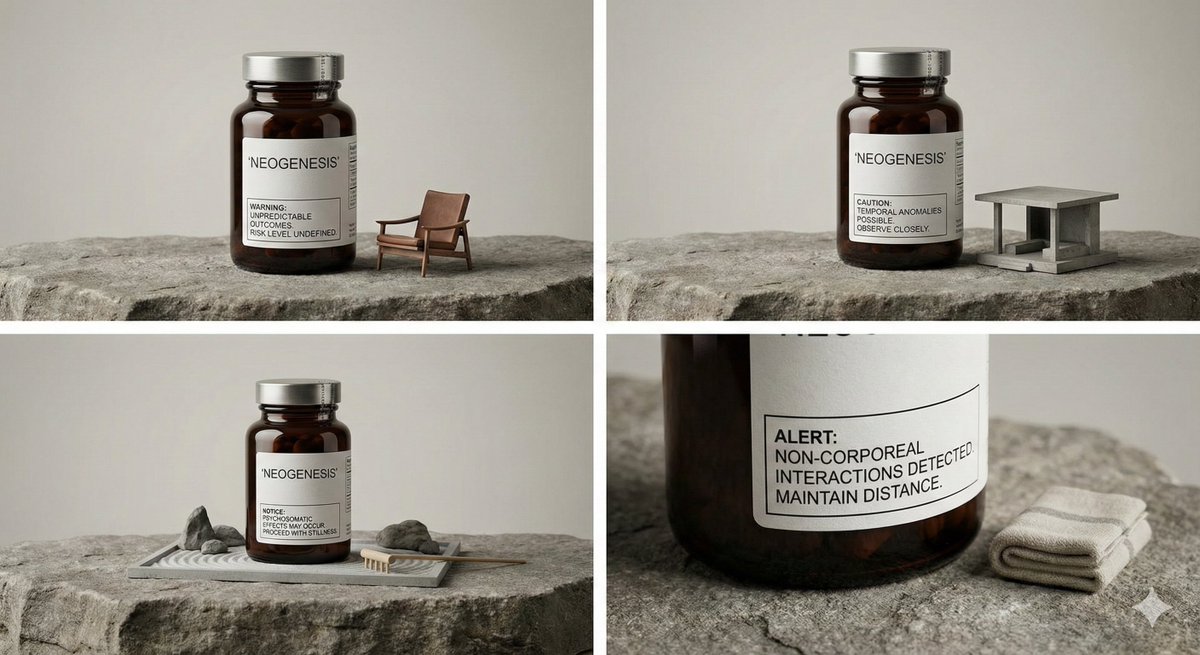
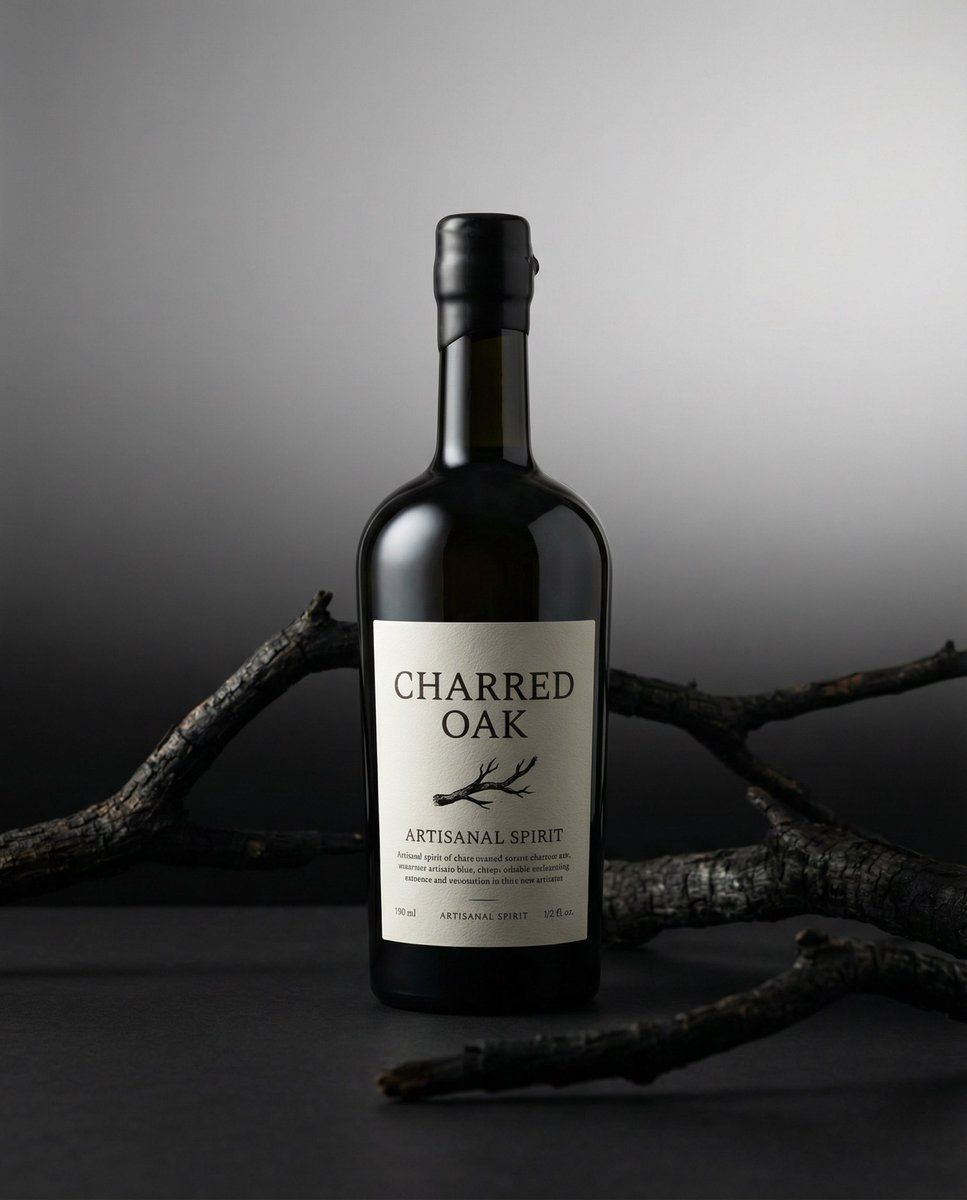
Front-facing strict product hero shot, centered and upright, photographed at eye level with a soft studio key light coming from 45° left, gentle falloff and subtle specular highlights defining the edges of the packaging; a vertical black-to-white gradient backdrop creates a controlled, premium atmosphere while maintaining high legibility of the label; charred black branches frame the composition in the foreground and midground with restrained, organic asymmetry, adding texture without distracting from the product; clean soft contact shadow anchors the product to the surface, crisp glass/material realism, cinematic contrast, shallow depth of field with background kept smooth and noise-free.
Category
创意图片
Model
Nano Banana Pro
Creator
Ivan
Views0
Source ID
734ddc3b-39e4-4484-9c84-41e913983ea6
Published
Mar 8, 2026

Guide

About "GPT 设计的产品主图提示"

What is this prompt for?

"GPT 设计的产品主图提示" AI image prompt for Nano Banana Pro (创意图片). 一个据称使用 GPT 模型设计的详细提示,用于生成严格的、正面的产品主图。它指定了影棚照明(柔和的主光从左侧 45° 照射),一个垂直的黑白渐变背景,并使用烧焦的黑色树枝进行有机构图,强调清晰的材质…

The full copyable prompt and example visuals above are ready for AI image generation or one-click recreate in Picva.

How to use this prompt

  1. Step 1

    Open the prompt detail

    Review the example visuals, category, and full prompt text for "GPT 设计的产品主图提示".

  2. Step 2

    Copy the prompt

    Copy the prompt body from this page, or load it directly in Studio.

  3. Step 3

    Pick a model (Nano Banana Pro)

    Prefer Nano Banana Pro. If you switch models, keep subject and composition and tweak style terms.

  4. Step 4

    Generate and export

    Recreate the look in Picva, or export into your workflow for editing and publishing.

FAQ

What is the "GPT 设计的产品主图提示" prompt?
It is an AI image-generation prompt for Nano Banana Pro in the 创意图片 category. This page includes the full prompt text, example visuals, and a one-click recreate path in Picva.
How do I use this prompt to generate an image?
Copy the prompt from this page, or use Generate / Studio. Paste it into a compatible image model, or recreate the look in Picva with optional reference images.
Which model is this prompt for?
This page lists Nano Banana Pro. Most descriptive prompts also transfer to nearby image models such as GPT Image, Flux, or Midjourney with light style tweaks.
Can I use the result commercially?
You can usually copy the prompt for creation, but commercial use of the final image depends on the model terms, reference-image rights, and the generated content. Follow the source author and platform rules.