17

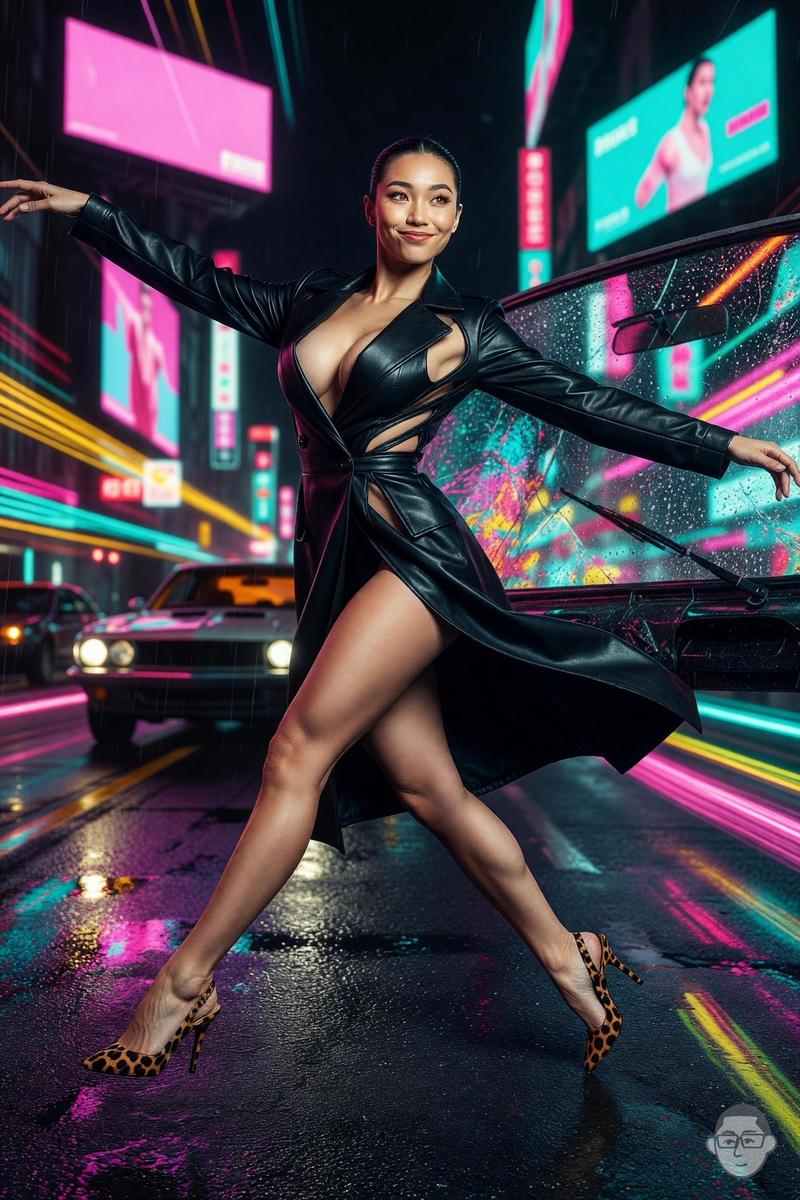
霓虹都市街头风格专题提示
Enlarge

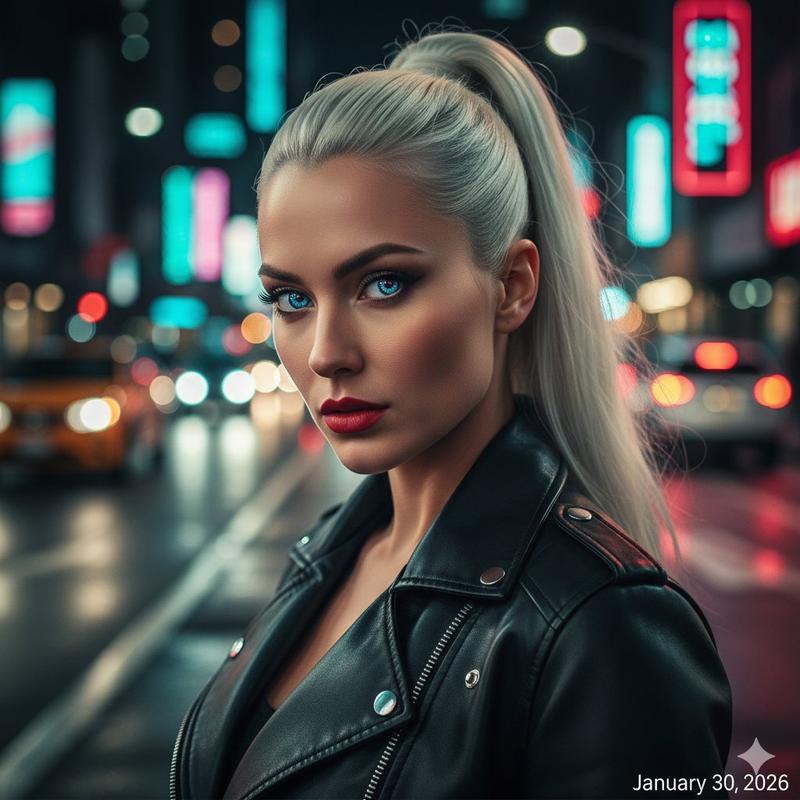
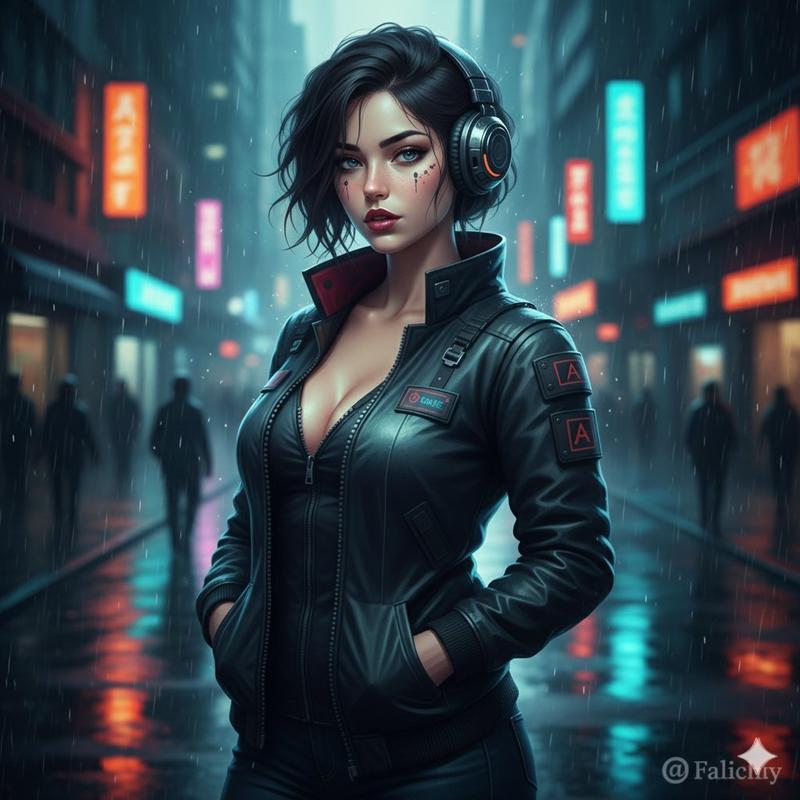
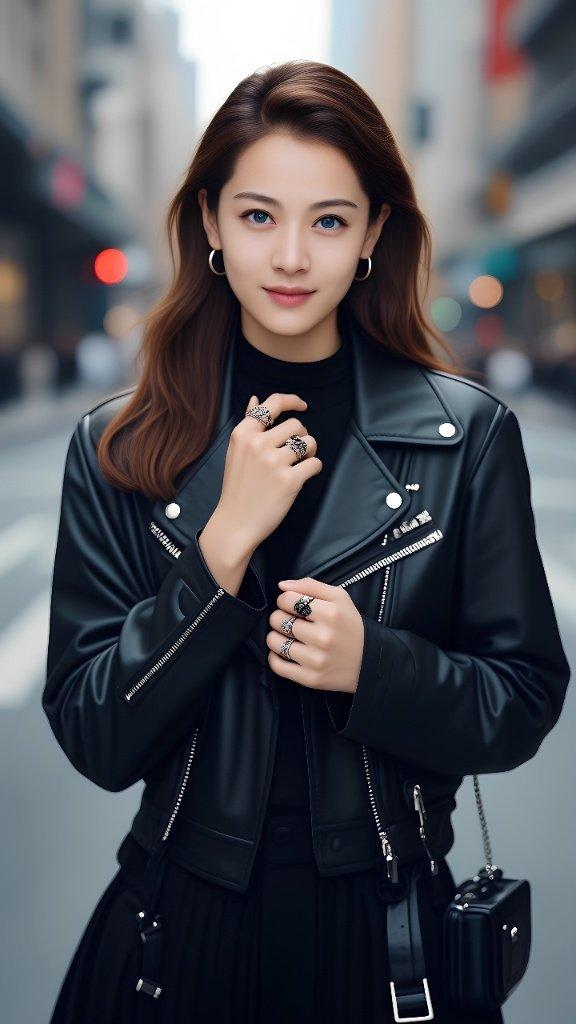
霓虹都市街头风格专题提示

Prompt
{
"action": "image_generation",
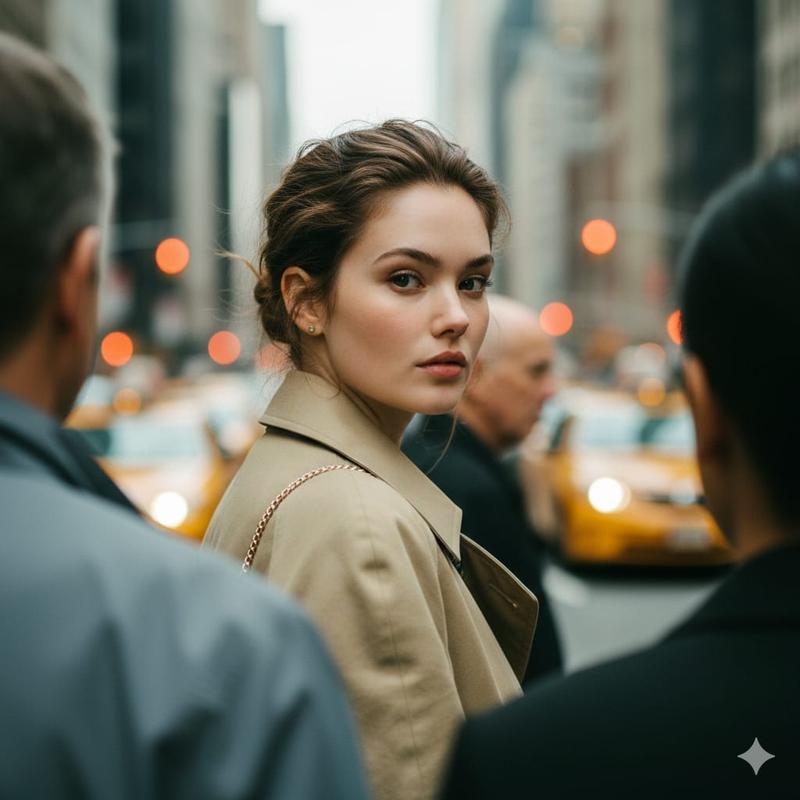
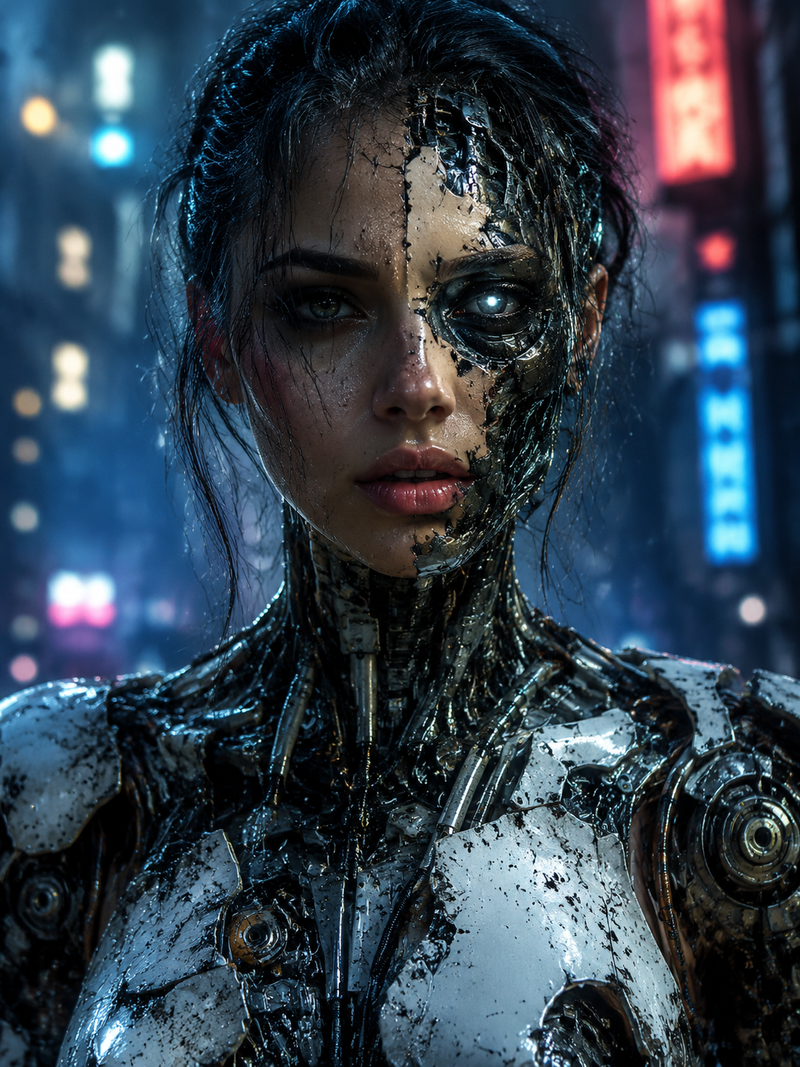
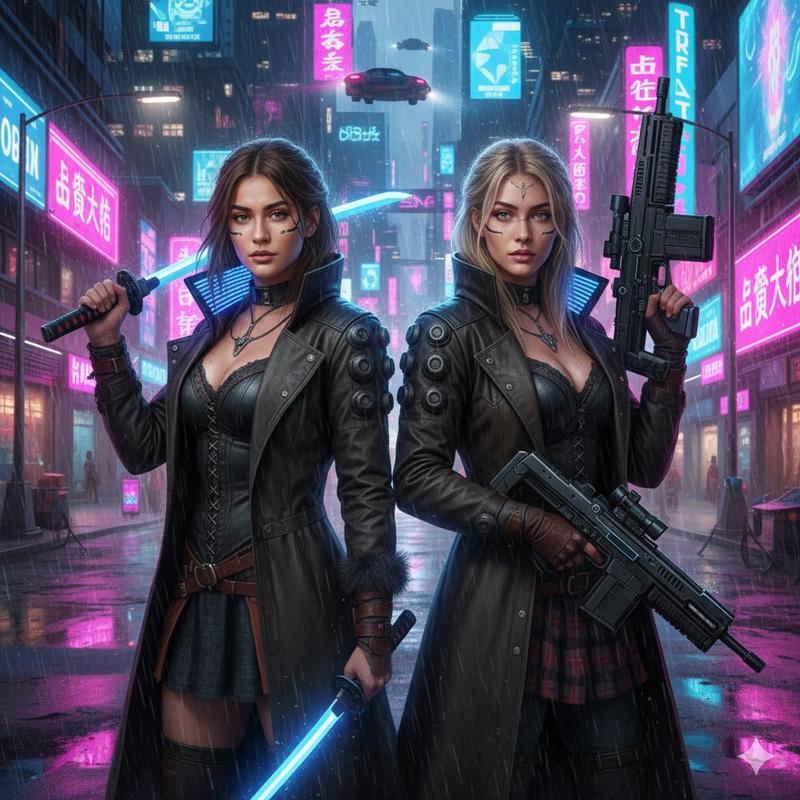
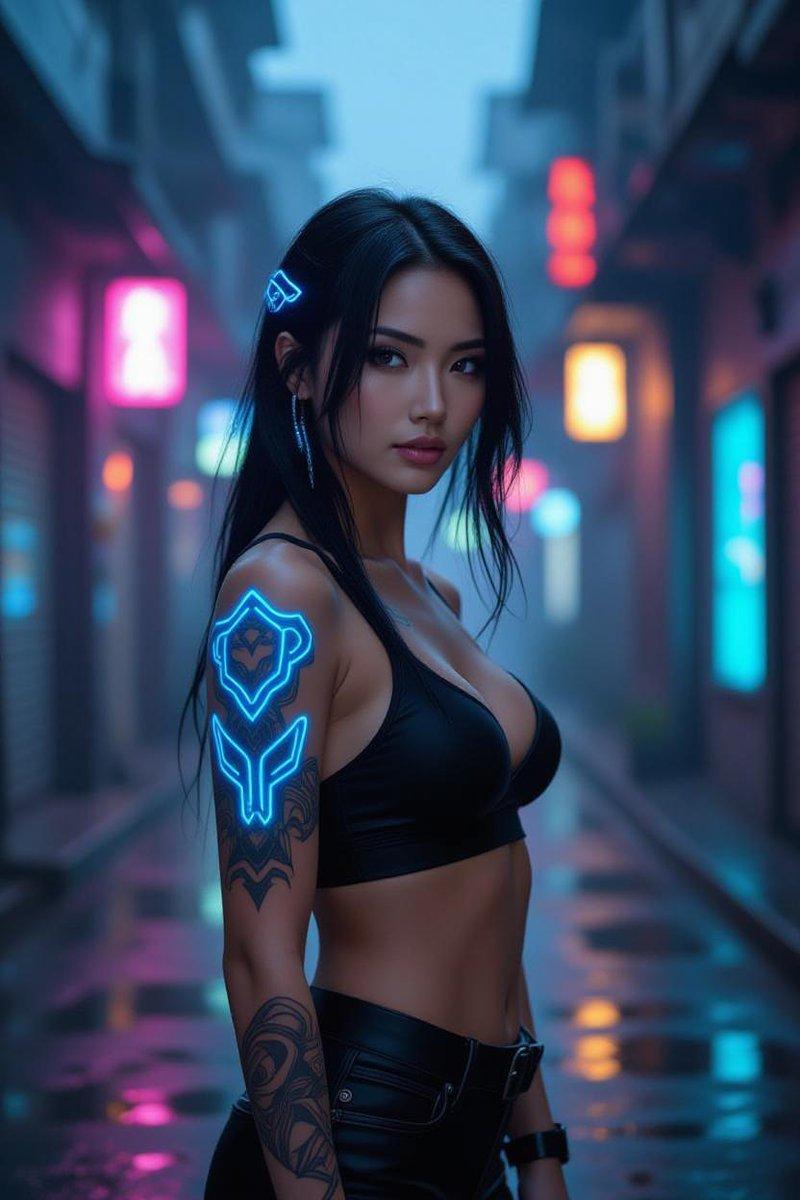
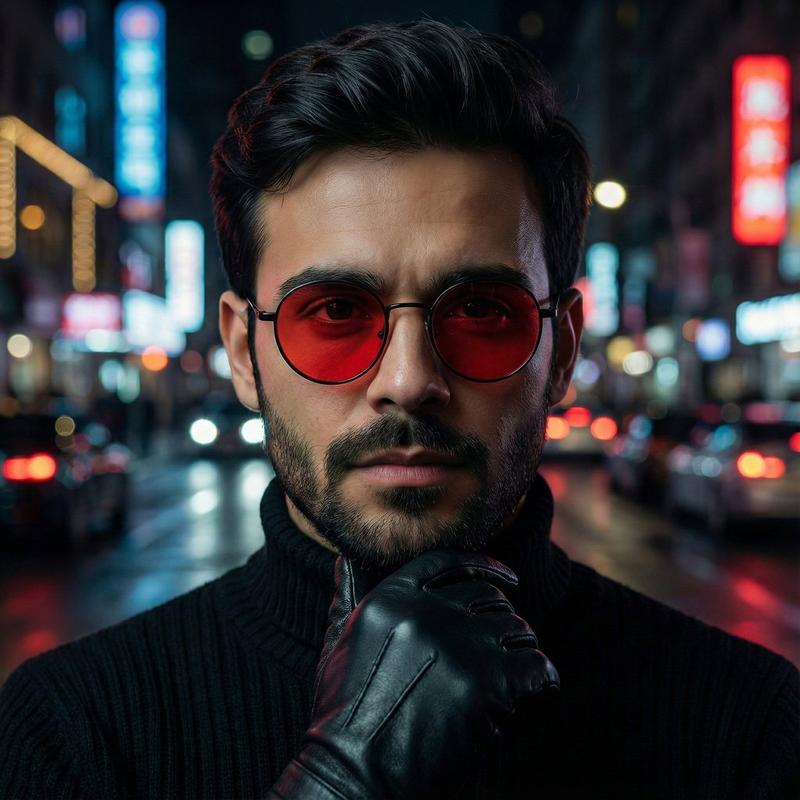
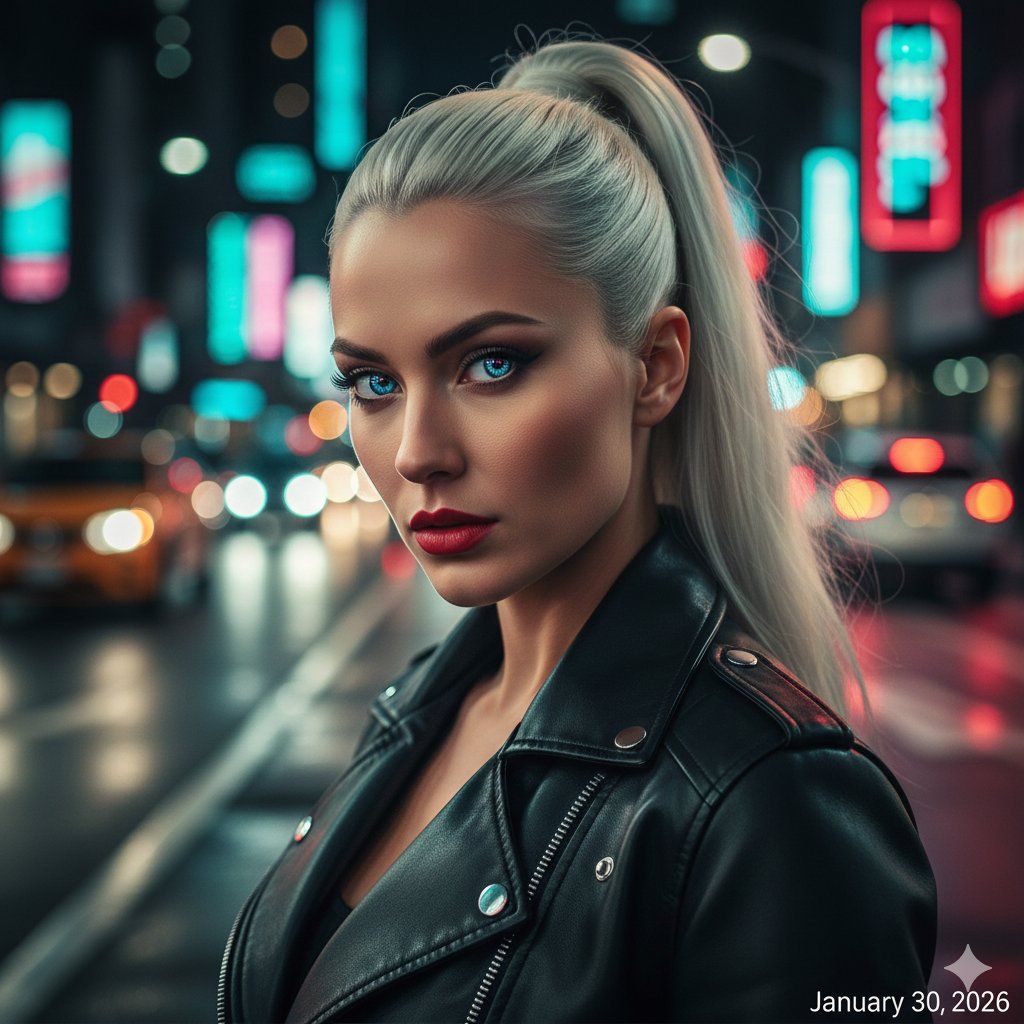
"input": "An editorial street style photo of a woman in her mid-20s with a sleek {argument name="hair style" default="platinum blonde high ponytail"}. She is wearing an oversized black leather biker jacket over a white t-shirt and slim-fit indigo jeans. She is standing on a busy city street at night, surrounded by glowing neon signs in shades of {argument name="neon colors" default="cyan and magenta"}. The wet pavement reflects the colorful city lights. She has a confident, high-fashion expression with a bold red lip. Cinematic lighting with vibrant bokeh in the background, shot on a 35mm lens for a wide urban feel, high contrast, sharp details."
}
Category
创意图片
Model
Nano Banana Pro
Creator
Anissa
Views0
Source ID
bb77a586-01fc-42cd-9441-29a18a12d353
Published
Mar 8, 2026

Guide

About "霓虹都市街头风格专题提示"

What is this prompt for?

"霓虹都市街头风格专题提示" AI image prompt for Nano Banana Pro (创意图片). 一个用于生成编辑类街拍照片的结构化 JSON 提示。它详细描述了主体(扎着铂金色马尾辫的女性,身穿黑色皮夹克)、环境(夜晚繁忙的城市街道,路面湿滑)和光线(青色和洋红色发光的霓虹灯,电影级布光,充满活…

The full copyable prompt and example visuals above are ready for AI image generation or one-click recreate in Picva.

How to use this prompt

  1. Step 1

    Open the prompt detail

    Review the example visuals, category, and full prompt text for "霓虹都市街头风格专题提示".

  2. Step 2

    Copy the prompt

    Copy the prompt body from this page, or load it directly in Studio.

  3. Step 3

    Pick a model (Nano Banana Pro)

    Prefer Nano Banana Pro. If you switch models, keep subject and composition and tweak style terms.

  4. Step 4

    Generate and export

    Recreate the look in Picva, or export into your workflow for editing and publishing.

FAQ

What is the "霓虹都市街头风格专题提示" prompt?
It is an AI image-generation prompt for Nano Banana Pro in the 创意图片 category. This page includes the full prompt text, example visuals, and a one-click recreate path in Picva.
How do I use this prompt to generate an image?
Copy the prompt from this page, or use Generate / Studio. Paste it into a compatible image model, or recreate the look in Picva with optional reference images.
Which model is this prompt for?
This page lists Nano Banana Pro. Most descriptive prompts also transfer to nearby image models such as GPT Image, Flux, or Midjourney with light style tweaks.
Can I use the result commercially?
You can usually copy the prompt for creation, but commercial use of the final image depends on the model terms, reference-image rights, and the generated content. Follow the source author and platform rules.