20

音乐明星的海报级编辑肖像
Enlarge

音乐明星的海报级编辑肖像

Prompt
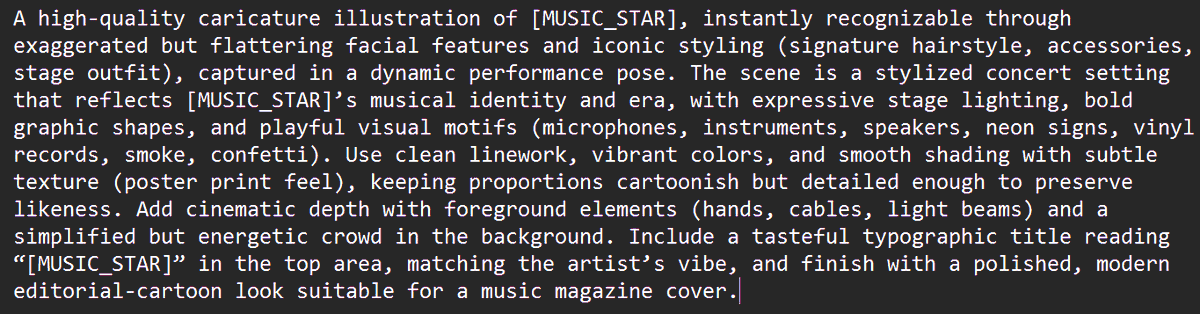
A high-fashion, editorial-style portrait of {argument name="music star" default="[MUSIC_STAR]"}, captured in a dynamic, low-key studio setting. The lighting is dramatic and cinematic, emphasizing strong shadows and highlights on the subject's face and attire. The star is wearing a custom-designed, avant-garde outfit that reflects their iconic style, with metallic textures and bold silhouettes. The composition is a tight, medium close-up, focusing on the intensity of their gaze. The image should have a rich, saturated color palette with deep blacks and vibrant accents, suitable for a glossy magazine cover or concert poster. Shot on a high-resolution digital camera with a wide-aperture lens (f/1.4), ensuring sharp focus on the eyes and a smooth, creamy bokeh background.
Category
创意图片
Model
Nano Banana Pro
Creator
PSS
Views0
Source ID
a8f3ebb7-e741-4ce5-98a7-a7726ac5d59b
Published
Mar 8, 2026

Guide

About "音乐明星的海报级编辑肖像"

What is this prompt for?

"音乐明星的海报级编辑肖像" AI image prompt for Nano Banana Pro (创意图片). 此提示专为 Nano Banana PRO 模型设计,用于生成指定音乐明星的专业精修、可用于海报的编辑肖像。用户需要将占位符替换为所需艺术家的姓名。 --- 一张 {argument name="mu…

The full copyable prompt and example visuals above are ready for AI image generation or one-click recreate in Picva.

How to use this prompt

  1. Step 1

    Open the prompt detail

    Review the example visuals, category, and full prompt text for "音乐明星的海报级编辑肖像".

  2. Step 2

    Copy the prompt

    Copy the prompt body from this page, or load it directly in Studio.

  3. Step 3

    Pick a model (Nano Banana Pro)

    Prefer Nano Banana Pro. If you switch models, keep subject and composition and tweak style terms.

  4. Step 4

    Generate and export

    Recreate the look in Picva, or export into your workflow for editing and publishing.

FAQ

What is the "音乐明星的海报级编辑肖像" prompt?
It is an AI image-generation prompt for Nano Banana Pro in the 创意图片 category. This page includes the full prompt text, example visuals, and a one-click recreate path in Picva.
How do I use this prompt to generate an image?
Copy the prompt from this page, or use Generate / Studio. Paste it into a compatible image model, or recreate the look in Picva with optional reference images.
Which model is this prompt for?
This page lists Nano Banana Pro. Most descriptive prompts also transfer to nearby image models such as GPT Image, Flux, or Midjourney with light style tweaks.
Can I use the result commercially?
You can usually copy the prompt for creation, but commercial use of the final image depends on the model terms, reference-image rights, and the generated content. Follow the source author and platform rules.







