结构化卧室自拍提示
Prompt
{
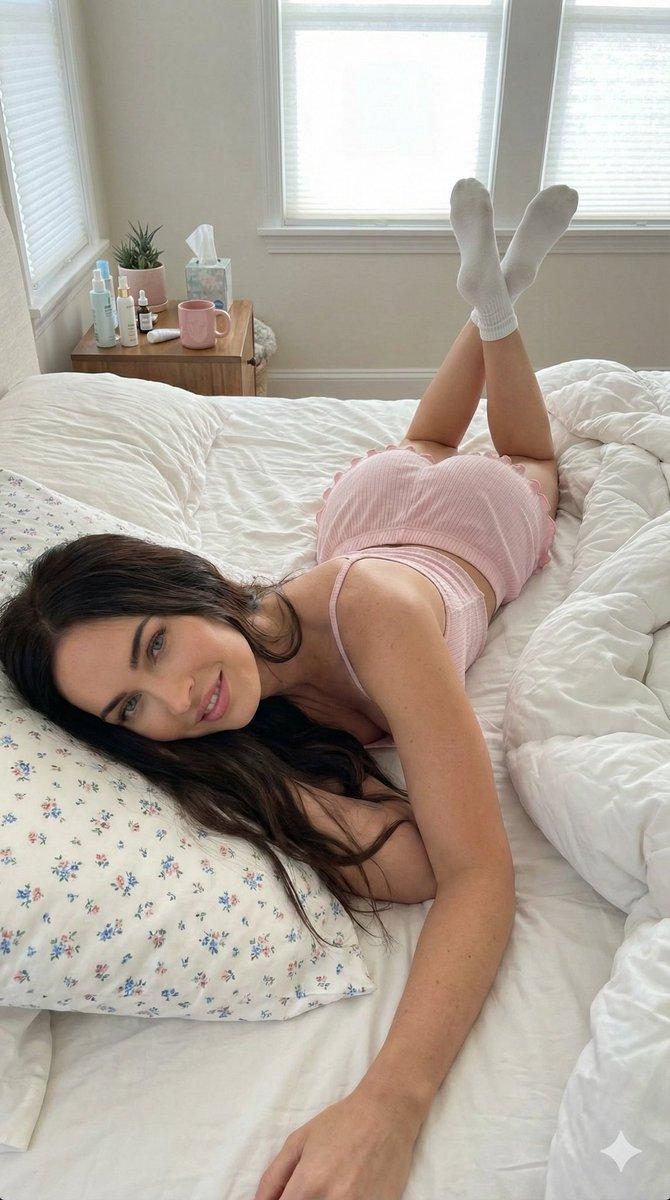
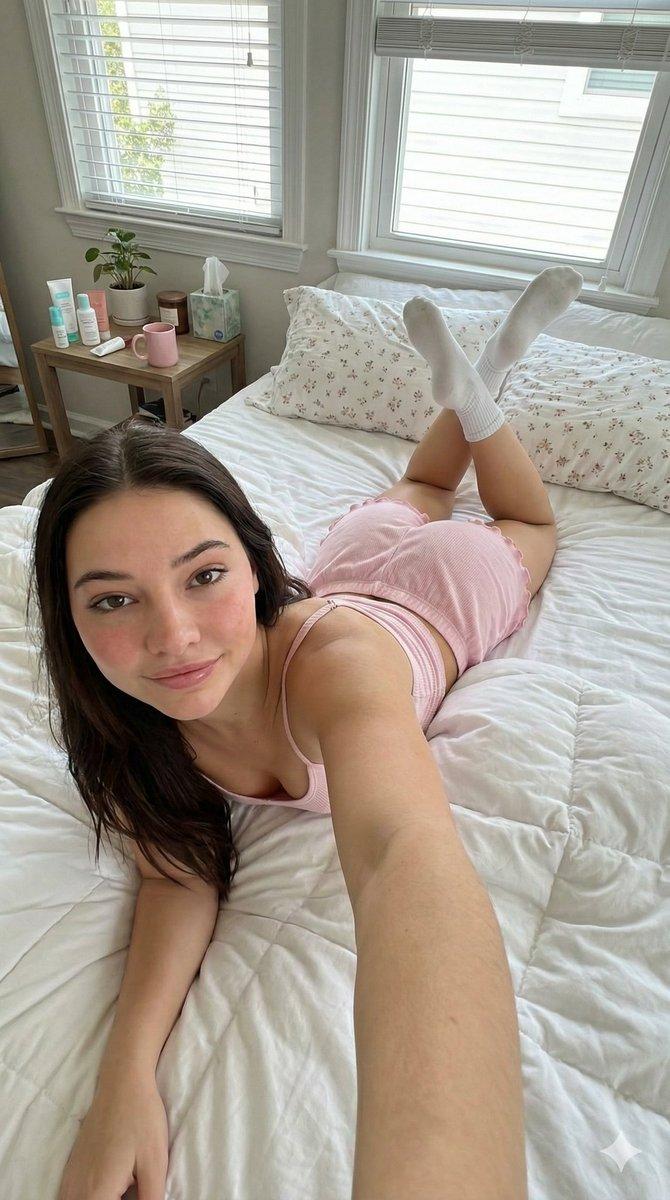
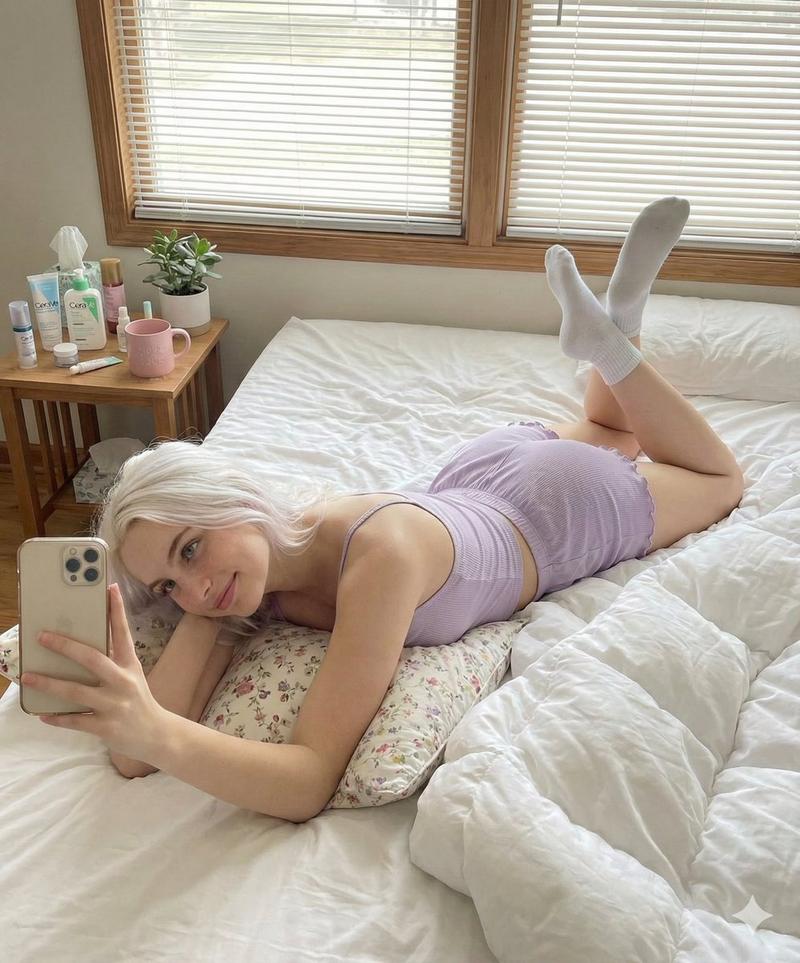
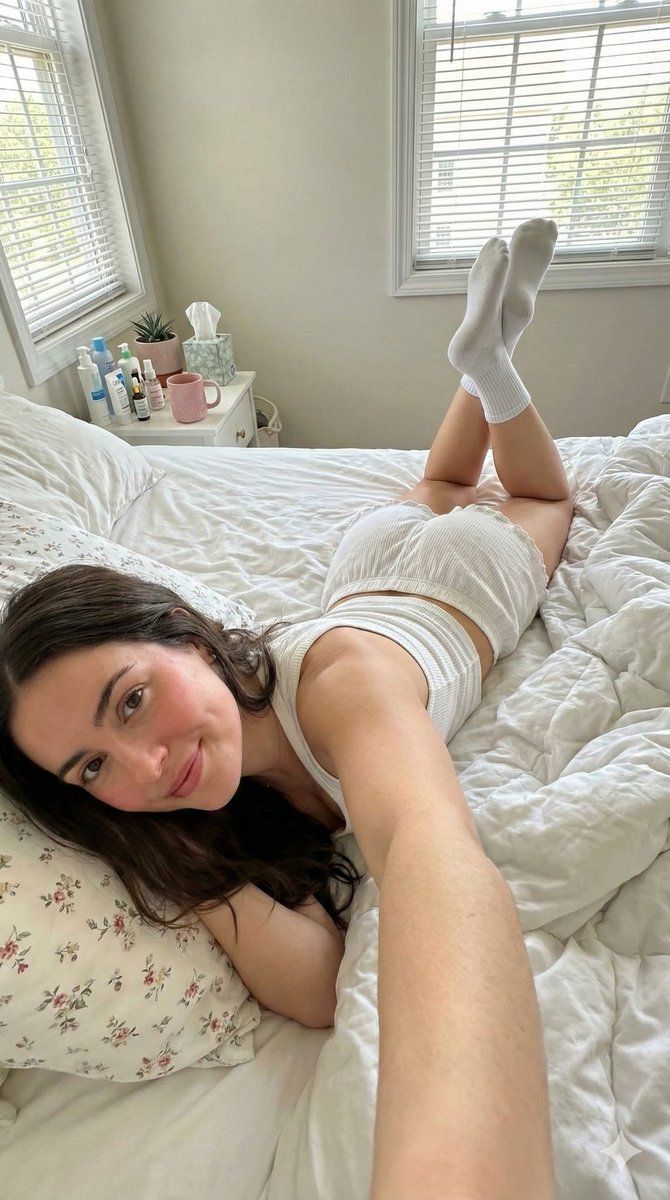
  "scene": {
    "type": "bedroom_interior",
    "lighting": "natural_daylight",
    "atmosphere": "casual, cozy, domestic"
  },
  "subject": {
    "pose": {
      "position": "lying_prone_on_bed",
      "orientation": "facing_camera",
      "legs": "knees_bent_upwards, ankles_crossed",
      "arms": "left_arm_extended_for_selfie",
      "head": "resting_on_pillow"
    },
    "appearance": {
      "hair": "long, straight, dark_brown",
      "expression": "gentle_smile, direct_eye_contact",
      "complexion": "fair, rosy_cheeks"
    },
    "attire": {
      "top": {
        "item": "tank_top",
        "color": "white",
        "texture": "ribbed",
        "style": "spaghetti_straps"
      },
      "bottom": {
        "item": "lounge_shorts",
        "color": "white",
        "details": "ruffled_hem, scrunched_texture"
      },
      "accessories": {
        "feet": "white_crew_socks"
      }
    }
  },
  "environment": {
    "bedding": {
      "sheets": "white, rumpled",
      "pillows": "white_with_floral_pattern",
      "duvet": "white, puffy"
    },
    "background_elements": {
      "windows": {
        "quantity": 2,
        "features": "white_frames, horizontal_blinds"
      },
      "furniture": {
        "side_table": {
          "location": "left_side",
          "visible_items": [
            "skincare_products",
            "pink_mug",
            "small_potted_plant",
            "tissues"
          ]
        }
      }
    }
  },
  "composition": {
    "angle": "high_angle_selfie",
    "framing": "medium_shot",
    "focus": "sharp_subject, soft_background"
  }
}- Category
- 创意图片
- Model
- Nano Banana Pro
- Creator
- Vivek HY
- Source ID
- 8c4547a3-3713-4de0-ad4a-b3d454947c82
- Published
- Mar 8, 2026
Views0