15

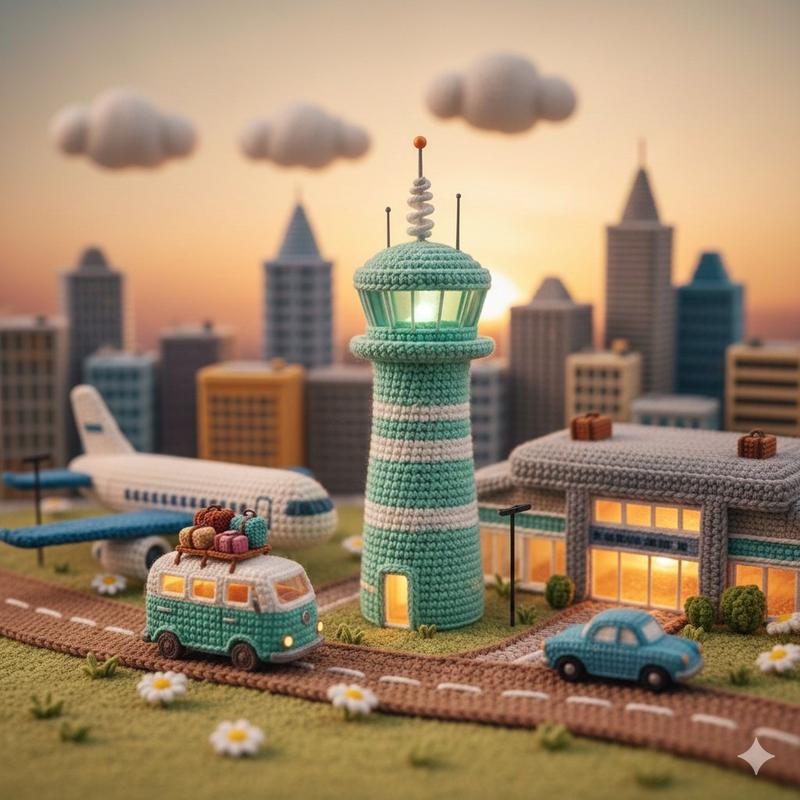
钩针编织微缩机场立体模型提示
Enlarge

钩针编织微缩机场立体模型提示

Prompt
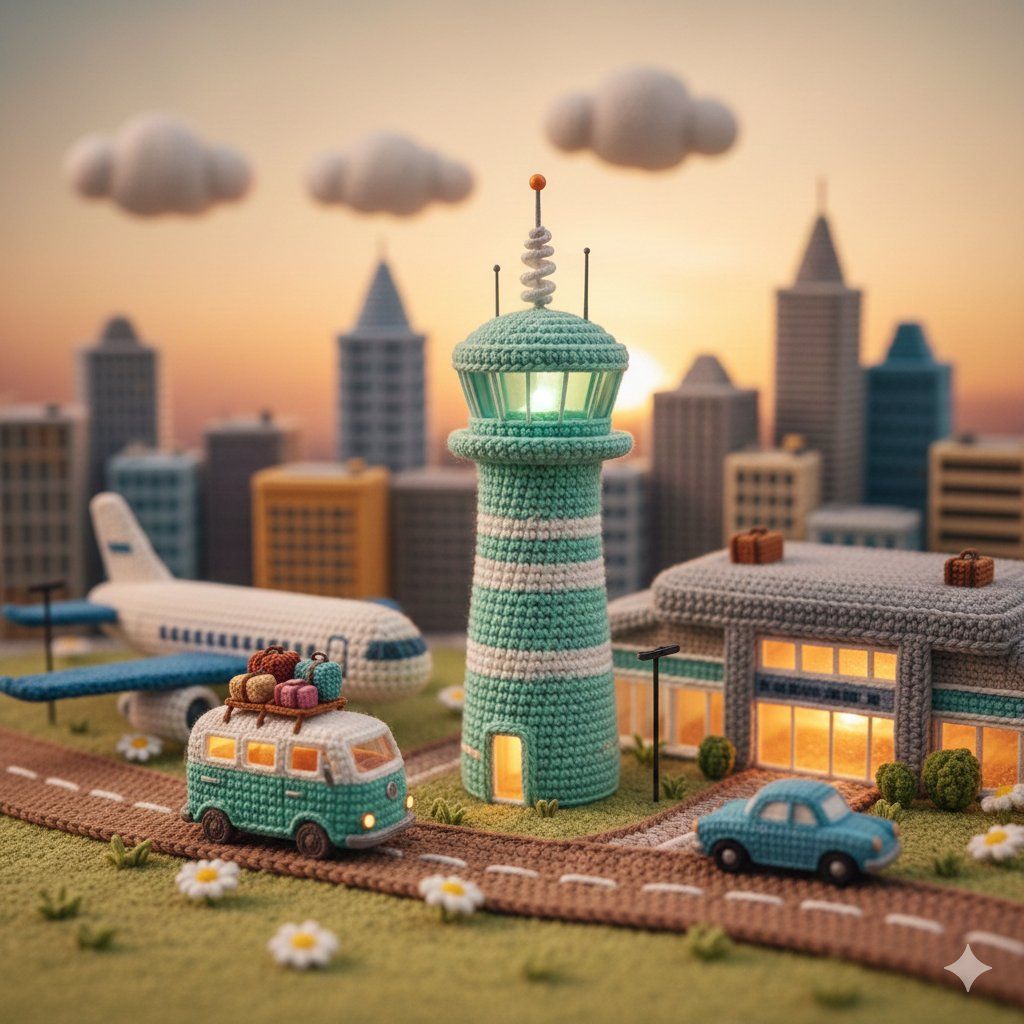
A highly detailed miniature diorama entirely made of crochet and amigurumi yarn, whimsical cute style, featuring a tall {argument name="tower color" default="mint-green"} crocheted airport control tower with white accents and antenna on top, a small teal crocheted camper van with luggage on roof driving on a crocheted road, tiny crocheted blue classic car, a large crocheted passenger airplane parked near an orange-lit terminal building, crocheted city skyline with tall buildings in the background, sunset sky with soft clouds and golden hour lighting, tiny crocheted daisies and grass patches on the ground, textured yarn stitches visible everywhere, cozy handmade craft aesthetic, soft pastel colors, dreamy warm atmosphere, macro photography style, bokeh background, ultra detailed, cute and charming
Category
创意图片
Model
Nano Banana Pro
Views0
Source ID
95fe7b07-e40d-47b9-9d9d-284ab863966f
Published
Mar 8, 2026

Guide

About "钩针编织微缩机场立体模型提示"

What is this prompt for?

"钩针编织微缩机场立体模型提示" AI image prompt for Nano Banana Pro (创意图片). 一个用于生成高度精细的微缩立体模型图像的提示,该模型完全由钩针编织和玩偶毛线制成,描绘了一个机场场景,包括一个控制塔、车辆和城市天际线,强调舒适、手工制作的美学和柔和的灯光。 --- 一个高度精细…

The full copyable prompt and example visuals above are ready for AI image generation or one-click recreate in Picva.

How to use this prompt

  1. Step 1

    Open the prompt detail

    Review the example visuals, category, and full prompt text for "钩针编织微缩机场立体模型提示".

  2. Step 2

    Copy the prompt

    Copy the prompt body from this page, or load it directly in Studio.

  3. Step 3

    Pick a model (Nano Banana Pro)

    Prefer Nano Banana Pro. If you switch models, keep subject and composition and tweak style terms.

  4. Step 4

    Generate and export

    Recreate the look in Picva, or export into your workflow for editing and publishing.

FAQ

What is the "钩针编织微缩机场立体模型提示" prompt?
It is an AI image-generation prompt for Nano Banana Pro in the 创意图片 category. This page includes the full prompt text, example visuals, and a one-click recreate path in Picva.
How do I use this prompt to generate an image?
Copy the prompt from this page, or use Generate / Studio. Paste it into a compatible image model, or recreate the look in Picva with optional reference images.
Which model is this prompt for?
This page lists Nano Banana Pro. Most descriptive prompts also transfer to nearby image models such as GPT Image, Flux, or Midjourney with light style tweaks.
Can I use the result commercially?
You can usually copy the prompt for creation, but commercial use of the final image depends on the model terms, reference-image rights, and the generated content. Follow the source author and platform rules.