17

身穿红色缎面连衣裙的女士电影感写真拍摄提示
Enlarge

身穿红色缎面连衣裙的女士电影感写真拍摄提示

Prompt
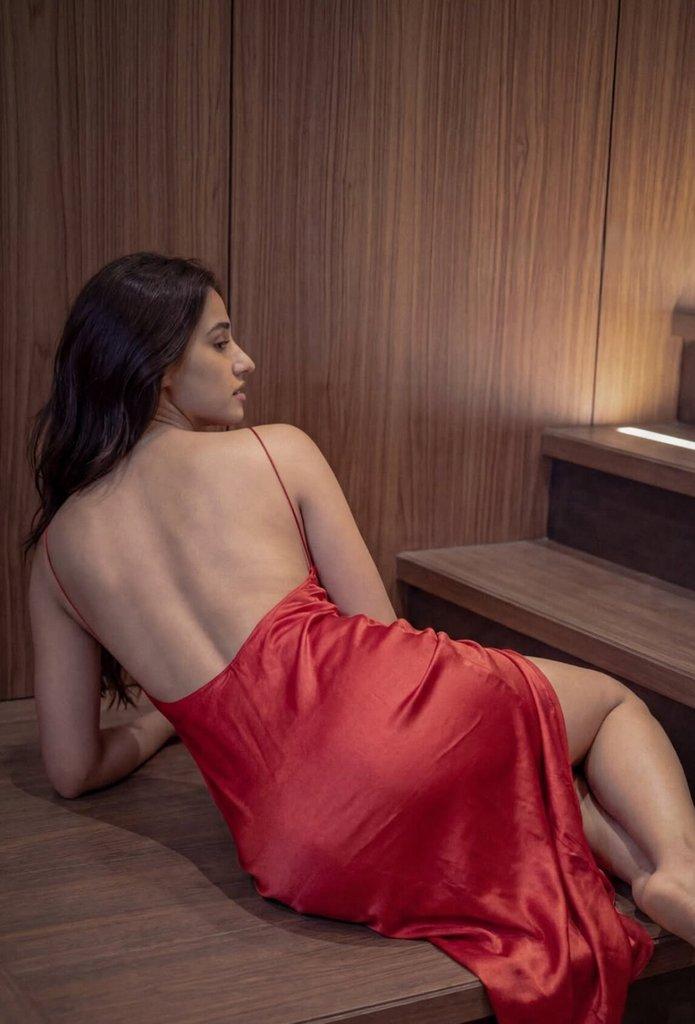
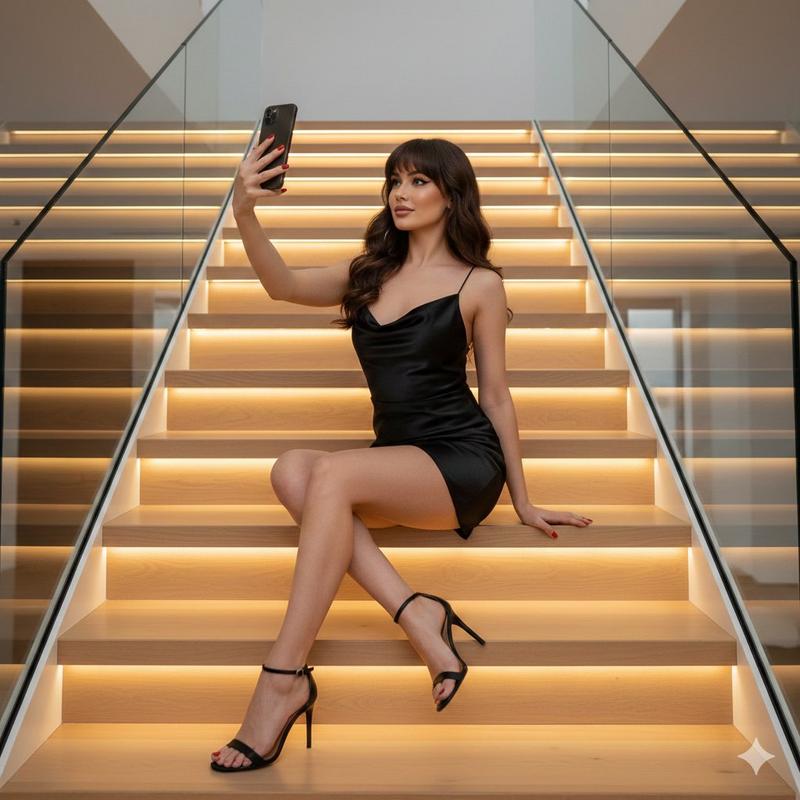
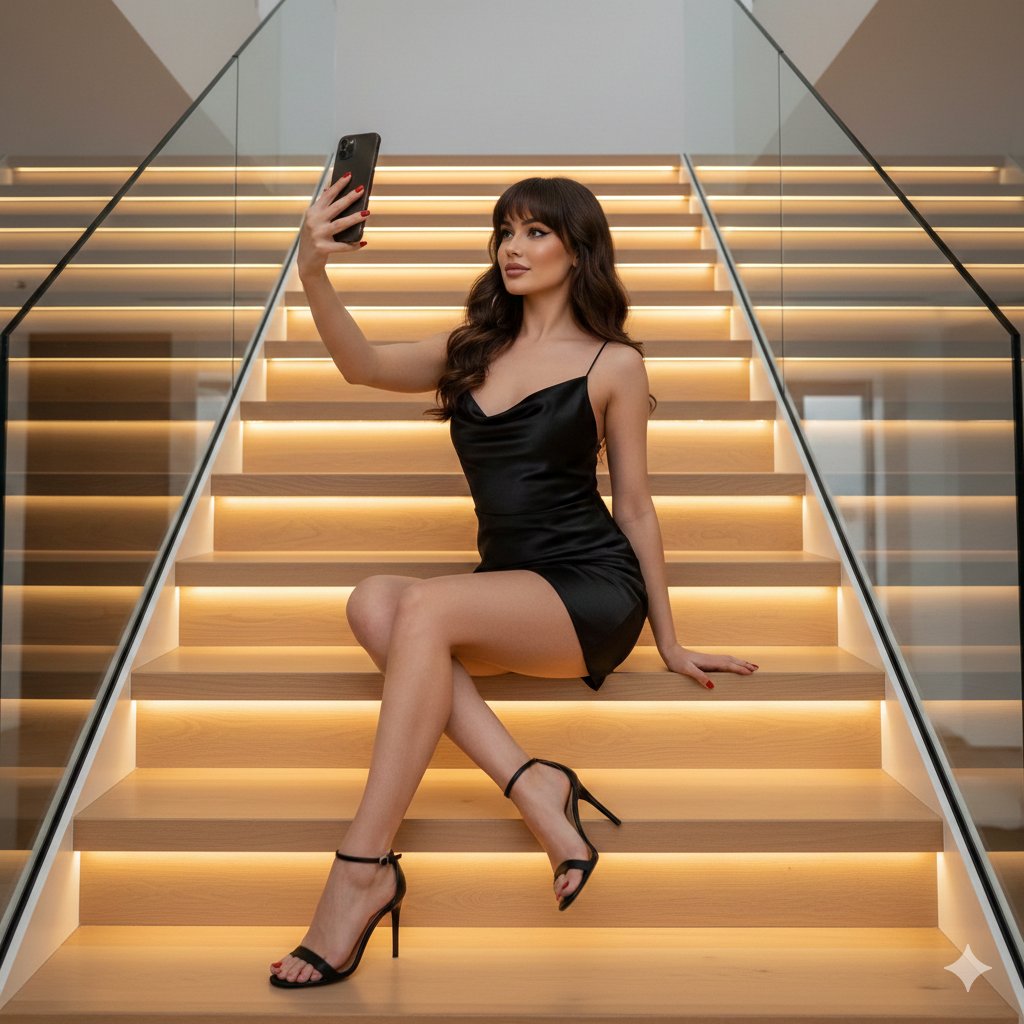
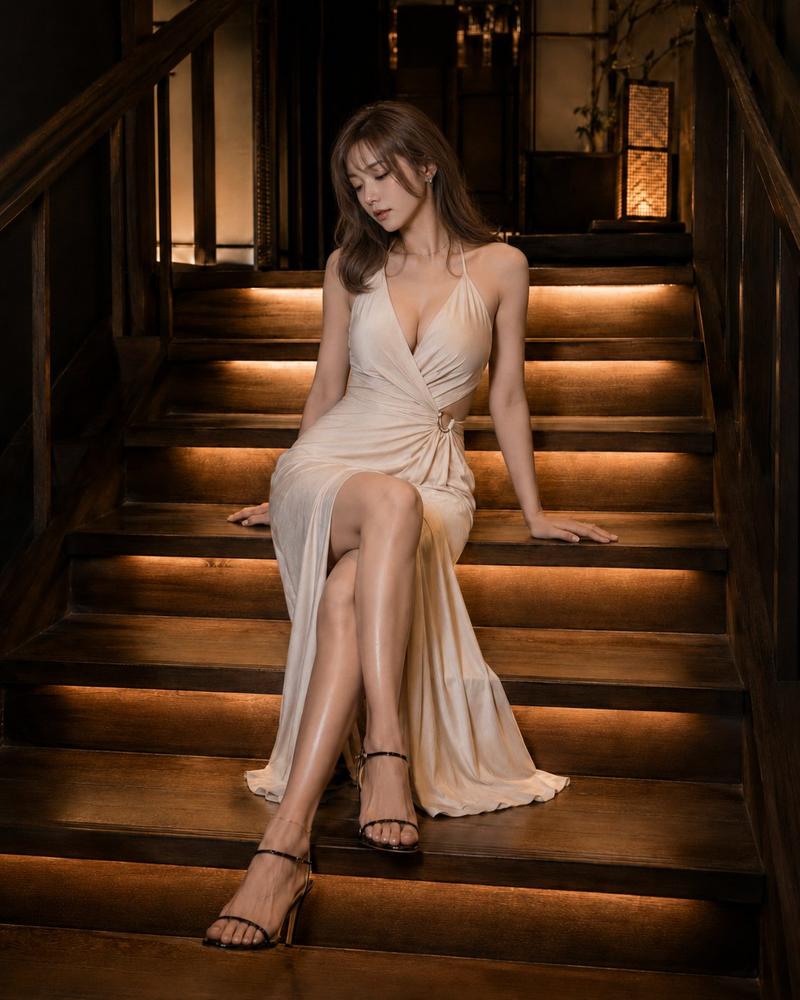
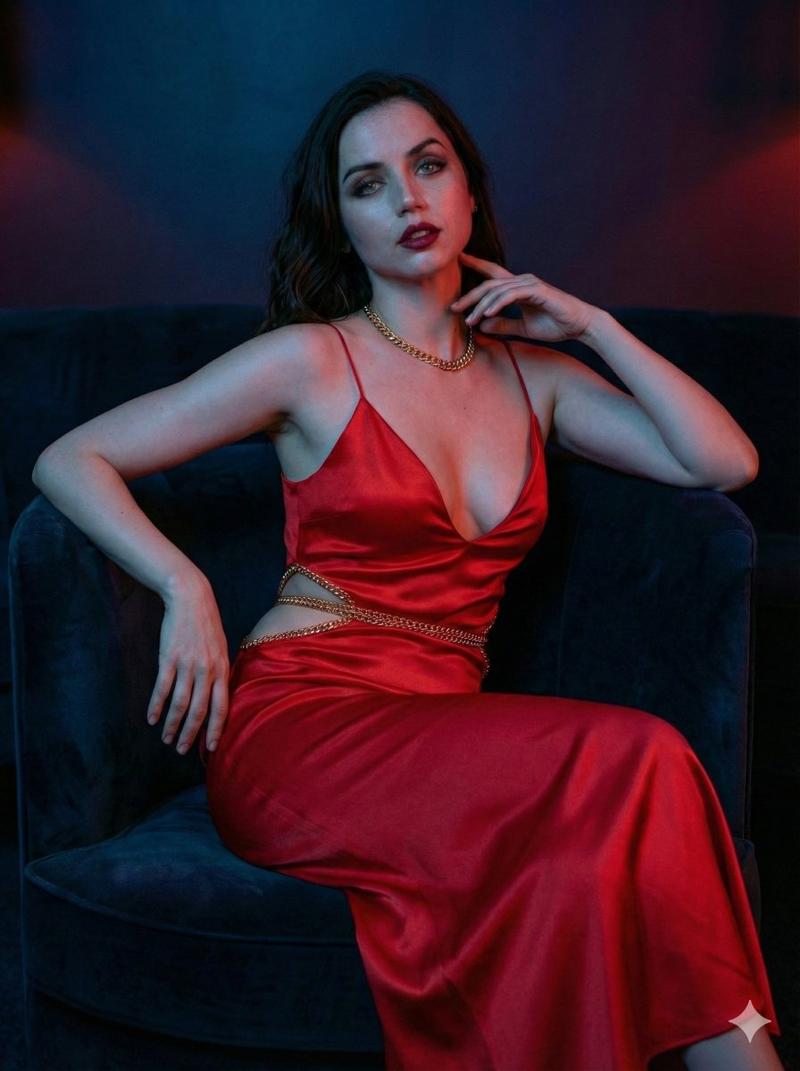
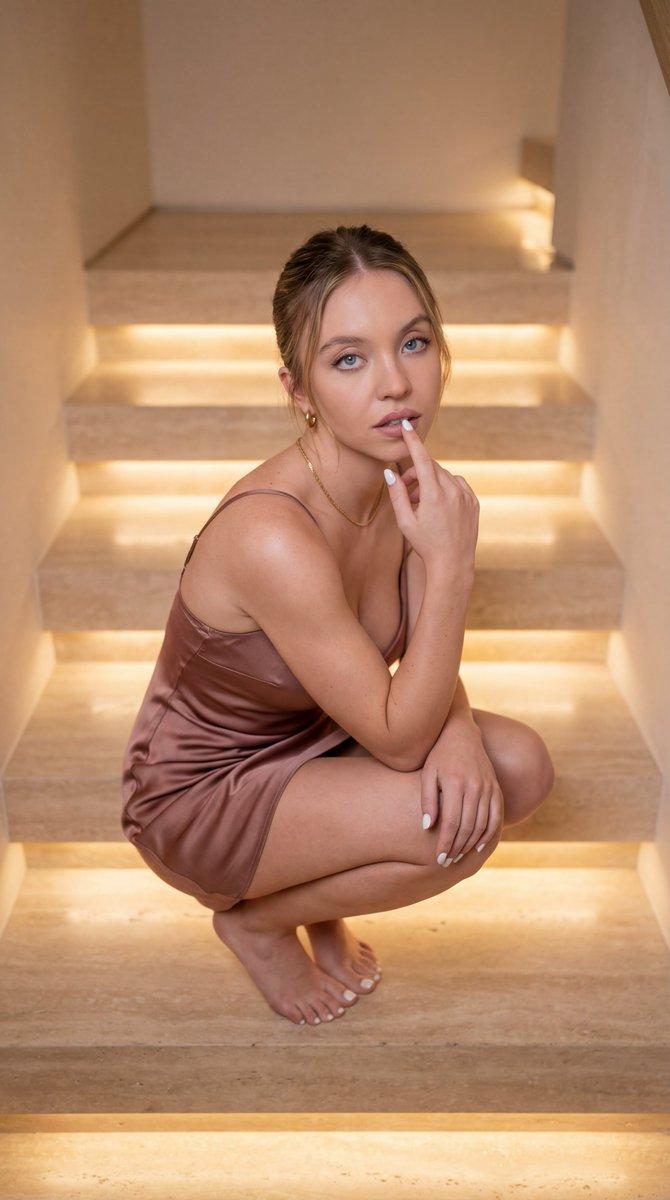
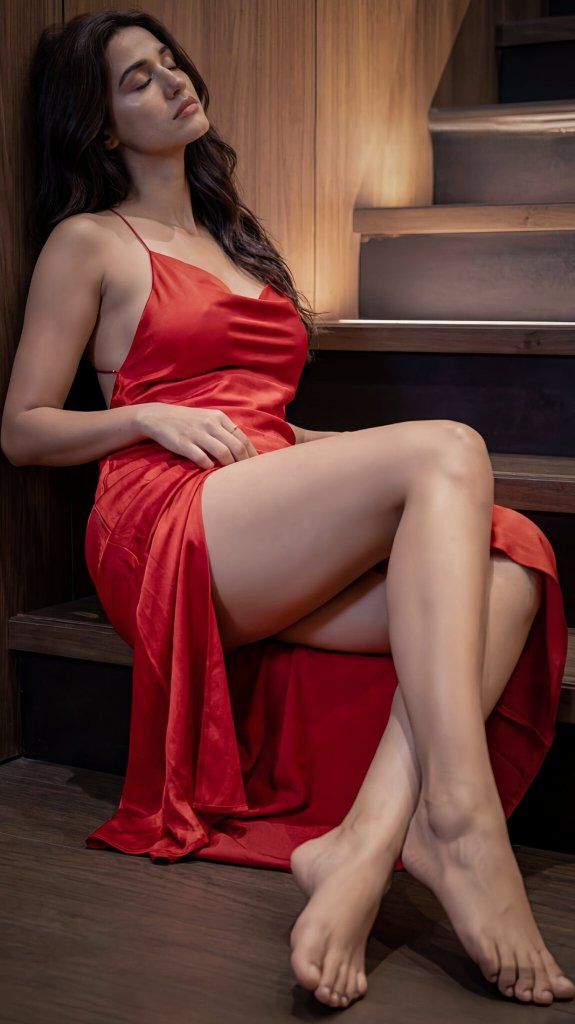
A high-resolution, cinematic photoshoot featuring a woman with long, wavy dark hair posing on a modern wooden staircase with recessed warm LED lighting. She is wearing a vibrant {argument name="dress color" default="red"} satin slip dress with thin spaghetti straps, a low-cut cowl neckline, and a deep open back. The series captures her in various sultry and contemplative poses: reclining across the steps to highlight the dress's sheen, leaning against a wood-paneled wall, and lying back with a soft, neutral expression. The lighting is moody and directional, casting soft shadows that accentuate her features and the silky texture of the fabric against the dark wood grain of the stairs, creating an elegant and intimate atmosphere."
Category
创意图片
Model
Nano Banana Pro
Creator
FL⭕RA
Views0
Source ID
e8e6db71-ba80-434a-a751-91e9b096144f
Published
Mar 8, 2026

Guide

About "身穿红色缎面连衣裙的女士电影感写真拍摄提示"

What is this prompt for?

"身穿红色缎面连衣裙的女士电影感写真拍摄提示" AI image prompt for Nano Banana Pro (创意图片). 生成一张高分辨率电影级照片的提示词:一位女性在现代木质楼梯上摆姿势,重点突出鲜艳红色缎面吊带裙的质感,以及营造优雅私密氛围的、情绪化的定向照明。 --- 高分辨率电影级写真,一位留着…

The full copyable prompt and example visuals above are ready for AI image generation or one-click recreate in Picva.

How to use this prompt

  1. Step 1

    Open the prompt detail

    Review the example visuals, category, and full prompt text for "身穿红色缎面连衣裙的女士电影感写真拍摄提示".

  2. Step 2

    Copy the prompt

    Copy the prompt body from this page, or load it directly in Studio.

  3. Step 3

    Pick a model (Nano Banana Pro)

    Prefer Nano Banana Pro. If you switch models, keep subject and composition and tweak style terms.

  4. Step 4

    Generate and export

    Recreate the look in Picva, or export into your workflow for editing and publishing.

FAQ

What is the "身穿红色缎面连衣裙的女士电影感写真拍摄提示" prompt?
It is an AI image-generation prompt for Nano Banana Pro in the 创意图片 category. This page includes the full prompt text, example visuals, and a one-click recreate path in Picva.
How do I use this prompt to generate an image?
Copy the prompt from this page, or use Generate / Studio. Paste it into a compatible image model, or recreate the look in Picva with optional reference images.
Which model is this prompt for?
This page lists Nano Banana Pro. Most descriptive prompts also transfer to nearby image models such as GPT Image, Flux, or Midjourney with light style tweaks.
Can I use the result commercially?
You can usually copy the prompt for creation, but commercial use of the final image depends on the model terms, reference-image rights, and the generated content. Follow the source author and platform rules.