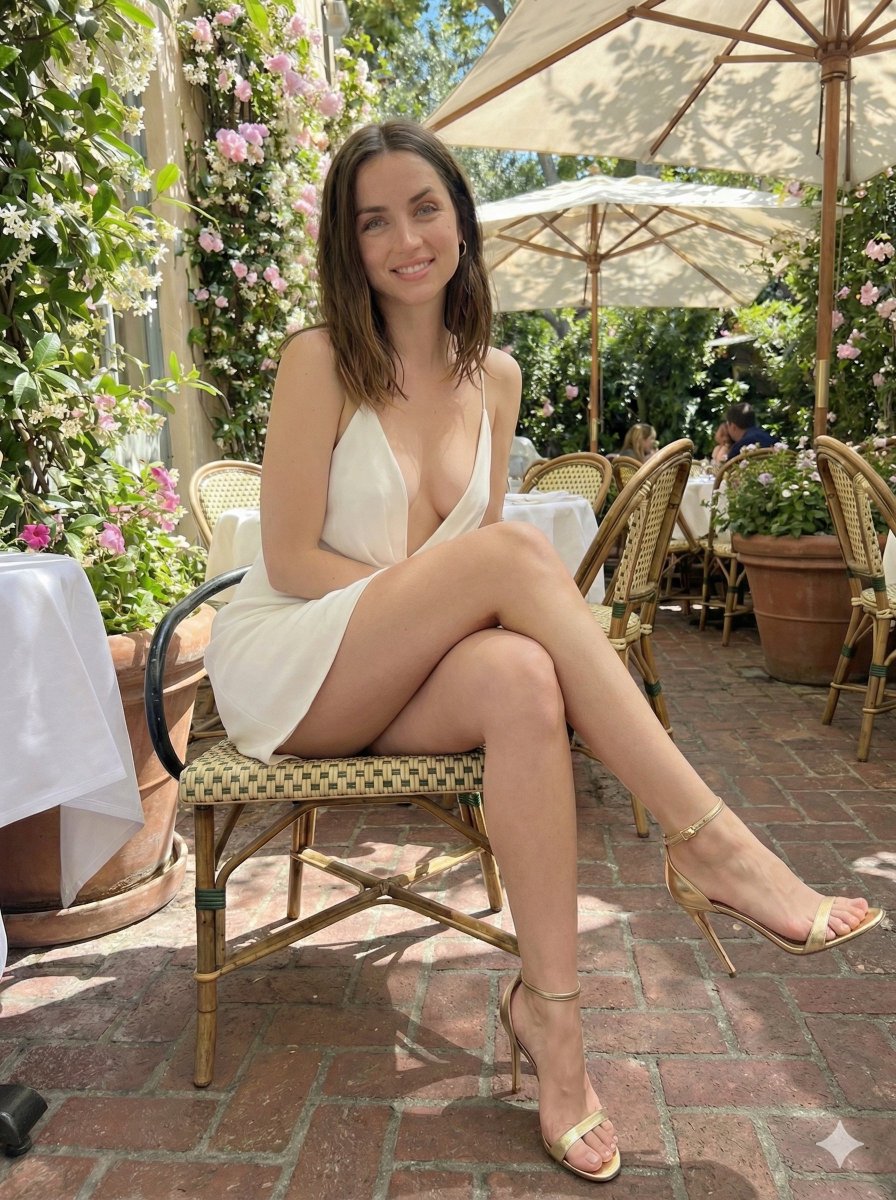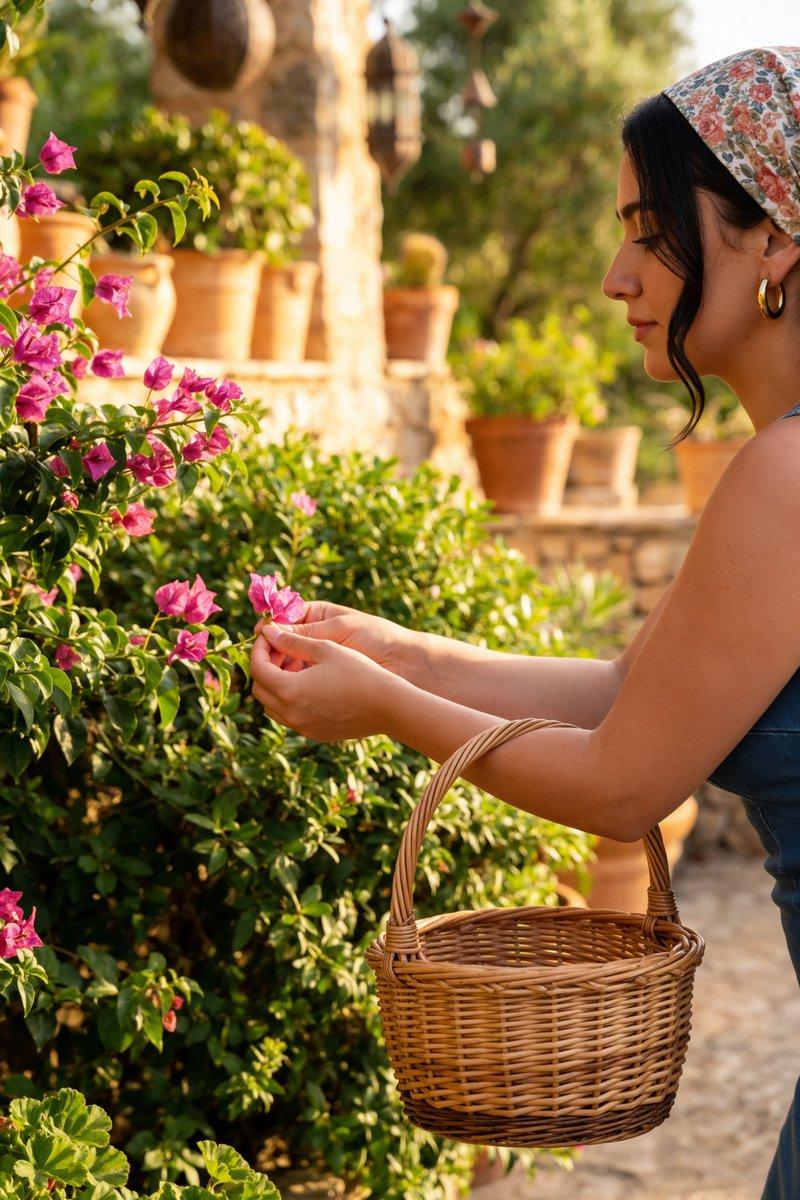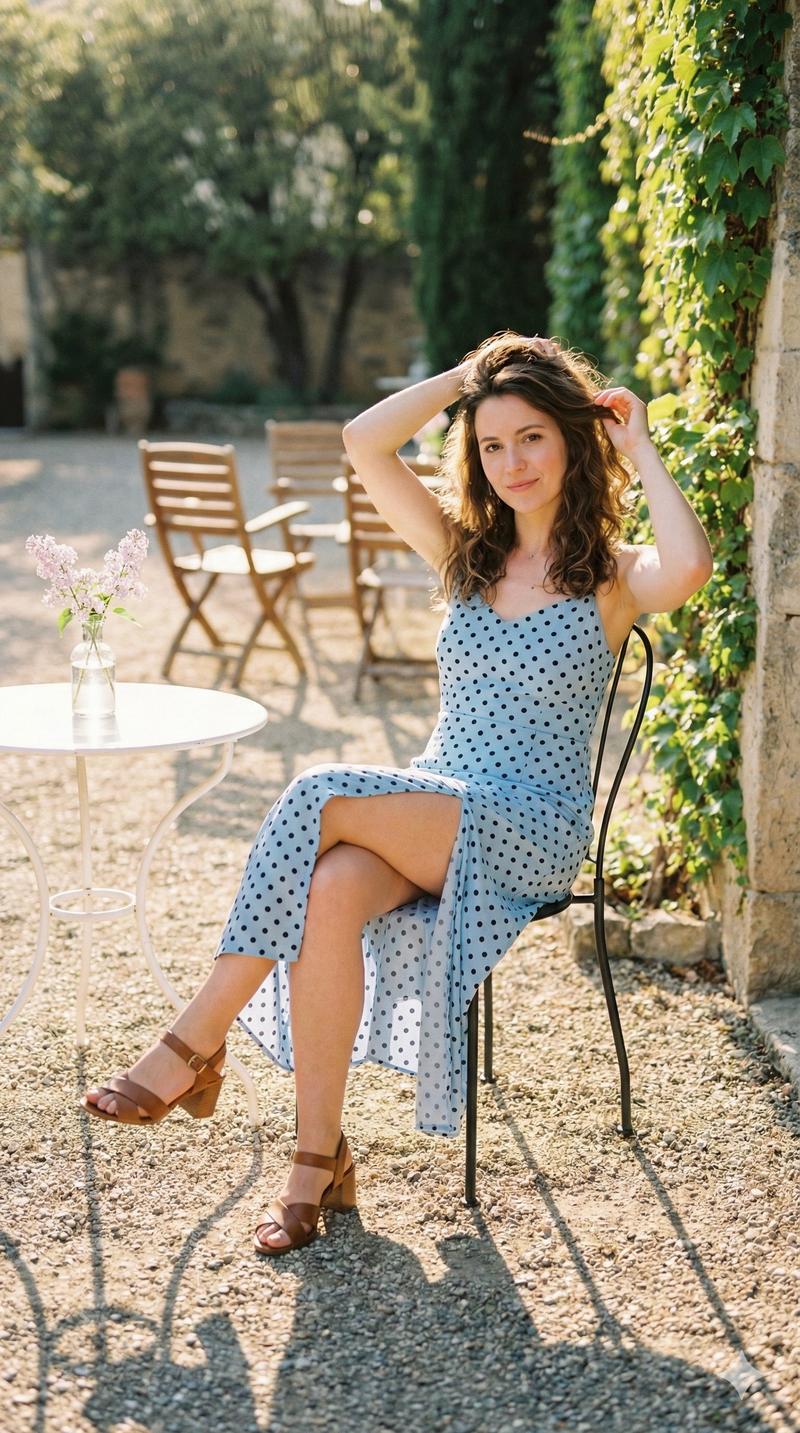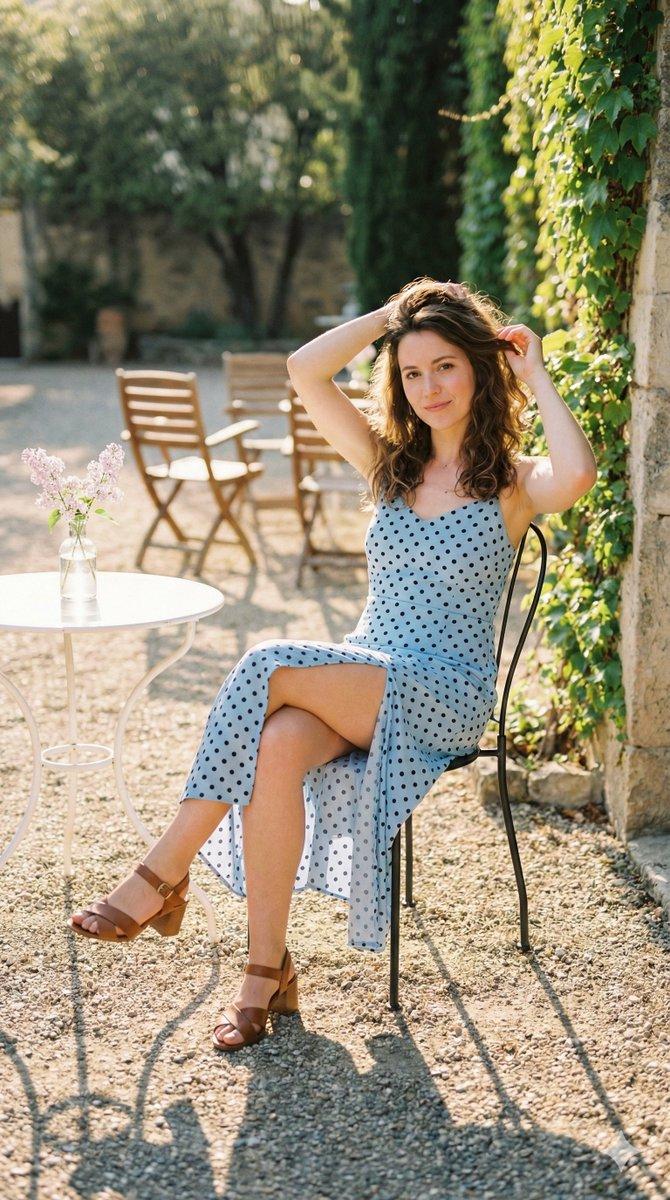
与 Sydney Sweeney 同框的超现实比例悬殊场景
Prompt
[
  {
    "scene_description": "A surreal cinematic scene featuring two versions of actress {argument name="actress" default="Sydney Sweeney"} at drastically different scales in a modern, sun-drenched living room.",
    "giant_figure": {
      "subject": "Sydney Sweeney",
      "scale": "Giant",
      "pose": "Sitting gracefully on a velvet sofa, leaning slightly forward with a calm, contemplative expression",
      "attire": {
        "top": "Cream-colored ribbed knit sweater",
        "bottom": "Dark trousers or jeans"
      },
      "appearance": "Realistic facial features, soft natural makeup, long blonde wavy hair",
      "lighting": "Lit by warm, directional window light creating soft cinematic shadows"
    },
    "tiny_figure": {
      "subject": "Micro version of Sydney Sweeney",
      "scale": "A few inches tall",
      "placement": "Standing on a rustic wooden coffee table directly in front of the giant version",
      "pose": "Looking up toward the giant version with curiosity and awe",
      "attire": "Identical cream sweater and dark trousers to match the giant figure"
    },
    "environment_details": {
      "room_style": "Modern interior with warm, cozy aesthetics",
      "furniture": [
        "Rustic wooden coffee table with visible grain and texture",
        "Brown velvet or suede sofa",
        "Mid-century modern wooden armchair in the background"
      ],
      "decor": [
        "Stacked coffee table books",
        "Ceramic mugs",
        "Potted green plants",
        "Framed artwork on the wall",
        "Sheer curtains"
      ],
      "atmosphere": "Floating dust particles visible in sunbeams, volumetric lighting, warm color grading"
    },
    "technical_specs": {
      "camera_angle": "Low-angle shot to emphasize the scale disparity",
      "lens_effect": "Shallow depth of field with soft background blur (bokeh), macro feel on the tiny figure",
      "style": "Hyper-realistic photography, 8K resolution, HDR, magical realism",
      "mood": "Dreamy, surreal, artistic, serene"
    }
  },
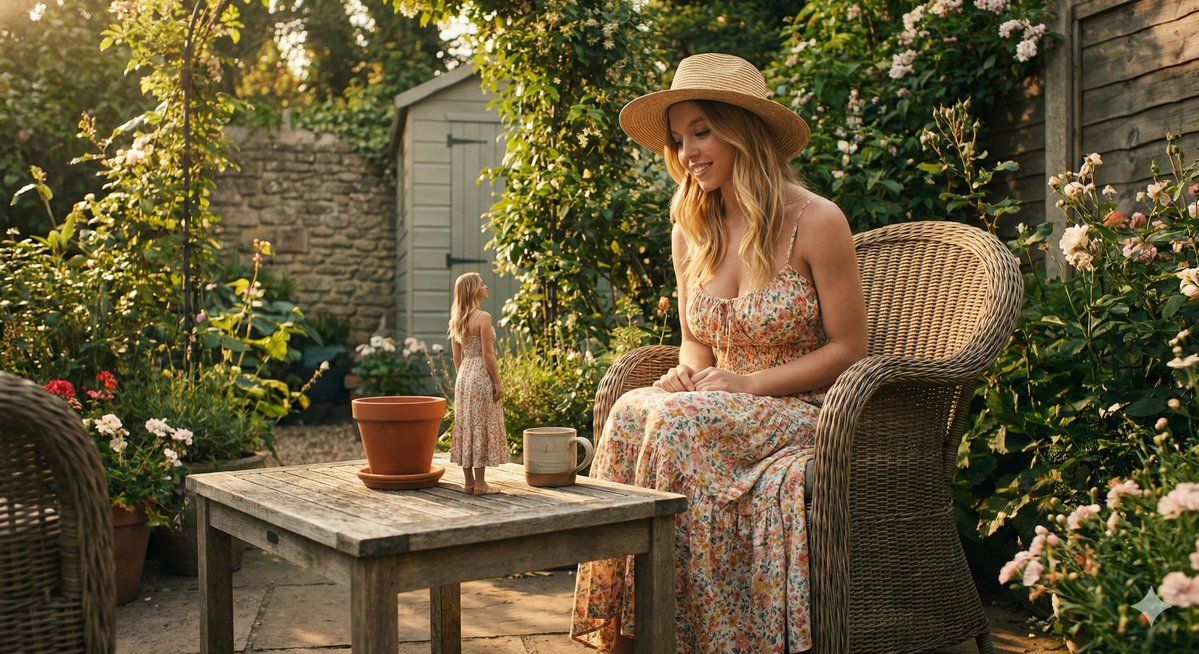
  {
    "scene_description": "A surreal outdoor garden scene featuring two versions of Sydney Sweeney at different scales during golden hour.",
    "giant_figure": {
      "subject": "Sydney Sweeney",
      "scale": "Giant",
      "pose": "Sitting in a large wicker armchair, smiling warmly at the tiny figure",
      "attire": {
        "dress": "Flowy floral print maxi dress with spaghetti straps",
        "accessory": "Wide-brimmed straw sun hat"
      },
      "appearance": "Radiant skin, blonde wavy hair, joyful expression"
    },
    "tiny_figure": {
      "subject": "Micro version of Sydney Sweeney",
      "scale": "Tiny",
      "placement": "Standing on a weathered wooden garden table",
      "pose": "Looking back at the giant version",
      "attire": "Matching floral print maxi dress"
    },
"environmen- Category
- 创意图片
- Model
- Nano Banana Pro
- Creator
- 𝘬𝘦𝘭𝘭𝘺
- Source ID
- 23420f95-c17e-4d31-8aa8-b17a11ed5e5d
- Published
- Mar 8, 2026
Views0