19

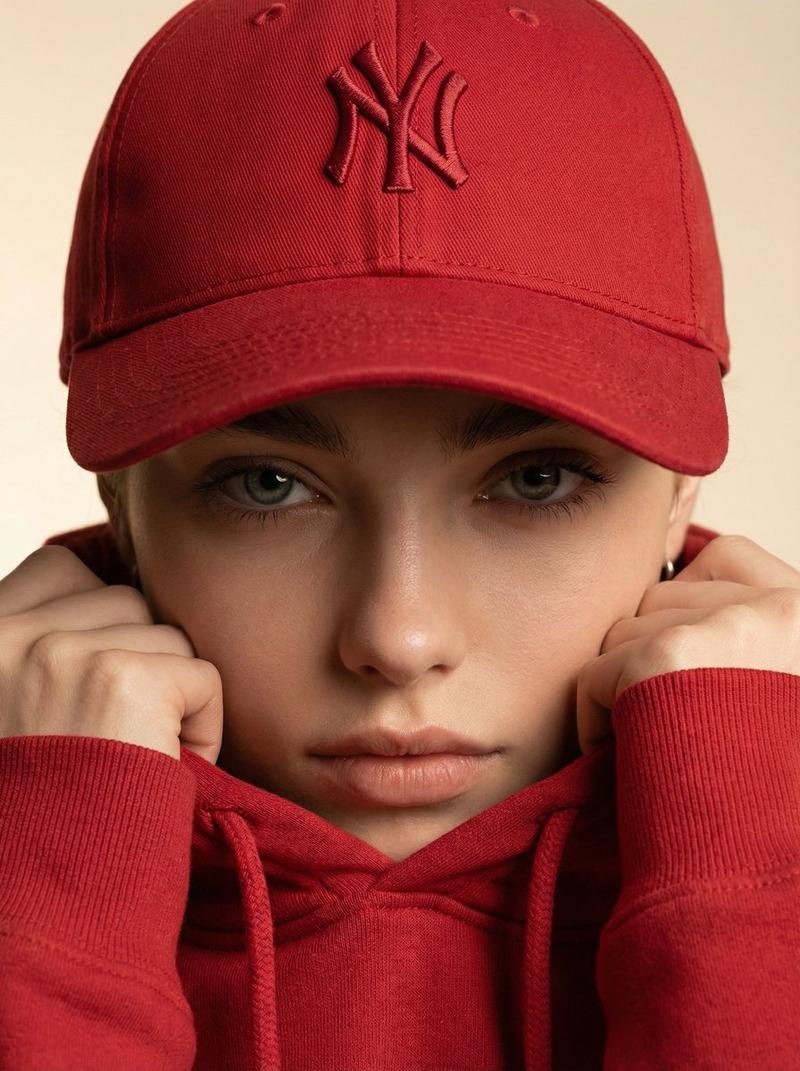
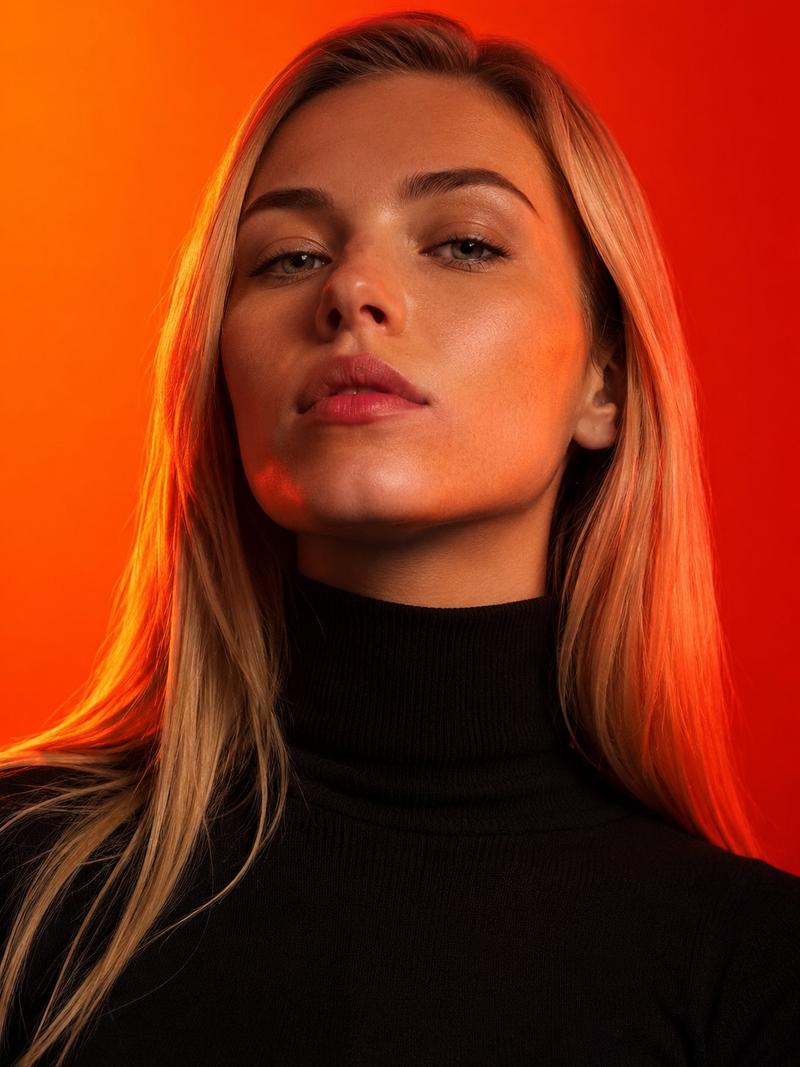
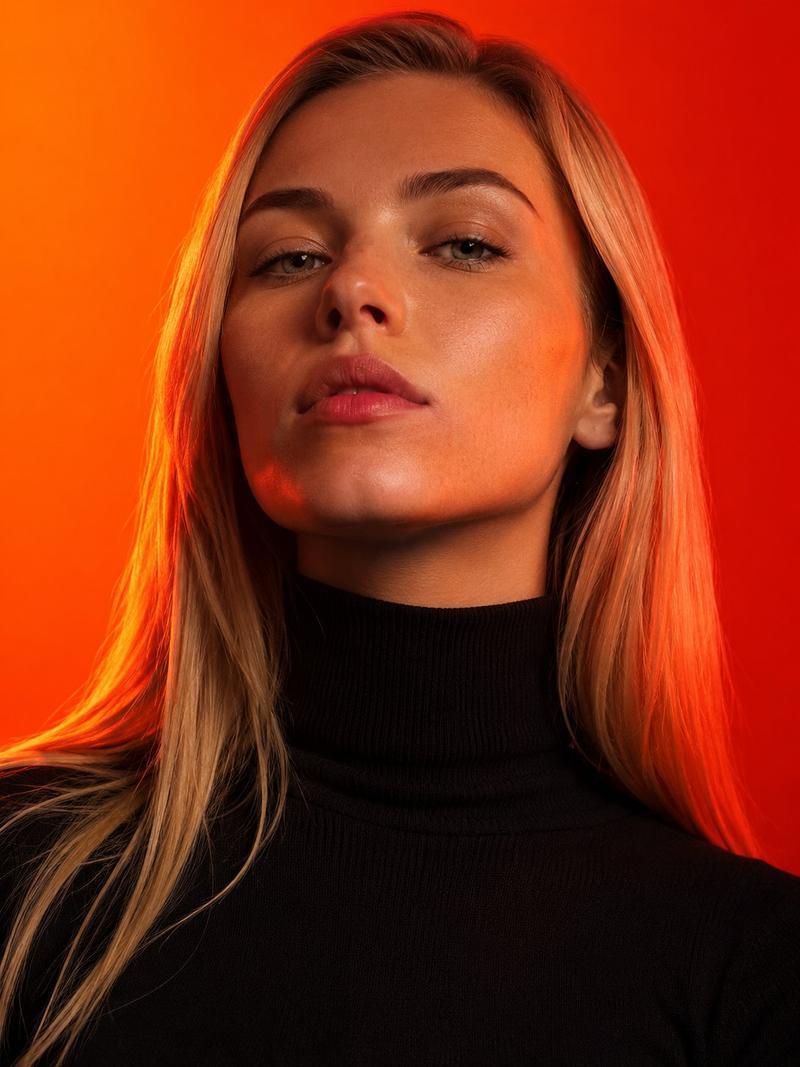
超逼真时尚美妆局部特写
Enlarge

超逼真时尚美妆局部特写

Prompt
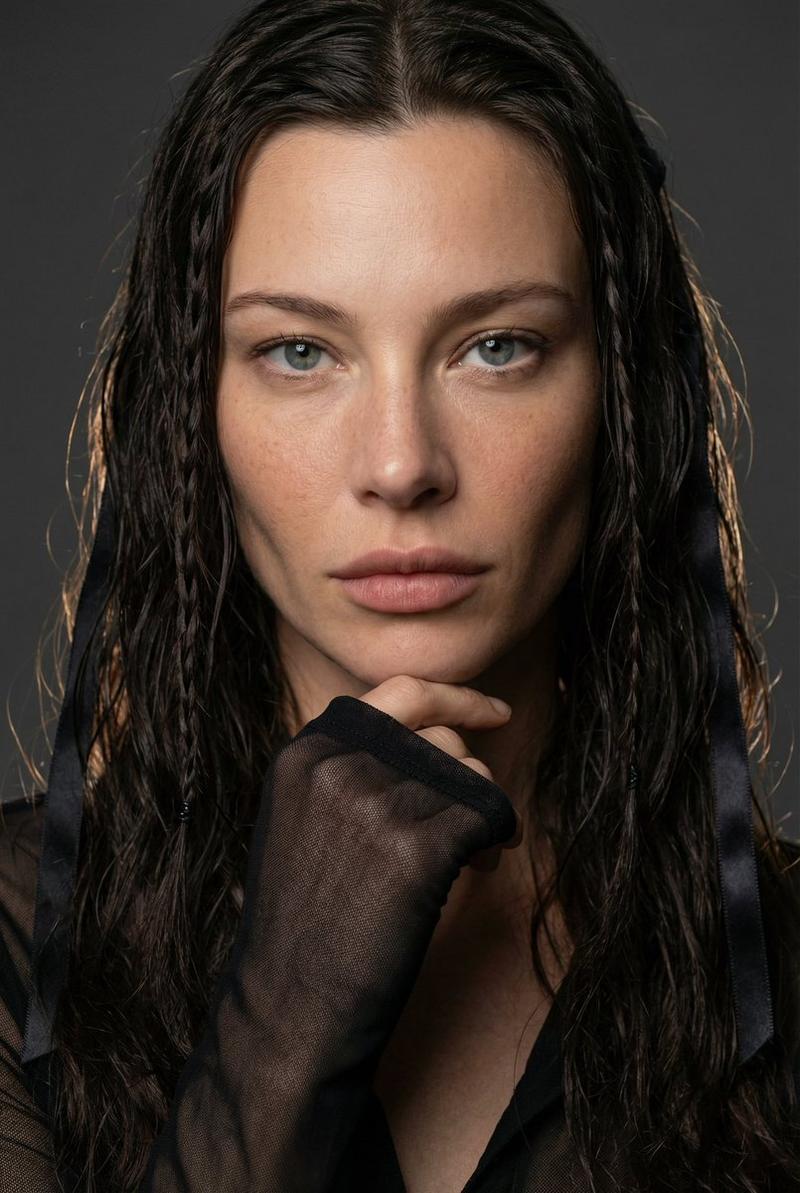
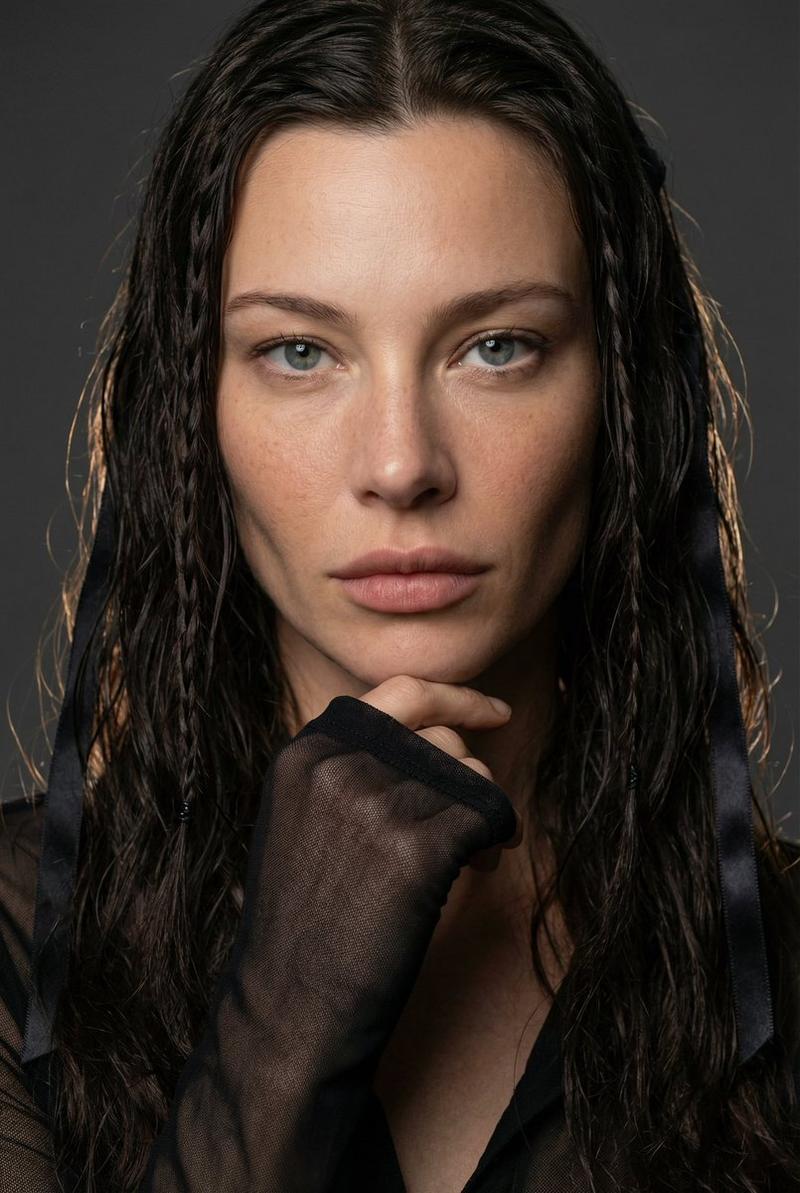
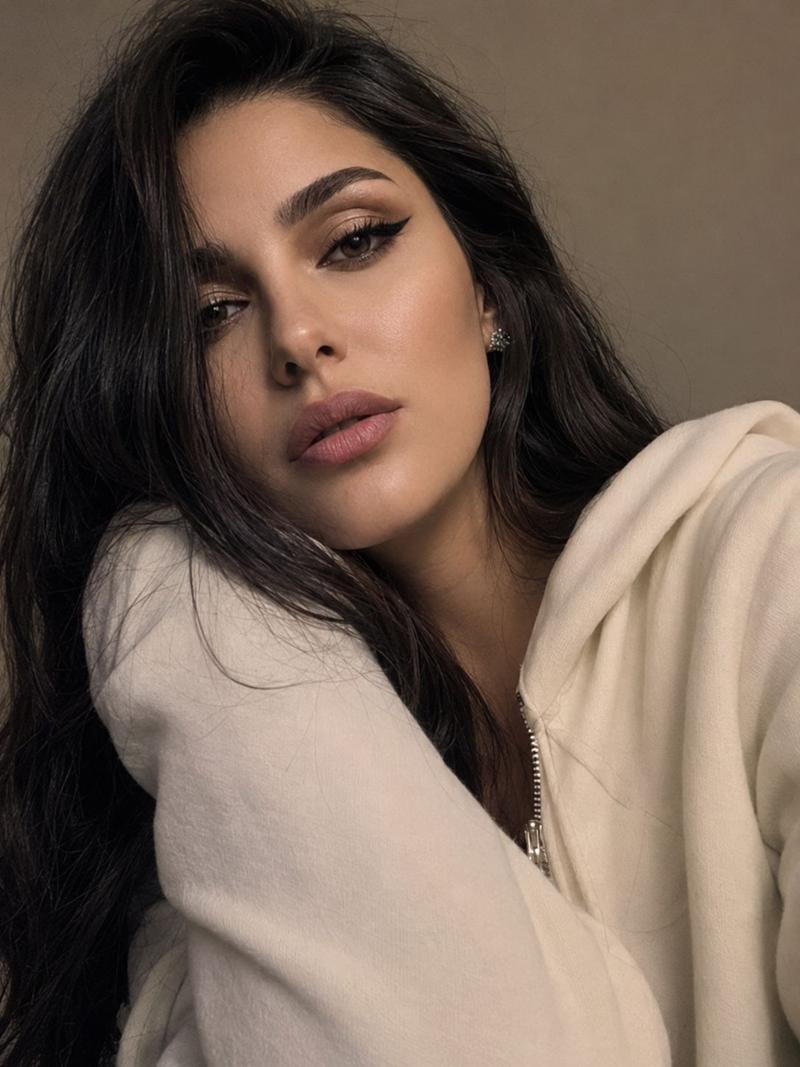
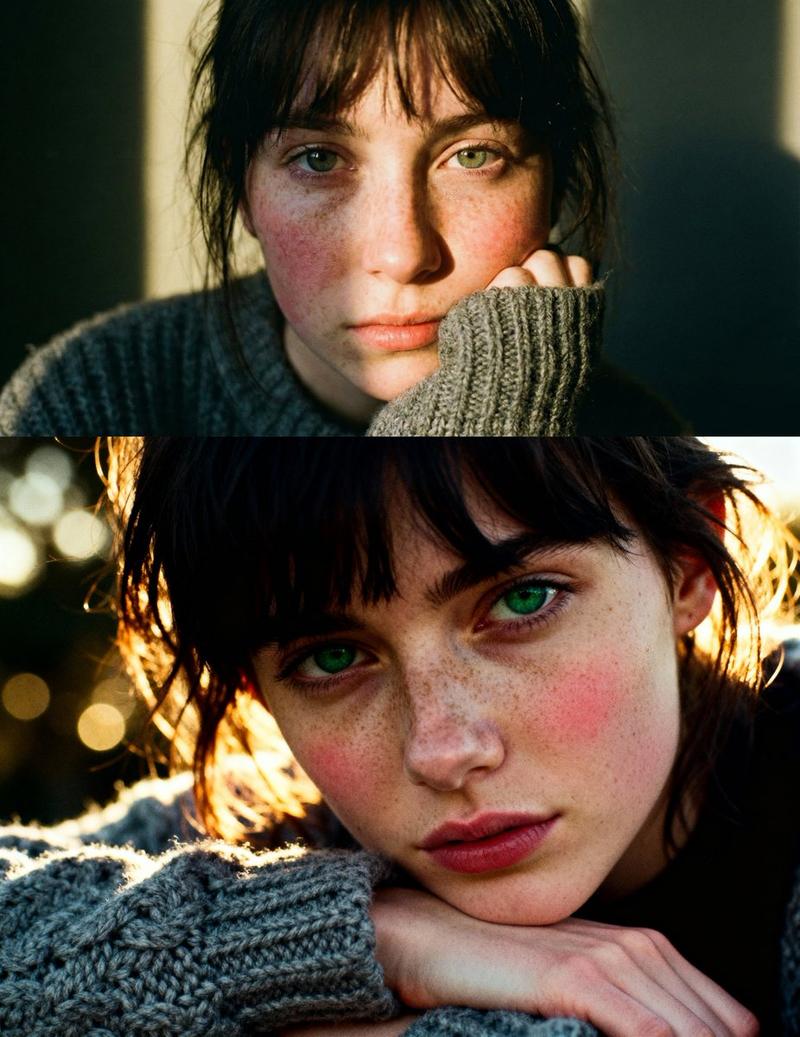
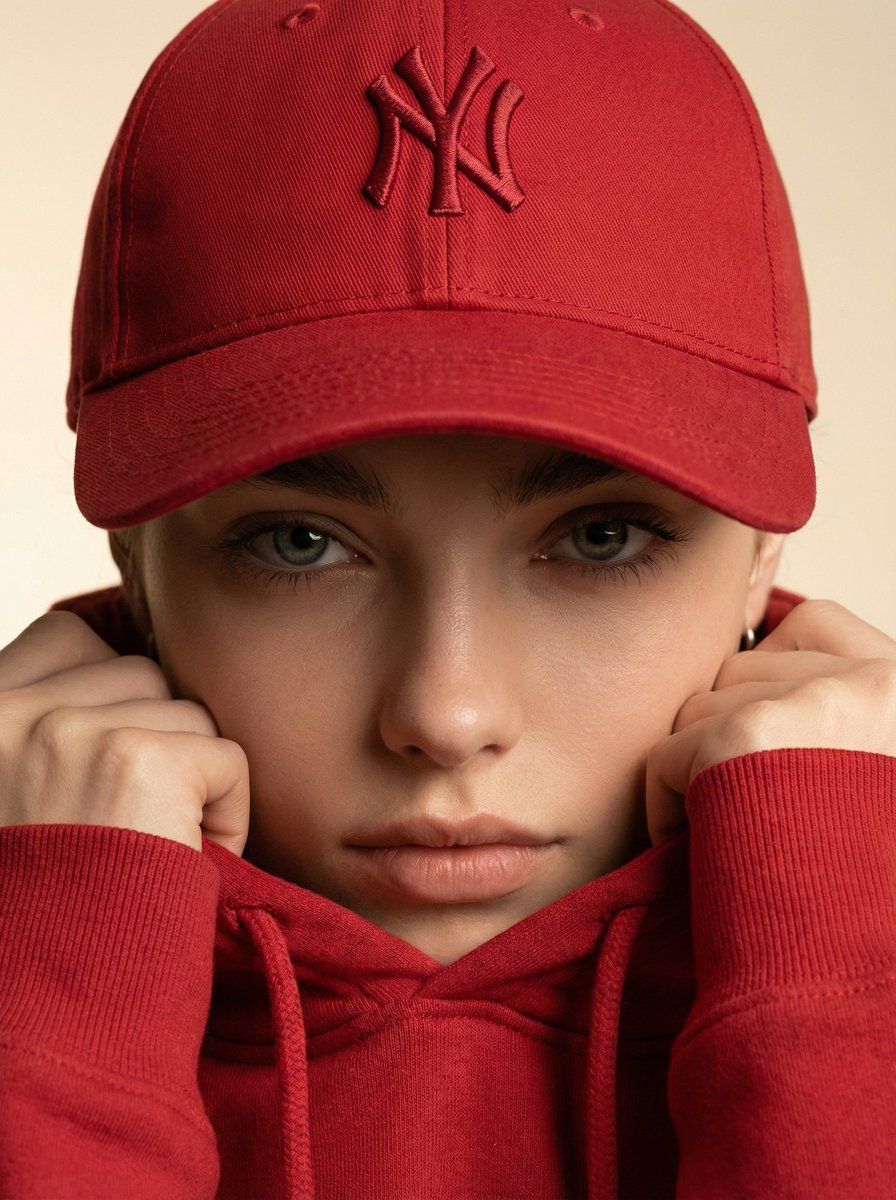
Ultra-realistic fashion beauty crop of a female model wearing the reference red baseball cap and matching red hoodie. Framing: Tight portrait crop from nose to forehead, cap and eyes filling the frame. Focus: The embroidered logo perfectly centered above the model’s eyes, stitching detail and thread depth clearly visible. Pose: Model gripping the hoodie collar softly with both hands, creating subtle fabric folds. Lighting: Soft frontal studio light with faint shadow sculpting on cheekbones and under the cap. Background: Minimal warm studio backdrop, ivory-to-beige gradient. Mood: Bold, confident, fashion-house campaign energy. Finish: Ultra-sharp fabric detail, cinematic realism, shallow depth of field, no text, no branding overlays.
Category
创意图片
Model
Nano Banana Pro
Creator
K
Views0
Source ID
930b5013-45ec-4195-b956-94461a42550a
Published
Mar 8, 2026

Guide

About "超逼真时尚美妆局部特写"

What is this prompt for?

"超逼真时尚美妆局部特写" AI image prompt for Nano Banana Pro (创意图片). 一个用于生成超逼真时尚美妆特写肖像的详细提示。它紧密聚焦于模特的脸部、帽子和眼睛,强调面料质感、刺绣标志细节、柔和的影棚灯光,以及适合时尚品牌宣传活动的、大胆自信的氛围。 --- 超写实时尚美妆特写,一…

The full copyable prompt and example visuals above are ready for AI image generation or one-click recreate in Picva.

How to use this prompt

  1. Step 1

    Open the prompt detail

    Review the example visuals, category, and full prompt text for "超逼真时尚美妆局部特写".

  2. Step 2

    Copy the prompt

    Copy the prompt body from this page, or load it directly in Studio.

  3. Step 3

    Pick a model (Nano Banana Pro)

    Prefer Nano Banana Pro. If you switch models, keep subject and composition and tweak style terms.

  4. Step 4

    Generate and export

    Recreate the look in Picva, or export into your workflow for editing and publishing.

FAQ

What is the "超逼真时尚美妆局部特写" prompt?
It is an AI image-generation prompt for Nano Banana Pro in the 创意图片 category. This page includes the full prompt text, example visuals, and a one-click recreate path in Picva.
How do I use this prompt to generate an image?
Copy the prompt from this page, or use Generate / Studio. Paste it into a compatible image model, or recreate the look in Picva with optional reference images.
Which model is this prompt for?
This page lists Nano Banana Pro. Most descriptive prompts also transfer to nearby image models such as GPT Image, Flux, or Midjourney with light style tweaks.
Can I use the result commercially?
You can usually copy the prompt for creation, but commercial use of the final image depends on the model terms, reference-image rights, and the generated content. Follow the source author and platform rules.