16

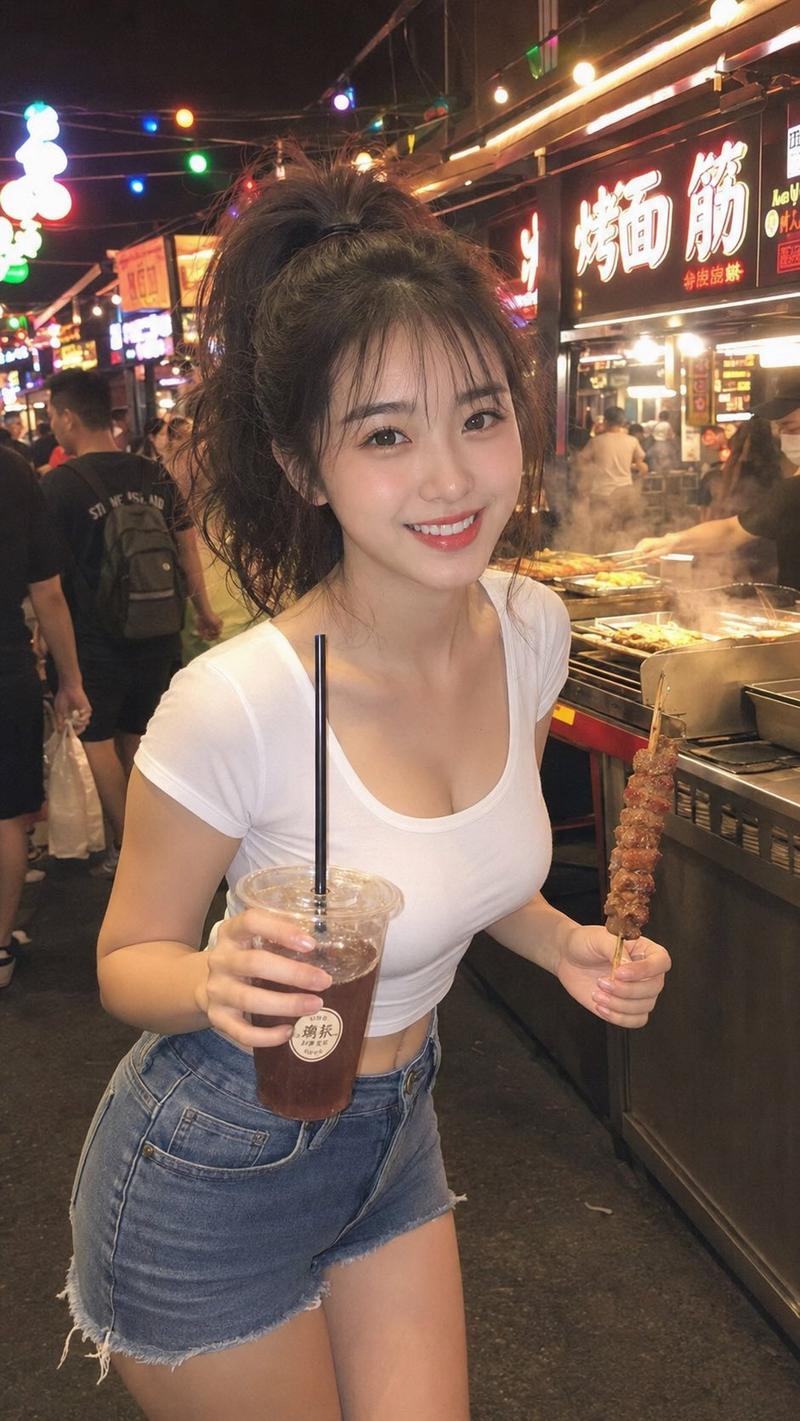
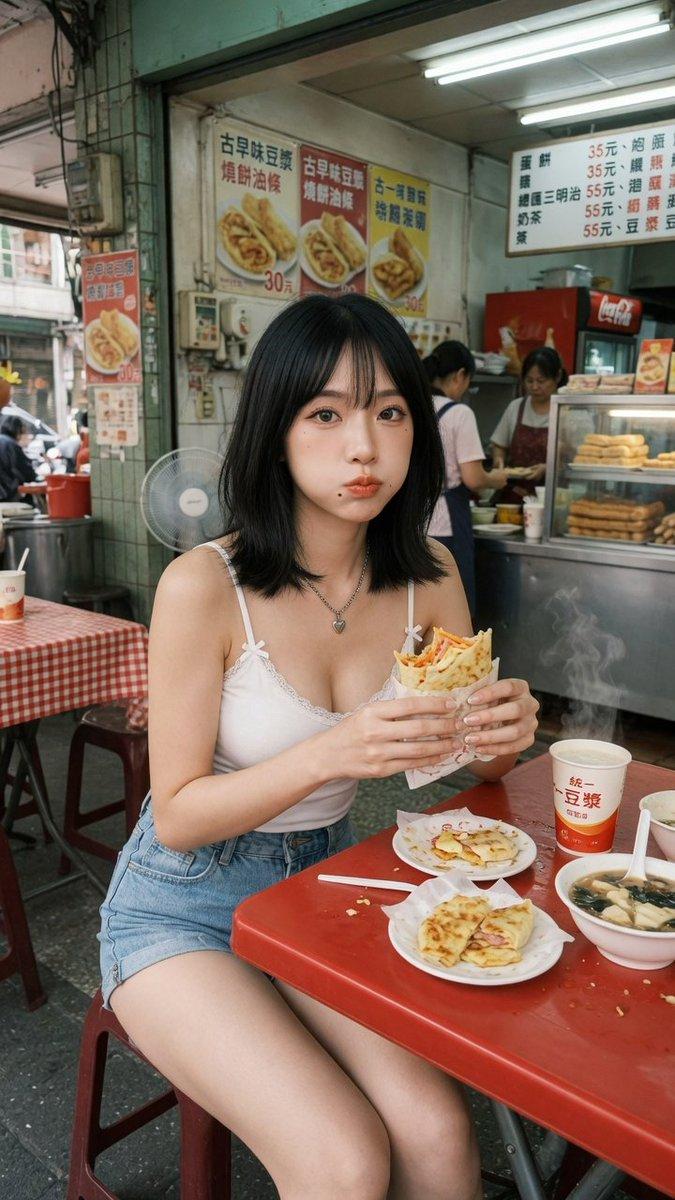
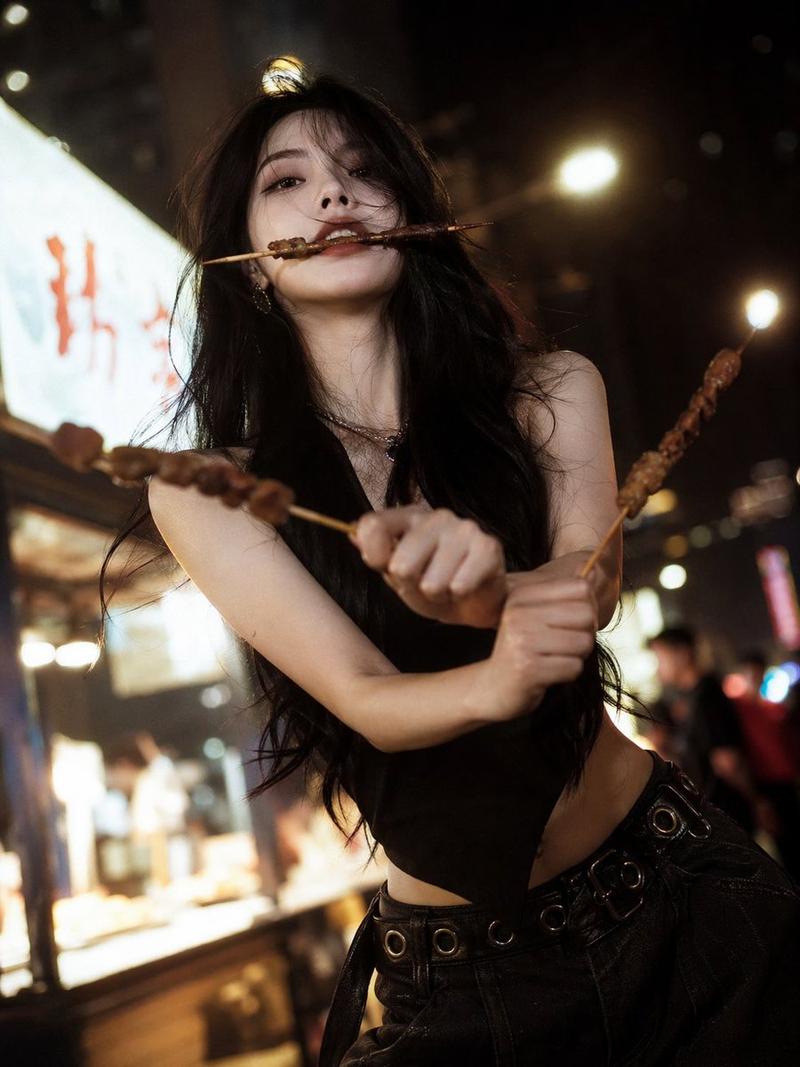
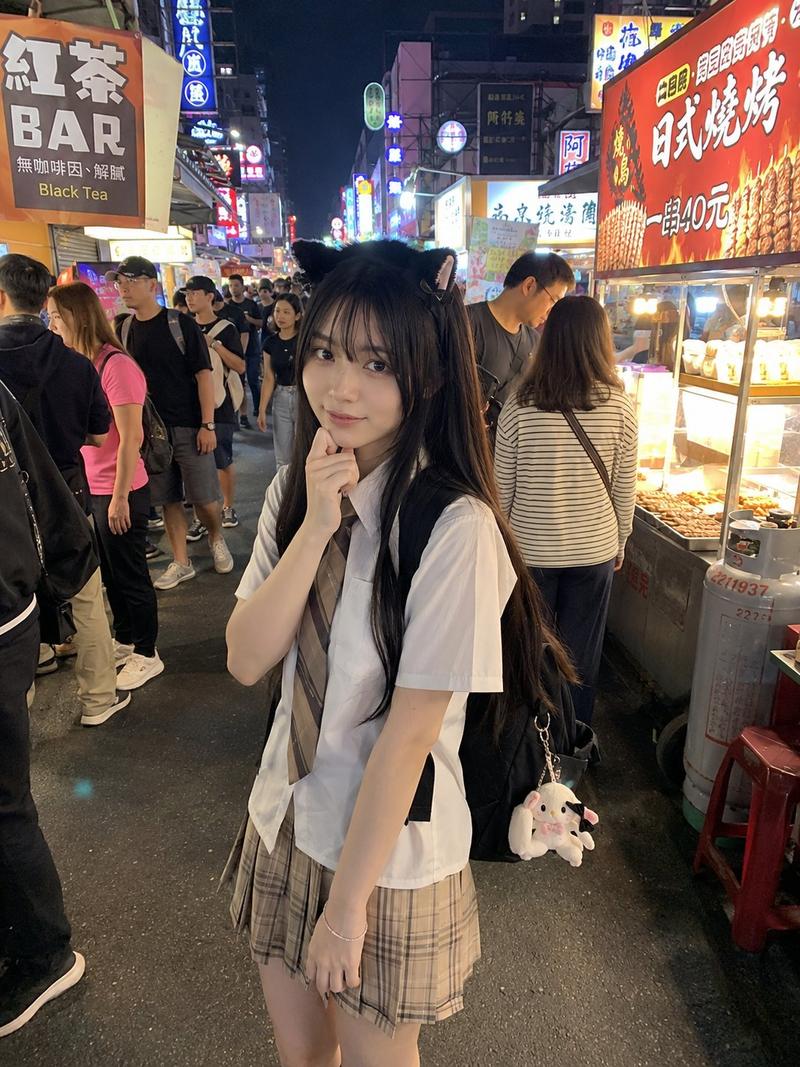
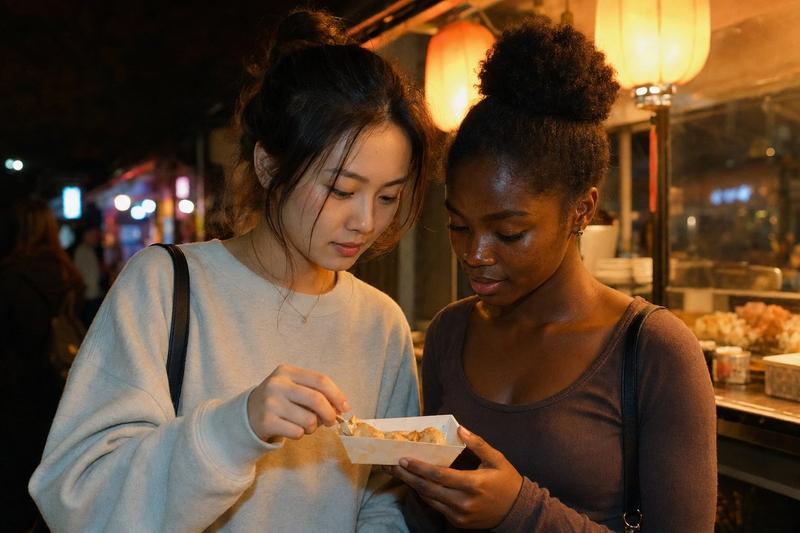
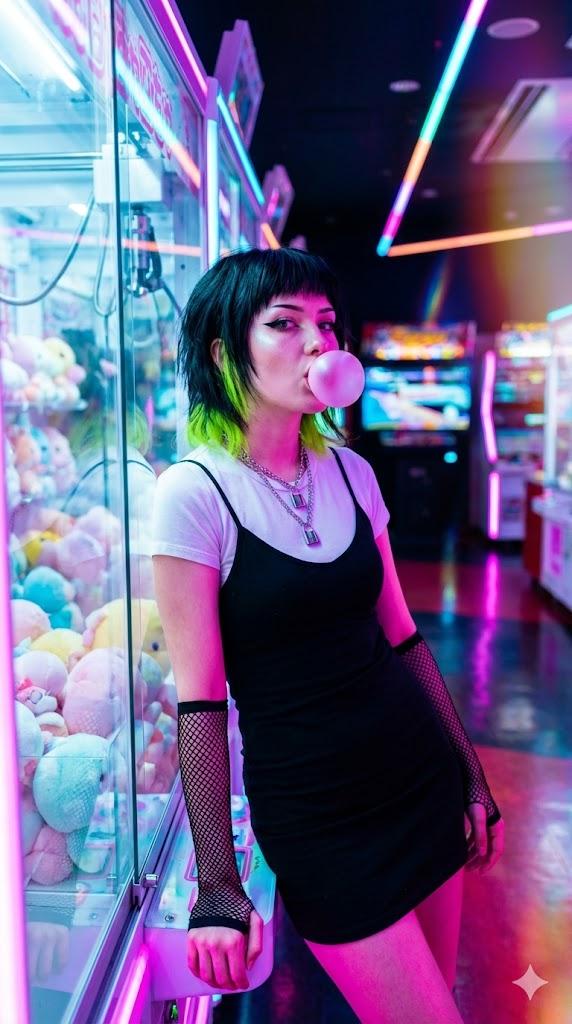
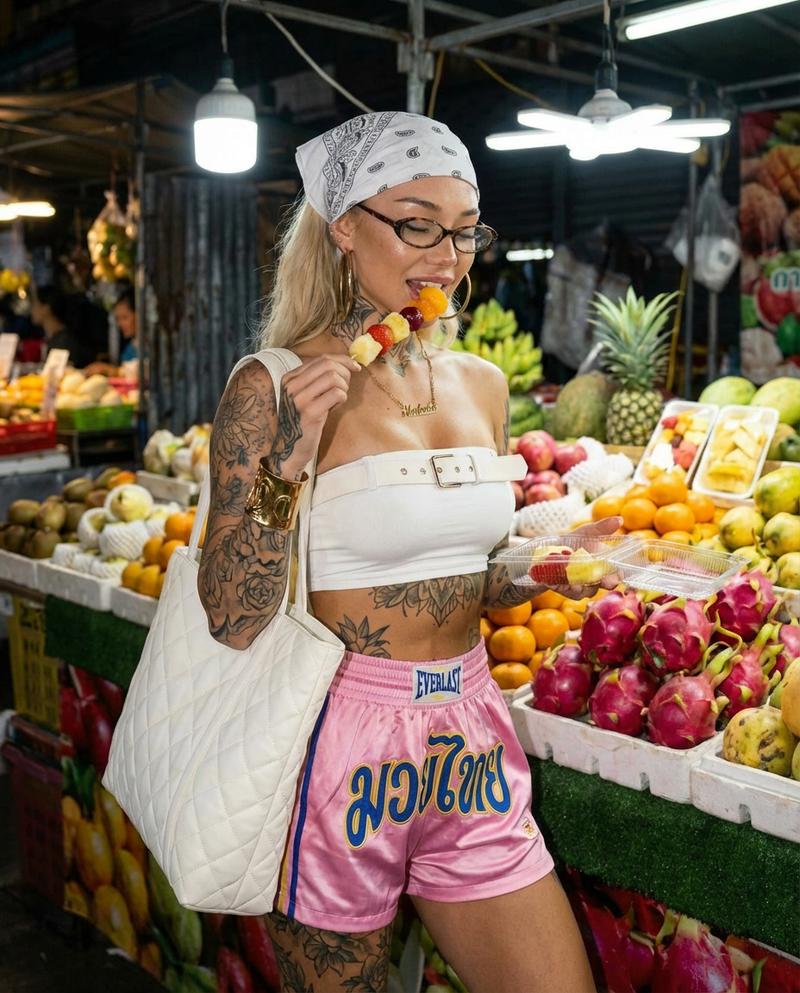
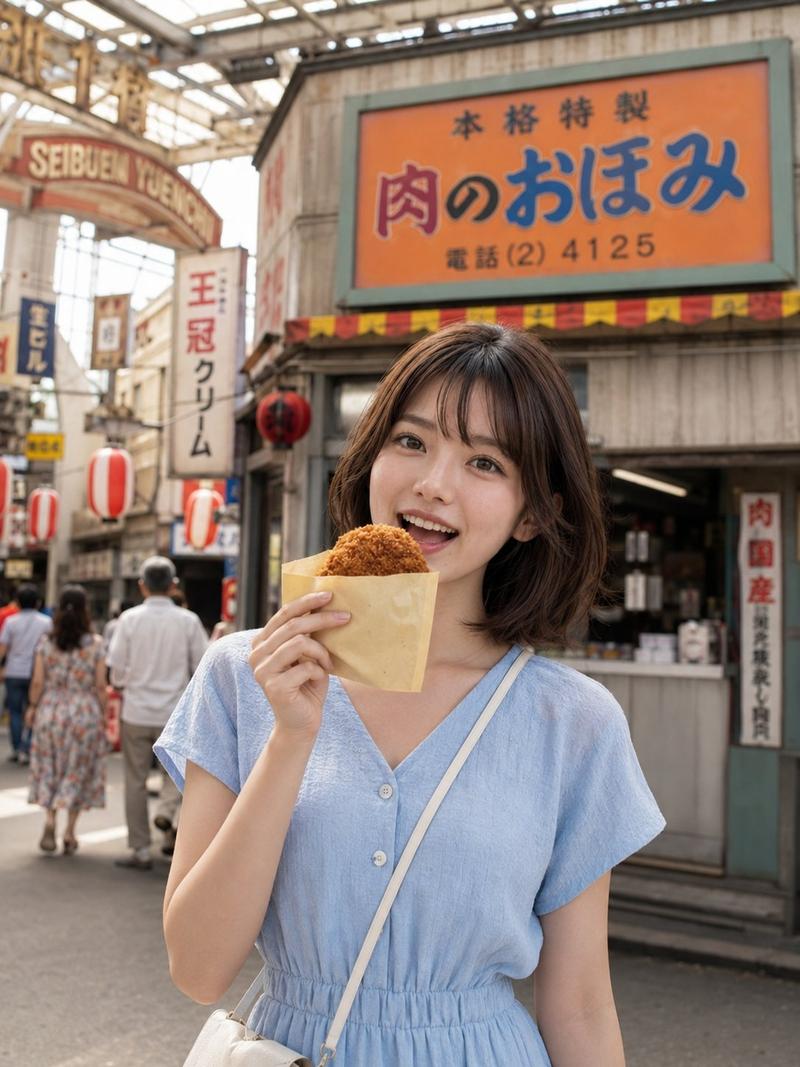
逼真的夜间街头美食场景
Enlarge

逼真的夜间街头美食场景

Prompt
{
  "prompt": "A young woman with long red hair stands at a nighttime street food stall in a busy city, biting into a skewer of grilled food. She is wearing an {argument name="top" default="orange lace-up crop top"}, a matching mini skirt, and knee-high boots, with sunglasses resting on her head. Neon lights, food carts, and pedestrians fill the background. The scene feels lively and urban with a casual, playful mood. Shallow depth of field, cinematic street photography, vibrant colors, ultra-realistic detail, natural candid pose.",
  "style": "photorealistic",
  "lighting": "nighttime ambient lighting with warm food stall lights",
  "camera": {
    "type": "DSLR",
    "lens": "35mm",
    "aperture": "f/1.8"
  },
  "composition": "three-quarter body shot, eye-level angle",
  "environment": "busy city street food market at night",
  "quality": "high resolution, sharp focus, professional photography"
}
Category
创意图片
Model
Nano Banana Pro
Creator
Miz
Views0
Source ID
c4586d3a-a23d-4186-9063-0693a98e99eb
Published
Mar 8, 2026

Guide

About "逼真的夜间街头美食场景"

What is this prompt for?

"逼真的夜间街头美食场景" AI image prompt for Nano Banana Pro (创意图片). 一个详细、结构化的提示,用于生成一张年轻女性在繁忙的夜市街头小吃摊前的照片。提示中详细描述了她的服装、城市环境、电影般的灯光以及相机设置(单反相机、35mm 镜头、f/1.8),以实现超现实、充满活力和…

The full copyable prompt and example visuals above are ready for AI image generation or one-click recreate in Picva.

How to use this prompt

  1. Step 1

    Open the prompt detail

    Review the example visuals, category, and full prompt text for "逼真的夜间街头美食场景".

  2. Step 2

    Copy the prompt

    Copy the prompt body from this page, or load it directly in Studio.

  3. Step 3

    Pick a model (Nano Banana Pro)

    Prefer Nano Banana Pro. If you switch models, keep subject and composition and tweak style terms.

  4. Step 4

    Generate and export

    Recreate the look in Picva, or export into your workflow for editing and publishing.

FAQ

What is the "逼真的夜间街头美食场景" prompt?
It is an AI image-generation prompt for Nano Banana Pro in the 创意图片 category. This page includes the full prompt text, example visuals, and a one-click recreate path in Picva.
How do I use this prompt to generate an image?
Copy the prompt from this page, or use Generate / Studio. Paste it into a compatible image model, or recreate the look in Picva with optional reference images.
Which model is this prompt for?
This page lists Nano Banana Pro. Most descriptive prompts also transfer to nearby image models such as GPT Image, Flux, or Midjourney with light style tweaks.
Can I use the result commercially?
You can usually copy the prompt for creation, but commercial use of the final image depends on the model terms, reference-image rights, and the generated content. Follow the source author and platform rules.