16

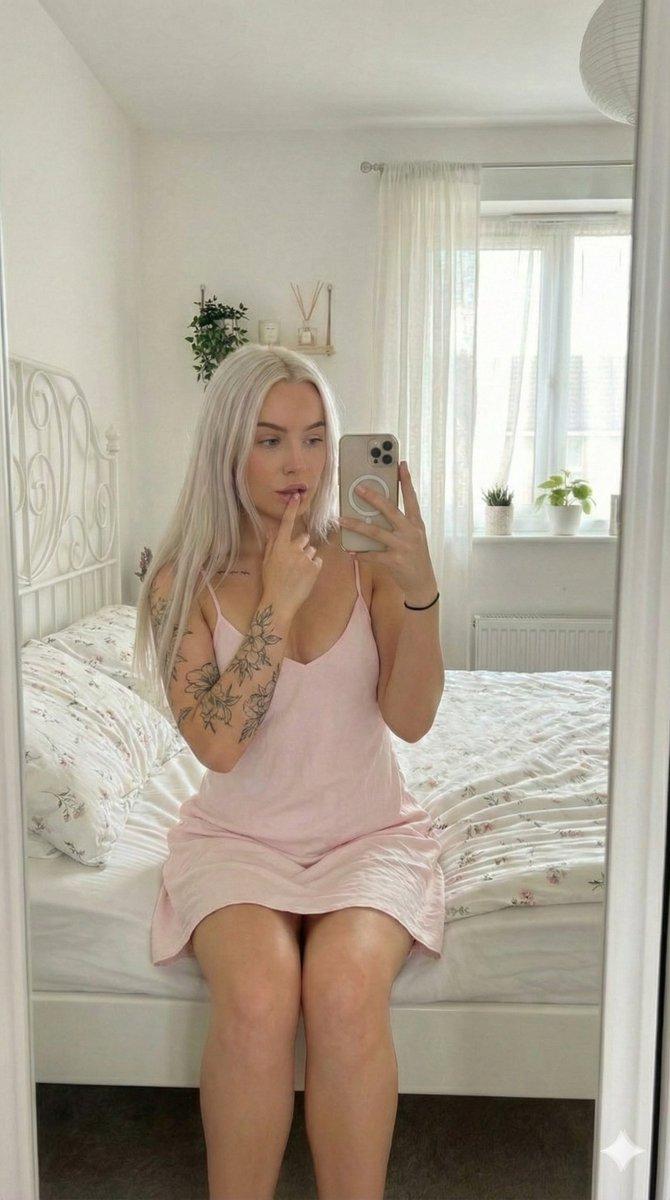
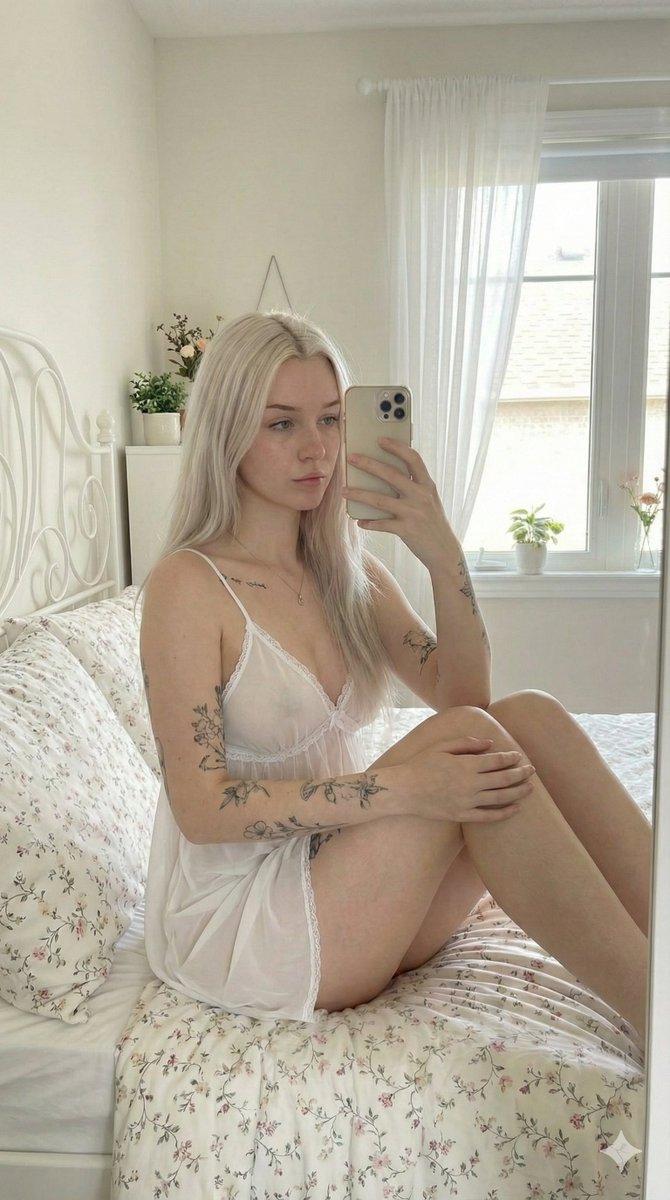
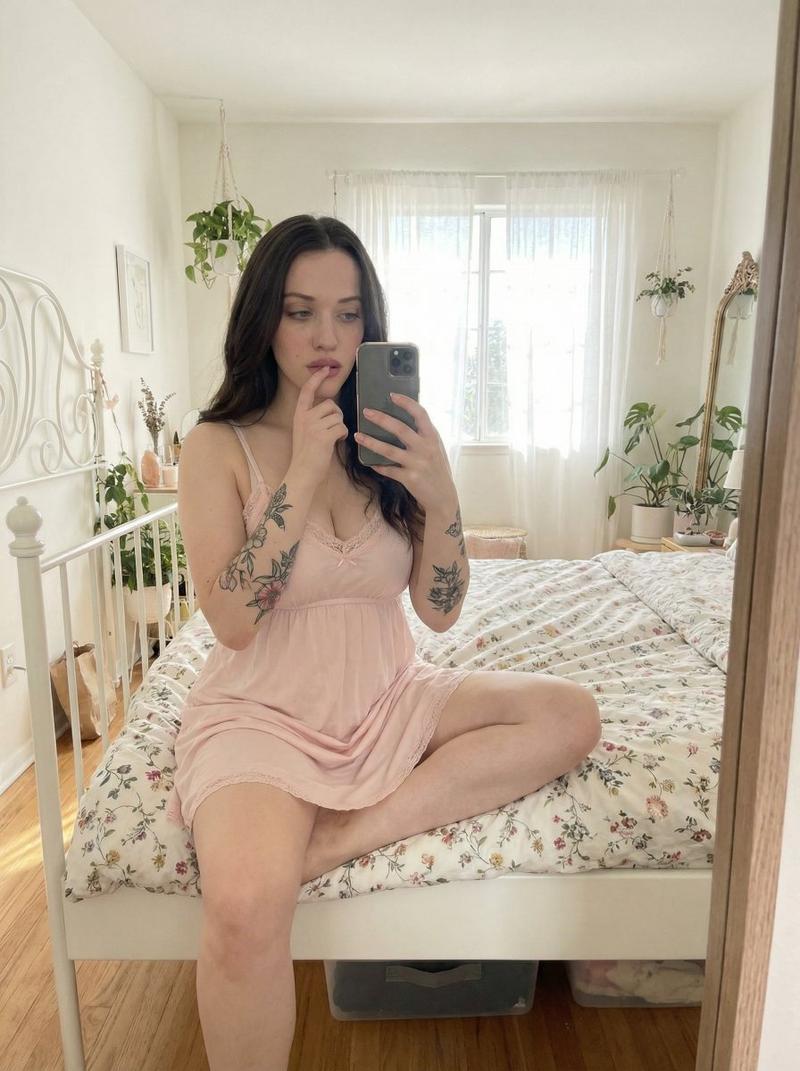
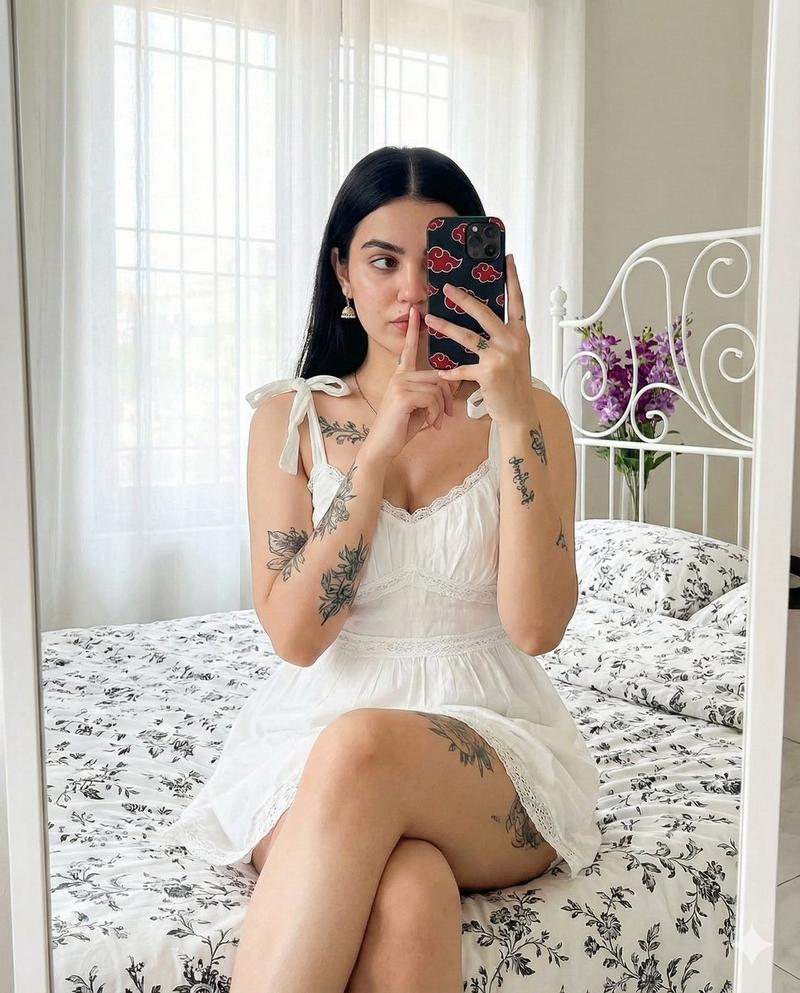
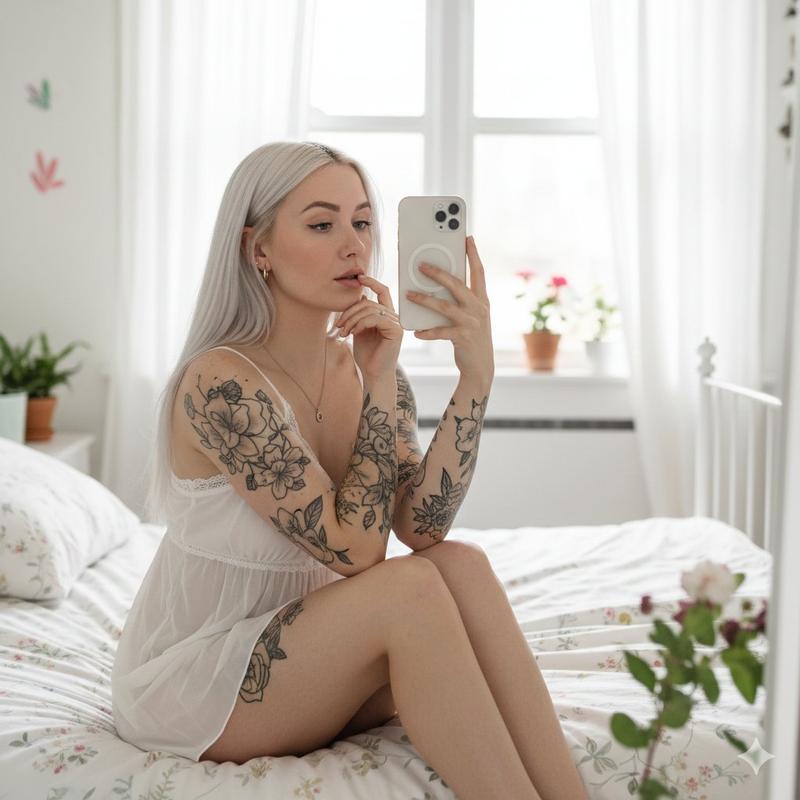
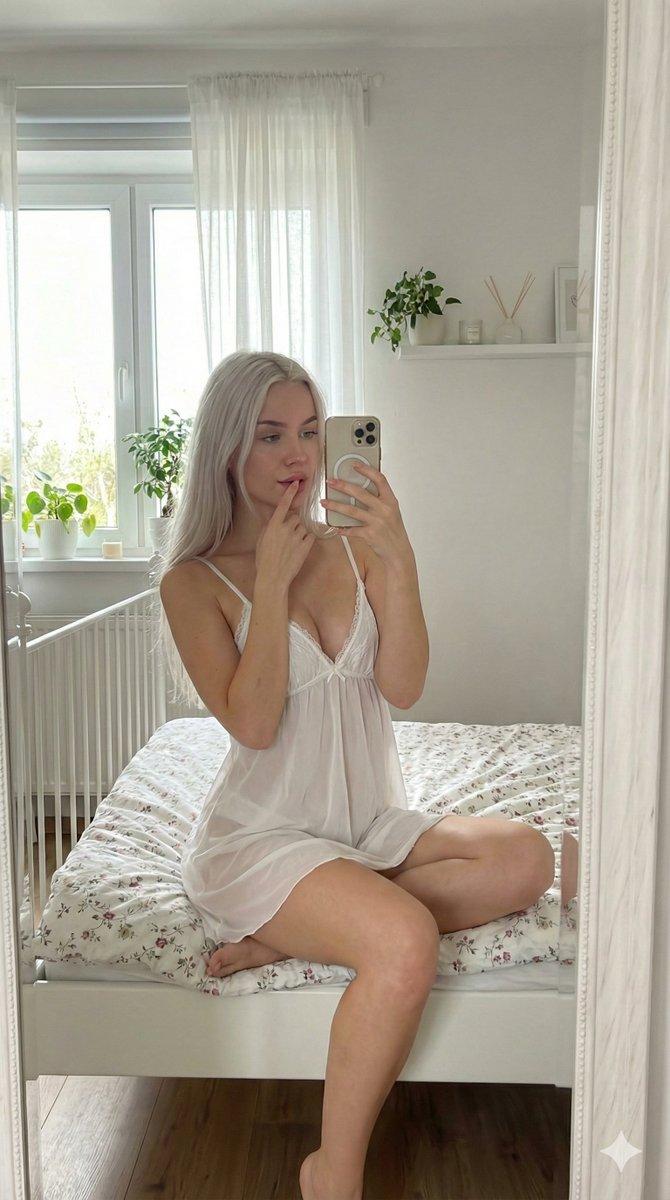
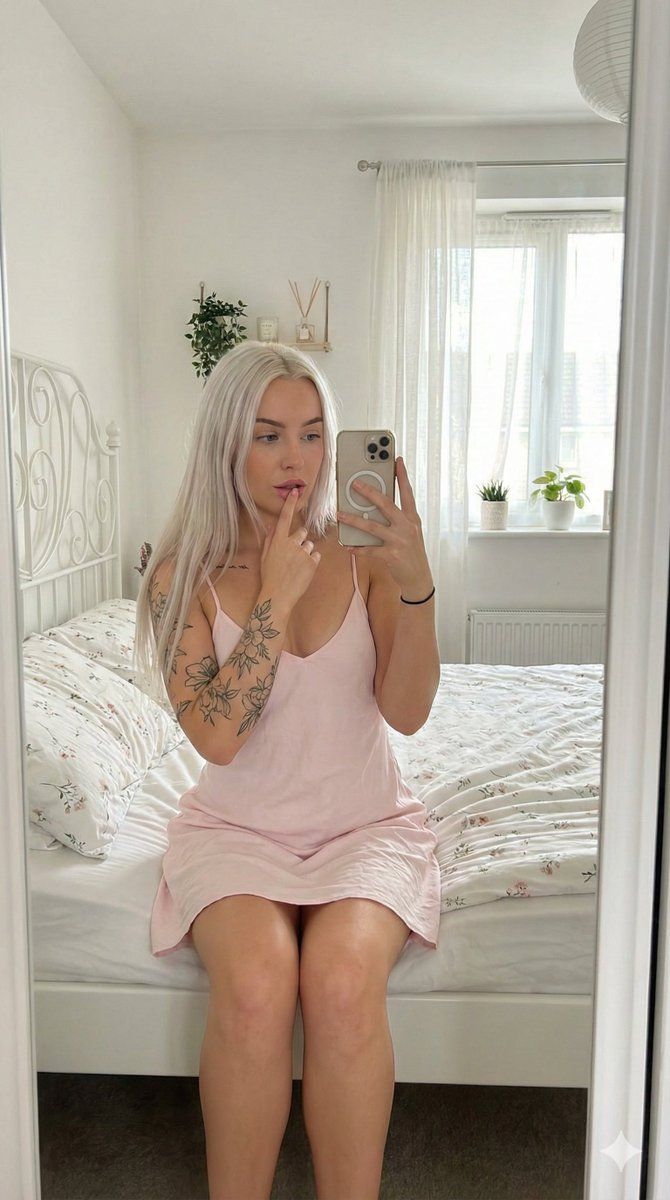
明亮白色卧室里的逼真镜面自拍
Enlarge

明亮白色卧室里的逼真镜面自拍

Prompt
{
  "prompt": {
    "subject": {
      "description": "Young woman with long straight {argument name="hair color" default="platinum blonde"} hair",
      "features": "Fair skin, floral tattoos on right forearm and upper arm",
      "pose": "Sitting on the edge of a bed, taking a mirror selfie with a smartphone, index finger resting on lip, looking into the mirror"
    },
    "apparel": {
      "outfit": "Light {argument name="dress color" default="pink"} mini slip dress with spaghetti straps",
      "accessories": "Black hair tie on left wrist, white manicure"
    },
    "environment": {
      "location": "Bright white bedroom interior",
      "elements": [
        "White metal bed frame with decorative swirls",
        "White bedding with small floral patterns",
        "Large mirror frame visible on sides",
        "Window with sheer white curtains",
        "Small indoor plants on window sill and wall shelf"
      ]
    },
    "lighting": "Soft natural daylight coming from the window, high key lighting, bright atmosphere",
    "style": "Photorealistic, social media influencer aesthetic, mirror selfie angle, 8k resolution, highly detailed textures",
    "aspect_ratio": "9:16"
  }
}
Category
创意图片
Model
Nano Banana Pro
Creator
Vivek HY
Views0
Source ID
094bfcbd-b101-49f3-815e-b47cd78aaf86
Published
Mar 8, 2026

Guide

About "明亮白色卧室里的逼真镜面自拍"

What is this prompt for?

"明亮白色卧室里的逼真镜面自拍" AI image prompt for Nano Banana Pro (创意图片). 一个结构化的提示,用于生成一张超逼真的图像:一位年轻女性在明亮、高调的白色卧室里对着镜子自拍。提示详细描述了拍摄对象的形象(铂金色头发、纹身、粉色吊带裙)、姿势(坐在床边,手指放在嘴唇上)以及环境…

The full copyable prompt and example visuals above are ready for AI image generation or one-click recreate in Picva.

How to use this prompt

  1. Step 1

    Open the prompt detail

    Review the example visuals, category, and full prompt text for "明亮白色卧室里的逼真镜面自拍".

  2. Step 2

    Copy the prompt

    Copy the prompt body from this page, or load it directly in Studio.

  3. Step 3

    Pick a model (Nano Banana Pro)

    Prefer Nano Banana Pro. If you switch models, keep subject and composition and tweak style terms.

  4. Step 4

    Generate and export

    Recreate the look in Picva, or export into your workflow for editing and publishing.

FAQ

What is the "明亮白色卧室里的逼真镜面自拍" prompt?
It is an AI image-generation prompt for Nano Banana Pro in the 创意图片 category. This page includes the full prompt text, example visuals, and a one-click recreate path in Picva.
How do I use this prompt to generate an image?
Copy the prompt from this page, or use Generate / Studio. Paste it into a compatible image model, or recreate the look in Picva with optional reference images.
Which model is this prompt for?
This page lists Nano Banana Pro. Most descriptive prompts also transfer to nearby image models such as GPT Image, Flux, or Midjourney with light style tweaks.
Can I use the result commercially?
You can usually copy the prompt for creation, but commercial use of the final image depends on the model terms, reference-image rights, and the generated content. Follow the source author and platform rules.