17

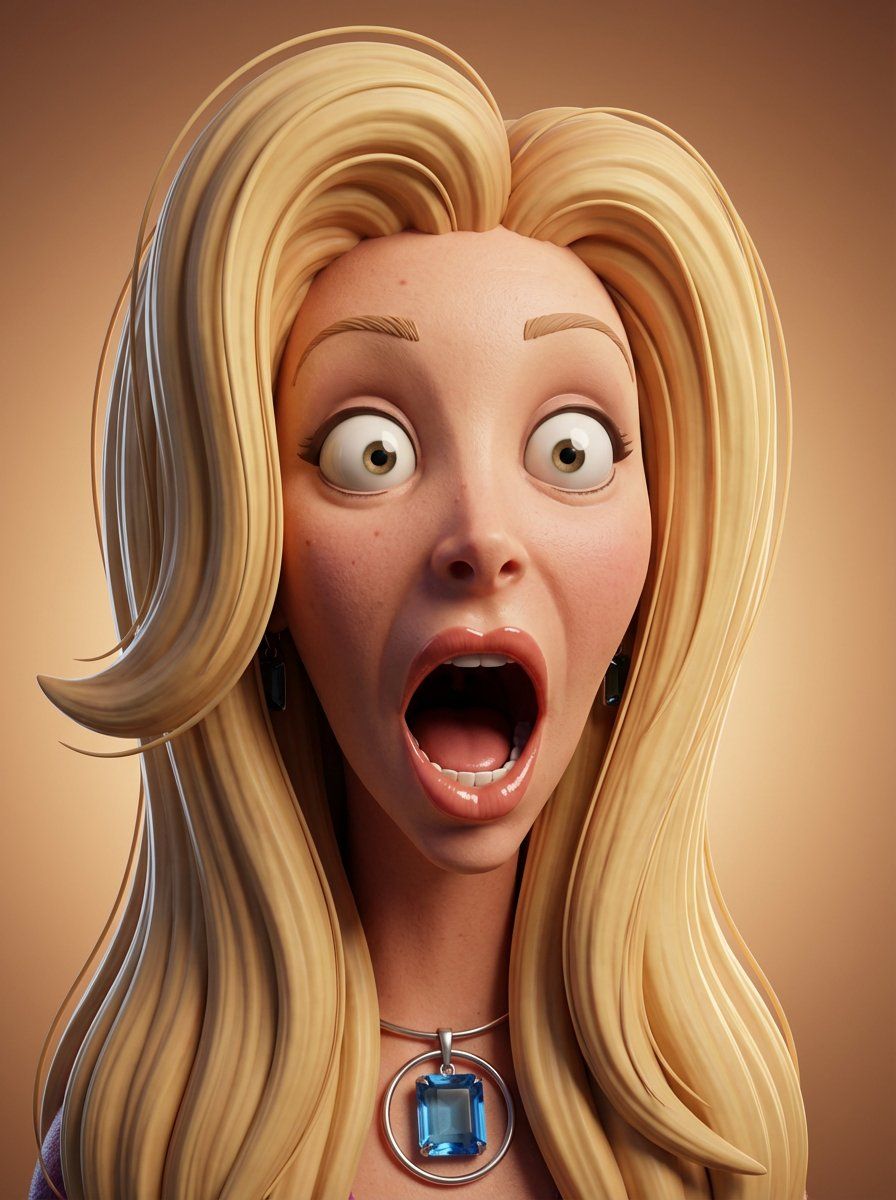
基于照片参考的超表现力 3D 卡通肖像
Enlarge

基于照片参考的超表现力 3D 卡通肖像

Prompt
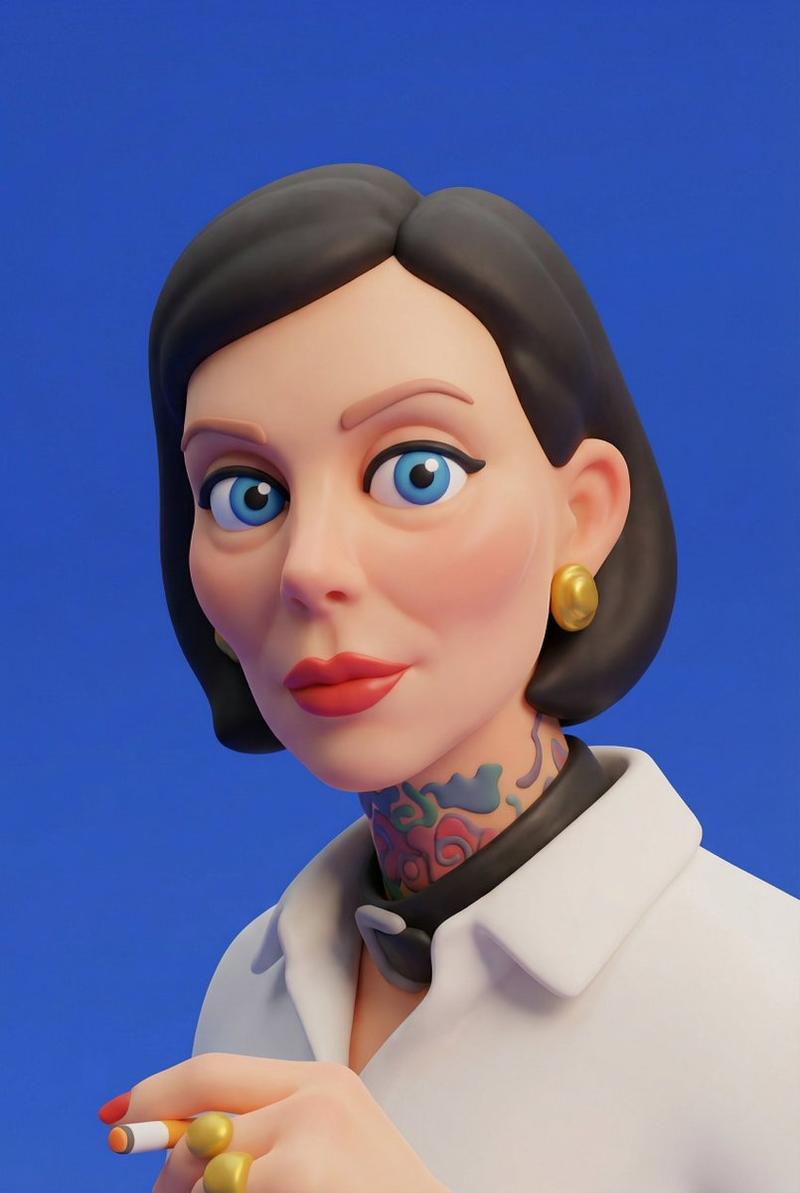
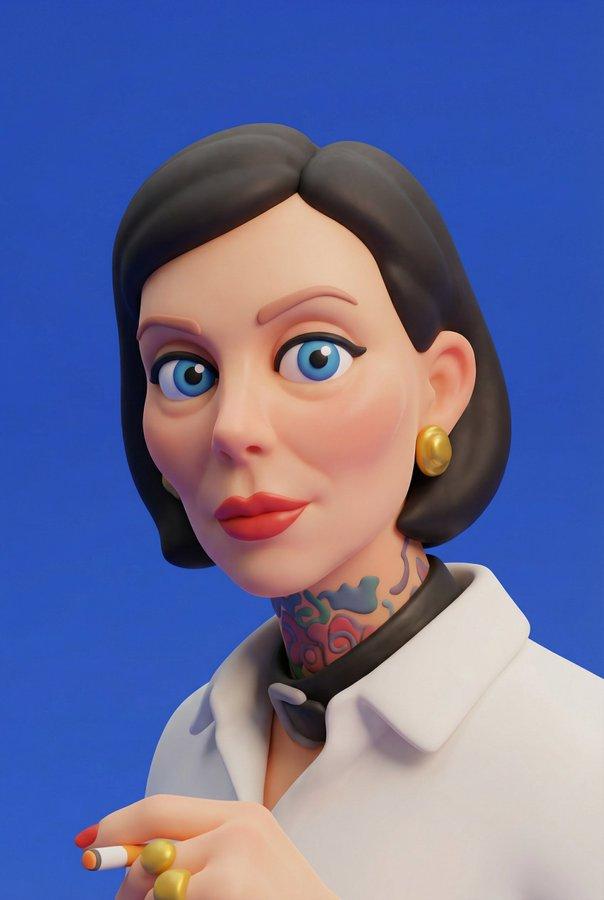
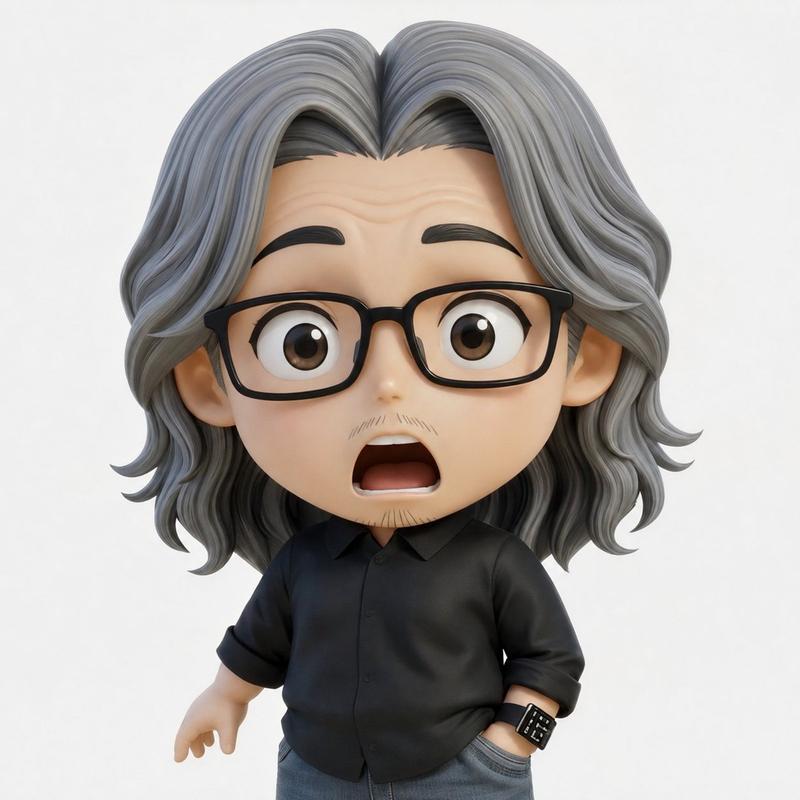
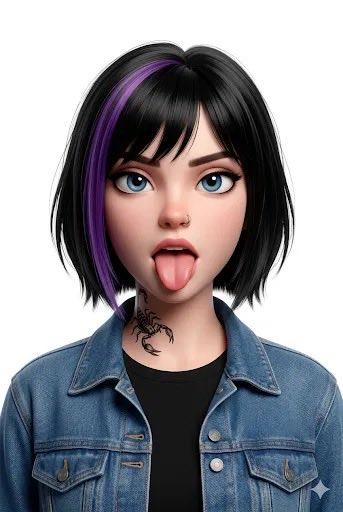
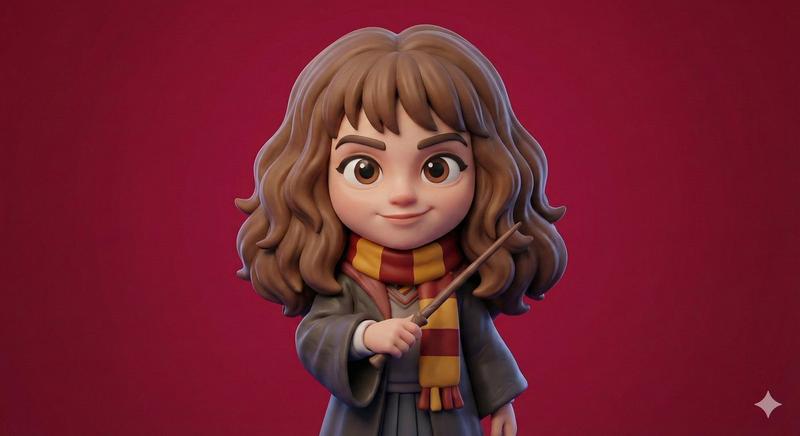
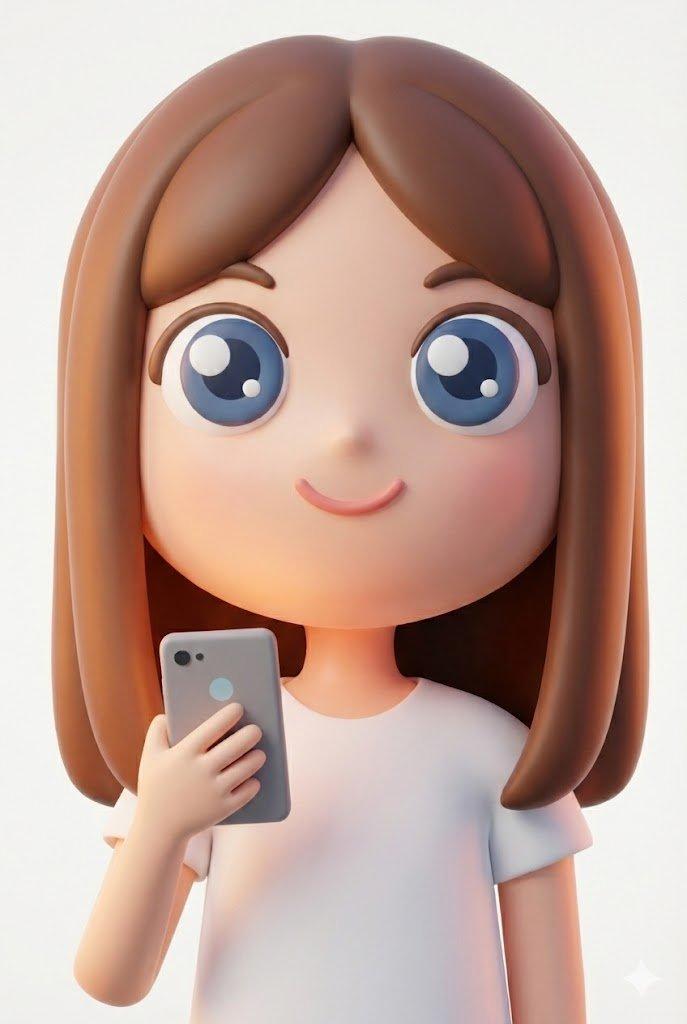
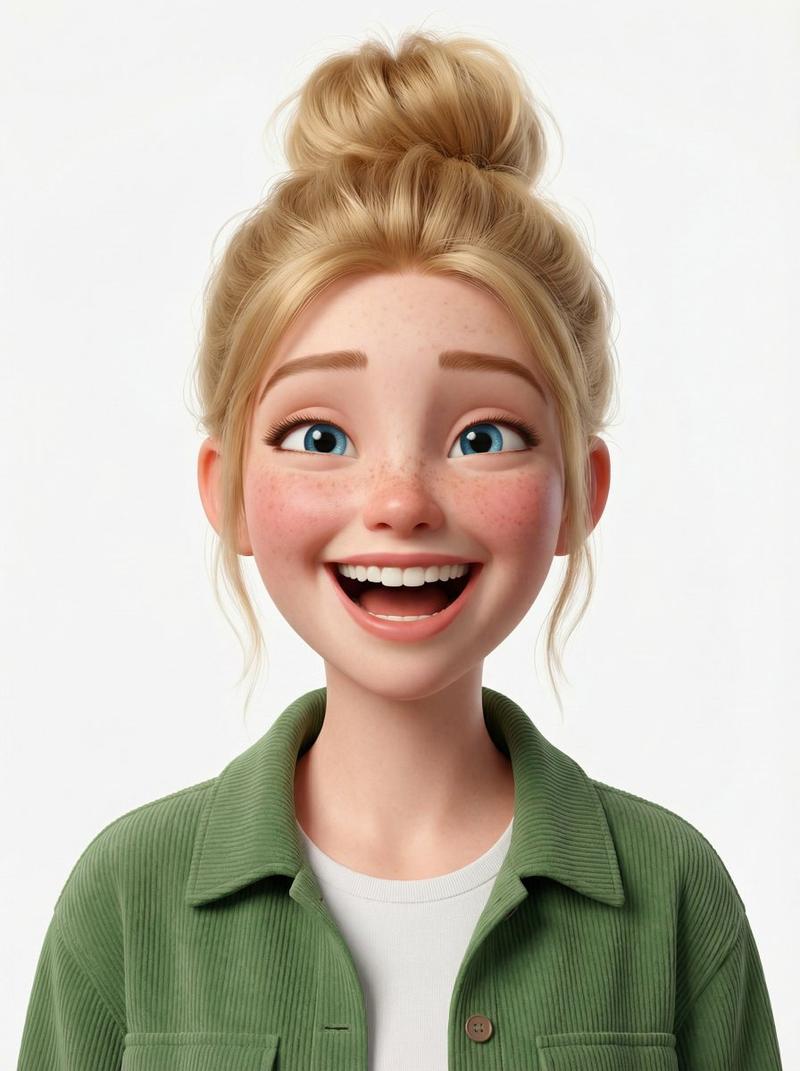
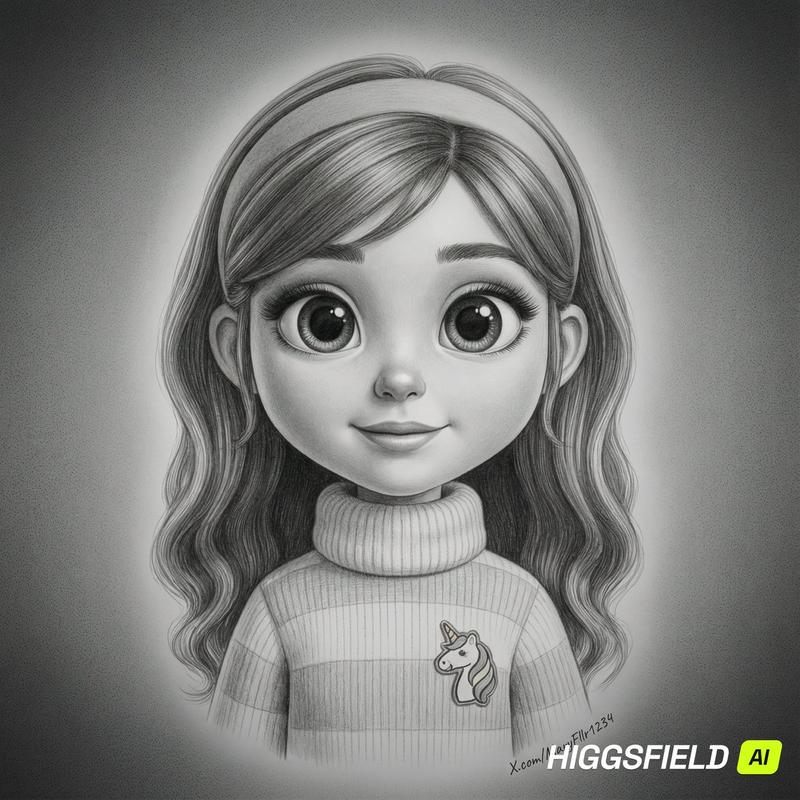
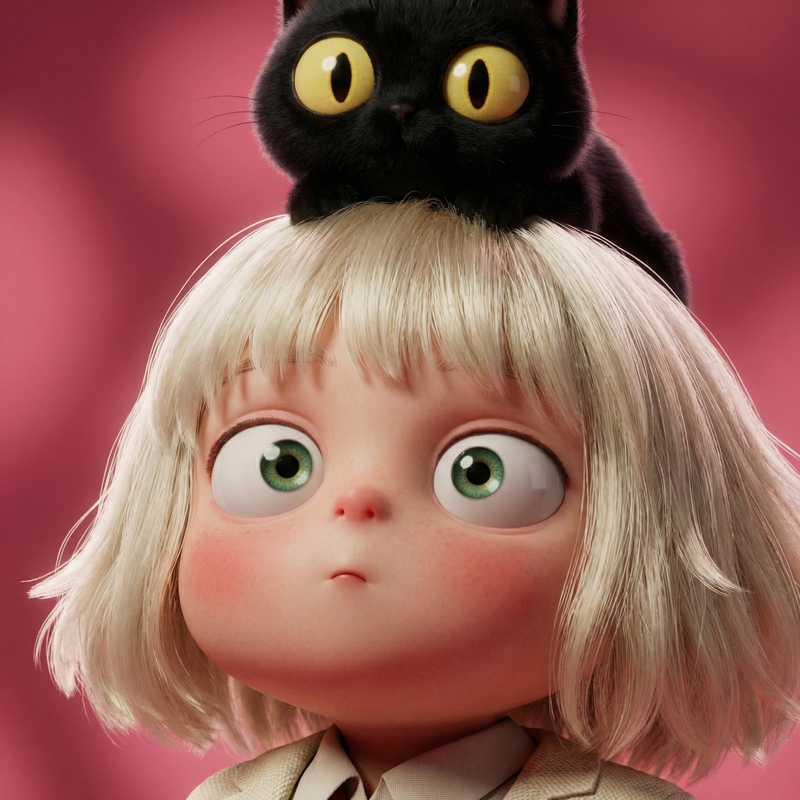
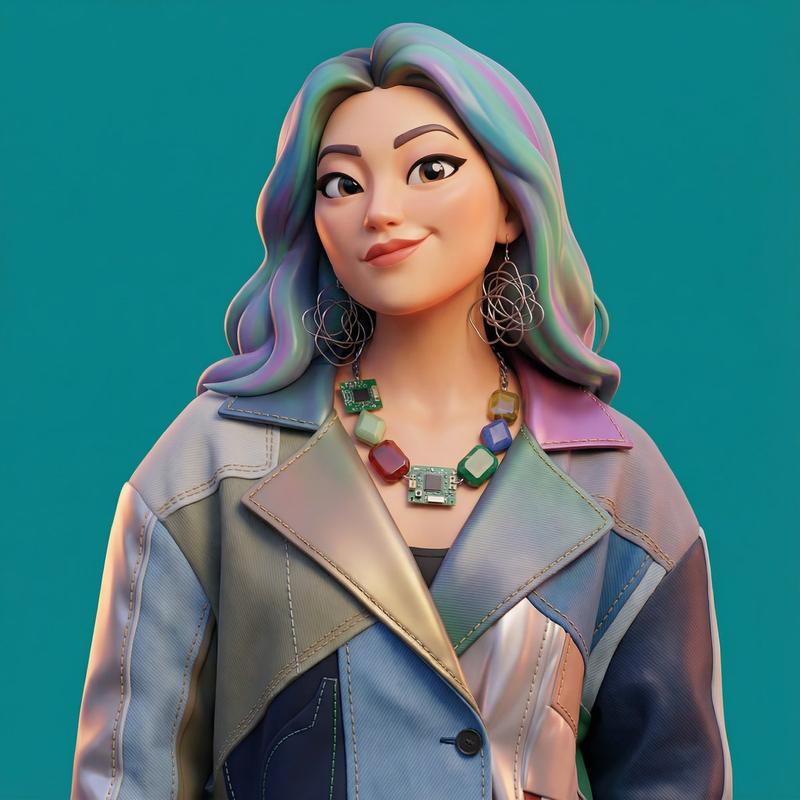
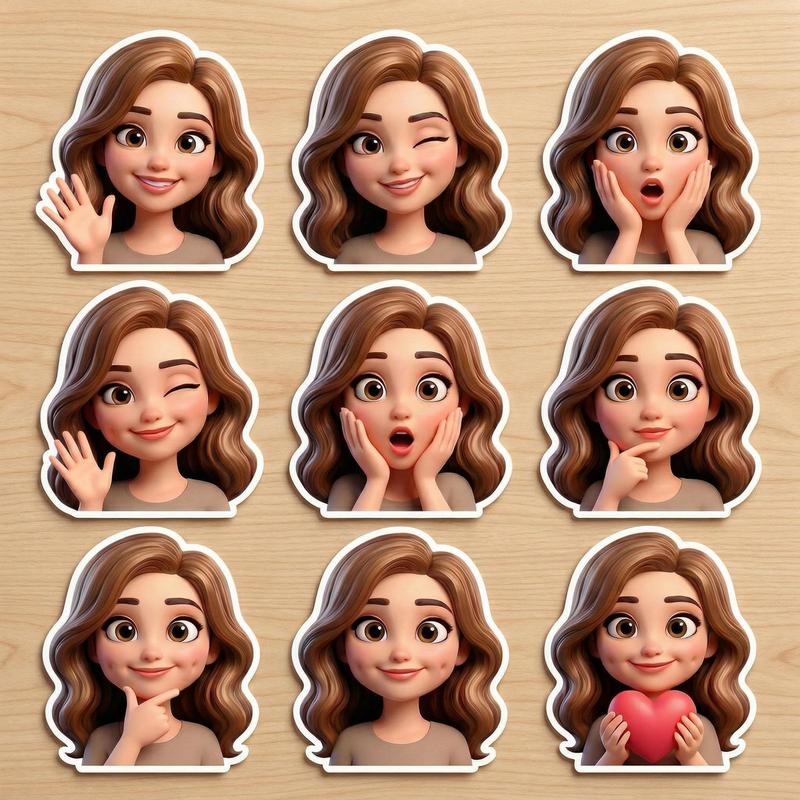
Convert the input photo into a hyper-expressive 3D cartoon portrait in the exact style of the provided reference image, faithfully preserving the real facial features of the original person, including skin tone, eyebrows, lips, nose shape, beard, and overall bone structure, while subtly exaggerating proportions for a stylized cartoon look; eyes should be large and expressive, slightly bulging for comedic impact, and the face must show {argument name="expression" default="surprise or shock"} with a dramatically open mouth, thick glossy lips, and strong emotional intensity; skin must be realistically textured with visible pores and facial hair; include detailed accessories matching the input photo such as earrings, bandanas, or chains; lighting should be sharp and cinematic, featuring a dramatic key light from the left, soft fill from the right, and subtle rim lighting; use a clean or gradient background to keep focus on the character; maintain strict anatomical accuracy within a Pixar–Illumination hybrid visual language; render in high resolution with a clay-style material finish; final image must be in vertical 3:4 portrait aspect ratio.
Category
创意图片
Model
Nano Banana Pro
Creator
Bethany
Views0
Source ID
306d4a4d-9146-424f-b149-f7b2c01def75
Published
Mar 8, 2026

Guide

About "基于照片参考的超表现力 3D 卡通肖像"

What is this prompt for?

"基于照片参考的超表现力 3D 卡通肖像" AI image prompt for Nano Banana Pro (创意图片). 一个提示,指示模型将输入的照片转换为皮克斯 (Pixar) 和照明娱乐 (Illumination) 混合风格的超表现力 3D 卡通肖像,同时忠实保留拍摄对象的面部特征并夸大比例以达到喜…

The full copyable prompt and example visuals above are ready for AI image generation or one-click recreate in Picva.

How to use this prompt

  1. Step 1

    Open the prompt detail

    Review the example visuals, category, and full prompt text for "基于照片参考的超表现力 3D 卡通肖像".

  2. Step 2

    Copy the prompt

    Copy the prompt body from this page, or load it directly in Studio.

  3. Step 3

    Pick a model (Nano Banana Pro)

    Prefer Nano Banana Pro. If you switch models, keep subject and composition and tweak style terms.

  4. Step 4

    Generate and export

    Recreate the look in Picva, or export into your workflow for editing and publishing.

FAQ

What is the "基于照片参考的超表现力 3D 卡通肖像" prompt?
It is an AI image-generation prompt for Nano Banana Pro in the 创意图片 category. This page includes the full prompt text, example visuals, and a one-click recreate path in Picva.
How do I use this prompt to generate an image?
Copy the prompt from this page, or use Generate / Studio. Paste it into a compatible image model, or recreate the look in Picva with optional reference images.
Which model is this prompt for?
This page lists Nano Banana Pro. Most descriptive prompts also transfer to nearby image models such as GPT Image, Flux, or Midjourney with light style tweaks.
Can I use the result commercially?
You can usually copy the prompt for creation, but commercial use of the final image depends on the model terms, reference-image rights, and the generated content. Follow the source author and platform rules.