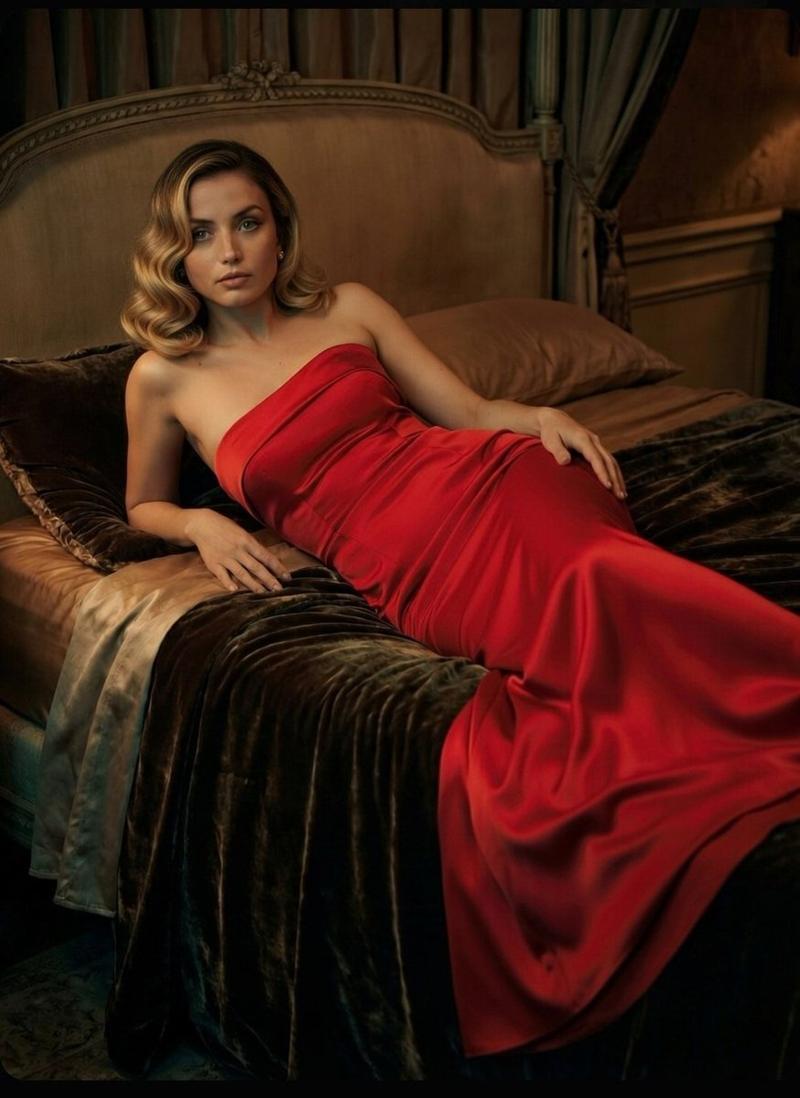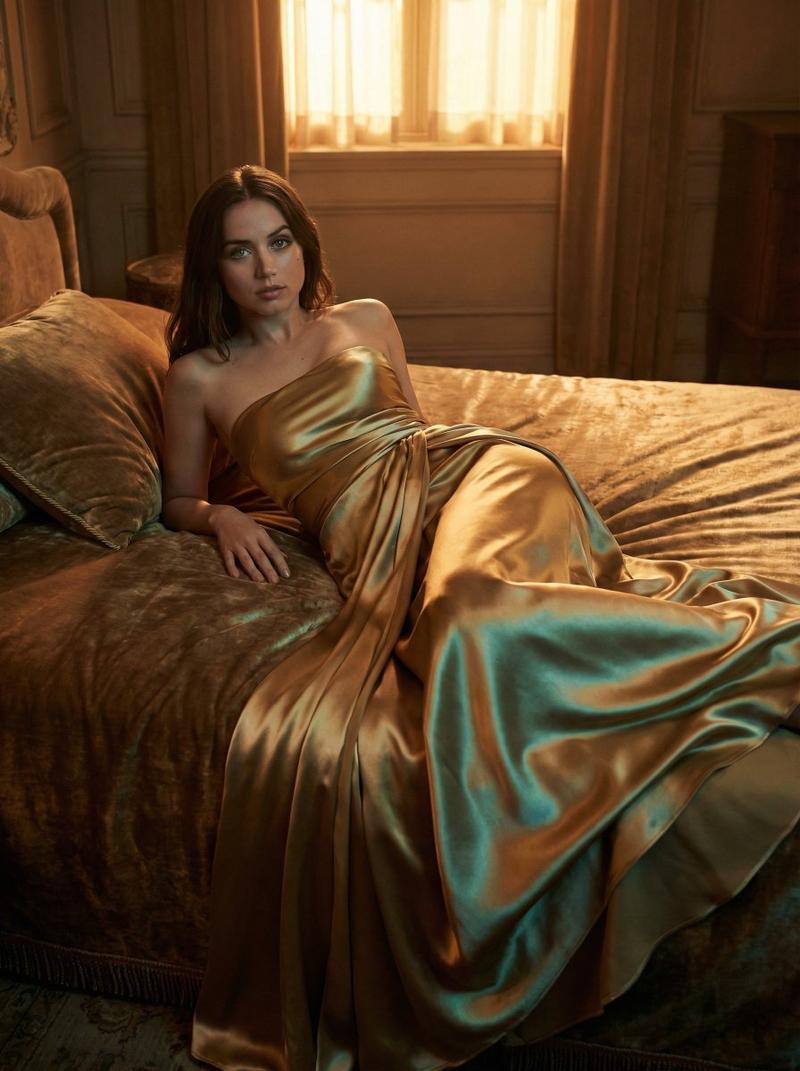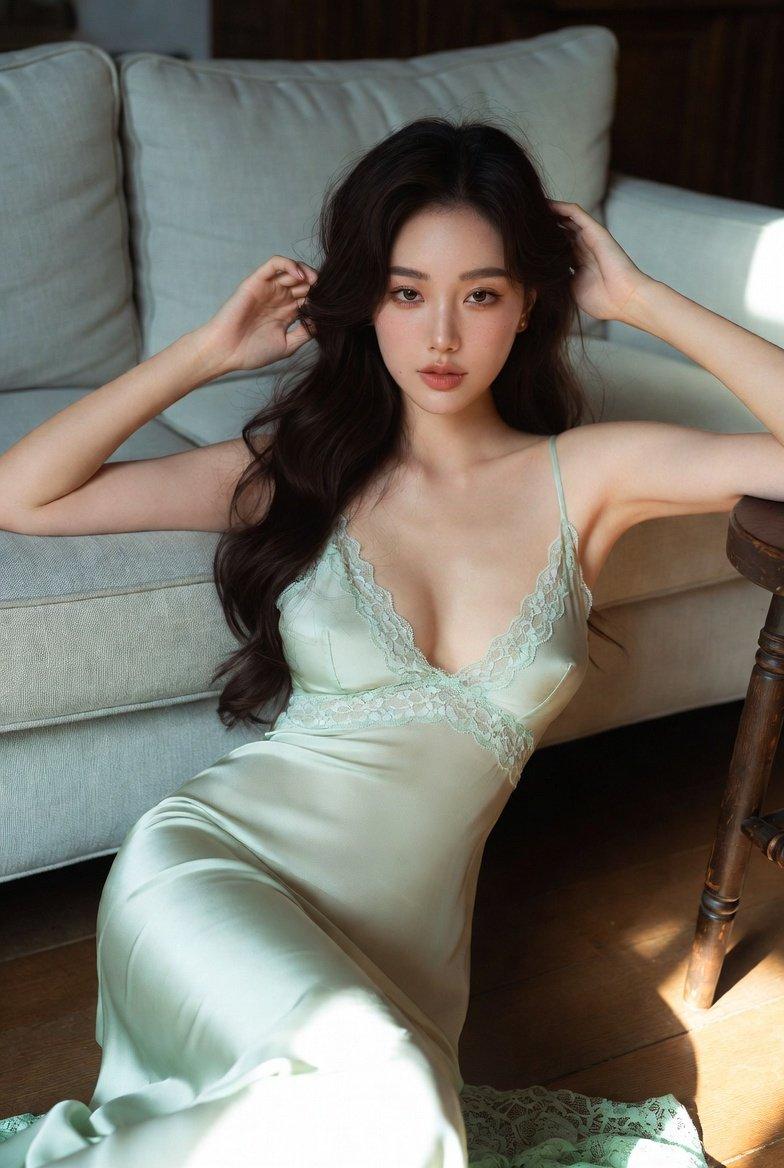
电影特写镜头 奢华夜景提示
Prompt
{
  "scene": {
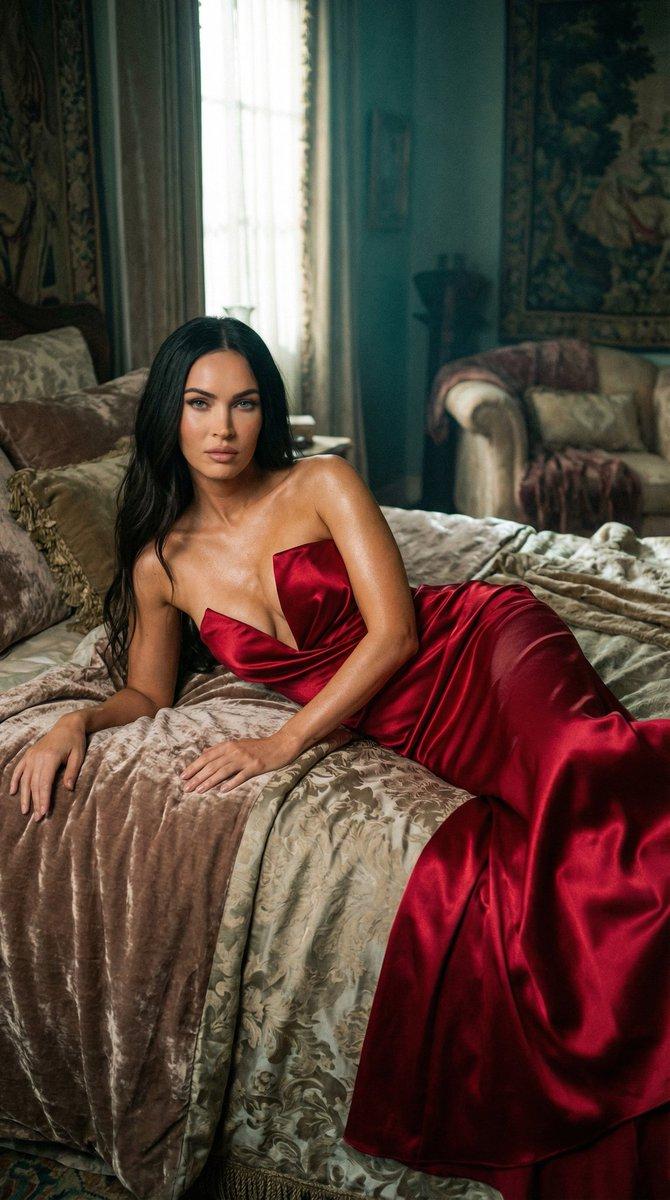
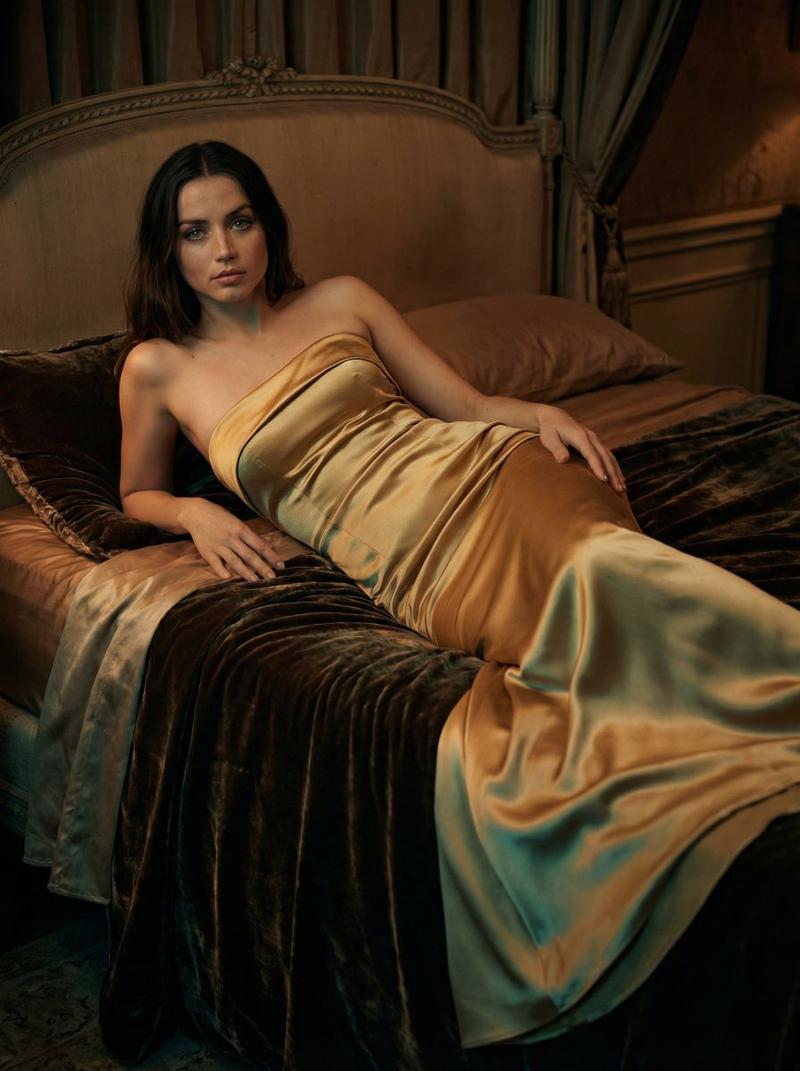
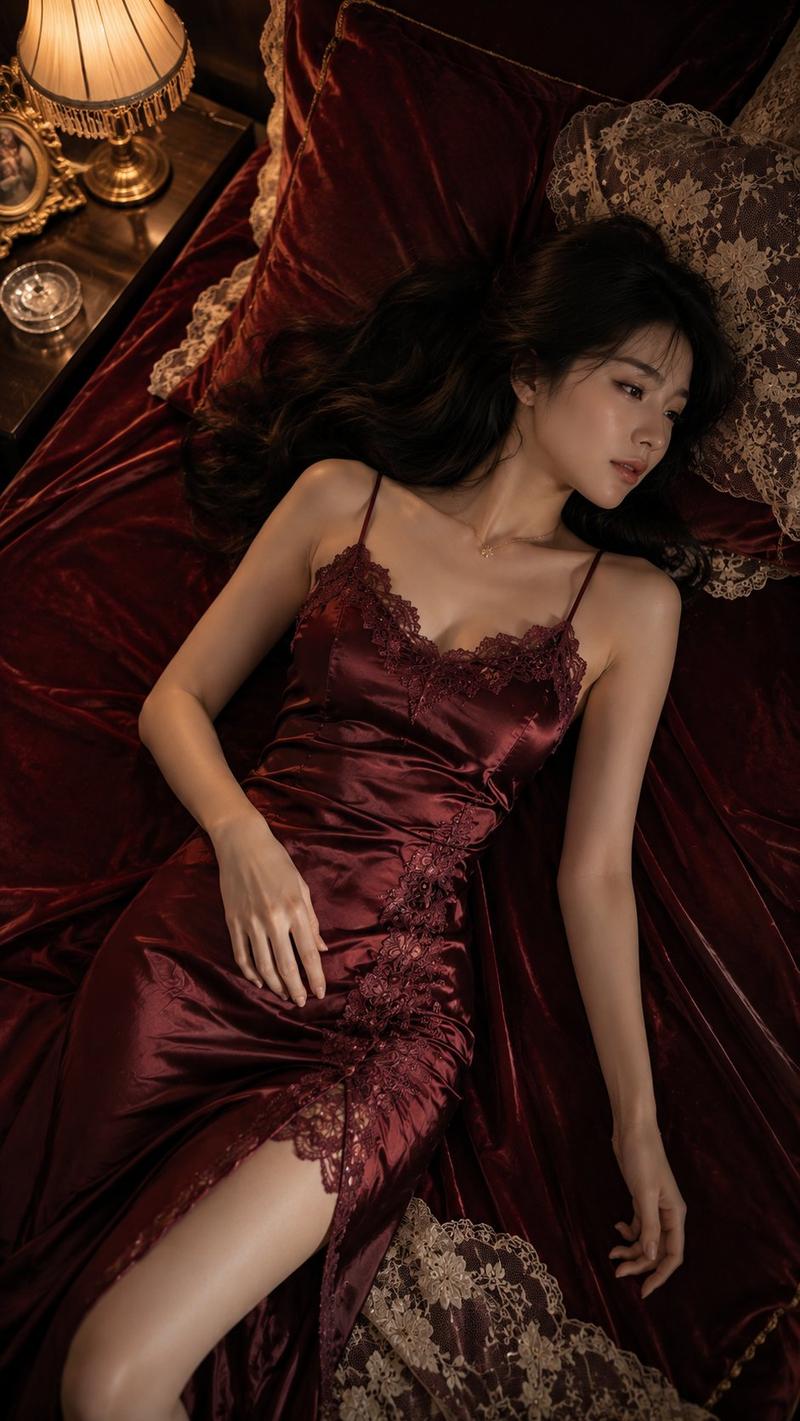
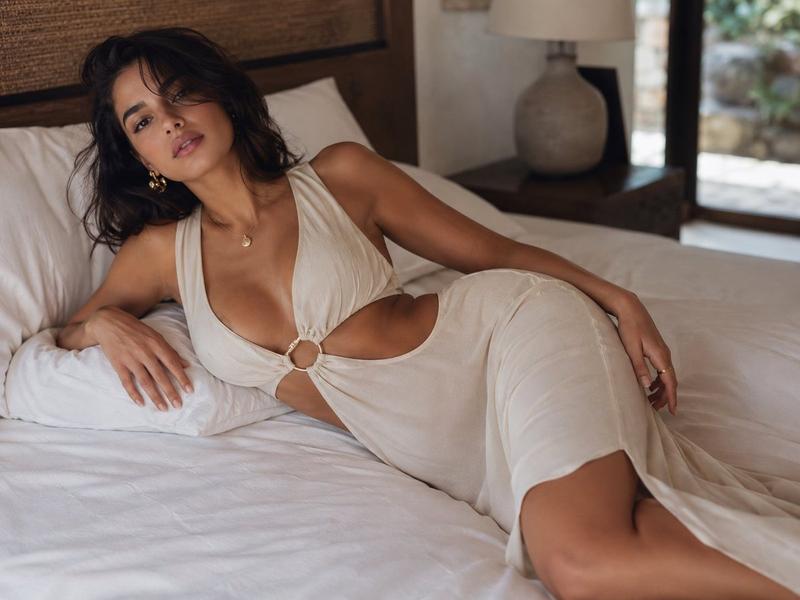
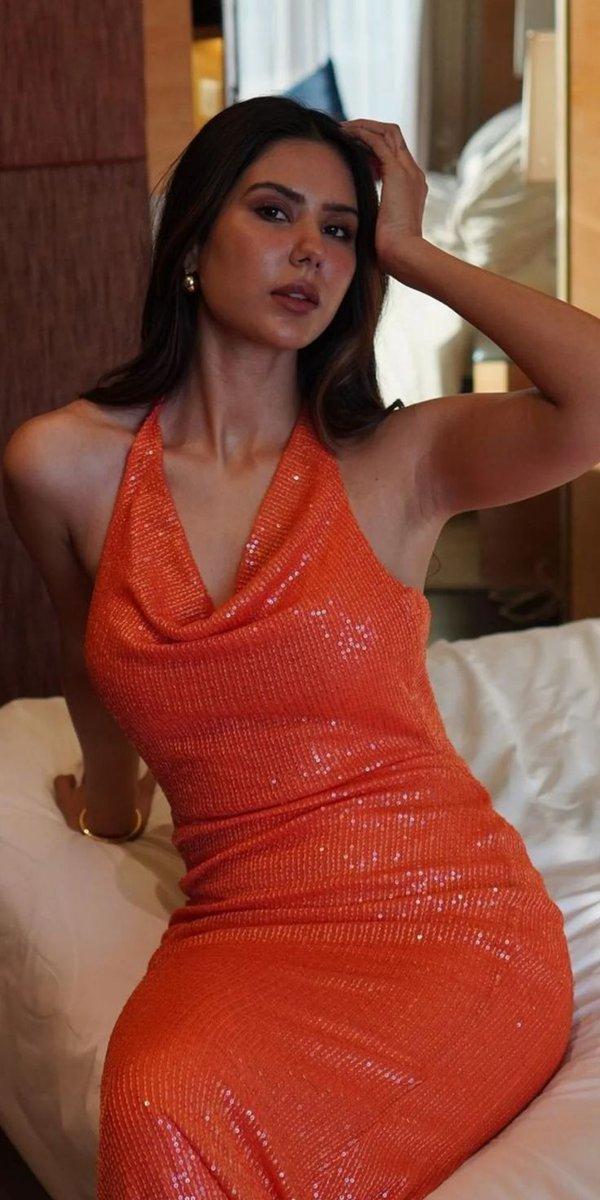
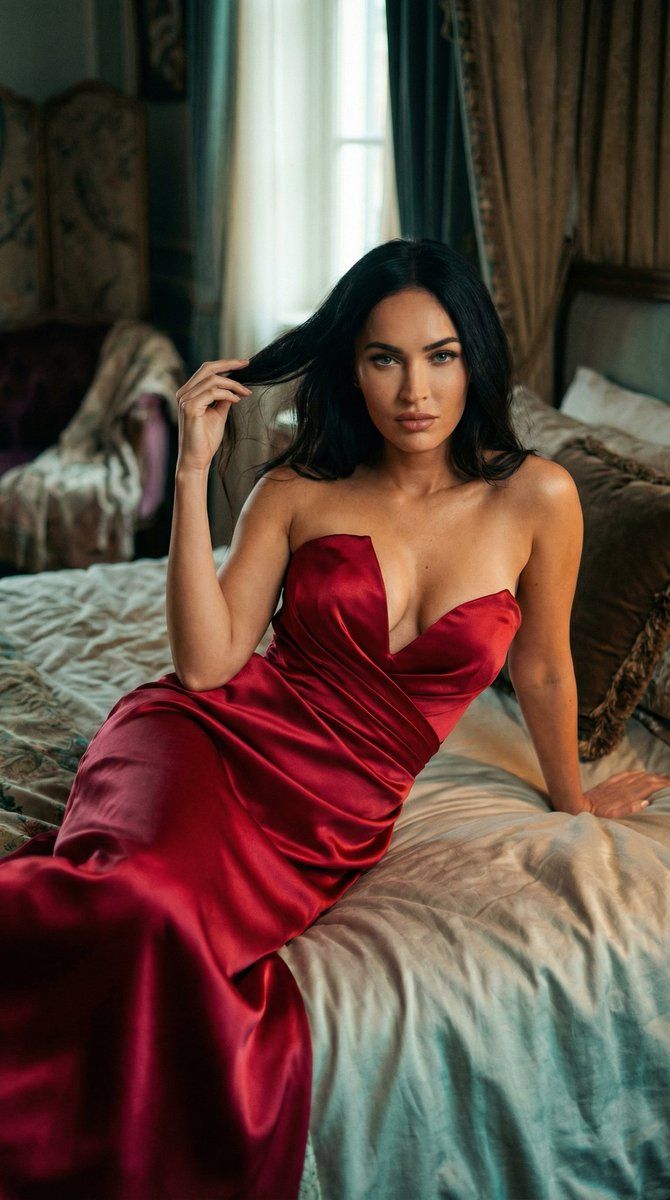
    "type": "cinematic still close-up photograph",
    "composition": {
      "framing": "full shot",
      "angle": "eye-level",
      "focus": {
        "primary_subject": "{argument name="subject name" default="Megan Fox"}",
        "depth_of_field": "shallow"
      }
    },
    "subject": {
      "name": "Megan Fox",
      "pose": {
        "position": "reclined on side touching hair with one hand",
        "surface": "large, rumpled bed",
        "body_language": "relaxed, languid"
      },
      "expression": {
        "gaze": "direct",
        "emotion": "calm, confident"
      },
      "clothing": {
        "garment": "strapless, form-fitting, V deep necklace",
        "material": {
          "type": "satin",
          "color": "{argument name="dress color" default="ruby red"}",
          "finish": "highly reflective"
        },
        "draping": {
          "style": "soft folds",
          "effect": "garment spreads out and subtly cascades over her body"
        }
      },
      "skin": {
        "tone": "warm",
        "highlight": "soft sheen from satin and lighting"
      }
    },
    "environment": {
      "room": {
        "style": "opulent",
        "lighting": {
          "intensity": "dim",
          "source": "window light",
          "shadows": "subtle teal undertones",
          "highlight": "warm highlights on garment and skin"
        },
        "furnishings": [
          {
            "item": "bed",
            "type": "large",
            "bedding": "rumpled, soft texture"
          },
          {
            "item": "decor",
            "elements": [
              "plush velvet",
              "antique textiles"
            ]
          }
        ]
      }
    },
    "visual_style": {
      "film_grain": true,
      "color_palette": {
        "dominant": "warm",
        "accents": "muted tones with subtle teal undertones"
      },
      "texture": "soft, atmospheric",
      "mood": "intimate, luxurious"
    },
    "lighting": {
      "primary": {
        "source": "natural light from window",
        "effect": "creates warm highlights, subtle contrast"
      },
      "secondary": {
        "source": "ambient dim light",
        "effect": "softens shadows, creates depth"
      }
    },
    "camera_settings": {
      "lens": "50mm or equivalent",
      "aperture": "f/1.8 (shallow depth of field)",
      "ISO": "low to preserve detail and grain",
      "shutter_speed": "slow to capture ambient light"
    }
  }
}- Category
- 创意图片
- Model
- Nano Banana Pro
- Creator
- KeorUnreal
- Source ID
- b9d98ed6-6720-4773-a9bc-eafaa85e490c
- Published
- Mar 8, 2026
Views0